
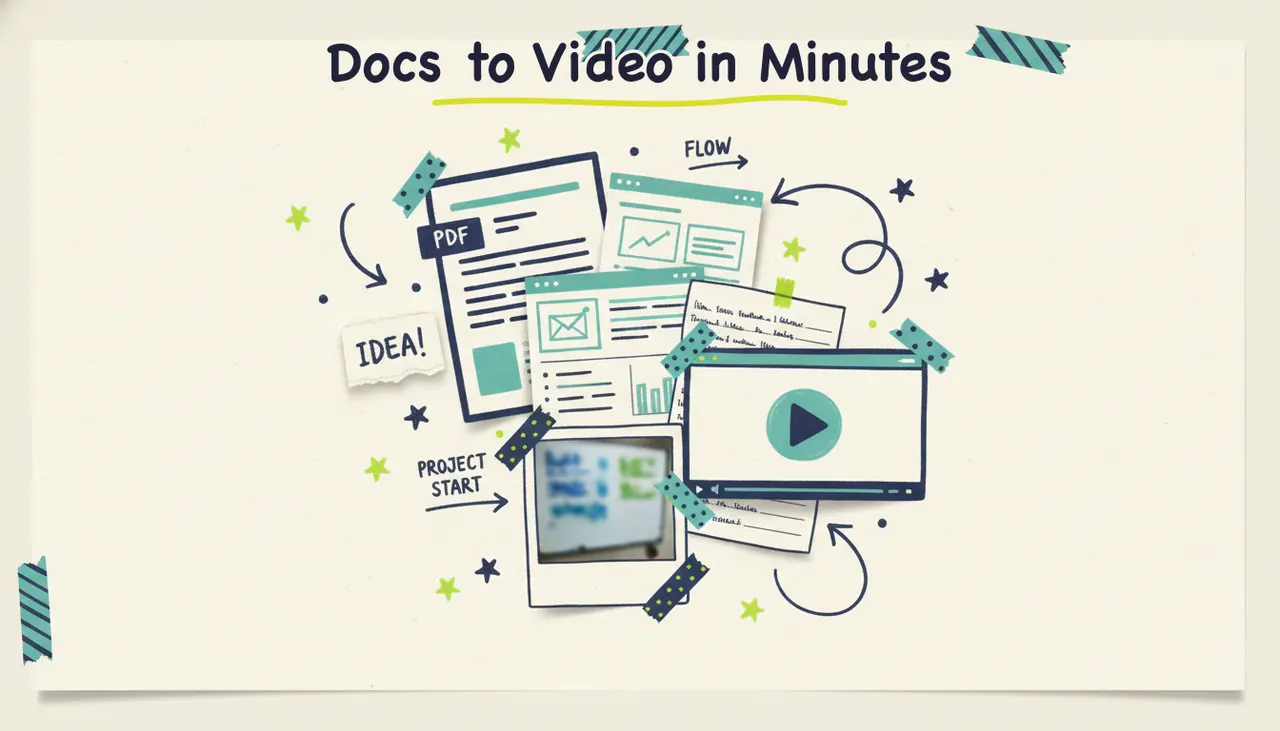
Upload a document, get a finished video. That's the short version. You hand Wavemaker a PDF report, a Google Doc, a slide deck, or a page of raw notes, and it reads the whole thing the way a good editor would: it finds the key points, decides what matters, writes a script, and produces a scripted, voiced, music-backed video in a few minutes. No timeline. No stock-footage slideshow. No copy-pasting bullet points into a template.
Upload a report, whitepaper, or set of notes to Wavemaker to create a video from its contents. Organize the document and identify the sections you want to include before generating.
What "document to video" means
Most tools that claim to turn a document into a video are really doing one of two thin tricks. Either they narrate your text over a reel of generic stock clips, or they chop your paragraphs into caption cards. Pictory and Lumen5 built their whole approach around that stock-slideshow model: your words play as a voiceover while unrelated footage of city skylines and people typing scrolls past. It's fast, but the visuals have nothing to do with your actual content.
That's not what's happening here. Wavemaker's document input runs a real comprehension pass. It reads the file, understands the structure and argument, and pulls out the points that deserve to be in a video. Then the full production pipeline goes to work: it writes a script from those points, storyboards it, generates custom visuals that match what you're talking about, records an AI voiceover, scores it with music, and runs an AI vision quality-check pass before you see it.
That makes this different. A slideshow tool assembles stock. Wavemaker interprets your document and directs a video from it. It's the difference between an assistant who reads your report and pitches you a two-minute summary, versus a machine that plays your text out loud over clip-art.
What document types work
If it's text you can upload, Wavemaker can read it. The input handles PDFs, documents, and notes, which covers most of what people have sitting in a folder. What changes from one document to the next isn't whether it works, it's what kind of video comes out the other side.
You stay in control the whole way. The points Wavemaker pulls are a starting draft, not a locked decision. If it emphasizes the wrong section or skips something you wanted front and center, you tell it in plain language and it re-scripts. More on that below.
How to turn a document into a video, step by step
The whole flow takes a few minutes. Here's what it looks like start to finish.
1. Upload your document
Drop in your PDF, doc, or notes. A single focused document works better than a sprawling one, the same way a tight product page beats a whole homepage. If your file is a 40-page report, you'll get a stronger video by pointing at the executive summary or the one section you want to feature. A tighter source gives the AI a tighter brief.
2. Pick your format and goal
Choose an aspect ratio for where the video's going: 16:9 for YouTube and the web, 9:16 for TikTok and Reels, 1:1 or 4:5 for feed posts. Then tell Wavemaker what you want the video to do. "Summarize this report for executives" produces a different, sharper video than leaving it open. The goal shapes what it keeps and what it cuts.
3. Let the pipeline run
This is where the AI production team goes to work. Wavemaker writes a script from the points it extracted, storyboards it across one of 21 presets, generates the visuals and video clips (with subject consistency so anything recurring stays coherent shot to shot), records an AI voiceover, and scores it with BPM-aware music that ducks under the narration. Then an AI vision QC pass reviews the result before it hands it to you. Most videos land in two to five minutes.
4. Refine by chatting
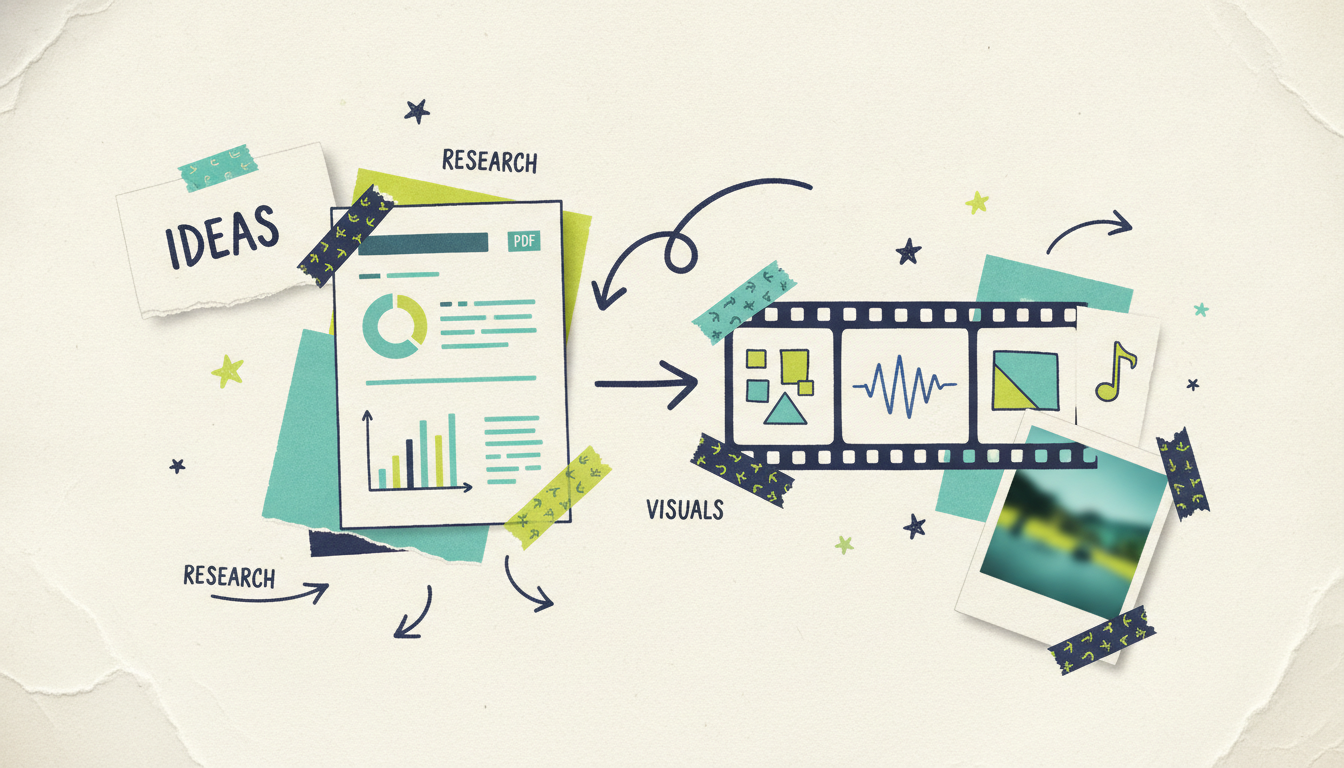
Watch it back, then talk to it. "Lead with the revenue number." "Cut the section on methodology." "Make the tone less formal." There's no timeline to learn and no clips to drag. You describe the change and Wavemaker re-renders. A refine pass costs a fraction of a full generation, so iterating is cheap and you can try a few versions without thinking about it.
5. Export and publish
Export up to 4K on paid plans. The free tier exports at 480p with a watermark, which is plenty for a first test. From there it's yours: post it, embed it, drop it into a course, send it to the team, or, if you're a business, send it further than the web. We'll get to that.
Where document to video works best
This input mode fits a lot of jobs that share one trait: the value is trapped in text nobody wants to read all the way through. A few of the most common.
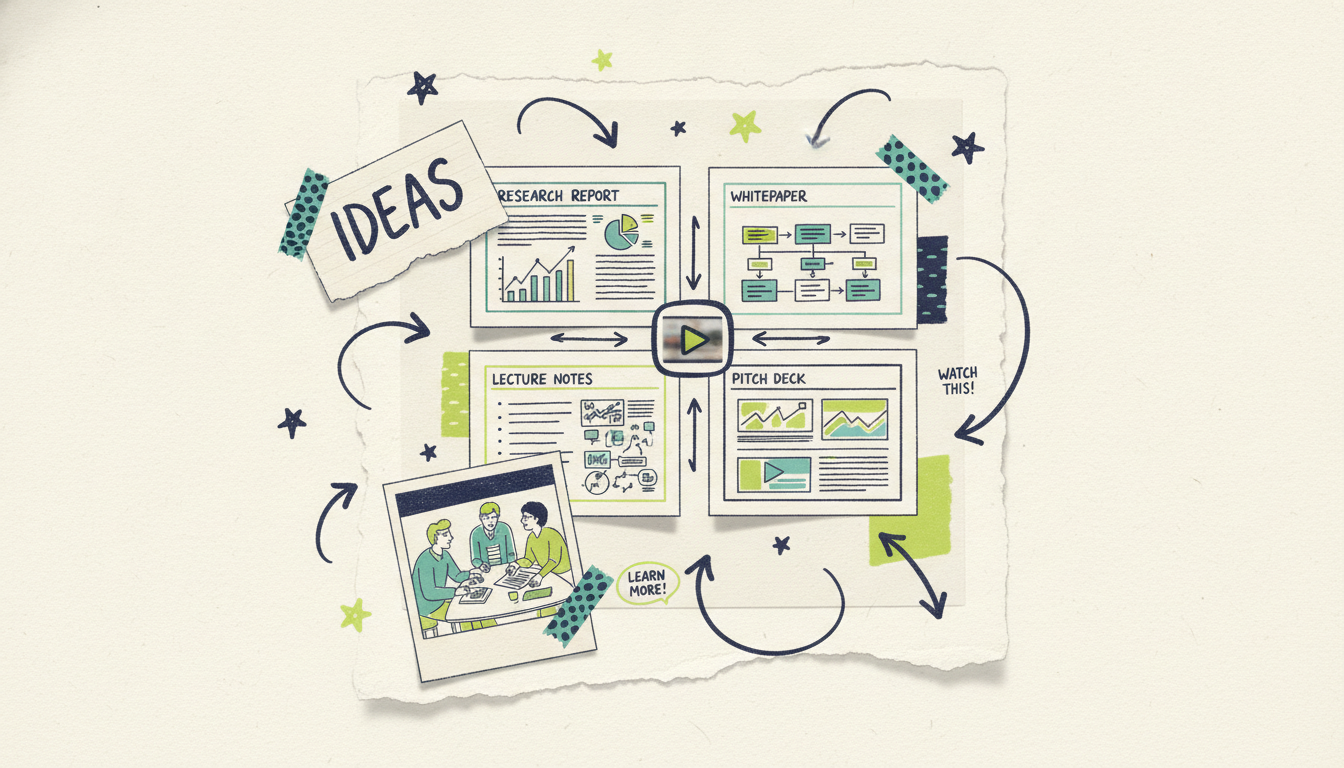
Turn a report into a summary video. You spent weeks on a quarterly report or a research brief, and three people read past page two. Upload it, ask for a 60-second summary, and you've got a version people will watch. Attach it to the email instead of hoping the PDF gets opened.
Turn a whitepaper into an explainer. Whitepapers are where good ideas go to be skimmed. A generated explainer takes the core argument, strips the jargon, and turns it into something you can post on social, embed on a landing page, or send to a prospect who won't read twelve pages.
Turn lecture notes into a lesson. Educators and trainers can feed in notes or study material and get back a structured lesson video with clear sections and a voiceover. It's a fast way to build a video library from material you've already written, without standing in front of a camera.
Turn a pitch deck into a video. A deck is built to be presented live. When you're not in the room, it's just slides. Upload the deck and Wavemaker reads the narrative across it, then produces a voiced presentation video you can send to an investor, a client, or your team asynchronously.
The demand behind all of this is real. In Wyzowl's 2024 survey, 89% of consumers said watching a video convinced them to buy a product or service, and 91% of businesses reported using video as a marketing tool (Wyzowl, State of Video Marketing 2024). The bottleneck was always production. Document input removes it, because the substance is already written down.
How to structure a source document for better results
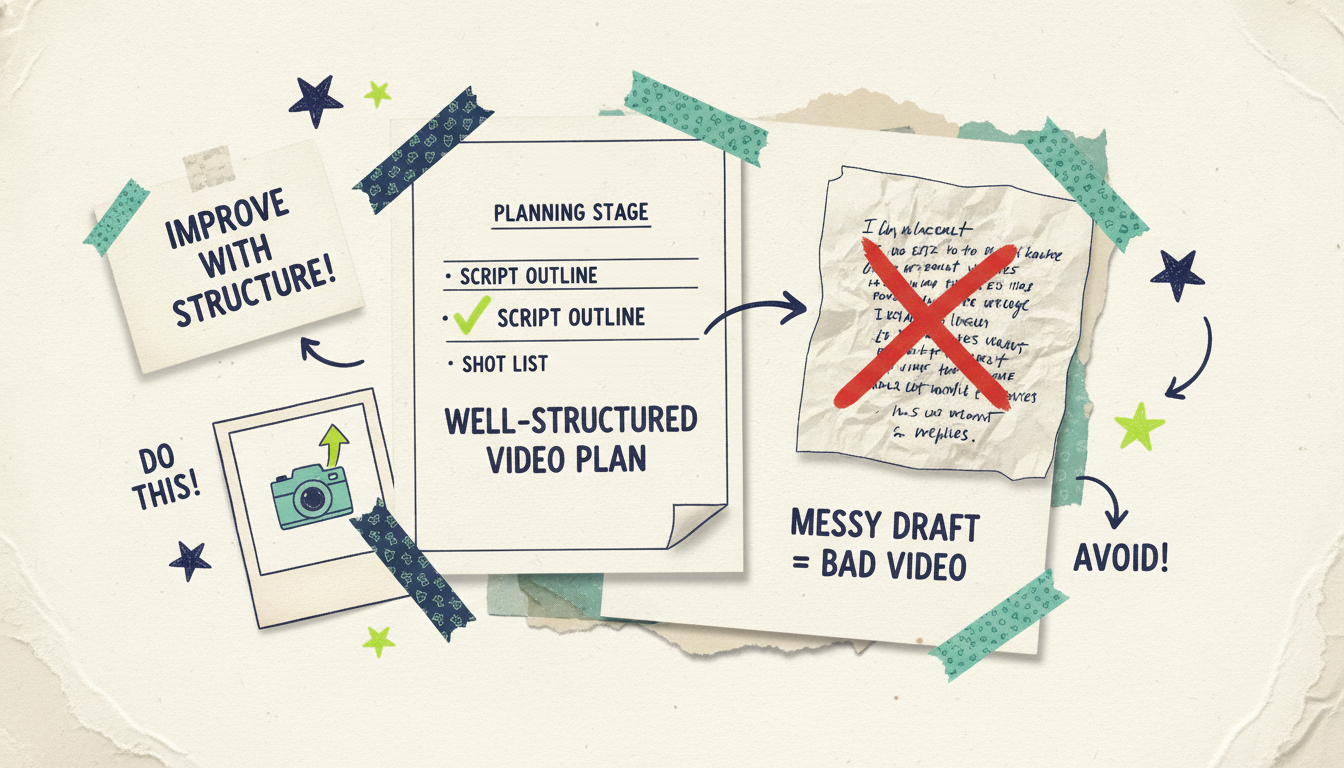
The quality of the video tracks the quality of the source, so a little structure goes a long way. A few moves that lift the output.
Lead with what matters. Wavemaker weights the top of a document more heavily, the same way a reader does. If your key finding is buried on page nine, move it up or point the AI at the section it lives in.
Use clear headings. A document with real section headers gives the AI a map of your argument. It uses that structure to sequence the video, so headings make the output more organized.
Trim the boilerplate. Legal disclaimers, long reference lists, and appendices dilute the signal. If you can, upload the version without them, or tell Wavemaker to ignore them.
Keep one document to one video. Merging three reports into one file muddies the message. One focused source produces one focused video. If you have several topics, make several videos.
Set the goal and audience. "Explain this to a non-technical buyer" changes how the AI simplifies your whitepaper. The clearer the target, the sharper the script.
Document input vs stock-slideshow tools
It's worth being direct about the difference, because on the surface these look like the same product. Tools like Pictory and Lumen5 take your text and pair it with stock footage, matching keywords in your script to clips in a library. Type "growth" and you get a stock shot of a plant or a rising chart. The video is really a narrated slideshow, and the visuals are borrowed, generic, and often only loosely related to your point.
Wavemaker generates custom visuals from your document instead of pulling stock. The pipeline creates the imagery and clips to fit what you're saying, keeps recurring subjects consistent from shot to shot, and runs an AI vision QC pass to catch problems before delivery. You're not narrating over someone else's footage. You're getting a directed video built around your content.
The other gap is what happens after the export. A slideshow tool hands you an MP4 and the story ends. With Wavemaker, if you're a business, the story keeps going, all the way to television.
From a document to a real TV commercial
Here's where a document-generated video goes somewhere most tools can't follow. If you're a business, that finished video doesn't have to stop at a social post or an internal share.
Through Adwave, the same 30-second video can run as a real streaming TV commercial on 100+ premium networks, from $50, alongside Google, YouTube, Meta, Reddit, and display. So the path is this: upload a product one-pager or a spec sheet, get a branded video in minutes, and put it in front of viewers on connected TV. A document that was sitting in a shared drive becomes a TV ad without a production crew, an agency retainer, or a five-figure budget. Wavemaker makes the video; Adwave handles putting it on TV.
Common questions answered
What file types can I upload? Wavemaker's document input handles PDFs, documents, and notes, which covers reports, whitepapers, slide decks, meeting notes, articles, and study material. If it's text-based content you can hand over, Wavemaker can read it, extract the key points, and build a video from them.
Does it just narrate my document over stock footage? No, and that's the main difference from tools like Pictory and Lumen5. Wavemaker generates custom visuals that match what your document is about, rather than pairing your words with generic stock clips. It reads the file, pulls the key points, writes a script, and produces a directed video with voiceover, music, and a quality-check pass.
How long can the source document be? There's no hard rule, but focused documents produce sharper videos. If you upload a long report, point Wavemaker at the section or summary you want featured, or trim the boilerplate first. One clear document with your key points up top will always beat a sprawling file with the substance buried.
Can I edit the video after it's generated? Yes, and you don't need editing skills. You refine by chatting in natural language, "lead with the revenue number," "cut the methodology section," "make it less formal," and Wavemaker re-renders. There's no timeline and no clips to drag around, and a refine pass costs far less than a full generation.
Is it really free to try? Yes. The free plan gives you 75 credits, enough for your first video, with a 480p export and a watermark. Paid plans start at $29/mo for higher resolution (up to 1080p), no watermark, and more credits, with up to 4K on higher tiers.
Can I turn my document video into a TV ad? If you're a business, yes. A finished Wavemaker video can run as a real streaming TV commercial on 100+ networks through Adwave, starting at $50, plus other channels like Google, YouTube, and Meta. Wavemaker makes the video from your document; Adwave handles putting it on TV.





