
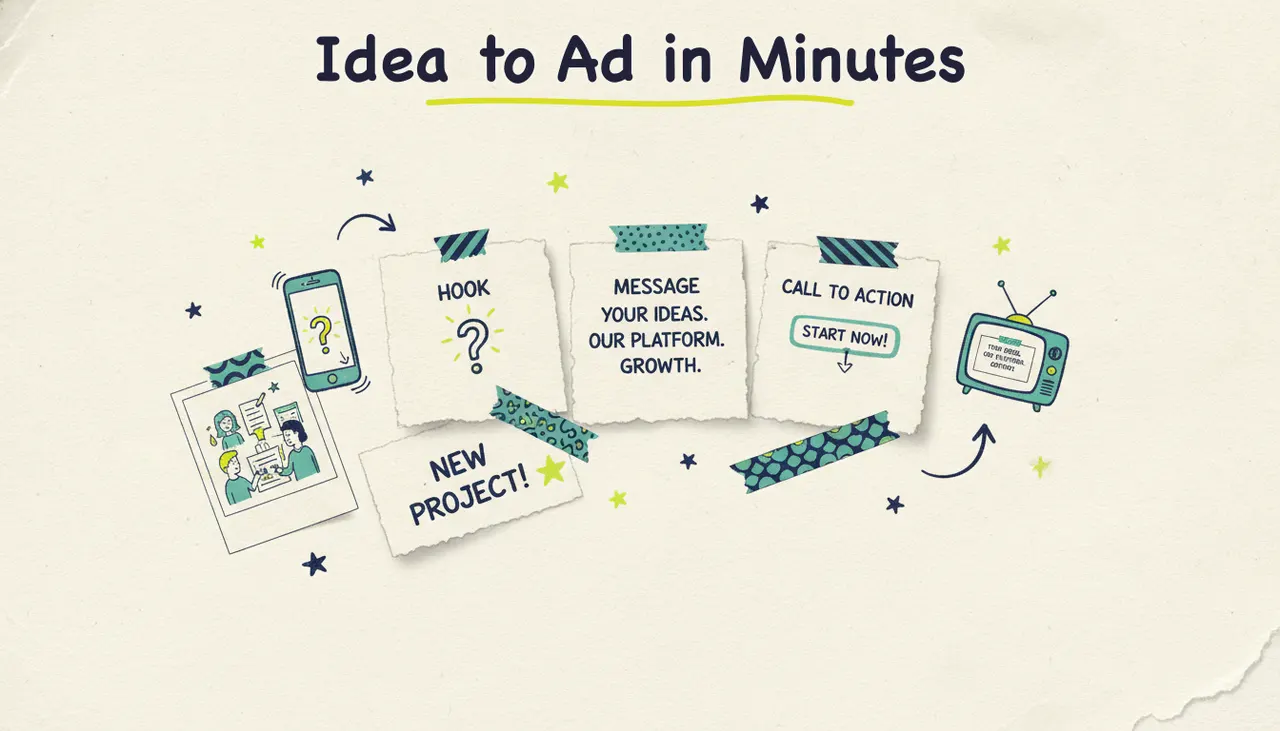
You make a video ad in three steps: nail the hook, deliver one clear message, and end with a strong call to action. In 2026, you don't need a camera crew or an editing suite to do it. Tools like Wavemaker let you type an idea, paste a URL, or upload a few files and get a finished, ready-to-run ad back in minutes. This guide walks through what separates a good video ad from a forgettable one, the right length and format for every platform, how to build one with AI, and where to run it once it's done, including on real streaming TV.
According to Wyzowl's 2025 report, 89% of businesses use video for marketing and 93% of marketers say it delivers a good return on investment.
What makes a good video ad
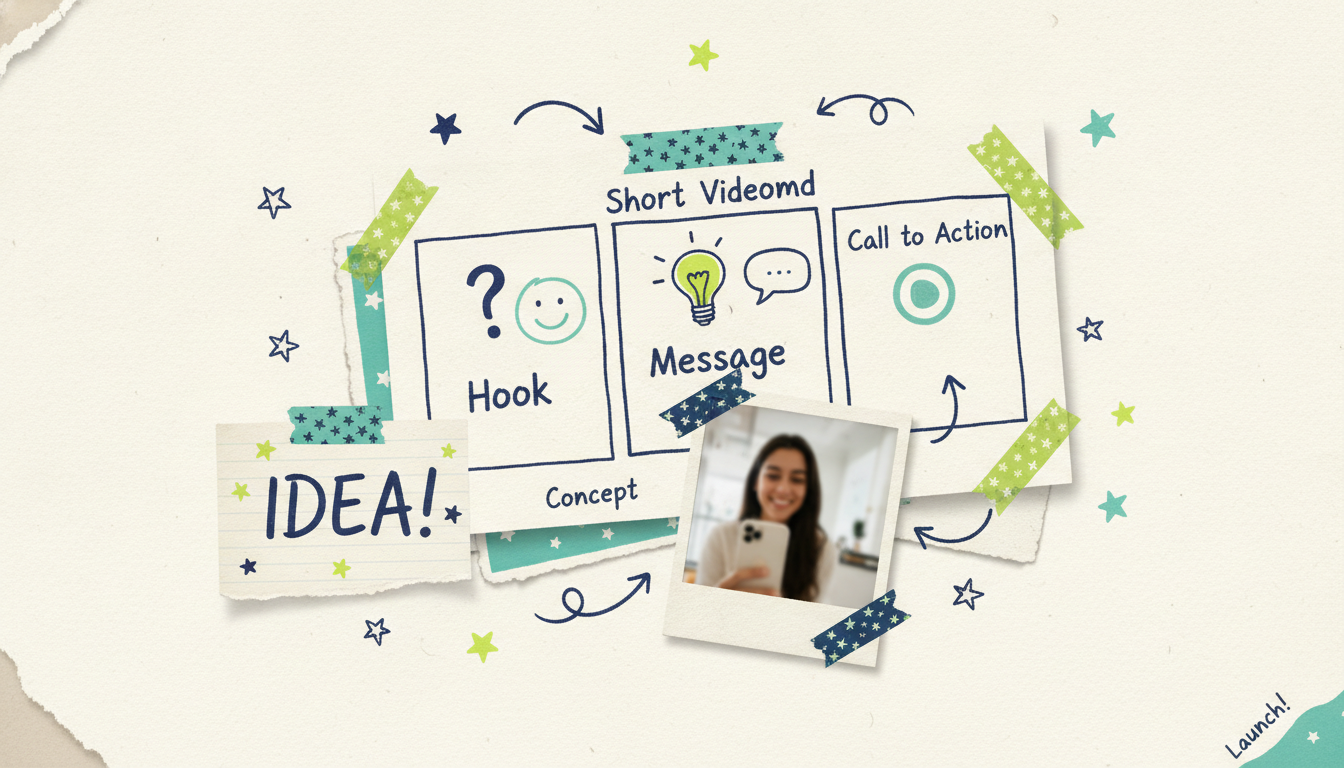
Every ad that works, whether it's a 6-second bumper or a 30-second TV spot, does the same three jobs. Get these right and the rest is polish.
The hook (first 3 seconds)
You have about three seconds before someone scrolls past or reaches for the skip button. The hook is the promise that buys you the rest of the ad. It can be a bold claim, a relatable problem, a surprising visual, or a direct question aimed at your exact customer.
Good hooks are specific. "Tired of paying for gym memberships you never use?" beats "Get fit today." Name the pain or the payoff in plain language, and put it up front. On social especially, assume the sound is off and the viewer's thumb is already moving.
The message (the middle)
The middle is where you make your case, and the biggest mistake here is trying to say everything. One ad, one idea. Pick the single most compelling reason someone should care, then support it with a benefit, a quick demo, or proof.
Show, don't just tell. If you sell a product, show it solving the problem. If you run a service, show the result your customer gets. Keep sentences short, keep the pace up, and cut anything that doesn't move the viewer toward the action you want.
A useful test: if you removed a scene, would the ad still make sense and still make the sale? If yes, that scene is probably filler. The best short ads feel almost too fast the first time you watch them. That's usually a sign you've trimmed to the essentials, which is exactly what a distracted viewer needs.
The call to action (the close)
Every ad needs to tell the viewer exactly what to do next: "Visit our website," "Book a free consult," "Order today," "Scan the code." Make it a single, clear instruction. Two competing CTAs split attention and kill conversions.
On clickable platforms, pair the CTA with a button. On TV and other non-clickable placements, a spoken CTA plus an on-screen URL or QR code does the job. Reinforce it visually in the last few seconds so it's the thing people remember.
Ad length and format by platform
There's no universal "right" length. The ideal runtime and aspect ratio depend on where the ad runs and what the platform's viewers expect. Matching the format to the placement is one of the easiest ways to lift performance, and one of the most commonly skipped.
Here's a quick reference for the placements most businesses use.
A few patterns to remember. Vertical (9:16) is the default for social feeds and Shorts. Horizontal (16:9) is standard for YouTube and streaming TV. Square (1:1) and 4:5 are safe, space-efficient choices for Facebook and Instagram feeds. And the shorter the slot, the more ruthless you have to be: a 6-second bumper has room for exactly one idea.
The good news is you don't have to rebuild your ad from scratch for each one. A tool that generates in multiple aspect ratios lets you produce a 30-second 16:9 version for TV and a 15-second 9:16 cut for Reels from the same core idea.
How to make a video ad with AI in minutes
Here's the part that used to take a week and a budget. With an agentic video creator like Wavemaker, you start from whatever you already have and the AI handles the production work: research, script, visuals, voiceover, music, and a final quality check.
Wavemaker is an AI production team, not an editor with AI features bolted on. You don't drag clips across a timeline. You describe what you want, and it builds the video.
Step 1: Start from any input
You can begin from a free-form prompt, a topic the AI researches and scripts for you, a URL it scrapes for brand colors and messaging, documents like a PDF or product sheet, images, or even existing video footage. For a video ad, the URL input is often the fastest path: paste your website or a product page, and Wavemaker pulls your brand look and key selling points into a creative brief automatically.
Step 2: Let the pipeline build it
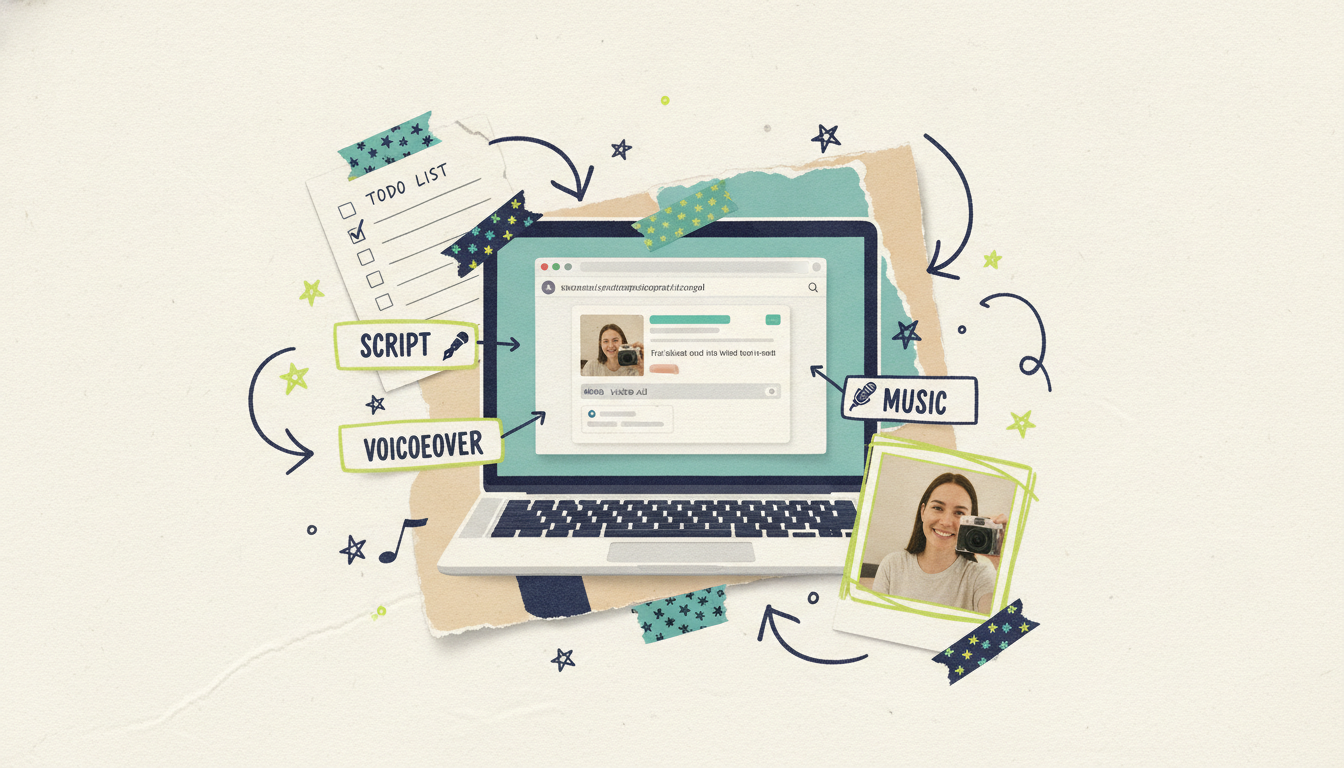
Once you've given it an input, the pipeline runs: it writes a script, builds an AI storyboard from 21 presets, generates custom images and video clips with subject consistency, adds an AI voiceover (with custom voice design on paid tiers), layers in BPM-aware music with audio ducking so the voice stays clear, and runs an AI vision QC pass to catch problems before you see the result. Most videos are ready in 2 to 5 minutes.
Worth calling out: Wavemaker generates custom visuals rather than stitching together stock clips. That's the difference between a slideshow and an actual ad.
Step 3: Refine by chat
Not quite right? Just say so. "Make the intro punchier," "swap the music for something more upbeat," "cut it to 15 seconds for Reels." There's no timeline to learn and no software to fight. You describe the change in plain English and the video updates.
Step 4: Export for your platform
When it's ready, export in the aspect ratio and resolution you need. The free plan gives you 75 credits (enough for your first video), 480p exports, and a watermark. Paid plans remove the watermark and unlock higher resolution, up to 4K on Business. A 30-second video runs about 75 credits; a 60-second video runs about 150.
Scripting tips that make ads convert
Even with AI writing the first draft, a little direction goes a long way. These are the levers that separate a script that works from one that just fills 30 seconds.
Lead with the viewer, not with you. Open on their problem or desire, not your company name. People care about what's in it for them first; your brand earns attention by being useful.
Write for the ear, not the page. Read the script out loud. If you stumble, it's too complex. Short sentences, everyday words, and one idea per line keep a voiceover natural and easy to follow.
Match the length to the message. If you're targeting a 15-second Reel, don't write a 45-second script and hope to trim it. Write tight from the start. For a 6-second bumper, you get roughly one sentence, so make it count.
Put the CTA where it lands. State the action clearly near the end, then reinforce it on screen. If you're running on TV, include a spoken URL and an on-screen QR code, since viewers can't click.
Give the AI specifics. When you prompt Wavemaker, feed it your audience, your one key message, the tone you want (energetic, calm, premium), and the platform. The more direction you give, the closer the first draft lands, and the fewer refine passes you'll need.
Repeat the one thing that matters. In a short ad, redundancy isn't a flaw, it's insurance. If your key message is a limited-time offer, mention it in the voiceover and show it on screen. Viewers rarely watch at full attention, so the point you most want to stick should show up more than once.
Where to run your video ad
A finished ad is only worth something once people see it. Here's where businesses put video ads in 2026, from most familiar to most overlooked.
Social feeds (Meta, TikTok). The default starting point for most small businesses. Precise targeting, low entry cost, and fast feedback. Best for vertical, sound-off-friendly cuts.
YouTube and YouTube Ads. Enormous reach across skippable in-stream, bumpers, and Shorts. Strong for both awareness and consideration, and it plays on TVs as often as phones now.
Reddit and display. Useful for niche communities and retargeting. Often cheaper and less crowded than the big social platforms.
Your own channels. Landing pages, email, and organic social. Free distribution you already control, and a great place for a longer 30-to-60-second explainer. Since you're not paying for the placement, you can afford a bit more room to explain and sell.
A smart approach is to run the same core ad across several of these at once. Start with a couple of paid channels to find what resonates, watch which hook and length perform best, then push more budget behind the winner. Because you can regenerate cuts in minutes, testing three variations costs you a few credits instead of a week of production.
The bridge most people miss: real streaming TV
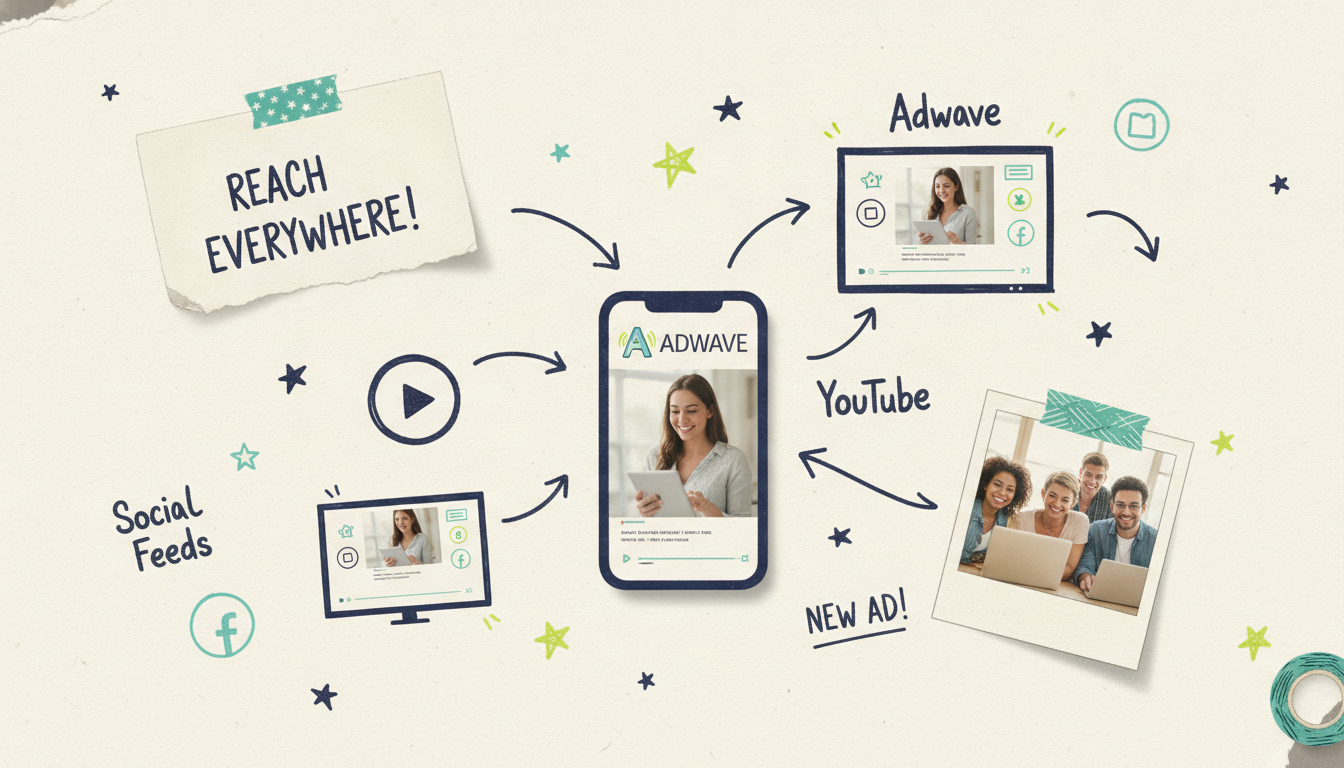
Almost no other video tool can offer. A finished Wavemaker video can run as an actual streaming TV commercial. Once your ad is done, Adwave can put it in front of viewers on 100+ premium streaming networks, starting from $50, and it can also run the same creative on Google, YouTube, Meta, and Reddit.
That means "publish" doesn't have to stop at an MP4 sitting in your downloads folder. You make the ad in Wavemaker, then Adwave handles getting it onto television and the major ad platforms. TV advertising used to mean five-figure production budgets and agency retainers. That's the part that's changed: you can go from an idea to a real TV commercial for the price of a nice dinner. For a deeper look at what running a streaming spot involves, see our guide to CTV advertising for small business.
A simple workflow, start to finish
Pulling it together, here's the whole process in one pass:
Pick your one message and audience. Who is this for, and what's the single thing you want them to know?
Choose your platforms and formats. Use the table above to decide length and aspect ratio.
Feed Wavemaker your input. Paste your URL or type your idea, and set the tone and platform.
Review and refine by chat. Tighten the hook, adjust the pace, swap music, trim to length.
Export the cuts you need. A 16:9 version for YouTube and TV, a 9:16 for social.
Distribute. Run it on social and search, and use Adwave to put it on streaming TV from $50.
Most of that happens in an afternoon, and the video-making part happens in minutes.
Common questions answered
How long should a video ad be? It depends on the platform. Social feeds and Shorts do best at 9 to 15 seconds, YouTube skippable ads at 15 to 30 seconds, and streaming TV commercials run 30 seconds. As a rule, use the shortest length that still lets you land your hook, message, and CTA cleanly.
Can I make a video ad without any editing experience? Yes. With an AI tool like Wavemaker, you don't touch a timeline. You describe what you want or paste a URL, the AI builds the ad, and you refine it by chatting in plain language. There's no software learning curve.
How much does it cost to make a video ad with AI? You can make your first video free on Wavemaker's free plan (75 credits, enough for one video, with a 480p watermarked export). Paid plans start at $29/mo for higher resolution and no watermark. Running the finished ad on streaming TV through Adwave starts at $50.
What makes an AI video ad different from a stock-footage slideshow? Slideshow tools assemble existing stock clips over your script. Wavemaker generates custom visuals for your specific ad, then adds AI voiceover, BPM-aware music, and a quality-control pass, so the result looks like a made-for-you ad rather than a template.
Do I need different versions for different platforms? Usually yes, at least in aspect ratio. Social feeds and Shorts want vertical (9:16), while YouTube and streaming TV want horizontal (16:9). Wavemaker can export multiple aspect ratios from the same core idea, so you don't rebuild the ad each time.
Can an AI-generated video run on television? Yes. A finished Wavemaker video can run as a real streaming TV commercial on 100+ premium networks through Adwave, starting from $50. Wavemaker makes the ad; Adwave handles getting it onto TV and other paid channels.





