
You can make a real, watchable YouTube video without ever picking up a camera. The short version: pick a topic that works as a talk-over or visual video (explainers, list and ranking videos, tutorials, commentary, news recaps), write or generate a tight script, then use an AI video tool to turn that script into finished footage with visuals, a voiceover, and music. With an agentic tool like Wavemaker, you type an idea or paste a link, and it handles research, script, generated visuals, voiceover, and music in one pass. No lighting, no green screen, no editing timeline.
This guide walks through exactly which video types work without filming, the full no-camera workflow start to finish, and the honest caveats that separate a video worth watching from AI filler. If you're thinking about running a whole channel this way rather than making one-off videos, read faceless YouTube channels with AI video instead. This post is the how-to for individual videos.
Why "no filming" isn't a limitation anymore
For years, "make a YouTube video" meant a camera, a mic, decent light, and hours in an editor. That kept a lot of smart people off the platform. Being on camera isn't for everyone, and gear plus editing time is a real barrier.
A huge share of the videos that perform on YouTube aren't built around a talking head at all. Ranking videos, explainers, news recaps, tutorials. The value is in the information and the visuals, not in watching someone's face. Those formats have always relied more on b-roll, graphics, and narration than on a person in frame.
That's the gap AI video generation fills. Instead of filming footage or hunting through stock libraries, you generate the visuals to match your script, add a natural-sounding voiceover, and get a finished cut. The barrier drops from "camera plus editing skills" to "an idea plus a few minutes."
What kinds of videos work without filming
Not every video should skip the camera. A personal vlog or a hands-on product review benefits from real footage. But plenty of high-demand formats are a natural fit for no-film production. Here's how the main types map to an approach.
The pattern across all of these: the script does the heavy lifting, and the visuals plus voiceover carry it. If you can write it down (or hand the topic to an AI to research and write), you can make it without filming.
Formats to be honest about: reaction videos, personal storytelling, on-camera reviews, and anything where your presence is the point still want you in frame. No shame in mixing, either. Plenty of creators film an intro and let AI-generated video handle the middle sections.
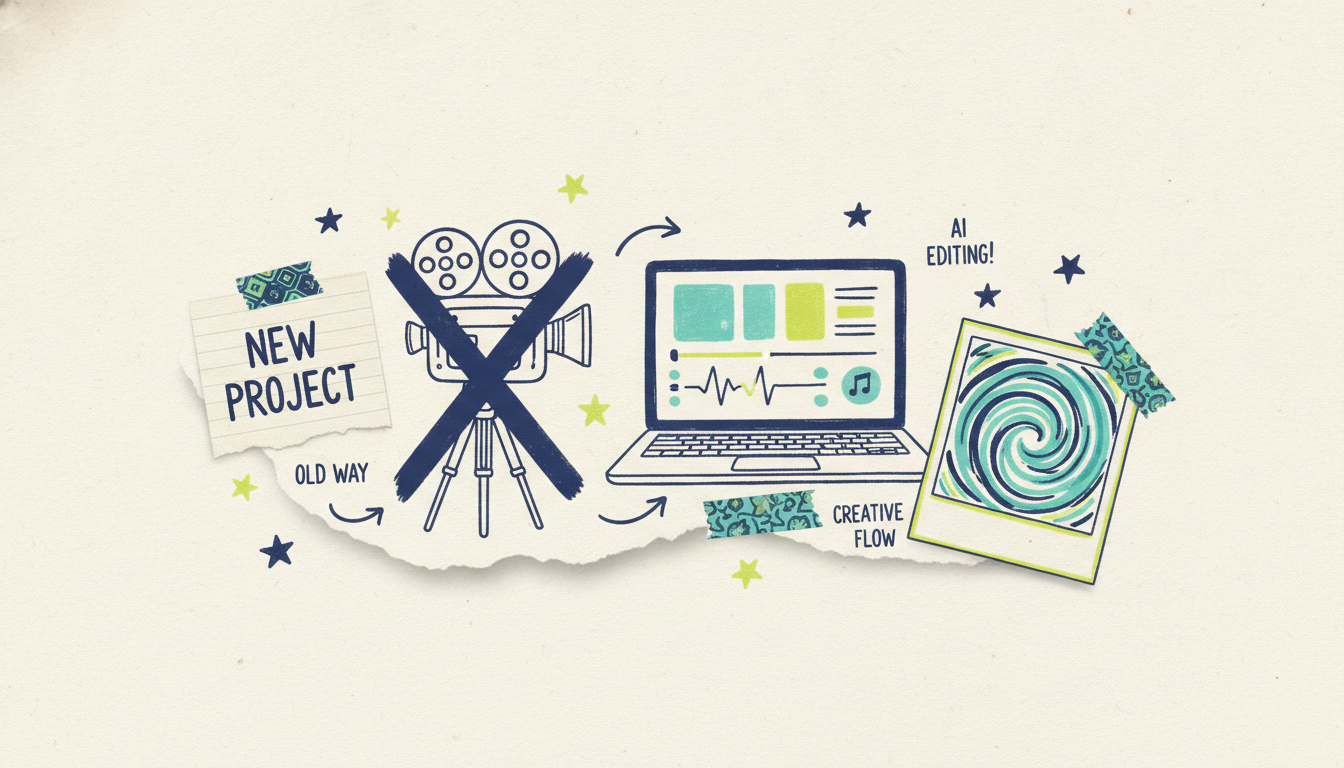
The full no-film workflow, step by step
With a traditional setup, each of these is a separate tool and a separate skill. With an agentic video creator, most of them happen in a single generation, and you refine from there. Here's the whole pipeline.
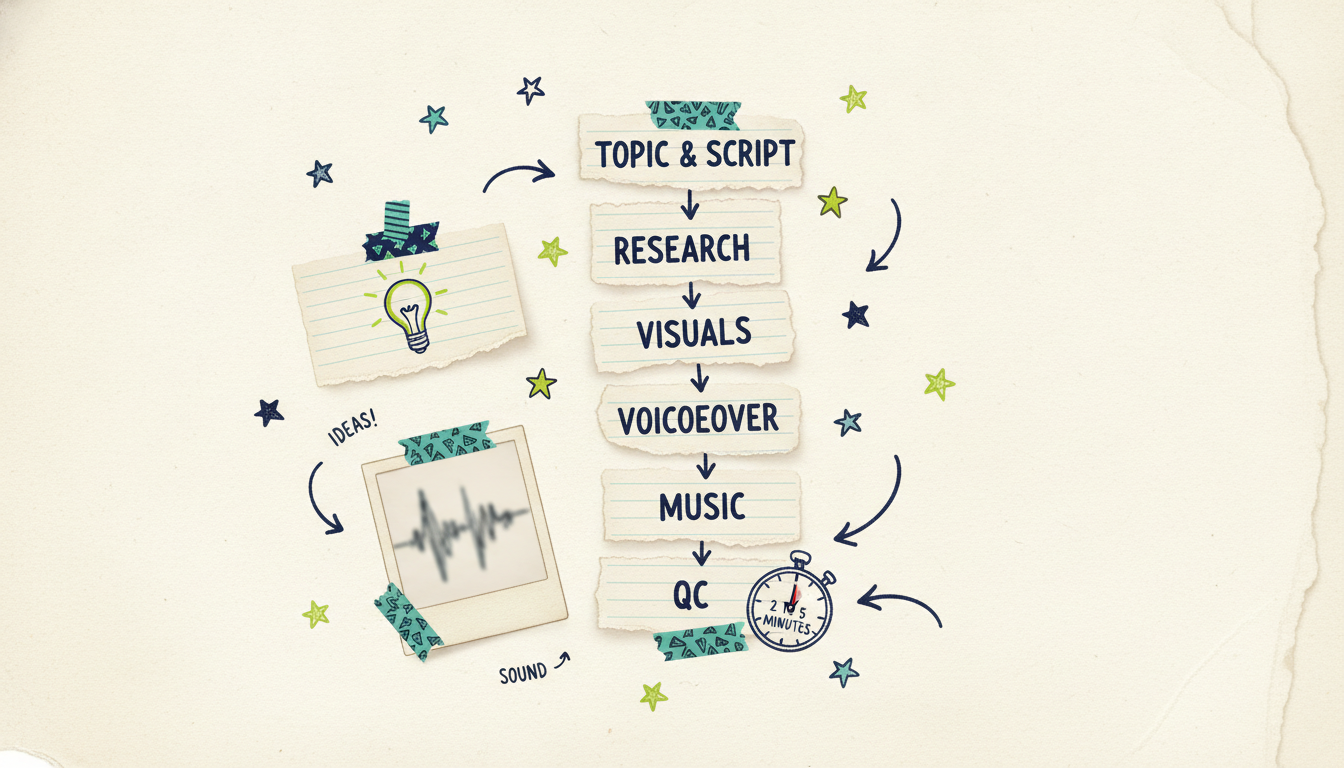
Step 1: Pick the topic and shape the script
Start with a specific, searchable topic, not a vague one. "How compound interest works" beats "money tips." "5 quiet mechanical keyboards under $100" beats "keyboard video."
You have two ways to get a script:
Write it yourself. Best when you have a strong point of view or specialized knowledge. Keep sentences short and spoken, not written-essay formal. Front-load the payoff so viewers know why to stay.
Hand the topic to the AI. With Wavemaker, you can type just the topic and it researches the subject and writes the script for you. You can also paste a URL (it pulls the source content) or upload documents, notes, or a rough outline and let it build the script from those.
Either way, aim for a hook in the first five to ten seconds. On YouTube, the opening is where you keep or lose the viewer.
Step 2: Let the tool research and structure it
If you handed over a topic or a link, the research step is where the AI gathers the substance and organizes it into a logical flow. This is also where you catch problems early. Read the generated script before you generate visuals. Check that the facts are right, the order makes sense, and the tone matches your channel.
This is the single most important quality step, and we'll come back to it. AI research is a starting draft, not a final source of truth.
Step 3: Generate the visuals
Now the script becomes footage. This is the part that used to mean b-roll shoots or endless stock searches. Wavemaker builds an AI storyboard (21 layout presets) and generates images and video clips to match each part of your script, with subject consistency so recurring elements look the same scene to scene.
The difference worth knowing: some tools assemble stock-footage slideshows from a library (Pictory and Lumen5 work this way), while generators create custom visuals for your specific script. Custom-generated visuals tend to match your content more closely, which helps retention because the picture reflects what the narrator is saying.
Step 4: Add the voiceover
No filming means no talking head, so the voice carries the human presence. AI voiceover has come a long way from robotic text-to-speech. Wavemaker generates the narration and supports custom voice design on paid tiers, so you can dial in a tone that fits your channel instead of using a generic default.
Match the voice to the format. A calm, measured voice suits an educational explainer. A brighter, faster read fits a top-10 countdown. Consistency matters here too. If viewers come back for more videos, a familiar voice becomes part of your channel's identity.
Step 5: Layer in music
Music sets pace and mood, and it's easy to get wrong. Too loud and it buries the narration; too flat and the video feels lifeless. Wavemaker adds BPM-aware music with audio ducking, which means the track automatically drops in volume under the voiceover so your words stay clear. That's the kind of thing that separates a finished video from a rough assembly.
Step 6: Run the QC pass and refine
Before you export, review the whole thing. Wavemaker runs an AI vision QC review that checks the generated video for issues, but your own eye is the final call. Watch it end to end. Does the pacing hold? Do the visuals match the words? Is anything factually off?
When something needs fixing, you don't open a timeline. You just say what you want in plain language: "make the intro longer," "swap the music for something calmer," "cut the third point." Chat editing means you refine by describing the change, not by learning editing software. Refines are cheap (about 15 credits each), so iterate freely until it's right.
Tips for retention and quality
A video that exists isn't the goal. A video people watch to the end is. No-film production removes the gear barrier, but the craft still matters. Here's what moves the needle.
Nail the first ten seconds. Retention graphs almost always show the biggest drop at the start. Open with the promise or the payoff, not a slow "hey guys, welcome back." If it's a list video, tease the number one. If it's an explainer, state the question you're about to answer.
Keep a beat every few seconds. The reason no-film formats work is visual variety. A single static image over two minutes of narration loses people fast. Change the visual as the script moves. Generated visuals per storyboard beat handle this automatically, but check that nothing lingers too long.
Write for the ear, not the page. Spoken language is shorter and simpler than written. Read your script out loud. If you stumble, rewrite it. Contractions and plain words keep viewers with you.
Match pacing to format. Educational content can breathe. A countdown or a news recap should move. Music BPM, voice speed, and cut frequency all feed the sense of pace, so align them to the video's job.
Don't overstuff. One clear idea per video beats five half-covered ones. Depth and clarity keep people watching more than cramming does.
Be consistent. Same voice, similar visual style, similar length. Consistency is what turns one-off viewers into subscribers, and it's easy to hold when your production is a repeatable workflow instead of a one-off shoot.
If you want more on the short-form side of this, how to make YouTube Shorts with AI covers the vertical, sub-60-second version of this workflow, which follows a lot of the same rules with a faster tempo.
Thumbnails and titles: the part AI video won't do for you
Even a great no-film video needs a reason to get clicked, and that reason is your thumbnail and title. This is where a lot of otherwise good videos die. Two quick fundamentals.
Titles: Be specific and promise a clear payoff. "How compound interest works (with real numbers)" beats "compound interest explained." Front-load the words that matter for search, keep it readable, and don't bait-and-switch. The title should match what the video delivers.
Thumbnails: Keep them simple and legible at small sizes. One clear focal point, a few big readable words if you use text, and strong contrast. Avoid clutter. If your video is a list, the thumbnail can tease the count or the most surprising entry. You can generate thumbnail concepts with an image tool, but the design principles are on you: clarity over cleverness.
The honest caveats
No-film AI video is useful, and it's also easy to abuse. A few ground rules keep you on the right side of both your audience and YouTube's guidelines.
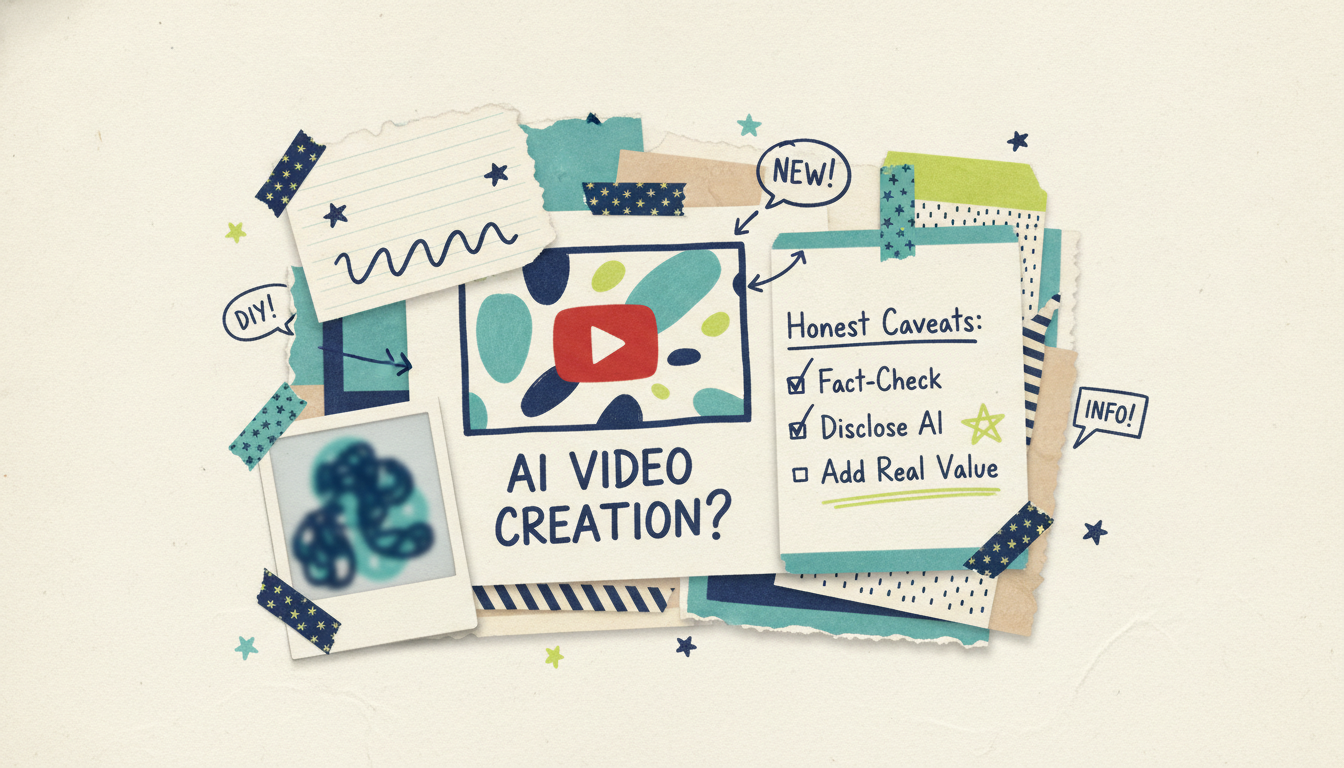
Make it valuable. The tools make production fast, which means the platform is filling up with low-effort AI videos that say nothing. Don't add to the pile. Your edge is a real point of view, accurate information, and a topic you understand. AI can produce the video; it can't supply the insight. That part is still your job.
Fact-check everything. AI research is a helpful draft, not a citation. Before you publish, verify names, numbers, dates, and claims against reliable sources. A confident-sounding wrong fact will cost you trust faster than a rough edit ever would. This matters most for news, finance, health, and any topic where being wrong has consequences.
Follow disclosure norms. YouTube requires creators to disclose when realistic content is meaningfully altered or synthetically generated, especially content that could mislead viewers about real events or people. Norms and rules in this area keep evolving, so check YouTube's current altered-content disclosure policy before you publish and label honestly. Transparency is also just good practice; audiences respond well to creators who are upfront about their process.
Quality claims, stated plainly. No-film doesn't mean low-quality, but be realistic about your output. Free-tier exports are lower resolution; paid tiers on Wavemaker go up to 4K. Match your export quality to where the video will live and how polished it needs to look.
Don't fake proof. If you're making commentary or educational content, cite real sources and don't fabricate quotes, studies, or credentials. The whole value of your channel is trust.
Get these right and no-film production is a superpower. Ignore them and you're just adding noise. The creators who win with AI video are the ones who use it to publish more of what they know, faster.
Why an agentic tool beats stitching apps together
You could assemble this workflow from separate tools: a script writer here, a stock library there, a text-to-speech app, a music service, a video editor to glue it together. It works, but it's slow, and every handoff is a place for quality to slip.
The alternative is a tool that runs the whole pipeline as one system. That's what "agentic video creation" means: an AI production team, not an editor with a few AI features bolted on. You give it an input (a prompt, a topic, a URL, a document), and it handles research, script, visuals, voiceover, music, and a QC pass, then hands you a finished video you refine by chatting. Most videos generate in two to five minutes.
If you want the deeper background on how any starting point becomes a video, text-to-video AI breaks down the input-to-output process in detail. It's the foundation the no-film workflow is built on.
Common questions answered
Can I really make a YouTube video with no camera and no editing experience? Yes. If you can describe your topic or write a short script, an AI video tool can generate the visuals, voiceover, and music for you. With chat editing, you refine by typing what you want changed instead of learning an editor. The skills that still matter are picking a good topic and knowing your subject, not operating gear.
Which video formats work best without filming? Explainers, list and ranking videos, tutorials, commentary, and news recaps are the strongest fits, because their value is information and visuals rather than an on-camera person. Personal vlogs, reaction videos, and hands-on reviews still benefit from real footage, though you can mix a filmed intro with AI-generated sections.
Do I have to disclose that my video uses AI? YouTube requires disclosure when realistic content is synthetically generated or meaningfully altered in ways that could mislead viewers, and the specifics keep evolving. Check YouTube's current altered-content policy before publishing and label honestly. Being transparent about your process is also good for audience trust regardless of the rules.
Is the quality good enough for YouTube? It can be. Output quality depends on your script, the visuals you generate, and the export resolution. Free tiers export at lower resolution with a watermark; paid Wavemaker plans export up to 4K with no watermark. The bigger quality lever is the substance of the video itself, not the tool.
How long does it take to make one video? The generation itself runs in about two to five minutes for most videos. The time you spend is mostly upfront (choosing the topic and shaping the script) and on the back end (reviewing, fact-checking, and refining). A polished video is realistically an afternoon of work, not a week.
How much does it cost to get started? You can start free. Wavemaker's free plan includes 75 credits, which is enough for your first video (a roughly 30-second video costs about 75 credits). Paid plans add more credits, higher resolution, no watermark, and features like custom voice design. Credit packs never expire if you'd rather buy as you go.
Start making videos without filming
You don't need a camera, a studio, or an editing suite to publish on YouTube. You need a topic worth covering, a script that respects your viewer's time, and a tool that turns it into a finished video.
Wavemaker gives you the whole pipeline in one place: type an idea or paste a link, and get back a finished video with generated visuals, voiceover, music, and a QC pass, ready to refine by chat. Create your first video free with 75 credits and see how fast a no-film video comes together.





