
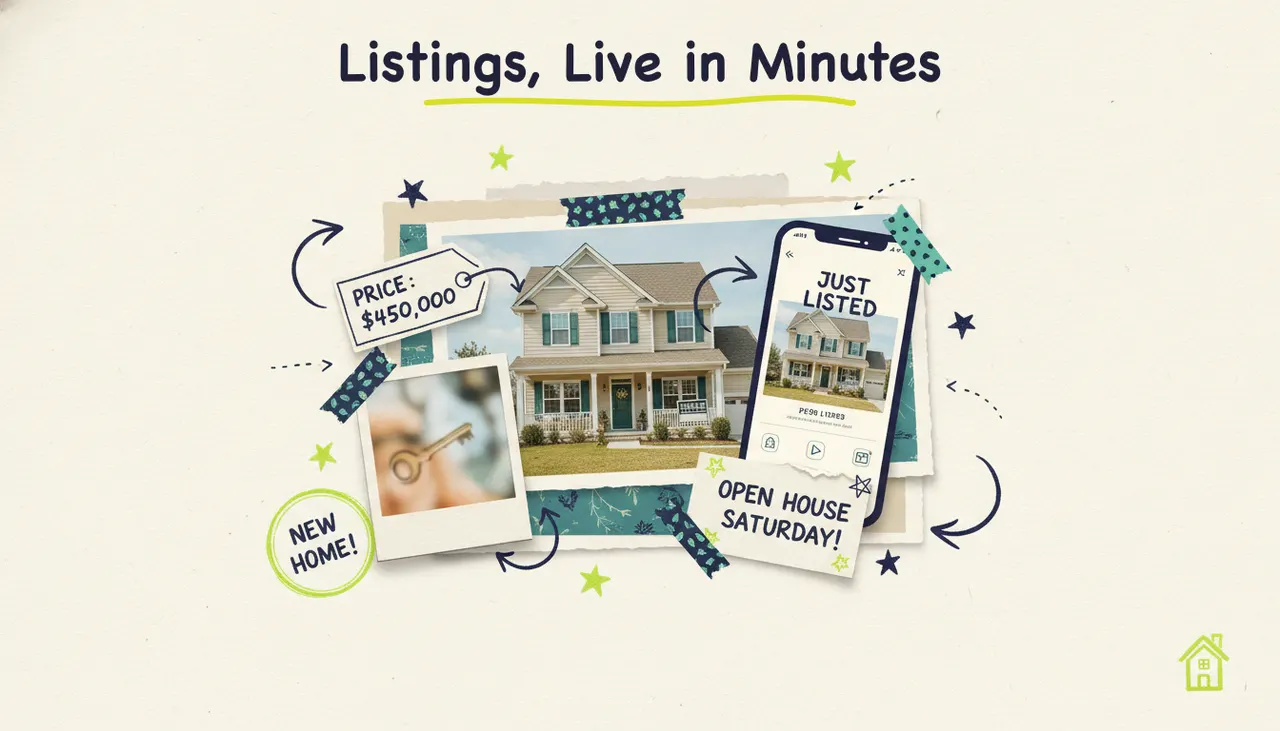
A real estate video maker turns your listing photos and details into a finished video (with voiceover, music, and on-screen text) in minutes, no camera crew or editing software required. Paste a listing URL or upload your photos, and an AI production team writes the script, builds the visuals, and delivers a share-ready tour. You get listing videos, just-listed and just-sold clips, neighborhood guides, and agent-brand intros without spending your weekend in a timeline editor.
Buyers expect video now, and most agents can't produce it fast enough to matter. Wavemaker fixes that. It's an agentic video creator (an AI production team, not an editor with AI features) that takes any input (a URL, your photos, or just a few listing details) and returns a complete video you can post the same day. Let's break down what to make, how to make it, and where to put it.
Why video sells listings
Video isn't a nice-to-have in real estate anymore. It's how buyers decide which homes are worth their Saturday.
The National Association of Realtors reports that 100% of buyers used the internet in their home search, and listings with video get significantly more engagement than photo-only listings. Video lets a buyer feel the flow of a home, the light in the kitchen, the size of the backyard, in a way that a photo grid never will. That emotional read is what turns a scroll into a showing.
There's a distribution reason too. Social and search platforms push video harder than static posts. A listing video works on Instagram Reels, TikTok, YouTube, Facebook, and your website, and each one is a fresh chance for the right buyer (or a referral source) to find you. Video also does double duty as marketing for you, the agent. Every tour you post is proof to future sellers that you'll promote their home, not just stick a sign in the yard.
The old barriers (expensive videographers, days of turnaround, editing skills) are gone. AI closes the gap between "I should post video" and "here's the video," so you can react while a listing is hot.
The types of real estate videos you can make
Not every real estate video is a full walkthrough. Different moments in a listing's life call for different formats, and each one takes a different input. Here's how they map.
Listing tours from photos
This is the workhorse. Feed the AI your listing photos plus the property details (or just the listing URL) and it builds a paced tour that walks through the home, room by room, with narration that highlights the selling points. No drone, no gimbal, no editing bay.
Just-listed and just-sold posts
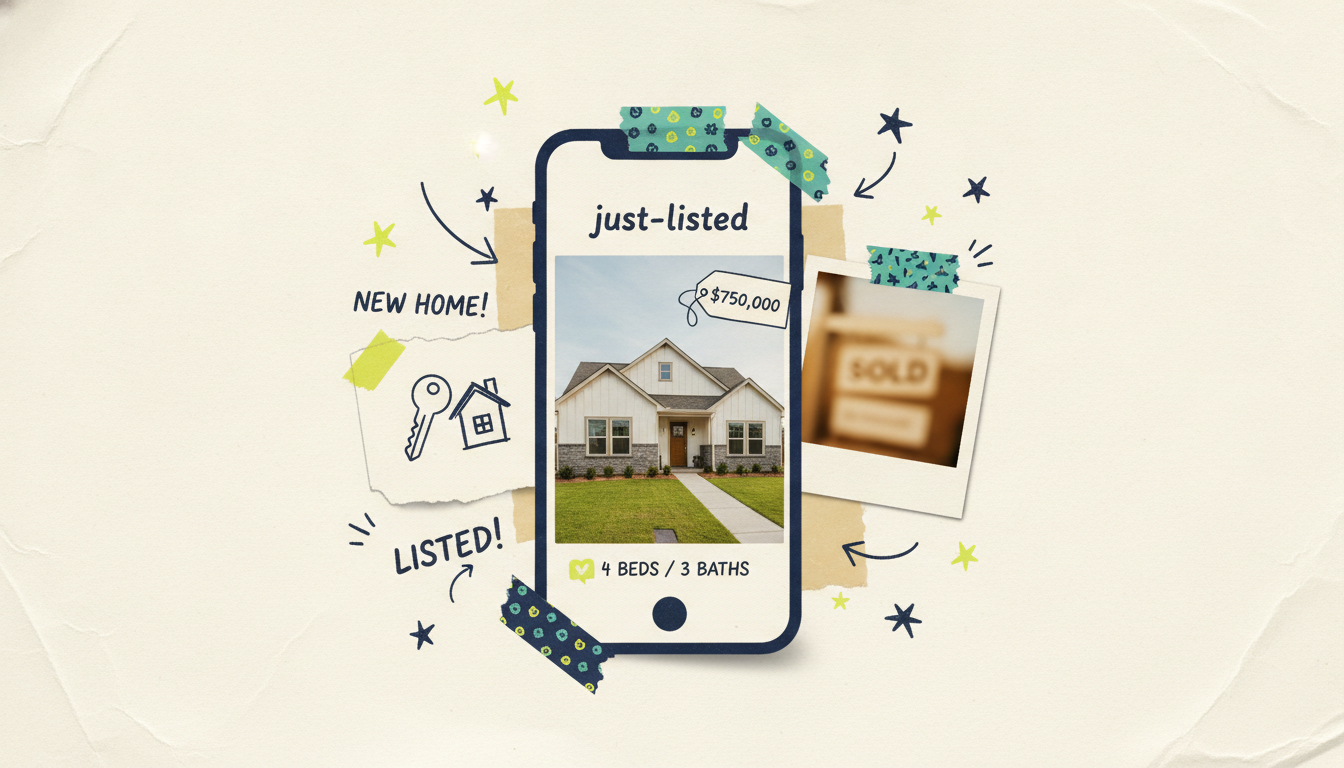
These are short, punchy, and time-sensitive. You want them live the hour a listing hits the market or the minute it closes. A few photos, the price, the beds and baths, and one strong hook ("Just listed in the heart of downtown") is enough to generate a 15 to 30-second clip for social.
Neighborhood guides
Buyers don't just choose a house, they choose a place. A neighborhood video (schools, parks, coffee shops, commute) is some of the most sharable content an agent can make, and it captures search traffic like "moving to [town]" that listing videos never will. Give the AI a topic and it researches and scripts the area for you.
Agent-brand videos
An intro video does the work of a hundred bios. A 30-second "here's who I am and how I work" clip on your website, in your email signature, and on your social profiles builds trust before a lead ever calls you. Point the AI at your website or hand it your bio details and it produces a polished brand spot.
How to make a listing video with Wavemaker
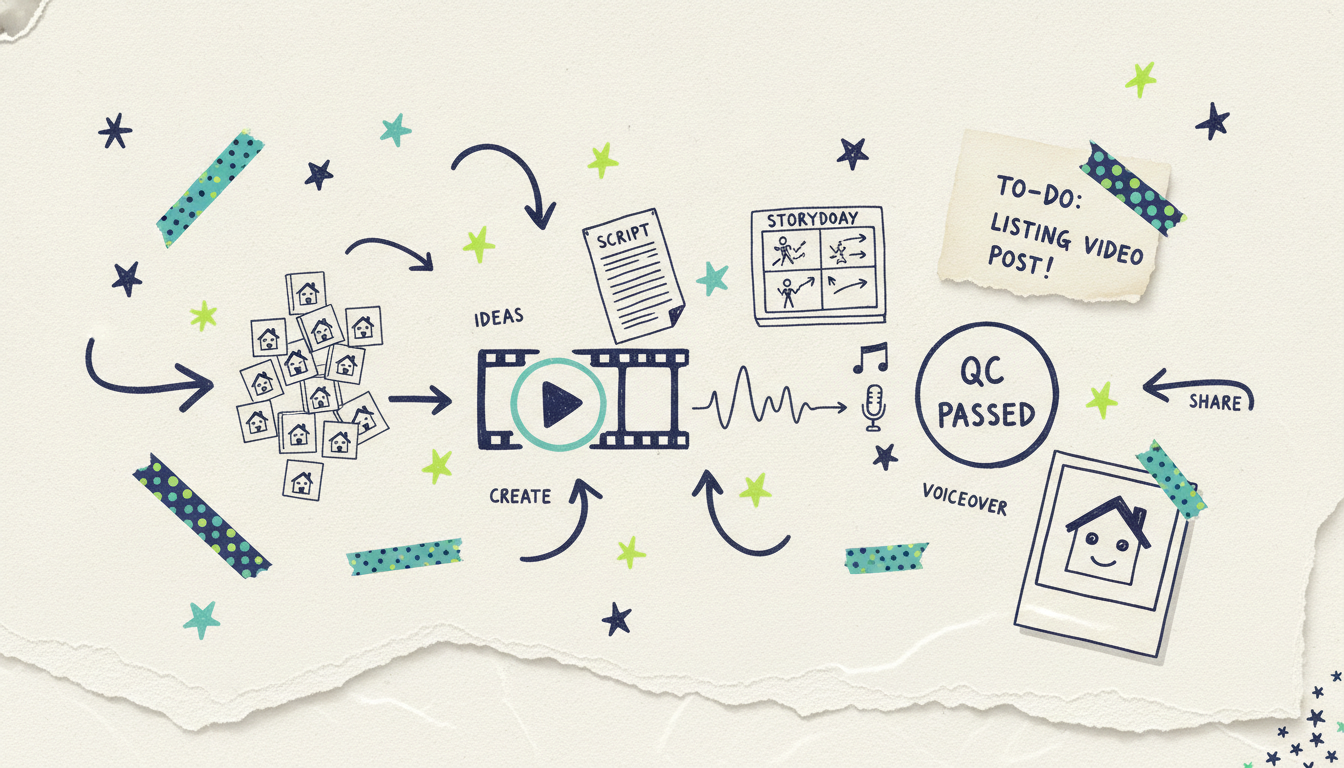
You've got two starting points: a listing URL or your photos plus details. Either way, the process is the same four steps, and it runs in about 2 to 5 minutes for most videos.
Step 1: Give it your input
Two easy paths:
Paste the listing URL. Wavemaker scrapes the page (photos, price, beds and baths, description) and pulls it into a creative brief automatically. Fastest option if your listing is already live.
Upload photos and details. Drop in your best shots and type the essentials: address, price, beds/baths, square footage, and two or three standout features (renovated kitchen, big lot, walk to the train). You can also upload a listing PDF or your MLS sheet and let the AI read it.
You can also just describe the property in a prompt if you don't have photos ready yet. The AI will research and script it, then generate supporting visuals.
Step 2: Review the script
Wavemaker writes the script from your input, ordering the tour and calling out the features that sell. This is where you shape the story. Want to lead with the backyard instead of the kitchen? Just say so in chat: "Open with the backyard and mention the new roof." No timeline, no re-recording. The chat editing means you talk to it the way you'd brief an assistant.
Step 3: Generate the video
Approve the script and the AI production line takes over: it builds the storyboard (21 presets to pick a look), assembles your photos and any generated visuals with subject consistency, adds an AI voiceover (you can design a custom voice on paid tiers), and lays in BPM-aware background music that ducks under the narration so every word is clear. You pick the aspect ratio to match where it's going: 16:9 for YouTube and your site, 9:16 for Reels and TikTok, 1:1 or 4:5 for the feed.
Step 4: QC and export
Before you see it, an AI vision pass reviews the video for issues (mismatched visuals, awkward timing, text errors). You watch the result, request any last tweaks in chat ("make the intro shorter," "swap the music for something calmer"), and export. Free exports are 480p with a watermark; paid tiers remove the watermark and go up to 4K. Then it's ready to post.
Your first video is free: the free plan includes 75 credits, which is enough to make a roughly 30-second listing video and see the whole pipeline for yourself.
Tips for great listing videos
The tool does the heavy lifting, but a few habits separate a video that gets scrolled past from one that books showings.
Lead with the hook. The first three seconds decide whether anyone watches the rest. Open with the single best thing about the home (the view, the kitchen, the price) not a slow exterior pan.
Feed it good photos. AI can't invent light that wasn't there. Bright, high-resolution, well-composed listing photos produce a far better video than dim phone snaps. Garbage in, garbage out.
Keep it tight. For social, aim for 15 to 30 seconds. Save the longer, room-by-room tours for YouTube and your website where buyers are already committed to watching.
Match the format to the platform. Shoot vertical (9:16) for Reels, TikTok, and Stories; horizontal (16:9) for YouTube and your site. Making both is a two-minute job, so do it.
Name your features specifically. "Renovated kitchen with quartz counters and a gas range" beats "beautiful kitchen." Specifics build trust and help the AI write a sharper script.
Add a clear next step. Every video should end with what to do next: "DM me for a private showing" or a QR code and phone number on screen. A tour with no call to action is a missed lead.
Stay consistent. Use the same voice, look, and intro across your videos so buyers and sellers start recognizing your brand. Save a preset and reuse it.
Where to put your real estate videos
A great video buried on your hard drive doesn't sell anything. Distribution is half the job. Here's where each type earns its keep.
Social media is home base. Post just-listed clips and open house promos to Instagram Reels, TikTok, Facebook, and YouTube Shorts the day they're relevant. Vertical, short, and hooky wins here. Neighborhood guides and market updates do well as slightly longer posts and reinforce that you're the local expert.
YouTube and your website are where the full tours live. A horizontal, room-by-room walkthrough embedded on the listing page keeps buyers on the page longer and gives portals like Zillow and Realtor.com a richer listing. YouTube also captures long-tail search ("3 bedroom homes in [town]") that pays off for months.
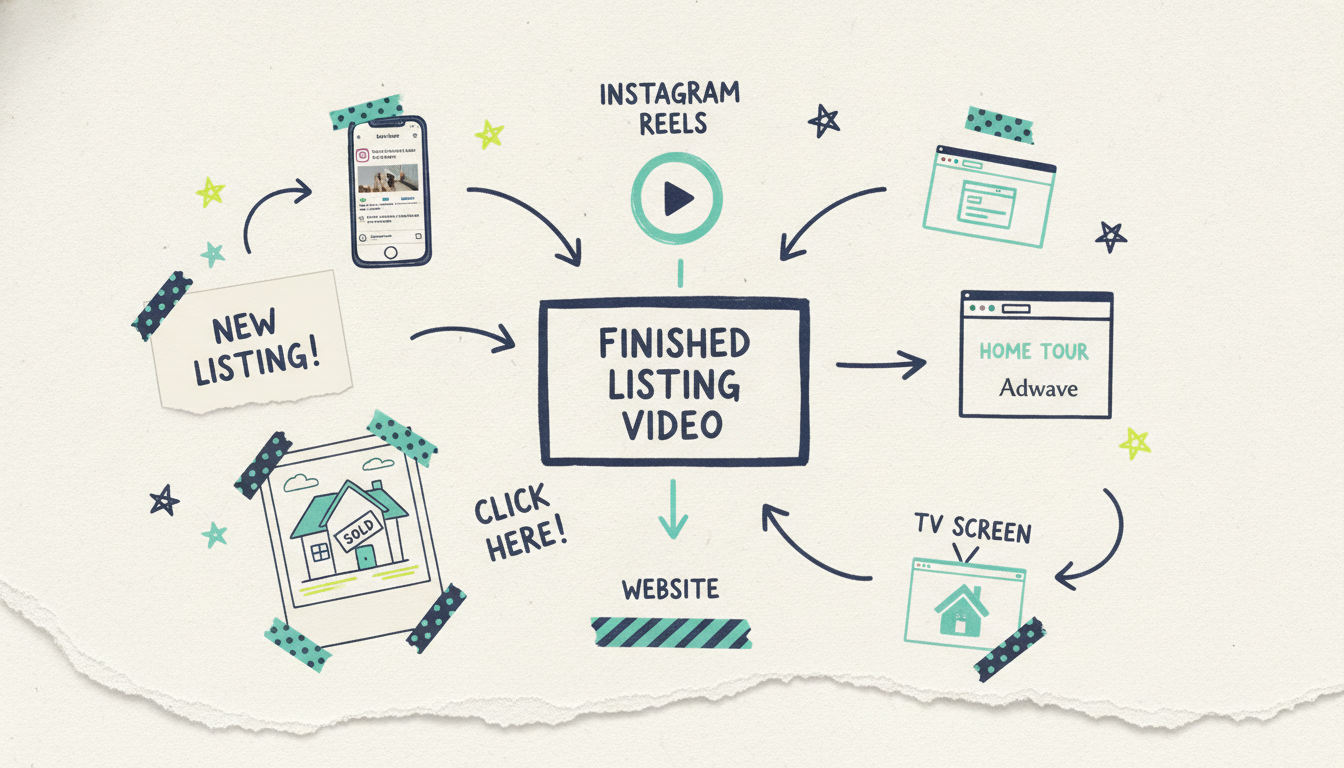
Email and direct outreach are underused. Drop a listing tour into your new-listing email blast, or send a personal video to a buyer who fits the home. A brand intro video in your email signature works around the clock.
Streaming TV is the move most agents never consider, and it's now an option. Once your listing or brand video is finished, Adwave can run it as a real streaming TV commercial on 100+ premium networks (NBC, Hulu, ESPN, and more), starting from $50, with local targeting so you're only paying to reach buyers in your market. That means your brand video (or a standout luxury listing) can air alongside network shows in the exact ZIP codes you farm. The video → TV handoff goes through Adwave; Wavemaker makes the spot, Adwave puts it on the air, plus Google, YouTube, Meta, and more if you want digital reach too.
Common questions answered
How much does it cost to make a real estate video with AI? Your first video is free. Wavemaker's free plan includes 75 credits, which covers a roughly 30-second listing video at 480p with a watermark. Paid plans start at $29/mo for 500 credits, no watermark, and exports up to 1080p, with higher tiers adding up to 4K and custom voice design.
Can I make a listing video from just the listing URL? Yes. Paste the listing URL and Wavemaker scrapes the page for photos, price, beds and baths, and the description, then builds a creative brief and script automatically. It's the fastest path if your listing is already live online. You can review and adjust everything before it generates.
How long does it take to create a listing video? Most videos generate in about 2 to 5 minutes after you approve the script. The slower part is usually you deciding on the hook and reviewing the draft, not the AI. That's fast enough to post a just-listed clip the same hour a home hits the market.
Do I need photos, or can the AI generate visuals? Both work. Upload your listing photos for a true tour of the actual home, or describe the property in a prompt and the AI will research the topic and generate supporting visuals (great for neighborhood guides and market updates where you don't have property photos). For listing tours, real photos of the home are always the way to go.
Can I run my real estate video as a TV commercial? Yes, through Adwave. Once your video is finished in Wavemaker, Adwave can air it as a streaming TV spot on 100+ networks from $50, with local targeting so you reach buyers in your specific market. Wavemaker makes the video; Adwave handles the TV distribution, plus digital channels like Google, YouTube, and Meta.
What aspect ratios can I make for different platforms? Wavemaker supports 16:9 for YouTube and your website, 9:16 for Reels, TikTok, and Stories, and 1:1 or 4:5 for the social feed. You pick the ratio when you generate, and you can make multiple versions of the same video for different platforms in a couple of minutes.
Make your first listing video free
Your next listing deserves better than a photo grid. Create your first real estate video free with Wavemaker (75 credits, enough for a full listing tour) and see the whole pipeline (script, visuals, voiceover, music, QC) in a few minutes. Start creating with Wavemaker.
And when your video's ready, Adwave can put it on streaming TV from $50, so your listings and your brand reach buyers in your market where they're already watching. Make the video once, then let it work everywhere.





