
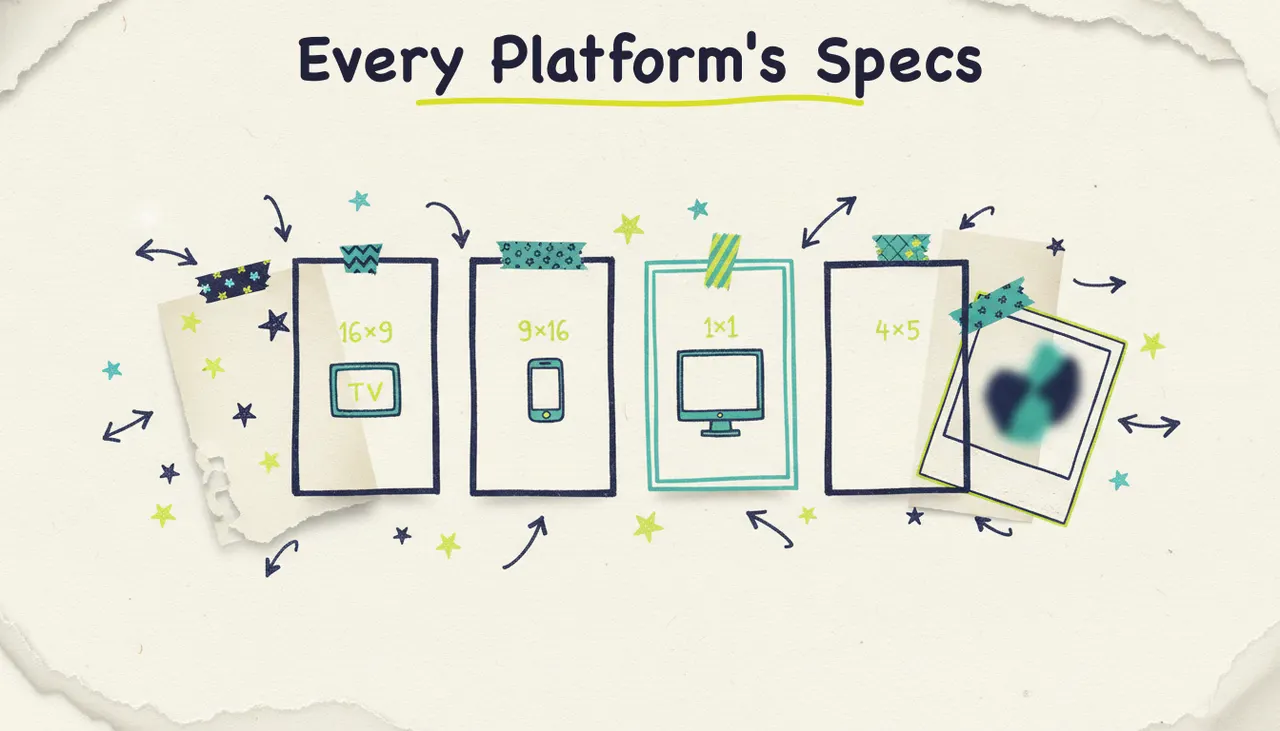
Here's the short version: the three sizes that cover almost everything are 16:9 landscape (1920x1080) for YouTube and web, 9:16 vertical (1080x1920) for Shorts, Reels, TikTok, and Stories, and 1:1 square (1080x1080) for feed posts. Instagram's feed favors 4:5 portrait (1080x1350) because it eats more screen. Get those four aspect ratios right and you'll never post a stretched, cropped, or letterboxed video again.
That's the answer. The rest of this page is the reference you'll bookmark: exact dimensions, aspect ratios, and length guidance for YouTube, TikTok, Instagram, Facebook, LinkedIn, X, and connected TV, plus how to make sure every export lands in the right size without the export-crop-re-export dance.
Aspect ratios, explained fast
Aspect ratio is just the shape of your video frame: width relative to height. It's written as two numbers separated by a colon. Dimensions (like 1920x1080) are the actual pixel measurements that fill that shape. Same ratio, different resolution, means the same frame at higher or lower quality.
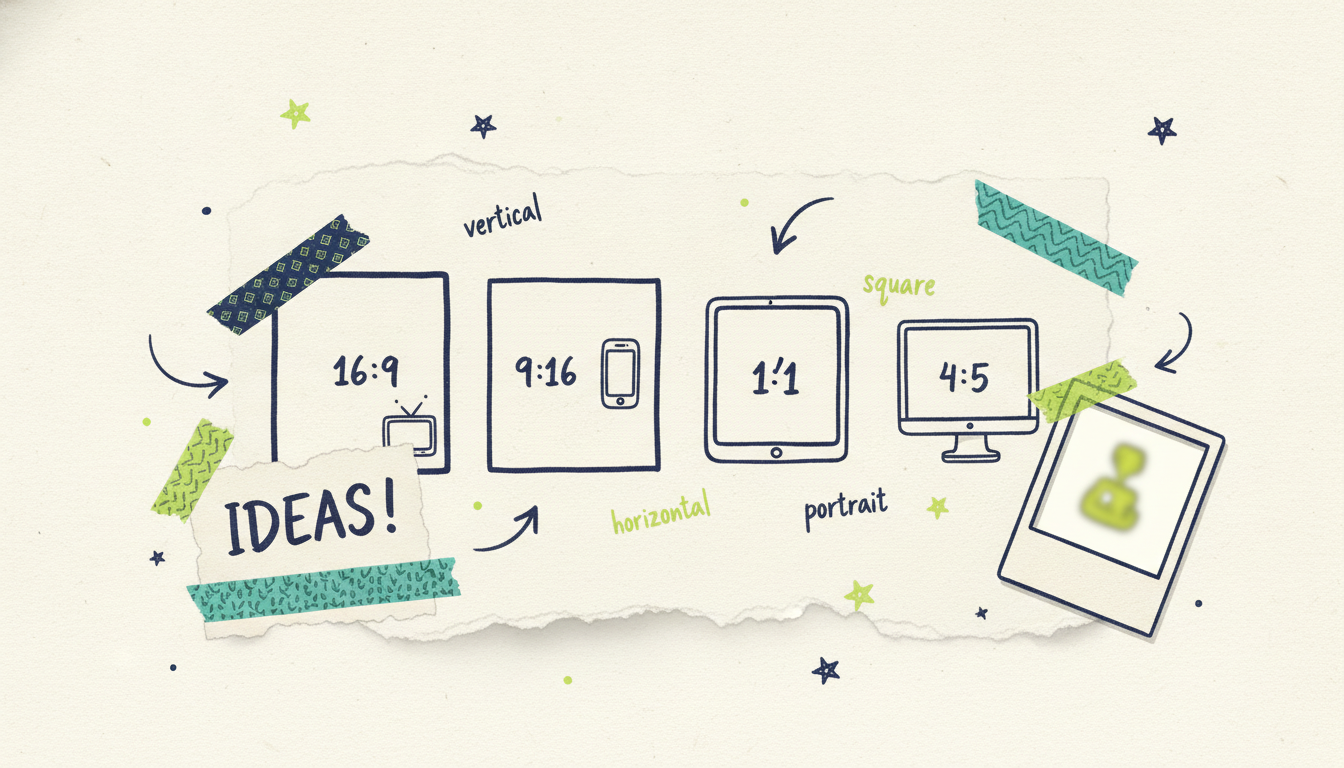
Four ratios do the heavy lifting in 2026:
16:9 (landscape). The classic widescreen shape. Wider than it is tall. This is what YouTube, connected TV, and most desktop web players expect. Standard dimensions: 1920x1080 (Full HD), 3840x2160 (4K).
9:16 (vertical). The full-screen phone shape. Taller than it is wide. This owns short-form: Shorts, Reels, TikTok, and Stories. Standard dimensions: 1080x1920.
1:1 (square). Equal width and height. A safe, space-efficient shape for feed posts that plays fine on any device. Standard dimensions: 1080x1080.
4:5 (portrait). A tall-but-not-full-screen shape. It takes up more vertical space in a scrolling feed than square without going full vertical, which is why Instagram and Facebook feeds favor it. Standard dimensions: 1080x1350.
Two more you'll bump into occasionally:
2:3 (portrait). A slightly taller portrait option some feeds and pins accept. Dimensions like 1080x1620.
21:9 (cinematic). Ultra-wide, used for film-style trailers and some connected TV placements. Niche, but worth knowing.
About resolution: 1080p (1920 pixels on the long edge) is the practical standard for social in 2026. It looks sharp on every phone and most TVs. Go to 4K when you're making something for a big screen or you want future-proof footage, and keep it at 1080p everywhere else so files stay light and upload fast.
The master specs table
This is the one to bookmark. Standard dimensions below are the widely used, stable specs. Length windows are guidance, since platforms adjust their published maximums over time, so treat the numbers as "aim here" rather than a hard contract with the platform.
A few cross-platform rules that hold no matter where you post:
Match the ratio, then the resolution. Get the shape right first (that's what stops cropping), then export at 1080p minimum.
Keep the important stuff centered. Every vertical platform overlays icons, captions, and buttons around the edges. Your text and faces should live in the middle third.
One master, many exports. Make your video once, then export the sizes you need. You almost never want to reshoot for a new ratio.
Platform-by-platform notes
YouTube (regular and Shorts)
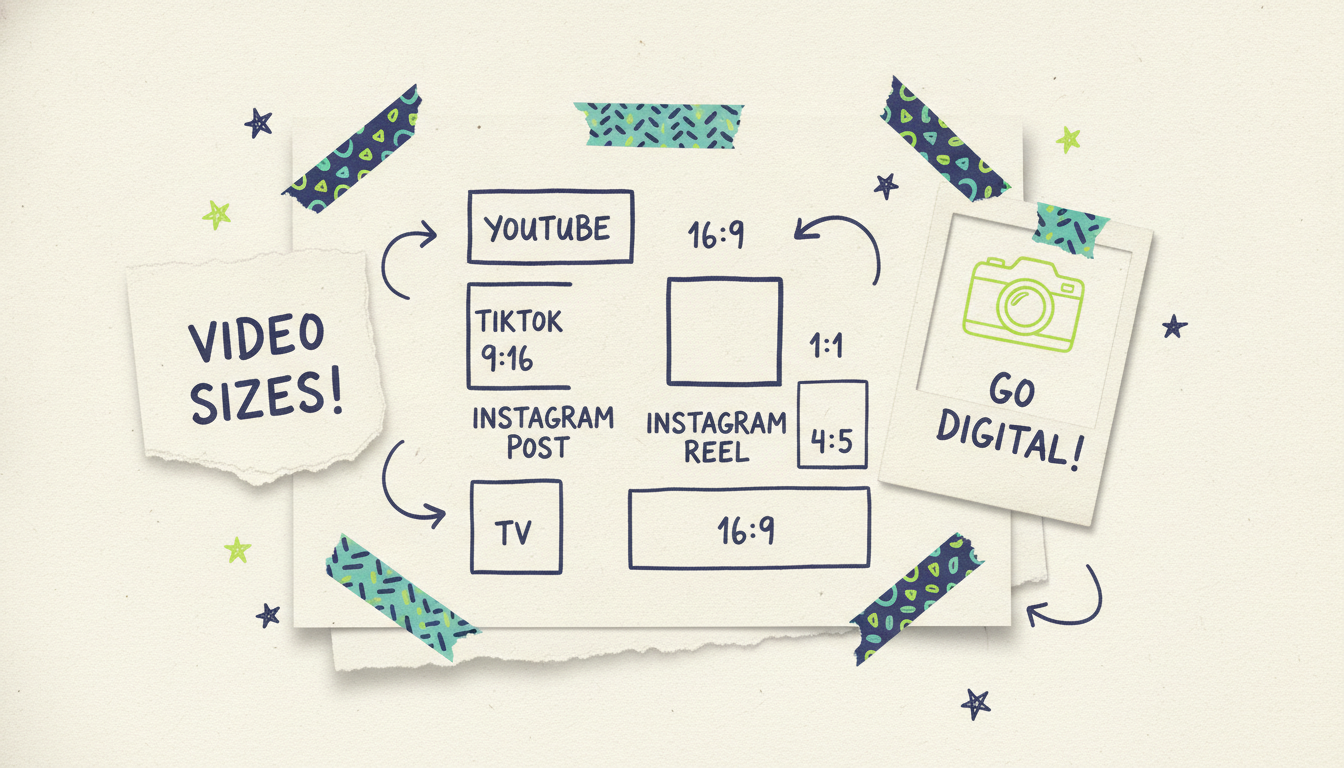
Regular YouTube is the last true home of horizontal video. Upload 16:9 at 1920x1080 or 4K (3840x2160) if you have it, and YouTube handles the rest. Shorts flips everything vertical: 9:16 at 1080x1920, full-screen, swipe-driven. The trap creators fall into is posting the same landscape video as a Short, which leaves it boxed with black bars top and bottom. If you want a Short, build it vertical from the start (or export a proper 9:16 version) and keep captions above the bottom UI so they don't collide with the title and buttons.
TikTok
TikTok is vertical-native: 9:16 at 1080x1920. The feed is full-screen, so your video fills the whole phone. Plan for the interface. The right side has the like, comment, share, and profile icons, and the bottom-left carries the username and caption. Keep your subject and any on-screen text out of those zones. Length ranges from a few seconds to a few minutes, but the first second is what decides whether anyone stays.
Instagram (Reels, feed, Stories)
Instagram uses different shapes for different surfaces, which is why people get tripped up.
Reels are 9:16 at 1080x1920, full-screen vertical, and they're the main video push right now.
Feed posts do best at 4:5 portrait (1080x1350) because that shape claims more vertical space as someone scrolls. Square (1080x1080) is a fine safe choice if you want one asset that reads well everywhere.
Stories are 9:16 at 1080x1920, shown in short segments (roughly 15 seconds each). Keep your message in the center safe zone so the profile bar at the top and the reply bar at the bottom don't cover it.
Facebook mirrors Instagram in most ways since they share an ecosystem. Feed video works at 4:5 (1080x1350), 1:1 (1080x1080), or 16:9 (1920x1080), with portrait and square pulling ahead on mobile. Facebook Reels and Stories are 9:16 at 1080x1920. If you're already making an Instagram version, you can usually reuse the same export here.
LinkedIn video reads best when it looks polished and gets to the point. Landscape 16:9 (1920x1080) and square 1:1 (1080x1080) both work in the feed, and 4:5 portrait (1080x1350) is gaining ground as more of the audience scrolls on mobile. Because it's a professional context, front-load the value and keep captions on: a lot of LinkedIn video autoplays muted.
X (Twitter)
X defaults to 16:9 landscape (1920x1080), and square (1080x1080) also plays cleanly in the timeline. Landscape is the safe pick for anything that might get embedded or viewed on desktop. Keep files at 1080p for fast loading, and add captions since timeline video often plays without sound.
Connected TV (CTV)
Connected TV is the big-screen exception in a mobile-first list. It's firmly 16:9 (1920x1080, or 4K at 3840x2160), because it plays on actual television sets through streaming apps. Standard streaming ad spots are commonly 15 or 30 seconds. You don't need burned-in captions the way you do for muted social feeds, and you do want clean, high-resolution delivery, since a phone-quality file looks rough blown up to a living-room screen.
How Wavemaker generates the right size automatically
Here's where the export-crop-re-export headache disappears. Wavemaker is an agentic video creator: you type an idea, paste a URL, or upload documents, images, or footage, and an AI production team handles the script, generated visuals, voiceover, BPM-aware music, and an AI vision QC pass. You get a finished video in minutes, not a raw clip you still have to format.
Aspect ratio is part of that. Wavemaker generates natively in 16:9, 9:16, 1:1, and 4:5 (plus 2:3 through the API), which covers every platform in the table above. Because it composes the video for the ratio you choose rather than cropping a landscape master down, your subject, text, and framing land where they should for that shape. No black bars, no cut-off captions, no heads chopped in half.
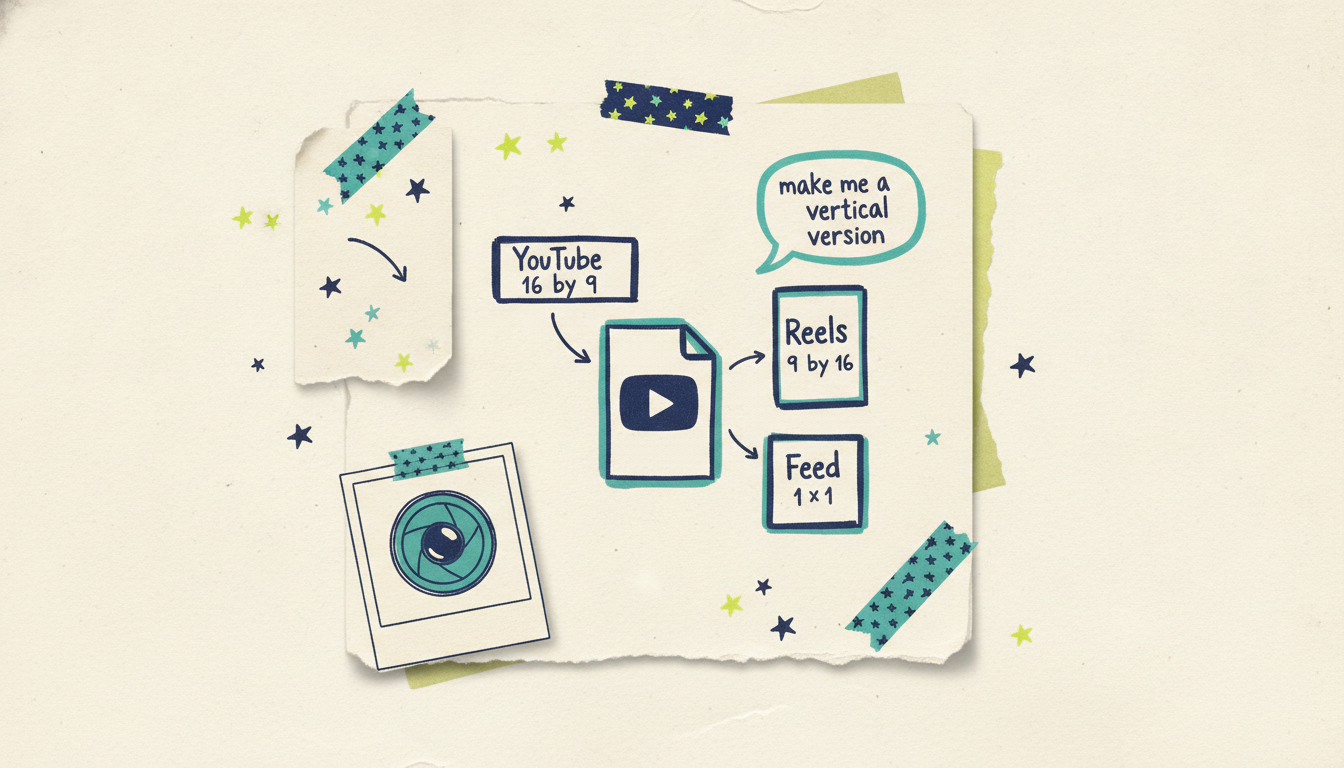
Say you want a YouTube video and a set of Shorts and Reels from the same idea. You describe it once, pick your ratio, and generate. Need a different shape after the fact? You change it with a chat instruction ("make me a vertical version"), no timeline editor to learn. When you're happy, export at the resolution the destination calls for: 1080p for social (crisp and light) or up to 4K for the big screen. The free plan starts you with 75 credits (enough for a first video) and exports at 480p with a watermark, and paid plans unlock no watermark and up to 4K.
And if one of those videos is a promo you want on the biggest screen there is, a finished Wavemaker video can run as a real streaming TV commercial on 100+ networks through Adwave (from $50), delivered in that clean 16:9 CTV spec. That part goes through Adwave, so the same file you made for YouTube can end up on connected TV without a separate production.
Common questions answered
What's the difference between aspect ratio and resolution? Aspect ratio is the shape of the frame, the width-to-height proportion like 16:9 or 9:16. Resolution is the actual pixel count, like 1920x1080. Two videos can share the same 16:9 ratio while one is 1080p and the other is 4K. Match the ratio first to avoid cropping, then pick a resolution for quality.
What's the safest single size if I only want to make one video? For short-form social, 9:16 vertical at 1080x1920 covers Shorts, Reels, TikTok, and Stories in one shape. For anything that might live on YouTube, the web, or TV, go 16:9 at 1920x1080. If you need one asset for mixed feeds, 1:1 square (1080x1080) is the least risky compromise, though it rarely looks best anywhere.
Do I need 4K, or is 1080p enough? For almost all social video, 1080p is plenty and it uploads faster with smaller files. Reach for 4K when the video will play on a large TV screen, when you want to crop in later without losing sharpness, or when you're archiving footage you'll reuse for years. Otherwise 1080p is the practical 2026 standard.
Why do my videos get cropped or show black bars? That happens when the video's aspect ratio doesn't match the placement. Post a 16:9 landscape file to a 9:16 vertical feed and the platform either adds black bars or crops the sides to fit. The fix is to export in the ratio the destination expects rather than relying on the platform to reshape it.
Can I turn one video into multiple platform sizes? Yes, and that's the norm. You make one master idea and produce the ratios you need from it. With Wavemaker you generate in your chosen ratio and can ask in chat for a different shape (like a vertical cut of a landscape video) without re-editing from scratch, then export each version for its platform.
What size do connected TV ads use? Connected TV is 16:9, delivered at 1920x1080 or 4K (3840x2160), because it plays on real television screens through streaming apps. Standard spots are commonly 15 or 30 seconds. Deliver a clean, high-resolution file; unlike muted social feeds, CTV doesn't need burned-in captions.
Make it in the right size the first time
Stop exporting, checking, cropping, and re-exporting. Describe your video once, pick the ratio for where it's going, and let Wavemaker generate a finished, correctly-sized video in minutes. Create your first video free (75 credits) and see how much faster the whole thing gets when the specs are handled for you.





