
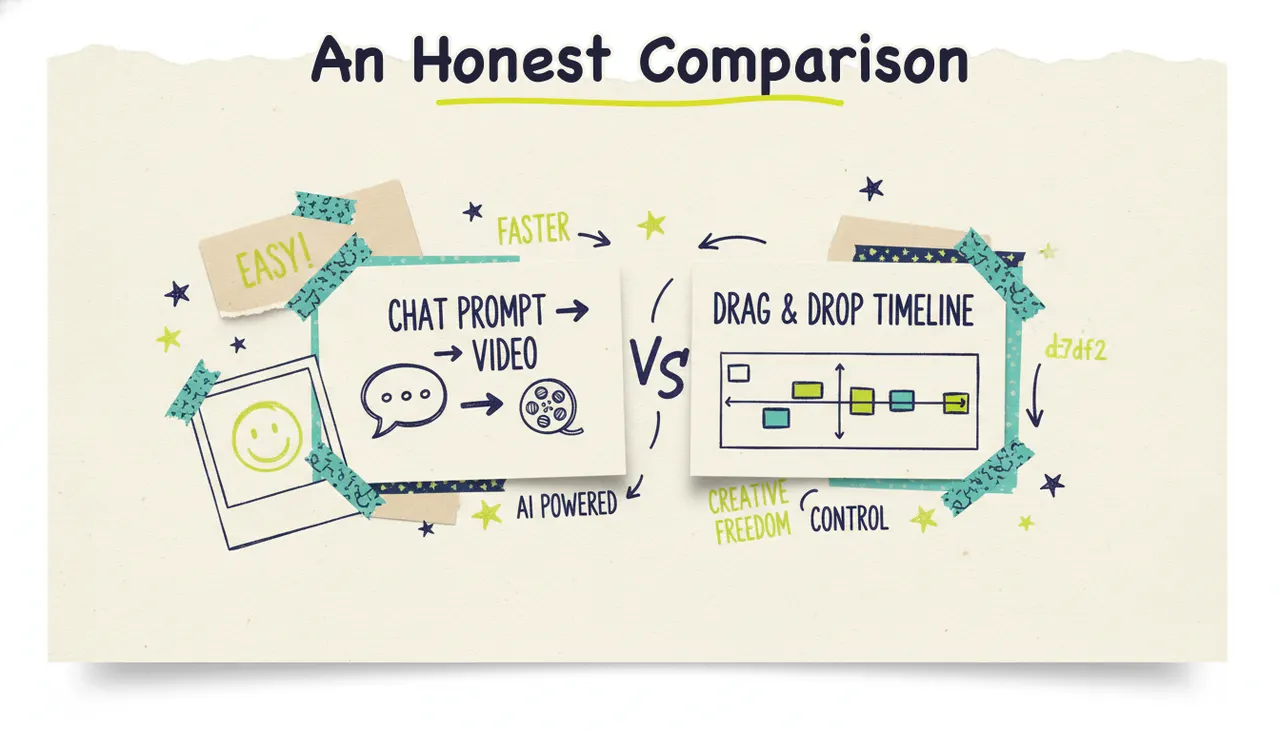
Short answer: if you want to type an idea (or paste a URL) and get a finished video with script, generated visuals, voiceover, music, and a quality check handled for you, Wavemaker is the better fit. If you want a giant template library and a familiar timeline editor to assemble and tweak videos yourself, InVideo is the more established choice. They're built on two different philosophies, and the right pick depends on how much you want to do versus how much you want done for you.
Both tools make video with AI in 2026, but they solve different jobs. Below you'll find where each one shines, where each one falls short, a detailed side-by-side table, and clear guidance on who should choose which.
The core difference: agentic pipeline vs template editor
That matters most, and everything else flows from it.
InVideo started as a template-based video editor and layered AI on top. You get thousands of pre-built templates, a stock media library, and a timeline you can work in. Its AI features can generate a rough video from a prompt, but the product's center of gravity is still "editor with AI assistance." You often end up in the driver's seat, arranging scenes, swapping clips, and adjusting the timeline.
Wavemaker is an agentic video creator. That means it works less like software you operate and more like an AI production team you brief. You give it an input, and it runs the whole pipeline: research and script, an AI storyboard (21 presets), generated images and video clips with subject consistency, AI voiceover with custom voice design, BPM-aware music with audio ducking, and an AI vision QC pass that reviews the result before you see it. You get a finished video back, not a project to finish.
That single distinction (assemble-it-yourself vs done-for-you) shapes the inputs, the editing model, the output, and who each tool is really for.
Inputs: what you can start from
Wavemaker is unusually flexible on the front end. You can start from:
A free-form prompt ("a 30-second promo for my coffee shop")
A topic the AI researches and scripts for you
A URL, which it scrapes for brand colors, imagery, and messaging to build a creative brief
Documents (PDFs, docs, notes)
Images
An existing video
Most tools do one input mode well. Wavemaker treats "any idea, URL, document, or image into a video" as the whole point.
InVideo primarily works from a text prompt or a script, plus its template and stock libraries. That's a real strength if you already know what you want and like starting from a proven layout. It's less oriented around turning a messy PDF or an existing brand URL into a finished piece automatically.
Free plans: read the fine print
This is where the "free" label gets slippery, so let's be precise.
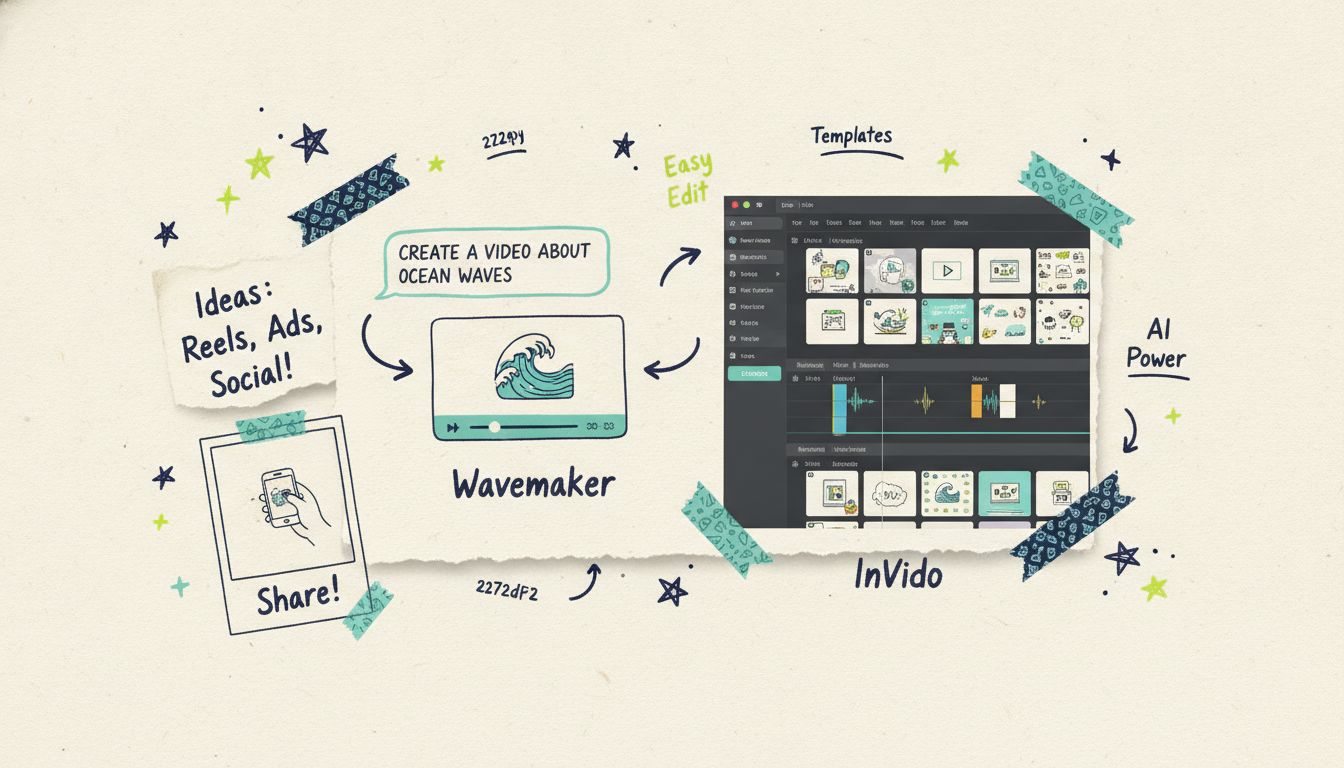
Wavemaker's free plan is free. $0 gets you 75 credits, which is enough to make your first video (a ~30-second video runs about 75 credits). Exports on the free tier are 480p with a watermark, and you get one seat. No card required to try it, and no weekly reset clock ticking against you.
InVideo's free plan is real but limited in ways that catch people out. As of 2026, the free tier caps you at a small number of AI generations per week, exports carry a visible InVideo watermark, and resolution is limited (around 720p on free). To remove the watermark and unlock higher resolution, you're on a paid plan. Several third-party reviews describe the free experience as fine for testing but not for publishing. (magichour.ai, marcandrews.com)
Bottom line on free: both let you try before you pay, but Wavemaker's free tier is built to ship your first finished video, while InVideo's free tier is more of a watermarked test drive.
Credits: never-expire packs vs use-or-lose
Credits are how both tools meter usage, and the policies differ in a way that affects your wallet.
Wavemaker uses monthly plan credits plus optional credit packs, and the packs never expire. If you buy a pack of credits, they sit in your account until you use them. Paid plans also roll over a percentage of unused monthly credits (20% on Pro, 50% on Business), so a slow month doesn't fully punish you.
InVideo runs on a monthly credit system where unused credits generally don't carry forward the way never-expiring packs do. If you don't use your allotment, you tend to lose it. On top of that, InVideo's newer "generative" credits (for premium frontier models like Sora and Veo) are billed against your balance at the underlying models' rates, so heavy generative use can burn through credits quickly. (fluxnote.io)
For occasional or bursty creators, never-expiring packs are a meaningful advantage. For steady high-volume users who'll spend their monthly credits anyway, the difference matters less.
Output quality and control
Let's be even-handed here, because both tools can produce good work.
Wavemaker generates custom visuals rather than assembling stock. The pipeline aims for subject consistency across shots, adds real voiceover and music with audio ducking, and runs an AI vision QC review to catch problems before delivery. Paid tiers export up to 4K. Because it's finishing the whole video, you're trading fine-grained manual control for speed and consistency. If you want to nudge something, you do it by chat rather than by hand.
InVideo gives you more direct, manual control when you want it. The template library is large, and if your goal is a polished edit that follows a known format (a listicle video, a social ad in a proven layout, a quick explainer from a script), templates plus a timeline can get you there fast and predictably. Its stock media library is deep. The trade-off is that more control also means more work: you're often the editor.
Neither approach is "better" in the abstract. Done-for-you wins when you value speed and a finished result. Do-it-yourself wins when you have a specific vision and want to control every frame.
Editing: chat vs timeline
How you change a video says a lot about who a tool is for.
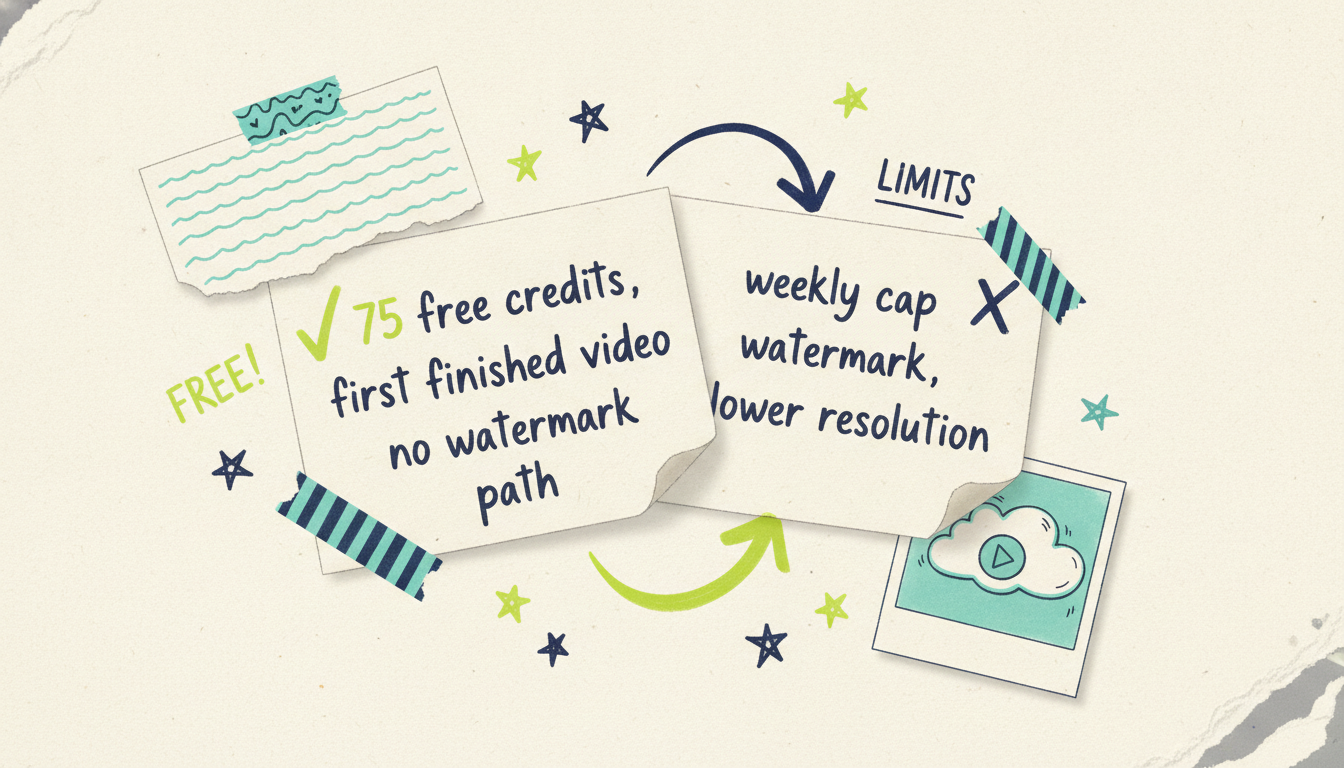
Wavemaker edits by chat. You type "make the intro longer," "swap the music for something calmer," or "cut the third scene," and it re-renders. There's no timeline to learn, no keyframes, no layers. A refine runs about 15 credits. This is fast and forgiving, and it's the right model if editing software has always felt like a wall to you.
InVideo edits on a timeline (with AI help). You can drag scenes, replace clips, adjust timing, and fine-tune manually. If you already know your way around a video editor, this is powerful and precise. If you don't, there's a learning curve, and that curve is exactly what a lot of people are trying to avoid when they reach for an "AI" video tool.
So the honest framing: InVideo gives you the steering wheel; Wavemaker drives and takes directions.
API and MCP: built for automation
This is a category where the gap is wide, and it matters more every month.
Wavemaker treats developers as first-class. There's a REST API at `/api/v1/videos` (Pro plans and up), HMAC-signed webhooks, SSE progress streaming, and a 30-requests-per-minute limit. More important, Wavemaker ships a full MCP server at `https://wavemaker.adwave.com/mcp` with OAuth 2.1 + PKCE and 13 tools (generate_video, refine_video, scrape_and_analyze, plan_video, compose_video, render_video, generate_and_render, get_cost_estimate, and more). It works in Cursor, Claude Desktop, Windsurf, or any MCP client, which means an AI agent can plan, generate, and render video as part of a larger workflow.
InVideo has an audience of creators and editors first, and its automation/API story is not the same first-class citizen. If your plan is to generate videos programmatically, run an automated channel, or wire video creation into an agent pipeline, Wavemaker is built for that today.
If you're a solo creator who never touches an API, this section won't move your decision. If you're a developer or building agentic workflows, it might be the whole decision.
The TV bridge: publishing to streaming television
Here's the differentiator neither InVideo nor most other tools have at all.
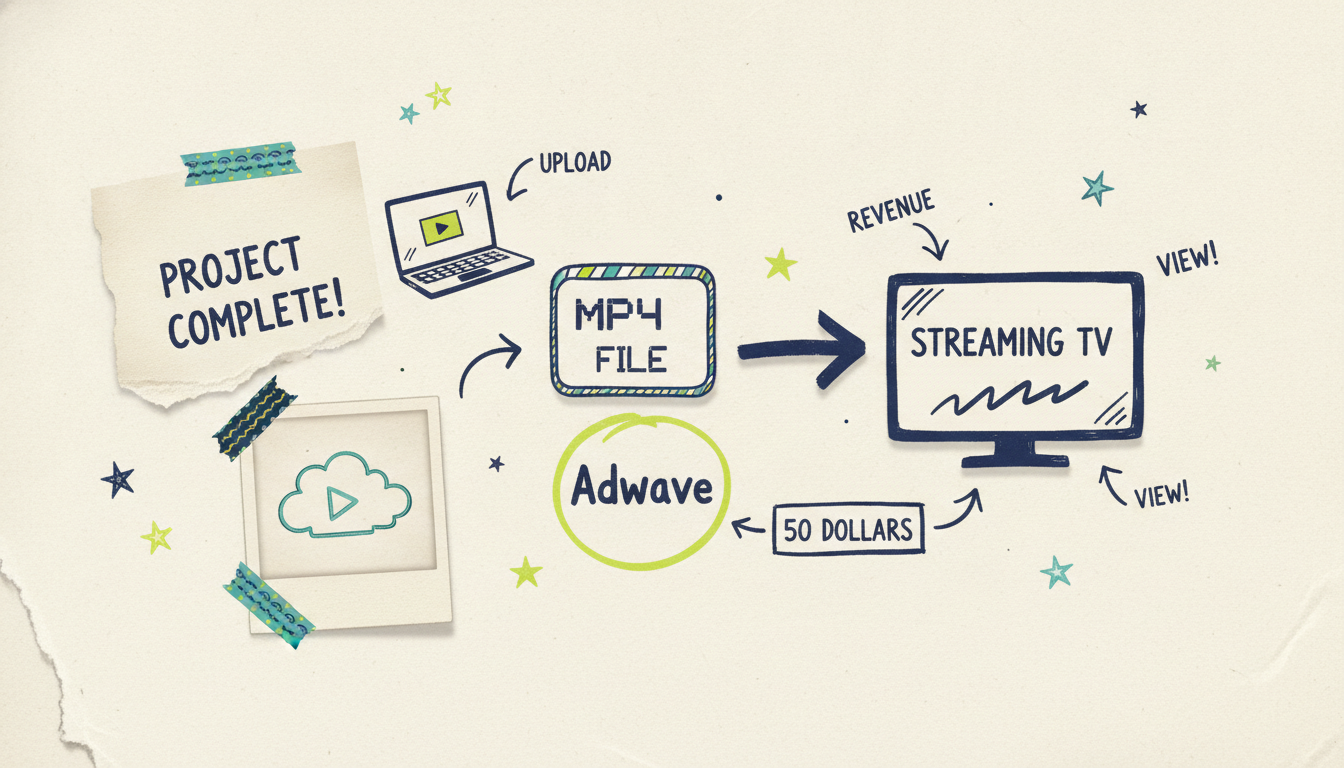
With most AI video tools, the story ends at the MP4 export. You make the file, then you're on your own to distribute it. Wavemaker's story extends further: a finished Wavemaker video can run as a real streaming TV commercial on 100+ networks through Adwave, from $50, alongside Google, YouTube, Meta, Reddit, and display. To be precise about it, the television airing happens through Adwave, Wavemaker's sister product; Wavemaker itself makes the video, and Adwave handles the media buy and gets it on streaming TV.
That means "publish" can mean television, not just a social upload. If you're a business owner or marketer who's ever wondered how a small budget could put your brand on the same screens as national advertisers, this bridge is the reason to look at Wavemaker specifically. InVideo has no equivalent; it makes videos, and where they go next is up to you.
Wavemaker vs InVideo: side-by-side
Competitor pricing and plan details are described qualitatively based on publicly reported figures as of mid-2026; check InVideo's site for current numbers.
Where InVideo wins
Fair is fair, so let's name InVideo's real strengths clearly.
Massive template library. If you like starting from a proven layout and there's a template that already fits your idea, that's a fast, low-risk path. Wavemaker's preset-driven approach is intentionally leaner.
Established and battle-tested. InVideo has been around, has a large user base, and has a lot of tutorials and community content behind it. Maturity counts.
Manual control. For people who want a timeline and enjoy editing, InVideo hands you the controls. Some projects need that precision.
Quick template-based edits. If your job is "take this script and drop it into a clean social video format," templates plus AI assistance handle that briskly.
If those describe you, InVideo is a reasonable, defensible choice, and you won't be unhappy with it.
Where Wavemaker wins
And here's where Wavemaker pulls ahead.
done-for-you. From one input to a finished video with voiceover, music, and a QC pass, without you touching a timeline.
Flexible inputs. URL, PDF, images, or existing footage in, finished video out. That range is rare.
Honest free tier. 75 free credits are enough to make and see your first real video.
Never-expiring credit packs. Buy credits, use them whenever.
Developer and agent ready. A real API and a 13-tool MCP server, documented today.
The TV bridge. The only one of the two where "publish" can mean streaming television, through Adwave, from $50.
Who should choose which
Let's make this decision easy.
Choose InVideo if you want a large template library, you enjoy (or need) manual timeline control, you're comfortable being the editor, and your videos fit established formats you can build from templates.
Choose Wavemaker if you'd rather describe what you want and get a finished video back, you want to start from a URL, PDF, or images, you value never-expiring credits and a free first video, you're building automated or agent-driven video workflows, or you want the option to put your finished video on streaming TV through Adwave.
Plenty of people will find Wavemaker's done-for-you model is exactly what they've been looking for. Others will prefer InVideo's hands-on control. Both are legitimate; the good news is you can try each free before committing a dollar.
Common questions answered
Is Wavemaker or InVideo better for beginners? It depends on what "easy" means to you. Wavemaker is easier if you want a finished video without learning any editing tools, since you just describe changes in chat. InVideo is approachable too, but its timeline gives you more to learn if you want to customize deeply. For most people who don't want to edit, Wavemaker has the gentler on-ramp.
Which one is free to use? Both offer a free plan, but they're different. Wavemaker gives you 75 credits at $0, enough to make your first real video, with a 480p watermarked export and one seat. InVideo's free plan is more limited, with weekly generation caps, watermarked exports, and lower resolution, which most reviewers say is fine for testing but not for publishing.
Do credits expire on either platform? This is a real difference. Wavemaker's credit packs never expire, and paid plans roll over 20-50% of unused monthly credits. InVideo's monthly credits generally follow a use-or-lose model, so unused allotment tends to disappear at the reset. If you create in bursts rather than steadily, Wavemaker's policy is friendlier.
Can I edit an AI video by just typing what I want to change? Yes, with Wavemaker. You type instructions like "make the intro longer" or "swap the music," and it re-renders, with a refine costing about 15 credits. InVideo relies on a timeline editor for changes, which offers more manual precision but a steeper learning curve. If you want to skip editing software entirely, chat editing is the reason to pick Wavemaker.
Which is better for developers or automated video pipelines? Wavemaker, clearly. It offers a REST API (on Pro and up), webhooks, SSE progress streaming, and a full 13-tool MCP server with OAuth 2.1, so an AI agent can generate and render video inside a larger workflow. InVideo is built primarily for creators and editors and doesn't treat programmatic automation as a first-class feature.
Can I put my video on actual TV with either tool? Only with Wavemaker, and it happens through its sister product Adwave. Once your video is finished, Adwave can run it as a streaming TV commercial on 100+ networks from $50, plus Google, YouTube, Meta, Reddit, and display. InVideo makes the video but doesn't offer a path to television.





