
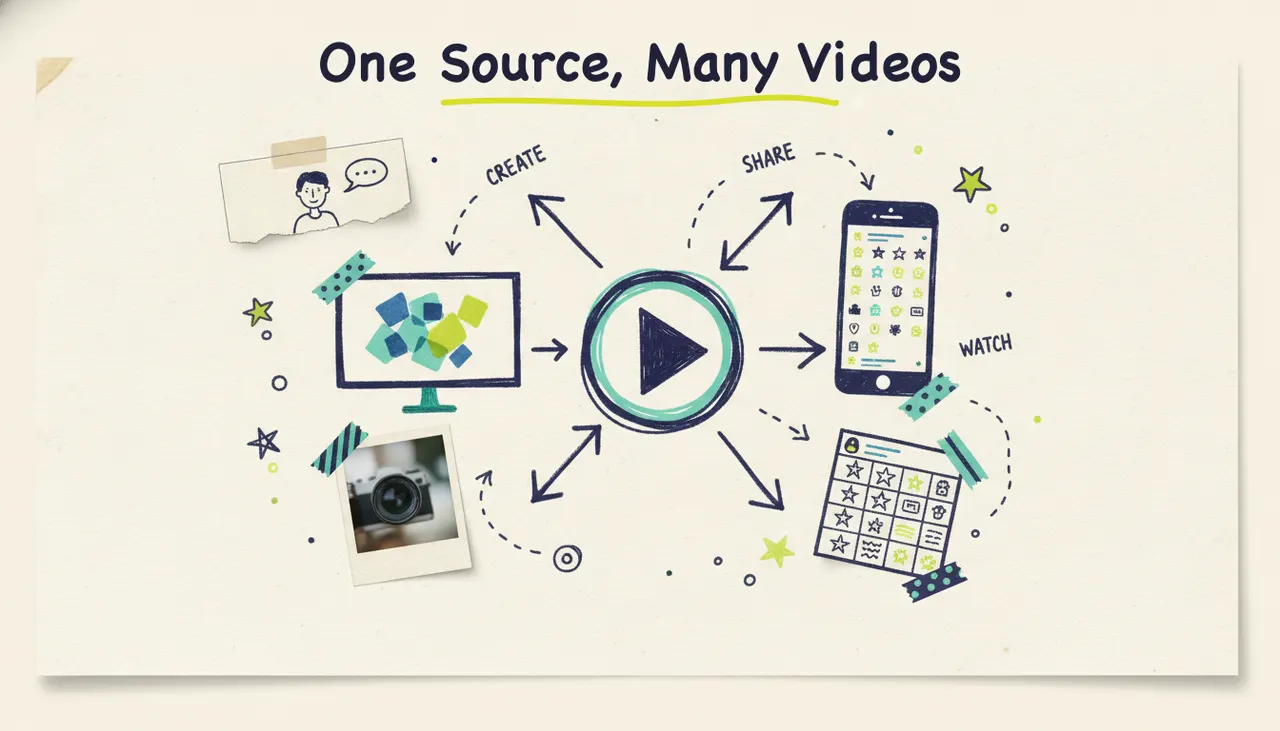
AI video repurposing means taking one source (a finished video, a blog post, a set of photos, or a single idea) and spinning it into many platform-ready versions: a wide YouTube cut, a vertical TikTok, a square feed post, a short teaser, and a longer explainer. With an agentic video creator like Wavemaker, you don't re-edit each one by hand. You feed the source once, then generate and chat-edit the variations you need. You already do the hard part when you make one good video. Repurposing is how you get paid for that work five or ten times instead of once.
Below, we'll cover why repurposing is the highest-return move in video, the strategy for turning one master into many, exactly how Wavemaker handles the heavy lifting, and a practical weekly workflow you can copy.
Why repurpose one video into many
Most people treat a video as a single deliverable. You make it, you post it once, and you move on. That's leaving reach and money on the table.
One video can't fit every platform. YouTube wants 16:9. TikTok, Reels, and Shorts want 9:16. Instagram's feed likes 1:1 or 4:5. A video sized for one is cropped, letterboxed, or awkward on the others. If you only make one aspect ratio, you're effectively choosing to look bad everywhere except one place. (For the full breakdown of dimensions per platform, see our guide to video sizes and specs.)
Every platform rewards native content. Algorithms favor video that's built for the feed it lives in: right size, right length, right hook in the first two seconds. A vertical clip with a punchy opener will outperform a re-uploaded horizontal video with black bars around it, every time.
Your best idea deserves more than one shot. People scroll fast and forget faster. Marketers have long said a message needs to be seen several times before it lands. One post is one impression. Ten versions across five platforms, spread over two weeks, is how a single idea reaches an audience.
The content ROI math is lopsided in your favor. Research and scripting are the expensive parts of making a video. Once that thinking exists, producing another cut from the same source costs a fraction of the original effort. According to Wyzowl's 2024 State of Video report, 89% of consumers say they want to see more video from brands. Repurposing is the only realistic way to meet that demand without burning out or blowing your budget.
The repurposing strategy: one master, many outputs
Decide which shorter videos you need before producing the longer version. The four steps below cover adapting one source for several formats.
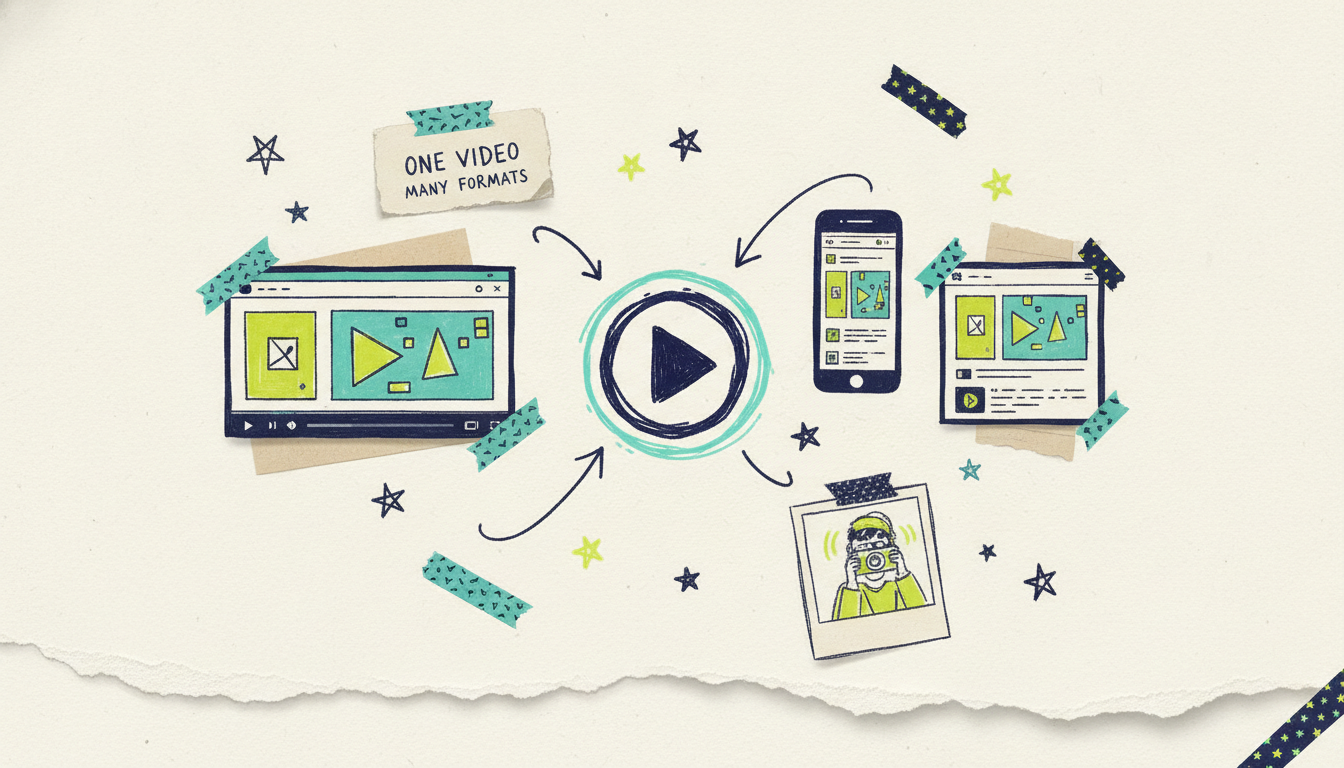
1. Start with one master (or one source)
Your source doesn't have to be a video. It can be:
A finished long-form video you already made (a talk, a webinar, a product demo, a YouTube upload).
A blog post or article you want to bring to life. (See how to turn a blog post into video.)
A set of photos or product shots that tell a story. (See photos to video with AI.)
A single idea or topic you hand to the AI to research and script from scratch.
The master is your center of gravity. Everything else is a version of it, cut, resized, or re-hooked for a specific destination.
2. Make vertical cuts from horizontal masters
The most common repurposing job is turning a wide video into vertical clips. A 10-minute horizontal video usually holds three to five self-contained moments: a strong opinion, a surprising stat, a quick how-to, a memorable line. Each one can become its own 9:16 Short or Reel with a fresh hook on top. One master, five vertical clips.
3. Build platform versions in the right sizes
Beyond aspect ratio, each platform has its own feel. A LinkedIn video leans professional and captioned for silent autoplay. A TikTok leans fast and casual. An Instagram feed post is polished and square. Same core message, tuned per platform: different framing, different pacing, different on-screen text.
4. Vary the length and the hook
Not every version should be the same length. Make a 15-second teaser, a 30-second core cut, and a 60-second deep version. Then vary the opening line: the first two seconds decide whether anyone keeps watching, so testing three different hooks against the same body is one of the cheapest ways to find what works. Repurposing isn't copy-paste. It's the same idea, dressed for the room it's walking into.
How Wavemaker does the heavy lifting
Traditional repurposing means opening a timeline editor, re-cropping, re-cutting, re-captioning, and re-exporting every single version by hand. That's hours per source. Wavemaker is an agentic video creator, an AI production team rather than an editor with AI features, so the work looks different.
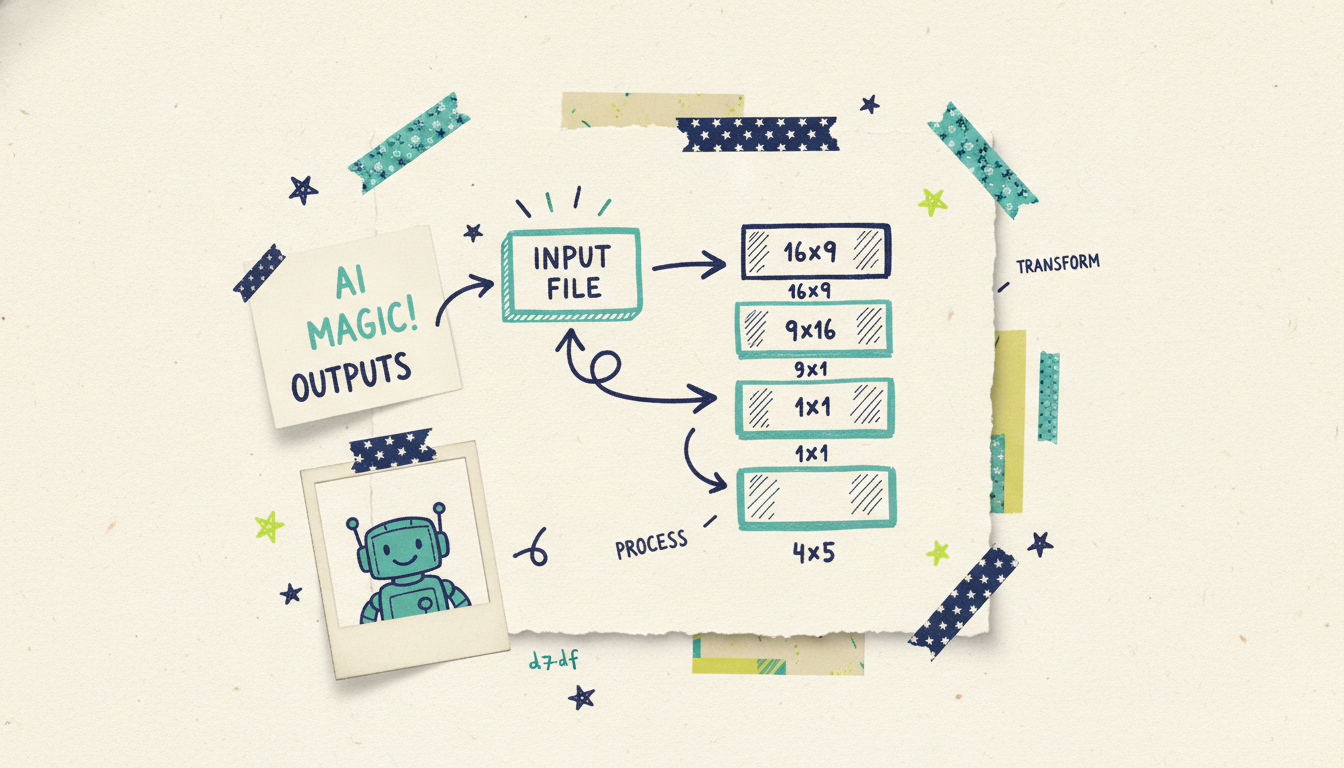
Feed your existing video (or any source) as input. Wavemaker takes any input and turns it into a video: a free-form prompt, a topic it researches and scripts for you, a URL (it scrapes brand colors, imagery, and messaging into a creative brief), documents, images, or an existing video. So your repurposing source can be the finished video you already have, the blog post behind it, the photos from the shoot, or just the idea. You're not locked into re-editing one file.
Generate platform-sized versions directly. Wavemaker outputs 16:9, 9:16, 1:1, and 4:5 natively (plus 2:3 via the API), which covers YouTube, TikTok, Instagram, the web, and TV. Instead of cropping a master down and hoping it survives, you generate a version built for each destination from the start. The full pipeline runs each time: script, AI storyboard, generated visuals, AI voiceover, BPM-aware music with audio ducking, and an AI vision QC pass. You get finished videos, not raw clips you still have to assemble.
Chat-edit the variations. This is where repurposing stops being tedious. There's no timeline. You refine with plain language: "make a 15-second version for TikTok," "swap in a punchier intro," "cut this to vertical," "make the hook about the price instead." Each edit or refine costs about 15 credits, so producing five variations of a source is fast and cheap. Want the same message with three different openers to test? Ask for three. The AI does the recut.
The credit math makes volume realistic. On the free plan you start with 75 credits, enough for your first video, at 480p with a watermark. A roughly 30-second video runs about 75 credits and a 60-second one about 150, while each edit or refine is just 15. Paid plans scale the volume: Starter is $29/mo for 500 credits and up to 1080p with no watermark, Pro is $99/mo for 2,000 credits with API and MCP access and custom voice design, and Business is $299/mo for 8,000 credits and up to 4K. Credit packs start at $9.99 for 100 and, unlike some tools, never expire. Because refines are cheap, spinning one source into a week of platform versions doesn't drain your balance.
One source, many outputs (at a glance)
Here's how a single source maps to a full week of native content.
The pattern is always the same: one source in, many native versions out, each tuned to a destination instead of forced into it.
A practical repurposing workflow and calendar
Strategy is nice, but a repeatable rhythm is what fills your feed. Here's a workflow you can run every week from a single source.
Step 1: Pick one source per week. A finished video, a blog post, a photo set, or one strong idea. Just one. The whole point is depth from a single input, not scrambling for new material every day.
Step 2: Generate the master. Feed the source to Wavemaker and produce your anchor version, usually the longest one (a full YouTube cut or a 1-2 minute explainer). Get this one right, because everything else descends from it.
Step 3: Spin off the vertical clips. Chat-edit two or three 9:16 versions: a 60-second highlight, a 30-second core cut, and a 15-second teaser. Each one gets its own hook.
Step 4: Add the platform versions. Ask for a 1:1 square for the feed and a 4:5 for Instagram. Same message, resized and repaced natively.
Step 5: Schedule across two weeks. Don't dump everything on day one. Space it out so the idea gets multiple impressions.
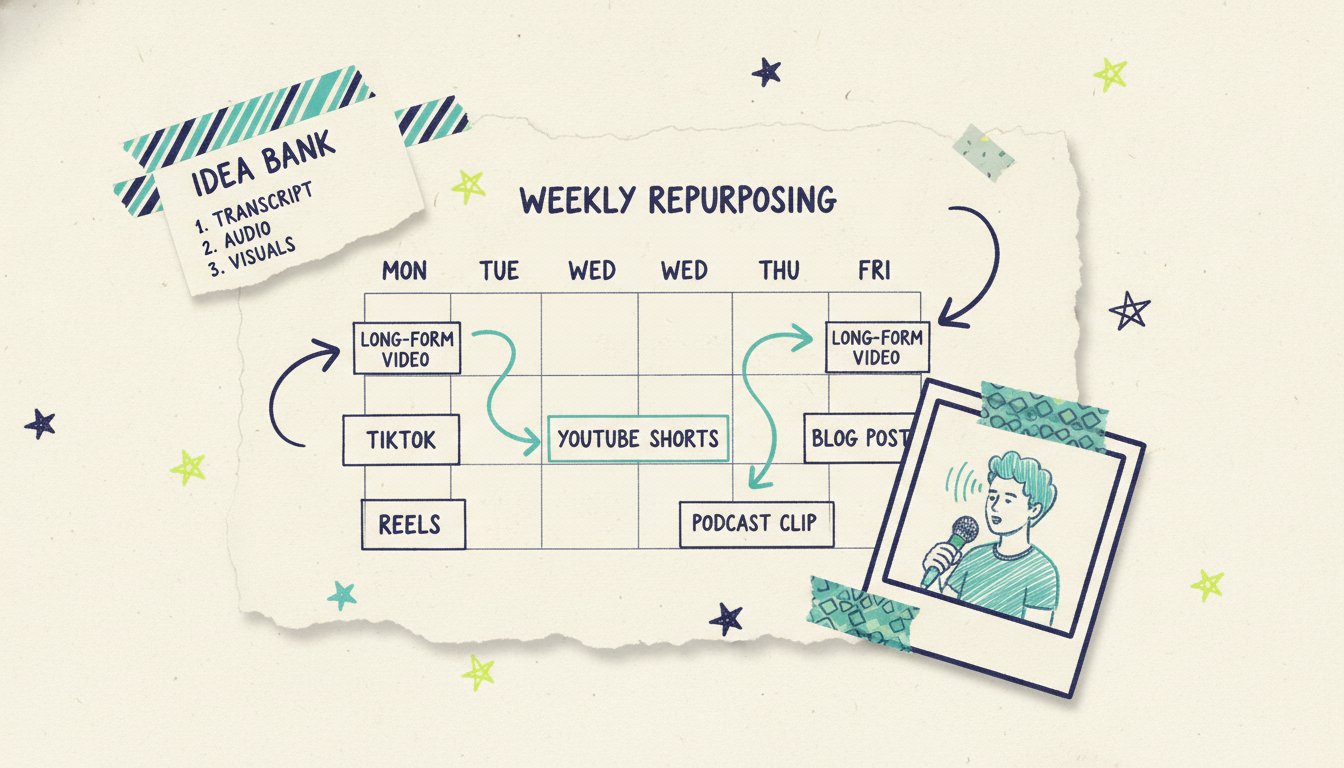
Here's a simple weekly calendar built from one source:
Monday: Full master goes live (YouTube, 16:9).
Tuesday: 60-second vertical highlight (Shorts / Reels).
Wednesday: 1:1 square summary (LinkedIn / Instagram feed).
Thursday: 15-second teaser (TikTok / Stories).
Friday: 4:5 promo cut (Instagram / Facebook).
Following week: re-share the top performer, plus a fresh hook test on the same body.
Run that loop weekly and one source becomes six-plus native posts. Fifty-two sources a year becomes a content library, all from work you were already doing.
When repurposing meets TV
Most repurposing stories end at the MP4 export. Wavemaker's doesn't have to. Once you've made a version you love, a finished Wavemaker video can run as a real streaming TV commercial on 100+ networks through Adwave, starting from $50, alongside Google, YouTube, Meta, Reddit, and display. So the same source that fed your social clips can also become a 30-second spot on streaming TV. It's the one repurposing destination no other video tool offers, and it goes through Adwave, so your idea travels from a single input all the way to the living room screen.
Common questions answered
What does AI video repurposing mean? It means taking one source (a finished video, a blog post, photos, or a single idea) and generating multiple versions of it for different platforms and formats. Instead of manually re-editing each cut, you feed the source once and produce a wide YouTube version, vertical clips for TikTok and Reels, square feed posts, and different lengths, all from the same core message.
Can I repurpose a video I already made? Yes. Wavemaker accepts an existing video as input, so a finished upload can become the source for new vertical clips, shorter teasers, or platform-sized versions. You can also start from the blog post or photos behind the original video instead of the video file itself.
How is this different from just cropping a video? Cropping only changes the frame and often cuts off important parts or leaves awkward black bars. Repurposing with Wavemaker regenerates each version natively in the right aspect ratio (16:9, 9:16, 1:1, 4:5) with its own pacing, hook, and length, so every cut is built for its destination rather than squeezed into it.
How many versions can I realistically make from one source? Enough to fill a week or more. A single 10-minute video typically holds three to five clip-worthy moments, and each can become its own vertical short. Add a square summary, a teaser, and a longer explainer, and one source easily produces six or more native posts. Because chat edits cost only about 15 credits each, the volume stays affordable.
Do I need editing skills to repurpose with AI? No. There's no timeline editor. You refine everything with plain language, like "make a 15-second vertical version" or "swap in a punchier intro," and the AI handles the recut, resize, voiceover, and music.
What's the fastest way to start? Pick one source you already have, generate a master version, then chat-edit two or three shorter or resized cuts from it. Most videos take two to five minutes to generate, so you can build a week of content in a single sitting.
Turn one idea into a whole week of video
You already do the hard part when you make one good video. Repurposing is how you get the full return on it. Feed Wavemaker one source, generate the platform versions you need, and chat-edit the rest, no timeline, no re-editing marathon.
Create your first video free with 75 credits and see how far one idea can travel. And when a version's ready for the biggest screen, Adwave can put it on streaming TV from $50.





