
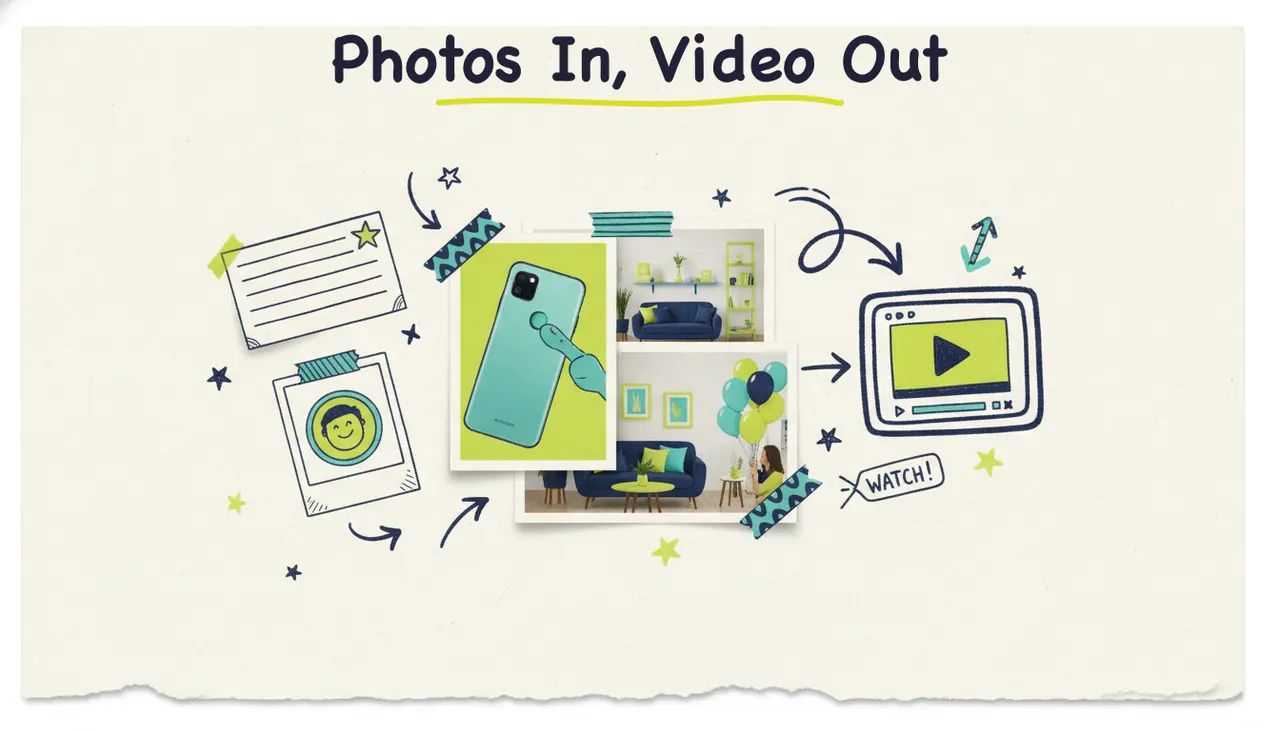
Upload your photos, get a finished video. Not a slideshow with a fade between pictures, an actual video with motion, transitions, a voiceover, and music. You hand Wavemaker a batch of images (product shots, event photos, listing photos, a portfolio) and it builds a scripted, voiced, music-backed video around them in a few minutes.
Upload photos to Wavemaker to use them in a video. Choose clear images, arrange them in the order you want, and review the generated result.
What "photos to video" means
Most tools that turn photos into a video are doing one simple trick: they line your pictures up, add a fade between them, maybe drop in a music bed, and export. That's a slideshow. It's your same still images shown one after another, and anyone watching can tell in two seconds that nothing is happening.
That's not what's happening here. Wavemaker's image input runs a real comprehension pass. It looks at your photos, understands what's in them, and figures out how they fit into a story worth telling. Then the production pipeline goes to work: it writes a script around your images, storyboards it, adds motion to your stills, generates connective visuals where they help, records an AI voiceover, scores it with music, and runs an AI vision quality-check pass before you see it.
That makes this different. A slideshow maker arranges your photos. Wavemaker interprets them and produces a video, giving your pictures motion, a narrative, a voice, and a soundtrack, then reviewing the result before handing it over.
What kinds of photo sets work (photo set to video type)
If you can upload the images, Wavemaker can build from them. What changes from one batch to the next is what kind of video comes out the other side. Here's how common photo sets map to video types.
You stay in control the whole way. The order Wavemaker chooses and the story it builds are a starting draft, not a locked decision. If it leads with the wrong shot or paces a section too fast, you tell it in plain language and it re-renders.
How to turn photos into a video, step by step
The whole flow takes a few minutes. Here's what it looks like start to finish.
1. Select and upload your photos
Choose the images that carry the story, the one step that matters most. Fifteen sharp, varied, well-lit photos beat fifty near-duplicates. Pick shots that show different angles, moments, or features, and skip the blurry ones and accidental repeats. A tighter set gives the AI a tighter brief.
2. Order them (or let Wavemaker do it)
If your photos have a natural sequence (rooms in a walkthrough, a before and after, a chronological event), put them in that order and Wavemaker follows your lead. If they don't, hand over the batch and let the AI sequence them into a story arc. Either way, you can reorder by chatting after you see the first cut.
3. Pick your format and goal
Choose an aspect ratio for where the video's going: 16:9 for YouTube and the web, 9:16 for TikTok and Reels, 1:1 or 4:5 for feed posts. Then tell Wavemaker what you want it to do. "Make a 30-second promo for this product" produces a sharper video than leaving it open, because the goal shapes the pacing, script, and tone.
4. Let the pipeline run
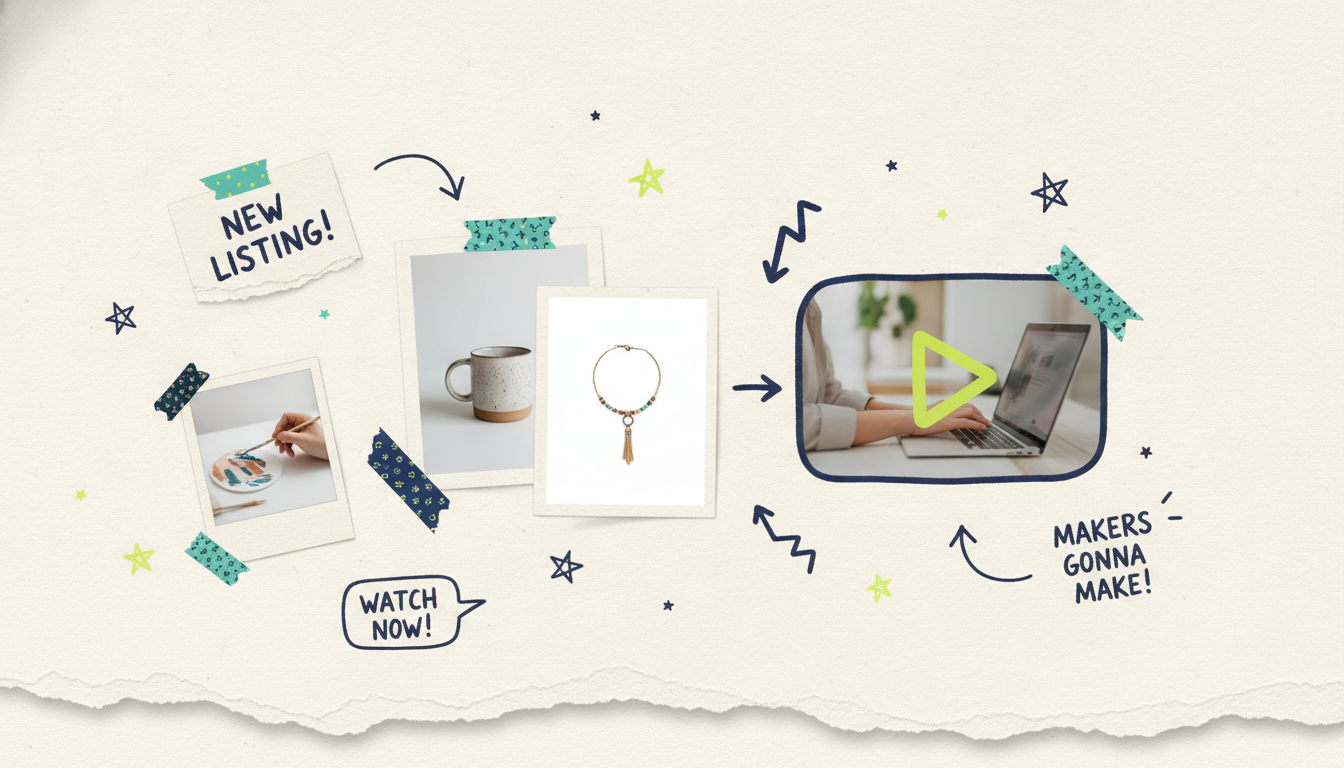
This is where the AI production team goes to work. Wavemaker writes a script around your photos, storyboards it across one of 21 presets, adds motion to your stills, generates connective visuals (with subject consistency so recurring people, products, and places stay coherent shot to shot), records an AI voiceover, and scores it with BPM-aware music that ducks under the narration. An AI vision QC pass reviews the result before it hands it to you. Most videos land in two to five minutes.
5. Refine by chatting
Watch it back, then talk to it. "Lead with the exterior shot." "Slow down the middle section." "Swap the music for something calmer." There's no timeline to learn and no clips to drag. You describe the change and Wavemaker re-renders. A refine pass costs a fraction of a full generation, so trying a few versions is cheap.
6. Export and publish
Export up to 4K on paid plans. The free tier exports at 480p with a watermark, plenty for a first test. From there it's yours: post it, embed it on a listing or product page, add it to a portfolio, or, if you're a business, send it further than the web. We'll get to that.
How subject consistency works (and why it matters)
Here's a problem that quietly wrecks a lot of AI video: the same product looks different in every shot, a person's face shifts scene to scene, or a room changes color halfway through. When a tool animates visuals without tracking what should stay the same, your video feels stitched together from mismatched parts.
Wavemaker's pipeline uses subject consistency to hold recurring elements steady. If your product appears in five shots, it stays recognizably the same product. If a person shows up in multiple frames, they keep their look. In a real estate walkthrough, the space stays coherent instead of morphing between rooms. That's what lets your photos become a video that feels directed rather than assembled.
Consistency also means your actual images stay recognizable. The photos you uploaded are the anchor. The motion, transitions, and connective visuals are built around them, so the finished video still shows your product, your property, your event, your work.
Where photos to video works best
This input mode fits a lot of jobs that share one trait: you've got great images and no easy way to turn them into video.
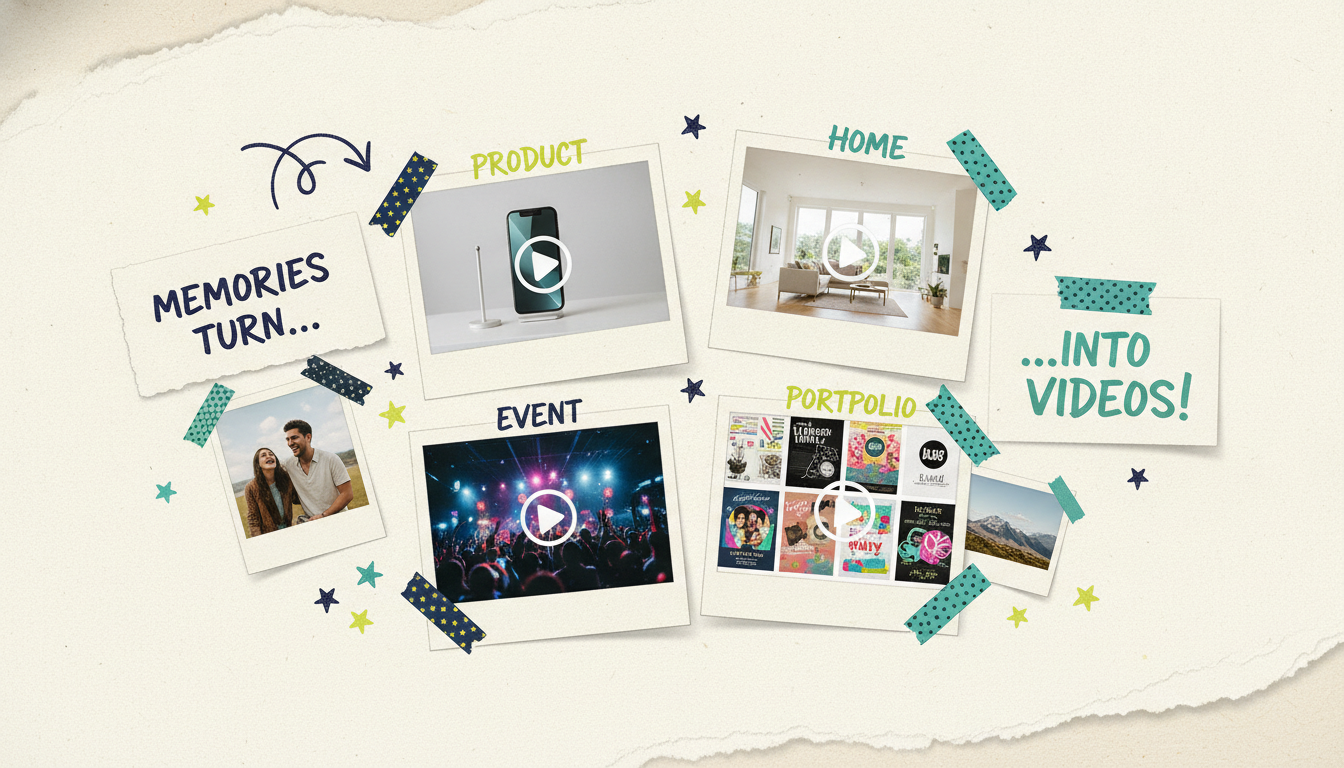
Turn product shots into a product video. You paid for good photography, and it's sitting on a product page doing one job. Upload the shots, ask for a 30-second promo, and you've got a video that highlights features with motion and a voiceover, ready for social, a landing page, or an ad.
Turn listing photos into a real estate walkthrough. Feed in a listing's professional photos and Wavemaker sequences the rooms into a narrated walkthrough with motion, so buyers experience the flow of a home instead of clicking through a gallery. It's a video listing without hiring a videographer.
Turn event photos into a recap. After a wedding or a launch party, you've got hundreds of photos and no time to edit. Upload the best of them and get back a recap with a story arc, pacing, and music, the kind of video people rewatch.
Turn a portfolio into a reel. Designers, photographers, and artists can turn work samples into a portfolio video with transitions and voiceover, a stronger way to present your work in a pitch or a social bio than a static grid.
The demand is real. In Wyzowl's 2024 survey, 89% of consumers said watching a video convinced them to buy a product or service (Wyzowl, State of Video Marketing 2024). The bottleneck was always production, and photo input removes it, because the visuals are already in your camera roll.
How to select and order photos for better results
The quality of the video tracks the quality of the photo set, so a little curation goes a long way.
Pick sharp, well-lit shots. Blurry or low-resolution images limit what the pipeline can do. Your cleanest photos give the motion and transitions more to work with.
Vary your angles and moments. A set that shows different views, features, or moments produces a richer video than fifteen near-identical frames.
Cut the duplicates. Three almost-identical shots just make the AI choose one and skip the rest. Curate before you upload.
Set the goal and audience. "Make a promo for first-time homebuyers" changes how the AI paces and narrates a listing video. The clearer the target, the sharper the result.
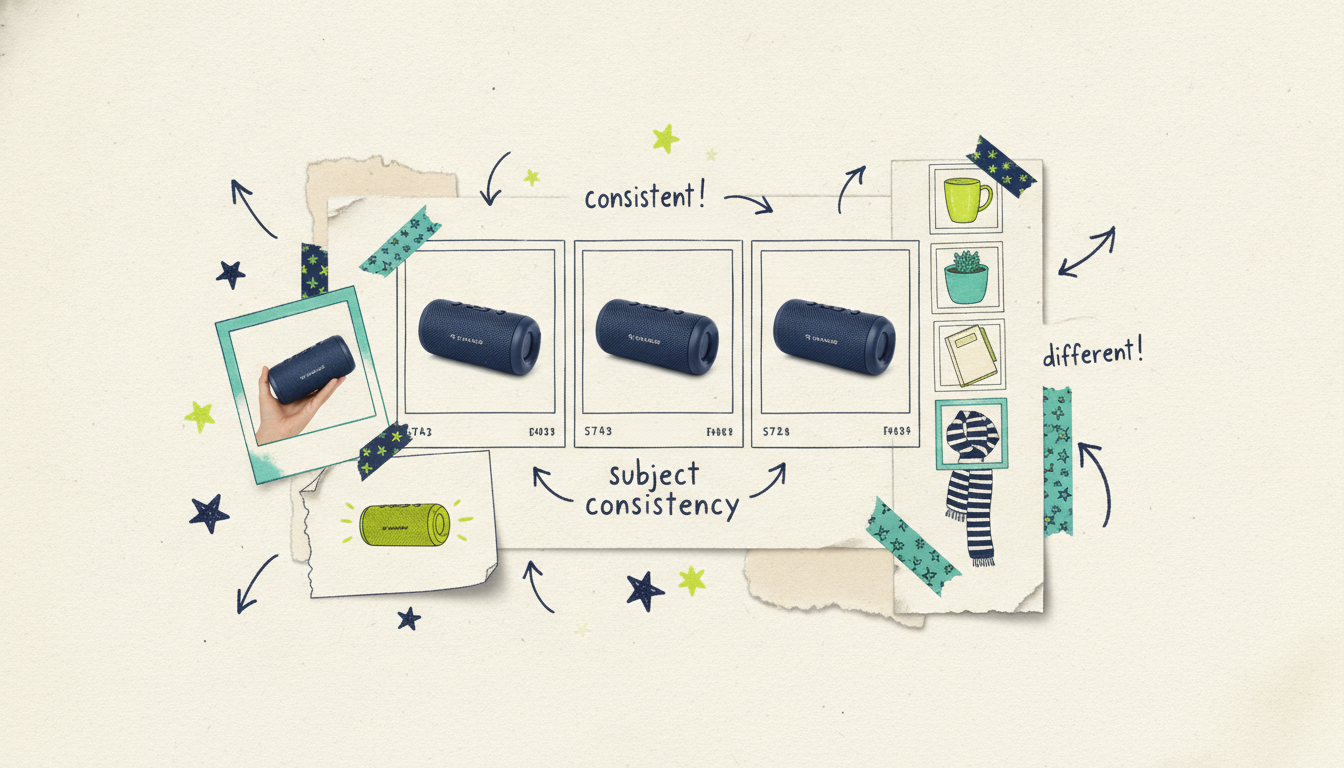
Photo input vs basic photo-slideshow makers
It's worth being direct about the difference, because on the surface these look like the same product. Slideshow makers (the ones built into phones, Canva-style templates, and dedicated apps) take your photos, add a transition and a music track, and export. The photos stay still. The "video" is your images on a timer. That's fine for a quick keepsake, but nobody mistakes it for a produced video.
Wavemaker generates a real video from your photos instead of arranging them. The pipeline adds motion to your stills, writes and records a voiceover, builds connective visuals, keeps recurring subjects consistent, scores it with BPM-aware music, and runs an AI vision QC pass before delivery. You're not watching a slideshow. You're getting a directed video built around your images.
The other gap is what happens after the export. A slideshow app hands you an MP4 and the story ends. With Wavemaker, if you're a business, it keeps going, all the way to television. And photos are just one door in: you can also start from a URL or from your documents, and the same pipeline finishes the job.
From photos to a real TV commercial
Here's where a photo-generated video goes somewhere most tools can't follow. If you're a business, that finished video doesn't have to stop at a social post or a listing page.
Through Adwave, the same 30-second video can run as a real streaming TV commercial on 100+ premium networks, from $50, alongside Google, YouTube, Meta, Reddit, and display. So the path is this: upload your product shots or listing photos, get a branded video in minutes, and put it in front of viewers on connected TV, without a production crew, an agency retainer, or a five-figure budget. Wavemaker makes the video from your photos; Adwave handles putting it on TV.
Common questions answered
Is this just a slideshow maker? No. A slideshow maker shows your still photos in sequence with a transition and a music bed. Wavemaker adds motion to your images, writes and records a voiceover, builds connective visuals, scores it with music, and runs a quality-check pass, producing a directed video rather than pictures on a timer.
How many photos do I need? There's no strict minimum, but a curated set works best. A dozen or so sharp, varied photos usually produce a stronger video than a few near-duplicates or a huge unfiltered dump. Pick the images that carry the story before you upload.
Will my actual photos still show up, or does it replace them? Your photos are the anchor. Wavemaker builds motion and connective visuals around your images and uses subject consistency to keep recurring products, people, and places recognizable, so the finished video still clearly shows your product, property, event, or work.
Can I control the order of the photos? Yes. Upload them in the order you want and Wavemaker follows that sequence, or hand over the batch and let the AI arrange them into a story. Either way you can reorder after the first cut just by chatting, "lead with the exterior shot," and it re-renders.
Is it really free to try? Yes. The free plan gives you 75 credits, enough for your first video, with a 480p export and a watermark. Paid plans start at $29/mo for up to 1080p, no watermark, and more credits, with up to 4K on higher tiers.
Can I turn my photo video into a TV ad? If you're a business, yes. A finished Wavemaker video can run as a real streaming TV commercial on 100+ networks through Adwave, starting at $50, plus other channels like Google, YouTube, and Meta. Wavemaker makes the video from your photos; Adwave handles putting it on TV.





