
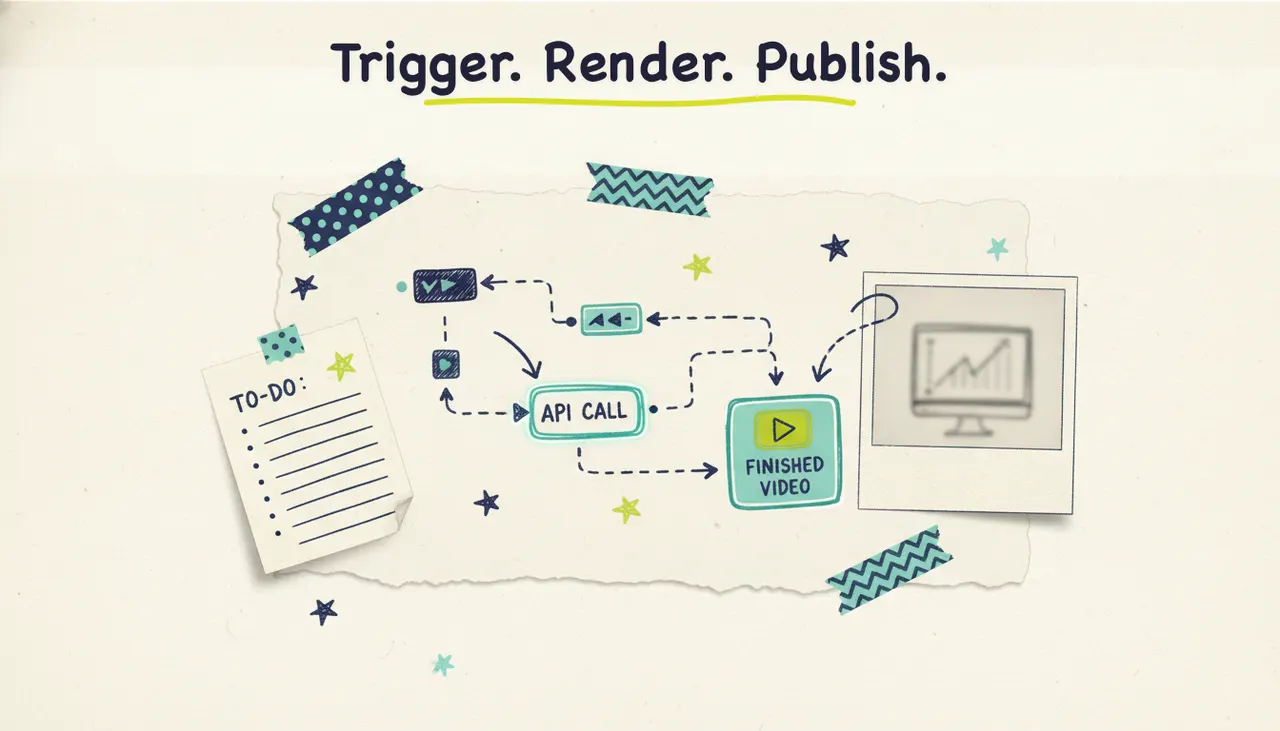
Want a fresh video every time you publish a blog post, add a product, or close a deal in your CRM? You can build that today. Wire Wavemaker's REST API into a n8n workflow, and an AI agent will research, script, and render a finished video whenever a trigger fires, no timeline editor, no manual export, no human in the loop. This tutorial walks through the automation pattern: what to trigger on, how to call the API, how to wait for the finished video, and where to send it once it's done.
About automated video: most tools stop at a clip or a stock-footage slideshow, so you still have to assemble the pieces yourself. Wavemaker runs the whole pipeline (script, generated visuals, voiceover, music, and an AI vision QC pass) behind a single API call. That's what makes it worth automating. One request in, one finished video out.
What you can automate
Automated video creation shines anywhere you already have a repeatable event and a data source. If something happens on a schedule or fires a webhook, it can trigger a video. A few patterns worth building:
The common thread: you're turning a structured event into a creative brief, then letting the AI production team take it from there. That's the priority.
The Wavemaker API in one minute
The API is available on Pro and Business plans. A few facts to build against:
Endpoint: REST at `/api/v1/videos`. You POST a request describing the video you want, and you get back a job you can track.
Inputs: the same inputs the app supports. A free-form prompt, a topic the AI researches and scripts, a URL it scrapes for brand colors and messaging, or documents and images you pass along.
Progress: Wavemaker streams progress over SSE (server-sent events), so you can watch a job move through scripting, storyboard, rendering, and QC in real time.
Completion: HMAC-signed webhooks fire when the video is done. The signature lets you verify the payload really came from Wavemaker before you act on it.
Rate limit: 30 requests per minute. Plenty for event-driven automation. If you're generating a large batch, add a small delay between requests so you stay under the ceiling.
Generation takes 2 to 5 minutes for most videos, which is why the webhook pattern matters. You don't want your workflow sitting there polling. You want to fire the request, let it go, and pick the job back up when the "done" event arrives.
For the full request and response shapes, see the video generation API guide. This tutorial focuses on the automation wiring.
The workflow pattern
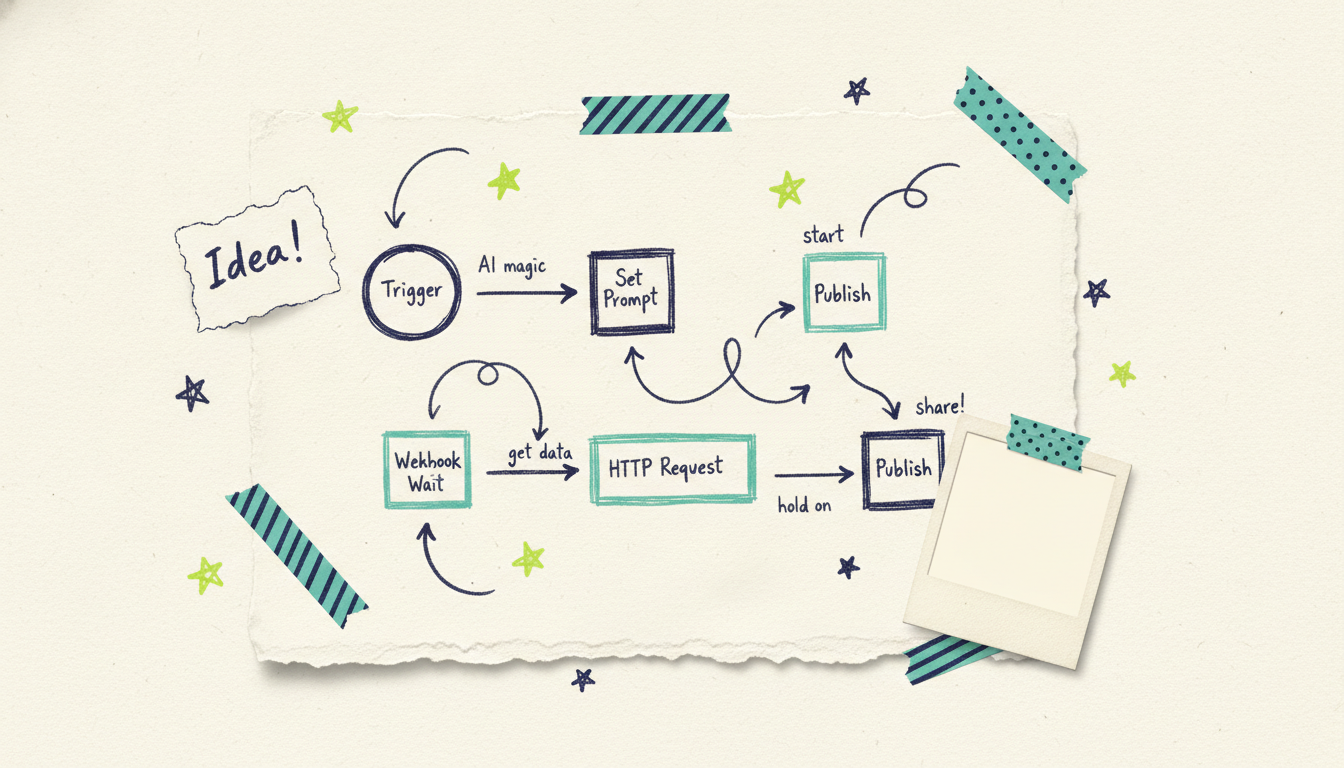
An automated video workflow typically follows these five steps:
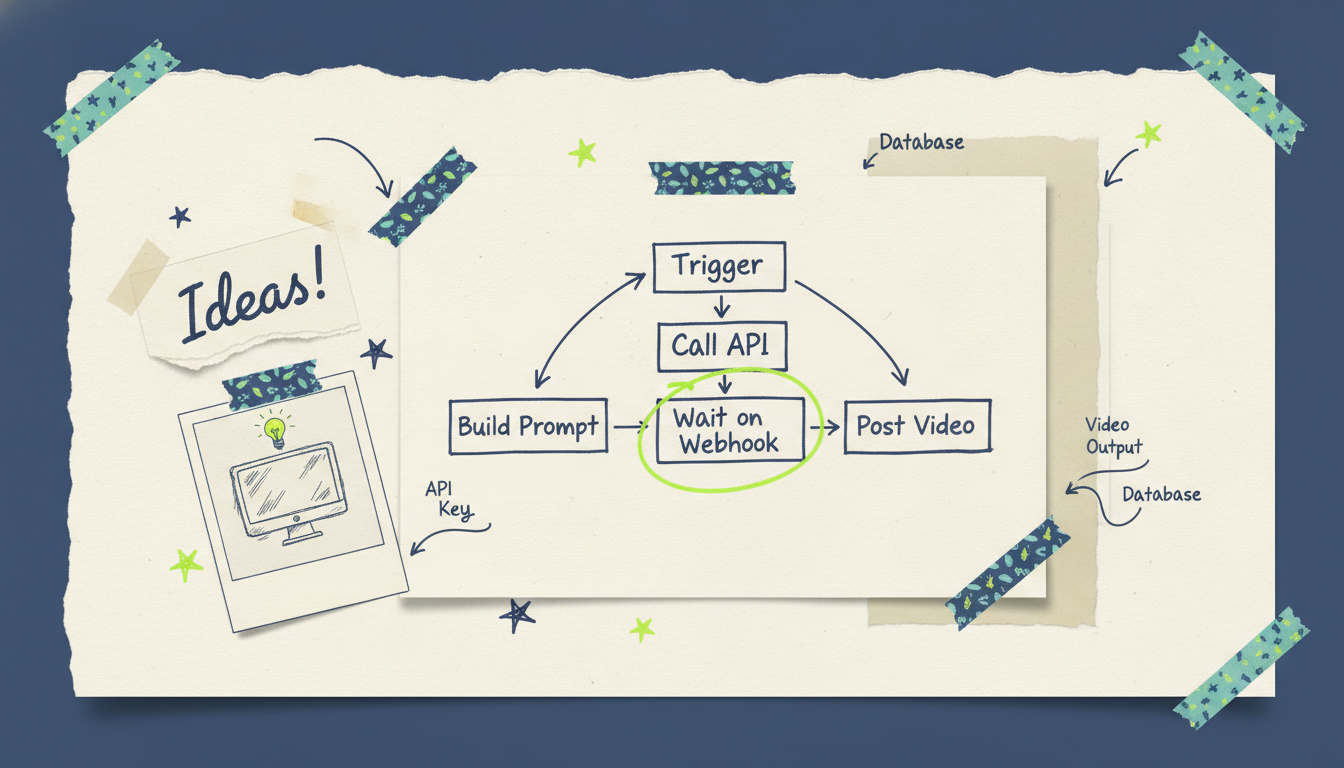
1. Trigger. Something happens: a webhook fires, an RSS item appears, a cron timer hits, a new row lands. In n8n, this is your trigger node (Webhook, RSS Feed Trigger, Schedule, or an app node like Shopify or HubSpot).
2. Build the prompt. Take the event data and shape it into a creative brief. For a blog post, that might be the title, a URL, and the aspect ratio you want. A Set or Function node is enough. This is where you decide what the video should say and how it should look.
3. Call the API. POST to `/api/v1/videos` with your prompt or URL, aspect ratio, and a webhook URL for the completion callback. Use n8n's HTTP Request node with your API key in the Authorization header. The response hands back a job ID.
4. Wait on the webhook. Instead of blocking, split the flow. A second n8n workflow (or a Wait node set to resume on a webhook) listens for Wavemaker's HMAC-signed completion callback. Verify the signature, then grab the finished video URL from the payload.
5. Post the finished video. Do something with it. Upload to YouTube, post to social via your scheduler, attach it to an email, drop the URL back into your CMS, or hand it to the next automation.
That's the pattern. Trigger, build, call, wait, post. Everything else is detail.
Wiring it in n8n
Here's how the nodes map to real n8n building blocks. Treat the config below as illustrative, adjust field names to match the current API guide.
The trigger node. Say you want a video for every new blog post. Point an RSS Feed Trigger at your blog's feed, or have your CMS POST to a n8n Webhook node on publish. Either way, you get the new post's title and URL into the workflow.
The prompt-builder node. Add a Set node that constructs your API payload from the trigger data. For a blog recap, the cleanest approach is to pass the article URL and let Wavemaker scrape it:
{
  "sourceUrl": "{{ $json.link }}",
  "prompt": "A 45-second summary video of this blog post for LinkedIn",
  "aspectRatio": "16:9",
  "webhookUrl": "https://your-n8n.example.com/webhook/wavemaker-done"
}
The API call node. An HTTP Request node, method POST, URL `https://wavemaker.adwave.com/api/v1/videos`, with `Authorization: Bearer YOUR_API_KEY` in the headers and the JSON above as the body. n8n sends the request; the response includes a job ID you can log.
The completion listener. Create a second workflow with a Webhook node at the path you registered (`/webhook/wavemaker-done`). When Wavemaker finishes, it POSTs the signed payload here. Add an HMAC verification step (a Function node that recomputes the signature from the raw body and your signing secret) so you only trust genuine callbacks. Then pull the finished video URL.
The publish node. Wire the video URL into wherever it belongs: a YouTube node, a social scheduler, a Gmail node, or an HTTP Request back to your CMS. Done.
If you'd rather watch progress live instead of waiting on a webhook, you can consume the SSE stream, but for hands-off automation the webhook split is simpler and more reliable. Let the trigger fire and forget; let the callback do the rest.
Going agentic with the MCP server
The API is perfect for deterministic "when X, make Y" flows. But if you want an AI agent to decide what video to make, reach for the MCP server.
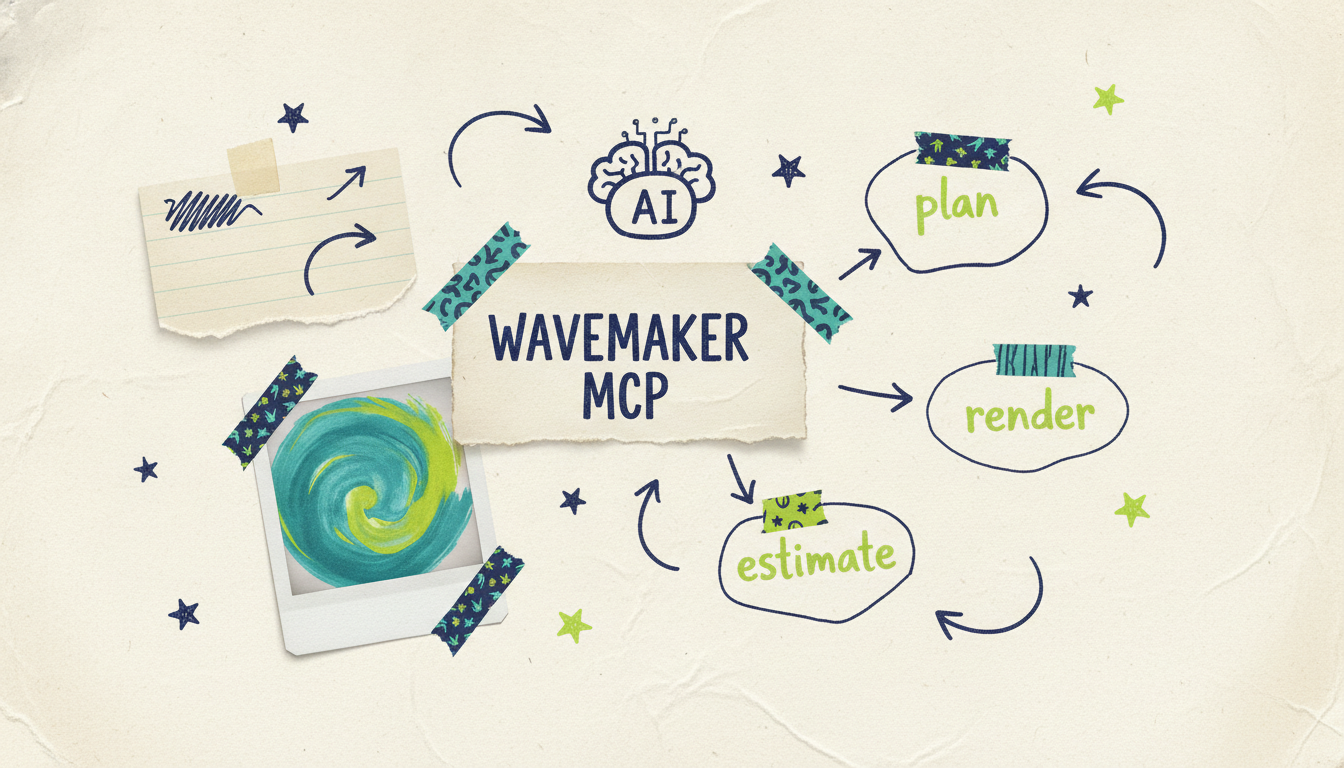
Wavemaker exposes a Model Context Protocol server at `https://wavemaker.adwave.com/mcp` with OAuth 2.1 and PKCE. It ships 13 tools, including `generate_video`, `refine_video`, `scrape_and_analyze`, `plan_video`, `compose_video`, `render_video`, `generate_and_render`, and `get_cost_estimate`. Connect it to Cursor, Claude Desktop, Windsurf, or any MCP client, and the agent can plan and produce video as part of a larger reasoning loop.
The two approaches combine nicely. Use n8n for the plumbing (triggers, scheduling, retries, posting) and let an MCP-connected agent handle the creative judgment inside a step. An agent might read your analytics, pick the three posts worth promoting this week, call `get_cost_estimate` to stay on budget, then fire `generate_and_render` for each. For a full walkthrough of the agent side, see generating videos from Claude with the MCP server.
A few things to get right
Handle credits. Each request spends credits (roughly 75 for a 30-second video, 150 for 60 seconds). Pro includes 2,000 credits a month with 20% rollover; Business includes 8,000 with 50% rollover and webhooks built in. If you're automating high volume, top up with credit packs (from $9.99 per 100), which never expire. Call `get_cost_estimate` before big batches so nothing surprises you.
Respect the rate limit. 30 requests per minute is generous, but a batch job can blow through it. Add a small delay or queue node between calls when you're generating many videos at once.
Verify webhooks. Always check the HMAC signature before acting on a completion callback. It's a few lines of code and it keeps spoofed payloads out of your pipeline.
Start small. Build one trigger end to end (one blog post to one video to one post) before you scale it to your whole catalog. Automation multiplies both good workflows and bad ones.
From automated video to television
Once your pipeline is producing finished videos on autopilot, there's one more step most tools can't offer. A finished Wavemaker video can run as a real streaming TV commercial on 100+ networks through Adwave, starting from $50, alongside Google, YouTube, Meta, Reddit, and display. So the same automation that fills your social calendar can also feed a paid distribution engine. The pipeline doesn't have to stop at an MP4.
Common questions answered
Do I need to know how to code to automate video with n8n? Not really. n8n is a visual, node-based tool, so most of the workflow is drag-and-drop. You'll write a little JSON for the API payload and a short function to verify the webhook signature, but you don't need to build an app from scratch. If you can follow a recipe, you can build this.
Which Wavemaker plan do I need for the API? API access starts on the Pro plan at $99/mo, which includes 2,000 credits a month, MCP access, and priority generation. Business at $299/mo adds webhooks natively, up to 4K export, and a much larger credit allowance. The Free and Starter plans don't include API access.
How long does each video take to generate? Most videos finish in 2 to 5 minutes. That's why the webhook pattern is the right design for automation: you fire the request, let the job run, and resume your workflow when Wavemaker's completion callback arrives, rather than making your automation sit and poll.
Can I use tools other than n8n? Yes. The pattern (trigger, build prompt, call API, wait on webhook, post) works in Make, Zapier, Pipedream, or your own backend code. n8n is a convenient, self-hostable choice, but the REST API and HMAC webhooks are standard, so any orchestration tool that can send an HTTP request and receive a webhook will work.
What's the difference between using the API and the MCP server? The API is for deterministic automation: a fixed trigger produces a fixed kind of video. The MCP server is for agentic flows where an AI decides what to make, using tools like `plan_video` and `get_cost_estimate` inside a reasoning loop. Many pipelines use n8n for the plumbing and an MCP-connected agent for the creative decisions.
Can I generate personalized videos at scale? Yes. Point a trigger at a data source (a CRM, a spreadsheet, an Airtable base) and build the prompt from each record. Every new row or stage change fires its own API call, so you can produce one tailored video per customer, per deal, or per signup. Just mind the 30-requests-per-minute limit and your credit balance on large batches.
Ready to build your first automated pipeline? Create your first video free with 75 credits, then head to the developer docs to grab your API key and get wiring.





