
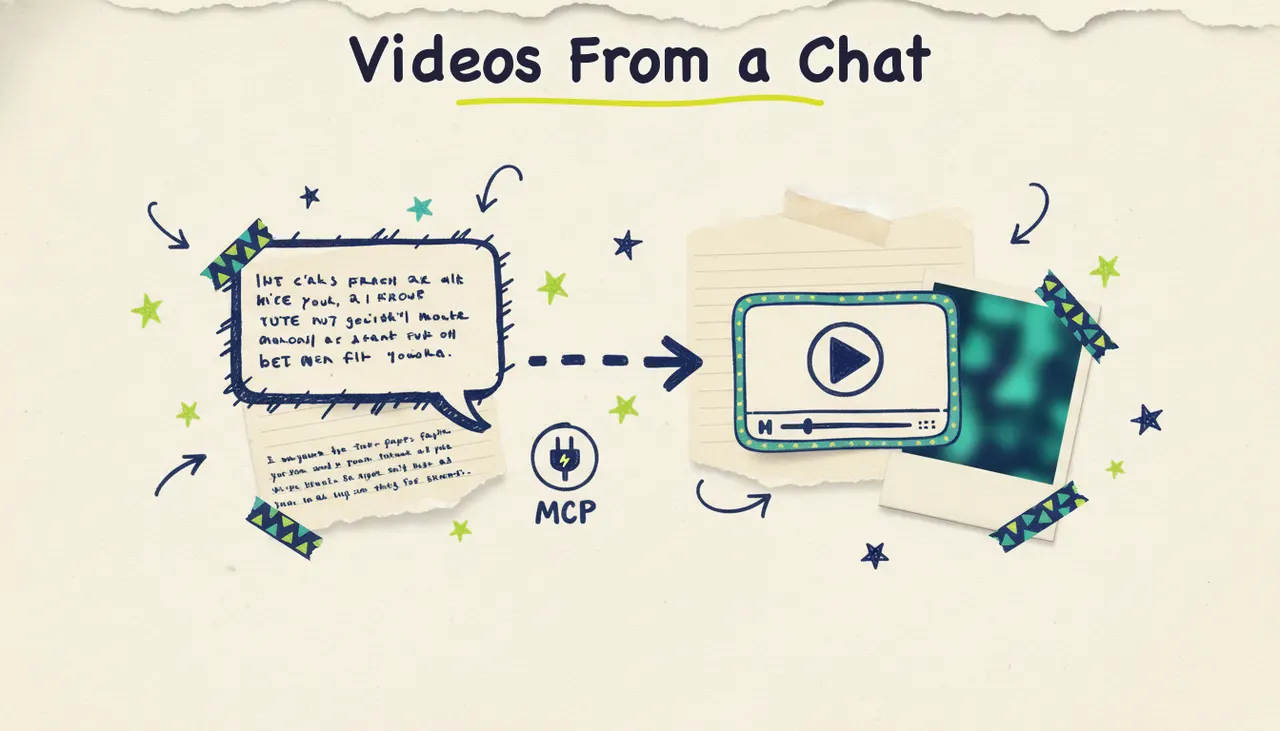
You can generate a finished video straight from a conversation with Claude, no dashboard, no browser tab, no exporting and re-importing. Connect Wavemaker's MCP server to Claude Desktop (or Cursor, or Windsurf), then ask in plain English: "Turn this blog post into a 30-second video." Claude calls the tools, Wavemaker builds the video, and you get a link back in the same chat.
Wavemaker's MCP server lets compatible assistants generate, edit, and render videos through tool calls.
What is MCP (the short version)
MCP stands for Model Context Protocol, an open standard for connecting AI assistants to external tools and data. Think of it as a universal adapter: instead of every app building a custom integration for every AI client, a service publishes one MCP server, and any MCP client (Claude Desktop, Cursor, Windsurf, and a growing list of others) can talk to it.
When you connect an MCP server, the assistant "sees" the tools that server offers. You describe what you want in natural language, the assistant decides which tools to call and in what order, and the results come back into your conversation. You never touch the API directly.
For video, this matters. Video generation is a multi-step pipeline: research, script, storyboard, visuals, voiceover, music, quality check, render. With MCP, you hand the whole job to the assistant and let it coordinate the steps.
Meet Wavemaker's MCP server
Wavemaker is an agentic video creator. You give it an idea, a URL, a document, or an image, and an AI production team handles script, generated visuals, voiceover, BPM-aware music, and an AI vision QC pass. The result is a finished video in a few minutes, not a pile of clips to assemble.
The MCP server lives at:
``` https://wavemaker.adwave.com/mcp ```
It uses OAuth 2.1 with PKCE for authentication, which is the modern, secure standard your MCP client already knows how to handle. You won't paste an API key into a config file. Instead, the first time you connect, your client opens a browser window, you approve access to your Wavemaker account, and a token gets stored securely. That's the whole handshake.
MCP access is available on the Pro plan ($99/mo) and up. If you're just trying things out, create your first video free on the web (75 credits to start), then upgrade when you're ready to wire it into your agent workflows.
The MCP tools, and what they do
The server exposes 13 tools. Some are single-step (estimate a cost, refine an existing video), and some run the whole pipeline end to end. You rarely call these by name yourself. You describe the outcome you want, and Claude picks the right tool. But it helps to know what's under the hood.
Notice the pattern. There's a "do everything" tool (`generate_and_render`) for when you just want a finished video, and granular tools (`plan_video`, `compose_video`, `render_video`) for when you want to review each stage. The `get_cost_estimate` tool matters more than it looks: it lets the assistant tell you what something will cost in credits before it spends any.
Connecting Wavemaker to your MCP client
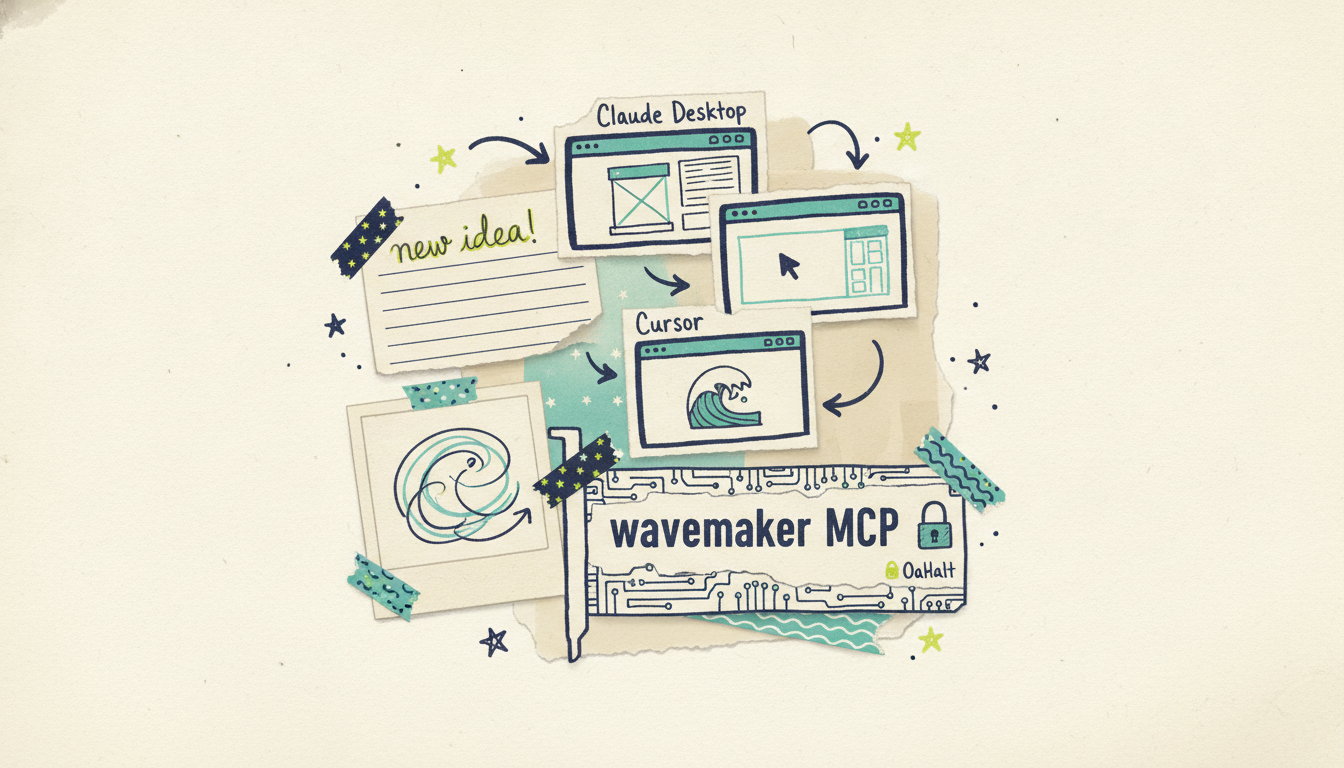
The exact steps vary slightly by client, but the shape is the same everywhere: point the client at the server URL, complete the OAuth login, done.
Claude Desktop
Claude Desktop supports remote MCP servers through its connector settings. You add a new connector, give it a name (something like "Wavemaker"), and provide the server URL:
``` https://wavemaker.adwave.com/mcp ```
Save it, and Claude Desktop launches the OAuth flow. A browser window opens, you sign in to Wavemaker and approve the connection, and control hands back to Claude. The Wavemaker tools now show up in your available tools. No API keys, no manual token handling.
Cursor
Cursor connects to MCP servers through its MCP settings. You add a server entry that references the same URL, Cursor runs the OAuth handshake, and the tools become available to the agent in your editor. If you want a step-by-step walkthrough with editor-specific screenshots, see our guide on how to generate videos in Cursor.
Windsurf
Windsurf follows the same remote-MCP pattern. Add the server, point it at the URL, complete OAuth, and the 13 tools are ready to call from Cascade.
A note on config: because Wavemaker uses OAuth 2.1 + PKCE, you supply the server URL and let the client manage authentication. You don't hand-edit API keys or secrets into a JSON file. The URL above is the one value you need. Your client fills in the rest.
Example prompts that trigger video generation
Once you're connected, you talk to your assistant the way you'd talk to a capable teammate. Here are prompts that map cleanly onto the tools above. Notice you never mention tool names.
Generate from a topic:
"Make me a 30-second video explaining how compound interest works. Upbeat, plain language, for a general audience."
Claude calls `plan_video` to draft the script, then `generate_and_render` to build it.
Generate from a URL (brand extraction):
"Turn https://myshop.example.com into a promo video that matches the site's look and messaging."
Claude calls `scrape_and_analyze` first to pull brand colors and copy, then generates a video that fits.
Turn a document into a video:
"Here's our product one-pager (attached). Make a 60-second explainer from it."
Check the cost before spending credits:
"Before you build it, how many credits will a 60-second video at 1080p cost?"
Claude calls `get_cost_estimate` and reports back. For reference, a ~60-second video runs 150 credits, and a 1080p export adds 10.
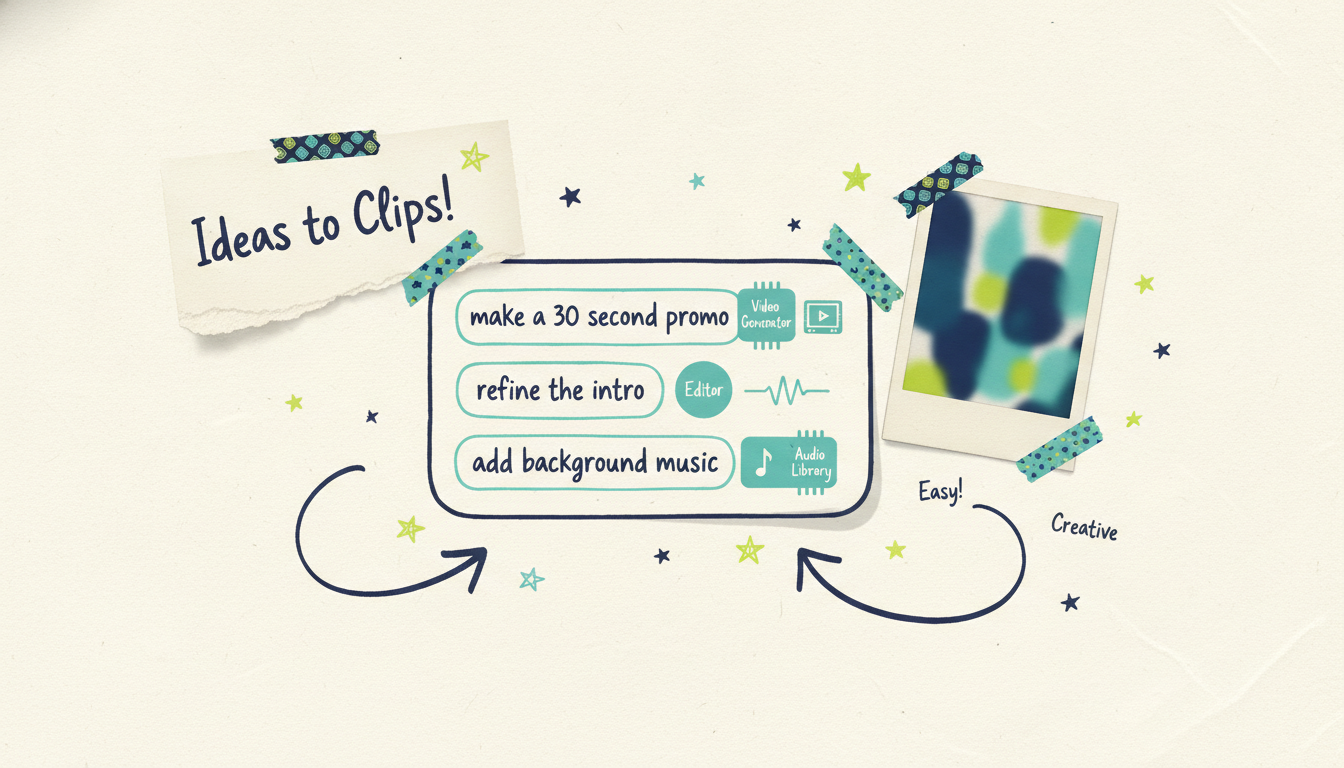
Refine what you got:
"The intro drags. Make it punchier and swap in more energetic music."
Claude calls `refine_video` on the existing video (a refine runs 15 credits), so you're not regenerating from scratch.
Chain it into a bigger workflow:
"For each of these five blog URLs, generate a short vertical video and give me the links."
This is where MCP shines. The assistant loops through the list, calls the tools for each item, and hands you a batch of finished videos, all from one instruction.
Why an agentic, MCP-first approach matters
You could do all of this through Wavemaker's REST API. It's there (the video generation API guide covers it in full, with endpoints, webhooks, and SSE progress streaming). But the API and MCP solve different problems.
The API is for code you write and deploy: a backend service that generates videos on a schedule, a content pipeline triggered by a webhook, a product feature. The MCP server is for conversations. It lets a human (or another agent) get video work done in natural language, with the assistant handling orchestration on the fly.
Here's why that's the right bet:
No glue code for one-off work. When you just need a video now, writing an API integration is overkill. Ask Claude, get the video. The friction drops to near zero.
The assistant handles the multi-step logic. Video generation isn't one call. It's plan, then generate, then maybe refine, then render. An agent sequences those steps, reacts to results, and retries if something needs adjusting. With MCP, that orchestration is built into the interaction.
It composes with everything else in the chat. Your assistant can research a topic, draft a script, generate the video, and help you write the caption, all in one thread. The video step is just another tool in a larger workflow. That's the whole promise of the agentic era: tools that snap together.
It's where the ecosystem is going. Most video tools that mention MCP shipped a landing page and stopped. Wavemaker shipped a working 13-tool server with real OAuth, callable today. If you're building agent workflows, you want a video primitive that already speaks the protocol your stack speaks.
And there's a capstone worth knowing about. A finished Wavemaker video doesn't have to end as an MP4. Through Adwave, that same video can run as a real streaming TV commercial on 100+ networks, from $50, plus Google, YouTube, Meta, Reddit, and display. So an agent workflow that generates a video can, in principle, feed straight into a distribution workflow that airs it. Few creation tools can say the story continues past the export.
Common questions answered
Do I need to write any code to generate videos from Claude? No. Once the MCP server is connected, you generate videos entirely through natural-language chat. The assistant calls the tools for you. Writing code is only necessary if you're building a deployed integration, in which case the REST API is the better fit.
Which plan do I need for MCP access? MCP access is available on the Pro plan ($99/mo) and above. The free plan lets you create your first video on the web (75 credits to start) so you can try Wavemaker before wiring it into your agent setup.
How does authentication work? Wavemaker's MCP server uses OAuth 2.1 with PKCE. The first time you connect, your client opens a browser window where you sign in and approve access. A secure token is stored automatically. You don't paste API keys into config files.
Can I use this in clients other than Claude Desktop? Yes. The server works with any MCP-compatible client, including Cursor, Windsurf, and others. The connection pattern is the same: add the server URL, complete the OAuth login, and the tools become available.
Will I know the cost before credits are spent? Yes. The `get_cost_estimate` tool lets the assistant tell you the credit cost for a given length and resolution before generating. Just ask, and the assistant checks before it commits anything.
What's the difference between the MCP server and the REST API? The MCP server is built for conversational, agent-driven work where an assistant orchestrates the steps for you. The REST API is built for code you write and deploy (scheduled jobs, backend services, product features). Many teams use both.
Start generating videos from your assistant
Point your MCP client at `https://wavemaker.adwave.com/mcp`, complete the OAuth login, and ask for your first video in plain English. For full setup details, tool references, the REST API, and webhook docs, head to the Wavemaker developer hub.





