
Want to generate a finished video without leaving your editor? Connect Wavemaker's remote MCP server to Cursor and you can trigger full video production straight from the agent chat. Type a prompt, paste a URL, or point at a doc, and Cursor's agent calls Wavemaker to research, script, generate visuals, add voiceover and music, and run a QC pass. The result comes back as a finished video, not a stack of clips you still have to assemble.
About building in 2026: your IDE has become the control panel for a lot more than code. Cursor's agent already talks to your database, your deploy pipeline, and your issue tracker through MCP. Video generation is just one more capability you can wire in. This guide walks through why you'd want it, how to add the Wavemaker MCP server in Cursor, the prompts that trigger generation, and how to pair MCP with the REST API when you move to production.
This is the Cursor-specific companion to two other Wavemaker dev guides. If you're on Claude, see generating videos from Claude via MCP. If you're building a backend service instead of working in an editor, the video generation API guide covers the REST endpoints directly. This post stays focused on the Cursor workflow.
Why generate video from your IDE
Most developers don't think of video as something that lives in their build pipeline. That's usually because video tools have historically lived behind a web UI with a timeline editor, disconnected from everything else you ship. MCP changes the shape of the problem. Once Wavemaker is a set of callable tools inside Cursor's agent, video becomes just another artifact your workflow can produce.
A few concrete reasons builders reach for this:
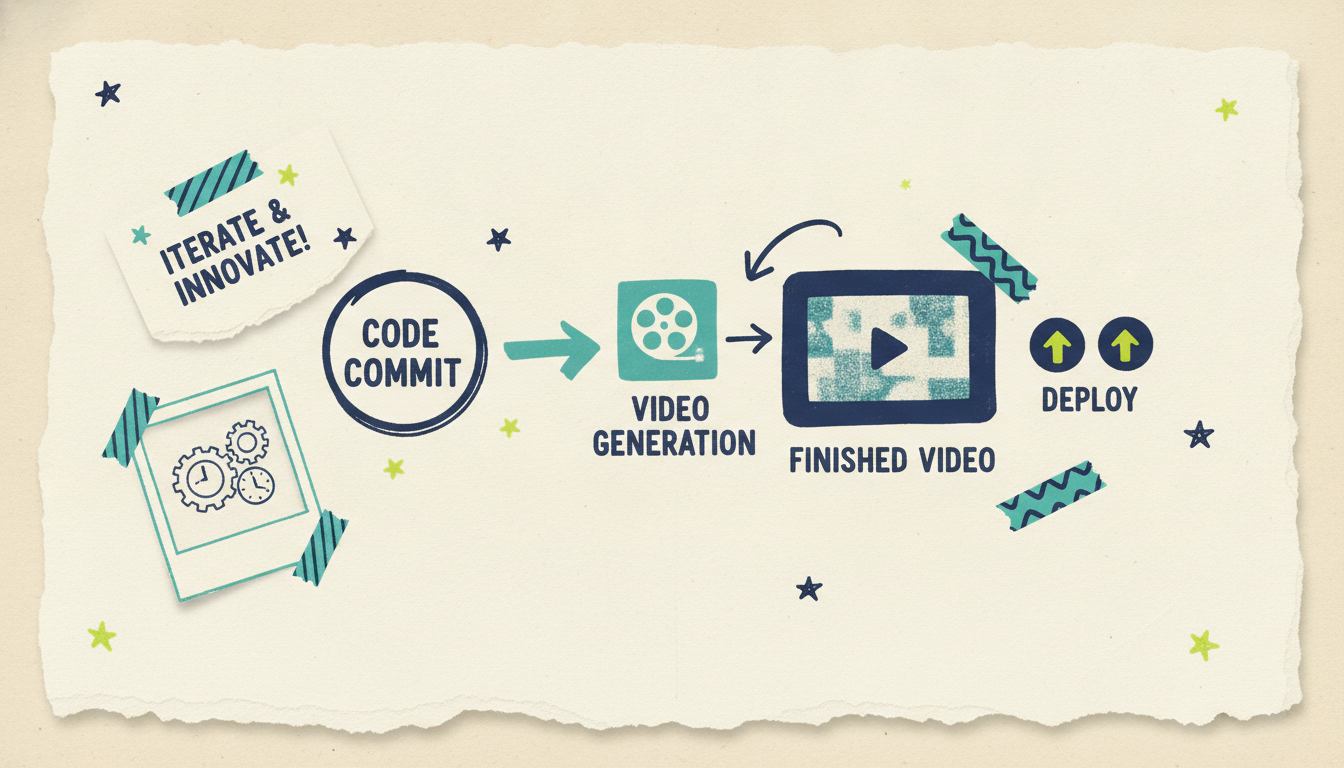
Automate content that ships alongside your product. If you're already generating release notes, changelogs, or docs in your repo, you can generate a companion video in the same session. Merge a feature, then ask Cursor's agent to turn the changelog entry into a 30-second explainer. No context switch, no separate tool.
Keep marketing and docs videos in the loop with the code. Product demos and feature announcements go stale the moment the UI changes. When video generation lives next to your source, you can regenerate a walkthrough as part of the same PR that changed the feature. The video stays as current as the code.
Prototype before you build a pipeline. Before you commit to a full backend integration with the REST API, MCP lets you test prompts, storyboards, and formats interactively, then port those exact patterns into production code.
Build agent workflows that include video. If you're building your own agents, MCP gives them a video capability without you writing a single HTTP client. The agent decides when to generate, calls the tool, and handles the result. Cursor is a great place to design and debug those flows before they run headless.
None of this requires you to learn a video editor. The whole point of Wavemaker is that it's agentic: you describe what you want in plain language and an AI production team handles the rest.
How to add the Wavemaker MCP server in Cursor
Wavemaker runs a remote MCP server, so there's nothing to install locally and nothing to keep running on your machine. You point Cursor at a URL and authenticate. Here's how the connect flow works.
1. Add the remote MCP server. In Cursor's settings, open the MCP configuration and add a new remote server pointing at:
``` https://wavemaker.adwave.com/mcp ```
Cursor supports remote MCP servers over HTTP, so this is the whole endpoint. You give the server a name (something like `wavemaker`) and save it.
2. Authenticate with OAuth. The Wavemaker MCP server uses OAuth 2.1 with PKCE, which means you don't paste an API key into a config file. When Cursor first connects, it kicks off a browser-based sign-in. You log in to your Wavemaker account, approve the connection, and the OAuth flow hands a scoped token back to Cursor automatically. PKCE handles the secure exchange without a client secret, which is exactly what you want for a desktop app like Cursor. Tokens refresh on their own, so you connect once and forget about it.
If you've connected other OAuth-based MCP servers in Cursor, this will feel familiar: click connect, approve in the browser, done. If it's your first, the flow is the standard authorization-code-with-PKCE handshake that most modern remote MCP servers use.
3. Confirm the tools loaded. Once authenticated, Cursor discovers the server's tools. Wavemaker exposes 13 of them, including `generate_video`, `refine_video`, `scrape_and_analyze`, `plan_video`, `compose_video`, `render_video`, `generate_and_render`, and `get_cost_estimate`. You don't call these by name in normal use. Cursor's agent picks the right tool based on what you ask. But it's worth knowing they're there, because the granular tools (plan, compose, render separately) give you control when you want to inspect the storyboard before spending credits on a full render.
A note on plans: MCP access is a Pro-tier feature. The Free and Starter plans don't include it. Pro ($99/mo) unlocks API and MCP access along with priority generation and custom voice design. If you're evaluating, you can still create your first video free on the web (75 credits, enough for one video) before deciding whether the developer tooling fits your workflow.
Example prompts to trigger generation from Cursor's agent
Once the server's connected, you drive everything from natural language in the agent chat. The agent maps your request to the right Wavemaker tool. Here are prompts that work well, grouped by input mode.
From a free-form prompt:
Generate a 30-second explainer video about our new webhook retry feature. Developer audience, clean and technical tone, 16:9.
From a URL (brand extraction):
Scrape https://ourproduct.com and generate a 60-second promo video that uses our brand colors and messaging. Vertical 9:16 for social.
Wavemaker's `scrape_and_analyze` tool pulls brand colors, imagery, and messaging into a creative brief, then generates from that. Handy when you want the video to match an existing site without you specifying every detail.
From a document in your repo:
Take the contents of CHANGELOG.md and turn the latest release section into a short feature-announcement video.
Estimating cost before you commit:
How many credits would a 60-second 1080p video cost?
The agent calls `get_cost_estimate` and answers before you spend anything. For reference: a roughly 30-second video runs about 75 credits, 60 seconds about 150, an image is 3, and a refine or edit is 15. Exports are priced by resolution (480p free, 720p 5 credits, 1080p 10, 4K 25).
Refining with chat editing:
Make the intro two seconds longer and swap the background music for something more upbeat.
This is one of Wavemaker's core advantages. There's no timeline to learn. You refine in plain language and the `refine_video` tool applies the change. In Cursor, that means you iterate on a video the same way you iterate on code with the agent: describe the change, review the result, repeat.
Inspecting the plan before rendering:
Plan a video about our API rate limits but don't render it yet. Show me the storyboard first.
Using `plan_video` and holding off on `render_video` lets you check the script and storyboard before committing credits. Good practice when you're dialing in a template you'll reuse.
Pairing MCP with the REST API and webhooks for production
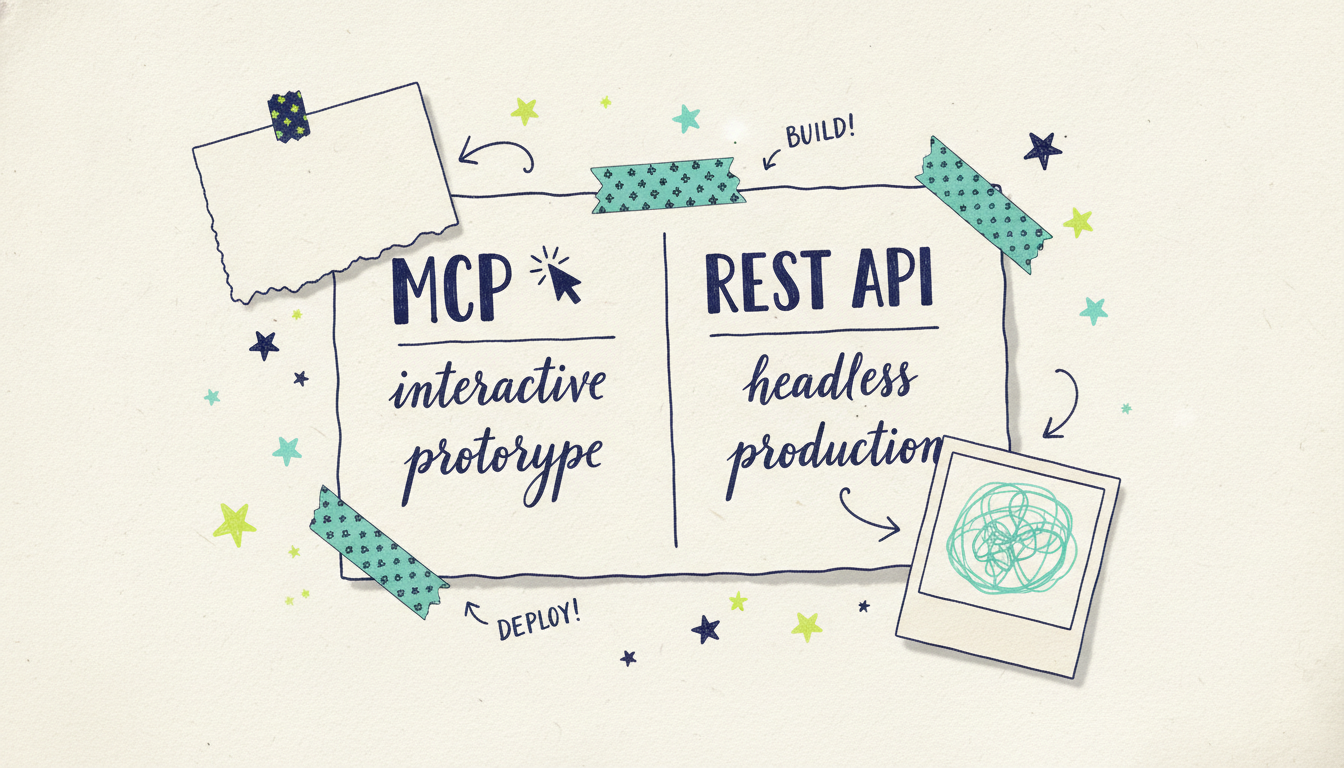
MCP is fantastic for interactive work: prototyping, one-off videos, refining creative while you're in the editor. But when you're ready to generate video as part of an automated, headless pipeline, you'll want the REST API. The two are complementary, and most builders use both.
Here's the pattern that works. You use Cursor and MCP to figure out what a good video looks like for your use case: the prompt structure, the format, the tone, the storyboard preset. Once you've nailed it interactively, you move that exact recipe into backend code that calls the REST API. The API lives at `/api/v1/videos`, is available on Pro and up, and is built for programmatic generation at 30 requests per minute.
For production you'll lean on two API features MCP doesn't need:
HMAC-signed webhooks. Video generation takes a couple of minutes. In an automated pipeline you don't want to block on that. Register a webhook and Wavemaker calls your endpoint when the video's ready. The payload is HMAC-signed so you can verify it came from Wavemaker before acting on it. Webhooks are available on the Business tier.
SSE progress streaming. If you want live progress rather than a single done-callback (say, to update a UI while a video renders), the API streams progress over server-sent events. This is closer to the experience you get in Cursor, where the agent shows generation happening in real time.
MCP vs REST API: when to use which
The short version: prototype in Cursor with MCP, ship with the REST API. You don't have to choose one forever. Many teams keep MCP connected for quick asks and content experiments while a production service handles the bulk generation through the API.
If you want the full endpoint reference, request and response schemas, webhook signature verification, and the complete tool list, head to the Wavemaker developer docs.
Common questions answered
Do I need to install anything to use Wavemaker in Cursor?
No. Wavemaker's MCP server is remote, hosted at `https://wavemaker.adwave.com/mcp`. You add the URL in Cursor's MCP settings and authenticate through your browser. There's no local server to run, no package to install, and nothing to keep alive on your machine.
Which Wavemaker plan do I need for MCP access in Cursor?
MCP and API access start on the Pro plan at $99/mo, which also includes 2,000 credits a month, priority generation, and custom voice design. The Free and Starter tiers don't include MCP. You can still create a video free on the web with 75 starter credits to try the product before upgrading.
How does authentication work without an API key?
The MCP server uses OAuth 2.1 with PKCE. When Cursor first connects, it opens a browser sign-in, you approve the connection to your Wavemaker account, and a scoped token is handed back to Cursor automatically. PKCE secures the exchange without needing a client secret, and tokens refresh on their own so you only connect once.
Should I use MCP or the REST API?
Use MCP in Cursor for interactive work: prototyping prompts, generating one-off videos, and designing agent workflows. Use the REST API at `/api/v1/videos` for production pipelines that generate video headlessly, where you'll want HMAC-signed webhooks and rate limits built for automation. Most builders prototype with MCP, then move the proven recipe into REST API code.
Can I edit a video after it's generated, from inside Cursor?
Yes. Wavemaker's `refine_video` tool handles natural-language edits, so you can ask the agent to "make the intro longer" or "swap the music" without any timeline editor. Each refine costs about 15 credits and applies the change to your existing video.
What can I make with these videos?
Anything from feature-announcement clips and product promos to docs walkthroughs and social content. And because Wavemaker produces finished videos, a completed video can also run as a real streaming TV commercial on 100+ networks through Adwave, from $50, if you ever want to take a product launch to television. That bridge goes through Adwave; the video generation itself happens in Wavemaker.
Start building
Connect the Wavemaker MCP server to Cursor and you turn your editor into a video production endpoint. Prototype interactively, then graduate to the REST API and webhooks when you're ready for a production pipeline.
Ready to wire it up? Grab the full setup steps, tool reference, and API docs at wavemaker.adwave.com/developers.





