
Want the short version? Start with an idea or a link, hand it to an AI video creator like Wavemaker, and you get a finished vertical 9:16 Reel with voiceover, music, and captions in a few minutes. Then you refine it by chatting ("make the hook punchier"), export it, and post. That's the whole workflow. No timeline, no stock-footage slideshow, no all-nighter in an editing app.
Create a vertical video in Wavemaker, review it on your phone, and export it for Instagram Reels. You can also prepare several scripts together and produce them in a batch.
What makes a great Instagram Reel
Before you generate anything, it helps to know what you're aiming for. A Reel that performs usually nails a few things, and none of them are complicated.
A hook in the first 1-2 seconds. People decide whether to keep watching almost instantly. Your opening frame and first line have to earn the next three seconds. Lead with the payoff, a bold claim, a question, or motion. "Here's the mistake killing your reach" beats "Hi everyone, today I want to talk about."
Vertical 9:16, full screen. Reels are built for phones held upright. Shoot, generate, and export at a 9:16 aspect ratio (1080x1920 is the standard). Anything square or horizontal wastes screen space and signals "recycled from somewhere else," which the algorithm and your audience both notice.
Short enough to finish. Instagram supports Reels up to 3 minutes, but completion rate matters more than length. For most creators and businesses, keeping Reels under about 90 seconds (often 15 to 60) keeps people watching to the end, and watch-through is one of the strongest signals you can send.
Captions on screen. A large share of people watch with the sound off, especially on the first pass. On-screen captions keep them with you and make your Reel accessible. Burned-in, easy-to-read captions are close to non-negotiable in 2026.
Trend awareness. You don't have to chase every trend, but riding a relevant audio, format, or topic while it's hot gives your Reel a distribution tailwind. Trends move fast, so the faster you can produce, the more you can catch them at the right moment. This is exactly where AI speed pays off.
A reason to act at the end. Follow, save, comment, visit the link, try the thing. One clear call to action beats a scattered list.
Hitting all six by hand takes time you don't always have. AI lets you produce Reels that check every box, at a pace that feeds the algorithm.
Reel ideas and formats that work
Staring at a blank page is the hardest part. Here's a table of proven Reel formats with the hook approach that fits each. Use it as a starting menu, whether you're a creator building an audience or a business filling your feed.
Notice that most of these live in the 15-to-60-second range. That's the sweet spot for completion. Pick a format, lock the hook, and the rest of the script writes itself, or you let the AI write it for you.
How to make an Instagram Reel with AI, step by step
This is where AI changes the math. Instead of filming, cutting, adding captions, and hunting for music across separate apps, you describe what you want and an AI production team assembles the whole thing. Here's the workflow using Wavemaker, the agentic video creator.
Step 1: Start from an idea, a topic, or a link
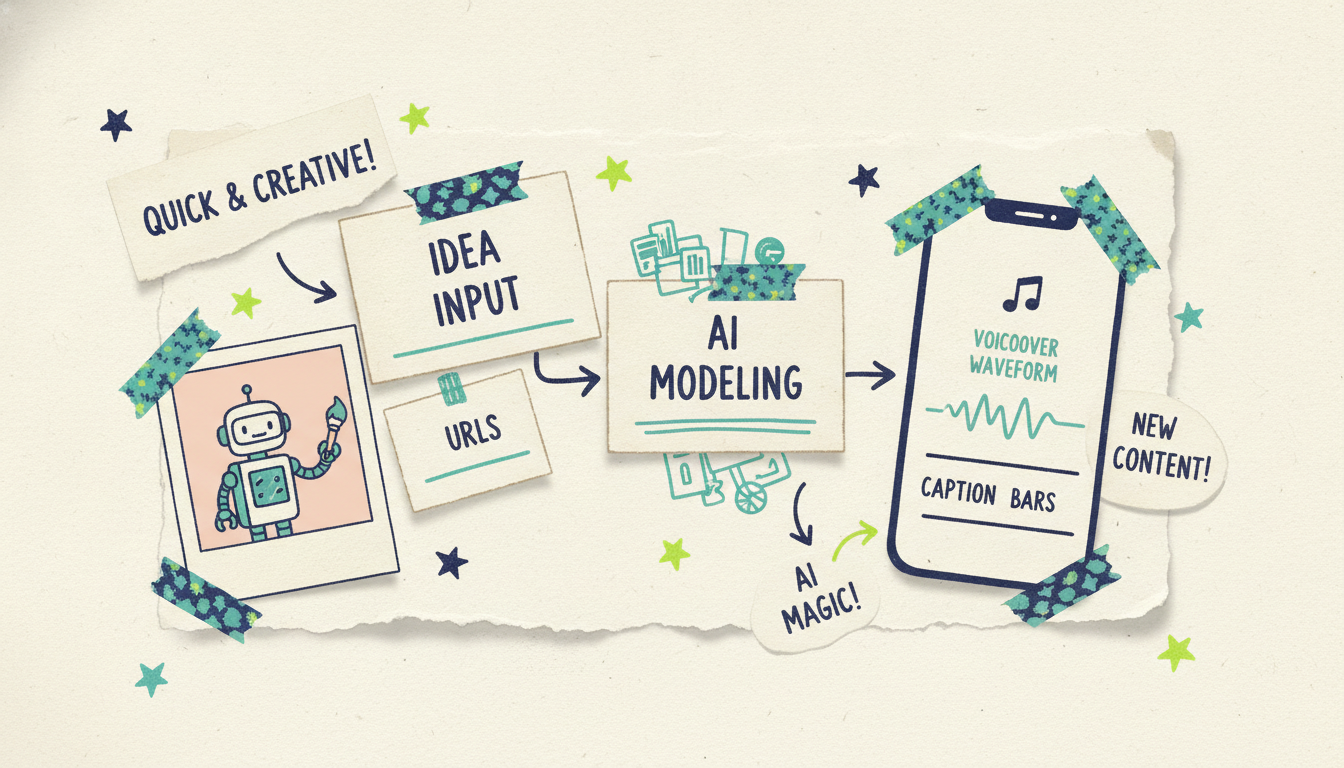
You have options for the input. Type a free-form prompt ("A 30-second Reel on three mistakes new plant parents make, upbeat and friendly"). Or hand over a topic and let the AI research and script it. Or paste a URL, your website, a product page, a blog post, and Wavemaker scrapes the brand colors, imagery, and messaging into a creative brief. You can also feed it documents, images, or existing footage.
For Reels specifically, prompt-to-video and URL-to-video are the two fastest paths. A business can turn a product page into a Reel; a creator can turn a rough idea into a script and storyboard in one move.
Step 2: Generate the vertical video
Set the aspect ratio to 9:16 so it's Reel-native from the start. Wavemaker runs the full pipeline: it writes the script, builds a storyboard from one of 21 presets, generates the images and video clips (with subject consistency so your scenes hold together), adds an AI voiceover, and lays in BPM-aware music with audio ducking so the track dips under the narration. It even runs an AI vision QC pass to catch obvious problems before you see the result. Most videos come back in about 2 to 5 minutes.
Unlike tools that stitch together stock footage into a slideshow, this generates custom visuals for your specific idea. That's the difference between a Reel that looks like everyone else's and one that looks like yours.
Step 3: Add captions and refine by chatting
On-screen captions come baked into the workflow, which handles the sound-off crowd for you. Then, if something's off, you don't open a timeline. You just say what you want: "Make the intro longer," "Swap the music for something calmer," "Punch up the hook," "Cut it down to 20 seconds." The AI applies the change and re-renders. Refining a video costs a small fraction of generating one, so iterating is cheap.
Step 4: QC and export
Give it a final watch with sound on and sound off. Check that the hook lands in the first two seconds, the captions are readable, and the call to action is clear. When it's ready, export. Wavemaker supports up to 4K on paid plans, so your Reel looks crisp on any screen. Post it to Instagram, add your trending audio or hashtags natively if you like, and you're done.
The good news is the whole loop, idea to posted Reel, can happen in well under an hour. Once you've done it once, you'll do the next one in minutes.
How to batch a week of Reels in one sitting
Consistency beats perfection on Reels, and batching is how consistent creators stay sane. The idea is simple: do one type of work at a time instead of context-switching per video.
Brainstorm in bulk. Sit down and list 7 to 10 Reel ideas at once, one per format from the table above. Don't produce yet. Just generate the ideas.
Script and generate in a run. Feed each idea to Wavemaker back to back. Because generation runs in a few minutes and you're not manually editing, you can queue up a week's worth while you do something else. A 30-second Reel runs about 75 credits, so a batch of seven fits comfortably inside a Pro plan's monthly credits with room to spare.
Refine as a second pass. Once the batch is generated, watch them together and send your chat edits. Reviewing in one sitting keeps your quality bar consistent across the whole set.
Schedule and stagger. Space your posts out across the week using Instagram's scheduler or your favorite tool. Now you're publishing daily without touching production every day.
Repurpose every Reel to Shorts and TikTok
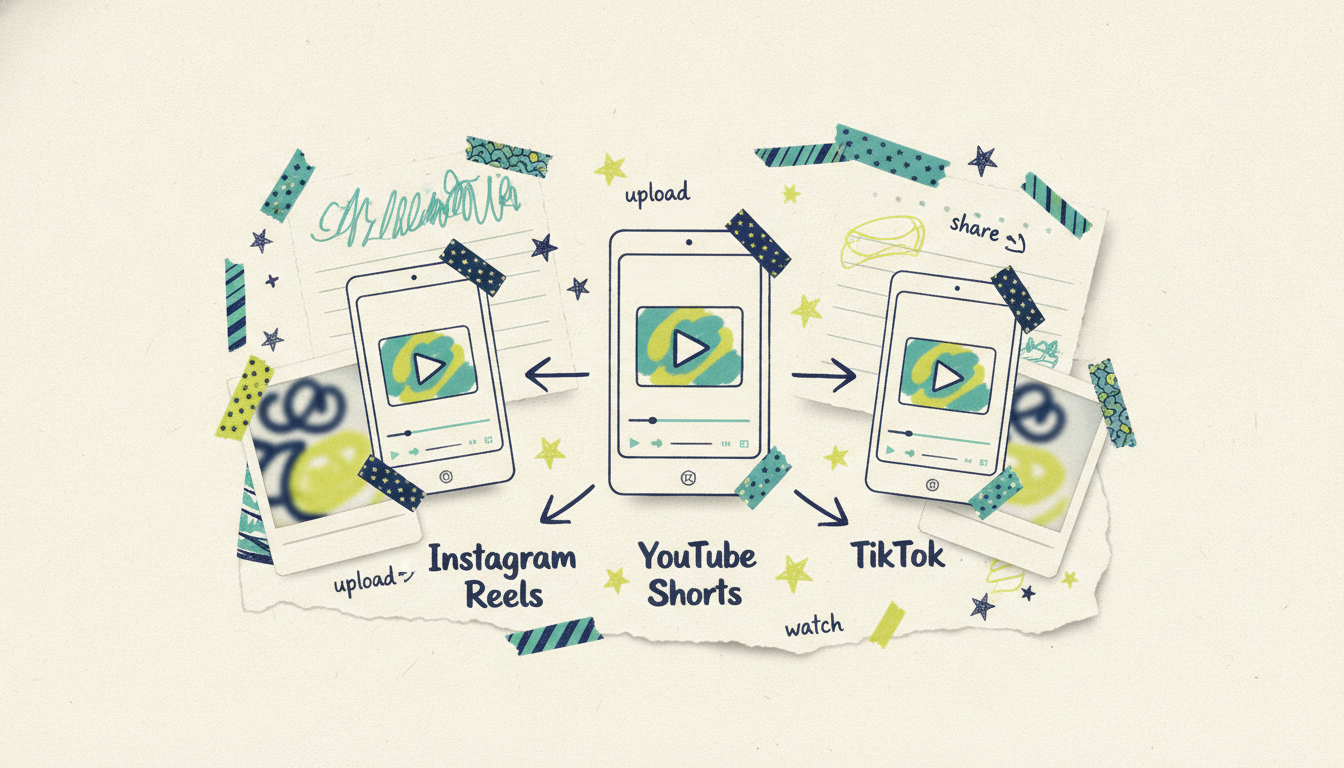
Here's the smartest habit in short-form video: one vertical 9:16 video works everywhere. A Reel, a YouTube Short, and a TikTok are the same aspect ratio and roughly the same length. There's almost no reason to make three separate videos when one export covers all three platforms.
When you generate a 9:16 video in Wavemaker, you've already made your TikTok and your Short. Post it to Instagram as a Reel, upload the same file to TikTok, and publish it to YouTube as a Short. Triple the reach for the same production effort. A few small tweaks help, keep captions clear of each platform's UI zones, and match trending audio per platform where it matters, but the core video is identical.
If you want platform-specific playbooks, we've got guides for each. See how to make YouTube Shorts with AI and how to make TikTok videos with AI. The workflow is nearly the same, and once you're comfortable making Reels, you're already making all three.
A few tips to make your AI Reels stand out
Front-load everything. Your best line, your boldest visual, and your hook all belong in the first two seconds. Reels live and die on the opening.
Write for the eye and the ear. Since captions and voiceover both carry your message, make sure the words work read silently and heard aloud.
Keep one idea per Reel. The tightest Reels make a single point well. Save the second idea for the next one, that's more content anyway.
Match energy to the platform. Instagram skews a touch more polished than TikTok. The same base video works, but you can nudge the tone in your chat edits.
Refresh what works. When a Reel format hits, make three more like it. AI makes iterating on a winner nearly free.
Common questions answered
Can AI really make a whole Instagram Reel, or just parts of it? A full one. With an agentic video creator like Wavemaker, you give it an idea, topic, or URL, and it handles the script, visuals, voiceover, music, and captions, then runs a quality check. You get a finished 9:16 Reel, not raw clips you have to assemble yourself.
What's the ideal length and aspect ratio for a Reel? Aspect ratio should be vertical 9:16 (1080x1920). For length, Instagram allows up to 3 minutes, but most high-performing Reels stay under about 90 seconds, and many of the best land in the 15-to-60-second range where completion rates are strongest.
Do AI-generated Reels need captions? Yes. Many people watch with the sound off, so on-screen captions keep them watching and make your content accessible. In Wavemaker, captions are part of the workflow, so you don't have to add them in a separate step.
Can I use the same video on TikTok and YouTube Shorts? Absolutely, and you should. All three are vertical 9:16 short-form video, so one export covers Reels, Shorts, and TikTok. Make it once, post it three places, and you triple your reach for the same effort.
How much does it cost to make Reels with AI? Wavemaker has a free plan with 75 credits, enough to make your first video (a ~30-second video runs about 75 credits). Paid plans start at $29/mo for 500 credits and no watermark, up to 1080p. Refining a video costs only about 15 credits, so iterating is cheap.
How fast can I make one? Most videos generate in about 2 to 5 minutes. Add a few minutes to refine by chat and export, and you can go from idea to posted Reel in well under an hour, faster once you've done it once.
Start making Reels today
You don't need an editing suite, a camera crew, or a free afternoon. You need an idea and a few minutes. Wavemaker turns any prompt, topic, or link into a finished vertical Reel with voiceover, music, and captions, ready for Instagram, TikTok, and YouTube Shorts.
Create your first video free with 75 credits and post your first AI Reel today.





