
Want the short version? To make a YouTube Short with AI, start with an idea or script, generate a vertical 9:16 video (under 60 seconds) with a strong first-second hook, add voiceover and music, and do a quick quality check before you post. With an agentic tool like Wavemaker, you type your idea and get a finished vertical video with visuals, narration, and music in a few minutes, no timeline editing required.
Use Wavemaker to draft a vertical video from a topic or script, then review and export it for YouTube Shorts.
What makes a great YouTube Short
Before you make anything, it helps to know what the format rewards. Shorts live and die in the first second, and the mechanics are different from a regular horizontal YouTube video.
A great Short usually checks these boxes:
A hook in the first second. Viewers swipe fast. Your opening frame and first spoken line have to promise a payoff immediately. No slow intros, no logo animations, no "hey guys."
Vertical 9:16 framing. Shorts are full-screen vertical. Anything shot or generated horizontal gets letterboxed and looks amateur. Build it vertical from the start.
Fast pacing. Quick cuts, tight narration, visual movement. Dead air kills retention. Aim to change what's on screen every 2 to 4 seconds.
Under about 60 seconds. YouTube counts videos up to 3 minutes as Shorts now, but the sweet spot for most creators is still 15 to 60 seconds. Shorter videos loop more and hold attention better.
Loop-friendly endings. The best Shorts end in a way that flows back into the beginning, so the replay feels intentional. That extra watch time is a real ranking signal.
Captions. A huge share of viewers watch with sound off at first. On-screen text keeps them in even before they tap to unmute.
Nail those six and you've beaten most of the Shorts on the platform, regardless of how you made the video.
Shorts ideas and formats that work
The blank-page problem stops more creators than the editing does. Here are formats that consistently perform, plus how to hook each one. This is also a handy reference when you're batching (more on that below).
Notice the pattern: every hook front-loads the value. You're not building up to the point, you're opening on it and using the rest of the Short to deliver.
How to make a YouTube Short with AI, step by step
This is where an agentic video creator changes the workflow. Instead of assembling clips on a timeline, you describe what you want and the AI handles production. Here's how it works in Wavemaker.
Step 1: Start with an idea or script
You've got options for the input. You can:
Type a free-form prompt ("A 30-second Short listing 3 mistakes new runners make").
Give it a topic and let the AI research and script it for you.
Paste a URL so it pulls in brand colors, imagery, and messaging.
Upload documents, images, or existing footage to build from.
For Shorts, a tight prompt with a clear format and length works best. Tell it the hook, the payoff, and the vibe. The AI writes the script from there. If you already have a script, paste it in and skip ahead.
Step 2: Set it to vertical 9:16
This is the one setting you can't skip. Choose the 9:16 aspect ratio so the video is built vertical from the ground up, not cropped from a wide frame. Wavemaker supports 9:16 natively, which is the same vertical format Shorts, TikTok, and Reels all use. Frame it vertical once and it's ready for all three.
Step 3: Let the pipeline build the video
Once you confirm the idea and format, the AI production pipeline runs:
Script gets written (or refined from yours).
An AI storyboard maps the shots, with 21 presets to pick a style.
Generated images and video clips fill in the visuals, with subject consistency so your characters and scenes stay coherent across cuts.
An AI voiceover narrates it, and you can design a custom voice on paid plans.
BPM-aware music gets added, with audio ducking so the track dips under the narration automatically.
An AI vision QC review checks the finished result.
Most videos come back in about 2 to 5 minutes. What lands isn't a pile of clips for you to edit, it's a finished vertical Short with visuals, narration, and music already synced.
Step 4: Refine with chat
Watch it back. Something off? Just say so. Because editing is natural-language chat with no timeline, you can type "make the intro punchier," "swap the music for something faster," or "cut the last five seconds." Each refinement is quick and cheap on credits. Keep tightening until the pacing feels right and that first second grabs you.
Step 5: Quality-check before you post
Even with AI QC built in, give it a human pass. Run this quick checklist:
Does the first second hook? If the opening frame doesn't stop a thumb, redo it.
Is it vertical? Confirm 9:16 with no bars or awkward crops.
Are captions on and readable? Check they don't run off the edges on a phone screen.
Does the pacing hold? No dead spots, cuts every few seconds.
Does it loop? Watch the end flow into the beginning.
Then export. Free exports run at 480p with a watermark, which is fine for testing an idea. For a clean post, paid plans export up to 1080p (and higher) with no watermark. Then upload to YouTube, write a short punchy title, add a few hashtags, and you're live.
Batching Shorts (the real creator superpower)
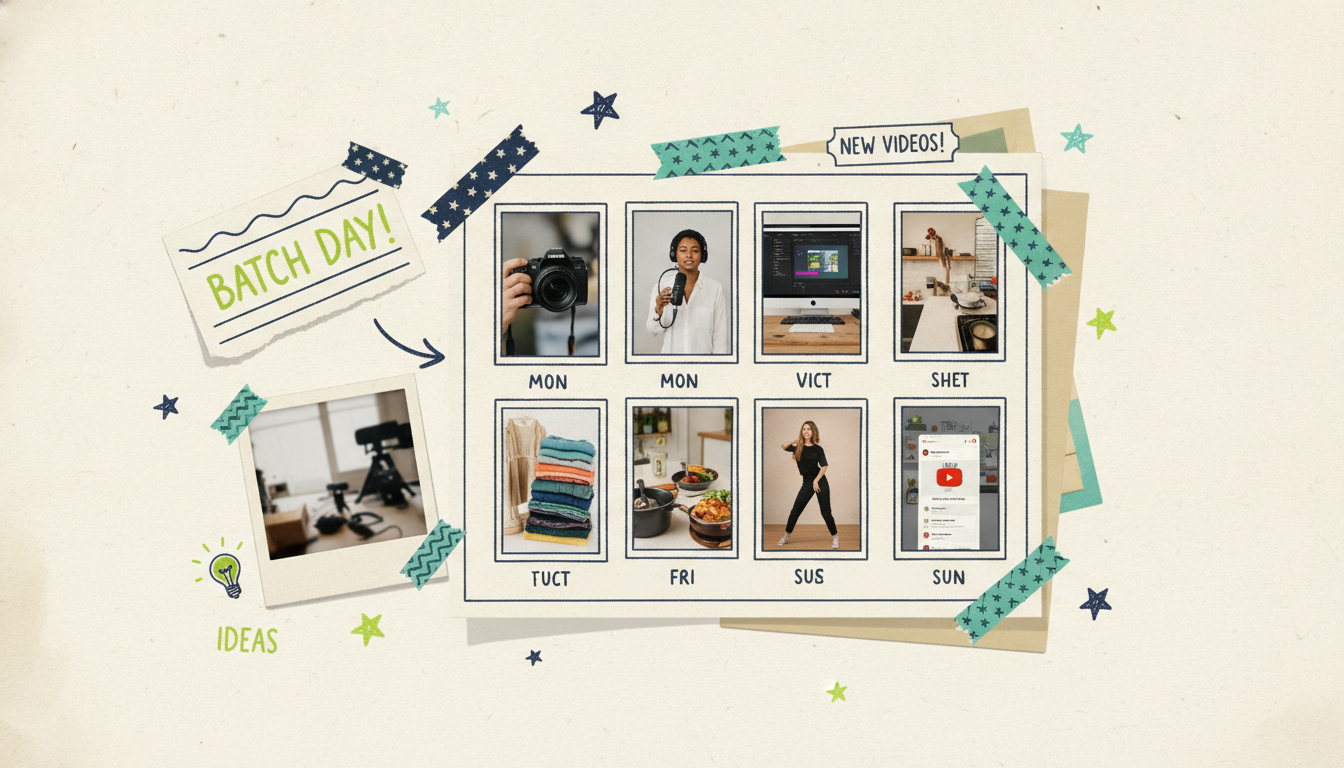
Here's where AI pulls ahead of manual editing. The Shorts algorithm rewards consistency, and one Short a week won't cut it. Serious Shorts channels post daily or several times a week. Batching makes that sustainable.
A simple batch workflow:
Brainstorm 10 to 20 hooks in one sitting. Use the format table above as a menu. Pull ideas from your niche, comments, and trending topics.
Write or generate all the scripts together. Staying in one mode keeps your voice consistent across the batch.
Generate the videos back to back. Because each Short takes minutes, not hours, you can produce a week or two of content in a single session.
QC the whole batch at once. Reviewing them together makes pacing and style inconsistencies obvious.
Schedule them out. Post on a steady cadence rather than dumping everything at once.
The math is what makes this work. When one video is minutes instead of an afternoon, a full week of Shorts becomes a single focused block. That's the difference between "I'll post when I have time" and an actual publishing schedule.
Repurposing long videos into Shorts
Sitting on a back catalog of long-form videos? That's a Shorts goldmine. Every 10-minute video usually hides three to five strong standalone moments: a surprising stat, a sharp take, a quick tip, a good story beat.
To turn long content into Shorts:
Find the moments. Scan for self-contained clips that make sense without setup: the punchline, the aha, the strongest 20 seconds.
Rebuild them vertical. A horizontal clip cropped to vertical loses framing and looks off. Feed the idea or the existing footage into an AI creator and regenerate it as a native 9:16 Short instead of just cropping.
Add a fresh hook. The long-video context is gone, so give each Short a new opening line that stands on its own.
Point back to the full video. A quick "full breakdown on my channel" turns Shorts viewers into long-form subscribers.
One upload becomes a week of Shorts, and each one is a fresh doorway back to your main content. If your long videos live somewhere other than YouTube, the same idea applies to any faceless or narrated channel. Our guide on how to make YouTube videos without filming walks through building that long-form library in the first place.
The same vertical video works everywhere
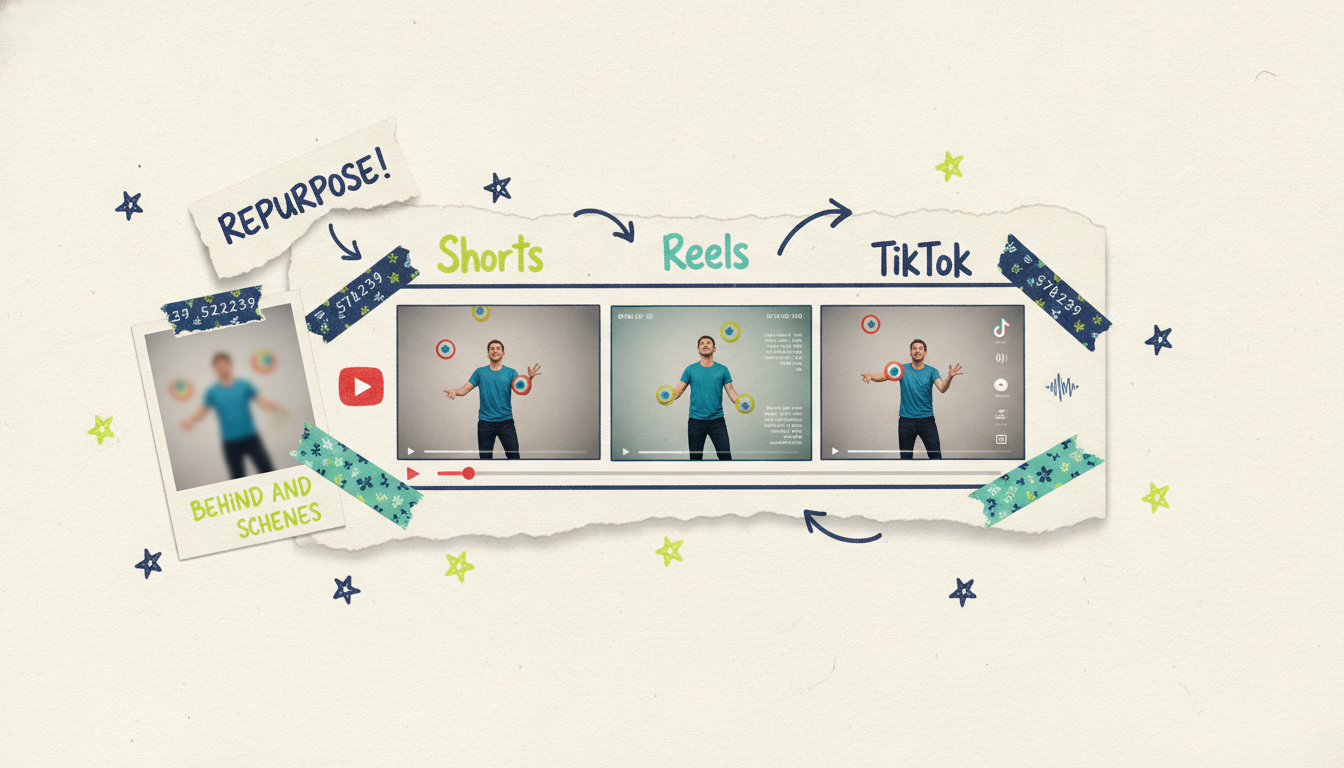
Worth saying plainly: a 9:16 vertical video isn't just a YouTube Short. It's also an Instagram Reel and a TikTok. Same aspect ratio, same fast-paced, hook-first, under-60-second format. Make it once, post it three places.
That's a genuine reach multiplier. When you generate a vertical Short in Wavemaker, you can post that identical file to all three platforms without remaking anything. The mechanics differ slightly per platform (hashtags, trends, timing), but the video itself carries over. If you're leaning into the other two, we've got dedicated walkthroughs for how to make Instagram Reels with AI and how to make TikTok videos with AI. And if you want to see the whole approach start to finish, how to turn any idea into a video with AI covers the full flow.
Common questions answered
How long should a YouTube Short be?
YouTube counts videos up to 3 minutes as Shorts, but most high-performing Shorts land between 15 and 60 seconds. Shorter videos tend to loop more and hold attention better, which helps retention. Start short, and only go longer if the idea needs the extra time.
Do I need to show my face to make YouTube Shorts?
No. Plenty of successful Shorts channels are faceless, built entirely from generated visuals, voiceover, and on-screen text. With an AI video creator you can produce complete Shorts without ever appearing on camera or recording your own voice. That makes it easy to stay consistent without the pressure of filming yourself.
Can I make YouTube Shorts with AI for free?
Yes. Wavemaker's free plan gives you 75 credits to start, which is enough for your first video, with 480p exports and a watermark. That's plenty to test the workflow and see the quality before you decide on a paid plan. When you want clean, watermark-free exports at higher resolution, the paid tiers handle that.
What aspect ratio do YouTube Shorts use?
YouTube Shorts are vertical 9:16, the same full-screen portrait format as TikTok and Instagram Reels. Always build your Short vertical from the start rather than cropping a horizontal video, which leaves bars or awkward framing. Generating it natively at 9:16 keeps the composition clean.
How do I make my Short hook viewers in the first second?
Front-load the payoff. Open on your most interesting frame and lead with your strongest line, whether that's a bold claim, a surprising fact, or the exact outcome you're promising. Skip intros, logos, and slow build-ups entirely. If your first second doesn't make someone want to see the next one, rework it.
How many Shorts should I post per week?
The Shorts algorithm rewards consistency, so most creators aim for at least three to seven posts per week, and many post daily. Batching with AI makes that pace realistic, since you can produce a week or two of Shorts in a single session. Pick a cadence you can keep and stick to it.
Start making Shorts today
The hard part of Shorts was never the ideas, it was the production grind. AI takes that off your plate. You bring the hook, the tool builds the vertical video, and you post on a schedule that moves the needle.
Ready to try it? Create your first video free with 75 credits and see how fast a finished Short comes together. No timeline, no filming, no editing marathon. Just your idea, turned into a Short you'd post.





