
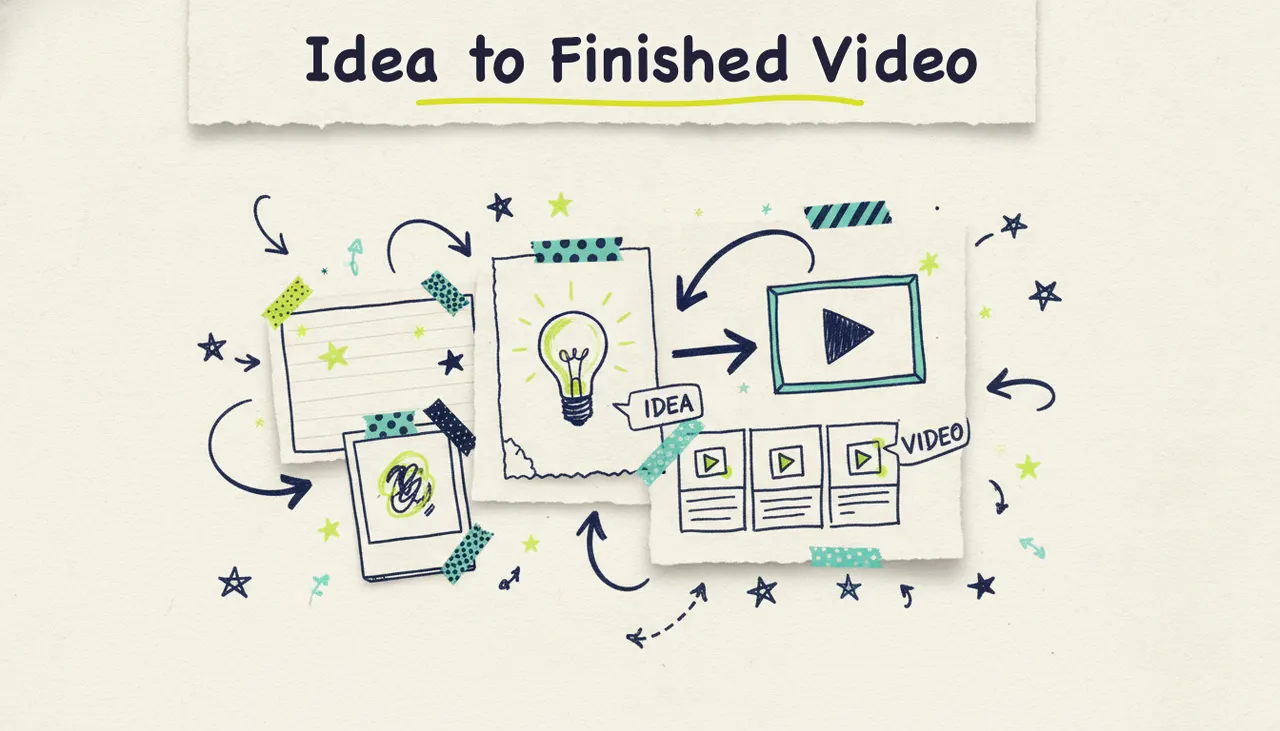
You can turn any idea into a finished video with AI by typing it into Wavemaker, an agentic video creator that researches your topic, writes a script, generates the visuals, records a voiceover, adds music, and runs a quality check, all in a few minutes. You don't need footage, a design tool, or a timeline editor. You start with a sentence, and you get a video back.
Most AI video tools miss: they make you bring the raw material. They want a finished script, a folder of clips, or a blog post to slice into a slideshow. Wavemaker starts a step earlier. Give it a rough idea, or even just a topic, and it does the research and production for you. Let's break down exactly how that works, how to phrase your idea for the best result, and where the other input modes fit in.
What "any idea to video" means
When people say "text to video," they usually mean one of two things. The narrow version turns a written script into moving pictures, more or less line by line. The broad version, the one that saves you the most work, takes an idea and figures out everything downstream on its own.
Wavemaker does the broad version. You can hand it:
A free-form prompt: a sentence or paragraph describing the video you want.
A topic to research: name a subject, and the AI gathers the details, then scripts it.
A URL: it scrapes brand colors, imagery, and messaging into a creative brief.
Documents: PDFs, docs, or notes become the source material.
Images: your photos become the visual backbone.
An existing video: repurpose or restyle footage you already have.
This guide focuses on the first two, the idea and the topic, because they're the most hands-off. The other modes get a quick tour later, with links to their full walkthroughs.
Step 1: Phrase your idea (the part that matters most)
The quality of your video tracks closely with the clarity of your prompt. You don't need to write a script. You need to answer a few questions the AI would otherwise guess at.
A weak prompt looks like this:
Make a video about coffee.
A strong prompt looks like this:
A 30-second explainer for a small-batch coffee roaster. Warm, friendly tone. Cover where the beans come from, how they're roasted in small batches, and why that means fresher flavor. End with a line inviting people to try a bag. Aspect ratio 9:16 for Instagram.
Notice what the second version does. It names the audience, the length, the tone, the key points, the call to action, and the format. None of that is hard to write, and every piece removes a guess.
Here's a simple checklist to phrase any idea well:
Who is it for? Customers, students, followers, your team?
How long? A 30-second clip runs about 75 credits; 60 seconds runs 150.
What tone? Warm, energetic, professional, playful, calm.
What are the 2-4 key points? List them plainly.
What should the viewer do or feel at the end?
What aspect ratio? 16:9 for YouTube and web, 9:16 for TikTok and Reels, 1:1 or 4:5 for feeds.
The good news is you don't have to nail all of it. If you leave something out, the AI makes a reasonable choice, and you can fix it later with a quick chat message. But the more you specify up front, the closer the first draft lands.
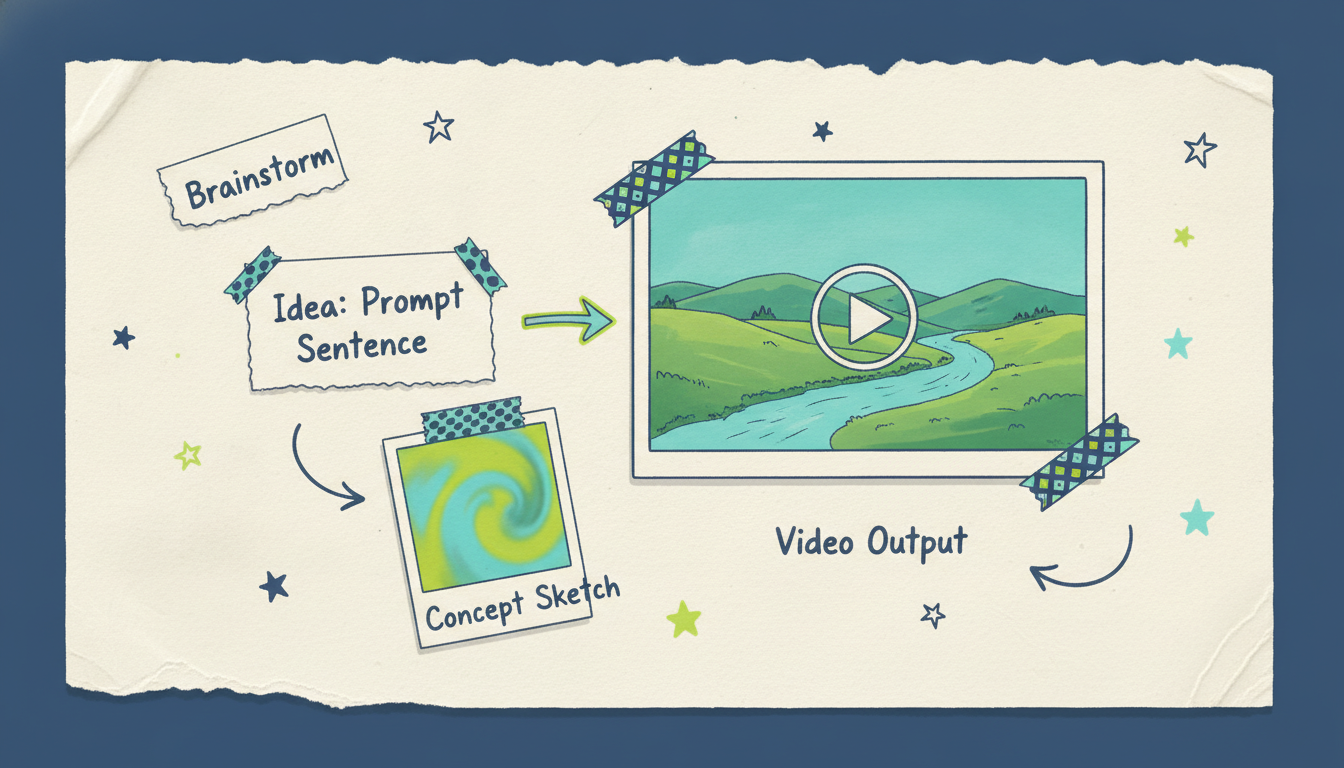
Step 2: Let the AI research a topic (if you don't have the details)
Sometimes you don't have the facts yet. You know the subject, not the substance. That's where topic mode shines.
Say you want a video called "How compound interest works" or "This week in AI news." You don't have to gather the details yourself. Name the topic, and Wavemaker researches it, then writes a script grounded in what it finds. This is a real advantage over tools that assume you'll paste in finished copy. It's the difference between an AI production team and an AI editor.
Topic mode is a natural fit for:
News and recap videos: weekly roundups, briefings, "here's what happened" explainers.
Educational explainers: concepts, how-things-work, quick lessons.
Faceless YouTube content: channels built on information, not on-camera hosts.
You still get to steer it. Add a note like "focus on beginners" or "keep it under 45 seconds" and the research and script adjust to match.
Step 3: Watch the AI production pipeline run
Once you've submitted your idea, Wavemaker runs a full production pipeline. This is the part that separates a finished video from a pile of clips. Here's each stage:
Script. The AI writes a tight script from your idea or its research, structured for the length and tone you asked for.
Storyboard. It maps the script to a visual plan using one of 21 storyboard presets, so the pacing and shot structure feel intentional, not random.
Generated visuals. It creates custom images and video clips, keeping your subject consistent across shots. If one generation provider stalls, it falls back to another, so you're not stuck.
Voiceover. An AI voice narrates the script. On paid plans you can design a custom voice to match your brand.
Music. BPM-aware background music gets added, with audio ducking so the music dips under the voiceover instead of fighting it.
Vision QC review. An AI vision pass reviews the finished video for issues before it hands it to you, a quality check most tools simply don't run.
Most videos come back in two to five minutes. You didn't touch a timeline, source a single stock clip, or open an audio mixer. You described an idea, and a finished video came out the other end.
Step 4: Refine it by chat, no timeline required
Your first draft won't always be perfect, and that's fine. Instead of dragging clips around a timeline, you just talk to it.
Type things like:
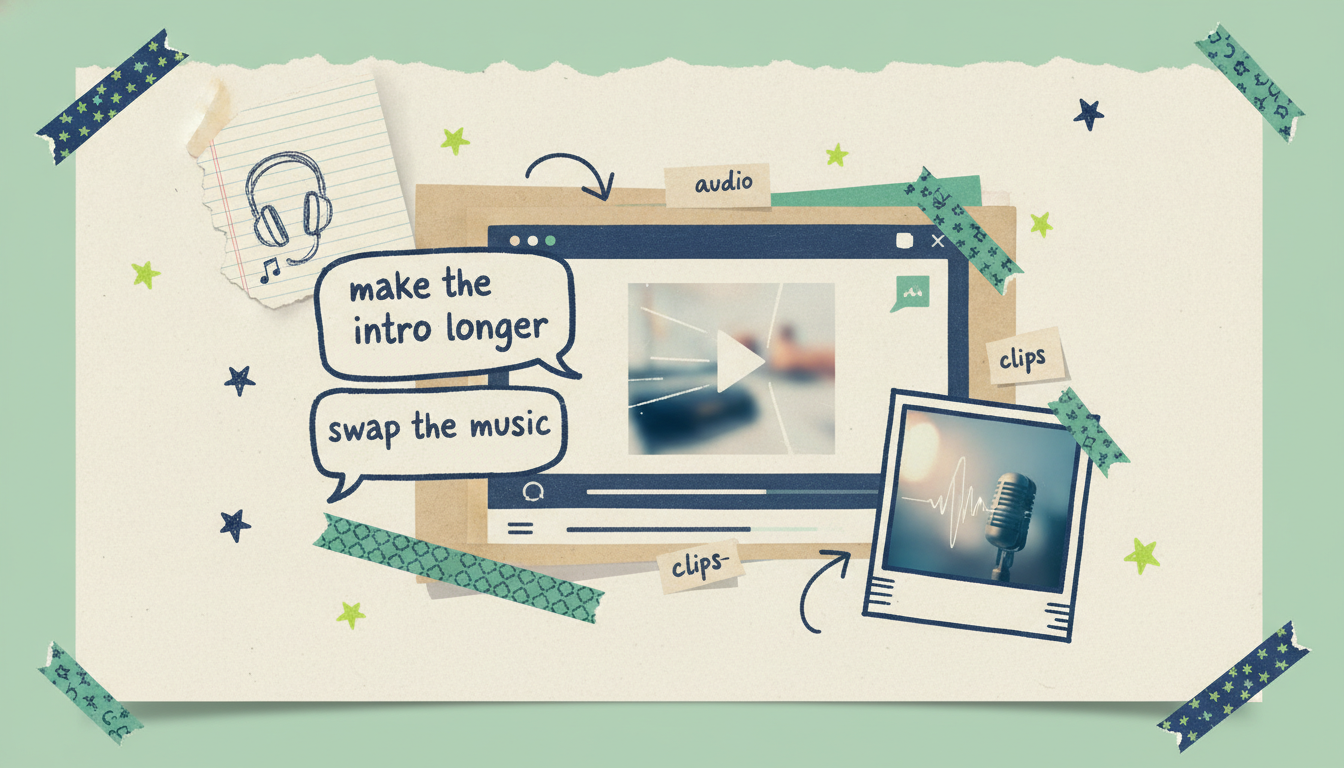
"Make the intro longer."
"Swap the music for something calmer."
"Change the voice to sound more energetic."
"Cut the third scene and tighten the ending."
"Make the tone more playful."
The AI applies the change and re-renders. Each edit or refine costs about 15 credits, so iterating is cheap. This chat-based approach is a big reason people who've never edited video can produce something they're proud of. There's no learning curve, because there's no editor to learn. You describe what you want, the way you'd tell a human editor.
The other input modes (and when to use them)
Starting from a bare idea is the most flexible path, but it isn't always the fastest. If you already have raw material, one of the other input modes will get you there quicker. Each has its own full walkthrough.
Quick rule of thumb: if you have the words, start from text. If you have a page, start from the URL. If you have files or photos, start there. And if you only have a spark of an idea, or just a topic, start from the idea and let the AI do the research. They all feed into the same production pipeline, so the finished result feels consistent no matter where you began.
Tips for great results
A few habits reliably raise the quality of what you get back:
Front-load the specifics. Audience, tone, length, and format in the first prompt save the most editing later.
List your key points as bullets. The AI honors structure. Three clean points beat one rambling paragraph.
Pick the aspect ratio for the platform, not the other way around. 9:16 for TikTok and Reels, 16:9 for YouTube and web, 1:1 or 4:5 for feeds.
Iterate in small steps. One change per chat message is easier to judge than five at once, and at about 15 credits per refine, it's cheap to go slowly.
Name a reference feel. "Like a fast-paced product teaser" or "like a calm educational explainer" gives the storyboard a clear target.
Start on the free plan. You get 75 credits, enough for your first video, so you can learn what good prompts feel like before spending anything.
From finished video to wherever it needs to go
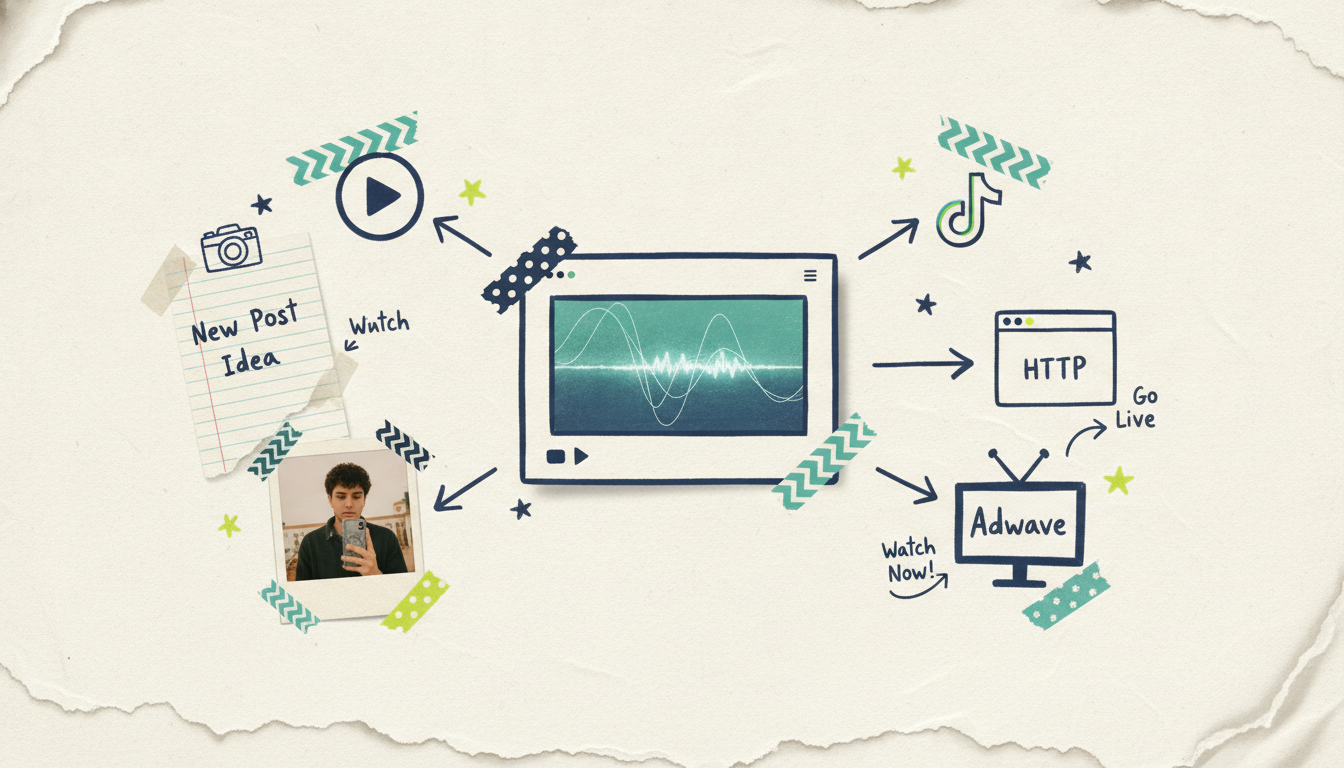
Once your video's ready, you can download it and post it anywhere: YouTube, TikTok, Instagram, your website, an email. Free-tier exports come out at 480p with a watermark, which is plenty for testing. Paid plans remove the watermark and export up to 4K.
And here's a path no other AI video generator offers. When your video is done, Adwave can turn it into a real streaming TV commercial, running on 100+ networks from $50, alongside Google, YouTube, Meta, and Reddit campaigns. So the same idea you typed in a sentence can end up on television, going through Adwave for the media buy. Most tools' stories end at the MP4 export. This one doesn't have to.
Common questions answered
Do I need a script to make a video with AI? You can start with an idea, a topic, or a finished script. Wavemaker can draft a script from your topic or use the text you provide.
How long does it take to turn an idea into a video? Most videos come back in two to five minutes after you submit your idea. That includes the full pipeline: research, script, storyboard, generated visuals, voiceover, music, and the AI vision quality check. Refinements re-render quickly too.
How much does it cost to get started? The free plan gives you 75 credits, which is enough for your first video, at 480p with a watermark. A roughly 30-second video costs about 75 credits and a 60-second video about 150, with each chat edit running around 15. Paid plans start at $29 a month for more credits, higher resolution, and no watermark.
Can I change the video after it's made? Yes, and you don't need to learn an editor. Just describe the change in plain language, like "make the intro longer" or "swap the music," and the AI applies it and re-renders. There's no timeline to drag or clips to line up.
What if I only have a topic and none of the details? Topic mode is built for exactly that. Name the subject, add any steering notes like "for beginners" or "keep it short," and the AI does the research before scripting. It's ideal for news recaps, explainers, and faceless educational channels.
Can the finished video run on TV? Yes, through Adwave. A completed Wavemaker video can air as a streaming TV commercial on 100+ networks from $50, plus run on Google, YouTube, Meta, Reddit, and display. The video creation happens in Wavemaker; Adwave handles the media buy and placement.
Ready to try it? Create your first video free with 75 credits. Type an idea, and see what comes back in a few minutes.





