
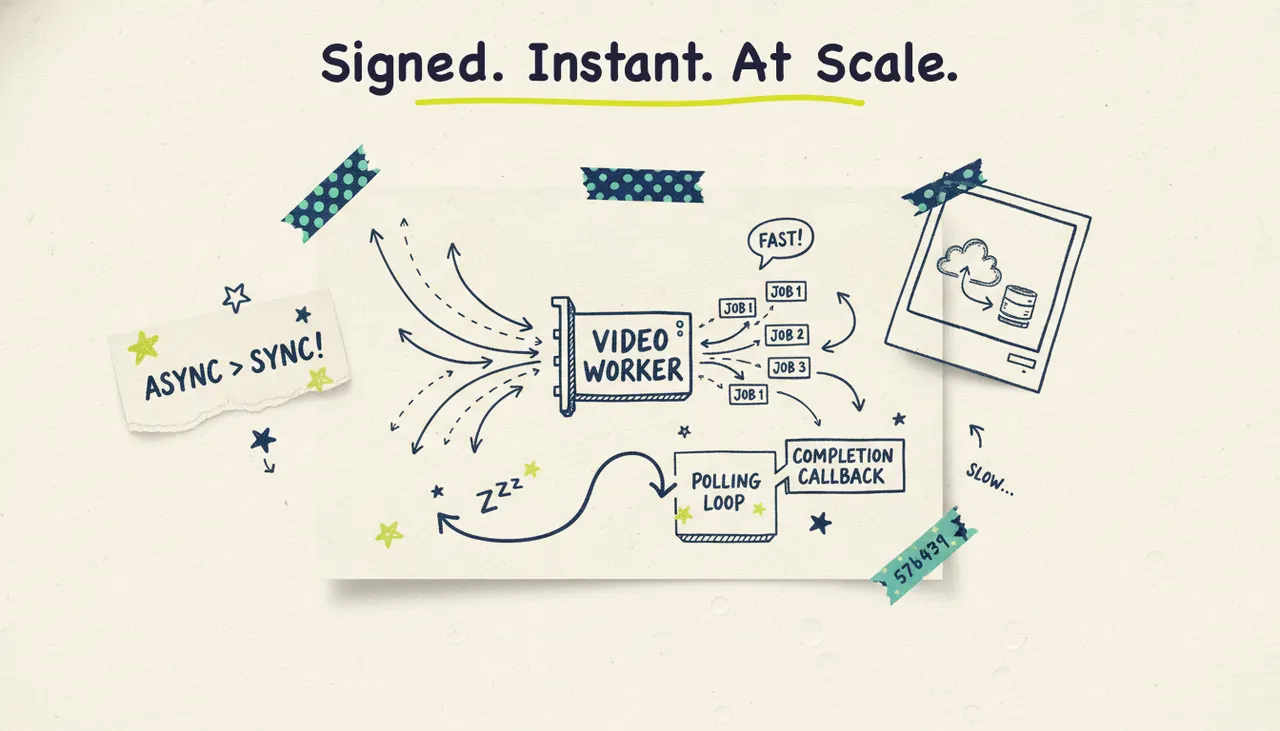
Webhooks let your app find out the instant a video job finishes, instead of hammering an endpoint asking "done yet?" over and over. When you generate video at scale with Wavemaker, that difference matters. A render can take a few minutes, and polling that whole time wastes requests, burns your rate limit, and adds lag. With webhooks, Wavemaker sends you a signed HTTP callback the moment a video is ready, so your pipeline can download, publish, or hand off the result right away.
This guide covers why webhooks beat polling for long-running video jobs, how Wavemaker's HMAC-signed webhooks work, and a production pattern you can build today. Webhooks are available on the Business plan. On Pro, you can pair the REST API with SSE progress streaming to get most of the way there, and we'll cover that too.
Why webhooks beat polling for video jobs
Video generation isn't instant. Wavemaker runs a full pipeline (script, storyboard, generated visuals, voiceover, music, and an AI vision QC pass), so most videos take two to five minutes. That's a long time to sit in a polling loop.
About polling: you don't know when the job will finish, so you keep asking. Ask too often and you waste requests against the 30-requests-per-minute limit. Ask too rarely and users wait longer than they need to. Either way, you're guessing.
Webhooks flip the model. You register a URL once, kick off a job, and go do something else. When the render completes (or fails), Wavemaker POSTs an event to your URL. No wasted requests, no guessing, no lag.
The trade-off: webhooks need a public HTTPS endpoint that Wavemaker can reach. For a quick local script, polling is fine. For anything running in production or generating videos in volume, webhooks are the right call.
How Wavemaker's HMAC-signed webhooks work
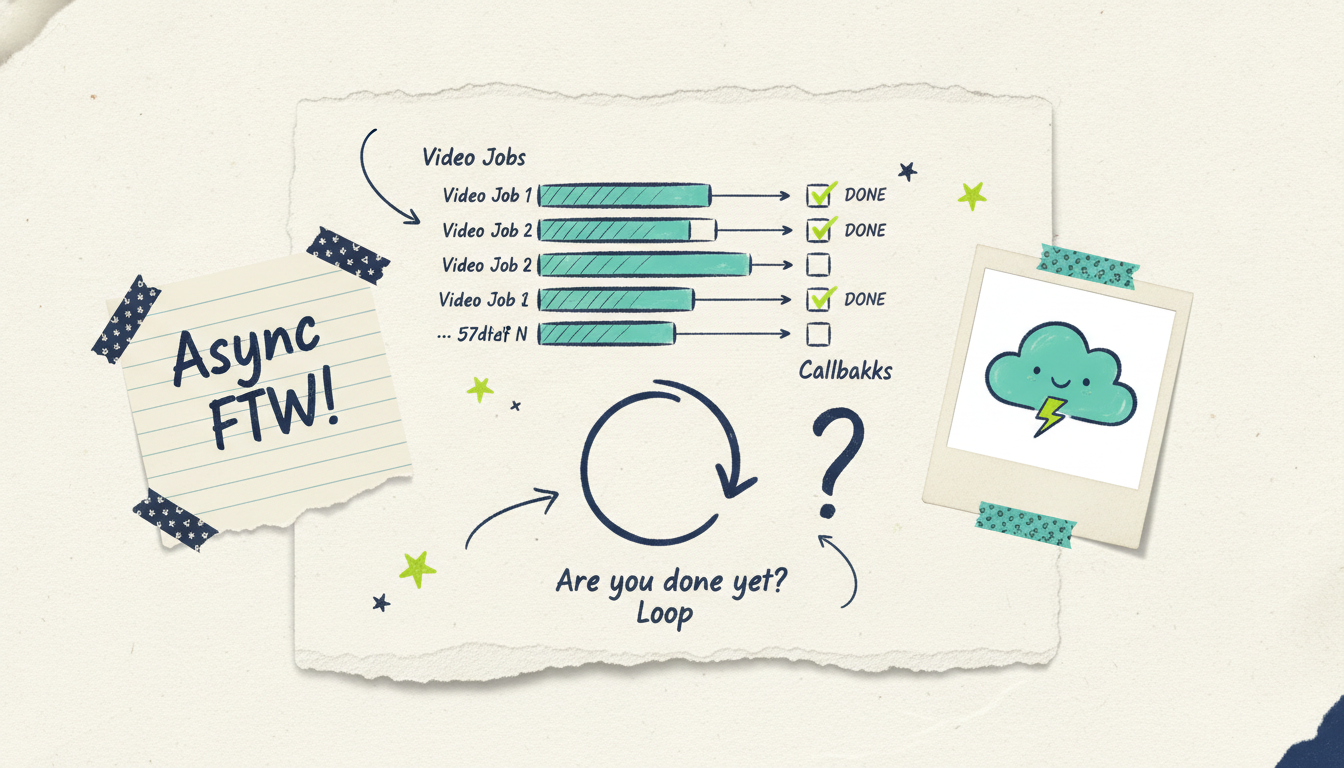
A webhook is just an HTTP POST that Wavemaker sends to a URL you control. The catch is trust: anyone who learns your webhook URL could send fake events to it. So every Wavemaker webhook is HMAC-signed. That signature is how you prove a request came from Wavemaker and wasn't tampered with in transit.
Verify the signature (do this first)
HMAC works with a shared secret that only you and Wavemaker know. Wavemaker computes a hash of the raw request body using that secret and sends the result in a signature header. Your job is to compute the same hash on your end and check that the two match.
The pattern looks like this in pseudo-code:
```python def handle_webhook(request): signature = request.headers["X-Wavemaker-Signature"] payload = request.raw_body # use the RAW bytes, not parsed JSON
Expected = hmac_sha256(secret=WEBHOOK_SECRET, message=payload)
If not constant_time_equals(signature, expected): return 401 # reject: not from Wavemaker
Event = parse_json(payload) process_event(event) return 200 ```
Three rules that matter here:
Hash the raw body, not a re-serialized version. If you parse the JSON and stringify it again, the bytes change and the signature won't match.
Use a constant-time comparison to check the signature. A normal `==` can leak timing information that helps an attacker guess the secret.
Return 200 only after you've accepted the event. A non-2xx response tells Wavemaker the delivery failed, which triggers a retry (more on that below).
Never skip verification, even in a hurry. An unverified endpoint is an open door for anyone who guesses your URL to inject fake "video ready" events into your pipeline.
Handle the events
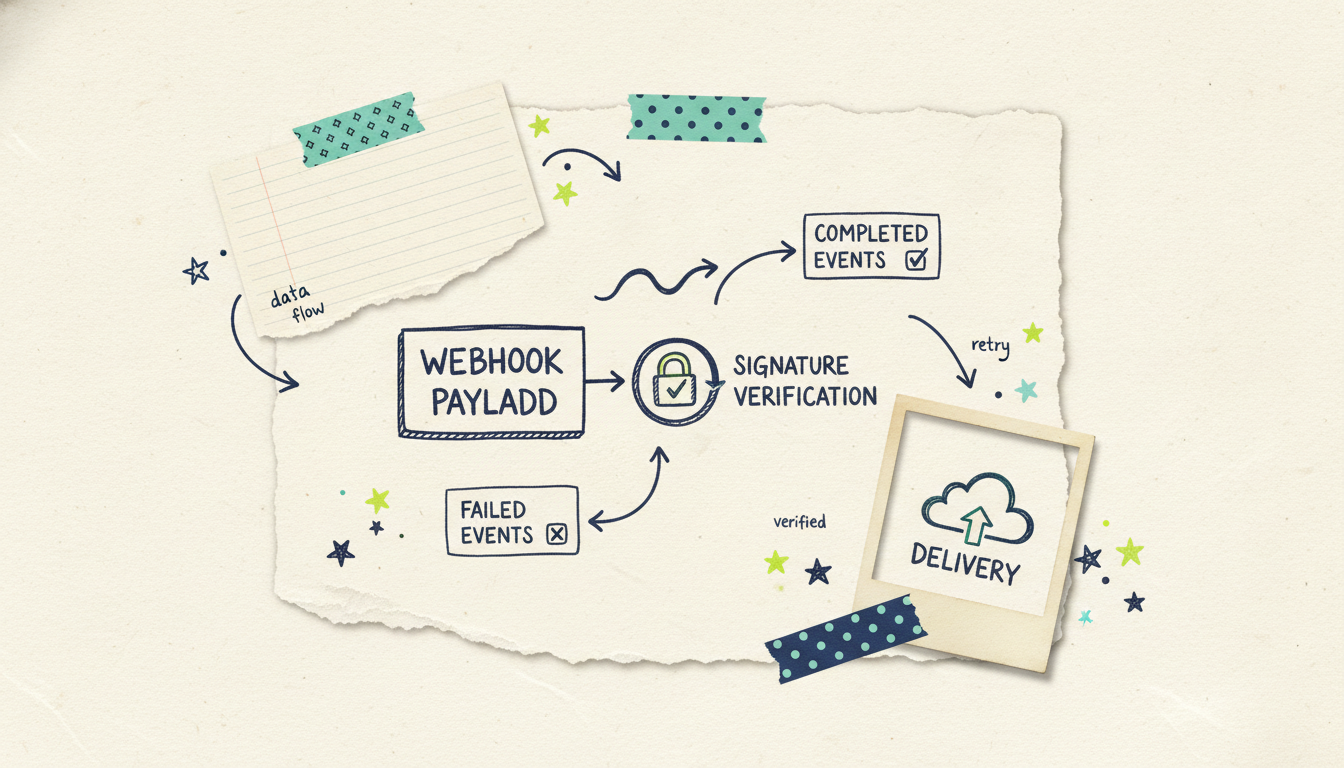
Once a request is verified, look at the event type and act on it. A typical video job produces an event when the render finishes and a different event when it fails. Your handler routes on that type:
```python def process_event(event): if event["type"] == "video.completed": video_id = event["data"]["id"] download_and_publish(video_id) elif event["type"] == "video.failed": video_id = event["data"]["id"] alert_and_requeue(video_id) ```
Keep the handler fast. Verify, acknowledge with a 200, and push the real work (downloading, transcoding, publishing) onto a background queue. If your handler does heavy work inline and takes too long, the connection can time out and Wavemaker will treat the delivery as failed.
Build in idempotency
This is the rule people forget. Webhooks can arrive more than once. A network blip, a retry, or a timeout on your side can all cause Wavemaker to redeliver the same event. If your handler publishes a video every time it sees a `video.completed` event, a duplicate delivery means a duplicate publish.
The fix is idempotency: make processing the same event twice have the same effect as processing it once. Each delivery carries a unique event ID. Record the IDs you've already handled and skip repeats.
```python def process_event(event): event_id = event["id"] if already_processed(event_id): return # duplicate, ignore mark_processed(event_id) # ... do the real work ```
A small table or cache keyed on event ID is enough. Bottom line: assume at-least-once delivery and design so duplicates are harmless.
A production pattern: submit, receive, publish
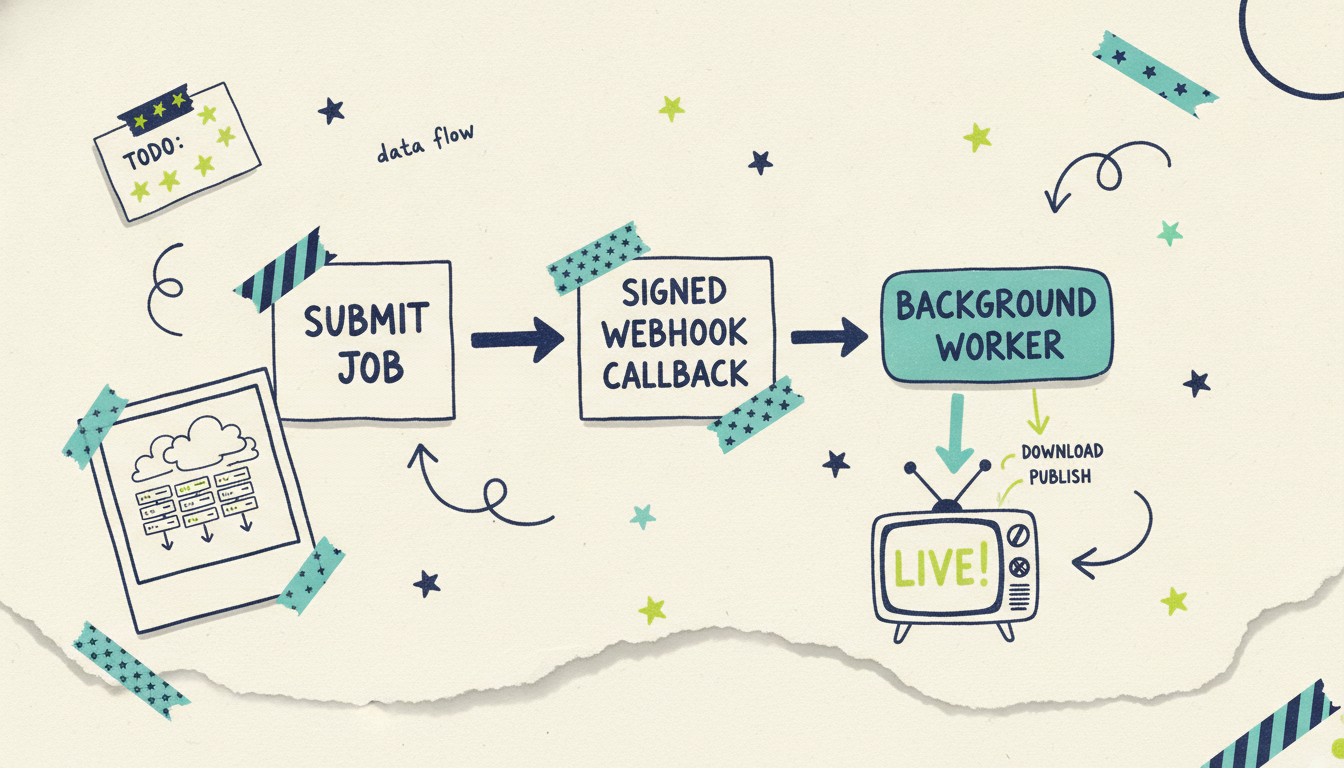
Here's how the pieces fit into a real pipeline. The flow has three stages, and none of them block.
1. Submit the job. Your service calls the REST API at `/api/v1/videos` to start a render. Wavemaker returns a job identifier right away. You store that ID, note that the job is in progress, and move on. No waiting.
```python resp = post("/api/v1/videos", json={ "prompt": "30-second promo for our spring sale", "aspect_ratio": "9:16", }) job_id = resp["id"] save_job(job_id, status="processing") ```
2. Receive the signed webhook. Minutes later, when the render finishes, Wavemaker POSTs a `video.completed` event to your registered endpoint. You verify the HMAC signature, check the event ID for idempotency, mark the job done, and queue the follow-up work.
3. Download and publish. A background worker picks up the finished job, fetches the video (or grabs the URL from the event payload), and does whatever's next: uploads it to your CMS, posts it to social, drops it in a review folder, or hands it to Adwave to run as a streaming TV commercial on 100+ networks from $50.
The reason this pattern scales is that stage 1 and stage 3 are decoupled by stage 2. You can fire off a hundred jobs in a loop without a hundred polling loops running behind them. Each one comes back on its own when it's ready. This is the same event-driven backbone behind automating video creation with n8n and the API, where a no-code workflow submits jobs and reacts to completion events without you writing a polling loop by hand.
Retries and failure handling
Networks fail. Deploys restart. Your endpoint will occasionally be unreachable when Wavemaker tries to deliver. That's expected, and there's a standard way to handle it.
Wavemaker retries failed deliveries. If your endpoint doesn't return a 2xx (it errors, times out, or is down), Wavemaker treats the delivery as failed and retries it later, typically with a backoff. This is exactly why idempotency matters: a retry after a timeout on your side can mean you receive an event you already processed.
A few habits make failure handling reliable:
Acknowledge fast, process later. Return 200 as soon as you've verified and recorded the event. Do the slow work in a background job so a downstream hiccup never causes the webhook itself to fail and retry.
Have a reconciliation fallback. Webhooks are the fast path, not the only path. Run a periodic sweep that lists jobs still marked "processing" past a reasonable window and checks their status directly via the API. This catches the rare case where a webhook never lands (say, your endpoint was down through every retry).
Handle `video.failed` explicitly. A render can fail for its own reasons. When you get a failure event, log it, alert if it matters, and decide whether to requeue. Don't let failed jobs sit silently as "processing" forever.
Log every delivery. Store the event ID, type, and timestamp for each webhook you receive. When something looks off, that log is the first place you'll look.
The combination of retries (Wavemaker's side), idempotency (your side), and a reconciliation sweep (your safety net) gives you a pipeline that stays correct even when the network doesn't cooperate.
Combining webhooks with the REST API and SSE
Webhooks don't replace the rest of the API, they complete it. Here's how the three fit together.
REST API (`/api/v1/videos`, Pro and up) is how you start jobs and query status on demand. It's the front door. Every pipeline uses it.
SSE progress streaming (Pro and up) gives you live progress on a single job over a persistent connection. It's perfect for a UI where a user is watching their own video render and you want a progress bar that updates through each pipeline stage. SSE is great for one job in the foreground.
Webhooks (Business plan) are the fan-out mechanism for many jobs in the background. You don't hold a connection open per job; Wavemaker calls you when each one lands.
A common production setup uses all three: REST to submit, SSE to power a live progress bar for interactive users, and webhooks to drive the background pipeline that publishes finished videos across a whole batch. On Pro without webhook access, REST plus SSE covers interactive use well, and a light polling loop with generous intervals handles the rest until you move up to Business.
For the full request and response reference, including how to authenticate and start jobs, see the video generation API guide. And when you're ready to wire it up, the developer docs have working examples.
Common questions answered
What plan do I need for webhooks? Webhooks are included on Wavemaker's Business plan ($299/mo), which also raises you to 8,000 credits a month, up to 4K export, and 25 seats. Pro ($99/mo) gives you the REST API and SSE progress streaming, which covers interactive and lighter automation needs, but not signed webhook callbacks.
How do I verify a Wavemaker webhook is genuine? Every webhook is HMAC-signed. Compute an HMAC-SHA256 hash of the raw request body using your shared secret, then compare it against the signature in the request header using a constant-time comparison. If they match, the event is authentic and untampered. If not, reject it with a 401.
Why did I receive the same webhook twice? Webhook delivery is at-least-once, so retries after a network blip or a slow response on your side can redeliver an event you already handled. That's normal. Make your handler idempotent by recording each event ID and skipping any you've already processed, so a duplicate has no extra effect.
What happens if my endpoint is down when a video finishes? Wavemaker retries failed deliveries with a backoff, so a brief outage usually resolves itself once your endpoint recovers. For longer outages, run a reconciliation sweep that periodically checks any job still marked "processing" against the API directly, so nothing gets stuck if every retry misses.
Should I use webhooks or SSE? Use SSE when a user is watching a single video render and you want a live progress bar in the foreground. Use webhooks when you're generating many videos in the background and need to react to each completion without holding a connection open. Big production pipelines often use both, plus the REST API to submit jobs.
Can I publish a finished video to TV through the pipeline? Yes. Once a webhook tells you a video is ready, your worker can hand it to Adwave, which runs it as a real streaming TV commercial on 100+ networks from $50 (plus Google, YouTube, Meta, Reddit, and display). The video creation happens in Wavemaker; Adwave handles the paid distribution.
Ready to build? Start with the developer docs and wire up your first signed webhook: Wavemaker for developers. You can create your first video free (75 credits) to test the flow end to end before you scale it up.





