
You can run a faceless YouTube channel without ever turning on a camera, showing your face, or hiring an editor. With AI video generation, you type a topic or paste a script, and a full production pipeline handles the research, visuals, voiceover, and music for you. This playbook walks through what faceless channels are, why AI makes them realistic to run at scale, and exactly how to produce videos with Wavemaker from a single idea. It also covers the honest parts: what monetization really looks like, and where YouTube draws the line on low-effort content.
What is a faceless YouTube channel?
A faceless YouTube channel is exactly what it sounds like: a channel that publishes videos without a person on camera. Instead of a talking-head presenter, the video is carried by voiceover narration, on-screen visuals, text, stock or generated footage, and music. The creator stays anonymous (or just off-screen), and the content does the work.
Faceless channels have been around for years: a history channel with a calm narrator, a "top 10" list channel, a meditation channel with soft music. What's new in 2026 is that you no longer need to record narration yourself, source clips manually, or spend hours in an editing timeline. AI can generate most of it.
Here's why people build them:
No on-camera pressure. You never have to be comfortable filming yourself.
Privacy. Your identity stays out of it, which matters for a lot of creators.
Scalability. Because the format is repeatable, you can produce a lot of videos in a niche.
Sellable as an asset. Faceless channels aren't tied to a personal brand, so they can be handed off or sold.
The catch, and we'll come back to this, is that "faceless" was never supposed to mean "effortless." The channels that work are the ones that deliver something useful or entertaining. The format is just a way to remove filming from the equation, not a shortcut around quality.
Popular faceless niches and their formats
Not every topic fits the faceless format equally well. The best niches are ones where the value lives in information, storytelling, or mood, rather than in a personality you're building a following around. Here's a map of proven faceless niches and the video format that suits each one.
Pick a niche you find interesting, because you'll be making a lot of videos in it. Topical focus also helps YouTube understand who to recommend your channel to, which compounds over time.
Why AI generation makes faceless channels viable at scale
The old faceless workflow was still a grind. You'd write a script, record narration (or pay a voice actor), hunt down stock footage, license music, and stitch it all together in an editor. One 8-minute video could eat a full day, which is exactly why most faceless channels stalled out after a handful of uploads.
AI removes the two biggest bottlenecks: filming and editing.
No filming. You never record yourself, and you don't need a camera, lighting, or a studio.
No manual editing. Instead of assembling clips on a timeline, you describe what you want and the system builds it.
No on-camera talent. AI voiceover replaces the need to narrate yourself or hire someone.
Consistent output. A repeatable pipeline means video #50 looks as polished as video #1.
This is where Wavemaker fits in. Wavemaker is an agentic video creator: instead of an editor with a few AI features bolted on, it works like an AI production team. You give it an input, and it handles research, script, generated visuals, voiceover, BPM-aware music, and a final quality-control pass. For a faceless channel, that means the entire per-video workload collapses into a short brief and a couple of refinements. You can turn a topic, a script, a URL, or even a document into a finished video in a few minutes.
That speed is what makes "at scale" real. When one video takes minutes instead of a day, publishing consistently stops being a fantasy.
How to produce a faceless video with Wavemaker
Here's the end-to-end workflow, from topic to finished upload. Most of these steps happen automatically once you kick things off, so your real job is direction and quality control.
1. Start with a topic or a script
You have options for the input:
A topic. Type something like "the history of the lighthouse" and Wavemaker researches it, then writes the script for you. This is the fastest path.
A finished script. If you already write your own scripts (a smart move for quality and voice), paste it in and skip the research step.
A URL. Point it at an article or source page and it pulls the relevant material into a creative brief.
A document. Upload a PDF, notes, or a doc, and it builds the video from your source material.
For faceless channels, writing or heavily editing your own scripts is where a lot of the quality difference comes from. AI research is a strong starting draft, but your judgment on angle, accuracy, and hook is what separates a channel worth watching from filler.
2. Let the pipeline build the video
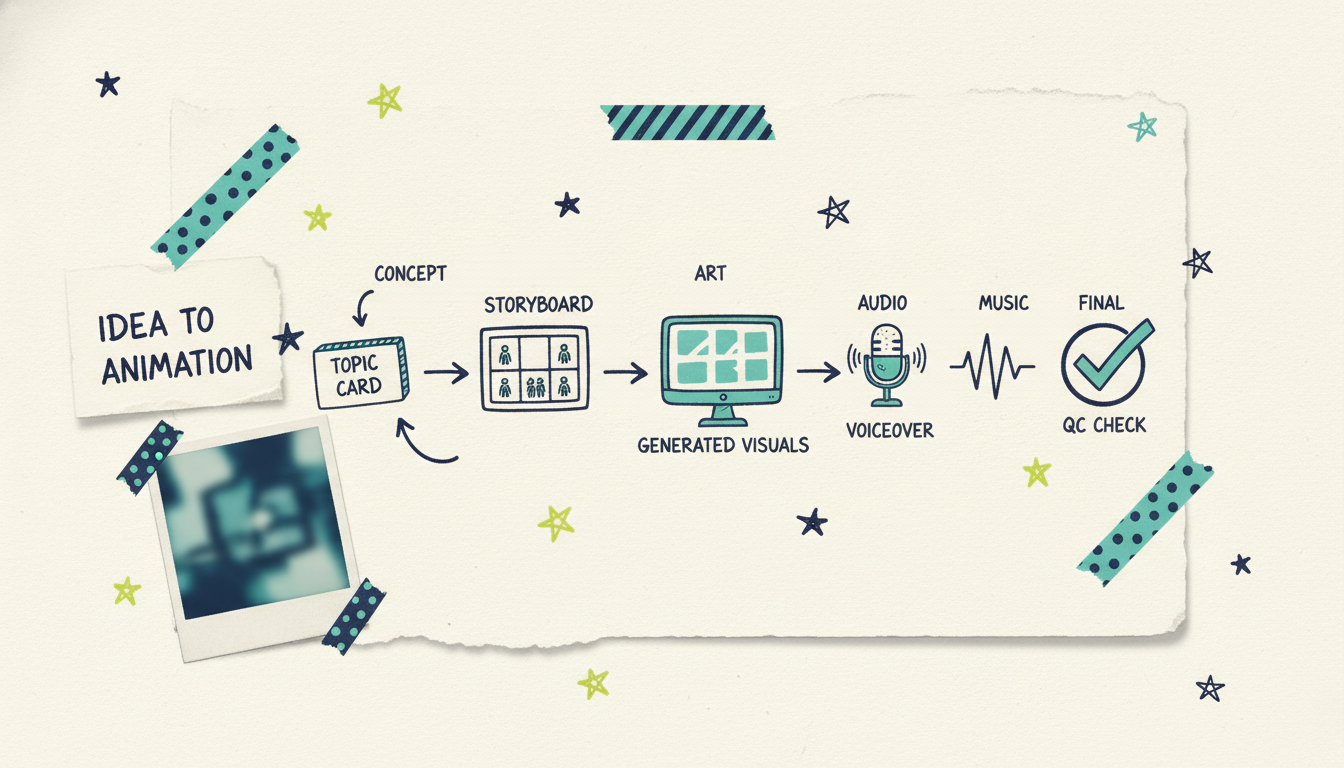
Once the script is set, Wavemaker runs the production pipeline:
Storyboard. It maps the script to a visual structure using one of 21 storyboard presets.
Visuals. It generates images and video clips to match, with subject consistency so recurring elements don't drift, and multi-provider fallback so generation doesn't stall.
Voiceover. AI narration is added. On Pro, you can use custom voice design to give your channel a distinct, consistent narrator.
Music. BPM-aware music is layered in with audio ducking, so the score drops under the narration and rises in the gaps.
QC pass. An AI vision review checks the result for quality issues before you hit play.
Most videos come together in two to five minutes.
3. Refine with chat, not a timeline
This is the part that keeps faceless production fast. Instead of dragging clips around an editor, you just tell Wavemaker what to change: "make the intro longer," "swap the music for something calmer," "tighten the middle section." No timeline, no learning curve. Each refine is cheap and quick, so you can dial in a video without losing your afternoon.
4. Export and upload
When you're happy, export. Free-tier exports run at 480p with a watermark, which is fine for testing your format. Once you're on a paid plan, you can export watermark-free up to 4K, which is what you'll want for a real channel. Then upload to YouTube with your title, description, and thumbnail.
The batch and consistency workflow
A single good video is nice. A channel that publishes consistently is what grows. Here's how to turn the per-video process above into a repeatable machine.
Build a topic backlog first. Before you make anything, brainstorm 20 to 30 topics in your niche. A full backlog means you're never staring at a blank page on production day, and it helps you spot series and themes.
Lock a template. Decide on your channel's recurring elements: the same narrator voice (custom voice design on Pro keeps it identical across videos), a consistent intro structure, a music mood, and an aspect ratio. Wavemaker's subject consistency and reusable settings make it easy to keep video #50 on-brand with video #1. Consistency is what makes a channel feel like a channel instead of a pile of random uploads.
Batch in stages. Rather than taking one video start-to-finish before touching the next, work in assembly-line stages: write or finalize all your scripts for the week, then generate all the videos, then do all your QC and refinements, then export the batch. Batching the same task cuts context-switching and gets you more videos per session.
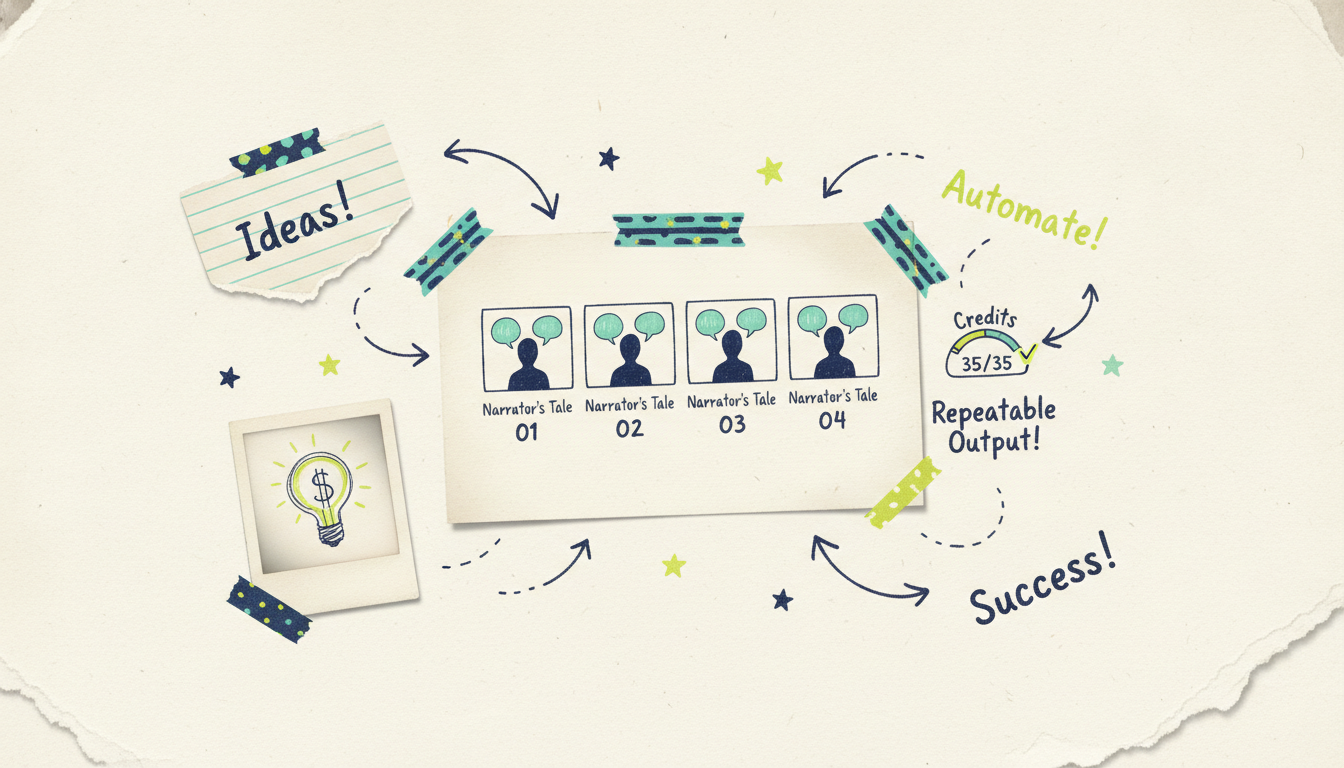
Plan your credits. Wavemaker runs on credits. A roughly 30-second video costs about 75 credits and a 60-second video about 150; a refine is 15 and an image is 3. Exports scale with resolution (720p costs 5, 1080p costs 10, 4K costs 25). If you're publishing several videos a week, the Pro plan's 2,000 monthly credits (with 20% rollover) or credit packs (which never expire) keep you supplied. Estimating credits per video upfront keeps your publishing schedule predictable.
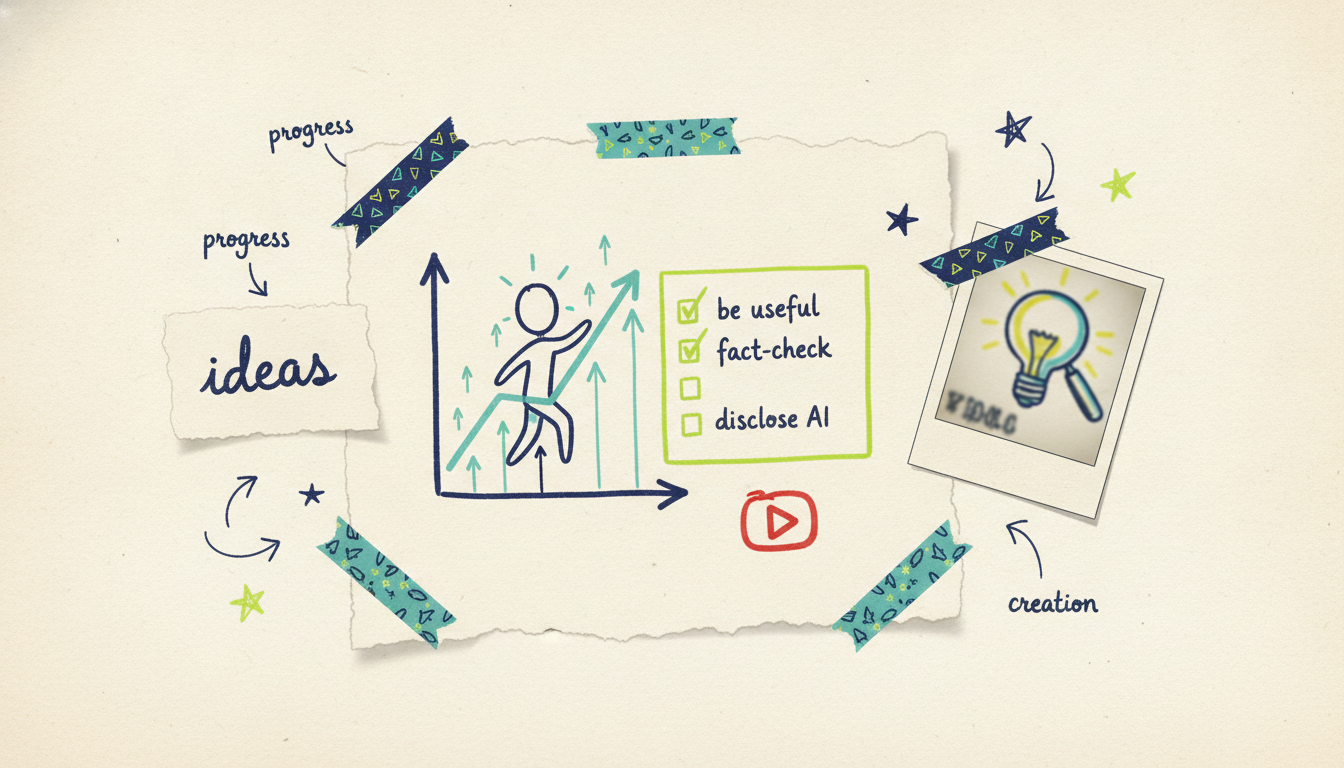
Keep a QC checklist. Every video, before it goes live: Are the facts right? Does the hook land in the first five seconds? Is the audio clean and the music ducked properly under narration? Does it deliver on the title? A quick, consistent checklist protects your channel's reputation as you scale.
Monetization realities
Let's be honest about the money, because a lot of faceless-channel advice skips straight to "passive income" and glosses over the details.
The YouTube Partner Program has real thresholds. To earn ad revenue, you need to meet YouTube's requirements: 1,000 subscribers plus either 4,000 valid public watch hours in the past 12 months or 10 million valid public Shorts views in 90 days (per YouTube's Partner Program eligibility, 2026). That takes time and consistent publishing to reach. It is not instant.
Ad revenue is one lever, not the only one. Faceless channels also earn through affiliate links, sponsorships once you have an audience, selling your own digital products, and channel memberships. Diversifying beyond AdSense usually makes a bigger difference than chasing raw view counts.
Niche affects earnings. RPM (revenue per thousand views) varies a lot by topic. Finance, tech, and business niches typically pay advertisers more than entertainment or general-interest content. If monetization is your main goal, niche selection matters as much as production quality.
AI lowers cost, not the effort of standing out. Cheap, fast generation drops your marginal cost per video, which is a genuine advantage. But every other creator has the same tools now. The channels that win still win on ideas, accuracy, hooks, and consistency, not on volume alone.
Honest caveats: quality and YouTube's policies
This is the part you shouldn't skip, because it's where a lot of AI-powered faceless channels get themselves in trouble.
YouTube discourages low-effort, mass-produced content. YouTube's policies target content that is repetitious or made with minimal effort and little original value ("inauthentic content" guidance, updated 2025). Pumping out dozens of near-identical, thin videos is exactly the pattern that gets channels demonetized or removed. AI generation is not against the rules. Using it to flood the platform with junk is what draws penalties.
Disclosure matters. YouTube requires creators to disclose meaningfully altered or synthetic content in certain cases, especially realistic content that could be mistaken for real. Know the current rules and label your videos honestly.
Accuracy is on you. AI research is a starting point, not a fact-checker. If your channel covers history, health, finance, or news, verify claims before you publish. One confidently wrong video can tank the trust you're trying to build.
Choose a subject you can explain accurately and usefully. Check generated scripts and visuals before publishing.
Related guides for faceless creators
If you're building out a faceless workflow, these cover the adjacent pieces:
Making YouTube videos without ever recording yourself, start to finish: how to make YouTube videos without filming.
Turning written ideas and scripts directly into finished video: text to video AI.
Running a channel that recaps the news on autopilot: automated news videos.
Common questions answered
Do I need any video editing skills to run a faceless channel? No. That's the point of using an agentic tool like Wavemaker. You direct with plain language ("make the intro longer," "swap the music") instead of working in a timeline. The production pipeline handles the assembly, so your skills go into picking topics and quality control, not editing.
How much does it cost to produce faceless videos with AI? Wavemaker's free plan gives you 75 credits, enough for your first video, at 480p with a watermark. Paid plans start at $29/mo for the Starter tier (500 credits, up to 1080p, no watermark), and the Pro plan at $99/mo (2,000 credits plus custom voice design) suits creators publishing several videos a week. Credit packs start at $9.99 for 100 credits and never expire.
Can AI videos get my channel demonetized? Using AI isn't against YouTube's rules, but mass-producing thin, repetitive, low-value content is. Channels get penalized for the low-effort pattern, not for the tools. Make useful videos, verify your facts, and disclose synthetic content where required, and you stay on the right side of the policies.
How long does it take to make one faceless video? Most videos generate in two to five minutes once you provide a topic or script. Add a little time for refinements and quality checks, and you can realistically produce several finished videos in a single session, which is what makes consistent publishing possible.
How do I keep my videos looking consistent across a whole channel? Lock a template: the same narrator (custom voice design on Pro keeps it identical), a consistent intro, a set music mood, and a fixed aspect ratio. Wavemaker's subject consistency keeps recurring visual elements from drifting, so your fiftieth video matches the look of your first.
AI can reduce production time and cost. Building a faceless channel still requires consistent publishing, audience development, and meeting YouTube's monetization requirements.





