
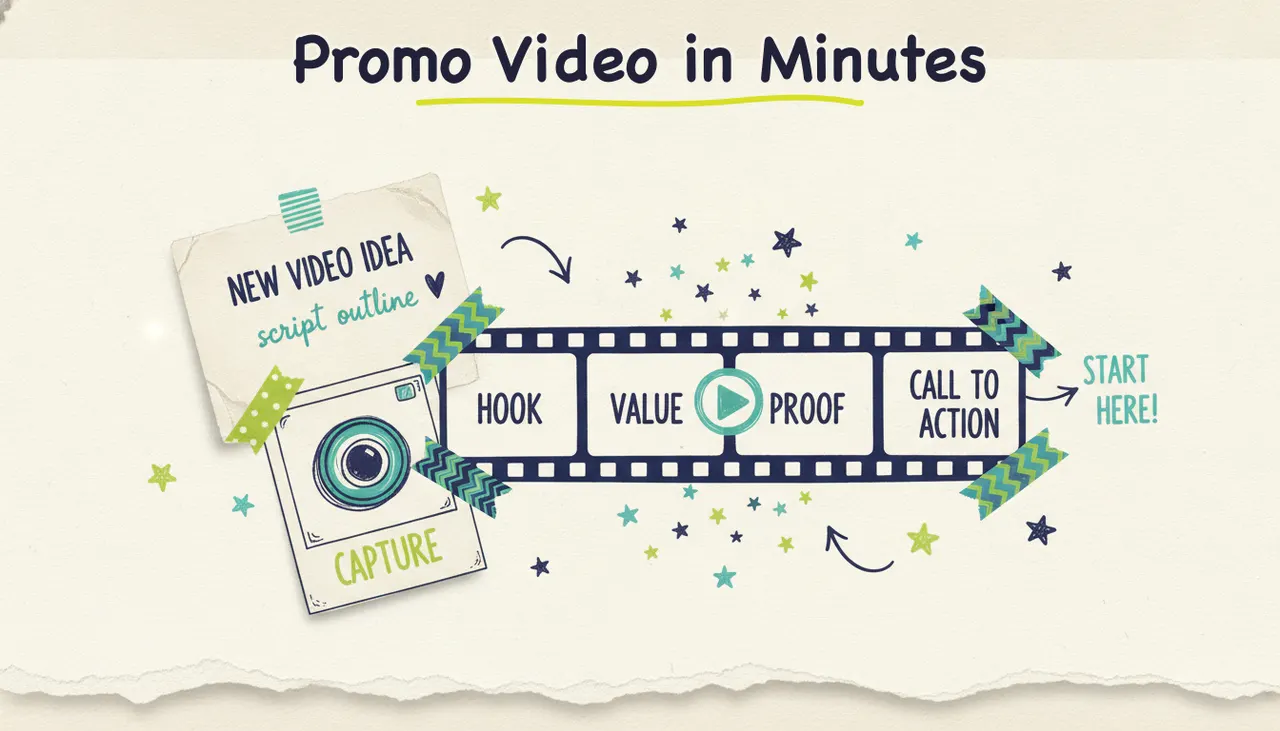
The fastest way to make a promo video in 2026 is to describe your idea (or paste your website URL) into an AI video creator, let it write the script and generate the visuals, then refine it in plain language until it feels right. With a tool like Wavemaker, that whole process takes a few minutes instead of the days a traditional shoot or freelance editor would need. This guide walks you through what a promo video is, the four parts every good one shares, how long yours should run, and how to build one end to end, including how to put it on real streaming TV when it's ready.
What a promo video is (and where you'll use one)
A promo video is a short piece of video built to promote something specific: a product launch, an event, a sale, a new location, or your brand as a whole. It's persuasive by design. Where an explainer teaches and a demo shows a product in action, a promo builds excitement and points people toward a single action, whether that's buying, registering, or just remembering your name.
You'll reach for a promo video in a handful of common situations:
Product launch: announce something new and make people want it before they've even seen the price.
Event promotion: fill seats for a webinar, grand opening, concert, class, or conference.
Sale or offer: create urgency around a limited-time discount, seasonal push, or bundle.
Brand promo: a short "here's who we are and why you'll like us" video that lives on your homepage and social profiles.
Seasonal campaigns: holiday, back-to-school, or end-of-year pushes that need to feel timely.
A promo video isn't the same as a video ad, even though they overlap. A video ad is optimized for a specific paid placement and a measurable conversion, usually tightly scoped to one channel and one metric. A promo is broader. It can live on your homepage, run before an event, headline an email, or, yes, become the creative for a paid ad later. If you're focused purely on paid performance placements, start with our guide on how to make a video ad. If you want something that works across your whole brand presence, stay right here.
The anatomy of a great promo video
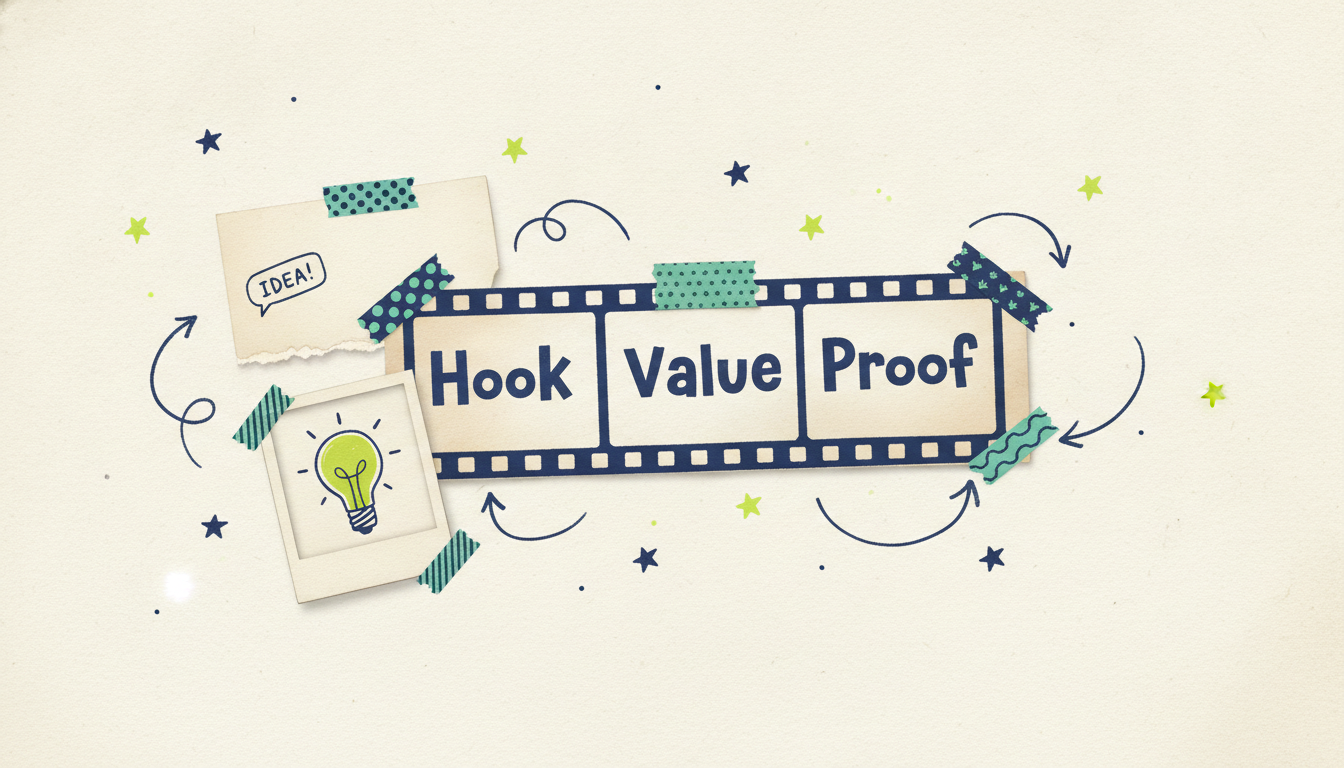
Almost every promo video that works follows the same four-part shape. Miss one and the video feels flat. Nail all four and even a 20-second clip can move people.
1. The hook (first 3 seconds)
You have about three seconds before someone scrolls past. The hook is the promise, question, or visual that stops the thumb. "Your busy season starts in 6 weeks. Is your calendar full?" beats "Welcome to our company" every time. Lead with the thing your viewer cares about, not your logo.
2. The value (what's in it for them)
Once you've earned attention, show why they should care. This is the core message: the new product, the event, the offer, the reason your brand exists. Talk about the outcome for the viewer, not just the features. "Book more jobs" lands harder than "we have a scheduling tool."
3. The proof (why they should believe you)
A quick credibility beat keeps the promise honest. That can be a customer result, a rating, a recognizable client, a "trusted by 2,000 local shops" line, or simply a confident demonstration of the thing itself. Proof turns interest into trust. Keep it to a few seconds so the momentum holds.
4. The call to action (what to do next)
Every promo ends with one clear next step. "Register free," "Shop the sale," "Visit us this weekend." One action, stated plainly, ideally reinforced with an on-screen button or QR code. If you ask for three things, you'll get none of them. Bottom line: pick the single most important action and make it impossible to miss.
Scripting and length: how long should a promo video be?
The good news is you don't need a lot of words. A promo video is short by nature, and shorter usually converts better. A reliable rule of thumb: about 2.2 words of script per second of video, spoken at a natural pace. So a 30-second promo is roughly 65 to 75 words. That's it.
When you script, write for the ear, not the page. Use short sentences. Read it out loud. If you stumble, rewrite it. Front-load the hook, spend the middle on value and one quick proof point, and land the CTA in the final few seconds.
Length depends on where the promo will live. Here's a quick reference:
When in doubt, make the 30-second version first. It fits the widest range of placements, including streaming TV, and you can always trim a shorter cutdown for social from the same script.
How to make a promo video with Wavemaker, step by step
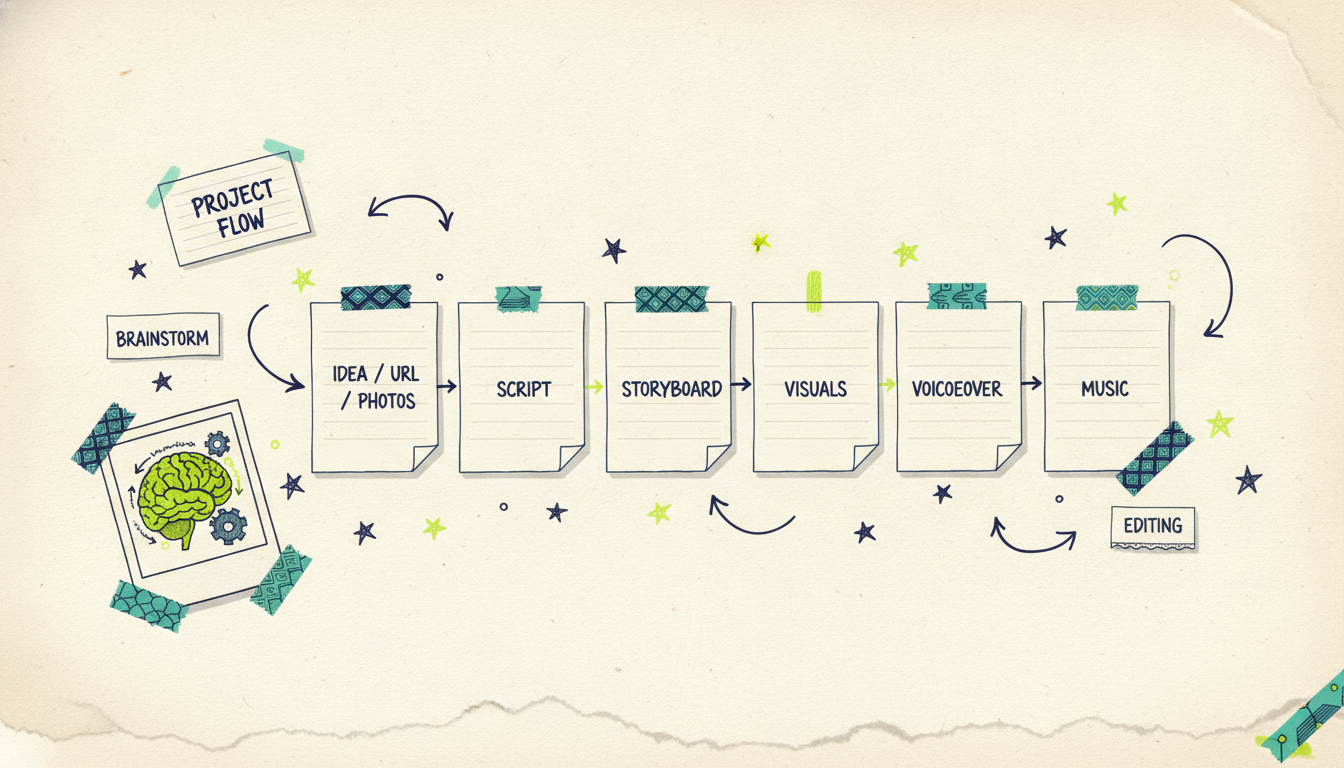
Wavemaker is an agentic video creator, which is a fancy way of saying it works like an AI production team rather than an editor you have to drive yourself. You give it a starting point, and it handles research, script, visuals, voiceover, music, and a quality-control pass. Here's how the whole pipeline works for a promo.
Step 1: Start from an idea, a URL, or your own photos
You've got a few ways in, and none of them require a blank timeline:
From an idea or topic: type something like "a 30-second promo for a spring HVAC tune-up special, upbeat and trustworthy." Wavemaker researches the topic and drafts a script.
From a URL: paste your website or a product page. Wavemaker scrapes your brand colors, imagery, and messaging into a creative brief, so the promo looks like it belongs to you from the first frame.
From documents or images: upload a product sheet, event flyer, or a folder of photos, and it builds the promo around what you give it.
From existing video: already have footage? Feed it in and let Wavemaker shape it into a finished promo.
Step 2: Review the script
Wavemaker writes a first-draft script structured around that hook-value-proof-CTA shape. Read it. If the hook is weak or the CTA is fuzzy, you don't open a script editor. You just tell it what to change in plain language.
Step 3: Watch it build the visuals
From the approved script, Wavemaker generates an AI storyboard (it has 21 presets to set the visual style), then produces the actual images and video clips. It keeps your subjects visually consistent from shot to shot and uses multiple generation providers with fallback, so you're not stuck when one model has an off day. These are generated visuals built for your promo, not a stock-footage slideshow stitched together from a library.
Step 4: Add voiceover
Wavemaker adds an AI voiceover to carry the script. On paid plans you can design a custom voice so your promos sound like your brand every time. The voice is timed to the visuals automatically, so you're not nudging audio around on a track.
Step 5: Layer in music
It scores the promo with BPM-aware music and uses audio ducking, which lowers the music under the voiceover so the message stays crisp and lifts it back up between lines. That's the difference between a promo that feels produced and one that feels like a hobby project.
Step 6: Let the AI vision QC pass catch problems
Before you call it done, Wavemaker runs an AI vision QC review that looks at the finished video to catch issues a script check would miss. Then you do your own pass. Want a punchier open? Type "make the intro shorter and start on the offer." Music too loud? "Bring the music down under the voiceover." No timeline, no re-render dance you have to manage yourself.
A quick note on quality and cost so there are no surprises. The free plan gives you 75 credits, which is enough for your first video, at 480p with a watermark. Paid plans remove the watermark and export up to 4K. A ~30-second promo runs about 75 credits, a ~60-second version about 150, and each chat refine costs 15. Starter is $29/mo (500 credits, up to 1080p, no watermark), Pro is $99/mo (2,000 credits, custom voice design, API and MCP access), and Business is $299/mo (8,000 credits, up to 4K). Credit packs start at $9.99 for 100 and never expire, so nothing goes to waste if you only make promos now and then.
Where to distribute your promo video
A finished promo is only useful once people see it. The same 30-second video, or short cutdowns from it, can carry your whole promotion across channels.
Social media: post it natively on Instagram, TikTok, Facebook, and LinkedIn. Make a vertical (9:16) cutdown for Reels and Shorts and a square (1:1) or 4:5 version for feeds. Wavemaker exports these aspect ratios directly.
YouTube: run it as a pre-roll ad or pin it to your channel. Keep the hook in the first five seconds so it lands before the skip button.
Your website: drop the 30-to-60-second version on your homepage or a launch landing page. A promo above the fold lifts time-on-page and gives visitors the gist in seconds.
Email: a video thumbnail linking to the promo can lift click-through on launch and sale announcements.
And here's the channel almost nobody expects to afford: television.
Running your promo as a streaming TV spot via Adwave
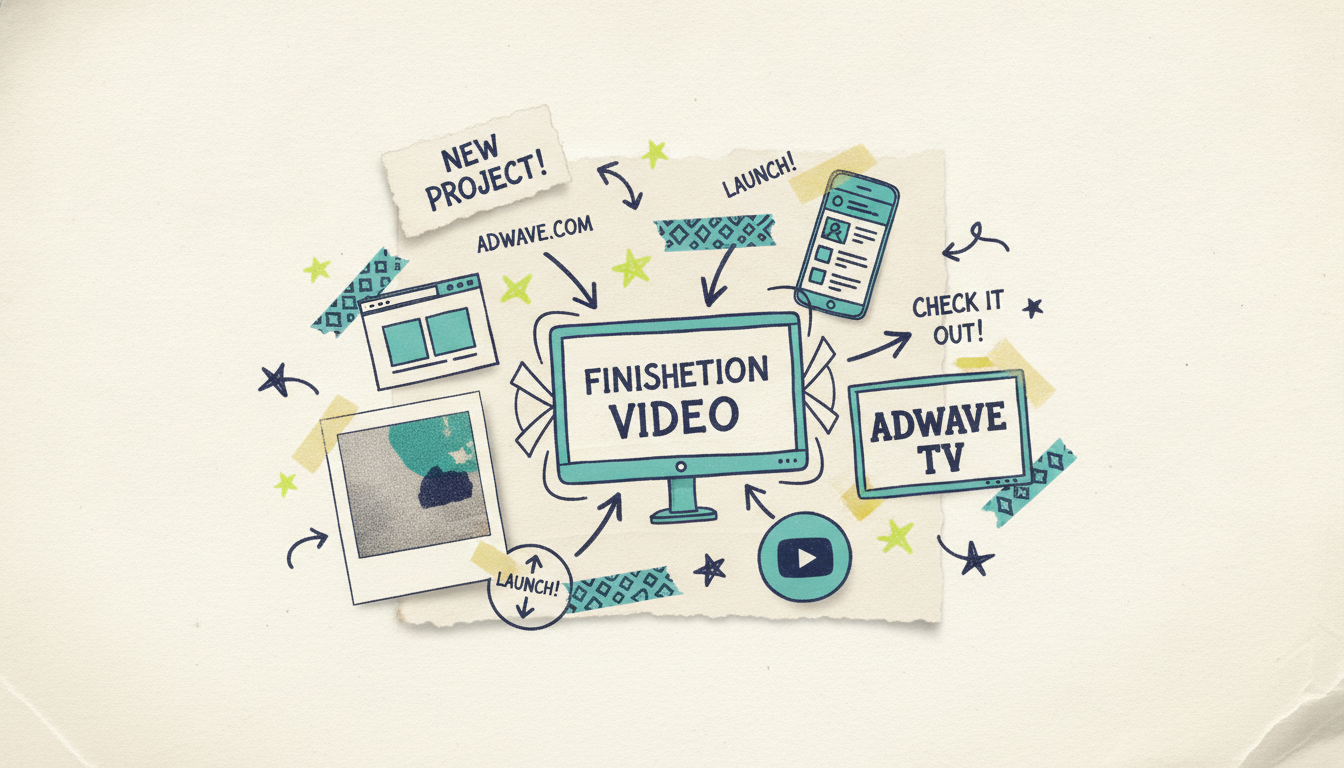
Once your 30-second promo is finished, you can run it as a real streaming TV commercial through Adwave, Adwave's paid-distribution platform. It airs across 100+ premium streaming networks, with local or national targeting, starting at $50. Ad creation is free, campaigns launch in under 10 minutes, and a real-time dashboard shows you what's working.
To be clear about how this fits together: Wavemaker makes the video, and Adwave puts it on TV. That connection is what makes a promo built here different from one made anywhere else. Most AI video tools' story ends at the MP4 export. Yours can end on the same networks the big brands run on, without the traditional cost. Adwave also handles Google, YouTube, Meta, Reddit, and display, so one finished promo can power every paid channel you care about.
Promo vs demo vs explainer: which do you need?
These three video types get mixed up constantly, and picking the wrong one wastes effort. A promo builds excitement and drives a single action. It's broad and persuasive. If you instead need to show your product in real use, a product demo video is the better fit, because it walks through features and outcomes in detail. And if your goal is to make a complex idea easy to understand, an explainer video does that job. Many businesses end up making all three from the same source material, and Wavemaker can generate each one because you're starting from the same idea, URL, or set of assets.
Common questions answered
What's the difference between a promo video and a video ad? A promo video is a broad, persuasive piece built to promote a launch, event, sale, or brand, and it can live on your homepage, in email, or on social. A video ad is scoped tightly to a specific paid placement and a measurable conversion goal. A promo often becomes the creative for a video ad later, but it starts life as a more flexible brand asset. If paid placements are your only goal, our guide on how to make a video ad is the better starting point.
How long should a promo video be? For most uses, 15 to 30 seconds is the sweet spot, and 30 seconds is the safest default because it fits social, YouTube pre-roll, and streaming TV. Social teasers can run as short as 6 to 15 seconds, while homepage brand promos and product launches can stretch to 60 to 90 seconds when there's more to say. Match the length to where the video will live, and make the 30-second version first so you have a cutdown-friendly master.
Can I make a promo video for free? Yes. Wavemaker's free plan includes 75 credits, which is enough to create your first promo video, exported at 480p with a watermark. Paid plans starting at $29/mo remove the watermark and unlock higher-resolution exports up to 4K. Credit packs never expire, so you can top up only when you need to make a video.
Do I need a script or footage before I start? No. You can start from nothing but an idea, and Wavemaker will research the topic and write the script for you. You can also paste a website URL to pull in your brand look automatically, or upload documents, photos, or existing footage if you have them. The AI handles the script, visuals, voiceover, and music from whatever starting point you give it.
Can I put my promo video on TV? Yes, through Adwave. Once your promo is finished in Wavemaker, you can run it as a 30-second streaming TV commercial on 100+ premium networks via Adwave, starting at $50, with local or national targeting. Wavemaker makes the video and Adwave handles the paid TV distribution, so the same finished promo can also run on Google, YouTube, Meta, and more.
How is a promo different from an explainer or demo video? A promo builds excitement and drives one clear action, an explainer makes a complex idea easy to understand, and a demo shows your product working in real detail. They serve different jobs but can share source material, so many businesses make all three from the same brand assets in Wavemaker.
Make your first promo video today
You don't need a film crew, an editing suite, or a week of turnaround. Describe your promo, paste your URL, or upload a few photos, and let Wavemaker's AI production team handle the rest. Create your first promo video free with 75 credits, and when it's ready, Adwave can put it on streaming TV from $50.





