
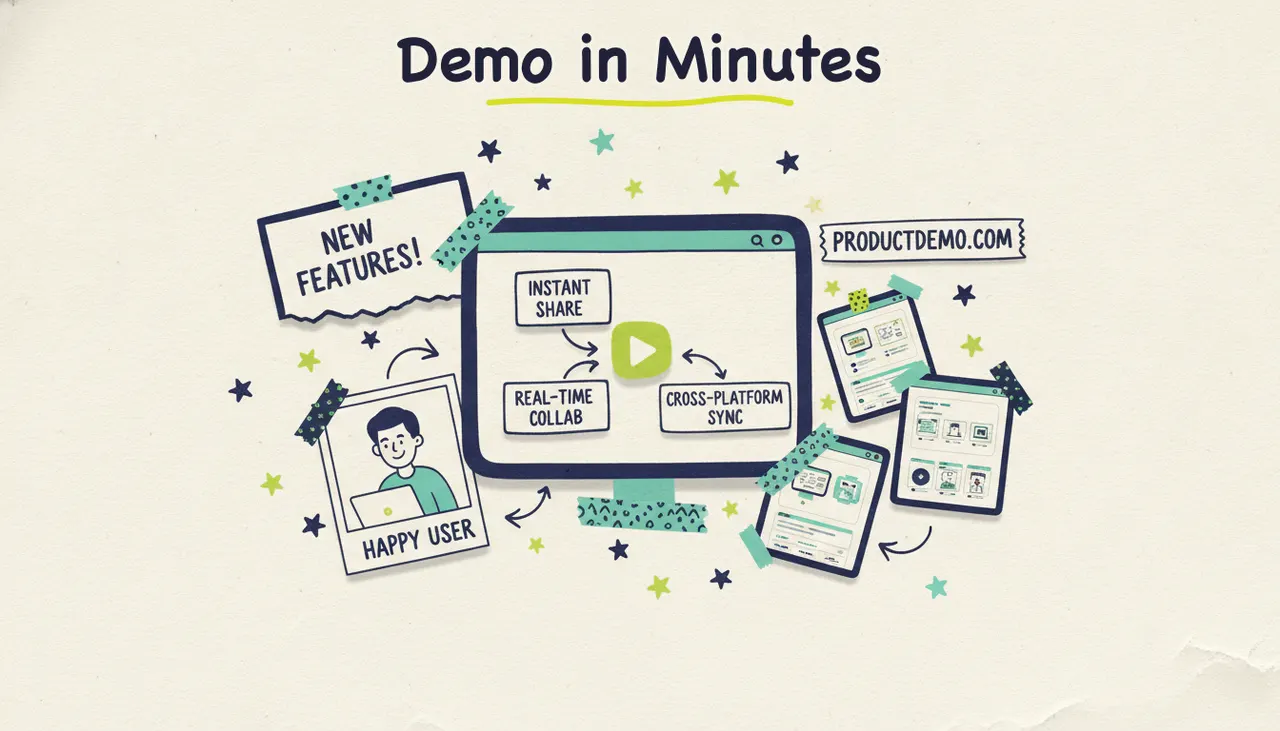
To make a product demo video with AI, describe your product (or paste its URL), and let an AI production tool write the script, generate the visuals, add voiceover and music, and hand you a finished video in minutes. With Wavemaker, you can turn a product page, a stack of screenshots, or a rough feature list into a polished demo without opening an editor. Here's how to do it well, what separates a demo that converts from one that bores people, and how to get your first one made free.
Show how a customer uses your product to complete a task. Start with that task, demonstrate the relevant features, and include the result.
What a great product demo video does
Before you touch a script or a tool, get clear on the three things every strong demo delivers. Miss any one of them and the video falls flat.
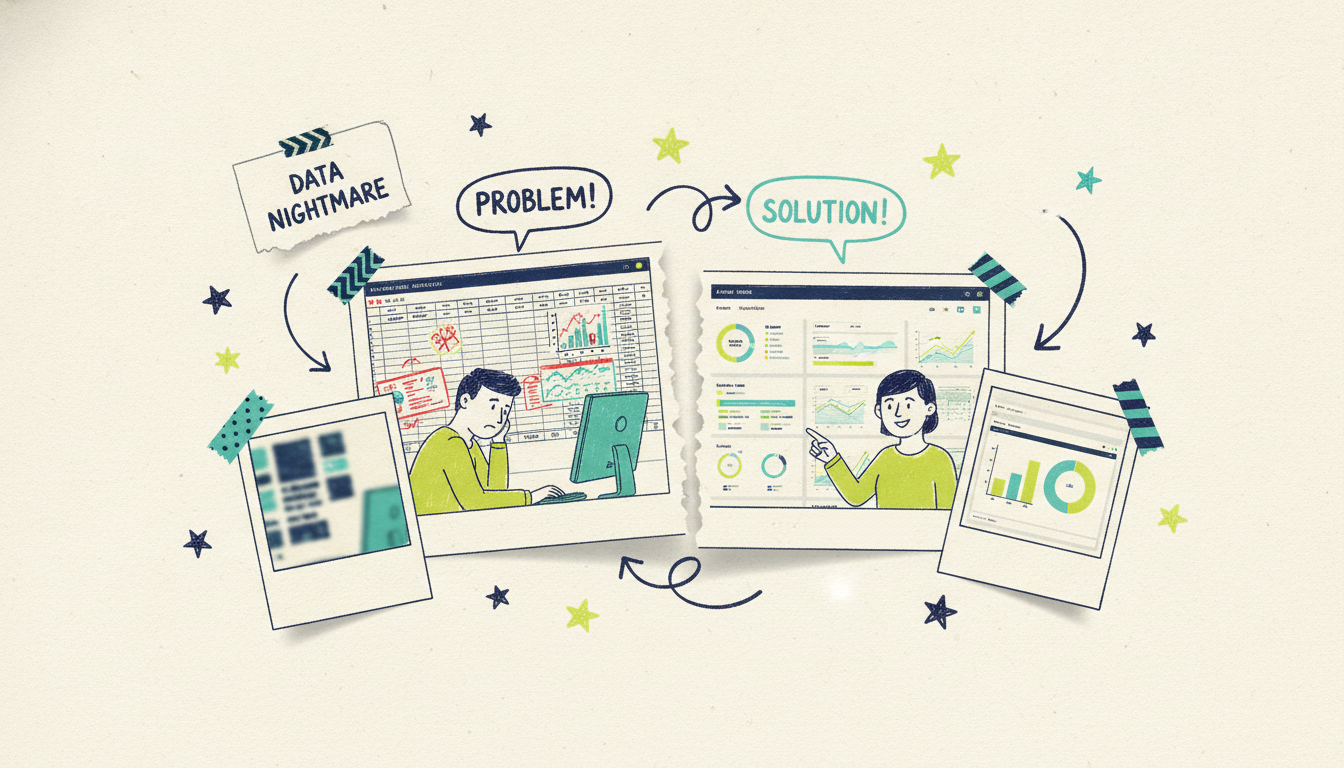
It shows the product solving a real problem. People don't buy features. They buy the feeling of a headache going away. Your demo should open on the pain: the messy spreadsheet, the missed appointment, the pile of manual work. Then it shows your product making that pain disappear. If a viewer sees their own frustration on screen in the first ten seconds, they'll stay for the fix.
It highlights the key features that matter, not all of them. A demo isn't a documentation tour. Pick the two or three features that carry the most weight for the outcome you're promising, and show those in action. Everything else is a distraction. The temptation to include "just one more thing" is exactly what kills momentum.
It ends on the outcome. Close on what life looks like after your product is in the picture: the finished project, the happy customer, the time saved. The outcome is what viewers remember, and it's what makes them want to try it themselves. A demo that stops at "and that's how the settings menu works" has thrown away its most persuasive moment.
You can hit all three of these in 30 to 60 seconds. Length isn't the enemy. A demo that drags is almost always a demo that lost the thread between problem, feature, and outcome.
The four types of product demo video
Not every product demos the same way. Matching the format to what you're selling saves you from forcing a software walkthrough onto a physical product, or vice versa.
SaaS walkthrough. For software, the demo lives in the interface. You show the dashboard, the workflow, and the "aha" moment where a task that used to take an hour takes a click. The best SaaS demos don't record every screen; they generate clean visuals of the key steps and narrate the value at each one. Screenshots and a short feature list are usually all the input you need.
Physical product demo. For a physical product, the demo is about the thing in use. You show it working, from an angle that makes the benefit obvious: the blender crushing ice, the tool tightening a bolt, the jacket shedding rain. If you don't have studio footage, AI-generated visuals paired with your product photos can carry the story convincingly.
App demo. Mobile apps need a demo that feels like the phone in someone's hand. The pacing is quicker, the taps are the story, and the outcome is usually convenience: booked in seconds, tracked automatically, done on the go. Vertical (9:16) framing matches where these videos live, on TikTok, Reels, and app store previews.
Feature spotlight. Sometimes you don't need a full tour, just a sharp 20 to 30 second clip on one new feature. Feature spotlights are perfect for product updates, launch announcements, and social. They keep an existing audience current without the overhead of a full demo, and you can pump out a new one every time you ship.
Here's how the types map to the input you'll bring and where each one tends to earn its keep:
How to make a product demo video with Wavemaker
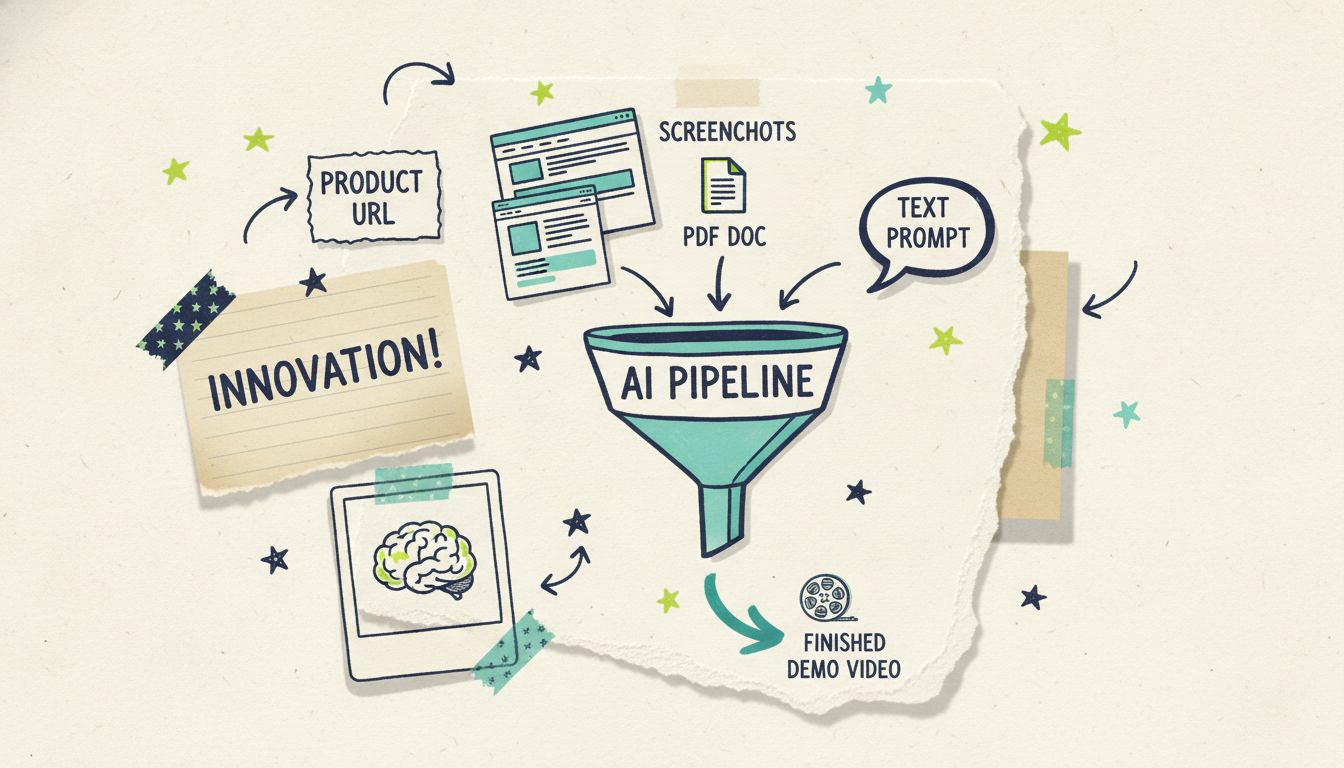
Wavemaker is an agentic video creator, which is a fancy way of saying it works like an AI production team rather than an editor you have to drive. You give it a starting point, and it handles the research, script, generated visuals, voiceover, music, and a quality-control pass on its own. For a product demo, that means you can start from whatever you already have on hand.
Start from your product URL. Paste your product page and Wavemaker scrapes your brand colors, imagery, and messaging into a creative brief. This is the fastest path for most people. Your existing site already explains the product, so the tool has plenty to work with. (For a deeper look at this input mode, see our guide on turning a URL into a video with AI.)
Start from screenshots. Drop in screenshots of your dashboard, app, or product in use, and Wavemaker builds the demo around them. This is ideal for SaaS walkthroughs and app demos where the interface itself is the star.
Start from docs. Have a spec sheet, a feature list, a PDF one-pager, or release notes? Upload the document and Wavemaker pulls the key points into a script. Great when the product is new and the website hasn't caught up yet.
Start from a prompt. If you'd rather just describe it, type a few sentences about what the product does and who it's for. Wavemaker researches the topic, writes the script, and generates the visuals from scratch.
However you start, the pipeline is the same: script, then an AI storyboard (with 21 presets to pick a look), then generated images and video clips with consistent subjects, then AI voiceover with custom voice options, then BPM-aware music that ducks under the narration, then an AI vision QC review to catch problems before you see the draft. Most videos come back in two to five minutes.
The part people underestimate is the editing. You don't open a timeline. You just tell Wavemaker what to change in plain language: "make the intro shorter," "swap in a more upbeat track," "spend more time on the reporting feature." It re-renders, and you keep going until it's right. A refine costs a fraction of a full generation, so iterating is cheap.
Scripting a demo that converts
Even with AI writing the first draft, knowing the shape of a good demo script helps you steer it. The strongest product demos follow a simple arc:
Hook with the problem (0 to 8 seconds). Open on the pain, not the logo. "Still tracking inventory in a spreadsheet? Here's what that's costing you." You've got a few seconds before someone decides to keep watching, so spend them on something the viewer feels.
Introduce the product as the fix (8 to 15 seconds). Now bring in your product, framed as the answer to the problem you just showed. One clear sentence on what it is and who it's for.
Show the key features in action (15 to 45 seconds). Two or three features, each tied to a benefit. Not "it has a reporting dashboard," but "see exactly which products are selling in one glance." Show the feature working, don't just name it.
Land the outcome and call to action (45 to 60 seconds). End on the after-state and tell people what to do next: start a free trial, book a demo, buy now. A demo without a clear next step wastes the momentum you just built.
A few scripting rules that hold up across every product type:
Write for the ear, not the page. Short sentences. Contractions. Say it out loud; if you stumble, rewrite it.
One idea per line. The voiceover and the visual should reinforce the same point at the same moment.
Name the outcome in real terms. "Save three hours a week" beats "boost your productivity."
When you feed Wavemaker a prompt or a URL, you can hand it this structure directly: tell it to open on the problem, spotlight your top two features, and close on the outcome with a call to action. The more specific your steer, the closer the first draft lands.
Where to put your product demo (site, social, sales, and TV)
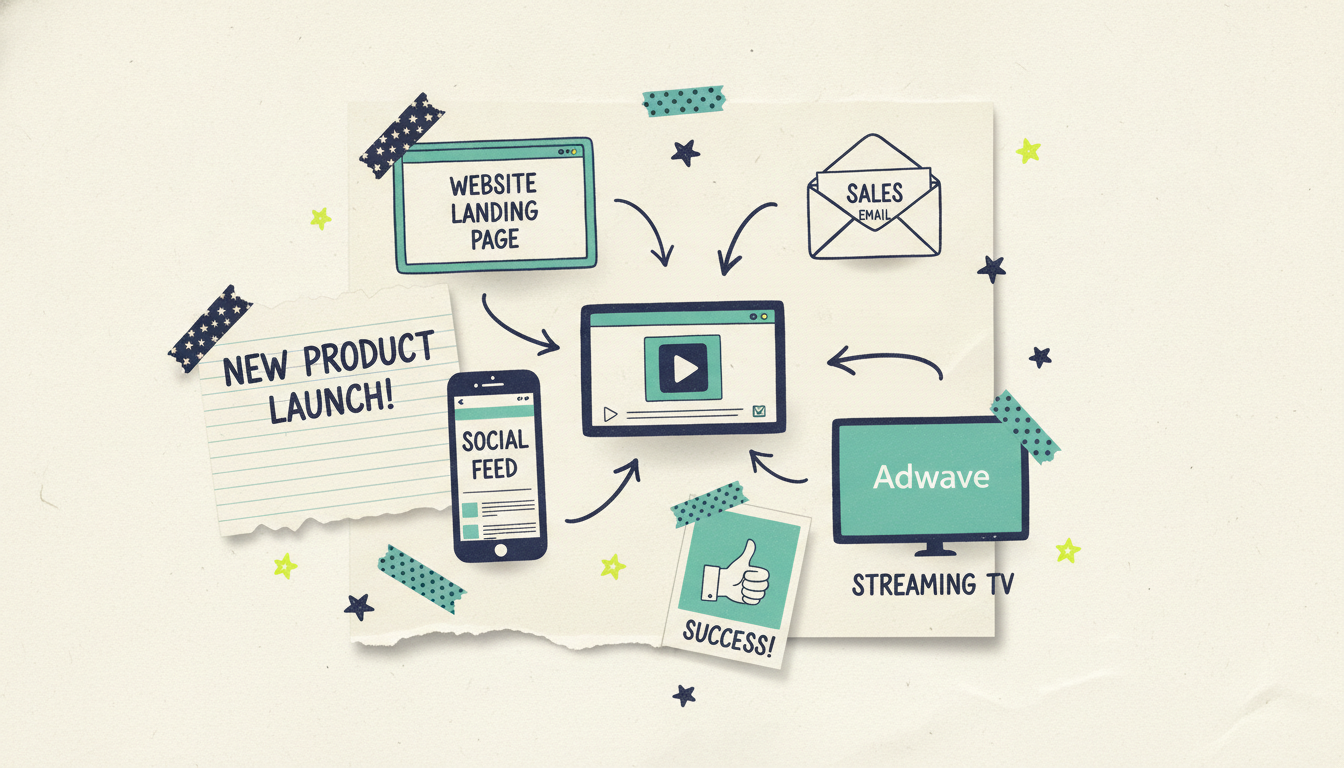
A demo you don't distribute is a demo that doesn't sell. The good news is one video can be repurposed across every channel with small format tweaks, and Wavemaker exports in 16:9, 9:16, 1:1, and 4:5 so you're covered everywhere.
On your site. Put the demo above the fold on your product page and in your onboarding flow. A demo on a landing page is one of the highest-value placements you have, since the viewer already came looking for exactly this.
On social. Cut a vertical version for TikTok, Reels, and Shorts, and a square one for the feed. Feature spotlights are perfect for keeping social current between bigger launches. If you want a punchier, share-first edit, our guide on how to make a promo video walks through the differences.
In sales. Send the demo in follow-up emails, drop it into your deck, and let it do the pitch when you're not in the room. A tight 60-second demo answers "what does this do?" faster than any call.
On streaming TV. Here's the one nobody else offers. When your demo (or a promo cut of it) is ready, Adwave can run it as a real streaming TV commercial on 100+ networks, starting from $50, alongside Google, YouTube, Meta, and Reddit. That means a product demo you generated in minutes can end up in front of viewers on the same platforms as national brands, without a production budget. Wavemaker makes the video; Adwave puts it on TV.
Not every demo needs to air on television, and that's fine. But for a product launch or a promo push, being able to go from "type an idea" to "airing on streaming TV" without ever hiring a crew is a new option. If you're weighing a demo against a broader launch video, our guide on how to make an explainer video with AI covers when to reach for each.
A few mistakes that sink product demos
Too many features. The instinct to show everything makes viewers remember nothing. Pick your best three.
No visible problem. If the demo never shows what life was like before your product, the value never lands.
Burying the outcome. Ending on a settings menu instead of a result is the most common own-goal in product video.
Wrong length for the channel. A three-minute walkthrough dies on TikTok; a ten-second clip can't sell complex software. Match the cut to the placement.
No call to action. You earned the attention. Tell people exactly what to do with it.
Fix these four or five things and you're already ahead of most product demos on the internet.
Common questions answered
How long should a product demo video be? For most uses, 30 to 60 seconds hits the sweet spot: long enough to show the problem, a couple of features, and the outcome, short enough to hold attention. Longer, more detailed walkthroughs (two to three minutes) work for complex software when the viewer has already opted in, like an onboarding or sales-call demo. Match the length to where it'll be watched.
Can I make a product demo without any footage or a camera? Yes. Wavemaker generates the visuals for you from a prompt, a product URL, screenshots, or a document, so you don't need a camera crew or studio footage. For physical products, pairing your existing product photos with AI-generated scenes usually gives you everything you need.
How much does it cost to make a demo video with Wavemaker? You can make your first one free on the $0 plan, which includes 75 credits (enough for a first video), 480p export with a watermark. Paid plans start at $29/mo for higher resolution up to 1080p and no watermark, and go up to 4K on higher tiers. A roughly 30-second video runs about 75 credits, and refining a draft costs only 15.
What's the best input to start from for a SaaS demo? Screenshots of your interface plus a short feature list, or just your product URL. Screenshots let Wavemaker build the walkthrough around your actual product, while the URL pulls in your brand look automatically. You can combine them for the best of both.
Can I edit the video after it's generated? Yes, and you don't need editing skills. You refine it with plain-language chat, telling Wavemaker things like "make the intro shorter" or "spend more time on the pricing feature," and it re-renders. There's no timeline to learn.
Can I run my product demo as an actual TV ad? Yes. Once your video is finished in Wavemaker, Adwave can run it as a real streaming TV commercial on 100+ networks, starting from $50, plus Google, YouTube, Meta, and Reddit. The video is made in Wavemaker; the TV distribution goes through Adwave.
Make your product demo now
You don't need a production budget, an editing suite, or a spare afternoon. Paste your product URL or upload a few screenshots, and Wavemaker turns them into a finished demo in minutes. Create your first product demo video free with 75 credits, no card required.
And when it's ready to reach more people, remember the demo doesn't have to stop at your website. Adwave can put it on streaming TV from $50, so the video you made in minutes can air alongside the networks your customers already watch.





