
To make an explainer video with AI, you start with an idea, a URL, or a document, and let an AI production tool handle the script, visuals, voiceover, and music for you. With Wavemaker, you type what your product or concept does (or paste a link and let the AI research it), and you get a finished explainer video in a few minutes, no editing timeline required. This guide walks you through what an explainer video is, the structure that makes one work, and the exact steps to build one from scratch.
Explainer videos used to mean a five-figure quote and a six-week wait for a freelance animator. That's changed. You can now go from a rough idea to a polished, narrated explainer without touching a single keyframe.
What an explainer video is (and where they show up)
An explainer video is a short, focused video that makes something easy to understand. Usually 30 to 90 seconds, it takes a product, service, feature, or concept and answers one question fast: "What is this, and why should I care?"
You've seen them everywhere, even if you didn't label them. They're the video on a homepage that shows how a product works before you scroll. They're the clip a SaaS company drops into an onboarding email. They're the "here's how our process works" video on a service page. They earn their keep because people would rather watch 60 seconds than read three paragraphs.
According to Wyzowl's 2024 State of Video Marketing report, 89% of people say watching a video has convinced them to buy a product or service, and explainer videos are the most common type of video businesses produce. That's not a coincidence. When something is new or a little abstract, showing beats telling.
Here are the main jobs an explainer video does:
If you're deciding on the look and feel rather than the structure, we cover that separately in our guide to explainer video styles. This post is about the how-to. The style post is about the visual direction.
The anatomy of a good explainer video
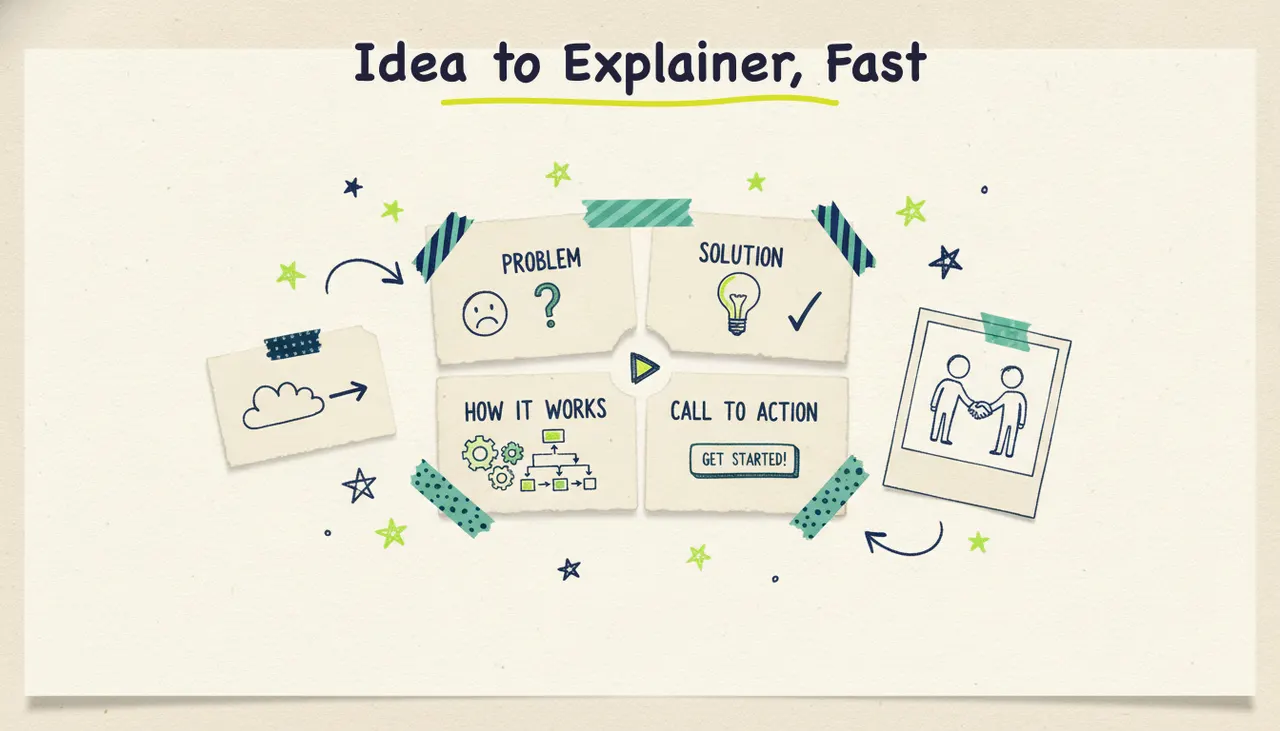
Almost every explainer that works follows the same four-beat structure. It's simple, and it's simple for a reason: it mirrors how people decide whether something is worth their attention.
1. Problem. Open with the pain. Name the frustration your viewer already feels. This is the hook, and it's the most important few seconds of the whole video. If people don't recognize their own problem in the first 10 seconds, they scroll away.
2. Solution. Introduce what you're offering as the answer. Keep it plain. This is where you say what the thing is, not yet how it works.
3. How it works. Now show the mechanism. Two or three steps, tops. People don't need every detail, they need enough to believe it's real and easy.
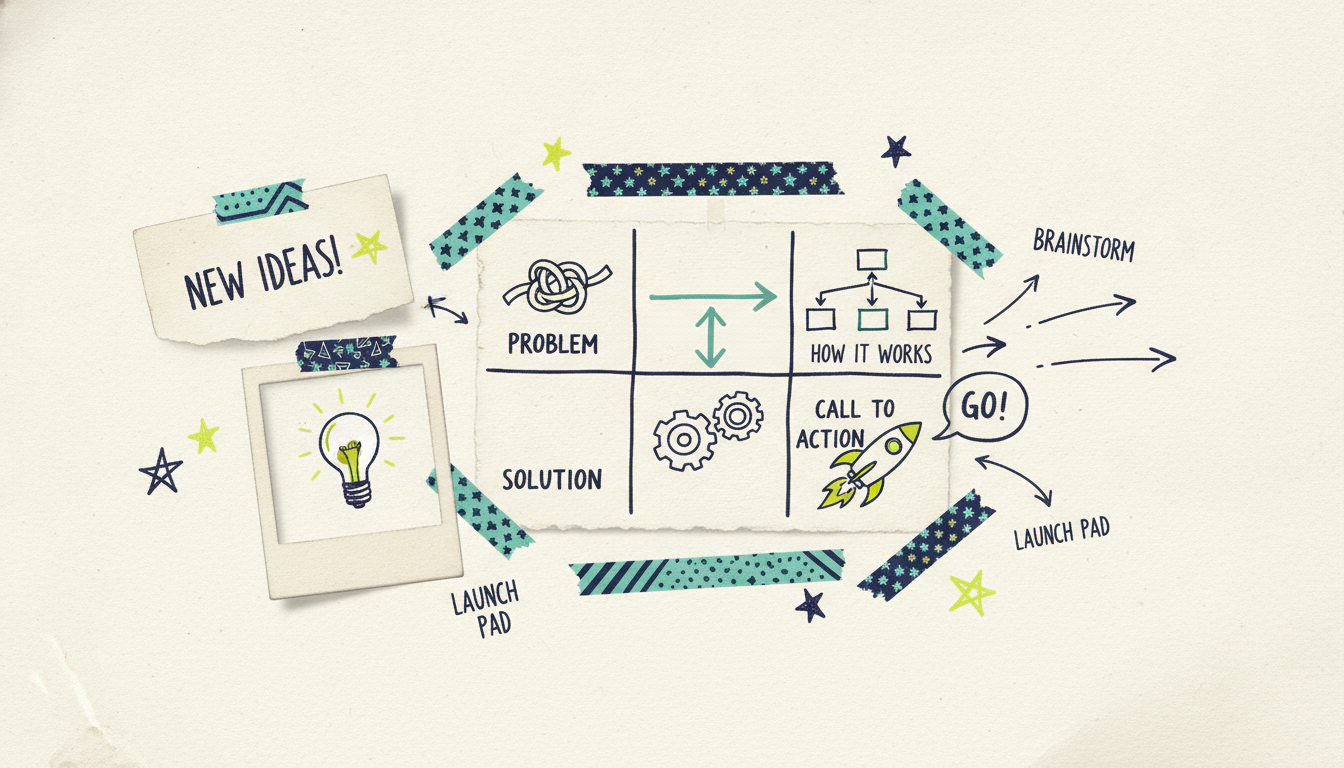
4. Call to action. Tell the viewer exactly what to do next. "Start free," "Book a demo," "See how it works." One ask. Not three.
Here's the structure laid out as a beat sheet you can copy:
Scripting tips that matter
The script is the spine of your explainer. Get it right and the visuals, voiceover, and music fall into place. Get it wrong and no amount of pretty animation saves it.
Write for the ear, not the eye. People listen to explainer videos, they don't read them. Read your script out loud. If you trip over a sentence, cut it down. Use contractions. Keep sentences short.
One idea per sentence. Cramming two thoughts into one line makes narration feel rushed. Give each point room to land.
Lead with the benefit, not the feature. "Launch a video in minutes" beats "AI-powered generation pipeline." Say what the viewer gets, then, if it matters, how you deliver it.
Match your word count to your runtime. A comfortable narration pace is about 150 words per minute. So a 60-second explainer is roughly 150 words. A 30-second explainer is closer to 75. Write to that budget from the start, because trimming a bloated script later is painful.
Cut every word that isn't pulling weight. "In order to" becomes "to." "At this point in time" becomes "now." Ruthless trimming makes narration feel confident instead of padded.
If you'd rather not write the script yourself, this is where AI earns its spot. You can hand it a topic or a URL and let it draft the whole thing, then refine from there. More on that in the steps below.
How long should an explainer video be?
Short. Almost always shorter than you think.
The sweet spot for most explainers is 30 to 90 seconds. Here's the rough guide:
30 seconds: feature explainers, ads, social posts, and anything where attention is scarce. This is also the length that runs as a streaming TV commercial.
60 seconds: the workhorse length for product and how-it-works explainers on a homepage or landing page.
90 seconds: concept explainers and onboarding videos that need the extra room to teach.
Anything past two minutes and you're no longer making an explainer, you're making a demo or a tutorial. That's a different job. If step-by-step instruction is what you're after, see our guide on how to make a tutorial video with AI, which covers a longer, more instructional format.
AI makes length easy to adjust. You can generate a 60-second cut, watch it, and ask for a tighter 30-second version without redoing the work.
How to make an explainer video with AI: step by step
Now the practical part. Here's how you go from a blank page to a finished explainer using Wavemaker, Adwave's agentic video creator. The whole point of an agentic tool is that it runs the production pipeline for you, so most of these steps happen automatically. Your job is to give it a good starting point and refine the result.
Step 1: Start with an idea, a URL, or a document
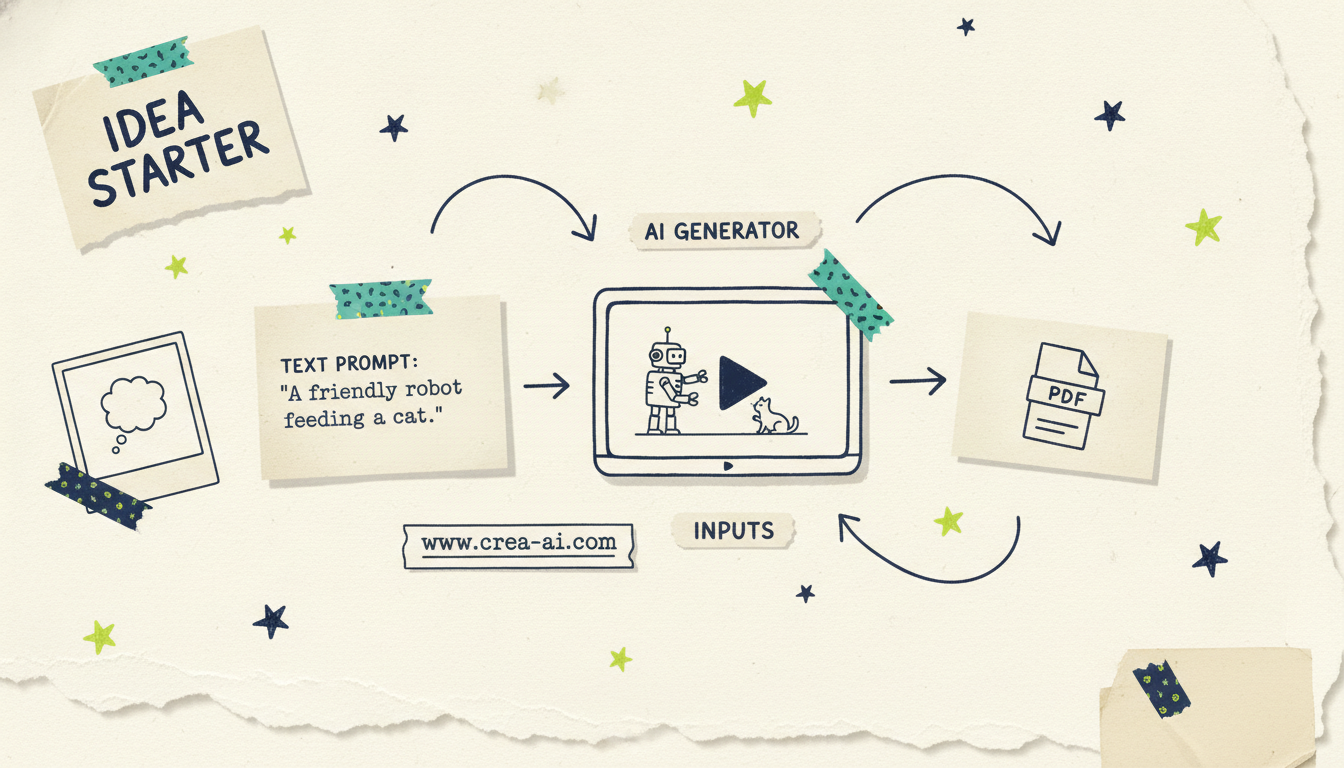
You have three easy on-ramps, and you pick whichever matches what you already have:
A prompt or topic. Type what your explainer is about ("an explainer for a dog-walking app that matches owners with local walkers"). If you give it a topic rather than a full brief, Wavemaker researches it and scripts it for you.
A URL. Paste your website or landing page. Wavemaker scrapes your brand colors, imagery, and messaging into a creative brief, so the video looks like it belongs to you from the first frame.
A document. Upload a PDF, a doc, a one-pager, or your notes, and it pulls the substance straight out of your existing material. If you've already written up what you do somewhere, that's your fastest path. We cover this input mode in depth in documents to video.
Step 2: Let the AI research and script
Once you've given it a starting point, Wavemaker generates the script. If you handed it a topic, it does the research first, then writes. If you gave it a URL or a document, it builds the script from your own material.
This is your first checkpoint. Read the script against the four-beat structure from earlier: does it open with the problem? Is the solution clear? Does the how-it-works section stay tight? Is there one clean call to action? If something's off, you don't rewrite from scratch. You just tell it what to change (more on chat editing below).
Step 3: Review the storyboard
Next, Wavemaker turns the script into an AI storyboard using one of its 21 presets. The storyboard maps each line of narration to a visual beat, so you can see the shape of the video before any rendering happens. This is where you catch pacing problems early, when they're cheap to fix.
Step 4: Generate the visuals
Here's where an agentic generator pulls ahead of the slideshow tools. Instead of stitching stock clips together, Wavemaker generates custom images and video clips for your storyboard, with subject consistency so your characters and product don't morph shot to shot. There's multi-provider fallback under the hood, so if one image model stumbles, another picks up the slack. You get visuals made for your explainer, not generic footage that sort of fits.
Step 5: Add voiceover
Wavemaker generates an AI voiceover for your script, and on paid plans you can design a custom voice to match your brand's tone. This is the layer that makes an explainer feel finished rather than like a muted animation. A clear, well-paced voice carries the whole video.
Step 6: Layer in music
The tool adds BPM-aware music with audio ducking, which is a fancy way of saying the music automatically drops in volume when the voiceover speaks and comes back up in the gaps. You don't have to hand-mix anything. It just sounds mixed.
Step 7: The AI vision QC pass
Before you get your video, Wavemaker runs an AI vision quality-control review, looking at the output to catch obvious issues. This is the step most tools skip entirely, and it's why you get a finished video instead of a rough draft you have to babysit. Most videos come back in about two to five minutes.
Refining your explainer with chat editing
"Make the intro shorter."
"Swap the music for something calmer."
"Change the call to action to 'Start your free trial.'"
"Make the how-it-works section slower so it's easier to follow."
Each refine costs a small number of credits and takes a couple of minutes, so you can iterate until the explainer says exactly what you mean. This is the loop that turns a good first draft into a video you're proud to put on your homepage. Type, review, refine, repeat.
Formats, quality, and where your explainer goes
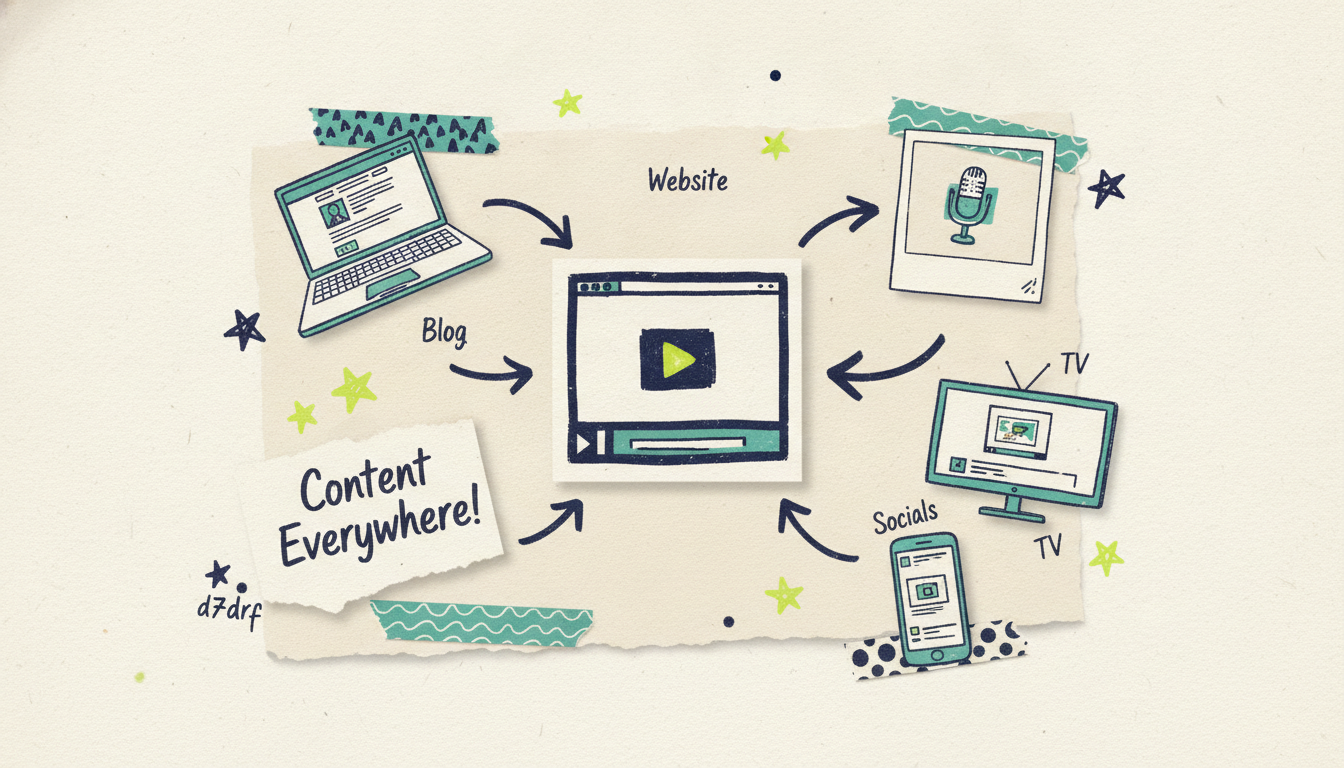
Explainers rarely live in just one place, so it helps to think about output up front. Wavemaker exports in the aspect ratios you'll use: 16:9 for your website and YouTube, 9:16 for TikTok and Reels, plus 1:1 and 4:5 for feed posts. You can generate once and repurpose.
On quality, the free plan exports at 480p with a watermark, which is useful for testing an idea. Paid plans remove the watermark and go up to 4K, so your homepage explainer looks as sharp as everything else on the page.
And here's the part no other explainer tool can offer: because you built your video with Wavemaker, that finished 30-second explainer can run as a real streaming TV commercial. Through Adwave, the same video goes out on 100+ networks from $50, alongside Google, YouTube, Meta, and Reddit. Most explainer videos die as a homepage embed. Yours doesn't have to. (To be clear, the TV distribution happens through Adwave, not Wavemaker itself.)
Common mistakes to avoid
A few traps catch first-time explainer makers, and they're easy to sidestep once you know them:
Too long. If your explainer runs past 90 seconds, you're probably explaining too much. Cut to the one thing that matters.
Feature-dumping. Listing every feature is not explaining. Pick the single problem you solve and lead with that.
Burying the hook. If your first 10 seconds are a logo animation and a mission statement, you've lost half your viewers. Open with the problem.
A vague call to action. "Learn more" is weak. "Start free" or "Book a demo" tells people exactly what happens next.
No script structure. Skipping the problem-solution-how-it-works-CTA framework leaves you with a video that describes things but never persuades.
Common questions answered
How long does it take to make an explainer video with AI? With Wavemaker, most videos generate in about two to five minutes once you've given it an idea, URL, or document. Add a few more minutes for reviewing the script and running a couple of chat edits, and you can have a finished explainer in well under half an hour. That's a dramatic shift from the weeks a traditional animation studio would take.
Do I need a script before I start? No. You can hand Wavemaker just a topic or a URL and let it research and write the script for you. If you already have a script or notes, you can upload those instead and it'll build from your material. Either way, you get to review and refine the script before the video renders.
What makes a good explainer video script? A good script follows the problem, solution, how-it-works, call-to-action structure, and it's written for the ear with short sentences and contractions. Aim for roughly 150 words per minute of runtime, lead with benefits over features, and end with one clear ask. Reading it out loud is the fastest way to catch anything clunky.
Can I use my own branding in the explainer? Yes. If you paste your website URL, Wavemaker scrapes your brand colors, imagery, and messaging so the video matches your look automatically. You can also refine the visuals with chat editing, and on paid plans you can design a custom voice to match your brand's tone.
What's the difference between an explainer video and a tutorial video? An explainer is short (30 to 90 seconds) and answers "what is this and why should I care." A tutorial is longer and walks through how to do something step by step. If you need instructional depth, our guide on how to make a tutorial video with AI covers that longer format.
Can I make an explainer video for free? Yes. Wavemaker's free plan gives you 75 credits, which is enough to create your first video, exporting at 480p with a watermark. It's a real free tier, so you can test the whole workflow before deciding whether to upgrade for higher resolution and no watermark.
Create your explainer video now
You don't need an animator, a script writer, or a video editor to make an explainer that works. You need a clear idea of the problem you solve and a tool that handles the rest. That's exactly what Wavemaker does: research, script, visuals, voiceover, music, and a QC pass, all from a prompt, a URL, or a document.
Create your first video free with 75 credits, no credit card required. Type your idea, watch it come together, and refine it with a quick chat until it says exactly what you mean.





