
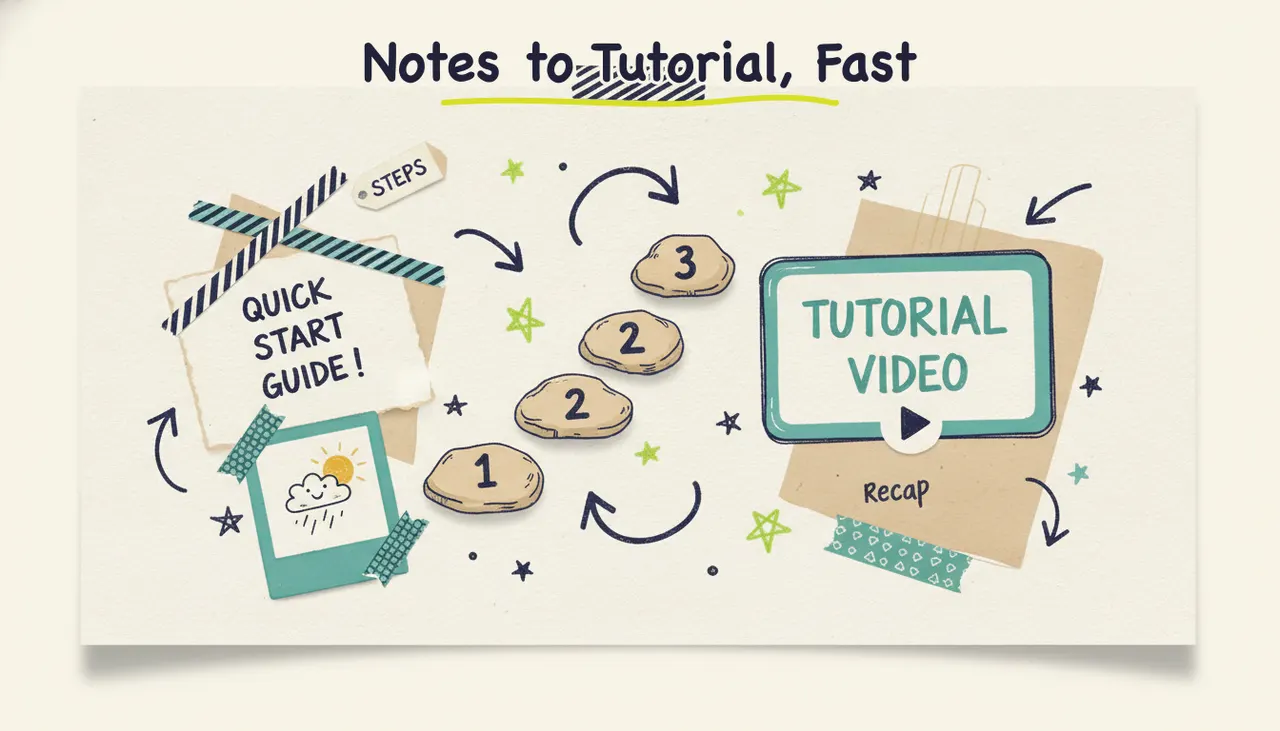
To make a tutorial video with AI, you turn your steps into a script, then let an AI production tool generate the visuals, voiceover, and music so viewers can follow along. With Wavemaker, you paste your notes, a doc, or an outline, and you get a finished, narrated tutorial in a few minutes, no editing timeline required. This guide covers what makes a tutorial work, when an AI-generated tutorial beats a screen recording (and when it doesn't), how to structure a tutorial script, and the exact steps to build one from your existing material.
A good tutorial isn't about showing off everything you know. It's about getting one person from "I don't know how" to "oh, I've got it" as fast as possible. That's a teaching problem, not a production problem, and AI is good at handling the production so you can focus on the teaching.
What makes a good tutorial video
A tutorial should help someone complete a specific task. Plan the steps around what viewers need to do.
Clear, sequential steps. A tutorial is a path, and every step is a stone the viewer steps on to reach the next. If a step is missing or out of order, someone falls off. Number your steps, do one thing per step, and never assume the viewer will "just figure out" the gap between step two and step three.
Deliberate pacing. This is where most homemade tutorials fall apart. You know the task cold, so you race through it. Your viewer doesn't. Good tutorials slow down at the moment of action ("now click here") and speed up through the obvious parts. The pace should match the difficulty, not your familiarity.
Show, don't just tell. Telling someone "open the settings menu" is fine. Showing them where it is while you say it is far better. Tutorials are visual by nature: the words guide, but the picture teaches. Every instruction should have something on screen that matches it.
A payoff. The best tutorials show the finished result up front so the viewer knows what they're working toward, then confirm they got there at the end. People stay motivated when they can see the destination.
Get those four right and you've got a tutorial that works. The intro music, the transitions, and the polish are all secondary to whether someone can follow along.
When AI-generated tutorials work (and when you need a screen recording)
Choose a tutorial format based on what you need to demonstrate. Screen recordings are useful for exact software steps; generated visuals can help explain a concept.
AI-generated tutorials shine when the subject isn't a specific software UI. Think conceptual how-tos, process walkthroughs, physical-world tasks, onboarding overviews, and "how our service works" videos, anywhere custom illustrations communicate the idea better than a literal recording. If you're teaching someone how to prepare for a home inspection, how a returns process works, or the steps in a recipe, generated visuals are often clearer and more engaging than shaky real footage.
Screen recording wins when you're demonstrating exact clicks in a specific app. If the whole point is "click this button, then this menu, then type here" inside a particular piece of software, you need the real screen. A generated approximation of an interface can confuse more than it helps, because the viewer is trying to match what's on your screen to what's on theirs.
The strongest approach is often a hybrid. Record the screen where exact steps matter, then use an AI tool to generate a polished intro, section breaks, a recap, and the voiceover that ties it all together. You get accuracy where it counts and production value everywhere else, without hiring an editor.
Here's a quick reference for matching the tutorial type to the right approach.
How to structure a tutorial script
A tutorial script has a predictable shape, and that predictability is a feature. Viewers relax when they can feel the structure, because it tells them the video knows where it's going. The frame is simple: intro, steps, recap.
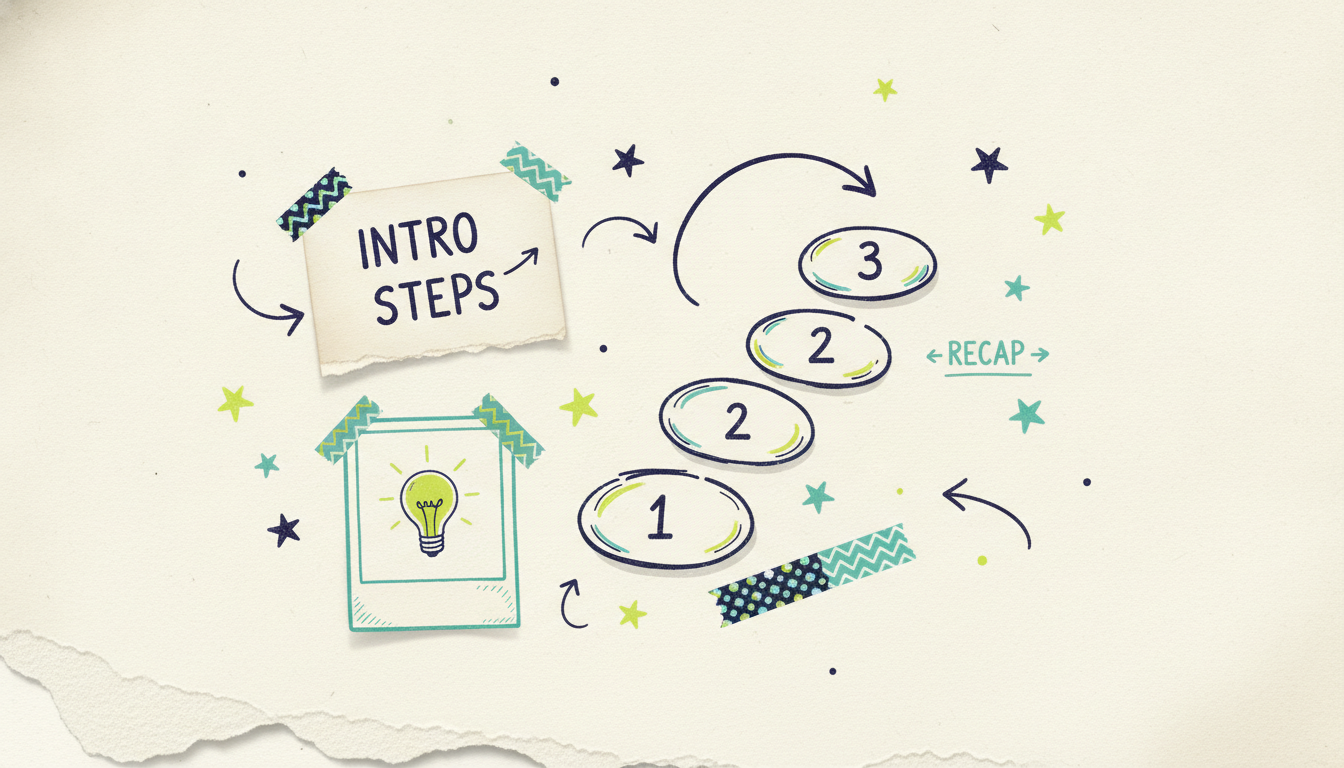
The intro (10 to 20 seconds)
Your intro does three quick jobs: state what the viewer will be able to do by the end ("by the end of this, you'll have your first invoice sent"), show or describe the finished result so they know the destination, and name any prerequisites or materials they need before starting. Keep it short. Nobody watches a tutorial for the intro, so earn their trust fast and get moving.
The steps (the bulk of the video)
This is the heart of it. A few rules keep the steps clean:
One action per step. If you're saying "and" a lot within a single step, it's probably two steps.
Announce, then do. Tell the viewer what's coming ("next, we'll set up the payment link"), then walk through it. That bit of signposting keeps people oriented.
Slow down at the click. The exact moment of action is where people pause and rewind. Give it room.
Call out the gotchas. If a step commonly trips people up, say so. "This is the part everyone misses" is one of the most useful sentences in any tutorial.
Confirm success. After a meaningful step, show what "done right" looks like so the viewer can check their own progress.
Aim for a narration pace of about 150 words per minute, so a five-minute tutorial is roughly 750 words of script. Writing to that budget from the start keeps you from cramming.
The recap (15 to 30 seconds)
Close by retracing the path you just walked. A quick "so we set up the account, added a payment method, and sent the first invoice" cements the sequence in memory and gives the viewer a checklist they can repeat on their own. Then point to a logical next step. The recap is short, but it's the part that makes the lesson stick.
If your content is more about explaining a concept than walking through steps, that's a different format. A shorter, persuasion-focused piece is an explainer, and we cover that in how to make an explainer video with AI. If you're producing structured instructional content for employees at scale, how to make training videos with AI goes deeper on that use case.
How to make a tutorial video with AI: step by step
Now the practical part. Here's how you go from your notes to a finished tutorial using Wavemaker, Adwave's agentic video creator. An agentic tool runs the whole production pipeline for you, so most of these steps happen automatically. Your job is to give it solid source material and refine the result.
Step 1: Start from your notes, a doc, or an outline
Tutorials are perfect input for AI video because you probably already have the steps written down somewhere. Pick whichever on-ramp matches what you've got:
A document. Upload the PDF, doc, or notes where you've written out the process. Wavemaker pulls the substance straight from your existing material, so if you've already documented the steps, this is your fastest path. We cover this input mode in depth in documents to video.
An outline or prompt. Type your steps as a rough outline ("tutorial on setting up a new email account: 1. open settings, 2. add account, 3. verify"), and Wavemaker turns it into a full script.
A topic. If you only have the subject and not the steps, hand it the topic and Wavemaker researches it and drafts the tutorial for you to check.
Step 2: Let the AI script it, then check for accuracy
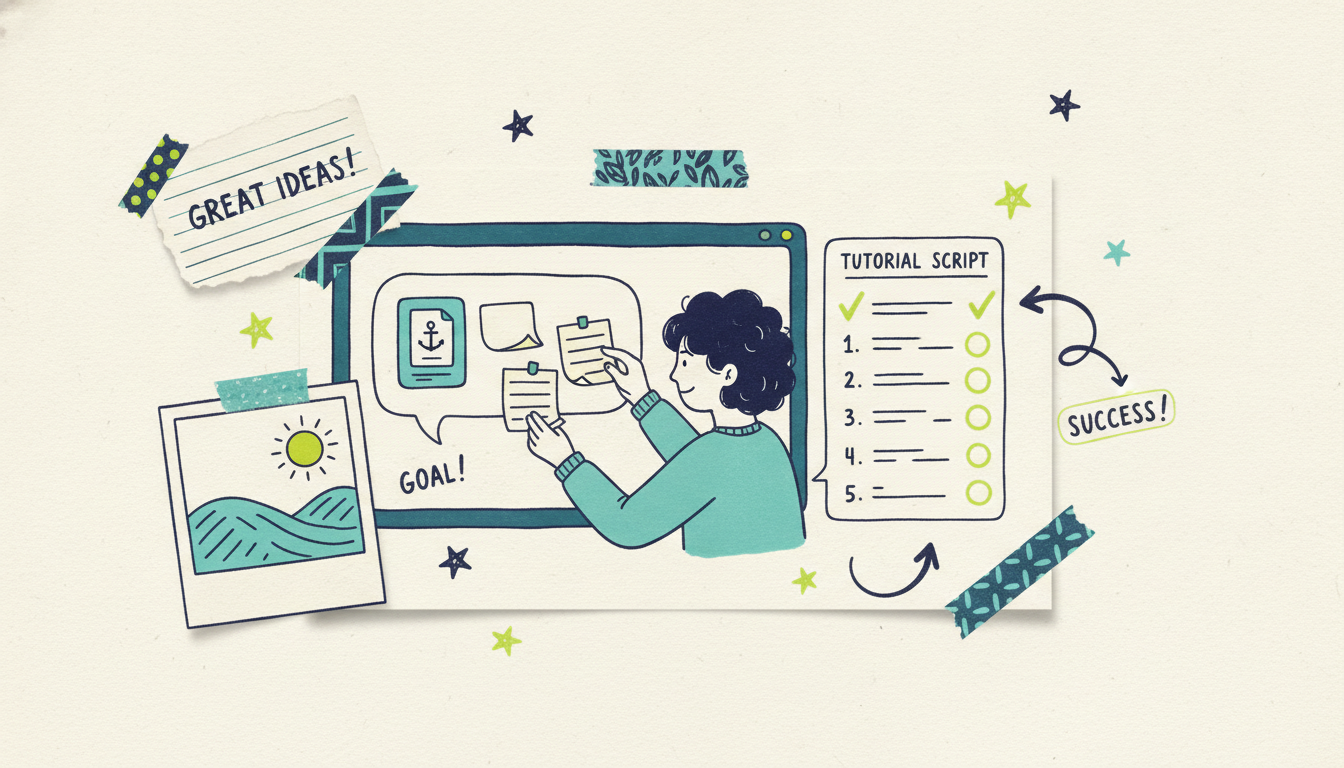
Once you've given it a starting point, Wavemaker generates the tutorial script. This is your most important checkpoint, and it matters more for tutorials than almost any other video type. Read the script against your steps: are they in the right order? Is any step missing or technically wrong? Accuracy is everything in a tutorial, because a wrong step doesn't just confuse, it actively breaks the viewer's task. If something's off, you don't rewrite from scratch. You just tell it what to change (more on chat editing below).
Step 3: Review the storyboard for pacing
Next, Wavemaker turns the script into an AI storyboard using one of its 21 presets. The storyboard maps each line of narration to a visual beat, so you can see the rhythm of the tutorial before anything renders. This is where you catch pacing problems while they're cheap to fix. Make sure the action moments get enough screen time and the obvious parts don't drag.
Step 4: Generate the visuals
Here's where an agentic generator pulls ahead of slideshow tools. Instead of stitching stock clips together, Wavemaker generates custom images and video clips for each step, with subject consistency so the visuals stay coherent from step to step. For process and concept tutorials, this gives you visuals made for your specific steps rather than generic footage that only sort of fits. (Remember the earlier rule: if your tutorial is a literal software walkthrough, pair a screen recording with the generated intro, recap, and voiceover.)
Step 5: Add voiceover and music
Wavemaker generates an AI voiceover for your script, and on paid plans you can design a custom voice to match your tone. For tutorials, the voice is the guide, so clarity and pacing matter more than personality. It also adds BPM-aware music with audio ducking, so the music drops in volume when the narration speaks and rises in the gaps. Keep the music low: it should support the lesson, not compete with the instructions.
Step 6: The AI vision QC pass
Before you get your video, Wavemaker runs an AI vision quality-control review, looking at the output to catch obvious issues. This is the step most tools skip, and it's why you get a finished tutorial instead of a rough draft you have to babysit. Most videos come back in about two to five minutes.
Refining your tutorial with chat editing
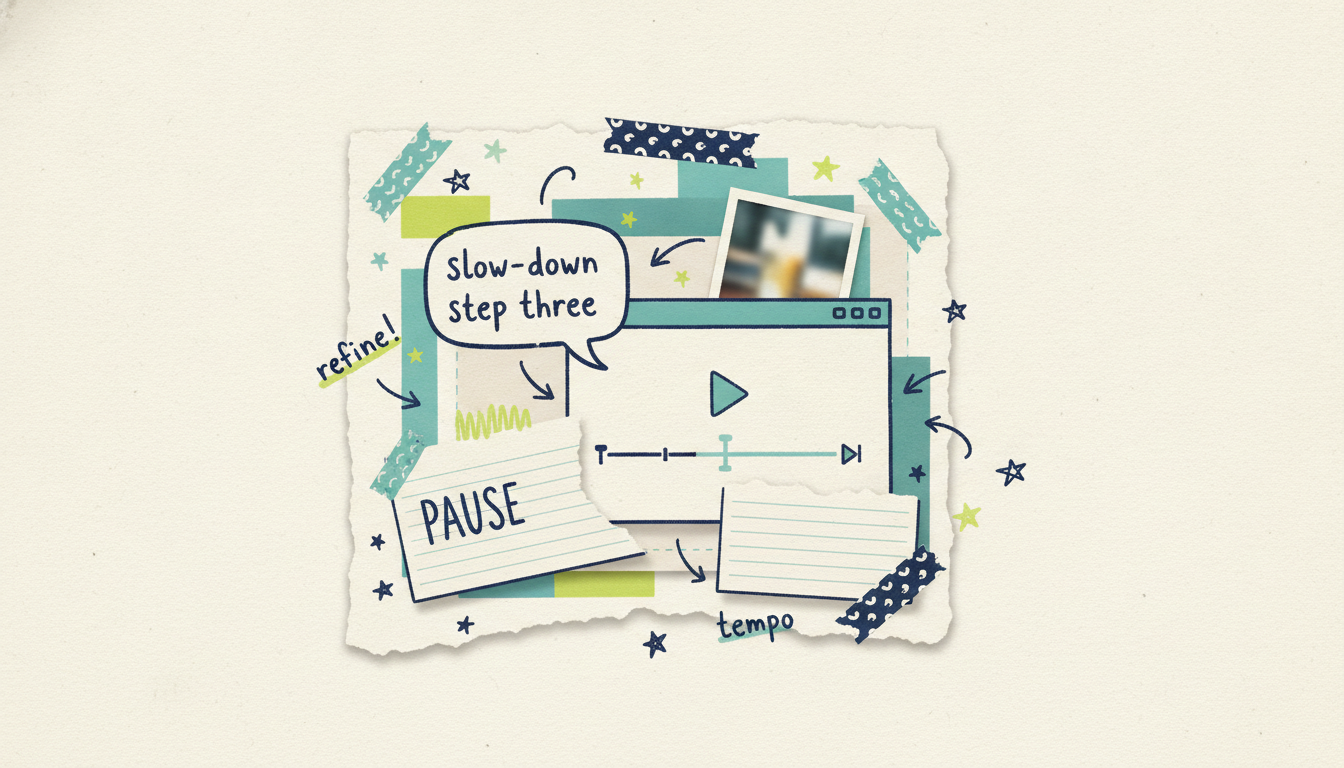
Your first cut will be close, but rarely perfect, and that's fine. This is where Wavemaker's chat editing changes the game. There's no timeline to learn and no keyframes to nudge. You just tell it what you want in plain language, like "slow down step three so it's easier to follow," "add a line reminding viewers to save their work first," or "make the intro shorter and get to the first step faster."
Each refine costs a small number of credits and takes a couple of minutes, so you can iterate until every step is clear. For tutorials especially, this loop is where you fix the pacing that separates a video people finish from one they abandon halfway.
Tips for clarity and retention
The difference between a tutorial people finish and one they bail on usually comes down to a handful of habits.
Show the finished result first. People try harder when they can see where they're headed. A three-second glimpse of the payoff at the top buys you patience for the steps.
Cut the throat-clearing. No long intro, no "hey guys, welcome back, don't forget to like." Tutorial viewers are task-focused and impatient, so get to step one fast.
Keep segments short and labeled. A viewer who can see "step 3 of 6" on screen knows how much is left, and that alone reduces drop-off.
Repeat the important stuff. Say the critical warning twice. Redundancy feels unnecessary to you, the expert, and reassuring to the beginner.
End with a next step. The moment a viewer finishes is when they're most motivated, so point them at the next tutorial or the natural follow-up task while that momentum is fresh.
Match length to the task. Most good tutorials run two to eight minutes. If yours is creeping past ten, it's probably two tutorials wearing a trench coat. Split it.
Common questions answered
Can AI make a tutorial from just my notes? Yes. With Wavemaker you can upload a document, PDF, or set of notes and it will build a full tutorial script from your material, then generate the visuals, voiceover, and music. You review the script for accuracy before it renders, which matters a lot for tutorials since a wrong step breaks the whole lesson. If you only have a topic and not the steps, it can research and draft the tutorial for you to check.
Should I use AI video or a screen recording for a software tutorial? For a tutorial that demonstrates exact clicks inside a specific app, record the real screen so viewers can match it to their own. AI video generation is better for process, concept, and physical-world tutorials where custom visuals explain the steps more clearly than raw footage. The strongest approach is often a hybrid: record the screen for the precise steps and use AI to generate a polished intro, recap, and voiceover around it.
What's the difference between a tutorial and an explainer video? A tutorial walks someone through how to do a specific task step by step and usually runs a few minutes. An explainer is shorter, typically 30 to 90 seconds, and answers "what is this and why should I care" rather than teaching a process. If persuasion is your goal rather than instruction, an explainer is the better format.
Can I make a tutorial video for free? Yes. Wavemaker's free plan gives you 75 credits, which is enough to create your first video, exporting at 480p with a watermark. It's a genuine free tier, so you can run a full tutorial through the workflow before deciding whether to upgrade for higher resolution and no watermark.
Create your tutorial video now
The best tutorials come from people who know the task, not people who know video editing. If you can write down the steps, you can make a clear, narrated tutorial that helps someone complete them. Wavemaker handles the rest: script, visuals, voiceover, music, and a QC pass, all from your notes, a doc, or a quick outline.
Create your first video free with 75 credits, no credit card required. Paste your steps, review the script for accuracy, and refine the pacing with a quick chat until every step is easy to follow.





