You’re probably dealing with one of two headaches right now. A bad Google review just landed, or an old one keeps sitting there poisoning first impressions while you watch leads hesitate. Either way, you want it gone.
Here’s the blunt answer. Sometimes you can remove a negative Google review. Often you can’t. If you came looking for a magic delete button, there isn’t one. If you want the playbook, keep reading.
The Hard Truth About Removing Negative Reviews
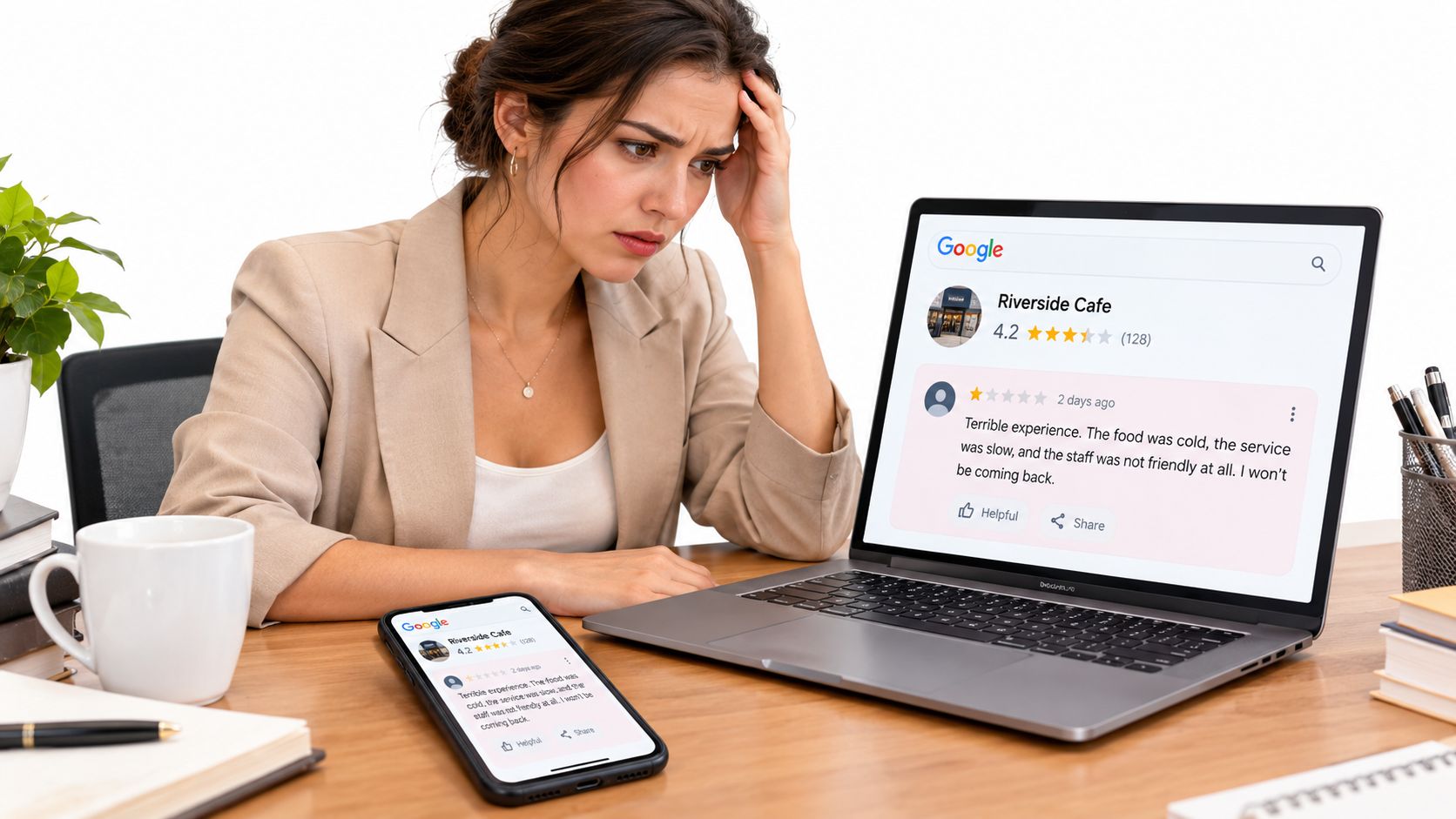
A bad review hits on Monday morning. By lunch, your staff is upset, your star rating looks worse, and you want Google to take the post down. Here’s the part many business owners hate. Google does not remove reviews because they feel unfair. It removes reviews that break policy.
That single distinction decides your next move.
If a customer says your service was slow, your team was rude, or the experience was disappointing, Google may leave the review up even if the story is one-sided or exaggerated. Google’s system is built to police rule-breaking content, not referee customer disputes. The narrow path is removal. The practical path is reputation repair.
Google’s moderation standards focus on policy categories such as spam, fake engagement, harassment, and prohibited content, as outlined in Google Maps content moderation rules. That means your first job is to classify the review correctly.
Ask one question. Does this review break a rule, or does it just make you look bad?
Use this rule of thumb:
- Report it if it appears fake, abusive, irrelevant, promotional, or posted by someone with a conflict of interest.
- Manage it publicly if it describes a real customer experience, even an ugly one.
- Treat it as a marketing problem if the review stays live and keeps shaping first impressions.
That last point is where many guides fall short. They stop at “flag the review” and leave you there. That is incomplete advice. Removal is a narrow legal and policy process. Reputation repair is the bigger business process. If Google keeps the review up, your job shifts to responding well, generating fresh positive reviews, and building a stronger review pipeline so one bad post stops controlling the conversation. Tools like Adwave fit into that second job.
The stakes are real. A consumer survey cited by McKinney’s Google review policy guide found that many buyers read reviews before choosing a business and often expect a strong star rating before they trust one. That’s why a negative review feels expensive. It can weaken trust before a prospect ever calls.
So stop arguing with every harsh review as if Google owes you a takedown. It doesn’t. Decide whether the review is removable under policy or manageable in public, then act accordingly.
How to Flag a Review for Policy Violation
A bad review shows up on Friday afternoon. You know it is fake, abusive, or posted by someone with an agenda. Now is the time to be precise.
Use the official reporting path
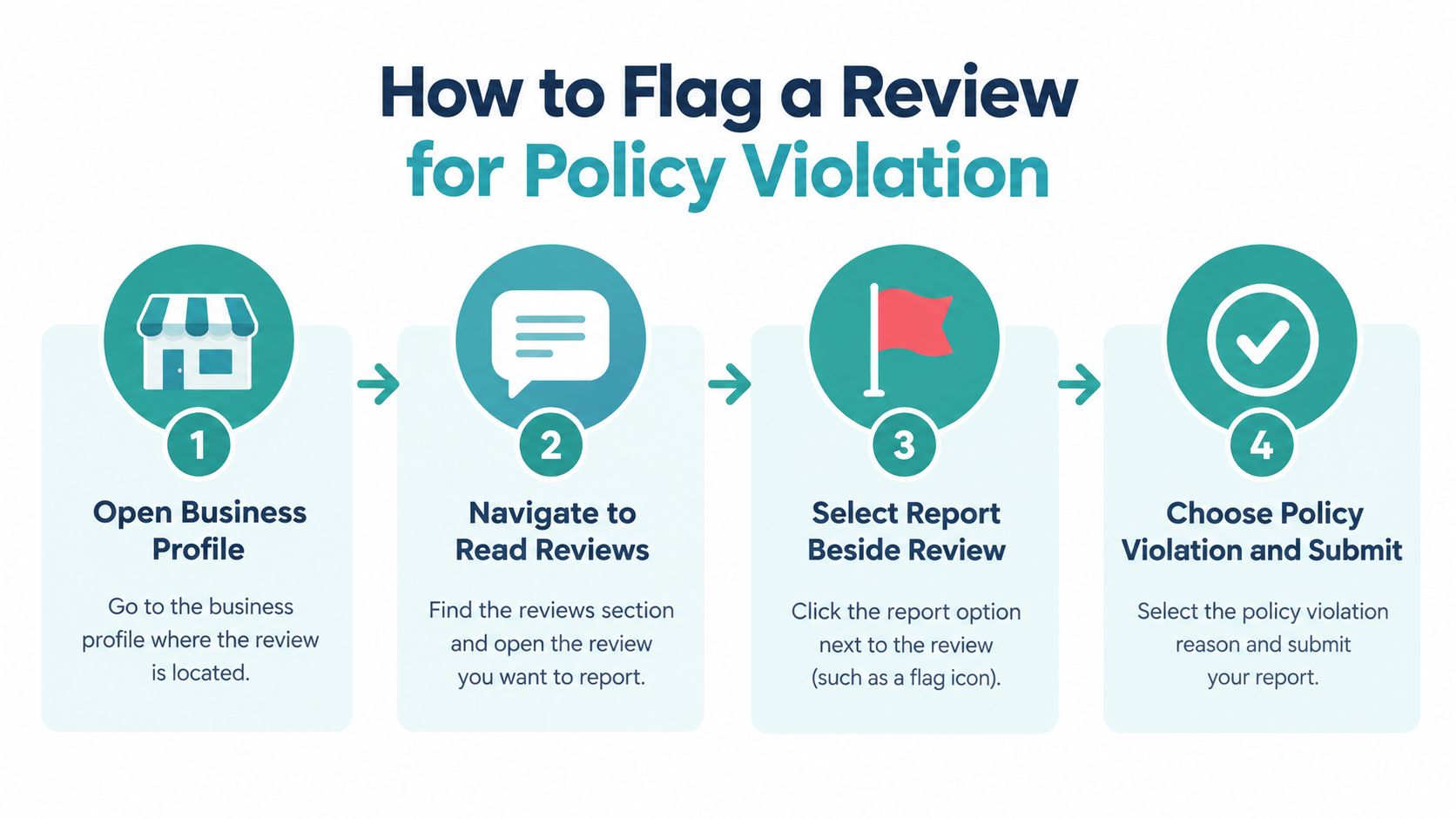
Go into your Business Profile, open Read reviews, find the review, click Report, choose the reason, and submit it. If you are working from Google Maps, open the listing, go to Reviews, select the review, open the menu, and choose Report review. If you are trying to edit or delete your own review, that runs through a different process in Google Maps contribution policy help.
Do not file a sloppy report. Google gives you very little room to explain yourself, so the category you choose has to do the heavy lifting.
Match the review to the violation
Owners get this wrong all the time. They report based on frustration instead of policy.
Use the closest fit:
- Spam or fake content if the account looks fabricated or the review does not describe a real customer experience.
- Conflict of interest if the reviewer appears to be a competitor, former employee, or someone posting with a clear bias.
- Profanity or offensive content if the review contains abuse, slurs, threats, or explicit language.
- Other policy issue only if you can explain the violation clearly and briefly.
The category is your argument. Pick the wrong one and your report dies in the queue.
If you need help spotting patterns before you file, keep Adwave’s guide on how to handle fake or spam Google reviews open while you review the post.
Save evidence before you submit
Document the review first. Do it before the reviewer edits it, deletes it, or changes account details.
- Screenshot the full review
- Record the reviewer name and date
- Write one sentence explaining the policy violation
- Check your customer records if you believe the person never used your business
This step matters more than owners think. If the first report gets denied and you decide to appeal or escalate, you need a clean record of what was posted and why it broke policy.
Expect a short review cycle, then move
Google usually gives you an answer quickly enough to make a decision, but not quickly enough to pause everything else. Check the status after a few days. If it gets denied and the review still clearly breaks policy, appeal with the same facts stated more clearly.
Then shift your attention back to the bigger job. Removal is the narrow path. Reputation repair is the practical path. Flag the review correctly, document your case, and keep your public response and review generation process ready in case the post stays live.
Three Paths When Removal Fails
A denied report doesn’t mean you’re stuck. It means you need to stop repeating the same failed action and choose a different path.
Pick the path that matches the problem
Here’s the clean comparison.
| Review Response Strategies | Best For | Effort Level |
|---|---|---|
| Legal action for defamation | False statements presented as fact that cause serious harm | High |
| Escalation through Google support | Repeated policy abuse or clear moderation error | Medium |
| Reputation repair | Legitimate criticism or unremoved suspicious reviews | Ongoing |
Path one is legal action
Legal action is not for hurt feelings. It’s for cases where someone states something false as fact, and you can prove it. “I didn’t like this place” is opinion. “This business committed fraud” is different territory if it’s false and damaging.
If that’s your situation, talk to a lawyer before you do anything theatrical online. Don’t threaten the reviewer publicly. Don’t post a defensive essay. Handle it off the page.
Path two is escalation with Google
Sometimes the review should have been removed, but the first pass missed it. That happens. Google’s systems and moderation aren’t transparent, and not every decision is perfect.
There’s another angle most owners miss. Legitimate reviews also get removed or filtered. A Google Help thread states that removals are automated and can’t be reversed unless the removal is shown to be an error, according to Google Business Profile discussion about legitimate reviews being removed. That tells you something important. Google moderation is not a concierge service. It’s an automated system with limited visibility.
Path three is reputation repair
This is usually the smartest move. Not the most emotionally satisfying. The smartest.
If the review stays up, your job shifts from deletion to damage control:
- Respond well in public so future customers see professionalism.
- Fix the underlying issue if the complaint is real.
- Ask happy customers for reviews so one bad review doesn’t dominate the page.
For service businesses, broader systems matter more than one-off cleanup. If you want a useful framework for that, read Adwave’s resource on reputation management for service businesses.
You don’t win by removing every bad review. You win by making one bad review look like an outlier.
Professional Response Templates That Work
When a review won’t come down, your public reply becomes the sales asset. You’re not writing for the angry reviewer. You’re writing for the next person who reads the exchange.
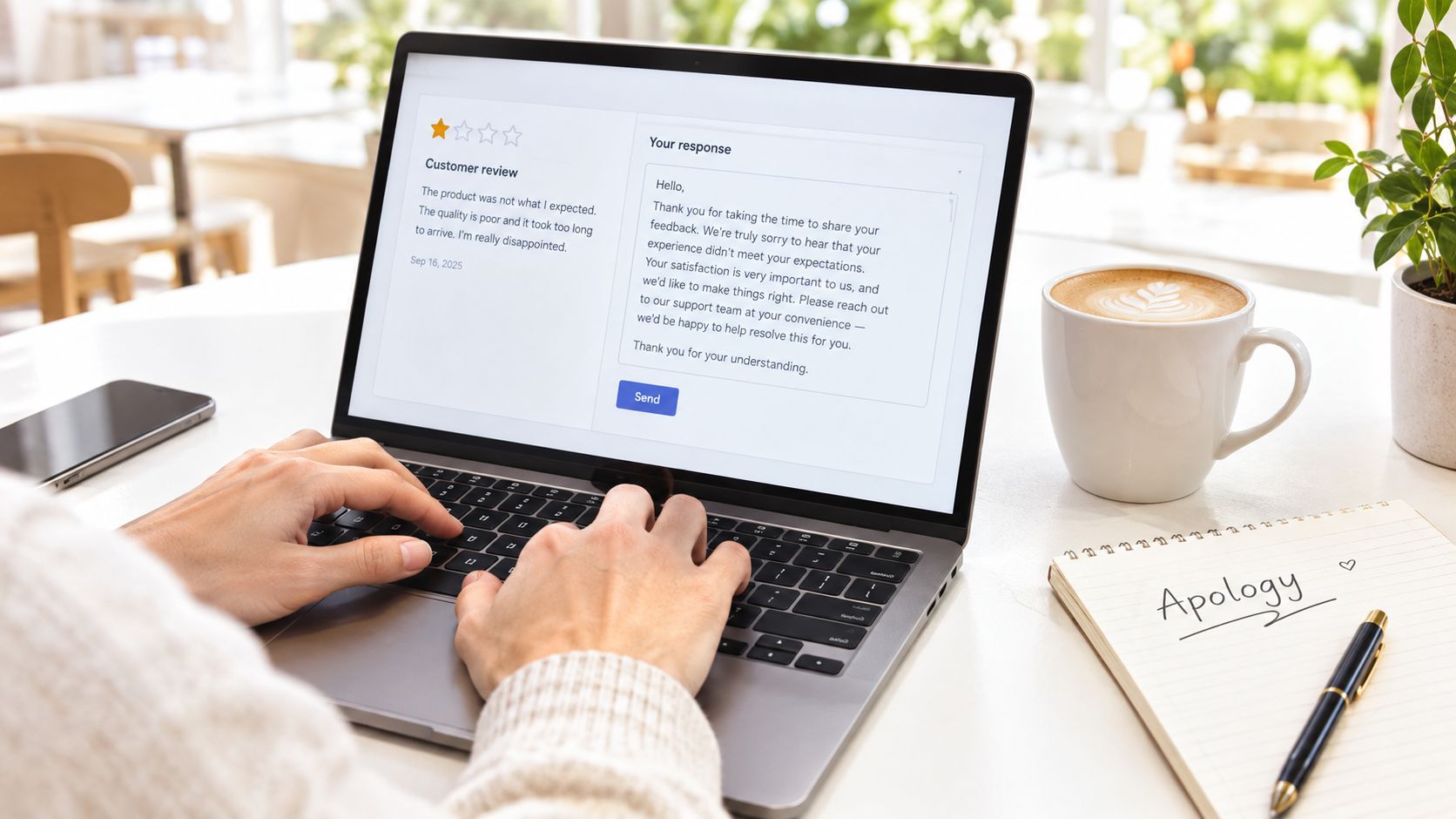
Template for poor service complaints
Use this when the customer’s complaint sounds plausible.
“Thank you for the feedback. We’re sorry your experience didn’t meet the standard we aim for. We’d like to learn more about what happened and make it right. Please contact us directly so we can look into it.”
Short. Calm. No argument.
Template for misplaced frustration
Use this when the review may be for the wrong business or wrong location.
“Thanks for sharing your experience. We take concerns like this seriously, but we’re not able to match the details in your review to a visit at our business. Please contact us directly with the date and service details so we can investigate and help.”
This tells future readers you’re paying attention without accusing the reviewer of lying.
Template for fabricated claims
Use this when the content looks false but remains live.
“We take customer feedback seriously and review every concern carefully. At this time, we haven’t been able to verify the events described in this review. If you’re willing to contact us directly with more information, we’d appreciate the chance to look into it.”
That’s as far as you should go in public.
Never get defensive. Never reveal account details, appointment records, payment history, or private customer information in a public reply.
Tone rules that actually matter
Most bad responses fail because the owner writes angry and edits later. Do the opposite.
- Lead with acknowledgment so readers see you’re not dodging feedback.
- Stay vague on disputed facts when you can’t verify the claim.
- Move the conversation offline instead of litigating the issue in public.
- Protect privacy every single time.
If you want more examples before you post, these templates for review responses from Digital Skyrocket give you a solid starting point for different scenarios. For an additional playbook focused on wording and process, Adwave also has practical guidance on responding to negative reviews templates and best practices.
What a good response signals
A polished response does three jobs at once. It shows restraint, signals operational maturity, and gives a serious prospect a reason not to overreact to one complaint.
A bad review can hurt you. A childish response can hurt you more.
Building a Reputation Shield With Adwave
Removing reviews is defensive work. Growth comes from offense.
The strongest local businesses don’t rely on review disputes alone. They keep building visibility, trust, and familiarity so a single complaint doesn’t define the brand.
Reputation is bigger than reviews
A buyer who has seen your business repeatedly, understands what you do, and hears about you from multiple places is less likely to let one angry stranger make the decision. That’s why reputation management should connect with marketing, not sit in a silo.
If you want a broader perspective on why brands need to protect ad spend and brand trust, that resource is a useful read. It lines up with what many local operators learn the hard way. Reputation problems don’t stay on review pages. They spill into conversion.
Where Adwave fits
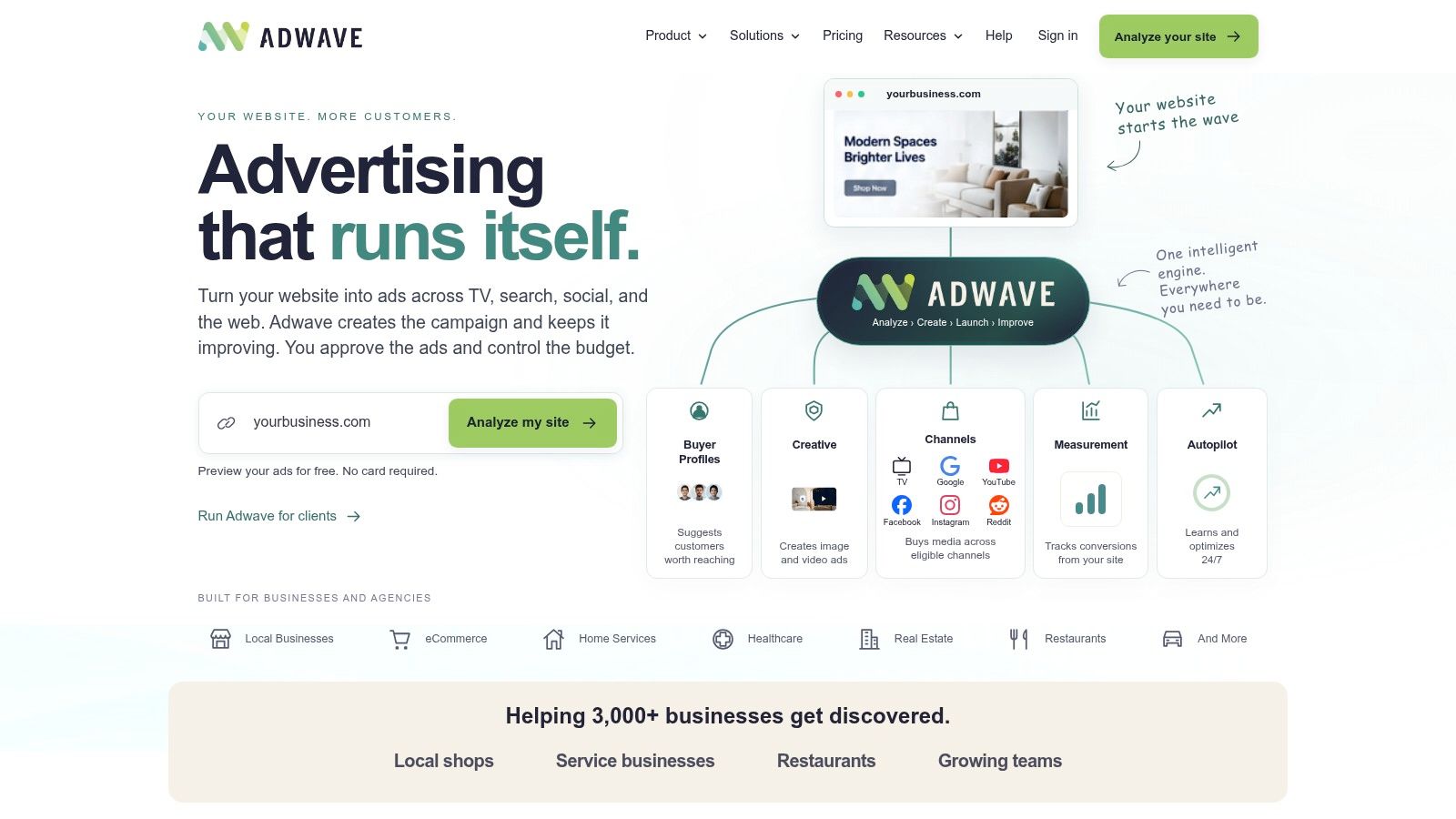
Adwave belongs in that bigger strategy. It’s an AI-powered advertising platform for small and medium-sized businesses that can create and launch professional-quality TV ads in minutes without video production experience, based on Adwave’s platform overview.
That matters when you’re dealing with negative reviews because review cleanup is often slow, uncertain, and partially out of your control. Brand visibility isn’t. While you’re reporting, appealing, and responding, you can still build awareness and keep your pipeline moving.
What to do alongside review management
Use a simple shield strategy:
- Increase recent positive feedback so old negatives lose visual dominance.
- Stay visible in the market so prospects recognize your business before they read reviews.
- Keep messaging consistent across your site, profile, and ads.
- Drive more real customer interactions that create new opportunities for honest reviews.
For businesses that need more review momentum, Adwave’s guide on how to get more Google reviews for your local business pairs well with a cleanup plan.
The point isn’t to bury criticism under hype. The point is to stop letting one review become your whole reputation.
Realistic Timelines and Next Steps
You flagged the review on Monday. By the end of the week, it may still be live. That does not mean you did it wrong. It means you need a process instead of waiting and refreshing your profile.
As noted above, expect up to 3 days for an initial review and about 5 to 7 more if you need an appeal.
The mistake local business owners make here is treating removal like the whole job. It is one track. Reputation repair is the other. While Google decides, you need to control what prospects see next: your response, your recent reviews, and your visibility in the market.
Your immediate checklist
- Set two calendar reminders. One to check the review status after the initial review window, and one to check again after an appeal window if Google denies the first request.
- Save every step in one folder. Keep screenshots, dates, case IDs, and any customer records tied to the complaint. If you need to appeal, you should not be rebuilding the file from memory.
- Reply to any review that stays live. Keep it short, calm, and specific. Prospects read your response as much as the complaint.
- Ask happy customers for honest reviews this week. Fresh, legitimate feedback changes the page faster than arguing with a reviewer.
- Fix repeated complaints at the operational level. If the same issue shows up more than once, adjust the service, staffing, communication, or follow-up process causing it.
- Keep marketing active. Review cleanup is slow and partly outside your control. Adwave helps businesses stay visible with AI-generated ads built from their website and launched across TV, search, social, and the web.
A negative review rarely does the most damage by itself. The bigger hit comes when a business goes quiet, stops asking for feedback, and lets one comment define the brand.
If you came here looking for a guaranteed way to remove negative Google reviews, here is the honest answer. The removal path is narrow and policy-based. The practical path is broader: respond well, generate new honest reviews, fix the underlying issue, and keep demand coming in while the dispute plays out.
Take a look at Adwave if you want a growth channel working while you sort out the review side.