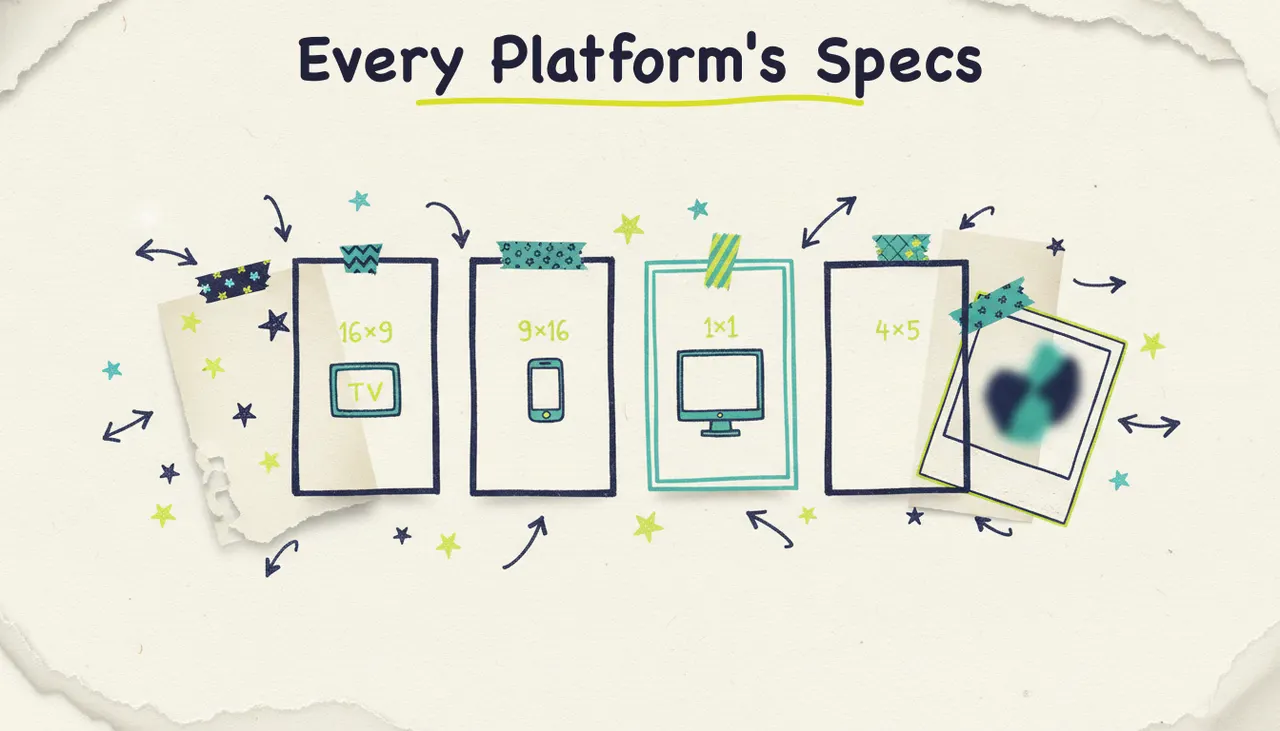
You made one great ad. Now YouTube wants it wide, TikTok wants it tall, Instagram's feed wants it square-ish, and Stories want it full-screen vertical. Same ad, four different shapes, and if you get the shape wrong the platform crops your headline in half or slaps black bars around it.
Aspect ratios are the quiet reason cross-channel advertising feels like extra work. But they don't have to be. Here's what 16:9, 9:16, 1:1, and 4:5 mean, where each one belongs, and how to get every version of your ad from one starting point without re-editing anything.
What "aspect ratio" means
Aspect ratio is just the shape of the frame: the ratio of width to height. It's written as width:height.
16:9 is wider than it is tall (landscape).
9:16 is taller than it is wide (vertical, full-screen on a phone).
1:1 is a perfect square.
4:5 is slightly taller than wide (portrait, but not full-screen).
That's the whole concept. The reason it matters is that each platform and placement is built for a specific shape, and putting the wrong shape in the wrong place is what causes the cropping, the black bars, and the cut-off text you've seen a hundred times.
The four aspect ratios, explained
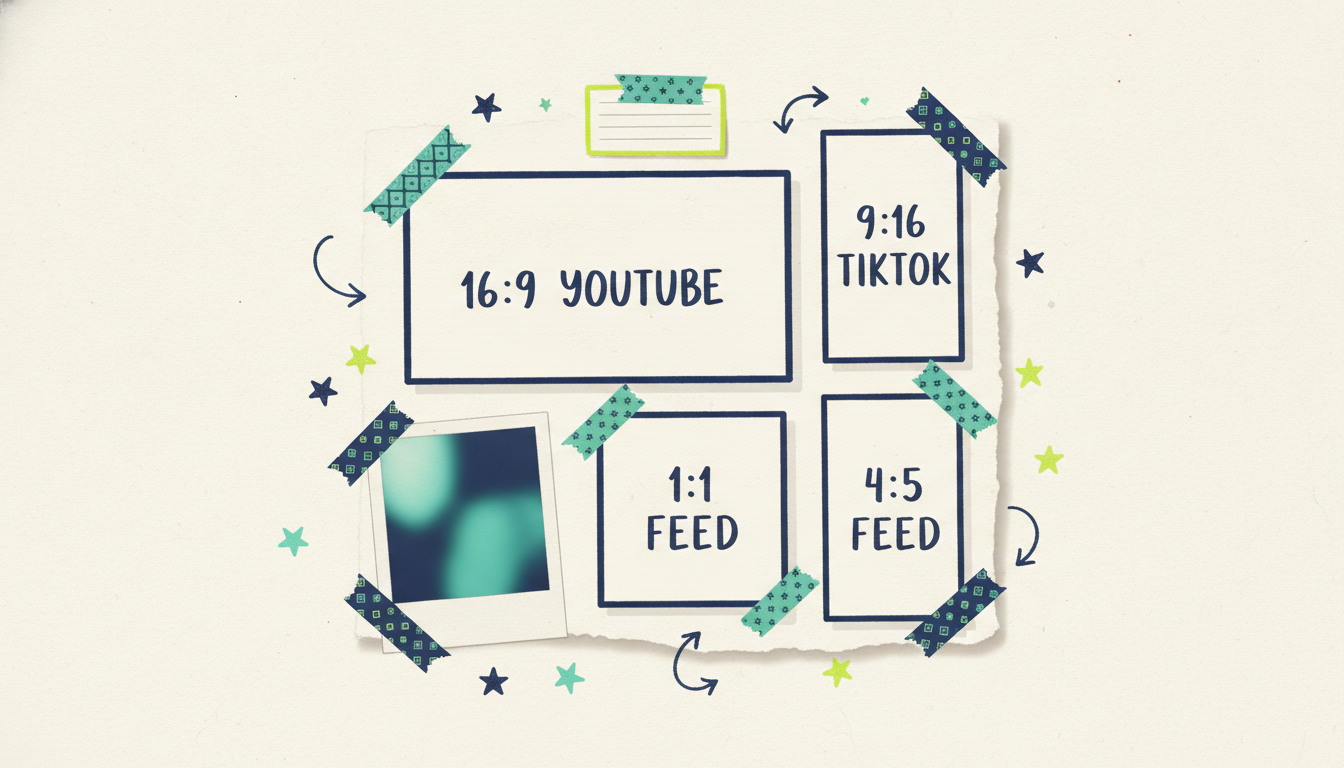
Here's each ratio, what it's for, and where it goes.
16:9 (widescreen)
The classic TV and desktop shape. Wide, cinematic, room for a scene.
Where it goes: YouTube, streaming TV (CTV), website video, and most display placements.
Good for: longer storytelling, product demos, anything with a landscape feel.
9:16 (vertical)
Full-screen on a phone held upright. The shape of the modern short-form feed.
Where it goes: TikTok, Instagram and Facebook Stories, Reels, YouTube Shorts.
Good for: fast, thumb-stopping, mobile-first ads that own the whole screen.
1:1 (square)
The neutral all-rounder. Reads the same whether someone's on mobile or desktop.
Where it goes: Instagram and Facebook feed posts, some display.
Good for: feed ads where you want a clean, compact footprint that works everywhere.
4:5 (portrait)
Taller than square, but not full-screen. It takes up more vertical space in the feed than 1:1, which means more of the screen is yours.
Where it goes: Instagram and Facebook feeds (the preferred feed size for many advertisers).
Good for: feed ads that want maximum real estate without going full vertical.
Why you can't just crop one into the others
The tempting shortcut is to make one 16:9 ad and crop it down for everything else. It doesn't work, and here's why.
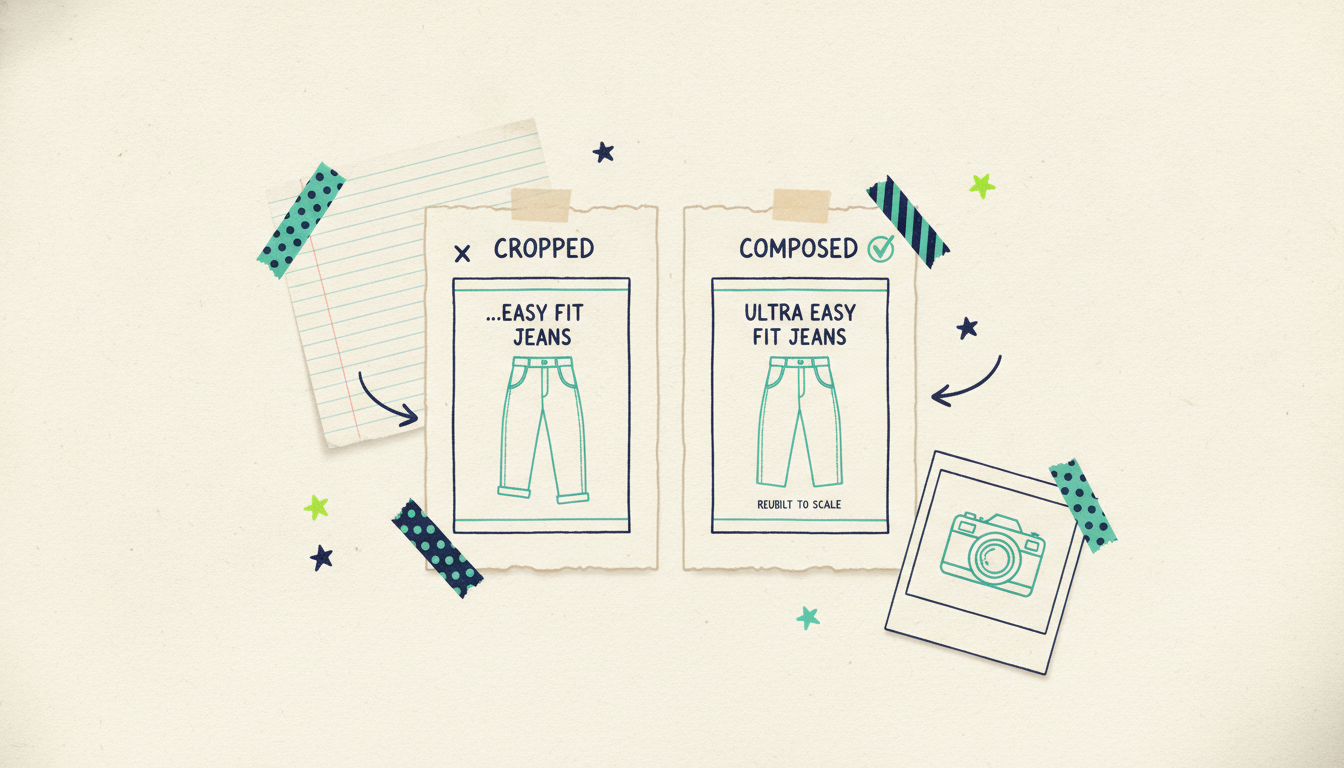
When you crop a wide ad into a square or a vertical, you throw away the sides. Your headline runs off the edge. Your product ends up half in frame. The logo you carefully placed in the corner is now gone. Cropping treats every shape like a smaller window onto the same picture, when what you need is the picture recomposed for each shape.
A good vertical ad isn't a widescreen ad with the sides chopped off. It's built for vertical: the subject centered for a tall frame, the text sized for a phone, the important stuff where the eye lands on that specific shape. Same idea for square and portrait. That's why "just crop it" produces ads that look like afterthoughts, because they are.
One ad, every ratio, composed not cropped
This is where it stops being a chore. Wavemaker generates your ad in every aspect ratio you need, and it composes each one for its own frame rather than cropping down from a master. The 9:16 version is built vertical. The 1:1 is built square. Nothing important gets cut off, because nothing is being cut, each ratio is laid out on purpose.
The workflow is simple: make the ad (from your website, a brief, or a prompt), pick the ratios you need, and generate them together. You get a matching set, one campaign's worth of creative, every placement covered, all on-brand. If you're starting from your site, how to create ads from a URL walks through the full generation flow, and AI static ads from a website URL covers the image side specifically.
Wavemaker generates 16:9, 9:16, 1:1, and 4:5 (with 2:3 available via the API), up to 4K on the higher tiers. That covers essentially every mainstream placement from one starting point.
The real payoff: one ad, every channel
Here's why this matters beyond convenience. The reason a lot of businesses stay single-channel is the creative tax: making a proper ad for each platform's shape is enough work that people just don't. So they run one 16:9 video on YouTube and call it a day, leaving the vertical feeds and the square placements empty.
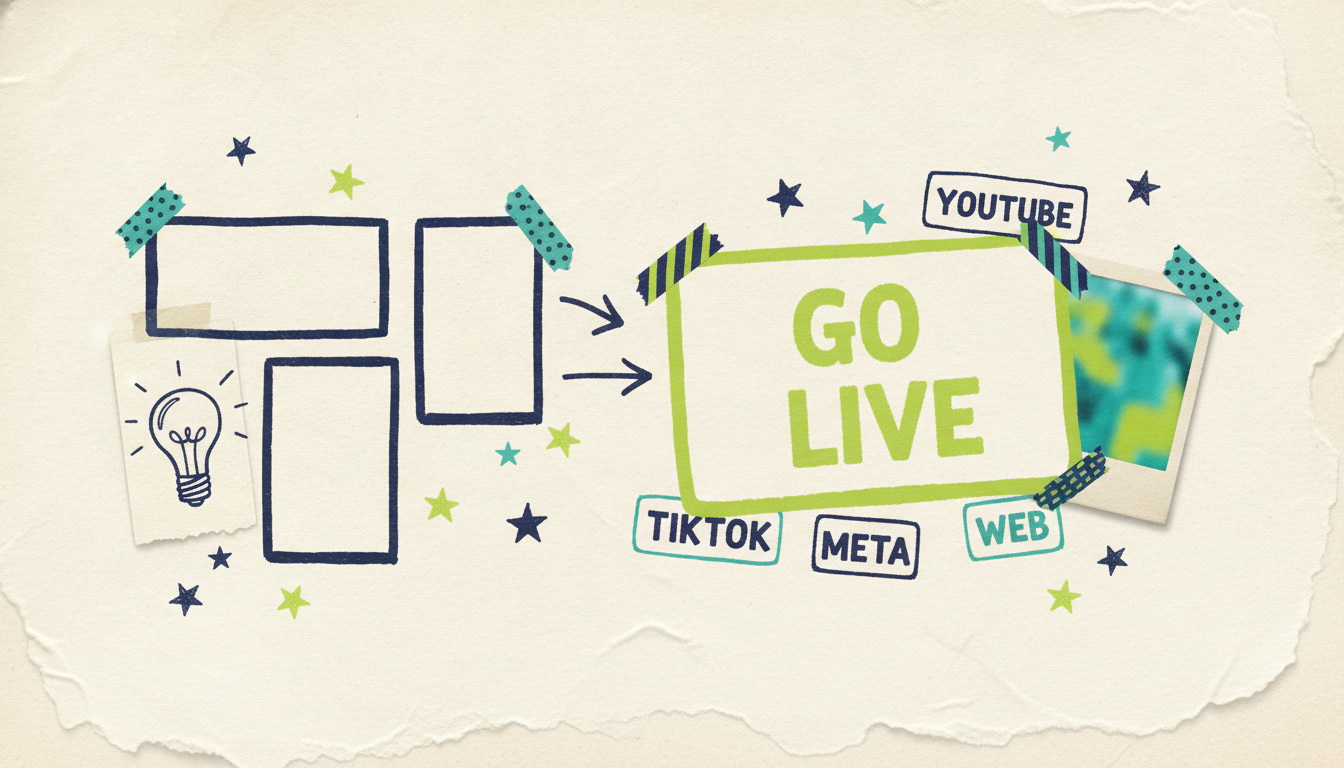
When every ratio comes free with the ad, that tax disappears. You can be everywhere your customers are, because you've got the right shape for every placement without re-editing anything. That's the bridge from "one ad" to "one campaign, every channel."
And it connects to what runs the ads. A finished set of ads, every ratio, feeds straight into Adwave, Adwave's cross-channel advertising product, which runs them across web, TV, Google, Meta, and Reddit on one budget, matching the right shape to each placement automatically. So the path is: Wavemaker makes every version, Adwave runs them everywhere. No exporting a dozen files and trafficking them by hand. If you want to see the campaign side, how it works covers it, and Wavemaker is the quick overview of the creative side.
Quick tips for getting ratios right
Match the ratio to the placement, not your preference. Vertical for Stories and TikTok, square or portrait for feeds, widescreen for YouTube and TV. The placement decides the shape.
Generate 4:5 for the feed, not just 1:1. Portrait takes up more screen than square, and more screen usually means more attention.
Cover vertical if you're on mobile at all. 9:16 is where short-form attention lives now. Skipping it leaves your biggest mobile placements empty.
Keep the message consistent across shapes. Same hook, same brand, recomposed per frame, so it reads as one campaign no matter where someone sees it.
Common questions answered
What aspect ratio should I use for each platform? Use 16:9 for YouTube, streaming TV, and web; 9:16 for TikTok, Reels, and Stories; and 1:1 or 4:5 for Meta and Instagram feeds. The placement decides the shape, so the safe move is to generate all of them and use the right one in each spot. That way you're never cropping or forcing a shape where it doesn't fit.
What's the difference between 1:1 and 4:5? Both are for the feed, but 4:5 is taller. A 1:1 square is compact and reads the same everywhere, while a 4:5 portrait takes up more vertical space in the feed, so more of the screen is your ad. Many advertisers prefer 4:5 in the feed for exactly that reason, though 1:1 is the more universal shape.
Can't I just crop one ad into the other shapes? You can, but it usually looks it. Cropping throws away the sides, so headlines get cut off and subjects end up half in frame. A good ad is composed for its shape, the vertical version built vertical, not chopped from a widescreen master. Generating each ratio on purpose avoids the cut-off, black-bar look.
How do I make all the aspect ratios without redoing the work? Generate them together from one source. Wavemaker composes 16:9, 9:16, 1:1, and 4:5 in one pass, each laid out for its own frame, so you get a full matching set without re-editing. You make the ad once and get every placement's shape covered automatically.
Which aspect ratio is best for ads overall? There's no single best, because it depends on where the ad runs. If you're forced to pick one to start, 1:1 is the most universal and 9:16 captures the most mobile attention. But the real answer is to run the right shape in each placement, which is easy when every ratio is generated for you at once.
Does a bigger aspect ratio mean better quality? No, aspect ratio is about shape, not quality. Quality comes from resolution, and Wavemaker exports up to 4K on the higher tiers regardless of the shape you choose. A 9:16 vertical ad can be just as crisp as a 16:9 widescreen one; they're simply different frames for different placements.
Bottom line
Every platform wants a different shape, and getting it wrong means cropped headlines and wasted placements. The four you'll use are 16:9 for wide, 9:16 for vertical, and 1:1 or 4:5 for the feed. The trick isn't memorizing them, it's generating all of them at once, composed for each frame, so one ad covers every placement.
Make your ad in every ratio with Wavemaker, then run them across every channel with Adwave.