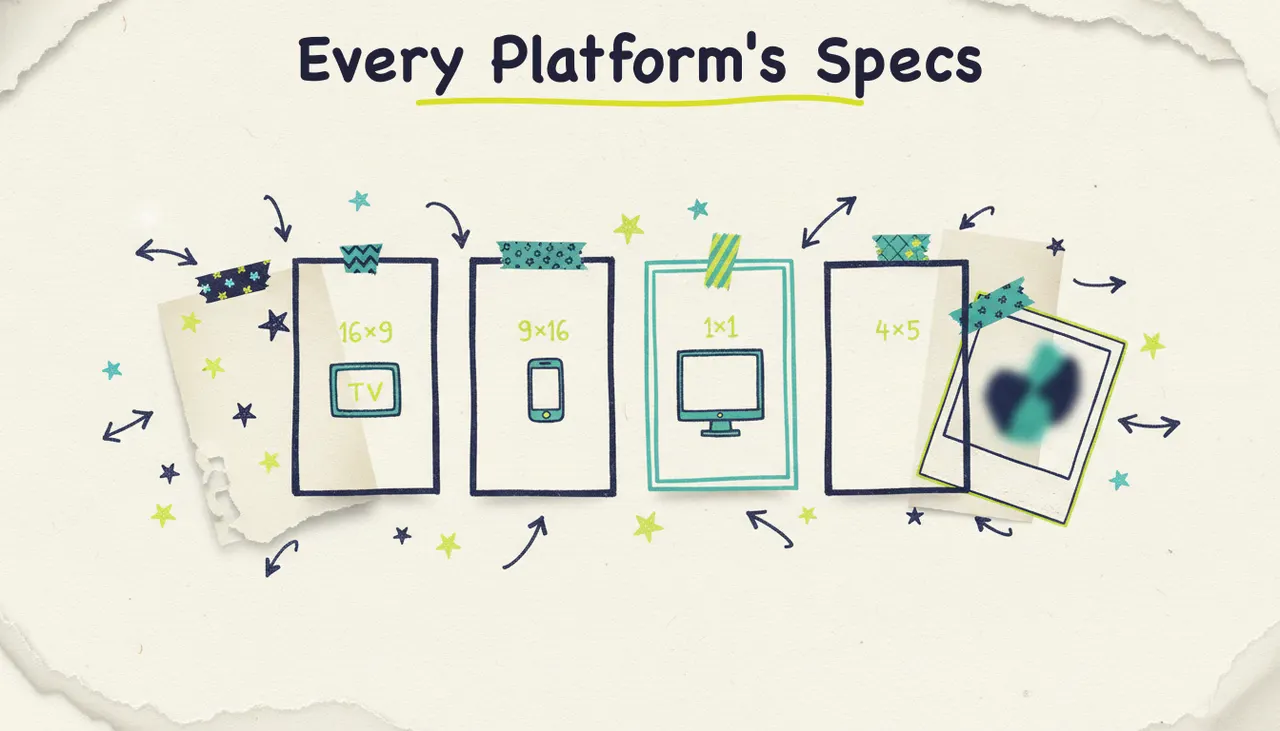
Video gets the attention, but static image ads still do a huge amount of the actual work. They're what fills your Meta feed, your Instagram, and the display banners across the web. They load instantly, they're cheap to test, and in a scrolling feed a sharp static ad often out-earns a video people skip past.
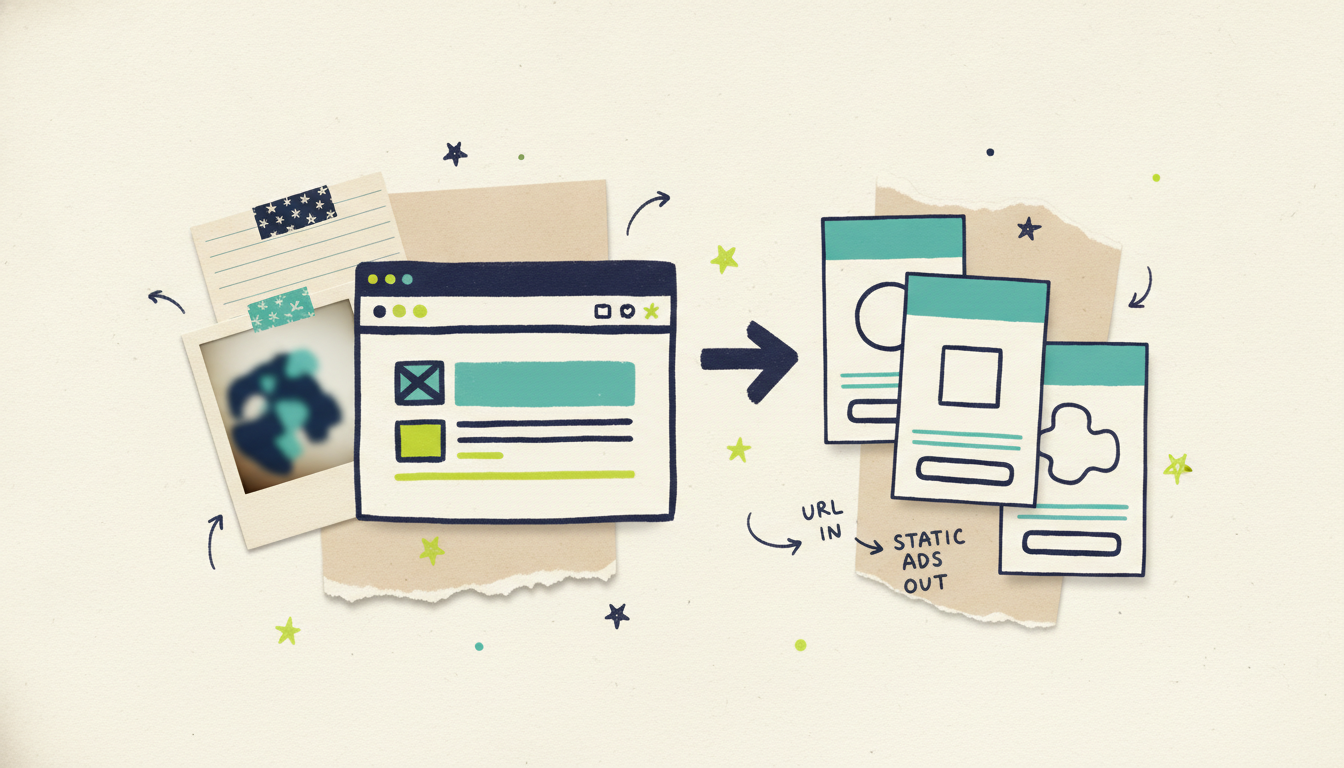
The catch has always been making them. Good static ads mean a designer, or a template tool where you pour your brand into someone else's layout. Wavemaker skips both: paste your website URL, and it generates finished static image ads built from your own brand, no designer, no template wrestling. Here's how it works and when static is the right call.
What a static ad from a URL is
When you give Wavemaker a URL, it reads your site the way a designer would study your brand before starting: your colors, your fonts, your product imagery, your headline and offer language. Then it composes finished image ads around that, the layout, the headline, the visual, the call to action, all matched to how your brand already looks.
That's the difference from a template tool. A template hands you a fixed layout and asks you to drop your logo in. Generating from your URL flips it: the ad is built around your brand from the first pixel, so it looks like you made it on purpose, not like you filled in a form.
You're not designing anything. You're reviewing a finished ad and telling it what to change.
Why static image ads still matter
With all the noise about AI video, it's easy to forget how much static ads carry. A few reasons they stay essential:
They dominate the feed. Meta, Instagram, and display inventory run heavily on static. A clean image ad in the feed is often cheaper to run and quicker to absorb than a video.
They load instantly. No buffering, no "skip in 5." The message lands when someone scrolls past.
They're the cheapest thing to test. You can spin up a dozen variations, different headlines, different visuals, and find your winner fast, without the cost of producing video.
They work where video can't. Display banners, retargeting placements, and a lot of programmatic inventory are built for static. If you're only making video, you're leaving those placements empty.
Static and video aren't rivals. The strongest campaigns run both, and, as we'll get to, you can make both from the same URL so they match.
Step by step: from URL to static ads
The flow is quick.
Step 1: Paste your URL
Use a product page or a focused landing page for the sharpest result, the clearer the offer on the page, the better the ad. Wavemaker builds a brand profile from what it reads.
Step 2: Add a one-line brief (optional)
Steer it if you have a specific goal: "an image ad pushing free shipping," or "a square ad for the fall collection." One sentence is plenty. Skip it, and it'll work from the URL alone.
Step 3: Pick your sizes
Choose the aspect ratios you need for where the ads will run (feed, stories, display). You can generate several at once.
Step 4: Generate
Wavemaker composes the layout, writes the headline, places your brand visual, and adds the call to action, each frame designed for its shape rather than cropped from one master. A batch of image ads is ready in a couple of minutes.
Step 5: Edit by chat
Change anything in plain English. "Make the headline bigger." "Try the offer in the corner." "Use the second product photo." No layers, no design software. Keep tweaking until it's right.
Step 6: Export or run it
Download the files, or send the ads straight into a live campaign (more on that below).
Sizes and formats for static ads
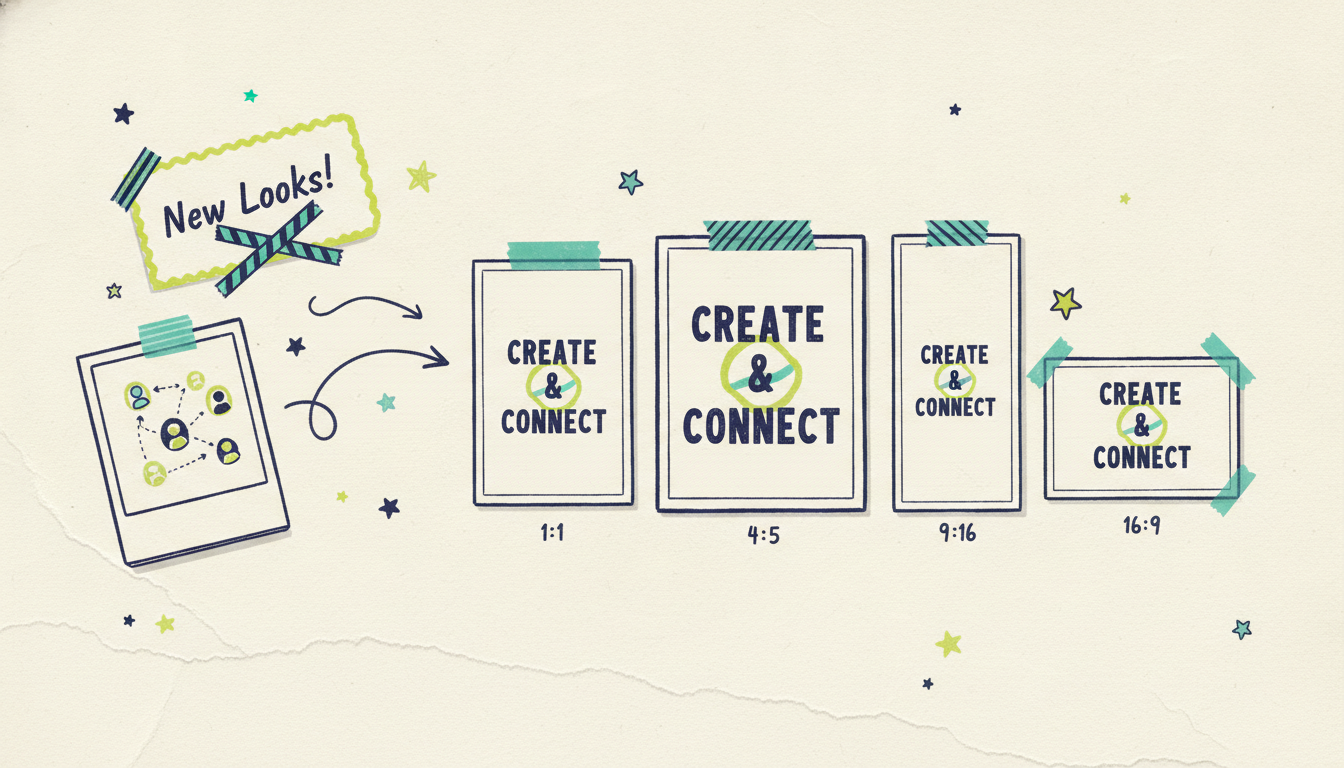
Different placements want different shapes, and a good static ad is composed for its frame, not cropped down. Wavemaker generates:
1:1 (square) for feed posts across Meta and Instagram.
4:5 (portrait) for the feed, where the taller frame takes up more screen.
9:16 (vertical) for Stories and full-screen placements.
16:9 (widescreen) for display banners and web.
Generate the set you need from one URL, and every size stays on-brand. If you want the full rundown of which ratio goes where (video and static), how to make a video ad has the placement guide.
Static or video? When to use which
You'll usually want both, but here's the quick call on each.
You do not have to choose at the tool level. Both come from the same brand read, so you can generate matching static and video ads from one URL. We cover that combined workflow in how to create ads from a URL. If your best assets are product photos rather than a page, photos to video shows how to turn those into motion too.
Testing static ads at scale
This is where AI-generated static really pays off. Making one image ad by hand is a small job. Making twelve, with different headlines, hooks, and visuals, so you can test your way to a winner, used to be a big one. Now it's a batch.
Generate variations, not versions. Try three different hooks and two different visuals in one pass.
Let the data pick. Run them, see which earns, keep making more like the winner.
Keep the brand locked. Every variation still pulls from your URL, so testing hooks doesn't mean going off-brand.
Volume plus consistency is the combination that was hard before. That's the real unlock.
From static ad to live campaign
Most tools stop when you hit export. Wavemaker connects to what comes next.
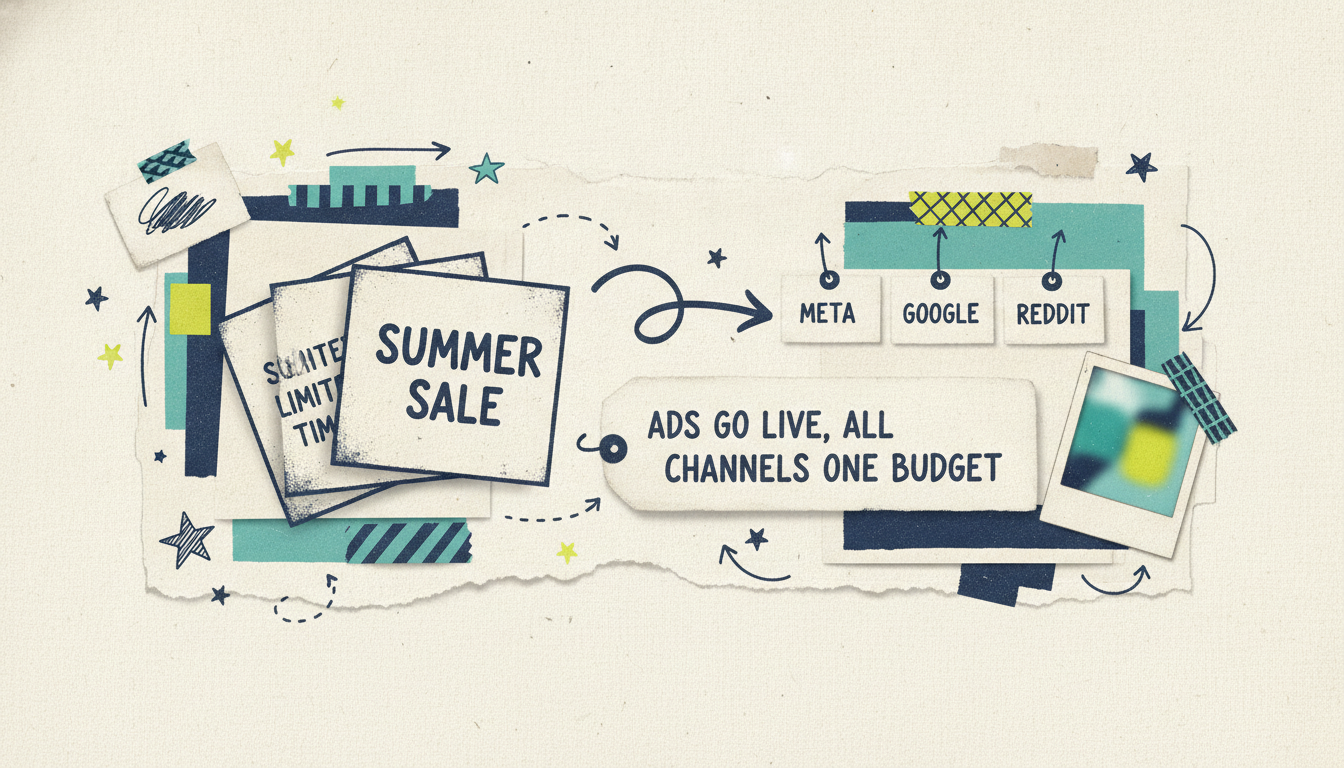
A finished static ad feeds straight into Adwave, Adwave's cross-channel advertising product, which runs it across web, Google, Meta, Reddit, and more, on one budget, optimizing on autopilot from your own site data. So the path is simple: Wavemaker makes the static ads, Adwave runs them everywhere.
You're not exporting files and handing them to someone to traffic. The ads you just made from your URL are a click from being live across every channel. If you're new to the creative side, Wavemaker is the fast overview, and how it works covers running the finished ads across channels.
Tips for stronger static ads
A finished ad from your URL is a great starting point. A few tweaks make it a great ad:
One idea per ad. Static works because it lands in a glance. If the ad is trying to say three things, it says none of them. Pick the single message, the offer, the benefit, the hook, and let the ad carry that.
Put the offer where the eye lands. "Free shipping" or "30% off" earns its place near the top or in a corner that reads fast. If you have a real hook, don't bury it, tell it to move the offer up.
Lead with the product, not the logo. People scroll for what's in it for them. Your logo can be small; your product or benefit should be the thing that stops the scroll.
Make a family, not a one-off. Generate a few variations that share a look but change the hook. You get a set you can test against each other, and consistent branding across placements, in one pass.
Match your static to your video. If you're running both, generate them from the same URL so they feel like one campaign. Mismatched creative quietly tells people you're improvising.
None of this requires design chops. It's mostly about knowing what to ask for, then editing by chat until the ad says one thing clearly.
Common questions answered
Do I need any design skills to make static ads this way? None. Wavemaker reads your website for the brand and composes the ad for you, so you're reviewing a finished image rather than designing one. Any changes happen by chat in plain English, "bigger headline," "swap the photo," so there's no design software to learn.
How is this different from a template tool like Canva? A template gives you a fixed layout to pour your brand into. Generating from your URL builds the ad around your brand from the start, so it doesn't look like a filled-in template. You also get every size composed for its own frame instead of one design cropped to fit, and you can generate a batch of variations in one pass.
What sizes can I get for static ads? Wavemaker generates 1:1, 4:5, 9:16, and 16:9, each composed for its placement rather than cropped. That covers Meta and Instagram feeds, Stories, and display banners. You pick the sizes you need when you generate, and they all stay on-brand.
Can I make static and video ads together? Yes, and it's worth doing. Both come from the same brand read, so your static and video ads match automatically instead of looking like two different campaigns. The combined workflow is covered in our guide to creating ads from a URL.
Is there a free way to try it? Yes. The free plan is free, $0 with 150 credits, enough to make your first ads. Image ads are inexpensive in credits, so you can generate and test several variations without much cost. Paid plans start at $39/mo for more credits, higher resolution, and no watermark.
What happens after I make the static ads? Export the files, or send them into Adwave to run across web, Google, Meta, and Reddit on autopilot from one budget. That's the advantage of making ads here rather than in a standalone design tool, the finished creative is one step from a live cross-channel campaign.
Bottom line
Static image ads still carry the feed, the display network, and most of your cheap, fast testing. Wavemaker makes them from the brand you already have, just paste your URL, pick your sizes, and edit by chat. Then run them everywhere with Adwave.
Try it with your own URL and see the static ads your site can make.