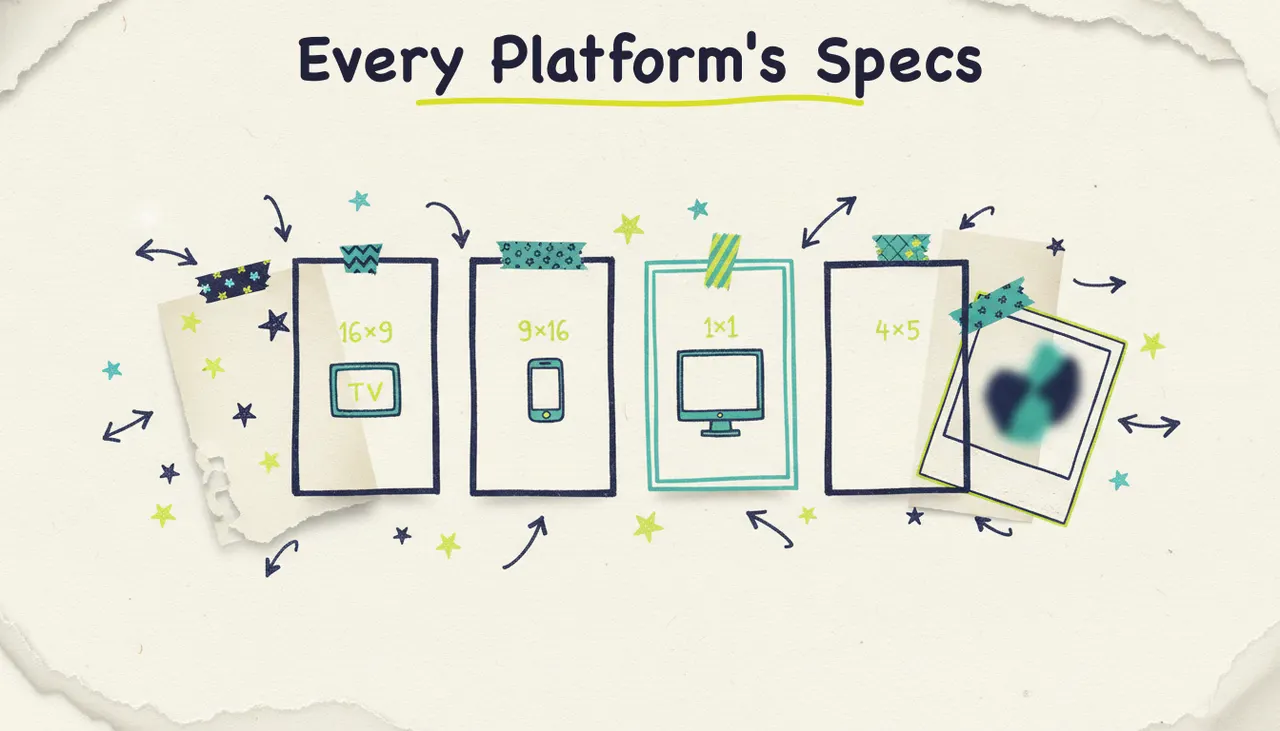
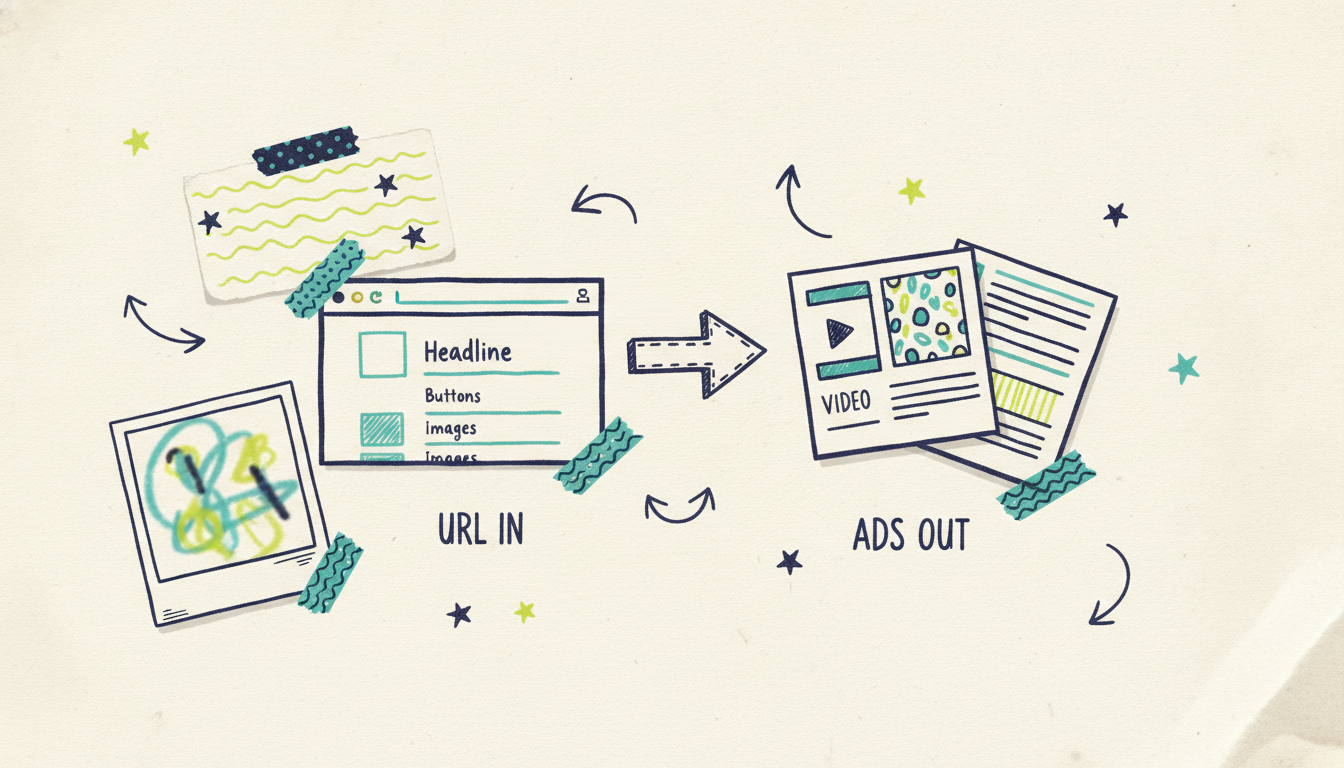
Here's the short version: paste your website URL into Wavemaker, and it comes back with finished ads, video and static image, built from your own brand. No stock footage hunting, no timeline editor, no design brief. It reads your site, pulls your colors, your product, and your messaging, and produces ads you can run.
That's the whole promise of creating ads from a URL. Your website already has everything an ad needs: what you sell, how you talk about it, what it looks like. So instead of starting from a blank canvas, you start from the thing you've already built. Let's walk through exactly how it works, step by step, for both video and image ads.
What "from a URL" means
When you give Wavemaker a URL, it doesn't just grab a screenshot. It analyzes the page the way a good creative team would on day one:
Brand colors and fonts, so the ads look like you, not a template.
Product and offer details, pulled from your copy so the message is accurate.
Imagery and tone, so the finished ad matches how your brand already sounds and looks.
From that read, it writes the script, designs the frames, generates the visuals, adds a voiceover and music for video, and runs a quality-control pass before handing you the result. You're not assembling anything. You're reviewing something that's already built.
The difference from a template tool matters here. A template makes you pour your brand into someone else's layout. Starting from your URL flips it: the ad is generated around your brand from the start.
Step by step: from URL to finished ads
The flow is the same whether you want video, image, or both.
Step 1: Paste your URL
Drop in your homepage, a product page, or a landing page. A product page usually gives the sharpest result, because the offer and the visuals are right there. Wavemaker scrapes the page and builds a quick brand profile from it.
Step 2: Tell it what you want (or don't)
You can leave it to run with just the URL, or add a one-line brief to steer it: "a 15-second promo for the summer sale," or "a square image ad showing free shipping." One sentence is enough. The more specific your brief, the more on-target the first draft, but the URL alone will get you something usable.
Step 3: Pick your formats
Choose what you need:
Video ads for YouTube, TikTok, Reels, streaming TV, or a landing page.
Static image ads for Meta, display, and social feeds.
Or both, from the same URL, in one pass.
Pick your aspect ratios too (more on those below). You can generate several at once.
Step 4: Let it generate
For video, Wavemaker writes the script, builds the storyboard, generates the visuals and clips, records a voiceover, and scores it with music, then runs an AI vision check to catch anything off. For image ads, it composes the layout, headline, and visual around your brand. A typical ad takes a few minutes, not a few days.
Step 5: Review and edit by chat
This is where it stops feeling like software. Don't like the opening line? Type "make the intro punchier." Want a different call to action? Say so. Wavemaker edits in plain English, no timeline, no layers, no re-rendering by hand. Keep refining until it's right.
Step 6: Export or send it live
Export the finished files in the sizes you picked. Or, and this is the part most tools can't do, send the ad straight into a campaign to run it. More on that in a minute.
Video ads and image ads from the same URL
One of the quieter advantages here is that video and static come out of the same engine, off the same brand read. That means your video ad and your image ad match, same colors, same message, same look, without you doing the work to keep them consistent.
If you've only ever thought of AI ad tools as video generators, the static side is worth a look on its own. For the video side specifically, url to video covers the longer-form workflow, and photos to video helps when your best assets are product images rather than a page.
Aspect ratios: one URL, every placement
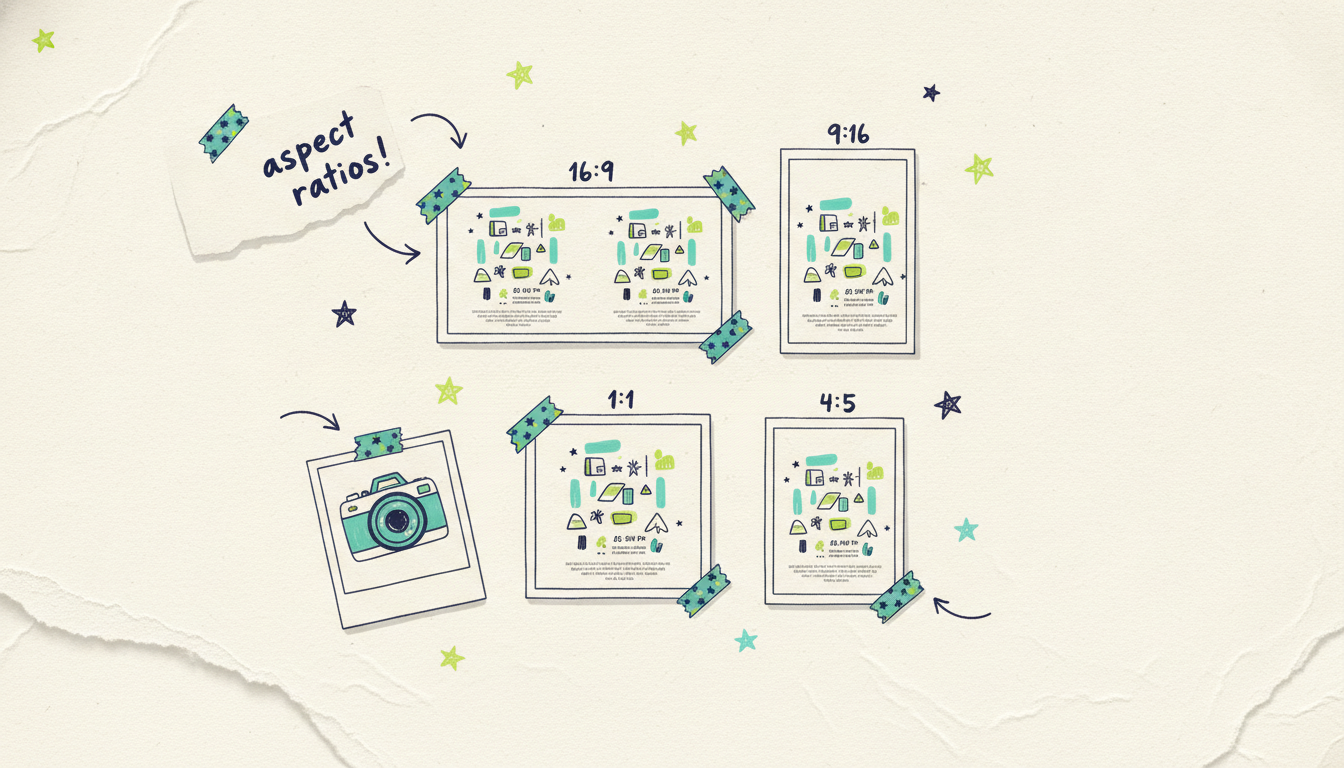
Different platforms want different shapes. Wavemaker composes each aspect ratio per frame (it's not just cropping a 16:9 video down), so nothing important gets cut off:
16:9 (widescreen) for YouTube, streaming TV, and web.
9:16 (vertical) for TikTok, Reels, and Stories.
1:1 (square) for feed posts.
4:5 (portrait) for Meta and Instagram feeds.
Generate the placements you need from the same source, and every version stays on-brand. If you want the full breakdown of which ratio goes where, how to make a video ad has the placement guide.
From finished ad to live campaign
Most tools stop at the export button. You get a file, and then you're on your own to run it. Here's where Wavemaker connects to something bigger.
A finished Wavemaker ad, video or image, feeds straight into Adwave, Adwave's cross-channel advertising product. Adwave takes the creative you just made and runs it across web, TV, Google, Meta, and Reddit, on one budget, optimizing on autopilot from your own site data. So the path is: Wavemaker makes the ad, Adwave runs it everywhere.
That's the piece competitors can't match. You didn't just make an ad from your URL, you made a whole cross-channel campaign's worth of creative, and it's a click away from being live. No handing files to a media buyer, no rebuilding the ad for each platform.
If you're new to the creative side of Adwave, Wavemaker is the quickest overview, and how it works walks through running the finished ads across every channel.
A quick example: from product page to campaign
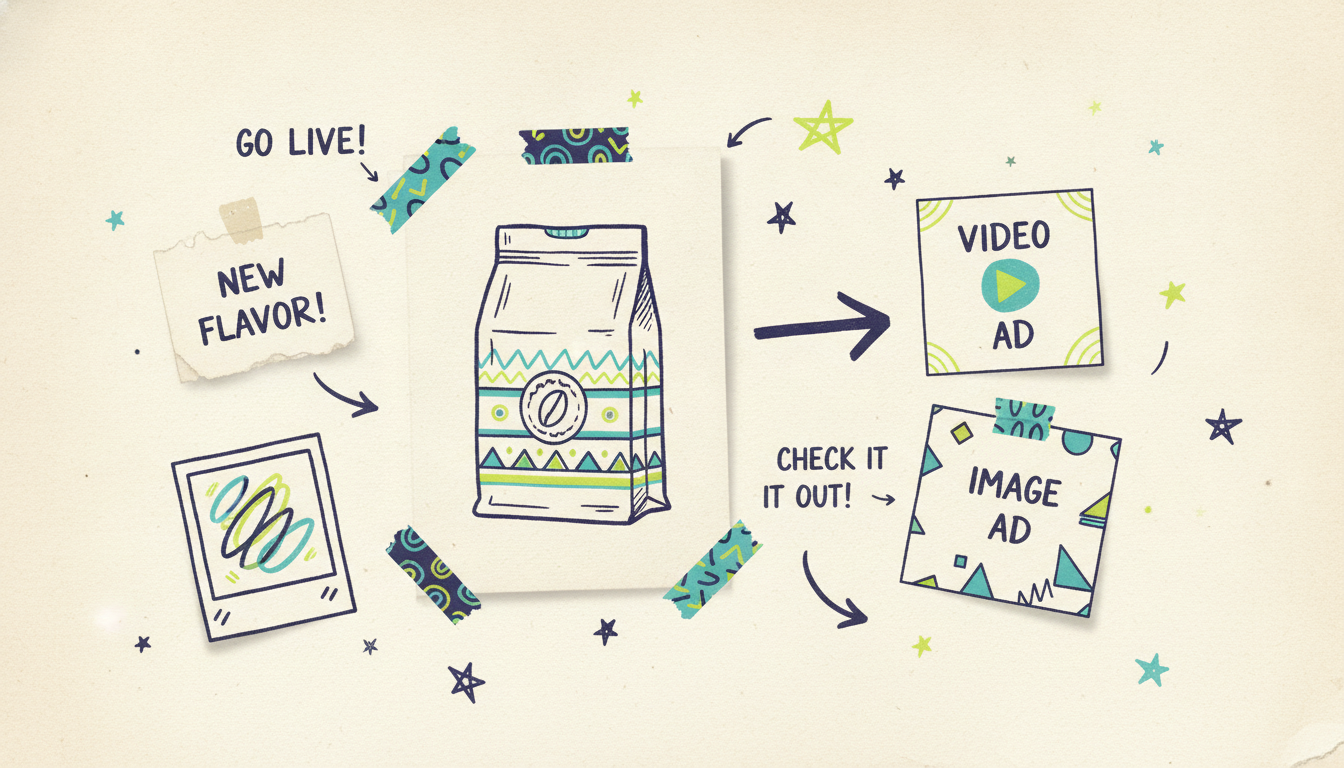
Say you run a small coffee roaster and you want to promote a new single-origin bag. Here's how the whole thing plays out.
You paste the product page URL. Wavemaker reads it: your warm brown-and-cream palette, the product photography, the tasting notes in your copy, the "free shipping over $40" line near the top. From that, it drafts a 15-second video, the roast steaming, the bag turning, a voiceover reading your actual tasting notes, your colors throughout, plus a matching square image ad with the free-shipping hook as the headline.
You watch the video and think the open is slow. You type "start on the pour, not the logo." Ten seconds later, fixed. You ask for a vertical 9:16 cut for Reels, and one more image ad in your secondary color. Now you've got a video in two ratios and two image ads, all matching, all on-brand, from one URL and about five minutes of clicking.
Then you send the set into Adwave, set a daily budget, and it's running on YouTube, Meta, and a couple of other channels by dinner. That's the part that used to take an agency two weeks and a five-figure invoice.
Tips for the best results
A few things that make URL-generated ads noticeably better:
Point it at your strongest page. A focused product or offer page beats a busy homepage, because the message is clearer for Wavemaker to read.
Add a one-line brief when you have a specific goal. "Highlight the 30-day guarantee" gives it a target. Text-only prompts work too, so if your site is thin, text to video shows how to generate from a written idea instead.
Generate a few variations. Making three versions costs you almost nothing and gives you options to test. Different hooks, different formats, same brand.
Edit by chat, don't settle. The first draft is a starting point. Two or three plain-English tweaks usually get it to "ship it."
Common questions answered
Do I need to write anything, or is the URL enough? The URL alone is enough to get finished ads, because Wavemaker reads your site for the message and visuals. Adding a one-line brief just sharpens the result toward a specific goal, like a sale or a particular feature. Either way, you're never writing a script or a design brief from scratch.
Can I make both video and image ads at once? Yes. Both come from the same brand read, in one pass, so your video and static ads match automatically. That's a real time-saver versus making them in separate tools and trying to keep them consistent by hand.
What sizes and aspect ratios can I get? Wavemaker generates 16:9, 9:16, 1:1, and 4:5, composed per frame rather than cropped, so each placement looks intentional. That covers YouTube, TikTok, Reels, Meta, Instagram, display, and streaming TV. You pick the ratios you need when you generate.
How long does it take? A typical ad is ready in a few minutes, video or image. Editing is instant since it's done by chat, so even after a couple of rounds of tweaks you're usually done in well under an hour, start to finish.
Is there a free way to try it? Yes. The free plan is free, $0 with 150 credits, enough to generate your first ads (480p exports carry a watermark on the free tier). Paid plans start at $39/mo for higher resolution, more credits, and no watermark, up to 4K on the higher tiers.
What happens after I make the ad? You can export the files, or send the ad into Adwave to run it across web, TV, Google, Meta, and Reddit on autopilot from one budget. That's the advantage of making ads here: the finished creative is one step from a live cross-channel campaign, not just a download.
Bottom line
Your website is the best brief you'll ever write, you just didn't know it. Paste the URL, pick your formats, and Wavemaker turns it into finished video and image ads that look like your brand, in minutes. Edit them by chat, then run them everywhere with Adwave.
Try it with your own URL and see what your site becomes.