
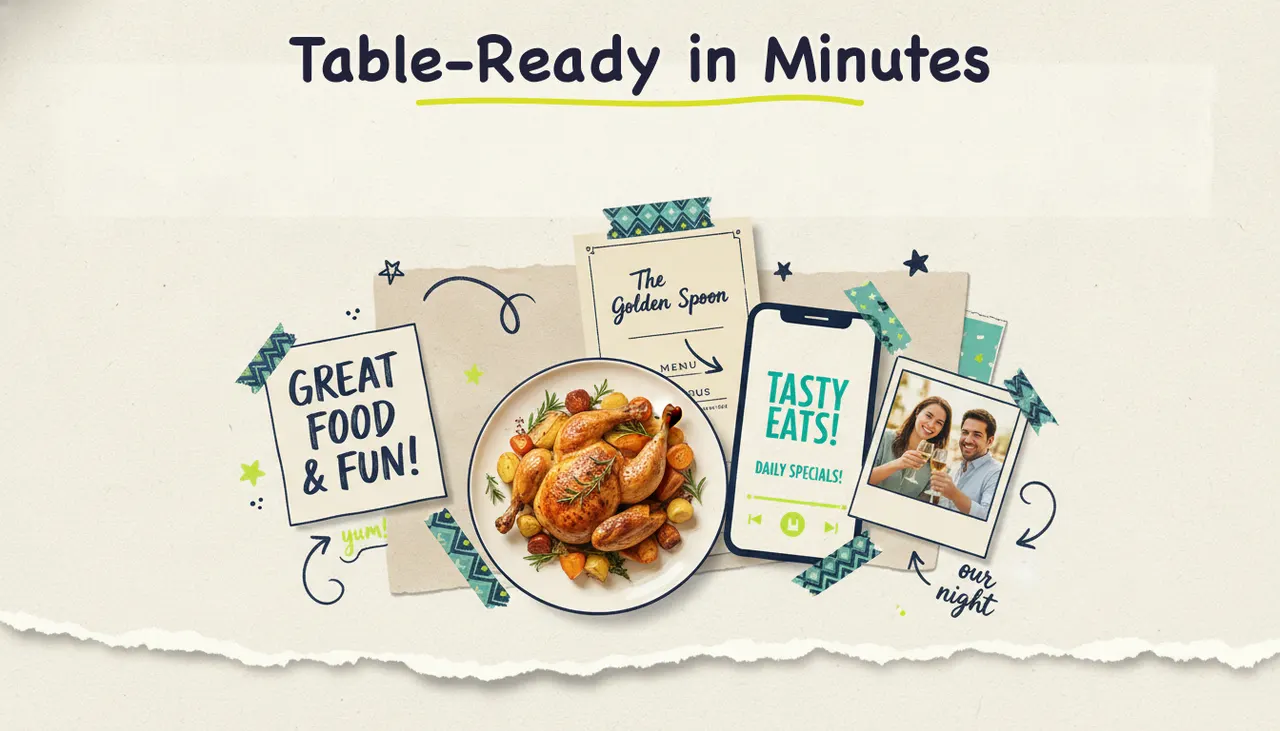
You can make a restaurant promo video with AI in a few minutes: upload a handful of food photos or paste your website or menu URL, and Wavemaker researches your restaurant, writes a script, generates the visuals, adds a voiceover and music, and hands you a finished video ready for Instagram, TikTok, Google, or even streaming TV. No camera crew, no editing software, no timeline to fight with. If you can describe your special of the week, you can make a video for it.
Use your menu, food photos, and current offers to create restaurant videos. This guide covers preparing those materials, making a video in Wavemaker, and choosing where to publish it.
Why restaurants need promo video now
Short video is where diners decide where to eat. People scroll Instagram Reels and TikTok looking for what's good nearby, and a five-second shot of cheese pulling off a slice does more than any paragraph of menu copy. Google Business Profiles with video get more engagement than photo-only listings, and streaming TV now reaches the cord-cutters your radio spots miss.
The catch has always been production. A polished 30-second spot used to mean hiring a videographer, an editor, and a day of your staff's time. For a single location running on thin margins, that math rarely worked. AI video generation changes the math. You make the video yourself, in the time it takes to prep for lunch service, and you make a new one every week when the specials change.
Five types of restaurant promo videos that work
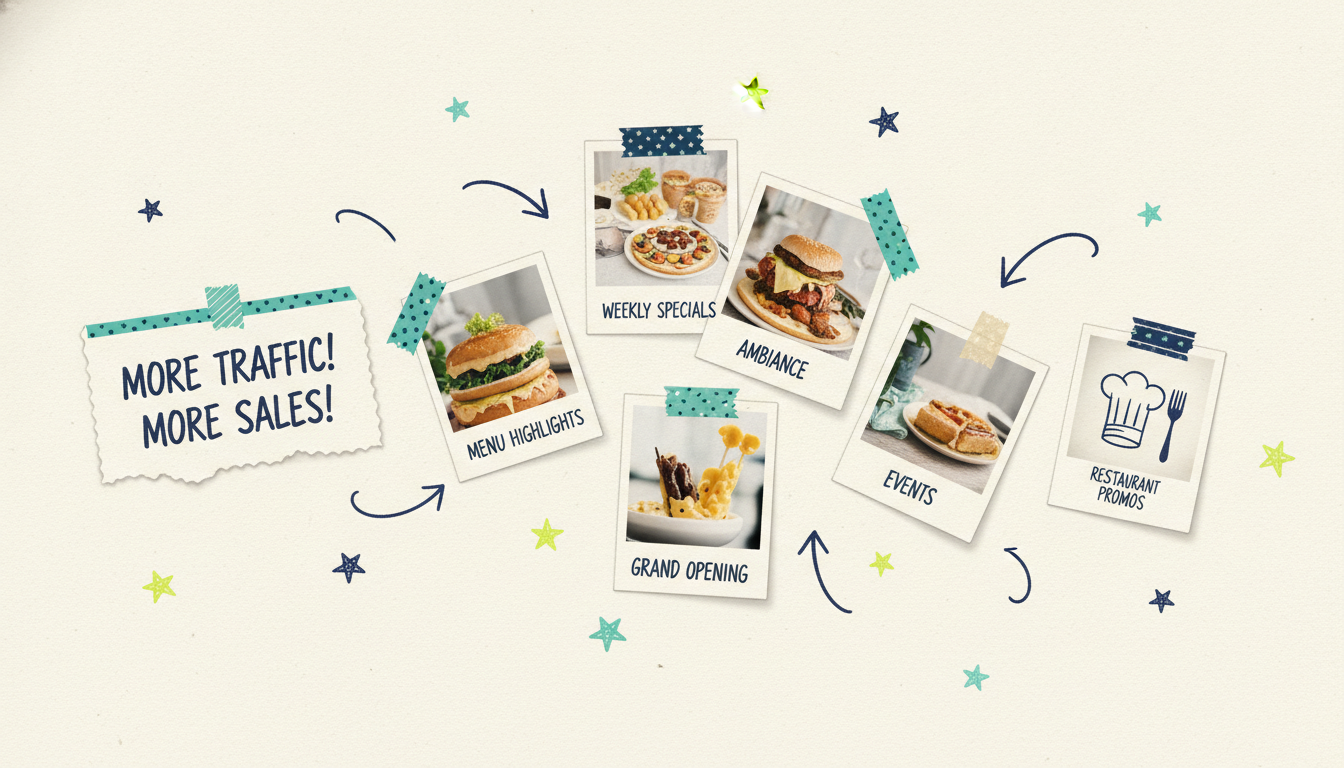
Not every restaurant video should look the same. Match the format to the goal. Here are the five that earn their keep.
1. Menu highlights
The workhorse. Show your best-selling or highest-margin dishes with tight, appetizing shots and a quick line about each. Great for introducing new diners to what you do best. Run these year-round.
2. Weekly specials and deals
Taco Tuesday, happy hour, the seasonal soup, the prix fixe. These are time-sensitive, so speed matters. Because Wavemaker turns a few photos into a finished clip in minutes, you can make a fresh special video every week without it becoming a chore.
3. Ambiance and vibe
Sometimes the sell isn't the food, it's the feeling: the patio at golden hour, the buzz of a Friday night, the cozy corner booth. Ambiance videos work well for date-night positioning, reservations, and reminding regulars why they love the place.
4. New location or grand opening
Opening a second spot or a brand-new restaurant? A promo video builds anticipation before the doors open and drives that critical first-week traffic. Pair it with a targeted local campaign so the whole neighborhood knows.
5. Events
Live music, wine dinners, game-day watch parties, holiday brunches, private-event availability. Event videos give people a specific reason and date to show up, which converts better than a general "come visit us" message.
From food photos or a URL to a finished video
Wavemaker is an agentic video creator, which means it works like an AI production team rather than an editor you have to drive. You give it an input, and it handles the research, script, visuals, voiceover, music, and a final quality-control pass. For restaurants, two inputs do most of the work.
Option A: Upload your food photos
You almost certainly have a camera roll full of dish photos already. Upload the best of them, tell Wavemaker what you're promoting ("Taco Tuesday, $2 street tacos, 4 to 7pm"), and it builds a script around your food, arranges the shots, and generates any extra visuals it needs to fill out the story. Your real dishes stay front and center.
If you want to go straight from images, our photos to video with AI guide walks through the whole flow step by step.
Option B: Paste your website or menu URL
Don't have great photos handy? Paste your restaurant's website or online menu URL. Wavemaker scrapes your brand colors, imagery, and messaging into a creative brief, then builds a video that already looks and sounds like your restaurant. It's the fastest way to get a branded video without gathering assets first. The URL to video with AI walkthrough covers exactly how the URL extraction works.
What happens next
Either way, the pipeline is the same. Wavemaker writes a script, lays out an AI storyboard, generates and arranges your visuals, records an AI voiceover (you can design a custom voice on paid plans), scores it with BPM-aware music that ducks under the narration, and runs an AI vision QC review to catch anything off. Most videos are done in two to five minutes.
Then you refine by chatting. Want a punchier open? Type "make the intro shorter and hook harder." Music too loud? "Lower the music." Wrong dish leading? "Put the burrata first." There's no timeline to learn. You just say what you want changed.
Tips for appetizing food video
AI does the assembly, but the raw material still matters. A few habits make your restaurant videos look mouth-watering.
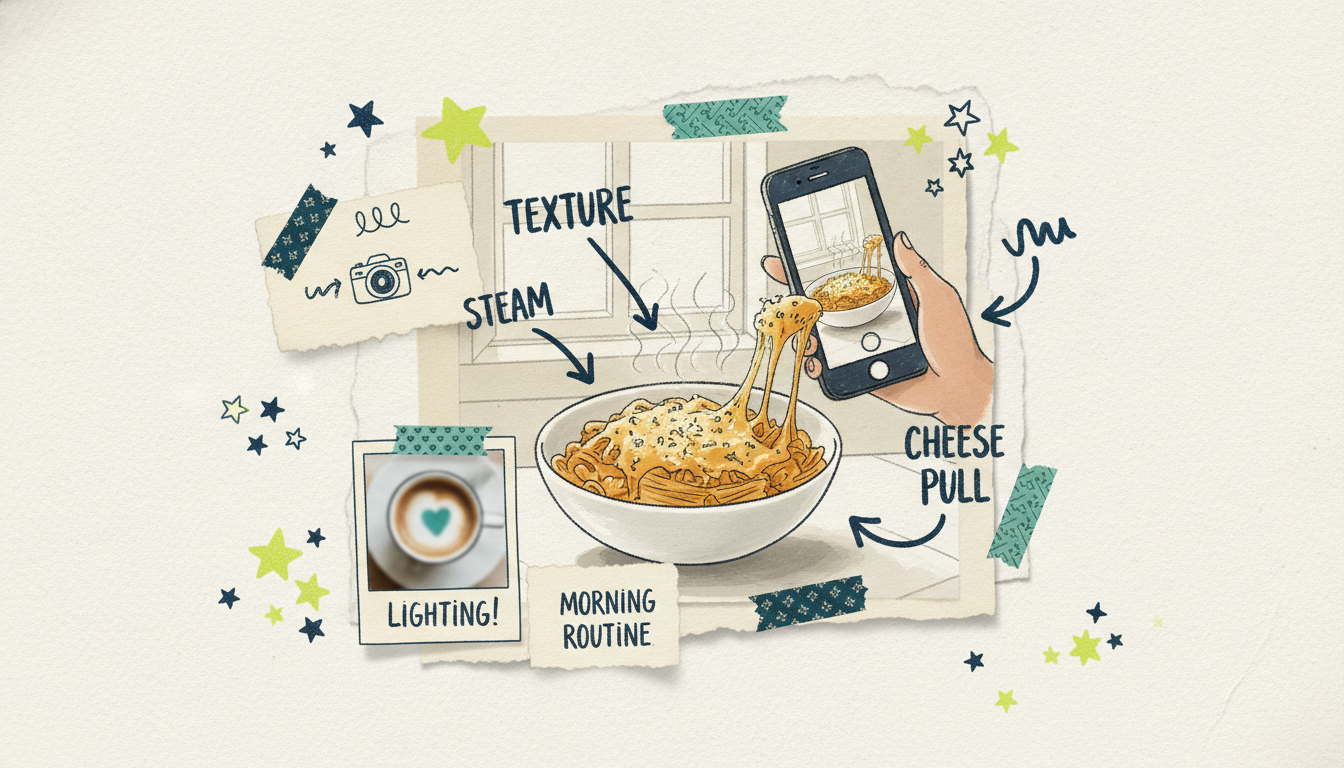
Shoot in natural light when you can. Window light near midday makes food look fresh and true to color. Harsh overhead restaurant lighting tends to flatten and yellow everything, so grab your photos by a window.
Get close and show texture. The steam off a bowl of ramen, the crackle of a pizza crust, the drip of a sauce. Tight shots that show texture trigger appetite far better than a wide shot of the whole table.
Capture motion moments. A cheese pull, a pour, a sizzle, a garnish drop. Even a couple of short clips of action give Wavemaker dynamic material to build around, and motion stops the scroll.
Keep it short. Fifteen to thirty seconds is the sweet spot for social and for a streaming TV spot. Lead with your single most crave-worthy shot in the first two seconds.
Stay true to the plate. Show what people will get served. Over-styled food that doesn't match the real dish erodes trust and drives bad reviews. Real, well-lit food beats fake perfection every time.
Lean on your brand. If you paste your URL, Wavemaker pulls your colors and style automatically. If you upload photos, tell it your brand vibe so the music and pacing match a taco truck versus a white-tablecloth bistro.
Where to run your restaurant promo video
A great video does nothing sitting in your camera roll. Here's where restaurant promo videos earn their keep, from free to paid.
Instagram and TikTok
The obvious home. Post menu highlights and vibe videos as Reels and TikToks, and push specials as Stories with a swipe-up or "order now" sticker. Wavemaker exports in 9:16 vertical for these platforms, so your video fits the feed natively. Consistency wins here: one fresh clip a week keeps you in the algorithm and familiar.
Google Business Profile and your website
Add video to your Google Business Profile so it shows up when someone searches your restaurant or "restaurants near me." A short menu highlight reel on your homepage and reservations page also lifts engagement and gives hungry visitors a reason to book.
Streaming TV, from $50 via Adwave
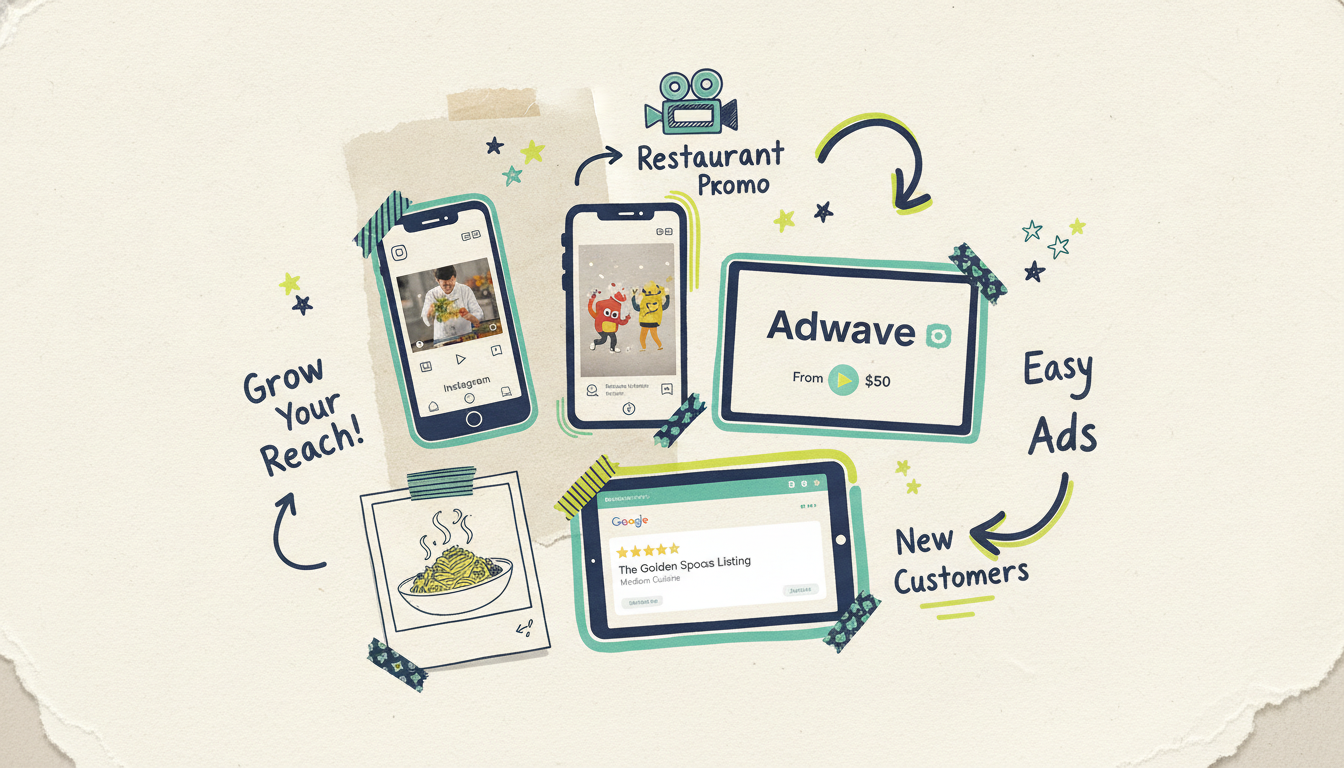
Here's where restaurants pull ahead of the competition still stuck on social alone. When your Wavemaker video is ready, Adwave can run it as a real streaming TV commercial on 100+ premium networks, from $50, with local targeting so you're only paying to reach diners in your area. That means your promo plays during the shows your neighbors watch, on the big screen, not just on a phone.
TV used to be out of reach for a single-location restaurant. The good news is that's changed. You make the spot with Wavemaker, and Adwave puts it on streaming TV plus Google, YouTube, Meta, Reddit, and display if you want the full spread. It's the one path where "publish" can mean television. For the bigger picture on producing any promo, see our guide on how to make a promo video.
A quick game plan for your first month
If you're starting from zero, here's a simple cadence that builds a video library fast without overwhelming your week:
Week 1: Make one menu highlights video from your best dish photos. Post it to Reels, TikTok, and your Google Business Profile.
Week 2: Make a weekly special video. Push it as a Story and pin it to your feed.
Week 3: Make an ambiance video from your patio or dining-room shots. Add it to your reservations page.
Week 4: Take your strongest video and run it as a streaming TV spot via Adwave with local targeting, from $50.
By the end of the month you've got four videos, a repeatable process, and a promo running on TV in your own neighborhood.
Common questions answered
Do I need professional food photos to make a restaurant video? No. Good phone photos taken in natural light work well, and you can also skip photos entirely by pasting your website or menu URL so Wavemaker pulls your existing imagery and branding. Better source material gives a better result, but you don't need a professional shoot to start.
How long does it take to make one video? Most videos generate in two to five minutes after you provide your input. Refinements through chat editing take even less, since a typical tweak like "shorten the intro" only costs a small amount of credits and processes quickly. You can realistically make a fresh specials video during a single prep shift.
How much does it cost to make restaurant videos with Wavemaker? You can start free with 75 credits, which is enough for your first video (480p with a watermark). Paid plans begin at $29 a month for 500 credits, up to 1080p, and no watermark, with higher tiers offering up to 4K and more monthly credits. Credit packs never expire, so occasional videos don't force a subscription.
Can I really put my restaurant video on TV? Yes, through Adwave. Once your Wavemaker video is finished, Adwave can run it as a streaming TV commercial on 100+ premium networks, starting at $50, with local targeting so you reach diners near you. Wavemaker makes the spot; Adwave handles the TV distribution.
What video format should I export for Instagram and TikTok? Export vertical 9:16 for Reels, TikTok, and Stories so the video fills the screen. For your website, Google Business Profile, or a TV spot, 16:9 widescreen works best. Wavemaker supports both, so you can make a version for each place you plan to post.
How often should a restaurant post new video? Aim for at least one fresh video a week. Rotating menu highlights, weekly specials, ambiance, and event clips keeps your social feed active and the algorithm friendly, and it gives you a steady library to pull from for paid promotion.
Start with a free video
Your food already looks good. Now give it a video. Upload a few dish photos or paste your menu URL and create your first restaurant promo video free with 75 credits in about the time it takes to plate an order. When your video's ready, Adwave can put it on streaming TV from $50, so the whole neighborhood sees what's cooking.





