A prospective client browses several property listings, checks the floor plans, and leaves without sending an inquiry. The next newsletter arrives days later with the same announcement sent to everyone on the list. That message misses the moment when the visitor was actively considering a move.
Behavioral email triggers solve that timing problem. Instead of waiting for a calendar date, they respond to a measurable action, such as viewing a listing, abandoning a cart, completing a purchase, or becoming inactive. For local businesses, the practical opportunity is to connect those signals with useful follow-up, then measure whether the email helped produce an inquiry, appointment, visit, or sale.
Why Behavioral Email Triggers Drive Revenue
The exact moment a visitor becomes a lead isn’t always the form submission. It may be the second property view, the visit to a financing page, or the return to a service page after reading customer reviews. That behavior reveals intent before the prospect identifies themselves as ready to talk. A scheduled newsletter treats that visitor like every other subscriber. A triggered email acknowledges the context while it still matters.
Behavioral email triggers are automated messages initiated by what a person does, or fails to do, rather than by a fixed broadcast schedule. The distinction is important because timing and intent usually matter more than sending more frequently. A short, relevant message after a meaningful action can be more useful than a polished newsletter competing for attention at a predetermined time.
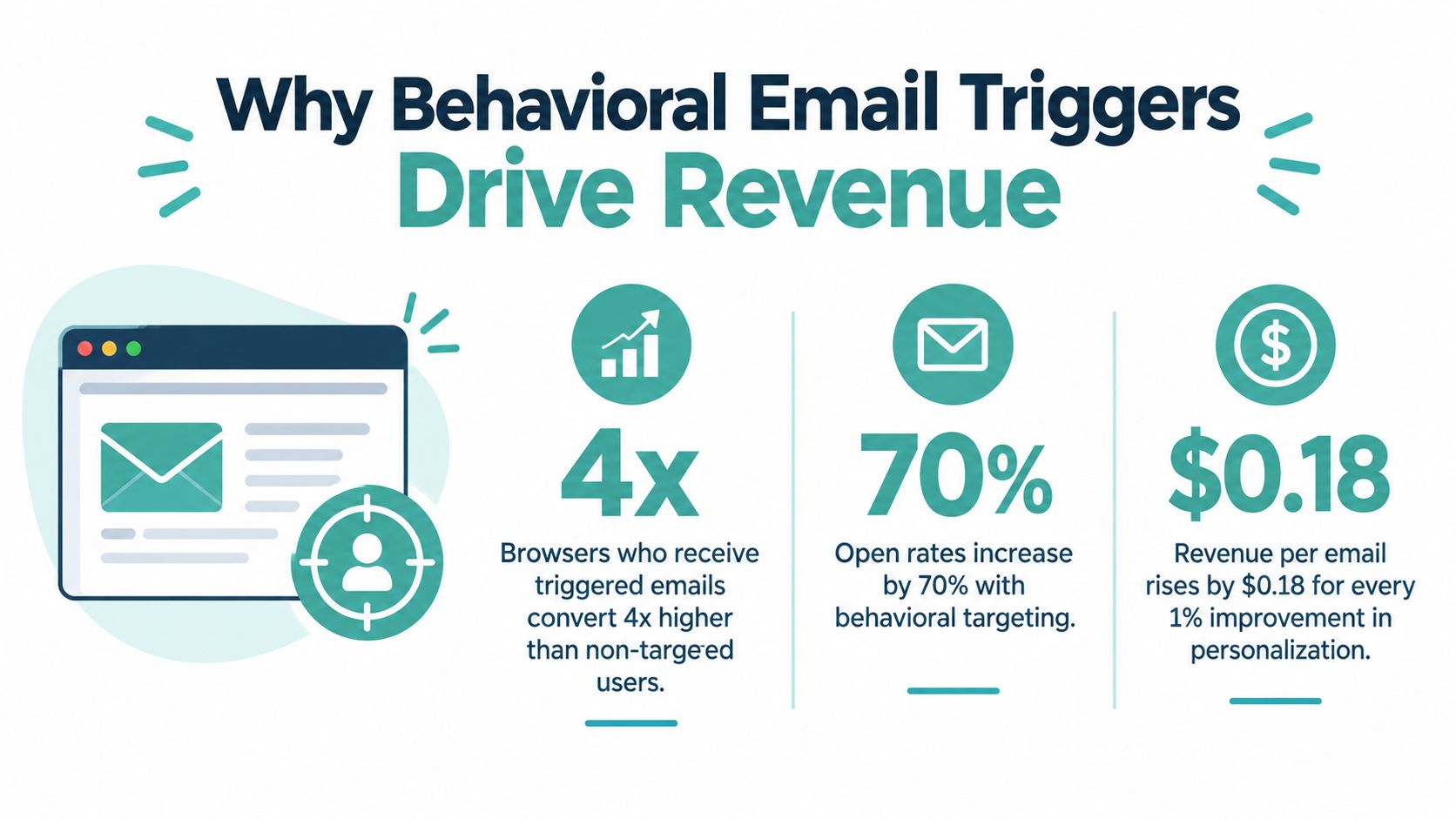
The shift toward responsive messaging has a clear history. Behavioral email triggers emerged as a distinct automation concept in 2001, when the first “behavioral” email used targeting tied to an individual’s actions instead of a fixed broadcast schedule. That milestone marked the move from batch-and-blast email toward messaging that reacts to a customer’s situation. GetResponse’s email marketing statistics reports one benchmark in which triggered emails reached a 45.38% open rate and 5.02% click-through rate, compared with 40.08% and 3.84% for newsletters.
Relevance beats repetition
A trigger doesn’t need to be complicated. It needs a clear event, a clear audience, and one useful next step. For a property brokerage, that might mean sending a comparable listing after someone views a home. For a dental practice, it could mean a reminder after a consultation request remains unfinished.
The strongest systems avoid treating every click as purchase intent. A product view can justify education or a related recommendation, while a started checkout deserves a more direct recovery message. The email earns attention because it reflects the customer’s current journey, not because the business sends more emails.
How to Build a Behavioral Trigger Ecosystem
A reliable trigger program starts with operational discipline, not creative templates. Before writing copy, decide which customer actions your systems can capture, which actions indicate meaningful intent, and which conversion each workflow is meant to influence.
Start with the event map
Build a simple event inventory across the website, booking system, ecommerce platform, and CRM. Behavioral email logic is tied to specific actions or inactions, not broad audience traits. Common examples include cart abandonment, product views, inactivity, completed purchases, and unfinished onboarding, with the user’s action automatically sparking the campaign, as described by Selzy’s explanation of behavioral email marketing.
For each event, record:
- Event definition: What exactly happened, and what counts as completion?
- Identity: Which email address or customer record can receive the message?
- Intent level: Is this research, consideration, purchase, retention, or service activity?
- Conversion goal: What single action should the recipient take next?
- Exit condition: Which event stops the workflow immediately?
A property-view trigger should stop if the person submits an inquiry. A cart recovery sequence should stop after purchase. Without exit conditions, customers receive messages for actions they’ve already completed.
Build the segments around intent
Use behavioral data to create narrow, useful audiences rather than broad labels such as “local customers.” A real estate team might separate recent listing viewers from past clients. An auto dealership could distinguish service visitors, test-drive requesters, and people researching a specific model.
Keep the first workflow small. Choose one high-intent event, write one primary message, and create a fallback message only if the desired action hasn’t happened. Businesses trying to automate every interaction at launch often create overlapping journeys that are difficult to troubleshoot.
Add suppression and frequency governance
Suppression rules protect the customer experience. Exclude anyone who has purchased, unsubscribed, entered a higher-priority workflow, or recently received a comparable message. Set a practical contact policy across all behavioral programs, not just within one flow, so a person doesn’t receive separate emails from sales, ecommerce, and retention teams on the same day.
Practical rule: Every trigger needs a priority, an exit condition, and an owner.
Connect the workflow to a CRM or lifecycle platform that can receive events, apply segments, personalize content, and return conversion data. Teams that need a broader operational framework can review Adwave’s resource on email lifecycle marketing. If slow response is the main problem, guidance on how to stop losing leads to slow follow-up can help connect capture, assignment, and automated outreach.
Real-World Examples for Local Industries
A real estate brokerage, an automotive dealership, and a retail business can all use behavioral email triggers, but they shouldn’t use the same workflow. The event tells you what happened. The business context determines what the message should do next.
A brokerage might trigger an email after a prospect views several listings in the same neighborhood. The first message could present a small set of comparable properties and answer a likely question about financing, inspections, or viewing availability. If the prospect returns to one listing, the workflow can shift from discovery to appointment intent. Once an inquiry is submitted, listing promotion should stop and the lead should move into a human follow-up process.
An automotive dealership needs a different sequence. A model-page visit suggests research, while a completed test-drive request signals a much stronger opportunity. The first event might trigger ownership information, inventory updates, or a comparison guide. The second should confirm the request, provide preparation details, and alert the assigned salesperson. A service center can use a completed appointment as the exit condition for reminder and follow-up messages.
Retail offers the clearest classic example. A welcome email introduces the store after signup, a cart trigger addresses unfinished purchase intent, and a back-in-stock alert reaches people who previously wanted an unavailable product. One benchmark found that abandoned-cart and welcome emails accounted for 76% of automation-generated orders, while back-in-stock alerts delivered $8.46 in revenue per email with a 6.46% conversion rate, according to Omnisend’s email automation trigger benchmark.
Prioritize the next action
The useful question isn’t “Which trigger can we launch?” It’s “Which customer action deserves a response first?” Sequence flows by purchase intent, suppress overlapping programs, and test delay timing and offer strength. Track revenue per send, conversion rate, and each flow’s share of generated orders.
For businesses combining email with paid media, Adwave’s retargeting ads examples offer a useful way to think about coordinating follow-up without repeating the same message in every channel. The email should add context, not merely restate the advertisement.
Syncing Email Triggers with TV Advertising
Email and television solve different parts of the customer journey. Email captures existing intent, while TV creates awareness among people who may not yet know the business or its offer. When the channels are coordinated, TV can feed more qualified visitors into the behaviors that trigger lifecycle follow-up.
A local home-services company might run a TV spot that introduces a seasonal service and sends viewers to a dedicated landing page. Some visitors will submit a request immediately. Others will browse pricing, read service details, or leave after checking availability. Those actions create the signals for targeted email, provided the business has a compliant way to identify the visitor.
This is different from asking email to create demand on its own. A newsletter mainly works with an existing audience. TV expands the pool of people who can become subscribers, site visitors, inquiries, and customers. The email system then gives the business a way to continue the conversation after the commercial has ended.
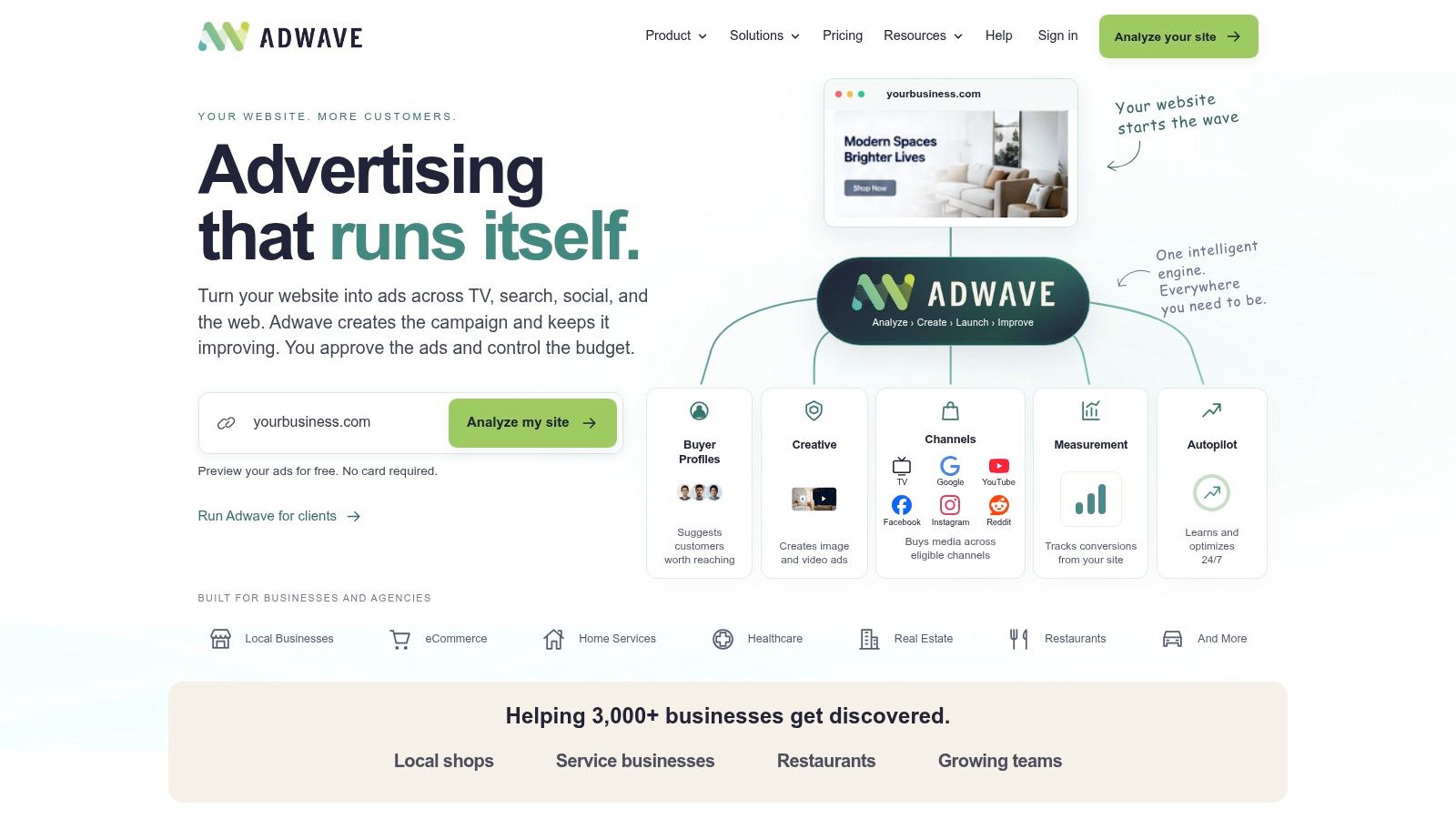
Adwave fits into this workflow as an AI-powered TV advertising platform for creating, launching, and measuring broadcast-ready ads. A business can provide its website URL, use AI-generated creative, and place the resulting spot across premium channels, including NBC, Hulu, and ESPN, without arranging a production crew or a six-figure production budget. Campaigns start at $50, and Adwave uses automatic pacing so spend doesn’t exceed the set budget, as described in the publisher information.
Create a measurable feedback loop
Use distinct landing pages, campaign identifiers, and conversion events for TV-driven traffic. Then compare the behavior of visitors who arrived through the commercial with visitors from other acquisition sources. Useful signals include form starts, completed inquiries, product views, appointment requests, and purchases.
The coordination doesn’t require identical creative. TV should communicate the broad promise and make the brand memorable. Email should respond to the specific behavior that follows, such as an unfinished quote request or a viewed product. Businesses assessing the channel trade-off can use Adwave’s comparison of email marketing and TV advertising.
Behavioral triggers are already widely used, but adoption isn’t universal. A 2025-2026 survey found that 82% of respondents used behavioral triggers to some degree and 37% deployed them extensively. The same research found 43% attributed 50% to 75% of total email revenue to automation, while 14% attributed 75% or more, according to Tabular’s email marketing statistics. The opportunity for an SMB isn’t to automate every touchpoint. It’s to connect awareness, intent, and follow-up in a system the team can actually govern.
Measuring Success and Avoiding Common Mistakes
A healthy trigger has a measurable job. Open rate indicates whether the message earned attention, click-through rate shows whether the content and call to action created interest, and conversion rate reveals whether the workflow moved the customer toward its intended outcome. Revenue per send matters for sales flows, while appointment completion or activation may matter more for service and subscription businesses.
Compare each workflow with the relevant broadcast baseline, but don’t stop at engagement. A cart email can have strong clicks and weak orders if the landing page, price, inventory, or checkout creates friction. A re-engagement email can receive attention without restoring meaningful activity. The final metric should match the behavior the trigger was designed to change.
One large-scale ecommerce benchmark reported 5.58% click rates versus 1.69% for campaigns, and a 2.11% placed-order rate versus 0.16%, for automated emails compared with campaigns. These figures come from Prospeo’s trigger email benchmark. Treat them as a reference point, not a promise for every industry or audience.
Diagnose the workflow, not just the email
When performance is weak, isolate the failure:
- Low opens: Check whether the subject line reflects the actual action and whether the audience expected marketing communication.
- Healthy clicks, weak conversions: Review the landing page, form, inventory, pricing, or appointment process.
- Conversions without profitable revenue: Examine offer strength, margin, attribution windows, and whether the customer would likely have converted without the email.
- Unsubscribes or complaints: Inspect frequency, overlap, permission, and whether the message feels intrusive.
Overlapping triggers are the most common operational failure. A visitor can browse a product, add it to a cart, receive a promotion, and enter a re-engagement flow without any one team realizing the combined volume. Suppression rules, priority logic, and a shared contact history prevent that collision.
Deliverability also belongs in the measurement plan. Sender identity, permission, unsubscribe handling, and message relevance affect whether future emails reach the inbox. Teams troubleshooting inbox placement can use this guide to improve Gmail deliverability. For a wider view of the metrics and their interpretation, see Adwave’s guide to email marketing metrics.
Implementation Checklist and Next Steps
Start with one workflow that responds to a high-intent action. A focused launch gives the team a clean baseline and makes failures easier to find than a large automation library built without ownership.
Use this checklist:
- Capture the event: Confirm that the website, CRM, booking tool, or store records the action reliably.
- Define the audience: Separate the people who took the action from those who merely resemble them.
- Choose one outcome: Ask for one next step, such as completing an inquiry, booking an appointment, or returning to checkout.
- Write contextual copy: Reference the customer’s situation without exposing unnecessary tracking details.
- Add exits and suppression: Stop the flow after conversion, unsubscribe, or entry into a higher-priority journey.
- Coordinate acquisition: Connect TV landing pages and campaign identifiers to the same attribution process used for email.
- Review outcomes: Evaluate clicks alongside completed business actions and revenue, then adjust timing or message relevance.
Compliance must remain part of the build, not a later review. CAN-SPAM permits unsolicited commercial email when messages include a working unsubscribe mechanism, accurate sender identification, and a physical postal address. GDPR requires explicit opt-in consent before marketing emails are sent to EU residents, according to this email compliance guide.
Launch the smallest useful system, document who owns it, and expand only after the first trigger behaves reliably. A responsive marketing mindset compounds over time because every well-defined customer action becomes an opportunity to be helpful rather than another reason to send a generic broadcast.
Adwave helps local businesses create, launch, and measure broadcast-ready TV advertising, giving you a practical awareness channel to feed qualified visitors into behavioral email workflows. Visit Adwave to explore how TV and triggered follow-up can work together within a controlled SMB budget.