The restaurant owner needs an Instagram offer before lunch. Across town, a service company needs a yard sign, and a real estate agent needs a polished listing ad before the morning meeting. Nobody has time to learn typography, rebuild a layout, or discover at export that the finished design requires a paid subscription.
The right visual templates for non designers solve more than the blank-page problem. They provide a decision system: choose the correct format, replace the content without breaking the layout, and preserve a recognizable identity across everything customers see.
That distinction matters. In Thomas Tullis’s template usability study, the most visually appealing alternative wasn’t the easiest to understand, a useful reminder that attractive design and clear communication aren’t interchangeable (template usability research).
Start with what customers need to notice and do. Choose the decoration afterward.
For local businesses, that means choosing tools around actual jobs: social posts, printed promotions, advertisements, videos, and information graphics. A restaurant’s offer should still feel like the same business when it moves from a phone screen to a flyer, a television spot, or an expo booth design.
The practical shortlist below separates broad editors from more focused tools. Start with the resource that matches your most frequent task, not the platform with the longest feature list.
1. Canva {#1-canva}
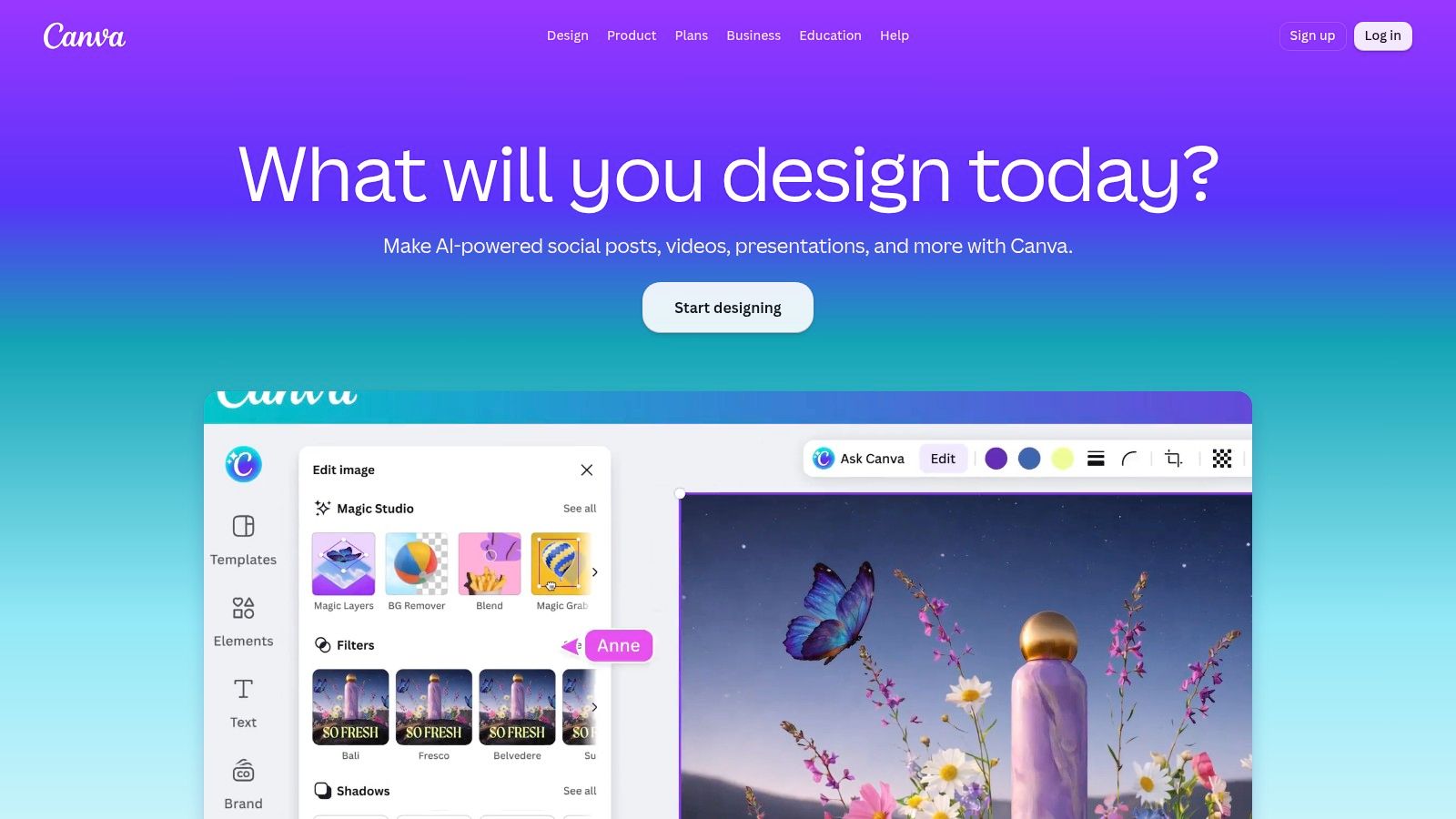
Best for everyday social posts, presentations, and print materials. Canva is a sensible starting point when a business needs several kinds of marketing assets rather than a specialist infographic or poster editor. Its drag-and-drop workflow lets beginners start by replacing template text and imagery instead of constructing a composition.
The free plan provides a way to test the editor, while eligible paid plans add brand, collaboration, and AI-assisted features. Availability varies by plan, so check the actual template and assets you intend to use before building an entire campaign around them.
Make fewer design decisions
For a restaurant promotion, choose a layout with an obvious offer headline, an image area, and a call to action. Replace those elements first, then apply your approved colors and logo without moving everything around.
- What works: Keeping recurring social posts, flyers, and presentations in the same workspace.
- What needs restraint: Browsing endless alternatives after you’ve already found a suitable layout.
- What to check: Paid assets, export requirements, and whether a familiar template needs stronger brand customization.
Popular layouts can look familiar, so differentiation should come from your photography, wording, and consistent visual identity, not extra decoration. Establish a small set of approved layouts using this guide to creating a visual identity on a budget, then duplicate those masters for recurring promotions.
Choose Canva if you want a general-purpose home base and you’re willing to limit your own choices.
2. Adobe Express {#2-adobe-express}
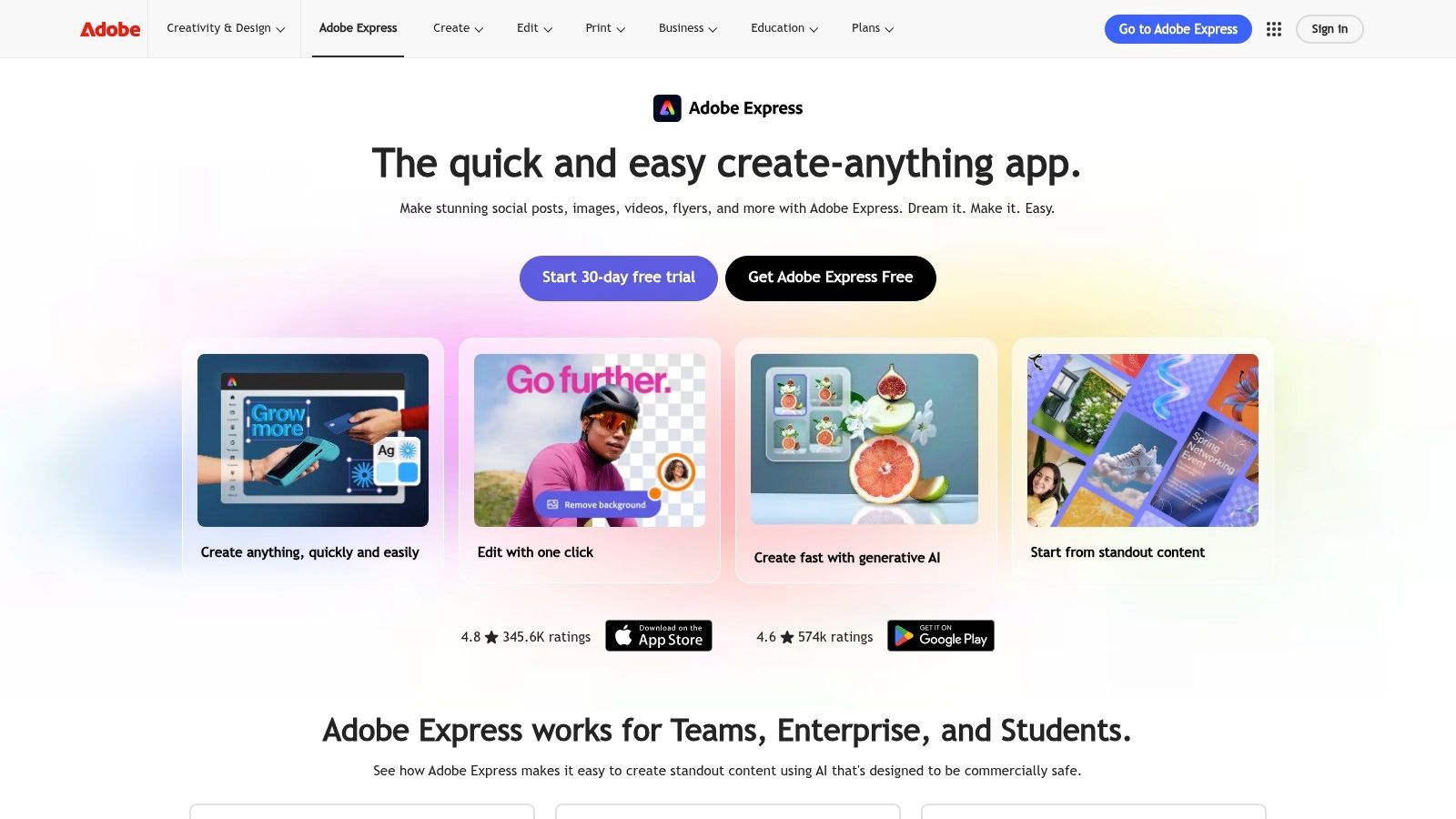
A retailer promoting a product launch may need a static announcement and a short video with matching styling. Adobe Express is worth considering when both formats belong in the same workflow, particularly if asset selection and typography matter to the campaign.
Adobe Express offers more than 100,000 static and video templates on its free plan, alongside stock photos, video, music, and design elements. It works in desktop browsers and on mobile phones, and the free plan doesn’t require a credit card.
Keep the campaign recognizable
Start with the static advertisement and settle the message before adding motion. Carry the same headline treatment, product imagery, and call to action into the video rather than treating animation as a separate creative direction.
Premium includes brand kits and one-click resizing, but some templates, assets, and editing features also require that tier. Check current plan details rather than assuming everything visible in the editor is included.
Practical rule: Motion should clarify the offer, not introduce a competing message.
The trade-off is breadth: Adobe Express provides more creative options than a stripped-down graphics editor, but those options take time to learn. Owners who only need occasional posts may prefer a narrower workflow.
For a repeatable starting process, use this guide to creating social media graphics without a designer. Choose Adobe Express when you want ready-made layouts with room to develop a more deliberate visual style.
3. VistaCreate {#3-vistacreate}
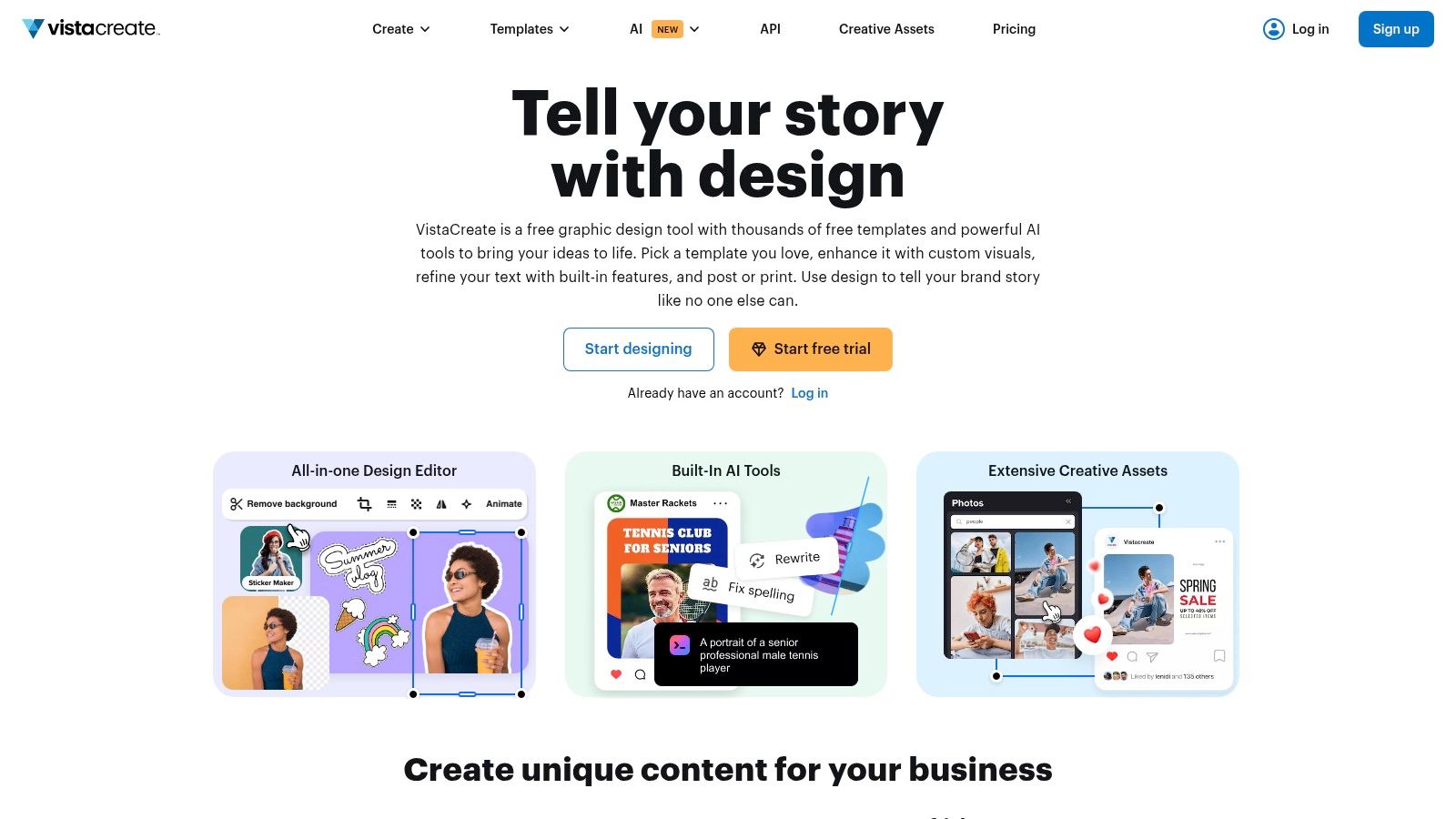
VistaCreate suits businesses that move regularly between social content, web advertisements, and printed promotions. A salon announcing a seasonal service can develop a recognizable look across its digital announcement and printed counter display without choosing unrelated templates for each.
VistaCreate includes more than 100,000 templates in its free Starter plan, along with a brand kit and social scheduling; Pro adds premium resources, AI tools, resizing, and team access for up to 10 people. Built-in image and video editing also make it relevant when a promotion needs both still and moving creative.
- Strong fit: Businesses producing related digital and print campaigns.
- Useful starting point: Free brand storage and scheduling for testing a recurring workflow.
- Plan consideration: Some advanced tools, premium assets, and high-definition downloads require payment.
Adapt the layout, not just the dimensions
Build the campaign around a stable headline, image treatment, and brand palette. Then adjust the information density for each destination: a printed promotion may need location details, while a social post can direct readers to the accompanying caption.
Don’t assume resizing finishes the job. Review line breaks, image crops, and the relationship between the headline and call to action after every format change.
Template-heavy work can feel generic if you retain the original imagery and copy structure unchanged. Choose VistaCreate when its combined planning and design workflow matches your routine, and confirm the export requirements before committing your team.
4. PosterMyWall {#4-postermywall}
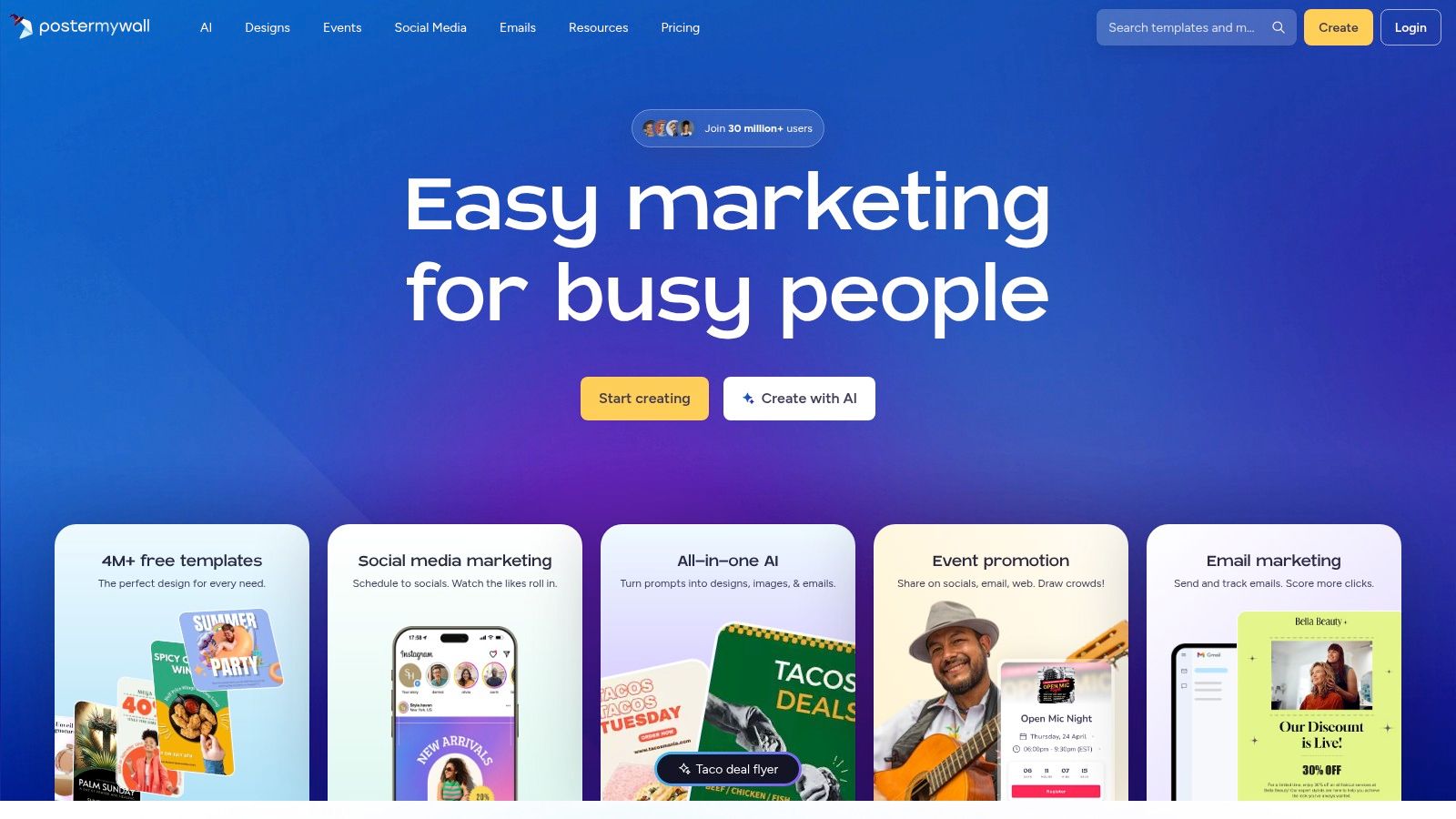
For a restaurant announcing live music or a shop promoting an in-store event, PosterMyWall offers a promotion-first approach. Its emphasis on posters, flyers, email designs, and short videos suits businesses whose marketing revolves around dates, offers, and repeat events.
PosterMyWall combines design and email templates with animation, video creation, resizing, content planning, and social publishing options. Free access lets you create and try designs, while paid plans add higher-quality downloads and broader marketing tools.
Put event details ahead of effects
A useful event template should make the event name, date, location, and booking action easy to find. Replace every placeholder before experimenting with animation, especially recurring details such as opening times or reservation instructions.
For a related animated promotion, preserve the same visual hierarchy. Don’t reveal essential information only briefly while decorative elements occupy the rest of the sequence.
- Main advantage: A workflow centered on practical promotional materials rather than general document creation.
- Main trade-off: Higher-quality downloads may cost extra when using the free plan.
- Buying decision: Frequent promotional users have more reason to consider the paid marketing features than occasional poster makers.
The full marketing feature set may be unnecessary if you only produce a rare flyer. Choose PosterMyWall when repeated offers and events drive your content calendar, then create reusable masters for each recurring promotion instead of starting from a new aesthetic every time.
5. Snappa {#5-snappa}
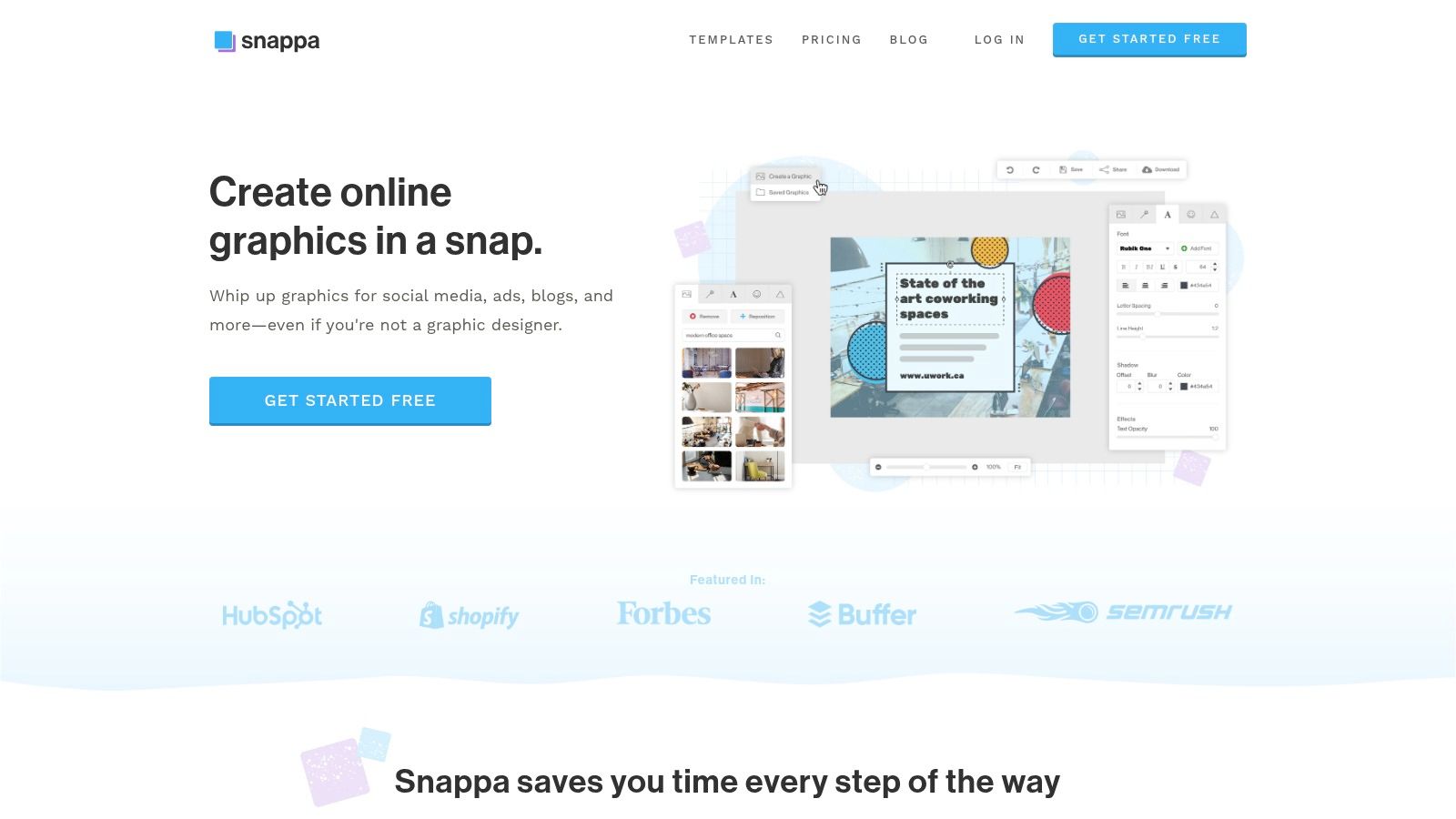
Snappa is the focused option for online graphics. If a broad design suite distracts you with documents, presentations, and video features you don’t need, its choose-customize-export approach is worth testing.
Snappa offers more than 6,000 templates, preset and custom dimensions, and included stock photos and graphics; free accounts are limited to three downloads per month. Paid plans add unlimited downloads, custom font uploads, and social integrations, while collaboration is reserved for the Team plan.
Use simplicity as a constraint
For a service company’s online advertisement, begin with the service promise and a relevant photograph. Keep the call to action visually separate, then remove any decorative element that makes the offer harder to identify.
The provider describes included stock assets as royalty-free for commercial and non-commercial use. Still, review the applicable terms for your intended use rather than treating an asset library as permission for every possible application.
A focused editor is useful when it helps you finish the right asset instead of exploring unrelated features.
Snappa is less of an all-purpose content suite than Canva or Adobe Express. That’s a reasonable trade-off when online graphics account for most of your design work, but less convenient when print documents and presentations are equally important.
Before saving your master layouts, settle your palette with this guide to choosing brand colors for your audience. Choose Snappa for straightforward digital graphics, provided its download and collaboration limits fit your publishing routine.
6. Desygner {#6-desygner}
An updated service menu, revised property sheet, or refreshed business document presents a different problem from a new social post. Desygner is worth considering when maintaining existing materials matters as much as creating new ones.
According to Desygner, its free plan includes more than 1 million templates, alongside a browser-based editor and mobile apps. Its broader feature set includes brand kits, PDF editing, and design automation, with some capabilities and higher usage limits requiring a paid plan.
Design for the next update
Start with a document your team revises frequently. Identify the content that changes, such as services, images, or contact details, and preserve the structure around those fields.
A brand kit can help keep logos, fonts, and colors consistent across those revisions. Automation is most useful after you’ve approved the underlying layout, not while you’re still deciding what belongs on the page.
- Best use: Recurring marketing documents, social graphics, presentations, and updates to existing materials.
- Useful distinction: PDF editing and automation deserve attention if document maintenance consumes your time.
- Important check: Confirm export options, licensing terms, and plan limits against an actual business task.
First-time users should allow time to explore the feature set rather than assuming every workflow behaves like a basic social editor. Test a complete cycle, including editing, approval, and export, before moving your recurring documents over.
Choose Desygner when repeatable updates are the main requirement. A large template library matters less than whether your team can safely revise the same approved material without rebuilding it.
7. Microsoft Designer {#7-microsoft-designer}
Not everyone begins with a template category in mind. Some owners can describe the desired visual more easily than they can select a layout, which makes Microsoft Designer’s prompt-based starting point relevant.
Microsoft Designer provides AI-assisted image creation and editing, templates, design suggestions, and tools for cropping, text, resizing, and background removal. It’s free to start with a Microsoft account, although free usage is subject to monthly credits.
Describe the job clearly
For a home-service promotion, specify the service, intended audience, visual mood, and where the image will appear. Keep important business wording separate from the initial image request so you can review and edit it deliberately.
AI-generated image text may contain spelling or language errors. Check every visible word, and don’t assume a visually convincing result contains accurate contact details, service descriptions, or promotional terms.
- What works: Getting an initial direction when browsing templates feels unproductive.
- What needs review: Generated text, image details, brand fit, and the availability of editable elements.
- What to expect: Less predictable control than beginning with a specific, structured template.
For advertisements, treat generated visuals as draft material until the business message is verified. A compelling image isn’t a finished campaign asset if the offer is unclear or the logo is difficult to distinguish.
Choose Microsoft Designer when describing an idea feels easier than assembling it. If you repeatedly need precise layouts with predictable text positions, compare that workflow with a conventional template editor before settling on your primary tool.
8. Kittl {#8-kittl}
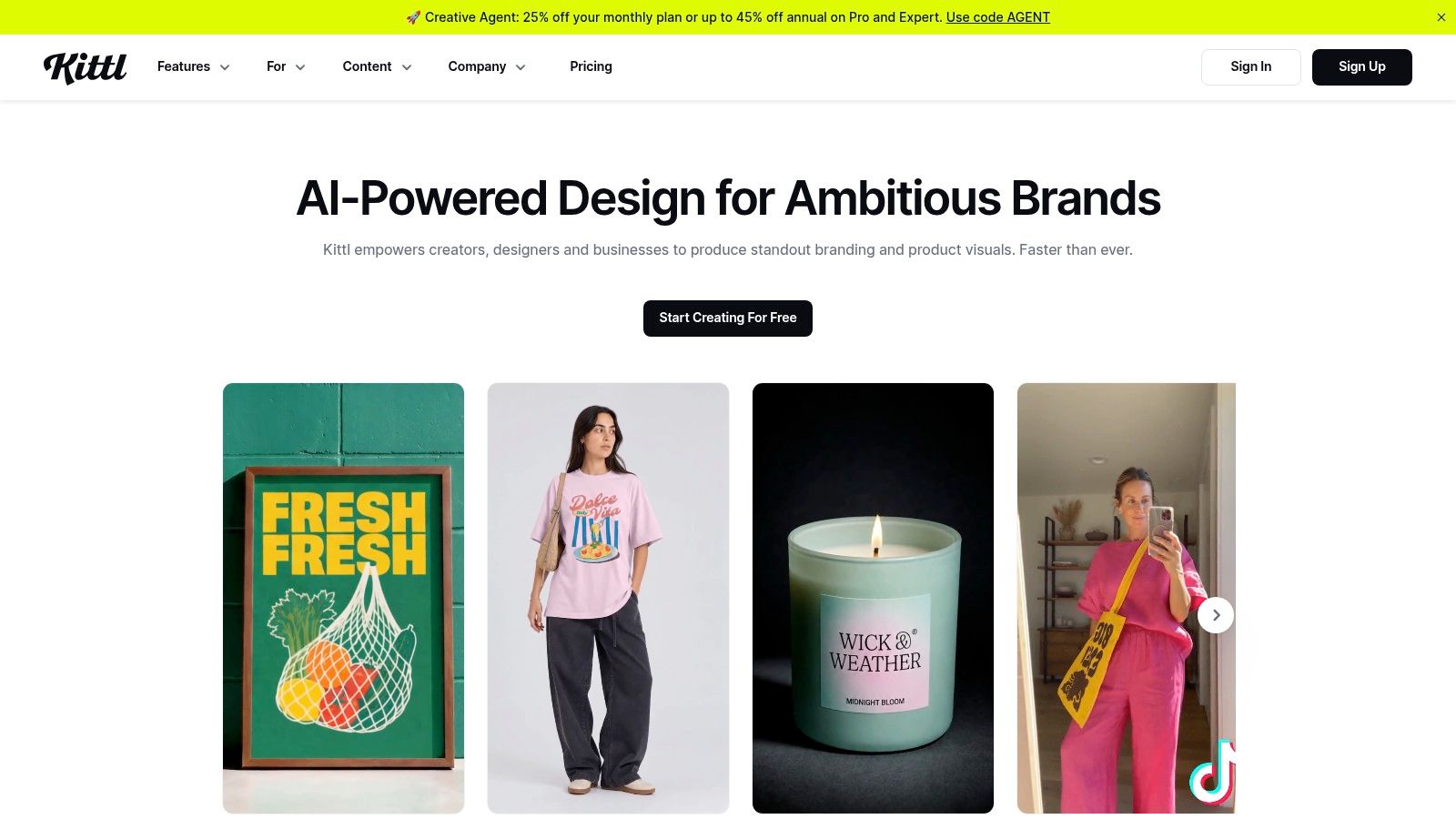
A neighborhood café’s seasonal label needs a different visual personality from a financial adviser’s service announcement. Kittl is worth exploring when expressive typography or illustration belongs at the center of the design.
Kittl offers templates for advertising, social media, posters, flyers, logos, labels, and merchandise, with drag-and-drop customization. Free templates provide an entry point, while paid tiers expand template and asset access and include AI tools and mockups.
Keep expressive design readable
For a café campaign, use the same lettering style and illustration treatment across the poster, product label, and social announcement. Preserve a simpler treatment for practical information such as collection details or ordering instructions.
Highly stylized templates aren’t automatically appropriate for every business or campaign. Decorative type can suit a headline while being a poor choice for detailed promotional copy.
- Creative strength: Distinctive, typography-led and illustration-led layouts.
- Practical reach: Promotional graphics alongside product and merchandise design.
- Licensing priority: Review included-content rules before using assets on products or incorporating them into a trademark.
For digital promotional text, apply measurable readability checks rather than trusting appearance alone. WCAG specifies minimum contrast of 4.5:1 for ordinary text and 3:1 for large text, including text embedded in images (WCAG minimum contrast guidance).
Choose Kittl when the visual style supports your business identity. Keep expressive elements consistent, but give the offer and action enough space to remain immediately understandable.
9. Visme {#9-visme}
Visme is a stronger candidate for explaining information than for decorating a quick announcement. Consider it when customers need a service comparison, a process overview, a presentation, or a report with supporting charts.
Visme combines templates for infographics, presentations, reports, documents, and social graphics with charts, data-visualization tools, and AI features. The free Basic plan lets you explore the editor, but it places a Visme watermark on projects and limits downloads; eligible paid plans broaden exports, brand controls, and collaboration.
Match the structure to the question
A service comparison should help readers understand meaningful differences. A process graphic should show the order of actions, while a results summary should distinguish the evidence from the interpretation.
Don’t force information into a decorative template just because its colors look right. Outline the message first, then use this guide to creating infographics without a graphic designer to choose an appropriate visual structure.
Review question: Can a customer explain the main point without reading every label?
Visme’s broader feature range may be unnecessary for a straightforward flyer, and paid access may be difficult to justify for occasional social graphics. Its value is more apparent when your marketing repeatedly involves information-heavy content.
Choose Visme when clarity depends on structure, charts, and presentation flow. Keep source notes with the working file, verify chart labels, and remove visual flourishes that make comparisons harder to interpret.
10. Piktochart {#10-piktochart}
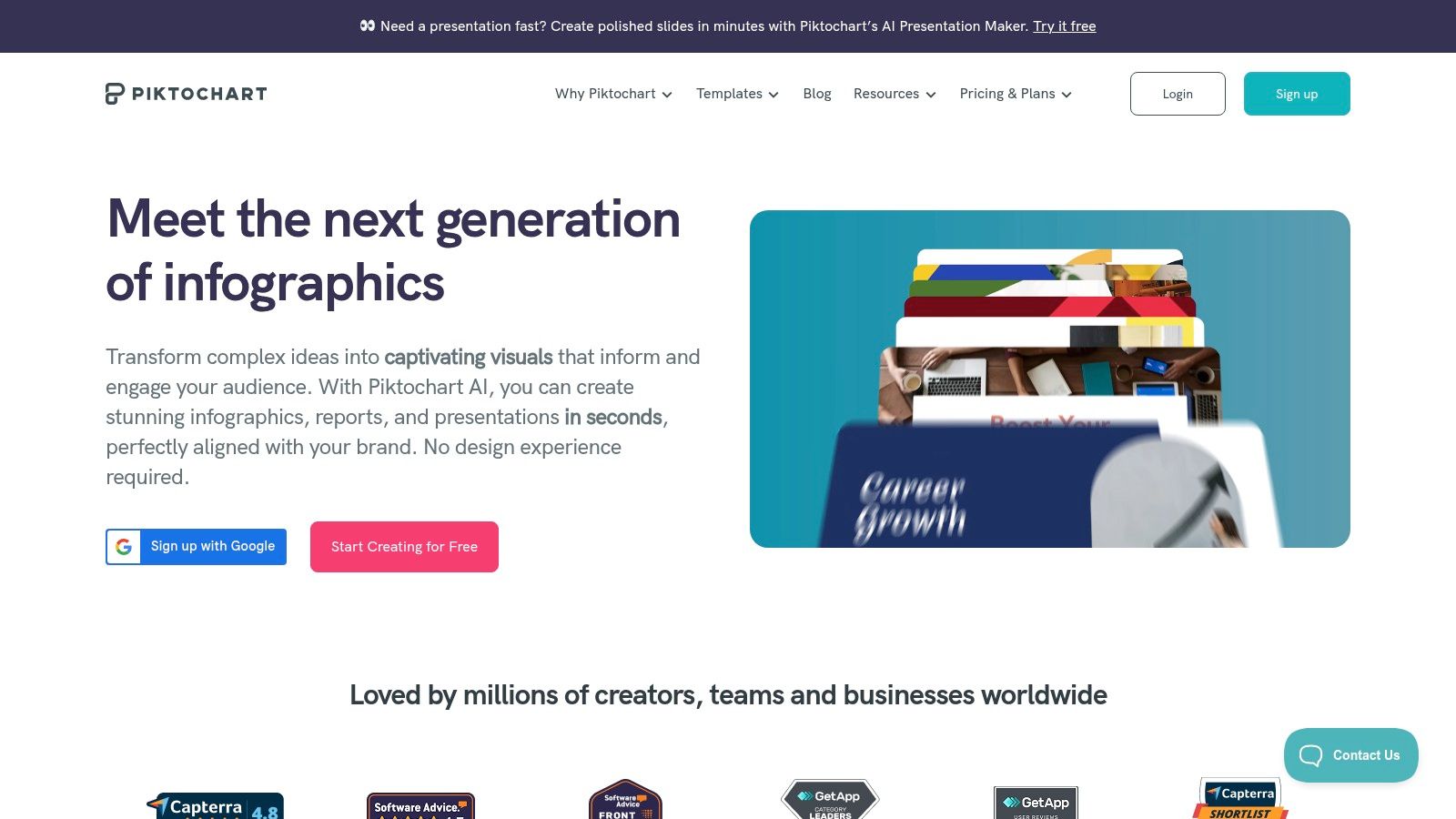
A local service business may need to explain what happens after an inquiry, what an appointment includes, or how customers should prepare. Piktochart fits this structured-explainer task, particularly when the content should read as a sequence rather than a conventional advertisement.
Piktochart offers infographic and business-visual templates, charts, maps, and CSV and Google Sheets data features; its free plan includes unlimited visual projects but only two PNG downloads. Paid plans expand downloads and template access, while the Business plan supports brand colors, fonts, and logos.
Build the explanation before the artwork
Write the headings and supporting information before selecting icons. For a process diagram, make sure readers can follow the sequence without relying on color alone.
For comparisons or charts, verify the underlying information before importing it. A template can organize your content, but it can’t establish whether the figures or descriptions are accurate.
- Best fit: Service explainers, process diagrams, structured summaries, and information graphics.
- Free-plan trade-off: You can explore the workflow, but download limits matter for regular publishing.
- Broader limitation: It’s less suited to general-purpose social production than an all-around graphics platform.
Some formats and premium templates require payment, so test the intended output before committing to a long design. Also preview the finished explainer at phone size, where long labels may need rewriting rather than shrinking.
Choose Piktochart when customers need an explanation they can scan and keep. For a short social teaser, extract the central takeaway rather than squeezing the entire infographic into a small image.
Top 10 Visual Template Tools for Non-Designers: Feature Comparison
| Tool | Best for 👥 | Core features | User experience ★ | Standout ✨ | Price / value 💰 |
|---|---|---|---|---|---|
| Canva | Small businesses needing varied marketing visuals | Templates for social, presentations, ads, and print; AI tools | ★ Beginner-friendly drag-and-drop editor | Broad all-in-one design library 🏆 | Free plan; paid plans unlock more assets and features |
| Adobe Express | Businesses seeking polished branded content | Static and video templates, stock assets, brand kits | ★ Template-led with more features to explore | Adobe fonts and stock content ✨ | Free plan; Premium adds assets and tools |
| VistaCreate | Businesses making digital and print promotions | Templates, editing, scheduling, brand kits | ★ Free Starter plan supports quick creation | Social scheduling and team access on Pro ✨ | Free Starter; Pro adds premium resources |
| PosterMyWall | Restaurants, retailers, and event promoters | Posters, flyers, emails, animations, and video | ★ Practical workflow for recurring promotions | Static and animated campaign materials ✨ | Free to try; paid plans add higher-quality downloads and tools |
| Snappa | Business owners making online graphics | Templates, stock assets, preset sizes, exports | ★ Focused, straightforward workflow | Royalty-free stock assets for commercial use ✨ | Free plan has three monthly downloads; paid plans expand access |
| Desygner | Businesses updating branded materials and documents | Templates, brand kits, PDF editing, automation | ★ Browser and mobile access | Large template library and PDF tools ✨ | Free plan available; paid plans raise limits and add features |
| Microsoft Designer | Users who want AI-generated visuals | Prompt-based creation, editing, templates, background removal | ★ Easy to start with a Microsoft account | Describe an idea instead of starting from a template ✨ | Free to start; usage may be limited by monthly credits |
| Kittl | Brands seeking expressive, typography-led visuals | Templates for ads, posters, logos, and merchandise | ★ Drag-and-drop customization | Distinctive illustration and typography styles ✨ | Free plan; paid tiers expand assets and AI tools |
| Visme | Businesses creating reports and information-heavy visuals | Presentations, infographics, charts, reports, AI tools | ★ Strong for structured, data-led content | Charts and data visualization 🏆 | Free Basic plan; paid tiers add exports and brand controls |
| Piktochart | Businesses explaining offers, processes, or results | Infographics, charts, maps, presentations | ★ Suited to clear, structured visuals | CSV and Google Sheets data features ✨ | Free plan with limited downloads; paid plans expand access |
Build a Repeatable Visual System, Not a Stack of One-Off Designs
The best visual templates for non designers reduce repeat decisions without removing judgment. Choose a primary platform around your most frequent task: Canva or Adobe Express for broad production, PosterMyWall for recurring promotions, Snappa for focused online graphics, or Visme and Piktochart for information-heavy work.
Keep your visual system portable. Store approved logos, colors, fonts, photography, and messaging together so the campaign remains recognizable even when you use a specialist tool for a particular asset.
Use a practical production checklist
- Define the objective: Decide whether customers should book, visit, call, order, or learn something before selecting a layout.
- Select a primary platform: Complete a representative business task in it before adopting it for everyday production.
- Confirm plan requirements: Check paid assets, brand controls, download limits, watermarks, and export options early.
- Replace every placeholder: Review names, images, prices, dates, locations, contact details, and calls to action.
- Check usage rights: Confirm licenses for photographs, fonts, music, illustrations, and any included content used on merchandise.
- Export for the channel: Use the destination’s required format and confirm printer specifications before submitting production files.
- Test at actual display size: Review the finished asset on its intended screen or physical proof, not just inside the editor.
For physical materials, keep editable masters separate from approved production exports. This guide to how to organize design files for printing is a useful reference when preparing that handoff.
Accessibility belongs in the review, too. For small informational copy, WCAG’s enhanced target is 7:1, with 4.5:1 for large text (enhanced contrast guidance); also provide descriptive alt text where supported and captions for video.
Extend the campaign into television
Carry the same visual direction from social posts and flyers into online display advertisements and television creative. Preserve the core offer, brand colors, imagery style, and call to action, but adapt the composition and pacing rather than stretching an existing design.
Adwave is a practical choice for local businesses ready to make that extension. Its AI-assisted workflow can turn a website or existing visual direction into a polished, broadcast-ready TV advertisement, with campaign launch across 100+ channels, spending controls, and performance measurement without assembling a traditional production crew (Adwave’s advertising platform).
Review the TV creative with the same discipline as your other assets: clear message, legible text, recognizable branding, and an action viewers can understand. The best template makes the next piece faster to create, easier to recognize as your brand, and suitable for every channel where it will appear.
Adwave helps local businesses create broadcast-ready TV advertisements from a website, launch campaigns, control spending, and measure performance. If you’re ready to extend your visual identity beyond social posts and printed promotions, visit Adwave and use your existing website as the starting point for your TV creative.