Thursday, 4:40 p.m. The 5:00 install is booked, the van is loaded, and the customer is at a school concert. By 5:25, the technician is calling a number that rings out. A slot you could have resold at noon is gone. A clear reminder sequence gives the customer a chance to confirm or reschedule before the crew heads out.
Use a simple send order: confirm the booking when it is created, send a 24-hour reminder with one short follow-up if there is no reply, then send a 2-hour note when late arrival could cost the customer the slot. Keep each text focused on one action. The remaining templates cover rescheduling, preparation, cancellations, repeat visits, and opting out.
Before sending, check current FCC guidance on consent and opt-out, and make sure customers can stop reminders. In regulated care settings, follow the applicable consent and documentation requirements. The authorization and coding pitfalls for therapists are a separate billing issue, not a guide to text consent.
Adwave does not send these texts or provide booking software. Run the sequence through your own tools, and use Adwave’s guide to making online appointment booking easy for customers to align the booking process with the details each reminder needs.
1. Booking Confirmation Text
The confirmation is the message most businesses skip, and it prevents the most expensive mistakes. Send it within a minute of a booking being created, changed, or requested, from the same system that holds the calendar. If the customer picked Tuesday at 10:00 and your text says Tuesday at 10:00, both of you now have proof.
The test: read the message on a locked phone. If the day and time aren’t visible before anyone unlocks the screen, rewrite it.
Dental or clinic: “Hi Maria, your cleaning at Riverside Dental is booked for Tue, Mar 4 at 10:00 AM at 221 Oak St. Reply C to confirm, R to reschedule, or call 555-0142 with questions.”
Auto shop: “Thanks for booking your oil change with Hill Auto Care. Drop-off is Thu, Apr 10 at 8:30 AM. Reply R if you need a different time.”
What belongs in the first sentence
Business name, date, time. Everything else waits. The service and address come next, and the reply prompt closes it. For clinical teams, this content is permitted: the HHS guidance on appointment reminders confirms that reminders are part of treatment and may be sent without a separate HIPAA authorization.
- Offer a keyword and a link: plenty of customers reply without clicking anything, and some will click a link but never type. Give both paths.
- Send from the booking system: a confirmation from a separate marketing tool drifts out of sync with the calendar within a week.
- Keep it under about 160 characters where you can, but never cut the time to hit a length target.
- Include the address for anything the customer has to drive to, and skip it for services that come to them.
Worked example: a customer books a cleaning on a Friday for the following Tuesday, then gets a call from a family member. The confirmation is the only place the details exist in writing, so it settles the argument in one glance.
A form that collects the wrong phone number or the wrong service turns every downstream message into an apology. Fix the plumbing first, starting with appointment booking page design, then write the templates.
2. 24-Hour Reminder and Missed Confirmation Follow-Up
This is the workhorse, and it has the strongest evidence behind it. A randomized controlled trial of text reminders in a pediatric ambulatory practice found that adding a text alongside the usual voice message cut no-shows from 38.1% in the control group to 23.5%, a 14.6-percentage-point reduction (p = 0.04). The practical lesson was a two-channel workflow: keep the automated call, then reinforce it with a short text.
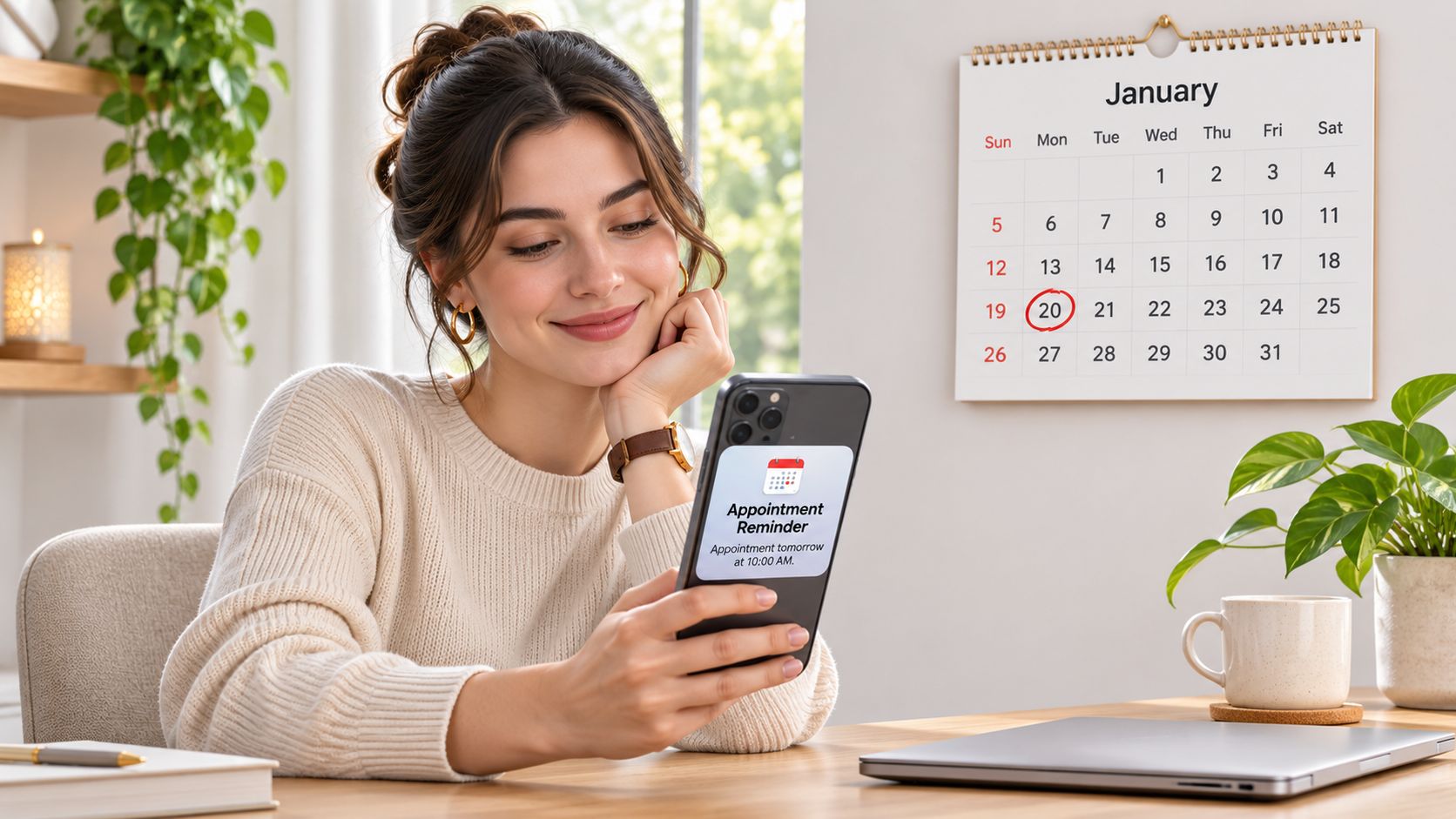
Standard version: “Reminder: you’re booked with Lakeside Physical Therapy tomorrow, Wed, May 14 at 2:00 PM. Reply C to confirm or R to reschedule.”
Follow-up version, sent a few hours later: “Hi Dana, we haven’t heard back about your Friday 9:00 AM appointment at Wellness Studio. Reply C to confirm or R to reschedule.”
Handle the silence, not just the reply
Most of the value sits in what you do with non-responders. One follow-up, timed a few hours after the first reminder rather than early the next morning, is enough. After that, pick up the phone.
- Send at a fixed time: a consistent mid-morning send is easier for staff to work around than a rolling one.
- Track unconfirmed bookings in the calendar and call those customers the same day. A person who is unsure will tell a human, not a bot.
- Flag the risky slots so your front desk knows which ones might open up for a waitlist.
- Keep stop language consistent with carrier and FCC expectations on every send, not just the first.
The trial also ran in a predominantly African American patient population, which is a reminder to localize rather than copy. Message language, phone-access assumptions, and opt-out handling all need to fit the people you serve.
If you coordinate a group, a team, or a class, one schedule change has to reach everyone at once. That’s the job parent notification systems are built for, and it’s the same principle as a group reminder.
For the follow-up specifically, the discipline in this guide to following up with leads without being annoying applies directly: one clear ask, one nudge, then a human.
3. 2-Hour Arrival Reminder
Say a plumber’s first job runs long and the second customer has already left for lunch. The two-hour note is the only message in the sequence that changes behavior on the day itself, and it’s also the one most likely to annoy people if you send it everywhere. Use it where punctuality has a cost.
Home service call: “Your technician arrives at 1:00 PM today at Greene Plumbing. Please make sure the access gate is open. Call 555-0198 if you need to change the time.”
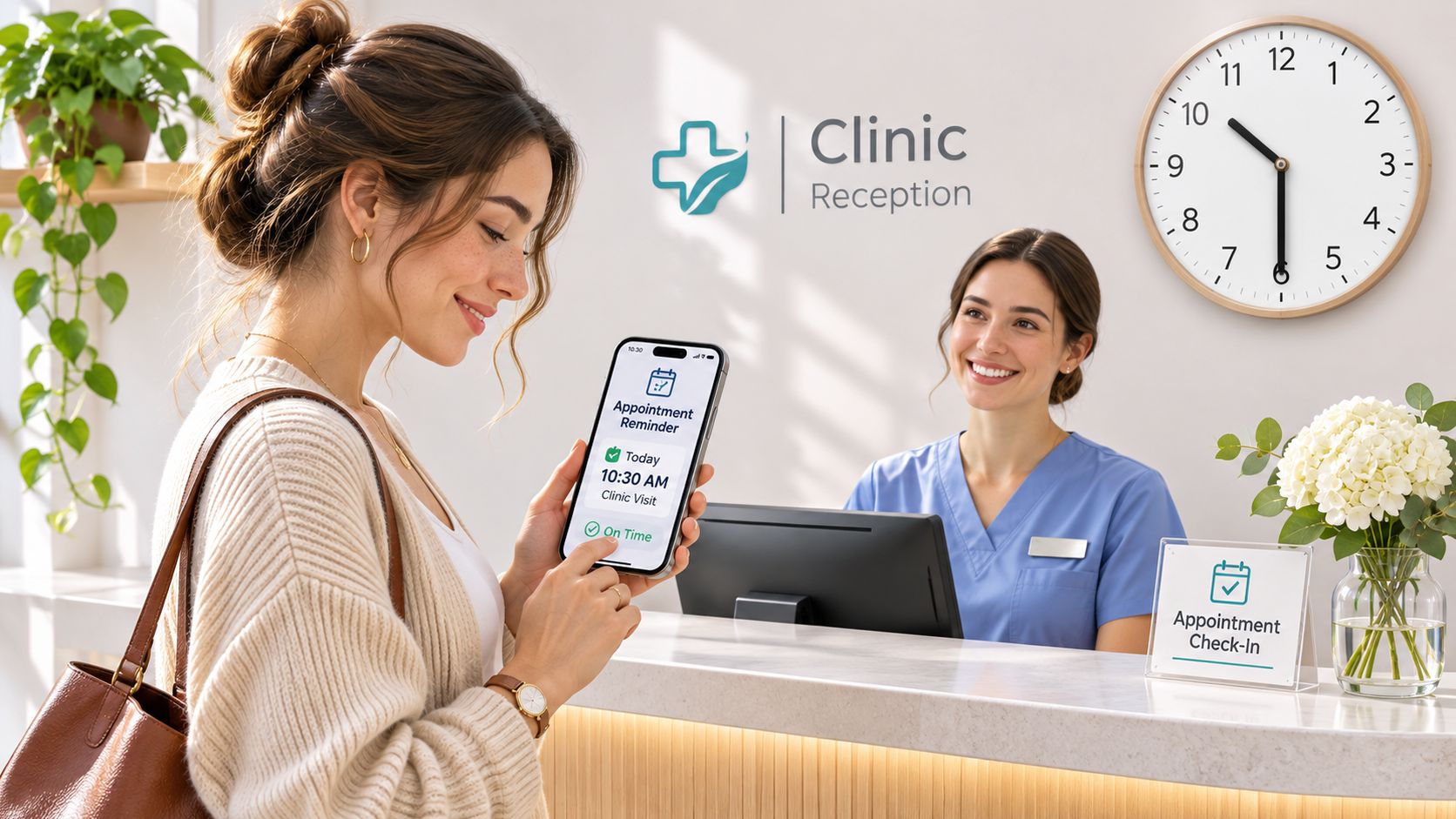
Clinic visit: “Your visit at Northside Clinic is at 3:30 PM today. Please arrive 10 minutes early to complete check-in.”
Timing is the whole point
The HHS review of text message reminders makes the case that reminders should land close to the upcoming event, with timing and frequency treated as deliberate choices rather than defaults. That’s the rationale for the whole three-touch order: confirmation at booking, a reminder roughly a day out, a prompt a couple of hours before arrival.
Two hours is late enough to be accurate about the day and early enough that a customer can still rearrange a lunch. For a mobile tech with a tight route, that window is also when you know whether the job before it slipped.
- Include only what affects the next two hours: parking, access codes, check-in steps, what to bring through the door.
- Skip it when lateness is harmless. A haircut at 4:00 doesn’t need a two-hour note; a court-adjacent appointment or a same-day specialist slot might.
- Give a phone number. Same-day changes are faster by voice than by text.
Class- and session-based businesses fold this note into their booking tools rather than sending it by hand, and the way automated reminders in Coachful scheduling sit inside a booking flow shows the pattern.
If you’re still deciding which channel carries which message, the split between SMS and email marketing is worth settling before you add a third touchpoint.
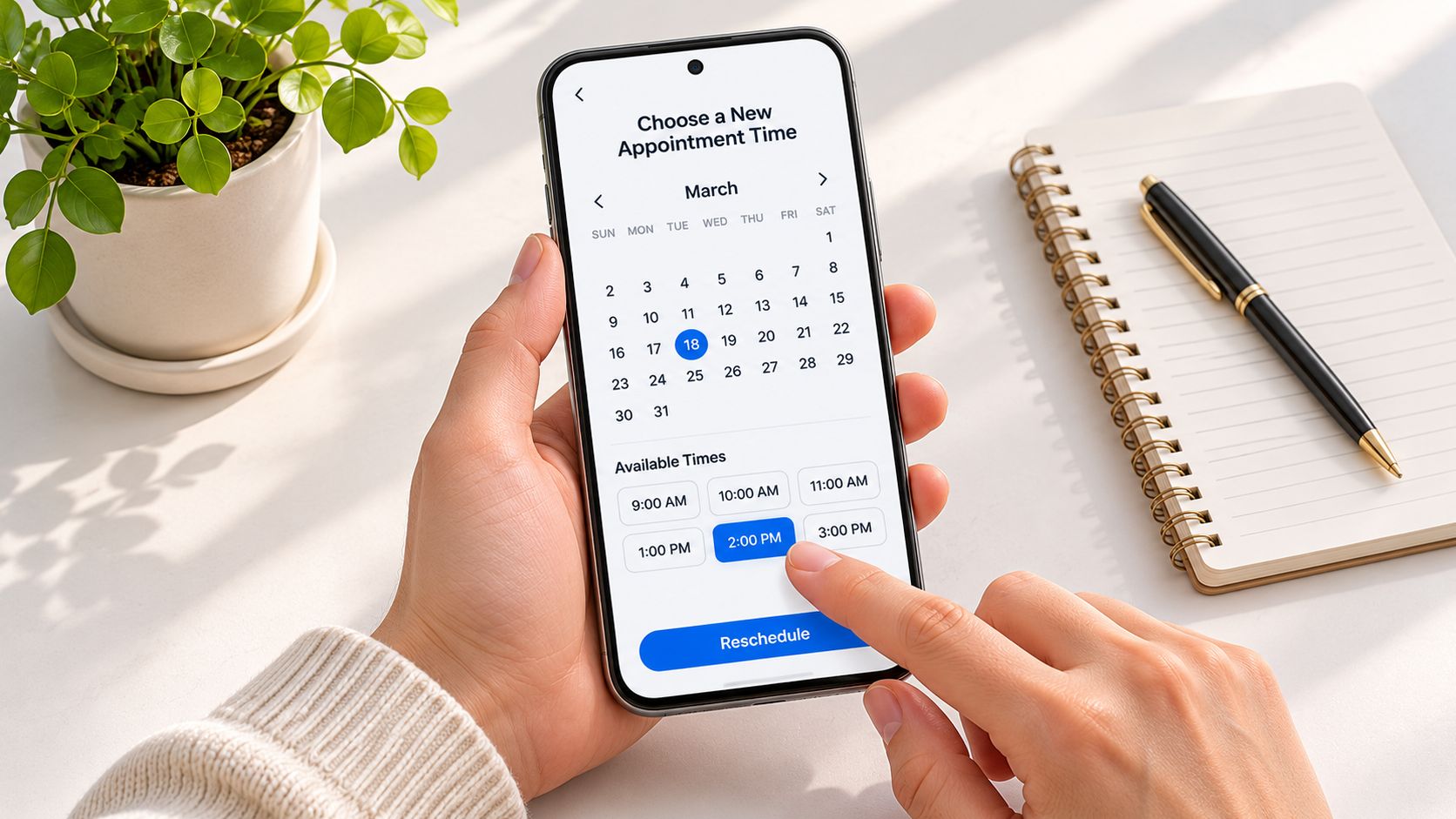
4. Reschedule Request Reply Template
When a customer asks to move an appointment, offer real openings they can choose from. A plain, specific reply is a safer default than an apologetic one.
Offer specific times: “No problem, Jordan. We have Thursday, May 15 at 9:00 AM, Thursday at 1:30 PM, or Friday at 10:00 AM. Reply with the option you prefer and we’ll lock it in.”
Confirm a booked change: “Thanks for letting us know, Priya. Your new time is Monday, June 2 at 4:00 PM. Reply OK to confirm.”
Keep the tone plain, not warm
A 2025 study of 1,095 outpatients on reminder preferences found that 47.5% preferred reminders referencing a prior missed appointment, while 31.1% preferred general reminders. Empathy-focused wording was chosen by only 4.4% to 5.5% of respondents. The study measured preferences, not rebooking results, so keep your reply direct and specific without assuming an apology will help.
Specific times beat open questions. “What works for you?” invites silence; three real openings invite a one-word answer.
- Check the calendar before you offer. A time you can’t hold creates another problem.
- Set a 24-hour response window. Then release the original slot so someone else can take it.
- Keep standard alternatives visible to staff. Refresh the list each morning.
- Handle a cancellation without pressure. Confirm it in writing, offer a future date once, then stop.
Worked example: an HVAC customer replies R at 8:40 on Friday morning. The office has two open slots that afternoon and one Monday morning. Offer all three, with the day and time stated clearly, and let the customer choose.
5. Preparation Instructions Reminder
A missing form, tool, or item can delay an appointment. Put the preparation instruction in the 24-hour reminder and name no more than two things the customer needs.
Estimate visit: “Your estimate visit with Ridge Roofing is tomorrow at 10:00 AM. Please have your insurance card and photos of the damage ready.”
Fitting appointment: “Reminder: your fitting at Alder Tailoring is Saturday at 2:00 PM. Please bring the outfit you plan to wear with the altered item.”
Say less about why
Preparation details can reveal private information on a phone screen. The HHS guidance on messages left for patients says appointment reminders may be left, but messages should limit what they disclose. Keep the text focused on the business name, contact details, and what the customer needs to confirm or prepare. Avoid naming a treatment, diagnosis, or specialty.
- Put the deal-breaking item first. If a deposit is needed, say so in the opening line.
- Send required forms with the 24-hour reminder. Include a link rather than sending another text early in the morning.
- Name the item, not the reason. “Please bring your medication list” gives a clear instruction without naming a condition.
- Skip the prep line when there’s nothing to prepare. Empty instructions give customers a reason to skim.
Worked example: A mobile dog groomer arrives, but the dog is inside while the owner is at work. Add one clear instruction to the 24-hour reminder: “Please have the dog inside and a towel near the door.”
If a customer shares a phone or prefers not to see details in a text, offer a call or email instead.
6. Cancellation Confirmation and Waitlist Offer
A cancellation is not a lost booking. It’s a slot that opened early enough to fill, as long as your process catches it and your waitlist is warm. Write the cancellation reply before you need it, because the person sending it is usually on the phone or at the front desk in the middle of something else.
Offer the waitlist: “Your Thursday 3:00 PM appointment at Bright Smiles has been cancelled. If you’d like a new time, reply WAIT and we’ll add you to our waitlist.”
Close cleanly: “We’ve cancelled your Monday appointment as requested. We look forward to seeing you soon. Book again at any time by calling 555-0176.”
Measure the recovery, not just the send
A 2024 analysis of a UK general practice that added text messaging, serving roughly 15,000 patients, recorded missed appointments falling from 5,848 to 3,343, a 42.8% reduction with p < 0.001. That’s a real operating environment rather than a lab setup, and it suggests the measurement habit worth copying: baseline your no-shows, deploy, then compare equivalent periods.
Rule of thumb: if a slot opens more than a day out and your waitlist doesn’t hear about it within the hour, you’ve already lost most of the value.
- Only offer waitlist places to customers who opted in, and keep that list short enough to work through by hand.
- Notify fast. A slot offered four hours out gets taken; the same slot offered the next morning doesn’t.
- Don’t ask why they cancelled. It rarely produces useful information and often produces an argument.
- Log the reason if they volunteer it, since three cancellations for the same reason is a scheduling problem, not a customer problem.
If you also take a lot of booking calls and want to know which ones turn into appointments, call tracking for small business is the next operational step.
7. Reminder for Recurring or Multi-Visit Appointments
Dropout in a series rarely happens at visit one. It happens around visit three, when the novelty is gone, the schedule is familiar, and one rescheduled session becomes the end of the plan. The fix is to keep the whole arc visible in every message.
Course of treatment: “Reminder: Visit 3 of 6 at Summit Physical Therapy is Wed, Aug 6 at 9:30 AM. Reply C to confirm or R to reschedule.”
Service package: “Your fourth detailing session at Clean Ride is Saturday at 8:00 AM. We have two more visits after this one.”
Show the shape of the plan
At the start of a series, send one summary message listing every booked date. Then let each reminder carry the visit number so the customer knows where they are. When a visit moves, update the template before the next send goes out, or the customer receives a schedule that contradicts itself.
- Number the visits only if it helps. “Visit 3 of 6” motivates people finishing a defined plan; it does nothing for a weekly lawn service that never ends.
- Name the next date in the cancellation reply. A customer who drops visit four should leave the conversation knowing when visit five would be.
- Use one thread, one number. Switching sending numbers mid-series breaks the reply chain and people stop answering.
- Flag gaps longer than two weeks. A long pause between visits is the point where a series usually dies.
Worked example: a six-session tutoring package booked across eight weeks. The summary at booking lists all six dates, the 24-hour reminder says “Session 3 of 6,” and the reschedule reply offers two alternatives within the same week so the remaining dates don’t shift. The customer finishes the plan because the plan never disappeared from view.
8. Opt-Out and Compliance-Aware Reminder
A customer replies STOP to tomorrow’s appointment reminder. The front desk must know what to do next: stop the texts, record the request, and use another contact method only if appropriate.
Opt-out reminder: “Riverside Dental: your visit is tomorrow at 10:00 AM. Reply C to confirm, R to reschedule, or STOP to stop receiving texts.”
Staff action: Apply the opt-out across the systems used to send reminders, including any front-desk records. Don’t send another text reminder after the request.
Make reminders usable and respectful
A review of 45 studies on SMS appointment reminders found that reminders were generally accepted and effective, while identifying barriers such as language difficulties, confidentiality concerns, and limited digital literacy. Keep the message clear, and offer a phone call or email for customers who can’t reliably use SMS.
A reminder should be easy to understand, act on, and opt out of.
Capture consent when the appointment is booked, and keep a record of the consent and the wording presented. Review current FCC guidance on the Telephone Consumer Protection Act before scaling text reminders. For a broader overview of messaging and data rules, read CAN-SPAM and GDPR compliance for small business owners, then consult a qualified legal professional about your specific obligations.
Which appointment reminder text to send
| Item | When to send | Best for | Customer action | Message length |
|---|---|---|---|---|
| Booking Confirmation Text | Immediately after a booking, change, or appointment request | Recording appointment details and catching booking errors early | Confirm, change, or contact the business if needed | Brief, with key details first |
| 24-Hour Reminder and Missed Confirmation Follow-Up | About 24 hours before; follow up a few hours later if there is no reply | Confirming attendance and freeing time to refill an open slot | Confirm or reschedule | Short; one concise follow-up |
| 2-Hour Arrival Reminder | About two hours before the appointment | Time-sensitive visits where punctuality or arrival instructions matter | Follow arrival instructions or call about a same-day change | Very short, usually one to three sentences |
| Reschedule Request Reply Template | When a customer asks to reschedule | Helping customers rebook after they cannot attend | Choose an offered time to lock in the new appointment | Short, with two or three options |
| Preparation Instructions Reminder | Before the appointment, often with the 24-hour reminder | Visits requiring specific documents, items, or preparation | Bring or complete the listed items | Short, with one to three preparation items |
| Cancellation Confirmation and Waitlist Offer | After a cancellation is received | Confirming cancellations and offering a way to rebook or fill the slot | Join the waitlist or book a new time | Short and neutral |
| Reminder for Recurring or Multi-Visit Appointments | Before the next appointment in a series | Treatment plans, courses, recurring services, or multi-stage projects | Confirm or reschedule the next visit | Short, with visit number and next appointment details |
| Opt-Out and Compliance-Aware Reminder | With appointment texts, sent during normal business hours to customers who consented | All appointment text reminders that need clear sender identification and opt-out instructions | Confirm, reschedule, or reply STOP to opt out | Brief, with a short opt-out line |
Put the Sequence on the Calendar
Load three messages before anything else. The booking confirmation, the 24-hour confirm-or-reschedule text, and one reschedule reply with two or three real openings in it. Those three carry most of the value, and they take an afternoon to write and test.
Add the 2-hour arrival note and the preparation line only where lateness or a missing item would waste the slot. A mobile tech, an in-home estimate, or a clinic with tight appointment blocks earns both. A 4:00 haircut doesn’t.
Assign one person to read replies during business hours, with a backup named for the days they’re off. Unanswered replies are the failure mode that makes the whole sequence look pointless, because a customer who asks to move and hears nothing has already decided not to come.
State your release window and hold it. Twenty-four hours is a sensible default: if nobody confirms and nobody reschedules, the slot goes back into the calendar and the waitlist hears about it. Say that out loud in the confirmation message so nobody is surprised.
Honor STOP the hour it arrives, and update every list that holds the number. A customer who opts out and still gets a text has a legitimate complaint, and it’s the kind that escalates.
Review the wording quarterly. Read the messages you send, not the templates in your drive, and cut anything the customer doesn’t need before the appointment. You will often find at least one line that reveals more than it should or asks a question nobody answers.
If your bookings mostly arrive by phone, Adwave’s call tracking guide is a reasonable next step, and it pairs with the booking path work above. Businesses that also want to put a local TV spot in front of nearby viewers can book a call for a walkthrough of Adwave to see how the creative, targeting, and spend controls fit together.
Then leave it alone for a month. Measure the same way the practice did in that UK analysis: an equivalent period before and after, the same appointment types, the same lead times. One month of clean data beats six months of tweaking.
Adwave turns a website URL into a broadcast-ready TV spot in minutes, then runs it across 100+ premium channels, from NBC and Hulu to ESPN, with campaigns starting at $50 and an estimated $15 to $35 CPM. If text reminders keep your calendar full, a local TV spot is how you fill it with people who’ve never heard of you, and you can preview the creative for free before you spend anything. Visit Adwave to see what your own spot looks like.