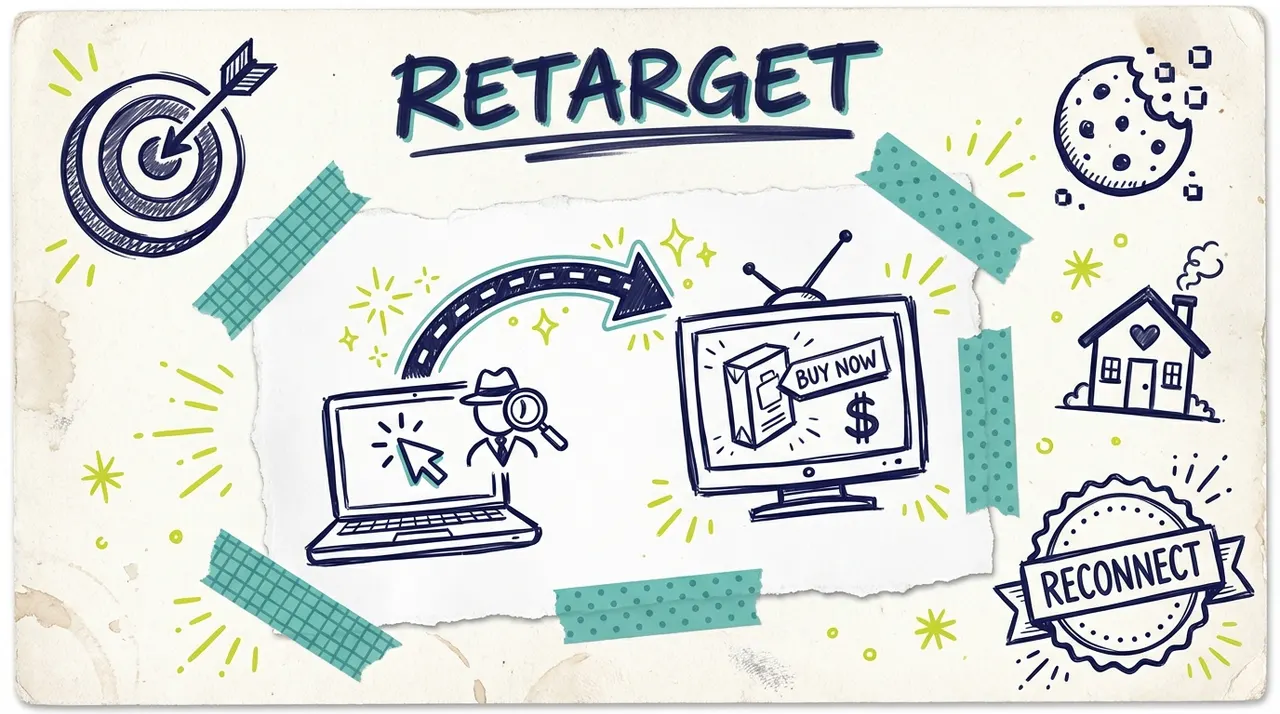
You know the feeling. Someone visits your website, browses your products, maybe even adds something to their cart. Then they leave without buying.
With digital retargeting, you can follow up with these warm leads on Facebook, Instagram, and Google. But what if you could reach them on the biggest, most persuasive screen in their home: their TV?
That's CTV retargeting. And it's changing how smart marketers close the loop on interested prospects.
How CTV Retargeting Works
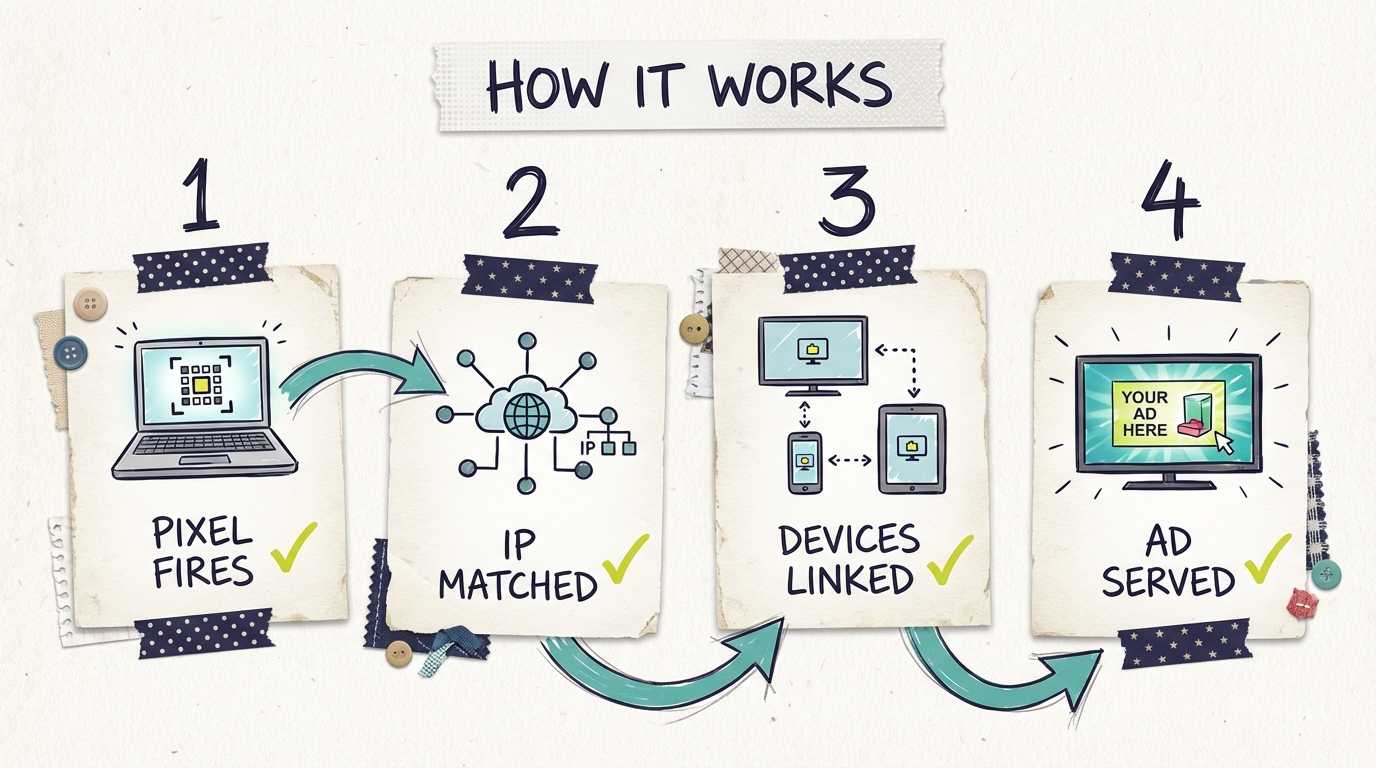
CTV retargeting connects your website visitors to their streaming TV devices. Here's the technical flow:
Website pixel installation. Just like Facebook or Google retargeting, it starts with a pixel on your website. When someone visits, the pixel fires and captures data.
Household IP matching. The pixel captures the visitor's IP address. CTV platforms match this IP to household devices, including smart TVs, Roku devices, Fire TV sticks, and gaming consoles connected to the same network.
Device graph expansion. Advanced platforms use device graphs to connect multiple devices to the same household. Even if someone browses on their phone at a coffee shop, if they've previously connected to their home network, they can be matched.
Ad delivery. When a matched household streams content, your retargeting ad is served on their TV. The same person who visited your website yesterday sees your ad on Hulu tonight.
The result: your warmest leads see your message on the most trusted, attention-commanding screen in the house.
Setting Up CTV Retargeting
Getting started with CTV retargeting requires a few technical steps.
Pixel implementation. Install the CTV platform's pixel on your website. This is typically a JavaScript snippet added to your site header, similar to adding the Meta pixel or Google tag. Most platforms provide straightforward installation guides.
Audience building. Define which visitors you want to retarget. Options include:
All website visitors
Specific page visitors (product pages, pricing page)
Cart abandoners
Time-based segments (visited in last 7 days, 30 days, etc.)
Minimum audience size. Most platforms require a minimum audience size before serving ads, typically 1,000-5,000 matched users. For smaller businesses, this may take a few weeks to build.
Creative requirements. TV ads are typically 15 or 30 seconds. With Adwave, you can create professional video ads even if you don't have existing video assets.
For businesses already running CTV advertising campaigns, adding retargeting is often just a matter of creating a new audience segment.
Retargeting vs. Prospecting on CTV
CTV works for both finding new customers and reconnecting with known ones. Understanding when to use each approach matters.
Prospecting (cold audiences):
Reaching new potential customers who haven't visited your site
Broader targeting: demographics, interests, behaviors
Focus on awareness and introduction
Higher reach, lower conversion rate
Retargeting (warm audiences):
Reaching people who've already shown interest
Narrower but more qualified audience
Focus on conversion and reminder
Lower reach, higher conversion rate
Budget allocation. A common split is 70-80% prospecting, 20-30% retargeting. Retargeting audiences are smaller but more valuable per impression. Test different ratios based on your funnel size.
When to prioritize retargeting:
You have significant website traffic (5,000+ monthly visitors)
Your sales cycle involves consideration time
You want to maximize existing traffic investment
Your product/service benefits from repeated exposure
Creative Considerations for Retargeting Ads
Retargeting creative should differ from prospecting creative. These viewers already know you.
Acknowledge the relationship. Don't introduce yourself again. They visited your site. Reference that: "Still thinking about it?" or "Ready to take the next step?"
Offer escalation. Consider offering something they didn't see on the website. A discount, free shipping, extended trial, or bonus can push fence-sitters to action.
Address objections. Why didn't they convert? If common objections include price, trust, or complexity, address those in your retargeting creative.
Clear call-to-action. Tell them exactly what to do: "Visit [YourSite].com today" or display a QR code for immediate action.
Frequency matters. Seeing your ad once is a reminder. Seeing it ten times feels like stalking. Set frequency caps.

Frequency Capping and User Experience
Retargeting is powerful, but overuse creates negative brand perception.
Set frequency caps. Limit how many times a single household sees your ad per day or week. Common caps range from 3-5 impressions per week for retargeting audiences.
Recency windows. Don't retarget forever. If someone visited 90 days ago and hasn't returned, they've probably moved on. Focus budget on recent visitors (7-30 days).
Exclusion lists. Exclude people who've already converted. Nothing's more annoying than seeing ads for something you already bought. Add purchasers to suppression lists.
Test and monitor. Watch for signs of fatigue: declining engagement, negative feedback, or brand sentiment issues. Adjust caps accordingly.
Measuring Retargeting Lift
CTV retargeting measurement differs from click-based digital channels.
Conversion lift studies. Compare conversion rates between retargeted users and a holdout group. The difference represents the lift from your TV retargeting.
Website traffic correlation. Monitor direct traffic and branded searches after retargeting campaigns launch. Increases often indicate TV exposure driving site visits.
Post-view attribution. Track conversions that occur within a window (typically 7-30 days) after ad exposure, even without a click. TV doesn't generate clicks, but it drives action.
Incrementality testing. Run retargeting in some markets and not others. Compare conversion rates to measure true incremental impact.
Don't expect CTV retargeting to show up in your Google Analytics like a Facebook ad click. The measurement is different, but the impact is real.
Privacy Considerations and Best Practices
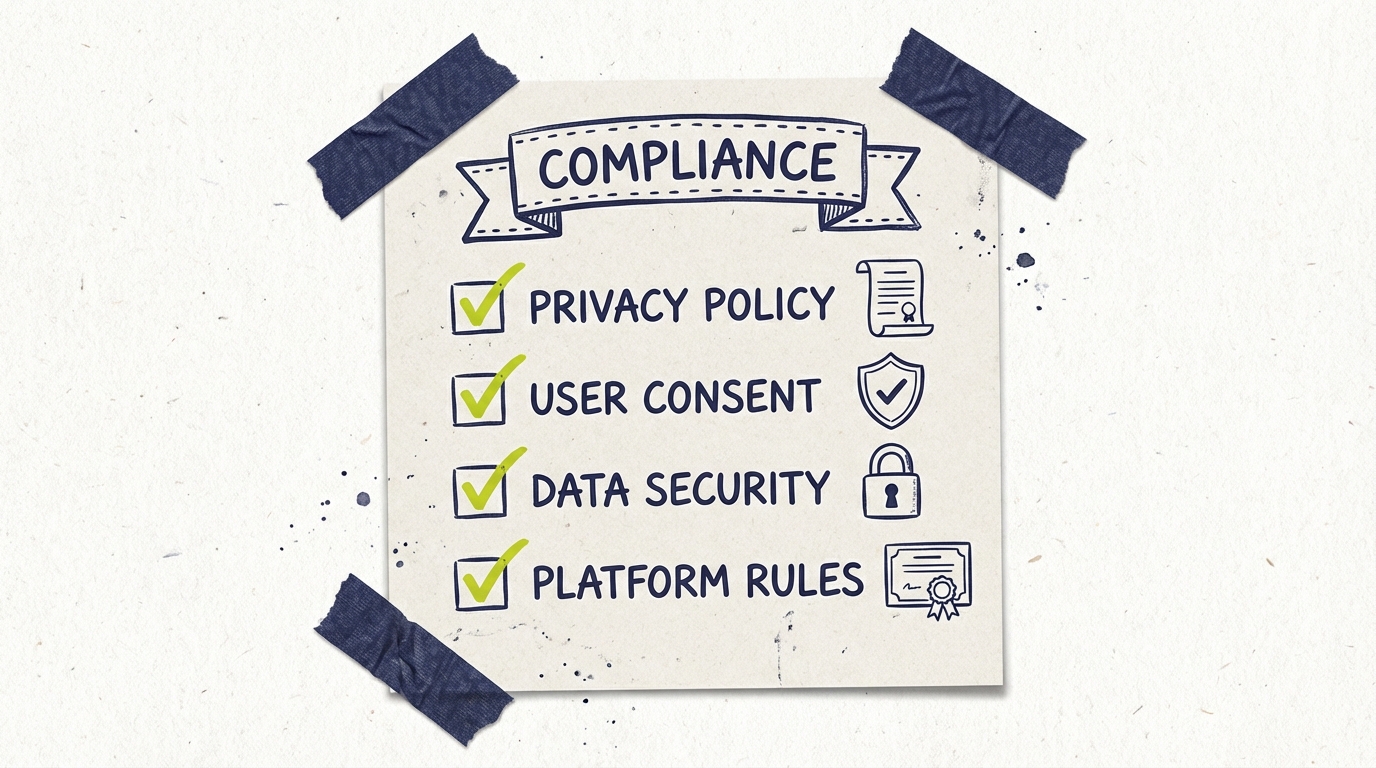
CTV retargeting relies on data matching, so privacy compliance matters.
Consent and transparency. Ensure your website privacy policy covers retargeting. Provide opt-out mechanisms as required by regulations.
Data minimization. Only collect and use data necessary for your retargeting goals. Don't over-reach.
Platform compliance. Work with platforms that maintain industry certifications and follow best practices for data handling.
Geographic considerations. GDPR, CCPA, and other regulations may affect how you can retarget in different regions. Understand your compliance obligations.
The good news: reputable CTV platforms handle much of this compliance on your behalf. But understanding the landscape protects your business.
Common questions answered
How does CTV retargeting work?
CTV retargeting works by matching your website visitors to their household's streaming devices. When someone visits your website, a pixel captures their device information. Data partners then match that visitor to IP addresses and connected TV devices in their household. When they later watch streaming content, your TV ad can be served to them.
Is CTV retargeting as accurate as Facebook retargeting?
CTV retargeting operates at the household level rather than the individual level, so it's slightly less precise than Facebook's person-level targeting. However, for most products and services, reaching the household is effectively the same as reaching the individual. The accuracy is generally 70-80% for household matching.
What's the minimum audience size for CTV retargeting?
Most CTV platforms require a minimum audience size for retargeting campaigns, typically around 1,000 to 5,000 matched households. Smaller businesses may need to build website traffic before CTV retargeting becomes viable, or combine retargeting with broader prospecting campaigns.
How do I set up CTV retargeting for my website?
You'll need to install a tracking pixel on your website, similar to Facebook or Google pixels. Your CTV advertising platform will provide the pixel code. Once installed, the pixel begins building your retargeting audience. Most platforms recommend waiting until you have sufficient audience size (usually 2 to 4 weeks of traffic) before launching retargeting campaigns.