Ready in minutes
AI builds your ad from a single prompt


March 22, 2026
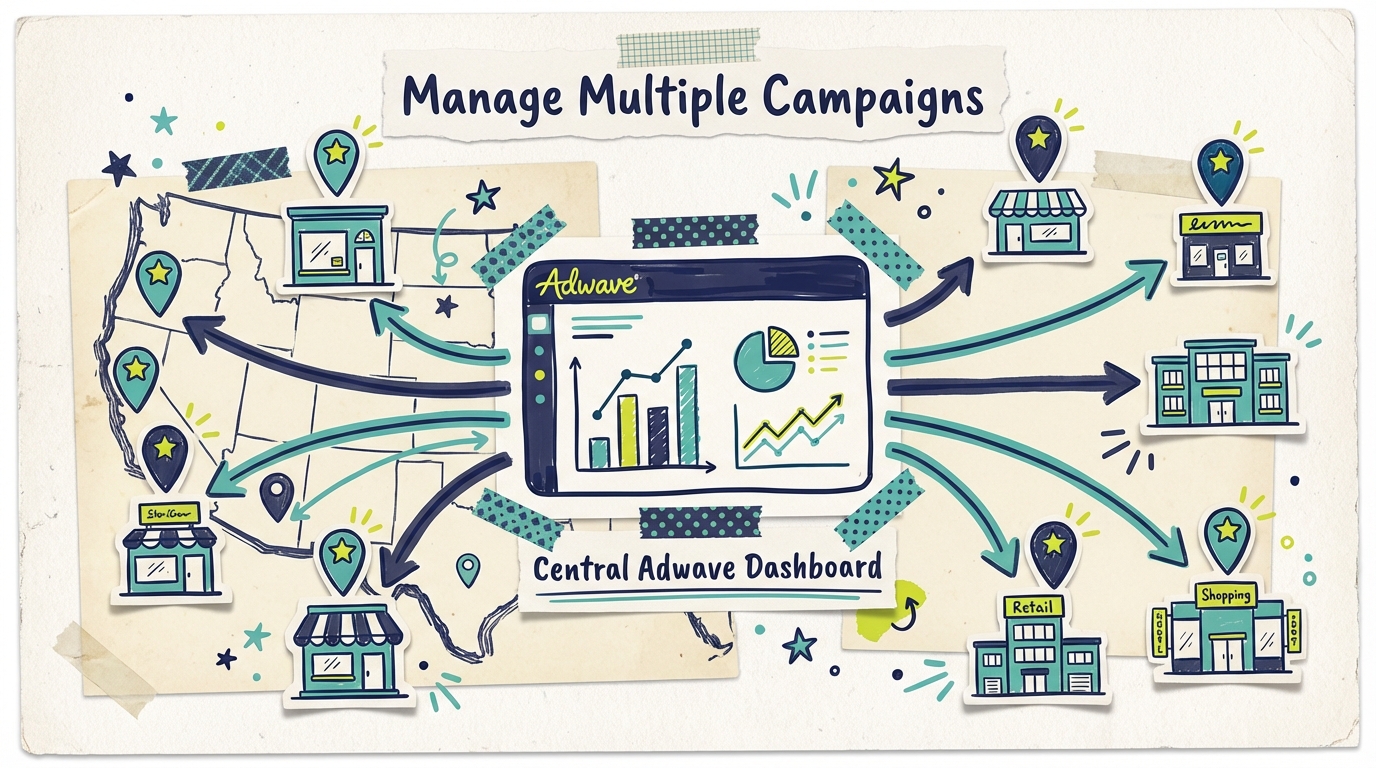
Running one location is hard enough. Running TV advertising across multiple locations, each with different markets, audiences, and competitive dynamics, sounds like a logistical nightmare.
It doesn't have to be. With Adwave, multi-location businesses can create and manage separate CTV campaigns for each location, all from one platform. Each campaign gets its own geographic targeting, budget, and creative, so your downtown location isn't running the same ad as your suburban store 30 miles away.
This guide walks through how multi-location businesses use Adwave to run location-specific TV campaigns that actually make sense for each market.

The temptation for multi-location businesses is to run one campaign covering all locations. It's simpler, cheaper, and easier to manage. But it's also less effective.
Here's why location-specific campaigns outperform blanket approaches:
Different markets have different customers. Your downtown location might serve young professionals and tourists. Your suburban location might serve families. Running the same creative to both audiences wastes impressions on messaging that doesn't resonate.
Different locations have different competitive dynamics. Your East Side store might face three direct competitors within a mile. Your West Side store might be the only option in the area. The advertising strategy should reflect those realities.
Geographic targeting prevents waste. A blanket campaign covering your entire metro area delivers impressions to households that would never visit half your locations. Location-specific targeting means each dollar goes toward reaching households near each specific store.
Seasonal and promotional differences. One location might be running a spring opening promotion while another is celebrating its 10-year anniversary. Location-specific campaigns let you align messaging with what's actually happening at each store.
Before creating any campaigns, define the geographic reach of each location. For most businesses, this means identifying the zip codes or radius around each store where the majority of customers live or work.
Rules of thumb:
Restaurants and retail: 5 to 10 mile radius
Home services: 15 to 25 mile radius (or defined service area)
Healthcare: 10 to 15 mile radius
Auto services: 10 to 15 mile radius
If two locations have overlapping service areas, decide which location "owns" the overlap zone for targeting purposes. This prevents paying to reach the same household twice with two different campaigns.
With Adwave, you can create a separate 30-second commercial for each location. The AI generates broadcast-quality ads from your business's website, social media, or Yelp page in about 2 minutes.
What to customize per location:
Location name and address in the ad
Local phone number
Location-specific promotions or offers
Visual elements that reflect the specific store (if photos are available)
Call to action relevant to each location (visit, call, book online)
What to keep consistent:
Brand identity and tone
Core value proposition
Overall visual style
Business name and logo
This balance between customization and consistency is key. Each ad should feel like it belongs to the same brand while speaking directly to the local audience.
Each campaign targets the zip codes and DMAs around its specific location. Adwave's geographic targeting lets you define precise coverage areas so impressions go to households that could actually walk into that store.
Targeting tips for multi-location businesses:
Start with a tighter radius and expand if budget allows
Prioritize zip codes with higher customer density for each location
Exclude areas where another one of your locations is closer (reduces overlap waste)
Consider demographics alongside geography (income, age, household size)
Not every location deserves the same advertising budget. Allocate based on:
Location revenue potential. Higher-revenue locations or locations in higher-traffic markets may warrant larger budgets because the return per impression is higher.
Competitive intensity. Locations facing more competition may need more advertising support to maintain visibility. A location that's the only option in town might need less.
Growth goals. New locations or underperforming locations might get a larger share of budget to build awareness and drive trial. Established locations with steady traffic might maintain a smaller, sustaining budget.
Example budget allocation for a 5-location business:
If total monthly CTV budget is $5,000:
New location (building awareness): $1,500 (30%)
High-competition market: $1,250 (25%)
Growth-target location: $1,000 (20%)
Established location A: $625 (12.5%)
Established location B: $625 (12.5%)
With Adwave starting at just $50 per campaign, even running 5 to 10 separate location campaigns is affordable for most multi-location businesses.
Each campaign has its own analytics dashboard, so you can compare performance across locations.
Metrics to compare:
Impressions delivered per location
Household reach per location
Completion rates per location
Branded search lift per market
Website traffic from each targeted geography
What the data tells you:
Which locations are generating the most engagement per dollar
Where creative might need refreshing (dropping completion rates)
Where you might be under-investing (strong engagement but limited budget)
Where you might be over-investing (high spend but low engagement)
Review performance monthly and reallocate budget toward the highest-performing locations or the locations with the greatest growth opportunity.

Each restaurant location has a different neighborhood, different regulars, and potentially different menu items or specials. A downtown brunch spot and a suburban family restaurant under the same brand need different advertising approaches.
How they use Adwave:
Separate campaigns for each location with different geographic targeting
Location-specific creative highlighting local specials, neighborhood identity, and individual store atmosphere
Budget weighted toward newer locations or those facing local competition
Home services businesses often cover wide geographic areas with multiple service zones or branch offices. Each zone has different housing stock, different service needs, and different competitive pressure.
How they use Adwave:
Campaigns targeting specific zip codes within each service zone
Creative customized for the services most relevant to each area (HVAC focus in older neighborhoods, remodeling focus in growing suburbs)
Seasonal campaigns that reflect regional weather patterns
Multi-location dental groups, urgent care chains, and medical practices serve distinct patient pools at each location.
How they use Adwave:
Each location targets households within a 10 to 15 mile radius
Creative features the specific providers and facility at each location (patients want to see where they'll go)
Budget allocation based on new patient acquisition goals per office
Local retail chains with 3 to 20 locations need to drive foot traffic to specific stores without wasting budget on households far from any location.
How they use Adwave:
Tight geographic targeting around each store location
Creative highlighting store-specific inventory, events, or promotions
Heavier spend during location-specific events (anniversary sales, grand openings)
Multi-location auto businesses serve customers who are loyal to a specific location. The mechanic they trust is at one specific shop, not the brand in general.
How they use Adwave:
Location-specific campaigns that build trust in each individual shop
Creative featuring the team and facility at each location
Service-specific messaging based on what each location offers
Naming conventions matter. When running 5+ campaigns simultaneously, clear naming makes management easier. Use a consistent format: "[Brand] - [Location] - [Campaign Type] - [Month]" (e.g., "Joe's Pizza - Downtown - Spring Special - Mar 2026").
Stagger campaign launches. Don't launch all location campaigns on the same day. Stagger by a few days so you can give each one attention during the critical first week of monitoring.
Use a master content calendar. Track which locations are running which campaigns, when creative rotations happen, and when budgets change. A shared document keeps the team aligned.
Test creative at one location first. Before rolling a new ad out to all locations, test it at one or two stores first. If performance is strong, expand. If not, iterate before spending across all markets.
Share winners across locations. When one location discovers a creative approach or targeting strategy that works exceptionally well, adapt it for other locations (adjusting for local differences).

How many separate campaigns can I run on Adwave for different locations? There's no hard limit on the number of campaigns you can run. Each location gets its own campaign with its own targeting, budget, and creative. Whether you have 3 locations or 30, you can create a dedicated campaign for each one.
What's the minimum budget per location? Adwave campaigns start at $50, so technically you could run 10 location campaigns for $500 total. For meaningful reach, most multi-location businesses invest $500 to $2,500 per location per month, depending on market size and competition.
Can I use the same ad for all locations? You can, but you'll get better results with location-specific creative. At minimum, customize the location name, address, and phone number. Ideally, also customize the messaging to reflect each location's unique selling points, local promotions, and neighborhood identity.
How do I prevent the same household from seeing ads for two different locations? Set up geographic exclusions in your targeting. If two locations have overlapping service areas, assign each zip code to the closer location. This ensures each household only sees the campaign for their nearest store.
Is managing multiple CTV campaigns complicated? With Adwave, each campaign takes about 10 minutes to set up: 2 minutes for AI ad creation and a few more for targeting and budget configuration. The real-time analytics dashboard lets you monitor all campaigns from one place. Most multi-location businesses find it comparable to managing multiple social media ad campaigns.