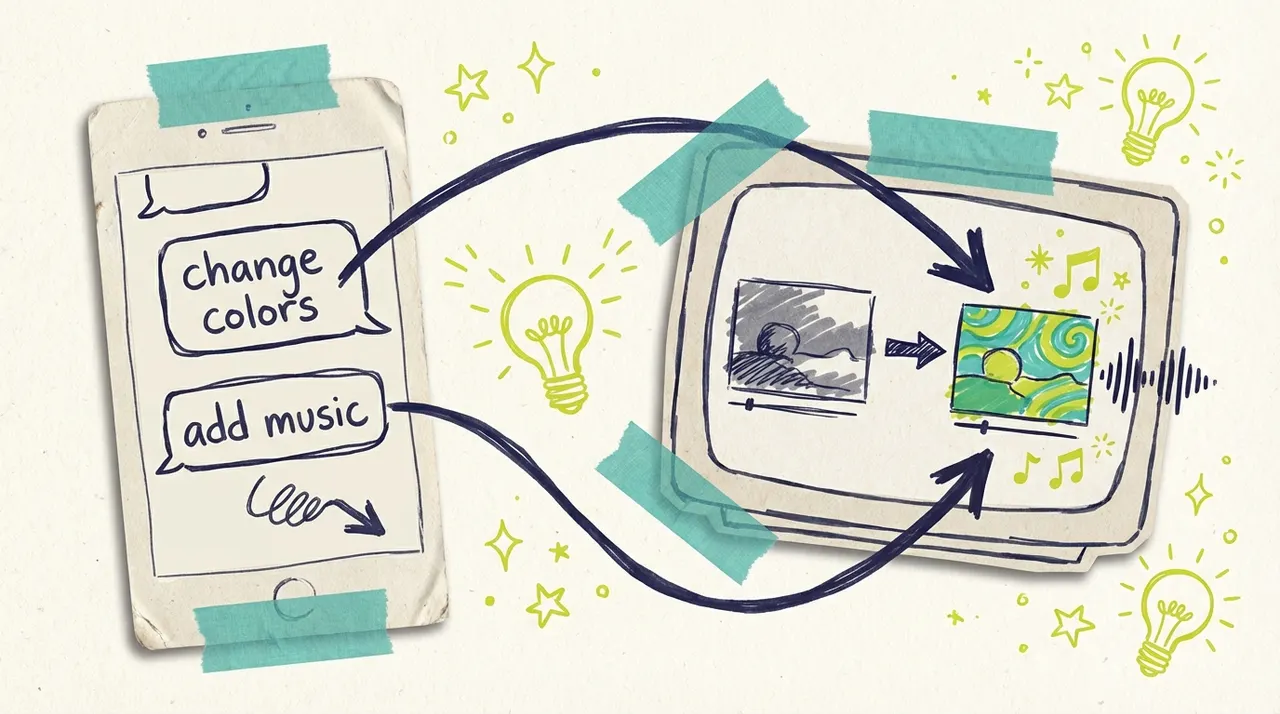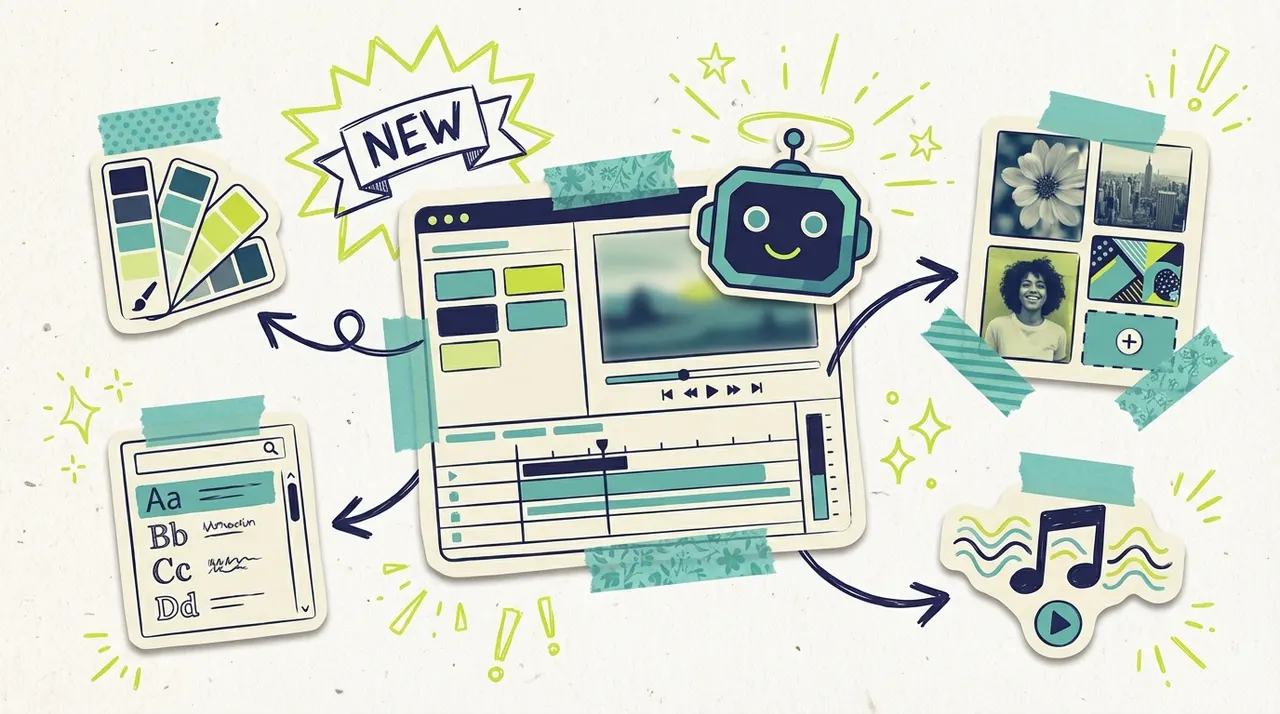
Back in May, we launched our chat-based video editor with a simple promise: tell your video what you want, and it happens. No timelines. No layers. Just conversation.
We believed then (and still believe) that the future of human-computer interaction is conversational. That voice and natural language will replace clicks and menus. That describing your intent should be enough.
That approach has helped thousands of small business owners create and refine their TV commercials without learning any new software. But as we watched how people used the editor, we realized we could go further.
The original chat editor was reactive. Powerful, but reactive. You had to know what to ask for.
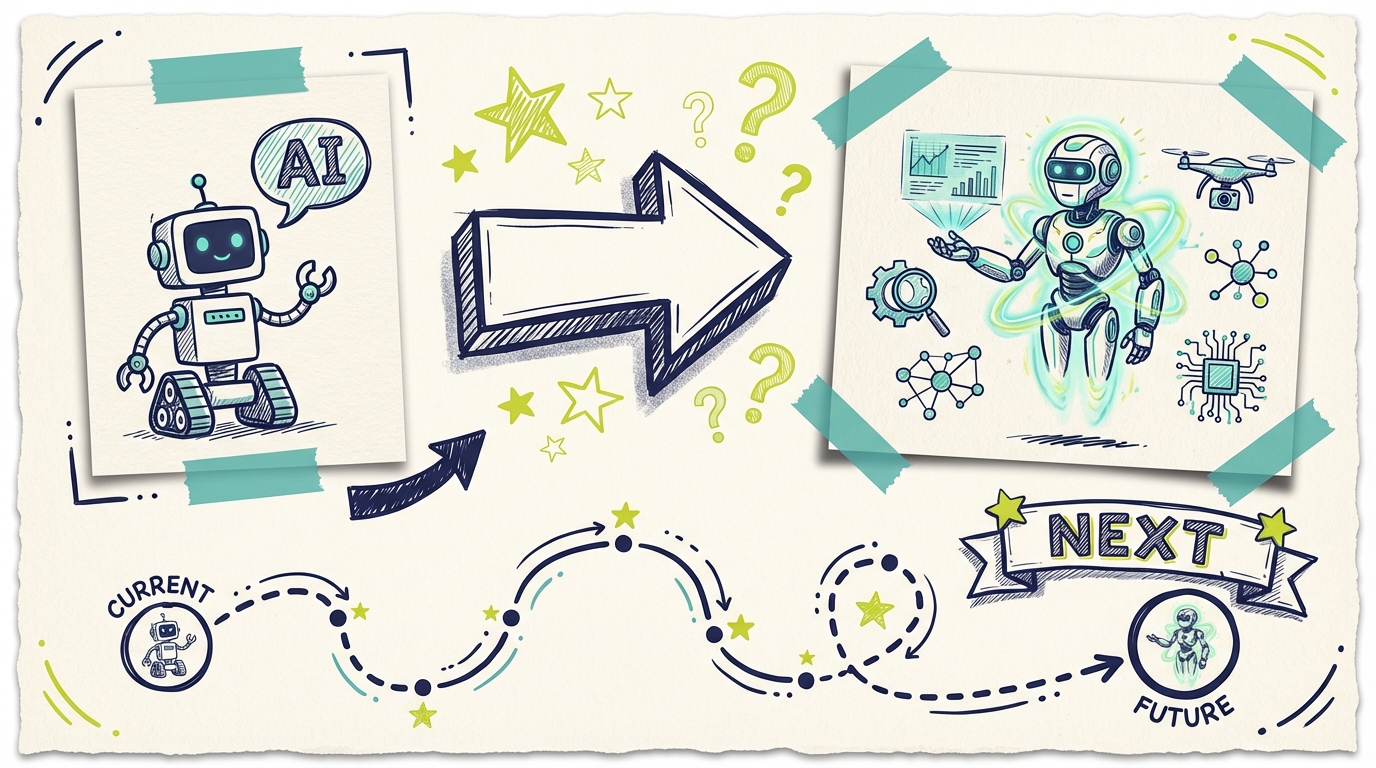
Today, we're announcing the next evolution: agentic editing. An AI that doesn't just respond to your requests, but actively guides you through the creative process, anticipating what you need and presenting options before you even ask.
This is the next step toward the future we've been building.
What Is Agentic Editing?
The original chat editor worked like this: you told it what to change, it made the change. Simple and effective.
Agentic editing is fundamentally different. The AI has agency. It can think ahead, break down complex requests into steps, decide what questions to ask, choose the right tools for each job, and guide you toward the result you're imagining.
Think of the difference between these two interactions:
Reactive (old): You: "Change the color" AI: "What color would you like?" You: "Blue" AI: "Done."
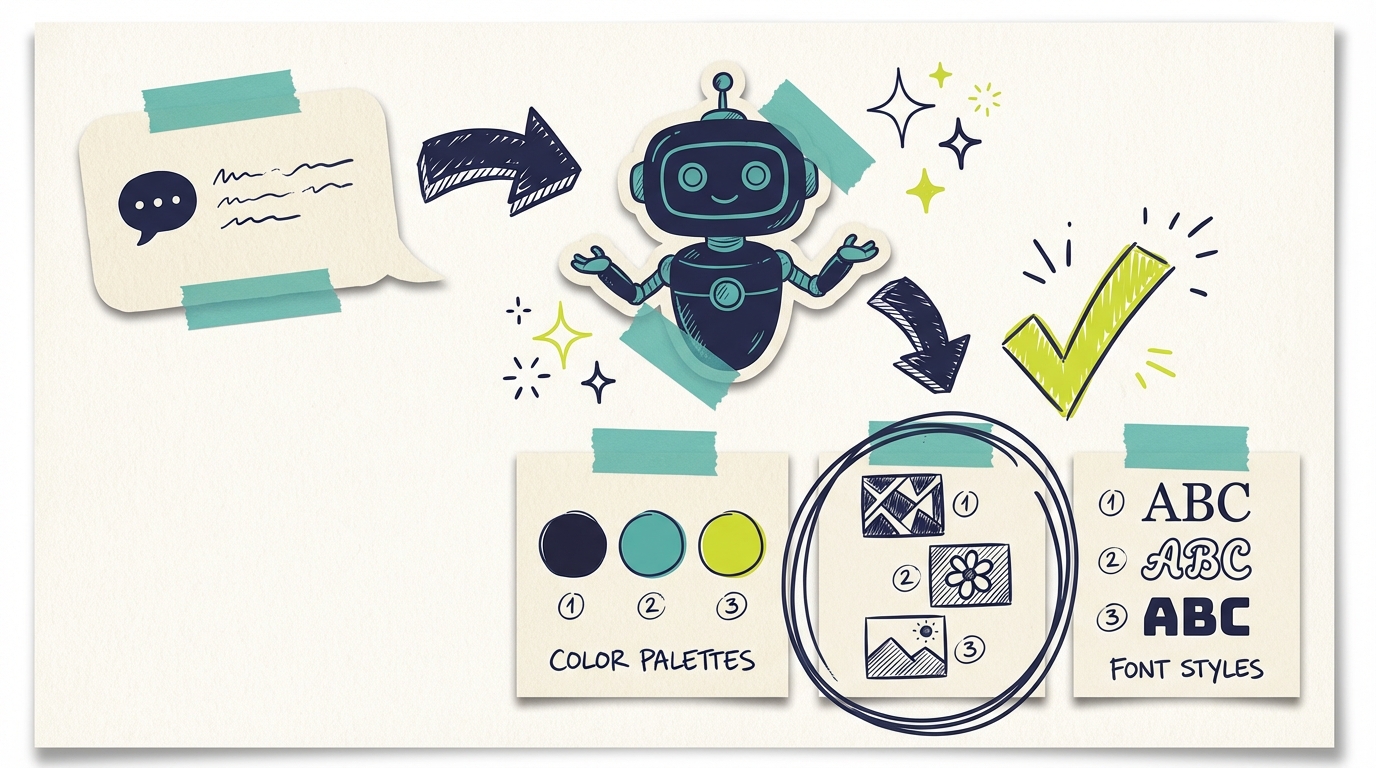
Agentic (new): You: "Change the color" AI: "Here are the colors in your video. Which one do you want to update?" [Shows interactive color swatches] You: [Taps one] AI: "Great choice. Here are some options that match your brand, or use the picker for something custom." [Shows color picker with suggestions] You: [Selects a color] AI: "Updated! Here's a preview. Want me to apply this color to similar elements throughout, or just this one?"
The AI is now a creative partner, not just a command processor. It brings judgment, suggestions, and proactive guidance to every interaction.
How It Works
When you open the new editor, you still start the same way: describe what you want to change. But what happens next is different.
Intelligent Understanding
Say you type: "I want to update the look of my ad."
The old editor might have asked for clarification or made a best guess. The new agentic editor understands this is a broad request and responds intelligently:
"Here's what you can edit in your video. What would you like to focus on?"
Then it shows you interactive buttons: Scenes, Colors, Voice, Music, Fonts, Text, Media. You tap what interests you, and the conversation continues from there.
This is important for something we'll talk about later: voice interfaces. When you're speaking rather than typing, you can't always be precise. An agentic AI can work with vague requests and guide you toward specificity.
Interactive Components
This is where it gets interesting. The AI doesn't just describe your options, it shows them.
Color Editing: Select a color in your video and you get an actual color picker. Choose from suggested palettes or enter your exact brand hex code. No more guessing if "navy blue" means the same thing to you and the AI.
Image Editing: When you want to change an image, you see the current image with editing controls. Scale it, rotate it, reposition it. The AI also searches for alternatives and shows you options.
Voice Selection: Browse different voiceover styles with preview buttons. Hear how each one sounds before you commit.
Music Library: Preview tracks directly in the chat. Tap to hear them, tap again to apply.
These aren't static images or descriptions. They're functional tools embedded right in your conversation.
Tools at Work
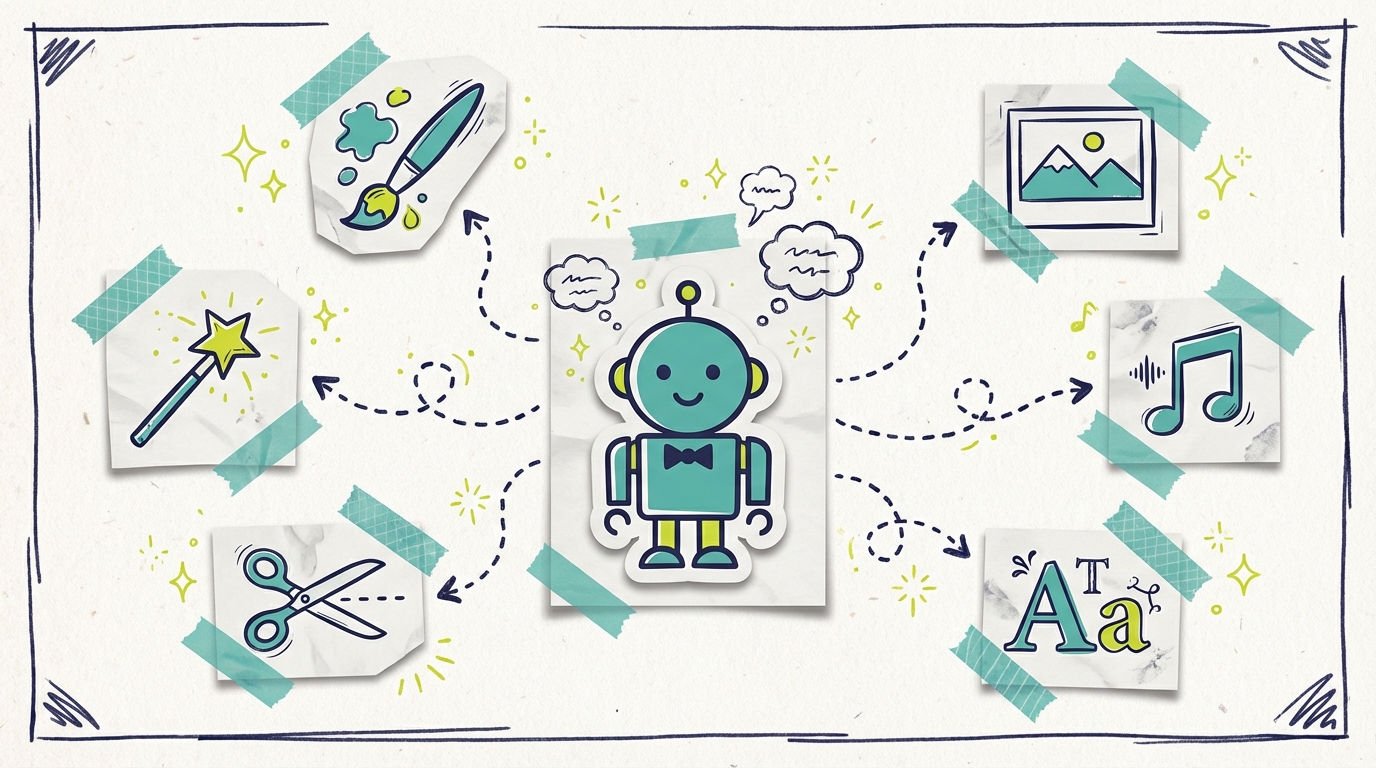
Behind the scenes, the AI now has access to specialized tools:
Text Editor Tool: Precisely edits text elements across scenes
Color Change Tool: Updates colors consistently throughout your video
Asset Position Tool: Handles scaling, rotation, and positioning of images
Voice Change Tool: Swaps voiceover styles while maintaining timing
Music Change Tool: Replaces background tracks with proper looping
Scene Analyzer Tool: Understands what's in each scene and how elements relate
Style Transfer Tool: Applies consistent aesthetic changes across scenes
Each tool is designed for a specific task and executes with precision. When you ask for a change, the AI selects the right tool (or combination of tools), provides the right parameters, and ensures the change is applied correctly.
You never see these tools directly. You just see the result. But they're the reason complex edits happen reliably.
This Is a New UI Model
Let's step back and talk about what's really happening here.
Traditional software interfaces are built around a simple model: you learn what the software can do, then you navigate to the right place and trigger the right action. The interface is a map of capabilities, and you're the navigator.
Conversational interfaces (like our original chat editor) improved on this: instead of navigating, you describe what you want. But you still need to know what to ask for.
Agentic interfaces are something new. The AI isn't waiting for instructions. It's actively participating in the creative process. It notices patterns, suggests improvements, anticipates needs, and guides you through options you might not have known existed.
This is closer to working with a human collaborator than operating a piece of software.
The Shift from Reactive to Proactive
Here's what this looks like in practice:
Reactive AI:
Waits for specific instructions
Executes exactly what you ask
Responds to problems when you identify them
Requires you to know what's possible
Proactive Agentic AI:
Suggests next steps based on context
Offers options you might not have considered
Identifies potential improvements before you ask
Guides you through capabilities you didn't know existed
For small business owners who aren't video editing experts, this is transformative. You don't need to know what to ask for. The AI shows you what's possible.
Discovery Through Conversation (Enhanced)
In our original chat editor, you could explore by asking questions. With agentic editing, the AI actively helps you discover.
When you ask to change colors, the AI doesn't just wait for your next instruction. It shows you all the colors in your video. It suggests complementary palettes. It might notice "your background is very similar to your headline color, which might reduce readability" and offer to fix that.
The exploration is collaborative. You're not just asking questions into a void. You have a partner who's looking at the same thing you are and offering suggestions.
This changes how people work. Instead of "I need to know what I want before I start," it becomes "let's figure out what looks best together."
The Expertise Inversion (Accelerated)
We wrote in May about how conversational interfaces invert the traditional expertise model. Instead of you building expertise in the tool, the tool builds expertise in you.
Agentic editing accelerates this dramatically.
The AI now notices patterns in your choices. It remembers that you tend to prefer bold colors. It learns that "professional" for your brand means a specific style. It observes that you always tweak the headline size after the first preview.
The AI uses your previous choices to guide later edits.
This is context persistence at work. Your session isn't isolated. It builds on everything before. "Make it like the last one" becomes a valid instruction because the AI remembers the last one.
Graceful Degradation of Specificity (Supercharged)
Conversational interfaces already handled vague requests better than traditional software. Agentic editing makes this even more powerful.
Now, when you say something vague like "make it better," the AI has tools to respond intelligently:
It can analyze your video to identify potential issues
It can compare your ad to successful patterns
It can show you specific options: "I could make it better by: A) improving color contrast, B) speeding up the pacing, or C) upgrading to a more professional voiceover. Which sounds right?"
Vague input no longer means vague output. It means the AI doing the work of making it specific, then checking with you.
This is important for voice interfaces, where input is inherently less precise. You can say "that's not quite right" while driving, and the AI can show you options when you glance at your phone at a red light.
Error Recovery Is Effortless
Agentic editing transforms how mistakes are handled.
With the old chat editor, you could say "undo that" and it would revert. With agentic editing, recovery is smarter:
"That blue is too dark" immediately shows you lighter alternatives
"Go back but keep the music change" understands partial reversions
"I liked the second option better" remembers what options it showed you
"Start over on the colors" resets just that aspect without losing other changes
The AI maintains awareness of the conversation history and your decision tree. It's not just undoing actions; it's understanding your intent and helping you navigate alternatives.
Even better: the AI might prevent mistakes before they happen. "That color might be hard to read against your background. Want me to suggest something with more contrast?"
Why Agentic Editing Unlocks Voice
In May, we wrote about our belief that the future of software interaction is voice. People speak faster than they type. Speaking is more natural than clicking. Voice lets you create while your hands are busy.
The original chat editor was voice-ready in theory. Anything you can type, you can speak.
But agentic editing makes voice practical.
Here's why: voice interactions are inherently imprecise. When you're speaking, you tend to be general. "Make it better." "Change that thing." "I don't like the blue part."
A reactive AI would struggle with these requests. What does "better" mean? Which thing? What blue part?
An agentic AI handles vague requests naturally. It can ask clarifying questions. It can show you options. It can guide you toward what you mean, even if you can't articulate it precisely.
Voice interaction with reactive AI: You: "Change the color" AI: "What color would you like?" You: "Uh... something more professional?" AI: "I don't understand. Please specify a color."
[Frustration]
Voice interaction with agentic AI: You: "Change the color" AI: "I see several colors in your video. Which element should I focus on? The background, headline, or accent colors?" [Shows visual indicators] You: "The background. Make it more professional." AI: "For a more professional look, here are three options: a deep navy, a sophisticated charcoal, or a clean white. Would you like to see these applied?" [Plays quick previews] You: "The navy looks good." AI: "Done! I've also noticed your accent colors could complement this better. Want me to suggest adjustments?"
The agentic AI fills in the gaps. It handles the ambiguity that's natural in speech. It guides you through decisions visually while you're speaking verbally.
This is the multimodal future: voice for high-level direction, visual for fine-grained selection. The AI bridges both modalities smoothly.
Why This Matters for Small Business Owners
We built agentic editing with the same users in mind: busy business owners who need professional results without professional software training. Here's why this evolution matters:
Faster Edits
When the AI can proactively show you options, you spend less time describing what you want and more time choosing from possibilities. A color change that might have taken three back-and-forth messages now takes one tap.
Fewer Misunderstandings
Interactive components eliminate ambiguity. When you see a color picker with your exact brand color displayed, there's no risk of the AI interpreting "make it more blue" differently than you intended.
More Control When You Want It
The new image editor lets you fine-tune positioning with visual controls. Scale up, rotate slightly, shift the focus point. You're no longer limited to what you can describe in words.
Still Simple at Its Core
Despite all these new capabilities, you can still just type "make it more festive" and the AI will handle everything. The intelligence works in both directions: it knows when to offer choices and when to just execute.
Ambient Editing Becomes Possible
This is the big one. With agentic AI handling the ambiguity of natural speech, you can edit your commercial while doing other things.
Driving to work: "Hey, update my ad to mention the holiday special instead of the summer discount."
Making coffee: "Can you make my commercial feel more energetic? Show me some options."
Walking between meetings: "Change the music to something more upbeat. Maybe something with a faster tempo."
The AI's ability to guide, clarify, and show options means you don't need to stop what you're doing to focus on precise instructions. You describe the direction, and the AI figures out the details.
Real Examples
Here's how agentic editing handles common requests:
"Change my brand colors" → AI shows your current color palette with visual swatches → You tap the color you want to change → Color picker appears with your brand colors pre-loaded → Select new color, see preview, confirm
"Update the image in scene 2" → AI shows scene 2 with current image highlighted → Image editor appears with transform controls → Upload new image or choose from AI-suggested alternatives → Position and scale using visual controls → Preview and confirm
"Make it sound more professional" → AI identifies voice and music as key elements → Shows curated voice options with preview buttons → You audition options directly in chat → Suggests matching music styles → One-tap to apply your choices
"I want a completely different vibe" → AI asks: "What feeling are you going for? More serious, more playful, more urgent?" → You pick "more urgent" → AI suggests faster pacing, more dynamic music, and bolder colors → Shows side-by-side comparison with current version → You approve, and changes apply across the whole video
"That's not quite right" → AI remembers what it just changed → Shows the previous version alongside alternatives → You can pick a different direction or fine-tune → No need to explain what "that" refers to
Each interaction is guided but not forced. You can always type a specific request and bypass the interactive flow entirely.
The Technology Behind It
For those curious about how this works: we've implemented what's called an agentic architecture. The AI isn't just generating responses, it's orchestrating a system of specialized tools and UI components.
When you send a message, the AI:
Analyzes your intent and context
Considers your history and preferences
Determines which tools and components would help
Decides what clarifying questions (if any) to ask
Generates the appropriate response and interactive elements
Executes tool calls when you make selections
Verifies results and handles any follow-up
Suggests relevant next steps
Learns from your choices for future interactions
This happens through a sophisticated pipeline involving AI technologies we've developed specifically for video editing. The result feels like magic, but it's really careful engineering.
The key insight is that the AI doesn't just respond. It reasons about what would be most helpful, considering both what you asked and what you probably need but didn't ask for.
The Future We're Building
Agentic editing is a foundation, not a destination. Here's what we're building toward:
Voice-First Editing
We're working on native voice support. Speak your changes, hear the AI's questions, see the visual options, tap your choices. Full voice control is coming.
Deep Context Persistence
The AI can retain the reason for an edit, such as choosing navy blue to match your website header, and use that context in later work.
"Make it consistent with our other ads" will become a valid instruction. The AI will remember your other ads.
Brand Memory
The AI will learn your brand over time. It will know that when you say "professional," you mean a specific style. It will remember your brand colors, your favorite music genres, your preferred voiceover styles. Each interaction makes the next one smarter.
Eventually, the AI will know your brand well enough to suggest: "This new ad doesn't quite match the tone of your other commercials. Want me to adjust it?"
Multi-Step Workflows
Soon you'll be able to say "Create versions of this ad for summer, fall, and winter" and the AI will handle the entire workflow, from seasonal imagery to appropriate color palettes to holiday messaging.
Collaborative Editing
Share your ad with a team member and iterate together. The AI keeps track of who changed what and helps resolve conflicting suggestions.
Predictive Suggestions
The AI will start noticing things proactively: "Your summer special ends next week. Want me to draft an updated version?" or "This ad has been running for 30 days. Here are some fresh variations to try."
The goal remains what it's always been: make TV advertising accessible to any business, regardless of their technical expertise or budget.
But we're going further than accessibility. We're building toward a future where your creative AI partner knows your business, anticipates your needs, and handles the tedious work so you can focus on what matters: running your business.
Available Now
Agentic editing is rolling out to all Adwave users starting today. When you open your ad editor, you'll see the new interface automatically.
If you haven't created an ad with Adwave yet, now is the perfect time. Get started and experience how easy video editing can be when the AI helps you think through changes.
Try Agentic Editing Today
The best way to understand what agentic editing can do is to try it. Open your Adwave dashboard, click into any ad, and start a conversation.
Tell it what you want to change. Watch as it guides you through options you didn't know you had.
This is what video editing should feel like: a conversation with an intelligent partner that gets smarter with every exchange. And it's just the beginning.
---
Adwave makes TV advertising accessible for small businesses, starting at just $50. Create professional commercials in minutes and reach customers on 100+ premium streaming channels including NBC, Hulu, and ESPN.