When we set out to build Adwave, we had a simple question: why does editing a video have to be so complicated?
Traditional video editing tools are built for professionals. They have timelines, layers, keyframes, effects panels, color grading windows. These tools are powerful, but they require months of learning to use effectively. Adobe Premiere Pro alone has over 400 keyboard shortcuts.
Small business owners don't have months. They have minutes between customer calls, invoices, and running their business.
So we asked: what if you could edit your video the same way you talk to ChatGPT or Claude? What if you could just say what you want, and it happens?
That's exactly what we built. And in doing so, we believe we've built the interface of the future.
The Problem with Traditional Video Editing
Here's what happens when a typical small business owner tries to create a TV commercial:
They download video editing software
They watch 3 hours of tutorials
They still can't figure out how to change a font
They give up and hire someone for $500
This workflow is broken. Not because small business owners aren't smart. They're running entire companies. The problem is that traditional editing tools were designed for a different user with different goals.
Professional editors need frame-by-frame precision. They need advanced color science. They need to handle complex multi-track audio.
A bakery owner who just wants to change "Spring Special" to "Summer Special" needs none of that. They need something that works the way they already think.
The Timeline Is an Abstraction Most People Don't Need
Here's something the video editing industry doesn't want to admit: the timeline is not intuitive. It's a visual metaphor that made sense when editing was done on physical film, cutting and splicing actual strips of celluloid.
But you don't think in frames. You think in moments. You think in feelings. You think "I want this part to feel faster" or "the ending needs more energy."
The timeline forces you to translate those thoughts into a completely different language: seconds, keyframes, transitions, effects stacks. It's like needing to write sheet music every time you want to hum a tune.
We decided to cut out the translation step entirely.

Editing Through Conversation
When you generate an ad with Adwave, you get a professional, broadcast-ready commercial in about 2 minutes. But what if you want to make changes?
This is where our chat-based editor comes in.
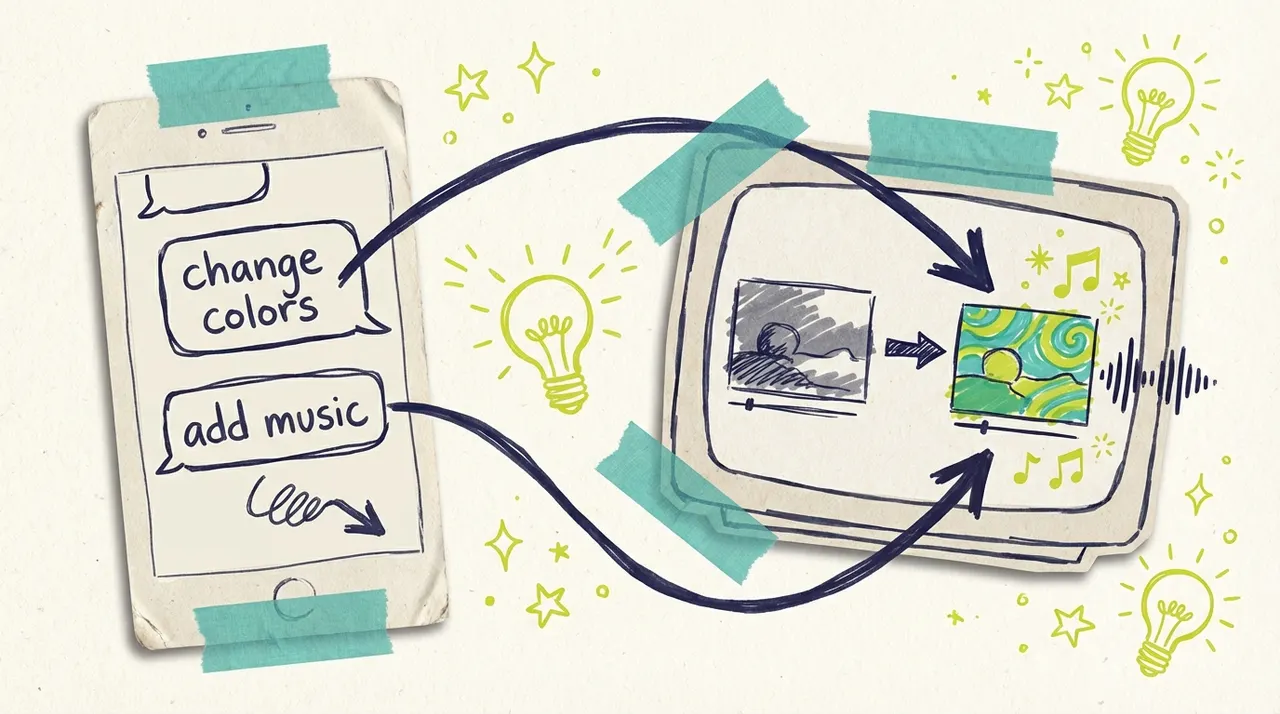
You literally just type what you want:
"Change the background color to navy blue"
"Swap the image in scene 3 with my pizza special photo"
"Make it more festive for Halloween"
"Translate everything to Spanish"
"Speed up the music"
"Add a different voiceover"
That's it. No timelines. No layers. No learning curve.
The AI understands what you want, makes the changes, and shows you the result. If it's not quite right, you keep chatting until it is. It's the same back-and-forth you'd have with a human editor, except it happens in seconds.
A Fundamental Shift: Intent vs. Instruction
This is bigger than just "easier editing." It represents a fundamental shift in how humans interact with software.
Traditional software is instruction-based. You learn what it can do, then you tell it exactly how to do it. Click this button. Drag this slider. Select this menu item. The burden is on you to speak the software's language.
Conversational interfaces flip this entirely. They're intent-based. You describe what you want to achieve, and the AI figures out how to achieve it. The software learns to speak YOUR language.
Think about the difference:
Instruction-based (traditional): "Select the text layer. Open the properties panel. Find the font dropdown. Scroll to find Montserrat. Select Bold weight. Adjust the size to 48pt. Nudge the position up 20 pixels."
Intent-based (conversational): "Make the headline bolder and move it up a bit."
Both achieve the same result. One requires knowing how the software works. The other requires knowing what you want.
This matters because most people already know what they want. They just don't know how to translate that into software actions. We remove the translation.
Graceful Degradation of Specificity
Here's something traditional software can't do: handle vague input gracefully.
If you tell Premiere Pro to "make it more blue-ish," nothing happens. The software needs exact values. RGB codes. Specific layers selected.
But humans don't think in exact values. We think in approximations, feelings, comparisons. "A little brighter." "Kind of like that other one." "More professional-looking."
Conversational interfaces handle this spectrum naturally. You can be as specific or as vague as you want:
Highly specific: "Change the headline color to #2A4365"
Somewhat specific: "Make the headline navy blue"
Vague but clear: "Make the headline darker"
Very vague: "The headline needs to pop more"
The AI interprets each appropriately. Specific requests get exact execution. Vague requests get intelligent interpretation. You're never forced to be more precise than you need to be.
This matches how we think about creative work. Sometimes you know exactly what you want. Sometimes you just know something isn't right. Both are valid starting points.
Why This Approach Works
We didn't build chat-based editing because it's trendy. We built it because it solves real problems for real business owners.
You Already Know How to Use It
Everyone knows how to have a conversation. You don't need to learn special terminology or memorize interface locations. If you can describe what you want, you can edit your video.
This is the same reason tools like ChatGPT and Claude have been so transformative. They meet users where they are. You don't need to learn a programming language to use them, you just describe your problem in plain English.
The End of Tutorials
Think about how you learn traditional software. You watch videos. You read documentation. You practice. You forget. You search for how to do that one thing again.
Conversational interfaces eliminate this entirely. There's nothing to learn. You just describe what you want.
Need to change a color? Ask. Need to swap an image? Ask. Need something you've never done before? Just ask. The "tutorial" is the conversation itself.
This is the end of "how do I..." searches. The answer is always the same: tell the AI what you want.
It Matches How Busy People Work
Small business owners don't have 2-hour blocks dedicated to "video editing." They have 5 minutes while waiting for a delivery. They have 10 minutes before opening.
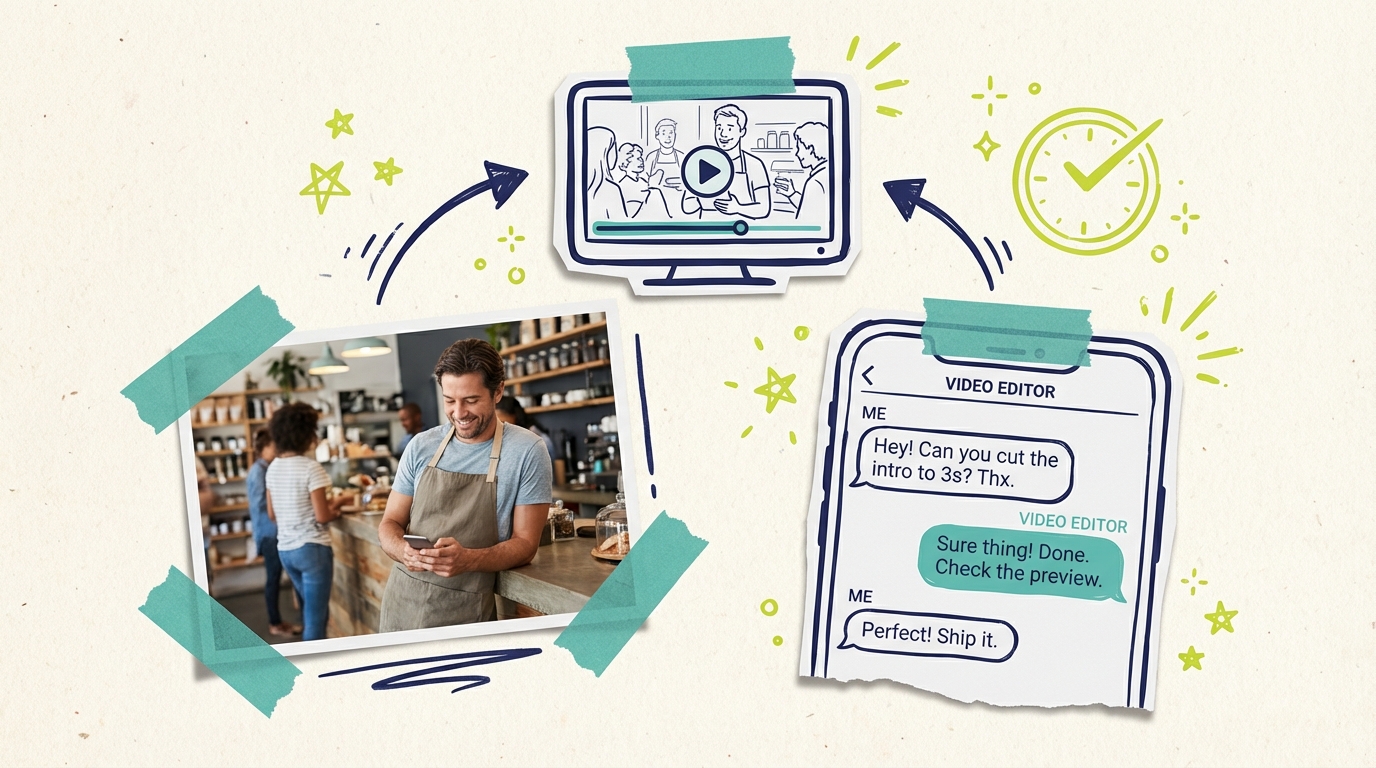
Chat-based editing fits into those stolen moments. You can make an edit from your phone while standing in line at the bank. You can refine your commercial during a slow lunch hour. You can swap out a seasonal offer while your morning coffee brews.
Discovery Through Conversation
Here's an unexpected benefit: conversational interfaces help you discover what's possible.
With traditional software, you only know about features you've explicitly learned. There might be a perfect tool for what you need, buried in a menu you've never opened.
With chat-based editing, you can explore naturally:
"What can I change about this?"
"Are there other music options?"
"Can you show me different color schemes?"
"What would make this feel more professional?"
The AI shows you possibilities you didn't know existed. It's like having an expert editor who can say "here are some things I'd suggest" rather than a tool that only does exactly what you click.
It Handles Complex Requests Simply
Try telling a traditional video editor to "make it feel more professional." It won't know what you mean. You'd need to translate that vague feeling into specific technical actions: adjust the color temperature, maybe add a lower third, consider the pacing.
Our AI understands intent. When you say "make it more professional," it knows that might mean cleaner fonts, more subdued colors, tighter pacing. It makes intelligent decisions based on what typically creates that effect.
Error Recovery Is Just Another Conversation
In traditional software, mistakes are costly. You need to know how to undo. You need to remember what state you were in before. Complex mistakes might require starting over.
With conversational editing, recovery is trivial:
"Undo that."
"Actually, go back to the previous version."
"That's not quite right, try something else."
"I changed my mind about the color."
Every mistake is just another message in the conversation. The AI handles the complexity of reverting state. You just describe what you want instead.
It Makes Video Editing Accessible to Everyone
This is perhaps the most important point. Traditional video editing tools exclude millions of people who could benefit from creating video content.
People who learn differently. People who don't have hours to invest in tutorials. People with visual impairments who struggle with complex interfaces. People who simply think in words rather than visual abstractions.
When you can edit through conversation, all of these barriers fall away. If you can describe what you want, you can create.
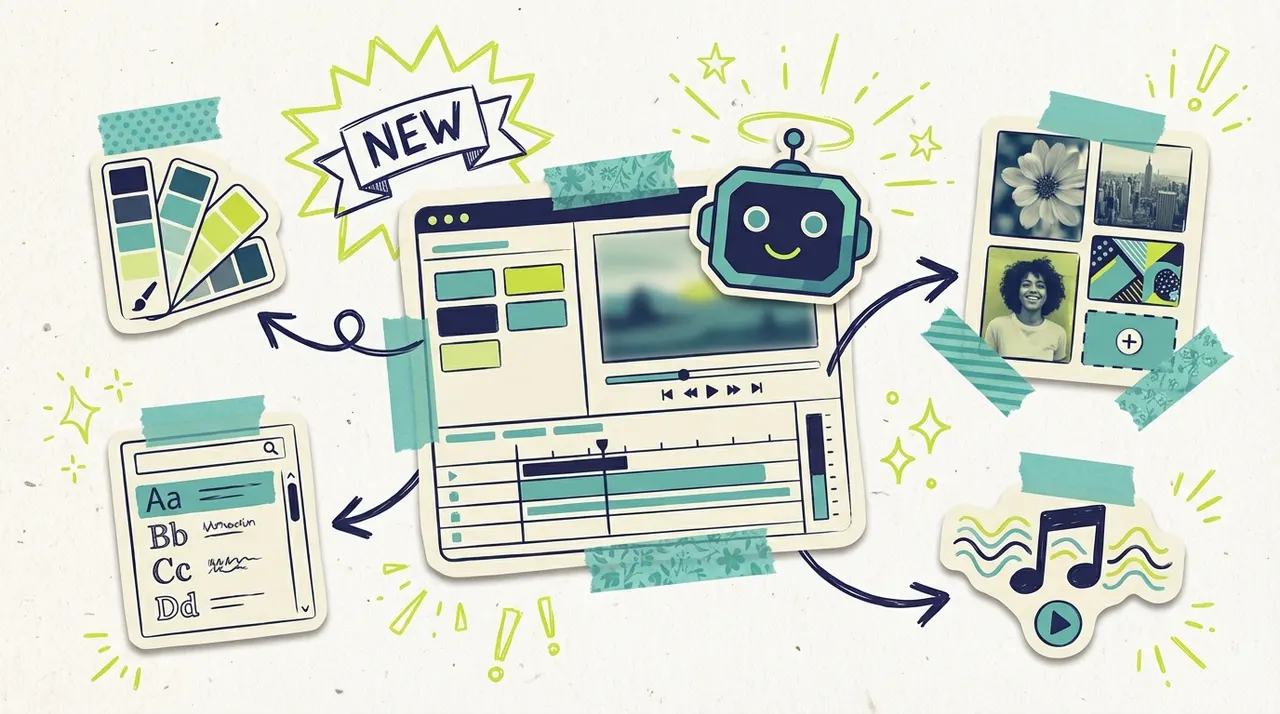
What You Can Do Through Chat
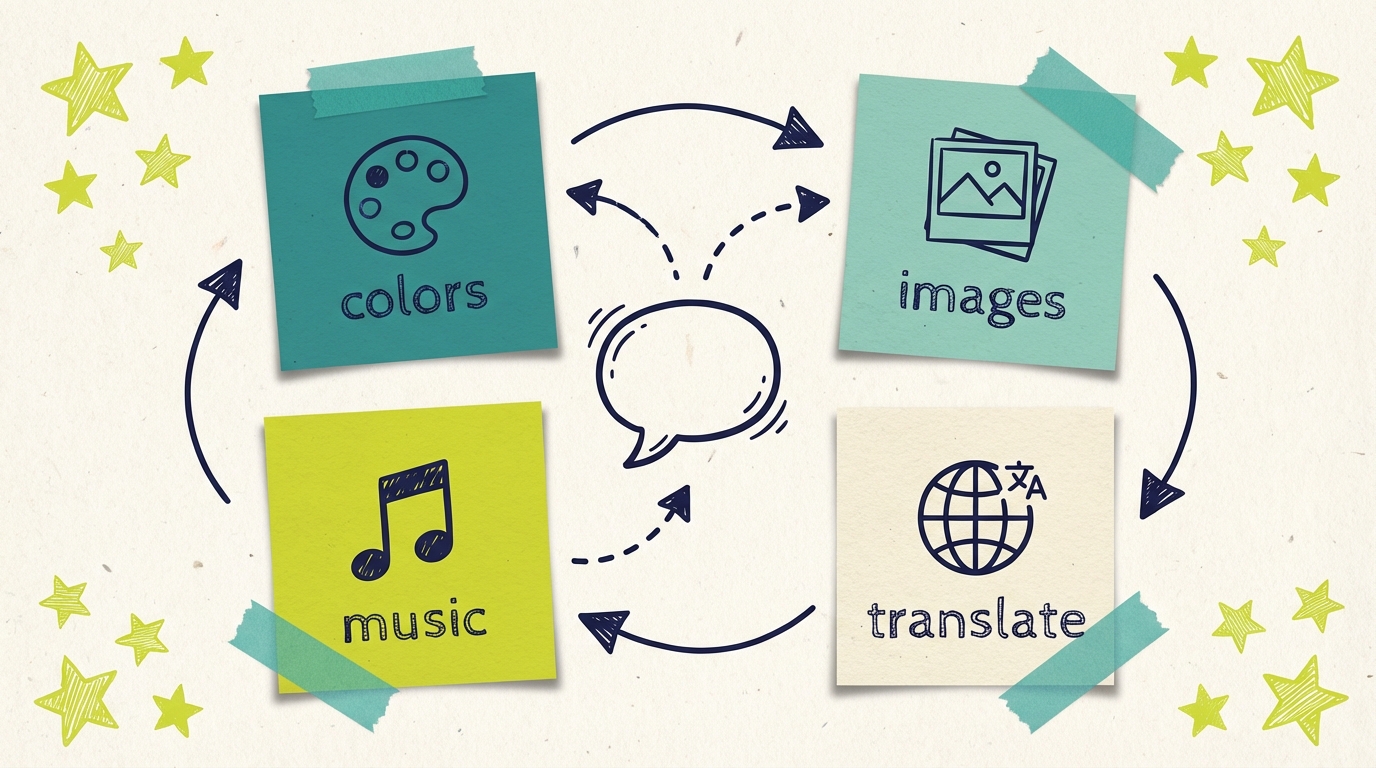
The chat interface isn't limited to simple changes. Here's what you can edit just by asking:
Visual Elements
Change colors anywhere in your video
Swap images or photos
Adjust fonts and text styling
Modify layouts and positioning
Audio & Voice
Change background music
Adjust voiceover style
Translate narration to different languages
Control pacing and timing
Content & Messaging
Edit text and headlines
Update offers and pricing
Change seasonal messaging
Refine your call to action
Overall Feel
Request specific themes (festive, professional, urgent)
Ask for style adjustments
Request mood changes
The AI handles the translation from your natural request to the technical execution. You stay focused on what you want your ad to say and feel.
The Expertise Inversion
There's a profound shift happening here that's worth naming: the expertise inversion.
Traditional software requires YOU to build expertise in the TOOL. You learn Premiere. You learn Photoshop. You learn After Effects. Your value comes from mastering complex interfaces.
Conversational AI inverts this. The AI builds expertise in YOU. The more you use it, the more it understands what you mean by "professional." It learns your brand. It remembers your preferences.
In the old model, you adapt to the software. In the new model, the software adapts to you.
This has huge implications. It means your first day using the tool can be nearly as productive as your hundredth. It means switching between devices or contexts doesn't mean relearning interfaces. It means the software gets better for YOU specifically, not just better in general.
We're just beginning to explore what this means. But we believe this inversion is the future of all creative software.
The Future Is Voice
Here's where this gets really interesting.
We believe the future of human-computer interaction is voice. Not just for video editing. For everything.
Think about it: typing is slow. Clicking through menus is slower. But speaking? We speak at 125-150 words per minute. We can describe complex ideas, nuances, and feelings naturally through speech.
The reason voice hasn't taken over software interfaces yet is that traditional software can't understand natural language. It needs precise inputs: clicks in exact locations, values in specific fields.
But conversational AI changes that. If software can understand "make it more professional" as text, it can understand "make it more professional" as speech. The input modality doesn't matter when the AI is interpreting intent, not instructions.
By building Adwave around conversational editing, we're not just making video editing easier today. We're building the foundation for a voice-first future.
For an offer update, specify the exact replacement wording and any changes to the video's tone. For example: "Replace 20% off with buy one, get one free." Review the revised ad before publishing.
By the time you arrive, your updated commercial is running on streaming networks across the country.
That's not science fiction. That's the logical extension of what we're building today. Voice is just a different way to have the same conversation.
The Philosophy Behind the Interface
Building this way wasn't just a product decision. It reflects our belief about who TV advertising is for.
For too long, television advertising was reserved for businesses that could afford production crews, editing suites, and media buyers. The tools matched that assumption: complex, professional-grade, requiring expertise.
We believe any business should be able to create professional TV commercials. That means the tools need to work for anyone, not just trained editors.
Chat-based editing is one piece of that democratization. When you can edit your video by describing what you want, the barrier isn't your software skills. The barrier is simply having a clear idea of what you want to communicate. And that's a barrier everyone can overcome.
AI as Collaborator, Not Tool
There's a subtle but important distinction in how we think about the AI in our editor.
Traditional tools are instruments. You pick them up, use them, put them down. The tool does exactly what you tell it, nothing more.
Our AI is more like a collaborator. You describe what you're trying to achieve, and it brings its own knowledge and judgment to the problem. It might interpret your request in ways you hadn't considered. It might make connections you didn't make.
You can direct the software through conversation as you develop the video.
What's Coming Next
We're just getting started. The current chat-based editor handles most editing needs, but we're continuously improving how the AI understands and responds to requests.
Future updates will make the conversation even more natural, handle more complex multi-step edits, and give you even finer control when you want it, all while keeping the simplicity that makes this approach work.
We're also building toward that voice-first future. The same AI that understands your typed requests will soon understand your spoken ones. Edit your commercial while your hands are busy. Refine your ad during your morning commute. Create while multitasking.
And we're exploring context persistence: the AI remembering your preferences, your brand guidelines, your past decisions. Each conversation building on the last. "Make it like the ad we did last month, but for the holiday season."
The goal remains the same: you describe what you want, and your video becomes that. Whether you type it, speak it, or (someday) think it.
Try It Yourself
The best way to understand chat-based editing is to experience it. Create your first ad with Adwave, and when you want to make changes, just tell it what you're thinking.
No tutorials required. No software to learn. Just a conversation with your commercial.
This is how all software will work eventually. You might as well start now.
---
Adwave makes TV advertising accessible for small businesses, starting at just $50. Create professional commercials in minutes and reach customers on 100+ premium streaming channels.