

If you want your Google Business Profile to generate more phone calls, you need to treat it like an important sales tool. That means filling out every single section, from your business description to your services list, and making sure your phone number is front and center. But it doesn't stop there, actively using features like Google Posts with a clear "Call Now" button is what turns a passive viewer into an active caller.
Why Your GBP Is the Ultimate Call Generation Tool
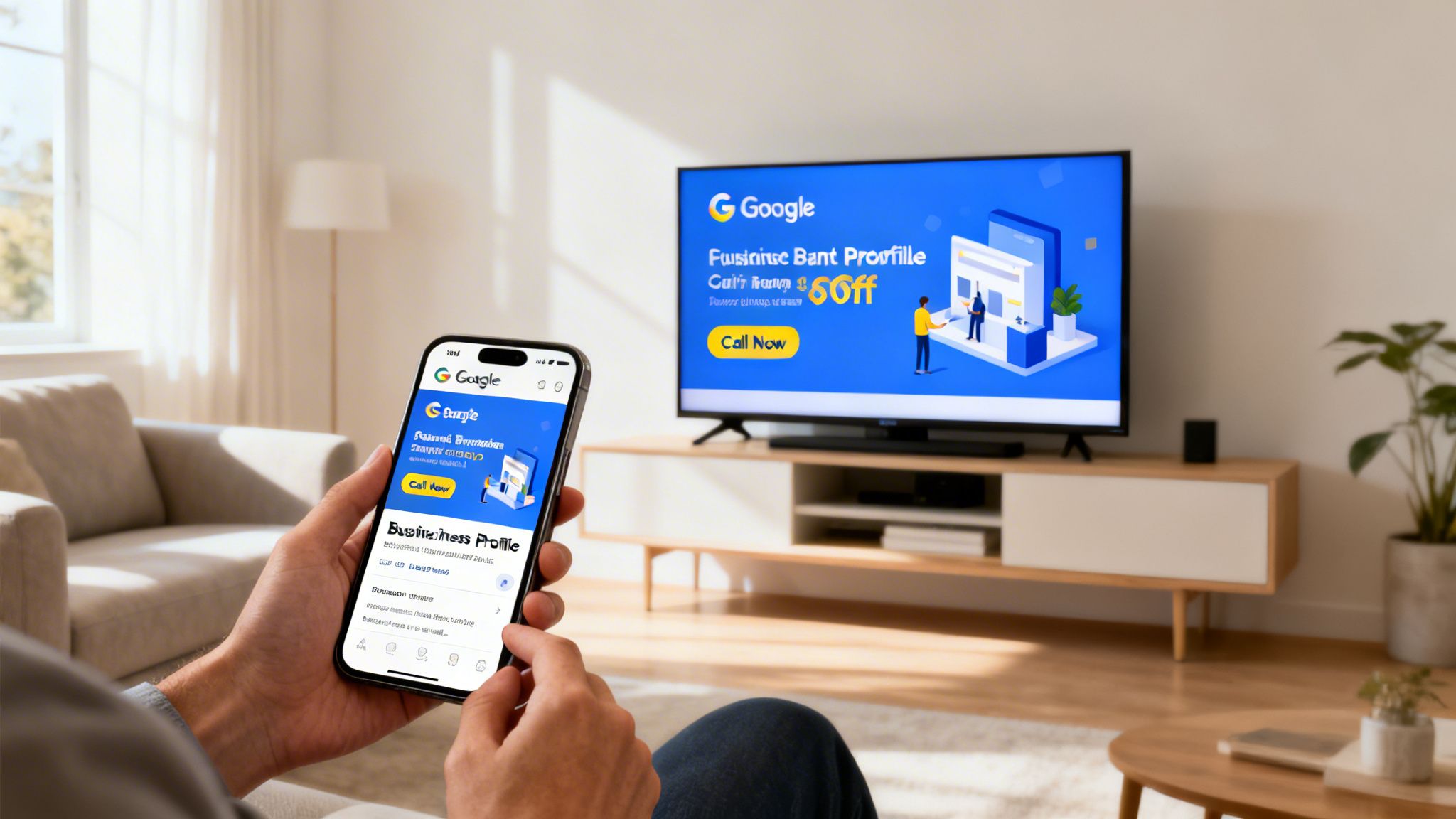
Think about this real-world scenario: a potential customer sees your latest TV ad. They're interested. What's the very next thing they do? They pull out their phone and Google your business name.
In that critical moment, your Google Business Profile is the first thing they see. It's your digital storefront, and its quality can be the difference between getting that customer's business or losing them to a competitor who looks more professional online. Your GBP isn't just a simple listing; it's a powerful engine for turning search interest into actual phone calls, especially when that interest is sparked by a high-impact TV campaign from a partner like Adwave.
Too many businesses set up their profile and then forget about it, which is a huge missed opportunity. A completely filled-out and active profile sends strong trust signals to both Google and your potential customers. I've seen firsthand how small, consistent tweaks can dramatically increase inbound calls and leads for local businesses.
The Direct Path From Profile to Phone Call
The link between a complete profile and a ringing phone isn't just a guess; it’s proven. A well-optimized profile ranks higher in local search results and on Google Maps, which puts your "Call" button right in front of people at the exact moment they need your services. It shows you’re a legitimate, active business, which makes customers far more confident in reaching out.
A well-maintained Google Business Profile is the digital equivalent of a welcoming storefront. It tells customers you are open, active, and ready to help, making them far more likely to pick up the phone.
The stats tell the story. On average, a verified Google Business Profile pulls in around 50 monthly calls. But businesses that take the time to fully complete their profiles see 12% more calls than those with sparse listings. It goes even further: these optimized profiles show up in 80% more searches and get 4 times more website visits.
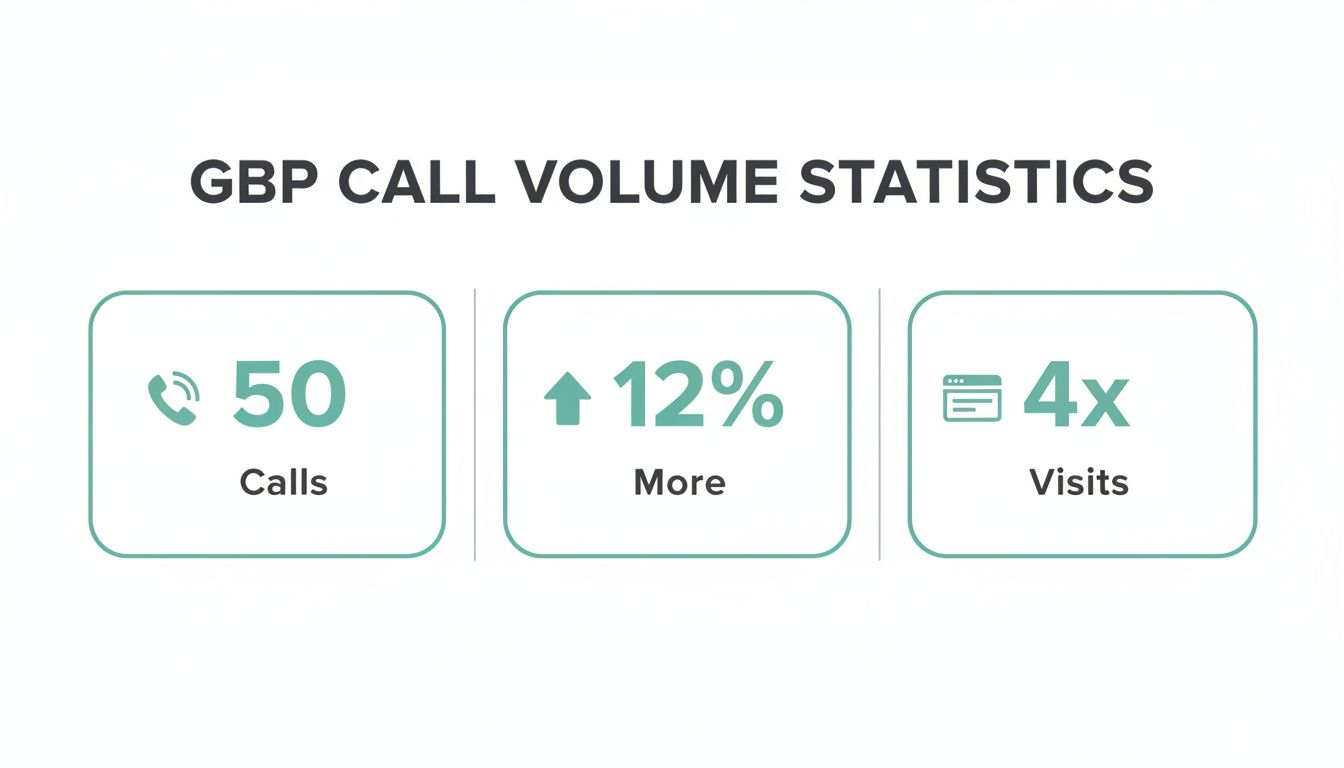
Simply put, the time you invest in your profile pays off directly in customer calls and new leads.
Core GBP Elements and Their Direct Impact on Calls
To make this even clearer, let's break down exactly how specific parts of your profile encourage customers to call you. Each element plays a distinct role in building trust and making it easy for someone to take that next step.
As you can see, optimizing these core components isn't just about checking boxes for Google's algorithm. It's about strategically guiding potential customers from discovery to dialing your number.
Tying It All Together with Your Marketing
This becomes even more effective when you sync it with your wider marketing efforts. Let's go back to that TV ad. You've just created a wave of local interest with a strategic campaign from Adwave. A fully optimized GBP is what you need to catch that wave.
It creates a connected journey for someone who just saw your ad to find your number and call, maximizing the return on your advertising spend. To get more ideas on building a connected strategy, take a look at our guide on how to market my business.
Getting the Basics Right: Your GBP Foundation
Before you start fine-tuning your profile to get the phone ringing, you have to get the fundamentals locked in. Think of it as pouring the concrete for a new house, if the foundation isn't solid, nothing else you build on top will matter. These core pieces of your profile are what both Google and your customers use to decide if you're a legitimate, trustworthy business.
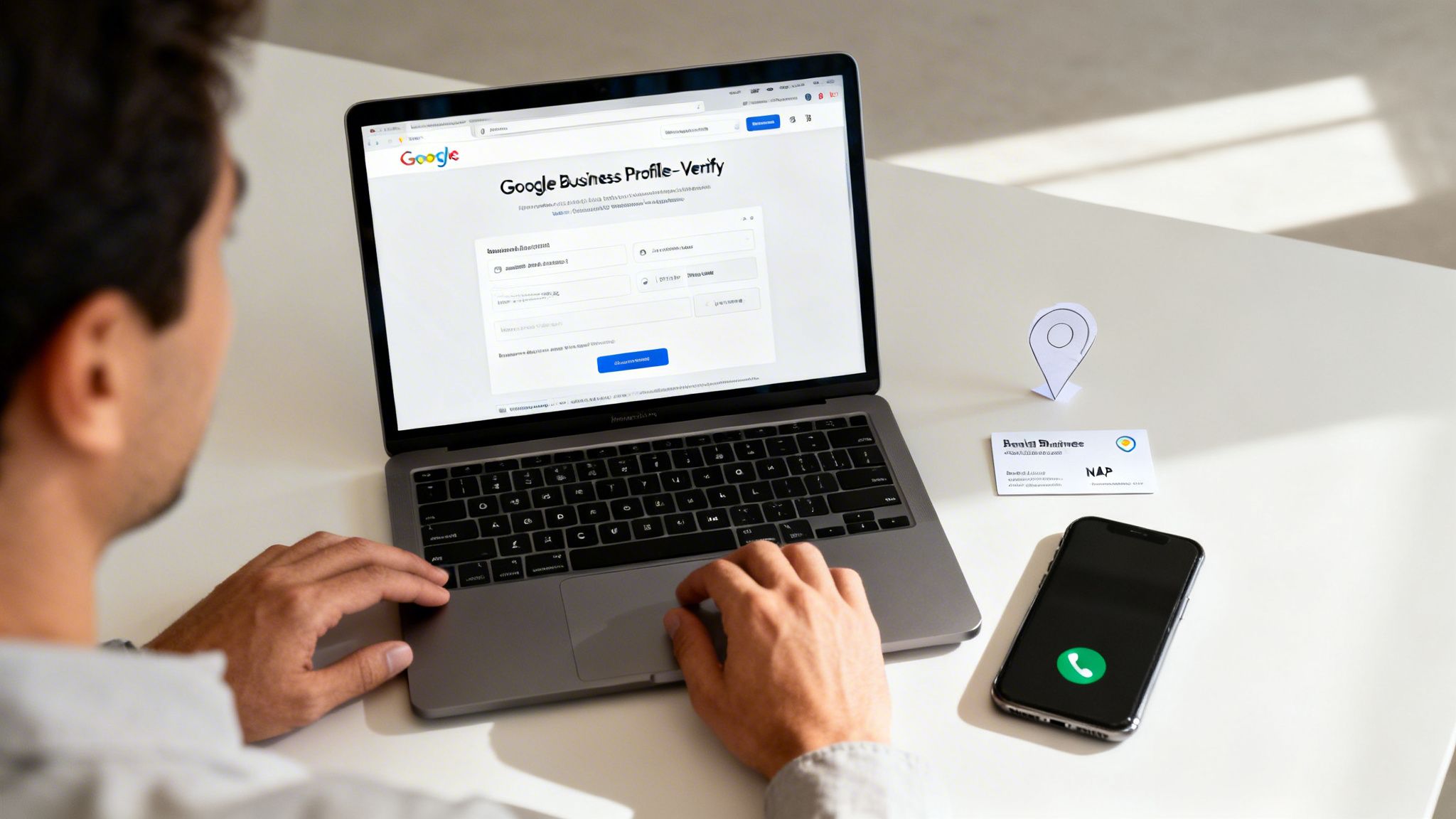
First things first: you absolutely must claim and verify your profile. This is non-negotiable. It’s the only way to prove to Google you’re the real owner and gain control over what people see. More importantly, that little "verified" checkmark is a huge trust signal for customers, making them feel confident that you're a real business and it's safe to call you.
Nail Your NAP Consistency for Local SEO
With your profile verified, the next critical task is to get your NAP (Name, Address, and Phone Number) perfectly aligned. This isn't just your contact information; it's your business's digital signature across the internet.
Consistency is everything here. Google is constantly cross-checking your NAP information with other online sources like Yelp, your own website, and industry directories to validate who you are. Even a tiny difference (like using "St." on your profile but spelling out "Street" on your website) can confuse the algorithm and tank your local search rankings.
When Google sees conflicting information, it flags your business as less reliable and might show a competitor instead. Your goal is to make it ridiculously easy for Google to see that your information is correct and consistent everywhere. That trust is what gets you shown to more local searchers.
Pick Categories That Bring in Ready-to-Buy Callers
Your business categories tell Google exactly what you do, and choosing them wisely is one of the most powerful ways to attract the right kind of calls.
Start by choosing a primary category that is as specific as humanly possible. If you're a plumber who mostly does drain cleaning, don't just pick "Plumber." Choose "Drain Cleaning Service." This kind of precision is what gets you in front of people with an urgent, specific need, the ones most likely to call right now.
Once your primary category is set, fill out the secondary categories to cover everything else you do. That same drain cleaning expert might add:
Plumber
Sewer Contractor
Water Heater Installation & Repair
This strategy ensures you show up for both hyper-specific searches and broader queries, casting a wider net to catch every potential customer looking for your skills.
Write a Business Description That Sells
You get 750 characters for your business description. Don't waste them. This is your prime opportunity to speak directly to a potential customer and convince them you're the right choice.
A winning description should:
Open with your unique value. What's the main problem you solve?
Weave in important keywords naturally. Mention your top services and the specific towns or neighborhoods you work in.
Show some personality. Are you the serious, no-nonsense expert or the friendly, neighborhood pro? Let that come through.
A well-written business description does more than list services, it persuades. It answers the customer's silent question: "Out of all the options, why should I pick you?"
Keep your business description consistent with your advertising so visitors can confirm the offer, location, and contact details. (starfish.reviews)
Finally, be crystal clear about your service areas. If you travel to your customers (like a plumber or mobile car wash), list the specific cities, zip codes, or even neighborhoods you cover. This stops you from wasting time with calls from outside your territory and helps Google serve your profile to the local searchers you can help.
Getting Customers Engaged and Picking Up the Phone
Okay, so you've got the basic profile information filled out. That’s a great start, but the real work (the part that gets the phone ringing) is just beginning. A "set it and forget it" Google Business Profile is a dead profile. It quickly becomes irrelevant to Google and, more importantly, invisible to potential customers.
To turn your profile into a genuine call-generating powerhouse, you need to be active. You have to use the dynamic features Google gives you to constantly engage people and give them a reason to act. This means consistently adding fresh content and interacting with your audience. An active, vibrant profile signals to Google that you're a real, thriving business, which helps you climb higher in local search and on Google Maps.
Use Google Posts to Drive Calls Directly
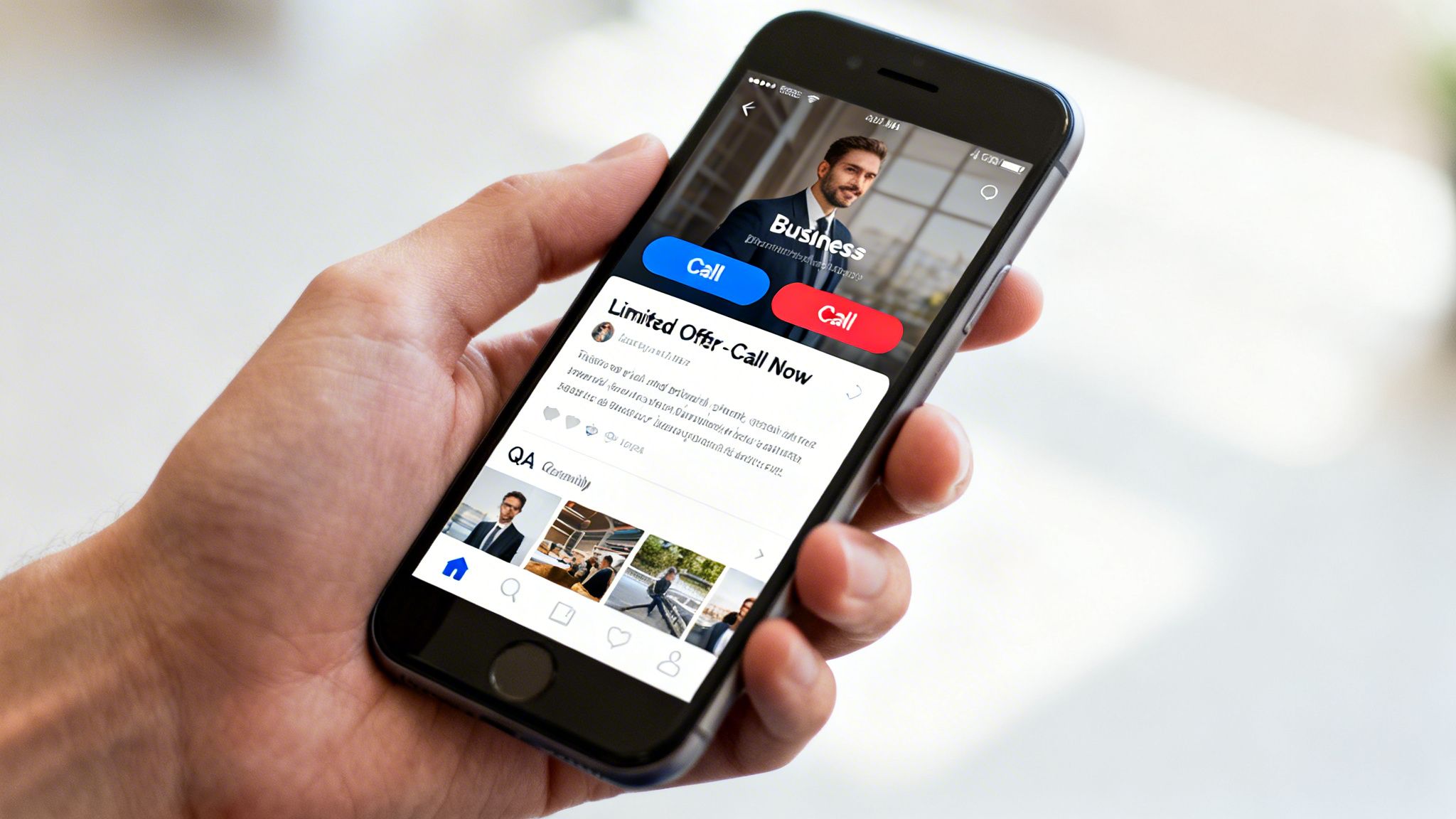
Think of Google Posts as free mini-ads that show up right on your profile. They are absolutely perfect for sharing timely updates, running a special, or announcing company news. For any business trying to drive more calls, this feature is a non-negotiable because you can add a "Call Now" button right on the post.
This is especially powerful when you sync it up with your other marketing efforts. Let's say you're a home services company running a TV ad campaign with Adwave. You can create a Google Post that mirrors the exact offer from the commercial. When a homeowner sees your Adwave spot for "20% off new HVAC installations," they can search your business and instantly see a post reinforcing that same deal, with a button to call you and book it on the spot.
An effective Google Post has a few key ingredients:
A high-quality, eye-catching image or a short video.
A punchy headline and a short, clear description.
A direct call-to-action (CTA), like the "Call Now" button.
Get Ahead of Questions with the Q&A Section
The Questions & Answers section is a wildly underused tool. So many businesses just ignore it, but it's a goldmine for handling customer concerns before they even need to call. You don't have to sit around waiting for customers to ask things. You can (and absolutely should) seed this section yourself.
Jot down the top 3-5 questions you get on the phone all day long.
"Do you offer free estimates?"
"What are your emergency service hours?"
"Are you licensed and insured?"
Go to your profile, ask these questions, and then immediately answer them as the business owner. This simple step removes friction and builds a ton of confidence. It makes it far more likely that a potential customer will call you for the right reason (like scheduling a job) instead of just calling to ask for basic info.
Tell Your Story with Photos and Videos
People trust what they can see. A profile with just a logo and a generic stock photo feels cheap and untrustworthy. Consistently uploading high-quality photos and videos is one of the single most effective ways to build trust and give customers a real feel for who you are.
Your visual gallery should be a mix of content:
Your Team: Let people see the friendly, professional faces behind the business.
Your Work: Before-and-after shots are pure gold. They show results.
Your Location: Clean photos of your office, storefront, or branded service vehicles.
Short Videos: A quick 30-second tour of your office or an introduction from the owner adds a human touch.
Visuals don’t just show; they prove. A robust photo gallery demonstrates your legitimacy and the quality of your work, making potential customers feel much more comfortable picking up the phone to hire you.
For any service business, from HVAC to roofing, mastering local visibility is everything. It's what prompts those direct client calls, a core theme in expert resources like this SEO playbook for plumbers. And visuals are a huge part of that playbook because they offer tangible proof of your skills.
Turn On Messaging for an Instant Connection
I know the goal here is to get more calls, but hear me out: the GBP Messaging feature is a fantastic stepping stone. It lets customers send you a direct message right from your profile, giving them an instant, low-pressure way to connect without committing to a phone call.
This feature is perfect for answering those quick questions that might not feel "important enough" for a full call. A fast, helpful response builds immediate rapport. From there, it's easy to guide the conversation toward a phone call to dig into the details. By providing instant value through chat, you turn a passive browser into an engaged lead who is now much warmer and more likely to become a paying customer.
Amplifying Your Profile with Advanced Local SEO Signals
Think of your GBP as the storefront; these off-page signals are the glowing reviews, the word-of-mouth referrals, and the consistent branding that convince Google you're a legitimate, trusted local player.
Cultivate a Five-Star Reputation with Customer Reviews
Reviews are pure gold for a local business. I can't stress this enough. They are the single biggest form of social proof you have. A constant flow of positive feedback doesn't just sway potential customers; it directly impacts your ranking. In fact, 77% of consumers say they 'always' or 'regularly' check reviews when looking for a local business.
Your game plan here has two simple, non-negotiable parts: get more reviews and respond to every single one.
Make it easy to leave a review. Don't just hope customers will do it. After you've finished a job and you know they're happy, send them a quick text or email with a direct link to your Google review page. The less work they have to do, the more likely they are to do it.
Reply to everyone, good and bad. Thanking someone for a great review is easy and reinforces their good decision. But how you handle a negative review is what sets you apart. Respond publicly with empathy, take ownership, and offer to make things right. This shows everyone (including Google) that you stand by your work.
Achieve Digital Consistency with Local Citations
A "local citation" is just a fancy term for any online mention of your business's Name, Address, and Phone number (NAP). You'll find these on sites like Yelp, your local chamber of commerce page, or industry-specific directories.
Consistency here is everything.
If Google finds one address for you on Yelp and a slightly different one on another directory, it gets confused. That confusion erodes its trust in your business, which can hurt your rankings. Your NAP needs to be 100% identical across the web. Same spelling, same abbreviations, same everything.
Every consistent local citation is another vote of confidence for your business in Google's eyes. It solidifies your digital footprint and proves you are a well-established local entity, which is a key factor in ranking higher and getting more calls.
Correct inconsistent business names, addresses, and phone numbers in your listings so customers can find you.
Create a Unified Presence with On-Page SEO
Finally, don't forget your own website. It’s a huge piece of the puzzle. Your website and your Google Business Profile should be working in tandem, not as separate entities.
Your site absolutely needs a dedicated page for each physical location. This page should feature local keywords and (you guessed it) your perfectly consistent NAP. Make sure this page is easy to find from your main navigation or footer.
When Google crawls your website and sees this optimized location page, it confirms all the data in your Google Business Profile. This creates a powerful feedback loop, boosting the authority of both your site and your profile. If you want to go deeper, consistently applying these kinds of local SEO tips for small business will make a real difference.
By weaving together these external signals (glowing reviews, clean citations, and a well-optimized website) you build a web of trust that Google can't ignore. This is how you move from just having a profile to having a true customer-generating machine.
Looking for more ways to make your mark locally? Check out some of our other local business marketing strategies.
Turning Adwave TV Viewers Into Ready-to-Buy Callers
Your Adwave TV ads are out there, getting your business in front of the right local homeowners and creating a huge wave of brand awareness. Someone sees your spot on a top-tier channel like NBC or Hulu, and it sparks their interest. But what happens next? That’s where your Google Business Profile comes in, acting as the important bridge to turn that viewer into a high-intent caller.
Think of it as a perfect one-two punch. Your TV ad builds the initial trust and name recognition. Then, when that interested viewer inevitably searches for you online, your perfectly tuned GBP makes it effortless for them to pick up the phone. This powerful coordination turns TV viewers into qualified leads and is one of the most affordable ways to drive real, measurable growth.
Mirror Your TV Offers with Google Posts
The most direct way to connect your TV campaign with your GBP is to mirror your on-air offers using Google Posts. Let's say a homeowner just saw your Adwave commercial for a "$99 Spring HVAC Tune-Up Special." They're interested, so they grab their phone and search for your company.
Imagine the first thing they see on your profile is a Google Post featuring that exact same offer, complete with familiar branding and imagery. You’ve just created a connected, reassuring experience that confirms they’re in the right place.
To pull this off, your Google Post needs a few key things:
A Familiar Image: Use a key visual or even a screenshot right from your TV ad.
Consistent Messaging: The language should echo your commercial. If the ad says, "Don't miss our $99 Spring Tune-Up!" your post should say the same.
A Clear Call-to-Action: This is the most important part. Use the "Call Now" button so they can act on that impulse the ad created.
This alignment instantly validates their decision to look you up and removes all friction, guiding them straight from watching to dialing.
Use Performance Data to Prepare for Call Spikes
One of the biggest advantages of a modern platform like Adwave is the access to real-time performance data. You can see exactly when your ads are running and which time slots generate the most buzz. This isn't just interesting data; it's a playbook for preparing your team to handle incoming calls.
If your Adwave dashboard shows that your ads are hitting their stride between 6 PM and 9 PM on weeknights, you know you need all hands on deck to answer the phones. Being ready for every ring ensures you don't lose the very leads your TV campaign is working so hard to generate. A missed call is a missed opportunity, plain and simple.
By syncing your team's availability with your ad schedule, you maximize the ROI of every dollar spent on TV. You’re not just buying airtime; you’re orchestrating a predictable flow of inbound leads.
This data-driven approach takes the guesswork out of advertising and turns it into a precise, tactical operation. For small businesses, that level of coordination makes all the difference. You can dive deeper into how this works by learning about streaming TV advertising.
This integrated strategy (combining the broad reach of Adwave's TV campaigns with the immediate, action-oriented power of an optimized GBP) is how you convert broadcast viewers into tangible business. It’s proof that TV advertising is more accessible and results-driven than ever before.
Tracking Your Success and Continuously Boosting Call Volume
Your first stop is Google’s own built-in reporting. Head over to the Performance section in your profile manager (this used to be called Insights), and you'll get a direct window into how people are finding and interacting with your business. It shows you the raw numbers for calls, website clicks, and requests for directions. Make it a habit to check this data regularly. Did you notice a big jump in calls right after you published a new Google Post about a special offer? That's a huge clue that your message hit the mark.
Uncovering True ROI with Call Tracking
While the Performance data is a great starting point, it doesn't give you the full picture. To really understand what’s driving calls, you need to implement call tracking. This is as simple as using a unique phone number that appears only on your Google Business Profile.
When a potential customer dials that number, a call tracking service instantly tells you the call came directly from your GBP. This is a useful option for a few key reasons:
Clear Attribution: You'll know with 100% certainty that a call came from your profile and not from your website, a social media ad, or a print flyer. No more guessing.
Campaign Measurement: This is critical if you're running broader campaigns with a partner like Adwave. When your TV commercial runs, you can directly link the spike in Google searches and subsequent calls from your profile back to that ad, proving its impact.
Deeper Insights: Many services can also record calls (with the proper legal disclosures, of course). Listening back to these conversations is an incredible way to do quality control and get a better feel for what your customers are really asking for.
This kind of detailed data is the foundation of smart marketing. If you’re putting money into advertising, you need to know exactly which efforts are making the phone ring. For a deeper dive, check out our complete guide on how to measure marketing ROI.
Using A/B Testing to Refine Your Strategy
Once you have solid tracking in place, you can start running small experiments to see what really moves the needle on call volume. This is often called A/B testing, and the concept is straightforward: change one thing at a time and see what happens.
Here’s how you can get started with a simple testing framework:
Form a Hypothesis: Start with an educated guess. For example, "I think that using a photo of my friendly team as the main profile picture will feel more personal and get more calls than the current picture of our storefront."
Change One Variable: Swap out only that main photo. Leave everything else exactly as it is.
Measure the Results: Let it run for a few weeks (at least two, maybe four) and keep a close eye on your call numbers.
Analyze and Iterate: Compare the call volume from the testing period to the period before it. Did the new photo work? Great, keep it! If not, switch back or try a completely different photo.
Don’t just optimize your profile once, continuously test its key elements. Small, data-driven tweaks to your photos, posts, and descriptions can lead to significant, sustained increases in phone calls over time.
You can apply this same test-and-learn approach to just about anything on your profile. Try different calls-to-action in your Google Posts. Experiment with the first sentence of your business description. By adopting a mindset of constant improvement, you’ll ensure your Google Business Profile is always working its hardest for you.
Got Questions About GBP? We've Got Answers.
When it comes to fine-tuning your Google Business Profile, a few common questions always seem to pop up. Let's tackle some of the ones I hear most often from business owners.
How Often Should I Really Update My Profile?
I always tell people that consistency beats intensity. You don’t need to live on your profile, but you do need to show up regularly. Aiming to add a new Google Post or a fresh batch of photos once a week is a fantastic rhythm to get into.
More importantly, jump on new reviews as soon as they appear. These consistent little pings of activity tell Google your business is alive, well, and actively serving customers. It keeps your profile from looking stale and signals relevance, which is exactly what the algorithm wants to see.
Do More Reviews Lead to More Phone Calls?
Without a doubt, yes. Think of it from a customer's perspective. When they see a business with a constant flow of recent, positive reviews, it builds immediate trust. That social proof is often the final nudge someone needs to stop scrolling and make a call.
Reviews aren't just for looks, they're a powerful trust signal. A high star rating and a healthy volume of reviews can directly boost your local search ranking, which means more eyes on your profile and more fingers tapping that "Call" button.
Is It Really Worth My Time to Respond to Negative Reviews?
Responding to a negative review might be one of the most critical things you do on your profile. A calm, professional, and helpful response shows everyone (including all your future potential customers) that you take customer service seriously. It proves you're committed to making things right.
Ignoring a bad review, on the other hand, silently tells people you either don't care or don't have an answer. By addressing criticism head-on, you can often neutralize the negative impact and showcase your business's integrity. It turns a potential negative into a public display of great customer care.
Adwave makes it surprisingly simple to get broadcast-quality TV ads on major networks, driving those TV viewers to find you online and become your next high-value callers. Learn how Adwave can help your business grow.


