Ready in minutes
AI builds your ad from a single prompt


July 14, 2026
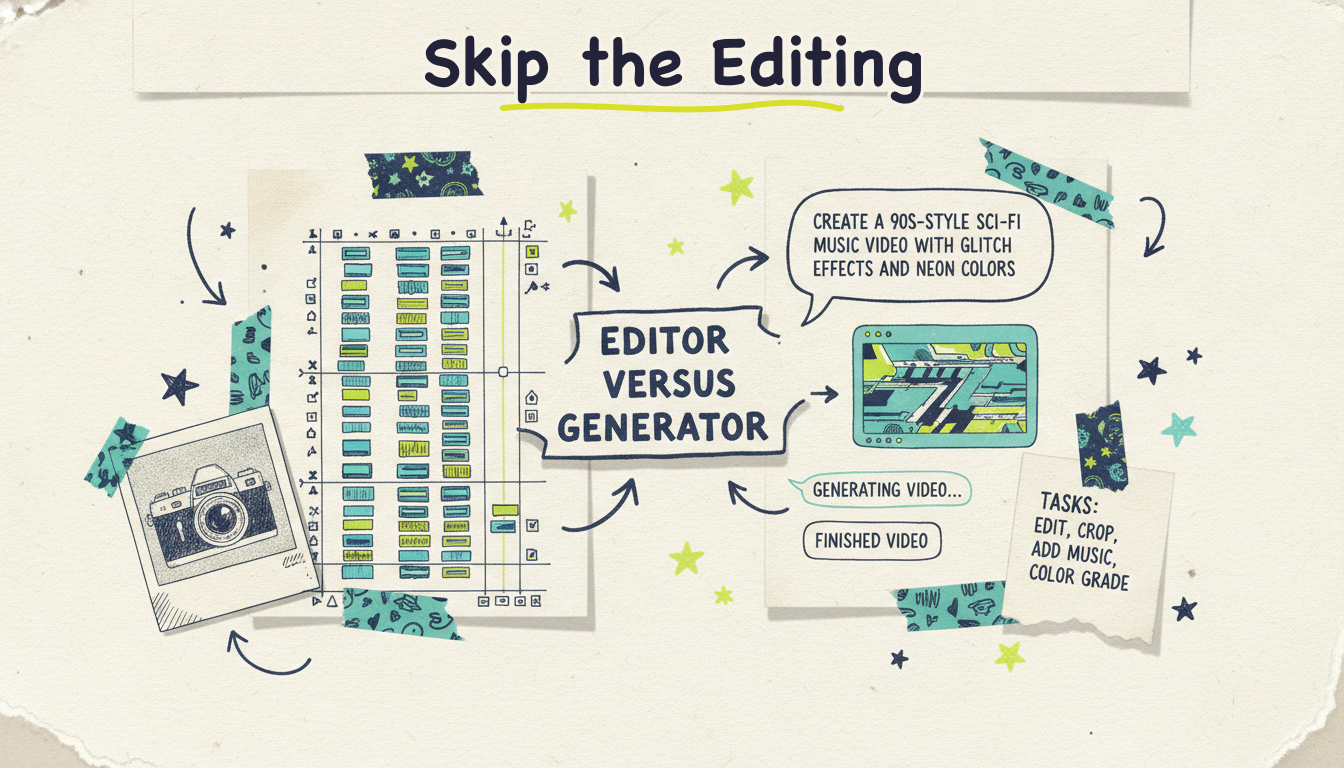
Looking for a VEED alternative? The short version: if you want faster subtitles, quick social trims, or a browser-based editor with AI helpers, most of VEED's direct rivals (Descript, CapCut, Canva, Kapwing) do similar work with different strengths. But if what you actually want is a finished video without doing the editing yourself, you need a different category entirely: an agentic video creator like Wavemaker, which researches, scripts, generates visuals, adds voiceover and music, and QC-checks the whole thing from a single prompt or URL.
Here's the thing about VEED. It's a genuinely good product. In-browser, no download, clean interface, excellent auto-subtitles, and a growing set of AI features. For editing footage you already have, it's one of the easiest tools around. But VEED is fundamentally an editor you drive. You're still the one making decisions on a timeline, trimming clips, arranging scenes, and assembling the result. The AI assists; it doesn't do the job for you.
So the right VEED alternative depends on what you're trying to escape. Below we break down seven options across two groups: editors that compete with VEED head-to-head, and generators that skip the editing entirely. Let's break this down.
Before the list, it helps to name the reasons people go shopping. When we look at what pushes users to search for something other than VEED, a few patterns show up again and again:
Pricing and export limits. Free-tier caps, watermarks, and export minute limits are the most common friction point across every browser editor, VEED included.
"I don't want to edit at all." This is the big one. Plenty of people don't want a better timeline. They want to describe a video and get one back. That's a different tool category, not a different editor.
Rendering and performance. Browser-based editors can feel slow on longer projects or heavier footage.
Missing generation. VEED edits what you bring. If you have nothing to bring (no footage, no script, no visuals), an editor can't help you start from zero.
Team and workflow needs. Collaboration, brand kits, API access, and automation matter more as you scale.
Keep those in mind as you read. The "best" alternative isn't universal; it's whichever one solves the specific thing VEED wasn't solving for you.
This is the distinction that saves you weeks of trial-and-error. VEED alternatives fall into two camps, and confusing them is why so many people pick the wrong tool.
Editors (you drive): VEED, Descript, CapCut, Canva, Kapwing. You supply the raw material (footage, images, a script) and assemble it, with AI features speeding up individual steps like captions, background removal, or filler-word cleanup. Great when you have content and want to shape it.
Generators (the tool drives): Wavemaker, Pictory, Fliki, InVideo AI. You supply an idea, a topic, a URL, or a document, and the tool produces a video. The difference within this group matters too: some assemble stock footage into a slideshow (Pictory, Fliki lean this way), while an agentic creator like Wavemaker runs a full production pipeline and generates custom visuals rather than pulling from a stock library.
If you keep opening VEED and thinking "I wish it would just make the video," you don't want a better editor. You want a generator. Start there.

What it is: Wavemaker is Adwave's agentic AI video creator. Instead of handing you a timeline, it hands you a finished video. Type an idea, paste a URL, or upload a document, image, or existing clip, and an AI production team handles the rest: research, script, AI storyboard, generated images and video clips, AI voiceover, BPM-aware music, and an AI vision QC pass at the end. Most videos come back in two to five minutes.
Best for: Anyone who wants a finished video without editing, from creators and educators to marketers and business owners. Especially strong if you're starting from nothing (no footage, no script) or from a URL or document you want turned into video.
Strengths:
Any input becomes a video. Free-form prompt, a topic the AI researches for you, a URL (it scrapes brand colors, imagery, and messaging into a creative brief), documents, images, or existing footage. Most tools do one input mode well; Wavemaker does all of them.
Finished videos, not clips or slideshows. The full pipeline produces voiceover, music with audio ducking, and a QC review, not raw clips (like Runway or Sora) and not stock-photo slideshows (like the repurposer tools).
Chat editing, no timeline. Want a change? Say "make the intro longer" or "swap the music" in plain language. There's no learning curve because there's no editor to learn.
API and MCP built in. A REST video API and a 13-tool MCP server mean you can generate videos from Cursor, Claude Desktop, Windsurf, or your own automation. That's rare in this space.
A genuinely free plan. The free tier gives you 75 credits, enough for a first video, at 480p with a watermark.
The TV bridge. This is the one nobody else has. When your video's ready, it can run as a real streaming TV commercial on 100+ networks through Adwave, starting from $50, alongside Google, YouTube, Meta, Reddit, and display. Most tools' story ends at the MP4 export. Wavemaker's can end on television.
Limitations: It's a generator, not a precision editor. If your job is trimming and arranging footage you already shot frame by frame, a timeline editor gives you more manual control. The free tier exports at 480p with a watermark; higher resolutions (up to 4K) and no-watermark exports come with paid plans.
Pricing (qualitative): A real free plan at $0 with 75 credits. Paid tiers add more monthly credits, higher resolution (up to 1080p, then up to 4K), no watermark, more seats, and API/MCP access on the mid and upper tiers. Credit packs are available and, notably, never expire. The value story here is different from the editors: you're paying per finished video, not per editing seat.
Bottom line: if the reason you're leaving VEED is "I don't want to edit," Wavemaker is the alternative that actually fixes that.
What it is: An in-browser video editor with a strong AI feature set. Auto-subtitles, translation, background removal, a text-based editing mode, and simple recording tools, all without installing anything.
Best for: Fast, clean edits of footage you already have, especially social clips that need accurate captions. It's a favorite for subtitle-heavy workflows and quick turnarounds.
Strengths:
Excellent auto-subtitles and translation, arguably its signature strength.
Genuinely easy to learn. The interface is clean and forgiving.
Runs entirely in the browser, nothing to download.
Handy extras like screen recording, background noise removal, and a decent template library.
Limitations:
It's an editor. You still assemble the video yourself; the AI assists individual steps rather than producing a finished result.
Can't start from nothing. If you have no footage or script, VEED has little to work with.
Free tier has export and watermark limits typical of the category.
Longer or heavier projects can feel sluggish in-browser.
Pricing (qualitative): Free tier with watermark and export limits, then tiered monthly subscriptions that unlock longer exports, more storage, and advanced AI features. Standard browser-editor pricing shape.
We're not here to knock VEED. It's a good editor. It just isn't a generator, and that's the gap that sends people looking.
What it is: Descript edits video and audio through a transcript. Delete a word in the text, and it disappears from the video. It's built around this text-based editing idea, plus strong podcast and screen-recording features.
Best for: Podcasters, course creators, and anyone doing talking-head or interview content who'd rather edit text than a timeline. Its filler-word removal ("um," "uh") and studio-sound features are standouts.
Strengths:
Text-based editing is genuinely faster for dialogue-heavy content.
Excellent audio tools, including AI voice cloning (Overdub) and noise cleanup.
Great for repurposing long recordings into short clips.
Screen recording and multi-track editing built in.
Limitations:
Still an editor. You bring the recording; Descript reshapes it.
Less suited to visually generated content; it excels at spoken-word material.
The transcript-first model has a small learning curve of its own.
Pricing (qualitative): Free tier with limits, then monthly plans scaling by transcription hours and export quality. Reasonable for individual creators, more for teams.
What it is: CapCut is a hugely popular editor (desktop, mobile, and web) known for a deep free tier and a fast, effects-rich workflow tuned for TikTok, Reels, and Shorts.
Best for: Social creators who want trending effects, quick captions, and mobile-first editing without paying much. If you live in short-form vertical video, CapCut is built for you.
Strengths:
Very generous free tier.
Massive library of effects, transitions, trending audio, and templates.
Fast and mobile-friendly, ideal for on-the-go editing.
Auto-captions and AI helpers built in.
Limitations:
Still manual editing at its core.
The interface can feel busy, and pro features sit behind the paid tier.
Best for social-length content; less suited to longer, structured pieces.
Pricing (qualitative): Strong free tier, with a Pro subscription unlocking premium effects, higher exports, and extra AI tools. One of the more affordable options.

What it is: Canva's video editor lives inside its broader design platform. If your team already uses Canva for graphics and social posts, its video tools fit naturally alongside them, with templates, brand kits, and a growing set of AI features.
Best for: Marketers, small teams, and non-editors who want simple, on-brand videos without leaving a tool they already know. Great for social graphics-meets-video work.
Strengths:
Extremely easy for non-editors; drag, drop, done.
Huge template and asset library, plus brand kits for consistency.
One subscription covers video, graphics, presentations, and more.
Solid team collaboration features.
Limitations:
Video is one feature among many, not the core focus, so it's less powerful than dedicated editors for complex work.
Template-driven output can look generic without customization.
AI generation features are lighter than a purpose-built generator's.
Pricing (qualitative): Free tier, then a Pro subscription that unlocks the full template library, brand kit, and premium assets. Priced as a design suite, not a video tool specifically.
What it is: Pictory is a text-to-video tool that takes a script, blog post, or long recording and assembles it into a video, largely using stock footage and automated captions.
Best for: Marketers and content teams repurposing written content or long videos into shorter, caption-heavy social pieces at volume.
Strengths:
Turns existing text into video quickly.
Good for repurposing webinars or blogs into clips.
Automated captions and scene selection save time.
Limitations:
Output leans on stock footage, so videos can look like everyone else's stock-based content.
It assembles rather than generates custom visuals, which is the key difference from an agentic creator.
Less control over the creative feel of the final result.
Pricing (qualitative): No free-forever tier historically (trial-based), then monthly plans scaling by video minutes and features. Aimed at regular, higher-volume use.
What they are: Two more generators worth knowing. Fliki focuses on turning text into video with a large library of realistic AI voices, good for faceless narration content. InVideo AI takes a prompt and produces a video, with editing via text commands, positioned toward creators and, increasingly, "serious creatives."
Best for: Faceless YouTube and narration-heavy content (Fliki), or prompt-to-video creators who want a broad template and stock ecosystem (InVideo AI).
Strengths:
Both start from text, so you don't need footage.
Fliki's AI voice library is a genuine strength for narrated content.
InVideo AI's prompt-and-refine flow is approachable.
Limitations:
Like Pictory, both lean heavily on stock footage rather than generating custom visuals throughout.
InVideo's pricing and credit model have drawn criticism (limited "free" access, credits that don't roll over); check current terms before committing.
Neither offers a path from finished video to television the way the Wavemaker-plus-Adwave bridge does.
Pricing (qualitative): Both use tiered subscriptions with credit or minute limits. Fliki has a limited free tier; InVideo's free access is more restricted than the name suggests. Compare current public pricing before you buy.
The table below sums up the seven tools. Remember the core split: the first tool is a generator (it makes the video), and the middle four compete with VEED as editors (you make the video), with Pictory, Fliki, and InVideo sitting on the generator side too but assembling stock rather than generating custom visuals.
Let's make this simple. Match the tool to the job:
You have footage and want faster, easier editing: stay close to VEED's category. Descript (for dialogue), CapCut (for social), or Canva (for on-brand team work) are your best swaps.
You want accurate subtitles above all: honestly, VEED is already excellent here, and Descript's transcript model is strong too.
You have text or a blog to repurpose: Pictory or Fliki assemble stock-based videos from your words.
You want a finished video from an idea, a URL, or a document, with custom-generated visuals and no editing: Wavemaker is the clear pick, and it's the only one on this list that can also put the result on streaming TV.
The good news is you don't have to guess. Every generator here has a free or trial tier, so you can test the exact workflow you care about before paying. Start with the tool whose category matches your problem, not just the one with the nicest interface.

Is VEED still worth using in 2026? Yes, if you're editing footage you already have. VEED remains one of the easiest browser-based editors, and its auto-subtitles are among the best in the category. The reason to look elsewhere isn't that VEED is bad; it's that VEED is an editor, and some people want a generator that produces the whole video for them.
What's the difference between a VEED alternative and an AI video generator? An alternative like Descript or CapCut is still an editor: you assemble the video yourself with AI helping individual steps. A generator like Wavemaker produces a finished video from a prompt, URL, or document, handling script, visuals, voiceover, music, and quality review for you. If you want to stop editing entirely, you want a generator, not another editor.
Which VEED alternative has the best free plan? It depends on what you need. CapCut has a famously generous free editing tier. For generation, Wavemaker offers a genuinely free plan with 75 credits (enough for a first video) at 480p, which stands out because some "free" generator tiers are more restricted than they appear. Test the free tiers directly before committing.
Can any of these tools turn a website into a video? Wavemaker can. Paste a URL and it scrapes the site's brand colors, imagery, and messaging into a creative brief, then generates a video from that. Most editors, including VEED, can't do this because they edit the material you upload rather than researching and generating from a source.
Which alternative works best for developers and automation? Wavemaker is built for this, with a REST video API and a 13-tool MCP server that works in Cursor, Claude Desktop, Windsurf, and other MCP clients. You can generate videos programmatically or inside an agent workflow. Most editors in this list are interface-first and don't offer comparable API access.
Can I run any of these videos as a TV commercial? Only through the Wavemaker-plus-Adwave bridge. A finished Wavemaker video can run as a real streaming TV commercial on 100+ networks through Adwave, starting from $50, alongside Google, YouTube, Meta, Reddit, and display. The other tools stop at the file export.
If you've been fighting a timeline when all you wanted was a finished video, try the tool that makes it for you. Create your first video free with Wavemaker (75 credits, enough for your first one, no card required). Describe an idea, paste a URL, or upload a document, and get a finished video back in minutes. And when it's ready, Adwave can put it on streaming TV from $50.