

You’re running a business, not a publishing machine. But social media doesn’t care that you’re also handling customers, inventory, payroll, hiring, and the daily fires that eat half the week. If posting happens only when you “get a minute,” your feed turns inconsistent fast. Promotions go out late. Seasonal offers miss the window. Good customer photos stay buried in your camera roll.
That’s where a scheduler earns its keep. It doesn’t replace strategy, voice, or customer interaction. It removes the repetitive part. You batch a week or a month of posts, load them into a calendar, and stop reopening five apps every day just to stay visible. For a small business, that’s not a convenience. It’s an operational advantage.
This list focuses on the Best Social Media Scheduling Tools for Small Business, but the bigger point is workflow. Social scheduling works best when it supports a broader campaign, not when it lives in a silo. If you’re promoting a sale, open house, event, new product line, or service launch, your social posts should reinforce the same message people see elsewhere. That’s one reason platforms like Adwave fit naturally into the mix. A local business can run affordable TV campaigns through Adwave while using a scheduler to time supporting social posts around the same promotion, offer, or brand push.
Not every tool here is built for the same job. Some are ideal for solo owners who just need simple scheduling. Others are better for agencies, multi-location brands, or teams that need approvals, reporting, and inbox management. The right choice depends less on feature count and more on whether the tool matches how your business is run.
1. Buffer
Monday opens with three jobs at once. A customer needs a reply, this week’s promo still is not scheduled, and someone on your team is asking which post is supposed to go out today. Buffer is a good fit for that kind of business. It keeps social publishing simple enough to maintain, which is why many small teams stick with it instead of abandoning the tool after two weeks.
Buffer has been around for years, and that shows in the product. The interface is clean, the queue is easy to understand, and the setup does not ask a small business owner to think like a social strategist just to get posts on the calendar. That matters. A tool only produces ROI if your team uses it consistently.
Why Buffer works for lean teams
Buffer makes sense for businesses that need a reliable posting system more than a full social operations platform. You can draft content in batches, load the queue, review basic performance, and make timing adjustments without handing the work to a specialist.
I usually recommend Buffer to service businesses, solo operators, and small in-house teams that are trying to fix a discipline problem first. If posting happens irregularly now, a lighter tool often beats a feature-heavy one.
The trade-off is clear. Buffer stays approachable because it does less than all-in-one platforms built for larger teams. If you need deep approval chains, advanced social listening, or heavy inbox workflows, you will outgrow it faster. If your priority is consistent publishing without extra friction, that restraint is part of the value.
Best fit: Solo owners, local service businesses, and small teams that need a dependable posting routine
What works well: Batch scheduling, basic analytics, and a clean publishing workflow
Watch for: Pricing can become less attractive as you add more channels and users
Practical rule: Choose the scheduler your team will open every week. For many small businesses, Buffer wins on usability, not feature count.
Where Buffer fits with Adwave
Buffer works well when social is supporting a larger campaign. A local business running a promotion through Adwave can use Buffer to schedule teasers before the launch, reminders while the TV spot is airing, and follow-up posts after the campaign starts generating awareness. That keeps the message consistent across channels without creating more manual work.
That is the bigger point. Social scheduling should support brand building, not operate as its own disconnected task list. If you are building repeatable campaign systems, Adwave’s guide to marketing automation for small businesses is a useful companion to Buffer. Use TV to expand reach, then use scheduled social posts to reinforce the offer, timing, and brand message people already saw elsewhere.
Learn more at Buffer.
2. Later

Later makes the most sense when your social presence is driven by visuals first. If your business depends on Reels, product shots, before-and-afters, walkthroughs, story sequences, or creator-style content, Later’s planning environment feels more natural than a text-first scheduler.
That’s why retailers, salons, restaurants, agents, and lifestyle brands often get value from it quickly. You can see the feed, plan the sequence, and keep the creative side organized without wrestling with a spreadsheet mindset.
Best for visual content pipelines
Later’s strength is the calendar itself. It’s built for teams that care what the grid looks like, how short-form video is spaced out, and whether the next two weeks of content feel balanced. That sounds cosmetic until you’re managing promotions on Instagram and TikTok. Then it becomes operational.
Its higher tiers add deeper planning and analytics tools, which are useful if social content is a real acquisition channel for you. If it’s mostly a place to stay active, Later can feel richer than necessary.
Best fit: Instagram-heavy brands, creators, boutiques, restaurants, and businesses selling through visual storytelling.
What works well: Planning reels, coordinating product drops, and keeping content approvals moving.
Trade-off: Some advanced analytics and listening capabilities are reserved for higher tiers.
If follower growth is a key objective, Adwave’s guide on how to gain more real followers on Instagram complements Later well. Later helps you execute the calendar. That resource helps you tighten the content strategy behind it.
Where Later helps and where it doesn’t
Later is excellent for content presentation. It’s less compelling if your main pain point is customer response management, approvals across large teams, or tying social activity to sales workflows. In those cases, other tools on this list go deeper.
Still, for businesses where visuals drive response, it’s a practical choice. Think local retail, real estate listing promotion, hospitality, beauty, fitness, or food. If your audience decides with their eyes first, Later has a clear advantage.
It also pairs well with Adwave when you’re running awareness campaigns and want social to echo the same creative direction. A TV spot can create recognition. Later helps you keep that look and message coherent across short-form platforms.
See the platform at Later.
3. Zoho Social
Zoho Social is the option I look at when a business wants social media tied closer to actual operations. Not just posting. Not just engagement. Actual handoff into sales or service workflows.
If you already use Zoho CRM or Zoho Desk, this tool gets more interesting fast. The value isn’t only in scheduling. It’s in keeping social activity connected to the systems where leads, contacts, and support conversations already live.
Best when social needs to connect to sales
A lot of small businesses outgrow basic scheduling because they want better continuity. A prospect messages on social. Someone comments on an offer. A local lead asks a question after seeing a listing or promotion. That shouldn’t disappear into a different workflow.
Zoho Social is a good fit for businesses that think that way. It includes bulk scheduling, best-time posting, and a unified messaging experience on paid tiers. Its main draw is that it can sit closer to the rest of your business stack.
Best fit: Businesses already using Zoho, B2B service firms, and teams that want social activity tied to CRM or support.
What works well: Scheduling, shared visibility, and reducing handoff friction between marketing and sales.
Trade-off: Pricing by brand can become less attractive for multi-location businesses.
Practical use case
A real estate office, home services company, or local finance firm can use Zoho Social to schedule the weekly content calendar, then route interested leads into a CRM process instead of leaving them in a social inbox. That sounds basic, but it’s where a lot of social strategies break down. Posting is easy. Follow-through isn’t.
Zoho Social isn’t the most visually polished tool in this list, and it isn’t the simplest either. But for businesses trying to create a tighter operational loop, it’s a sensible pick.
Social works better when a lead doesn’t die in the comments section.
That’s also where Adwave can complement it. If a business runs a TV campaign to create demand, Zoho Social helps manage the social side of response and continuity. One channel creates attention. The other keeps inquiries and conversations organized.
Visit Zoho Social.
4. Loomly
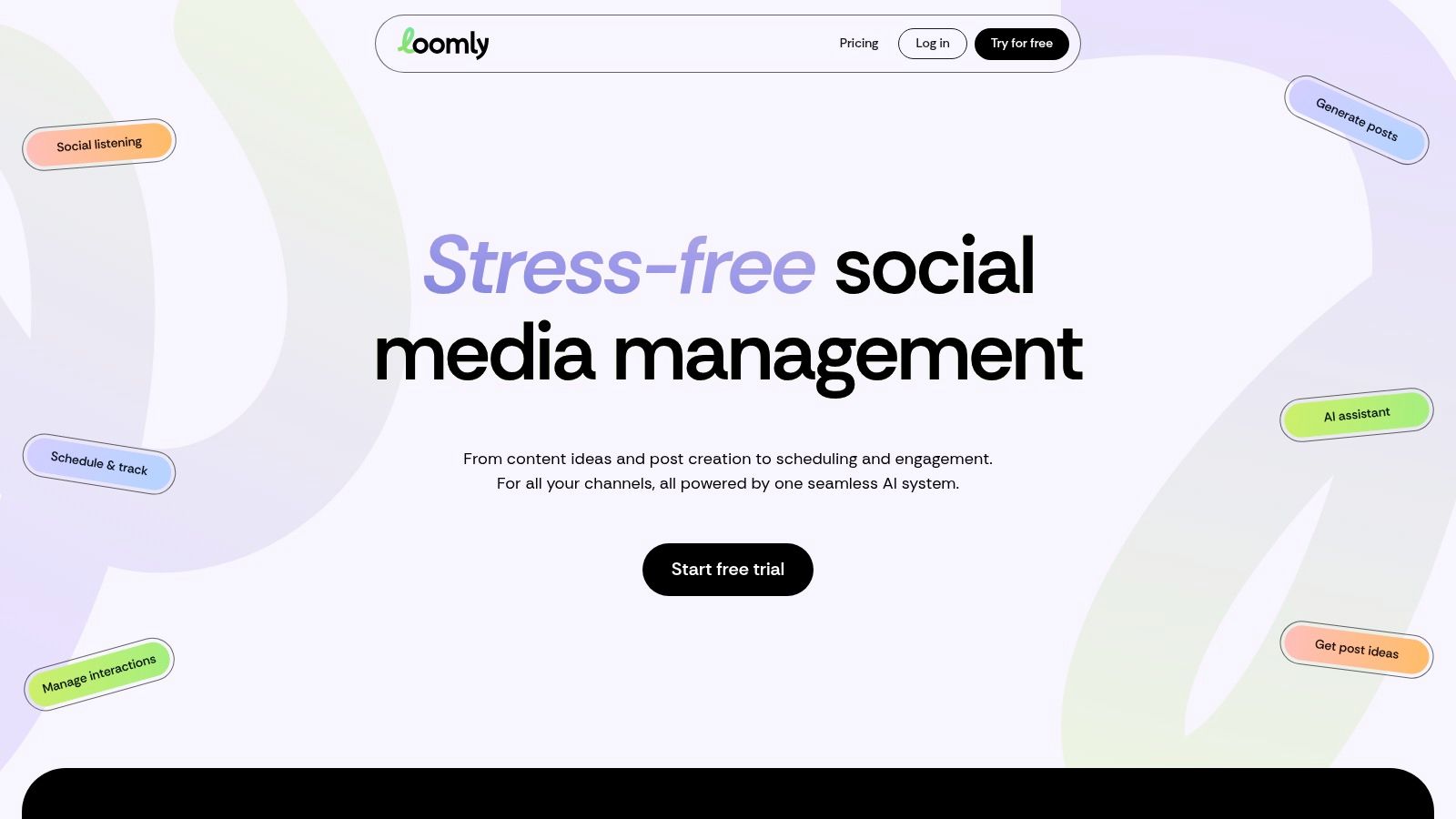
Loomly is built for one of the most common small-team problems. Too many people touching content, and no clear approval path before something goes live.
If you’ve ever had a manager text edits after a post is already scheduled, or a client ask to review drafts in email, Loomly solves that mess better than most lightweight tools. It’s calendar-centric, approval-friendly, and easier to understand than many enterprise suites.
Strong for approvals and team visibility
Loomly works well when more than one person has input but you still want the process to stay simple. It gives teams custom roles, approval steps, content prompts, and a central place to keep draft discussions.
That makes it a good fit for:
Small marketing teams: Everyone can see what’s pending, approved, and scheduled.
Agencies with local clients: Clients can review without turning the process into endless email chains.
Brand-sensitive businesses: Franchises, multi-staff offices, and businesses with legal or compliance review needs get more control.
The trade-off is price. Loomly isn’t the cheapest entry point if all you want is basic scheduling. And if your priority is deep social listening or advanced analytics, it won’t replace a more robust suite.
Where Loomly earns its keep
Loomly is less about raw publishing power and more about reducing internal chaos. That’s valuable for businesses where several people contribute ideas but no one wants social media to become a bottleneck.
I especially like it for businesses working with outside help. A local retailer with a freelance designer, a real estate team with an in-house coordinator, or a service brand with agency support can keep content reviews in one place and move faster.
It also pairs cleanly with Adwave campaigns. When a business is promoting a new location, seasonal push, or event on TV, Loomly helps the team keep matching social content approved and on-brand. That consistency matters more than most owners realize.
Explore it at Loomly.
5. Sendible
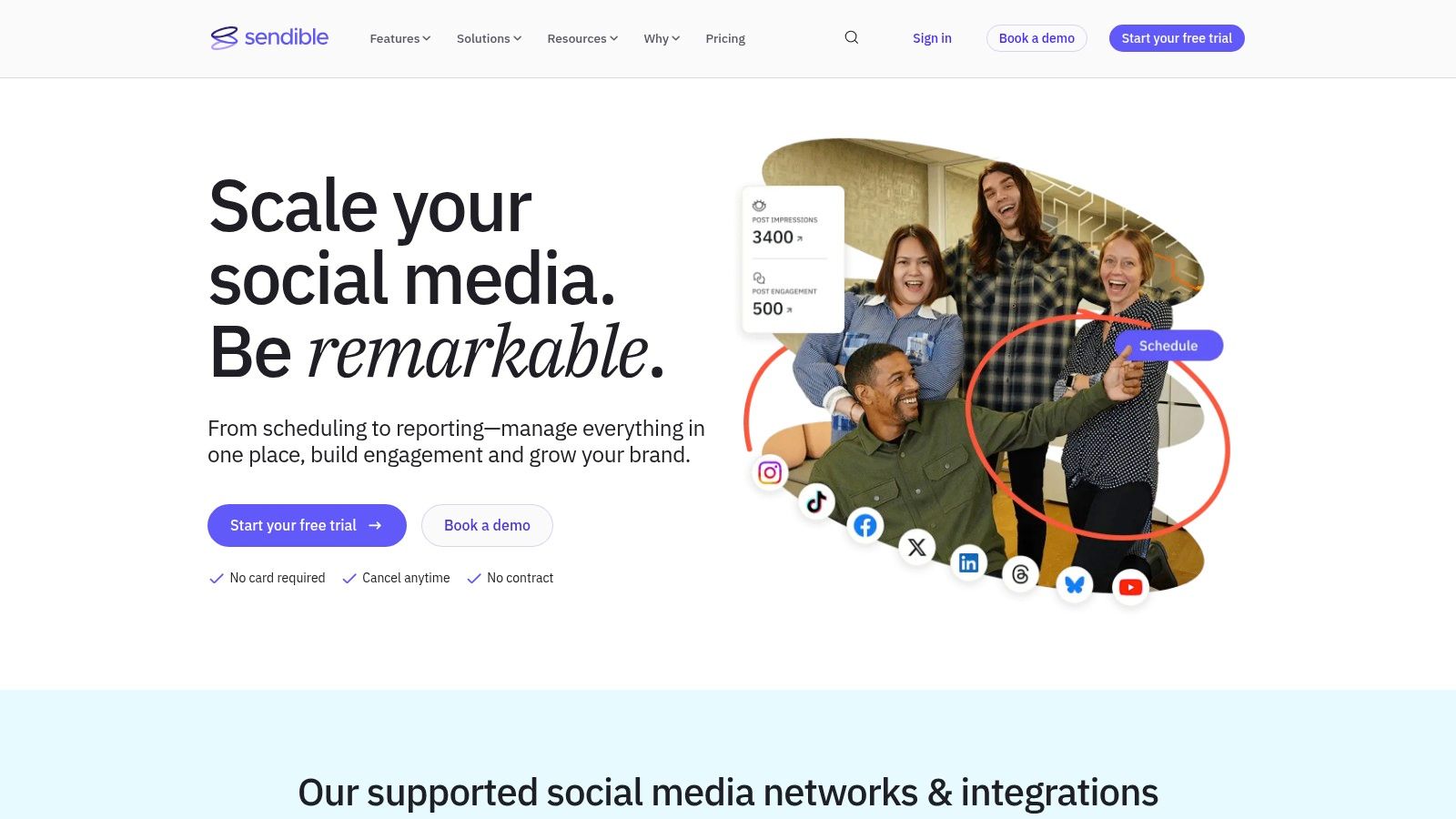
Sendible has always made the most sense to me for agencies and consultants managing multiple small business accounts. It’s not trying to be the slickest platform in the category. It’s trying to make recurring client work manageable.
That distinction matters. If you handle several local businesses at once, the reporting, workspace separation, approvals, and white-label options become more important than whether the interface feels trendy.
Best for agencies serving SMBs
Sendible is built around repeatable client delivery. You can batch schedule, manage dashboards, and create branded reporting without hacking together several tools. That saves time if your business model depends on handling multiple calendars every month.
For an agency serving restaurants, dentists, real estate teams, or home services companies, that’s useful because social often sits alongside broader campaign support. If the same client is also running local awareness through Adwave, Sendible helps the agency keep supporting content organized and presentable.
Best fit: Agencies, freelancers, and in-house marketers handling multiple brands.
What works well: Client reporting, content approvals, and account separation.
Trade-off: Costs and feature access vary by plan, so you need to check the tier details carefully before scaling.
What small businesses should know
If you’re a single-location business managing only your own pages, Sendible can be more than you need. You’re paying for agency-friendly workflow features, not just scheduling.
But if you have several brands, multiple locations, or an outside partner handling content, it becomes more attractive. It brings structure to a client-services style workflow. That’s where it earns its keep.
The platform is especially practical when a local business wants coordinated marketing across channels. Social doesn’t operate in isolation. Neither should the reporting around it.
Take a look at Sendible.
6. Agorapulse
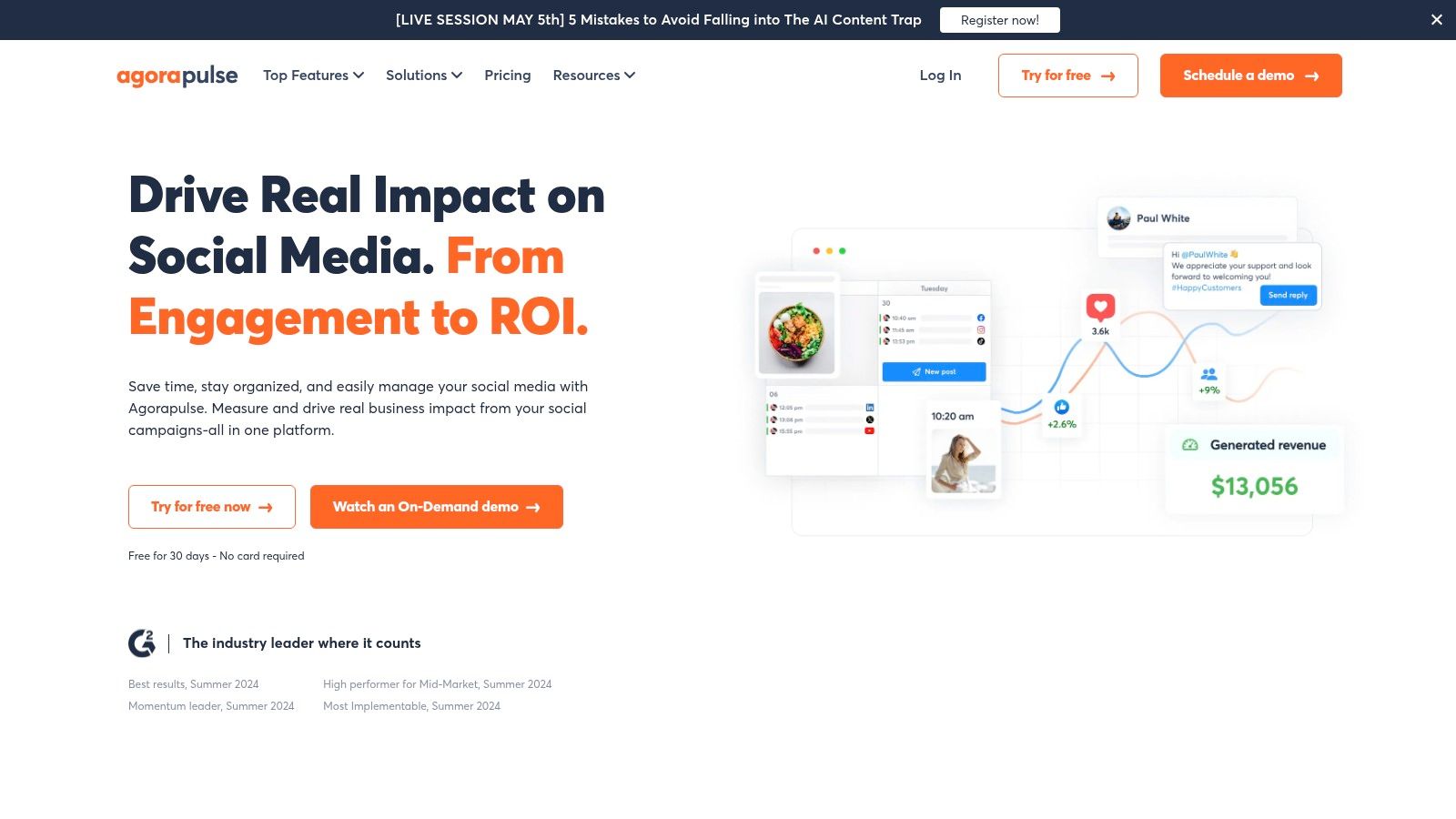
Agorapulse is one of the stronger picks when your problem isn’t just publishing. It’s response volume. Comments, messages, ad replies, team assignments, moderation. That’s where this platform starts to separate itself.
A lot of schedulers are fine until the account gets busy. Once customers start replying, asking questions, or reacting to promotions, the inbox becomes the main workload. Agorapulse is built with that in mind.
Best for active community management
The unified inbox is the main reason to choose Agorapulse. If your business gets regular engagement across multiple platforms, having one place to manage conversations is worth a lot. It’s especially helpful for businesses that need response discipline, like dealerships, clinics, retail stores, or local service businesses.
Its collaboration tools and reporting also make sense for teams, not just solo users. You can assign work, track activity, and avoid duplicate replies.
Field note: The minute your team starts saying “I thought someone already answered that,” you need a stronger inbox workflow.
Best fit: Small teams with active comments and DMs, plus agencies with ongoing engagement responsibilities.
What works well: Inbox management, moderation, and shared workflows.
Trade-off: Per-user pricing can get expensive as more team members need access.
A practical way to use it
Agorapulse fits businesses running campaigns that trigger conversation. If you launch a promotion on social, support a TV ad through Adwave, or drive traffic to a limited-time offer, someone has to handle the reaction quickly. Here, a scheduler becomes a response platform too.
The scheduling side is solid. The bigger advantage is operational control after the post is live. If that’s your bottleneck, Agorapulse deserves a serious look.
Visit Agorapulse.
7. Metricool
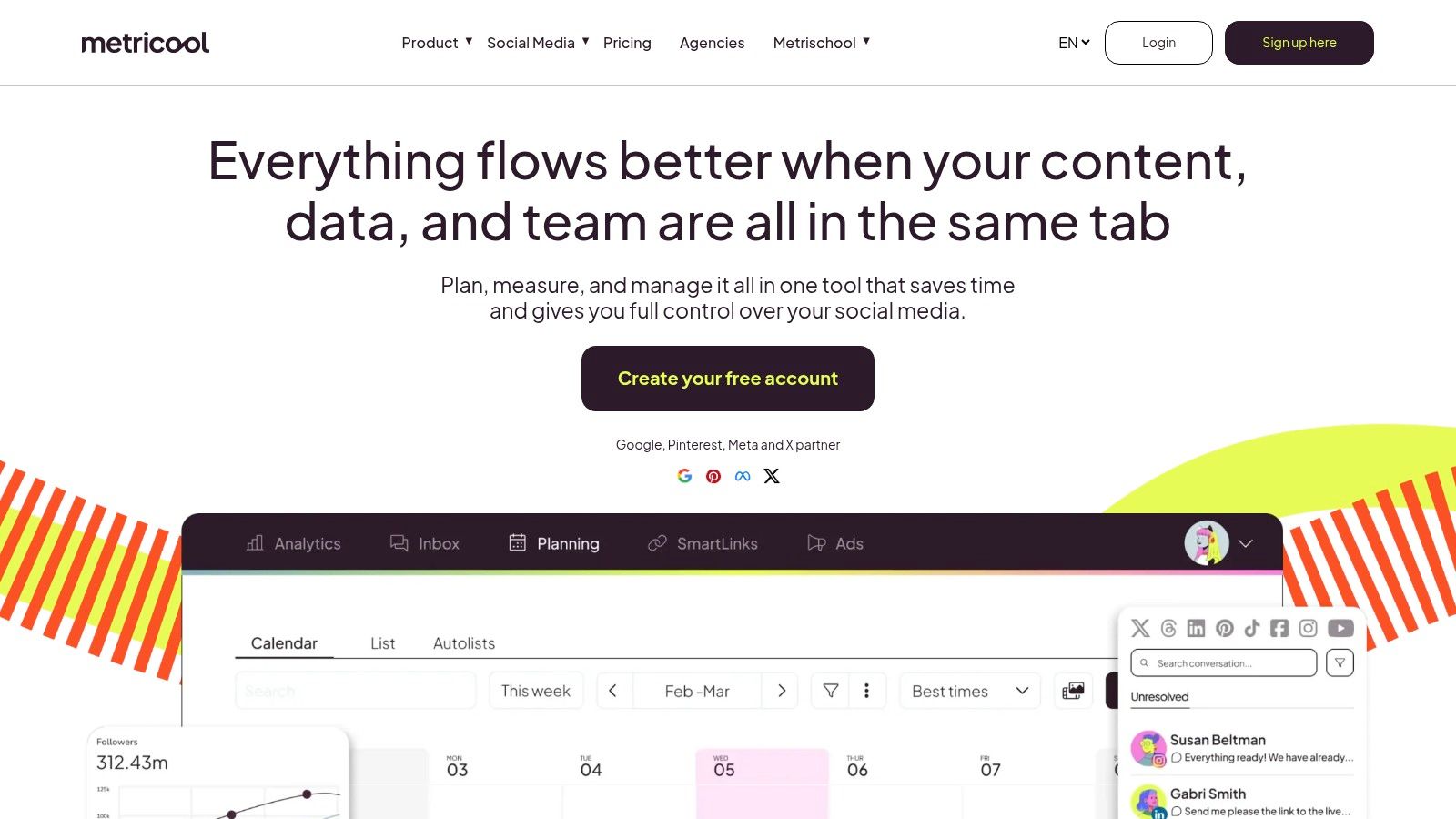
A common small business problem looks like this: social posts are going out, ad spend is active, and nobody has a clean read on what is pulling its weight. Metricool is useful because it brings publishing, analytics, and paid performance into one working view.
That matters for owners who do not want another scheduler that stops being helpful once the post is live. Metricool gives more visibility than many lower-cost tools, especially if the business is balancing organic content with paid social.
Why Metricool punches above its price point
As noted earlier in the verified research, Metricool stands out for offering a real free plan and a pricing structure that can work well for businesses managing multiple brands. That makes it a practical option for agencies, franchise groups, and owners juggling separate locations.
It also supports a wide mix of networks, including channels that smaller brands often add as they grow, and it includes workflow helpers like Canva integration and AI caption support. For a lean team trying to batch content and keep production moving, that saves time without turning the platform into a bloated system.
Best fit: Small businesses that want scheduling with stronger reporting, plus agencies managing several brands.
What works well: Cross-network analytics, planning views, and better visibility into paid and organic activity.
Trade-off: Costs can climb if each location or client needs to be treated as its own brand.
Where Metricool fits in a broader campaign
Metricool makes more sense when social is part of a larger marketing mix, not the whole plan. If a business is running local awareness through Adwave, supporting it with paid social, and keeping organic content active in between campaign pushes, Metricool helps connect those efforts at the reporting level.
It still is not a true all-in-one command center for every marketing channel. Small businesses using TV, search, social, and local listings will still need separate systems. The advantage here is clearer visibility, which helps you make better budget calls and keep your brand message consistent across channels.
See Metricool.
8. Hootsuite
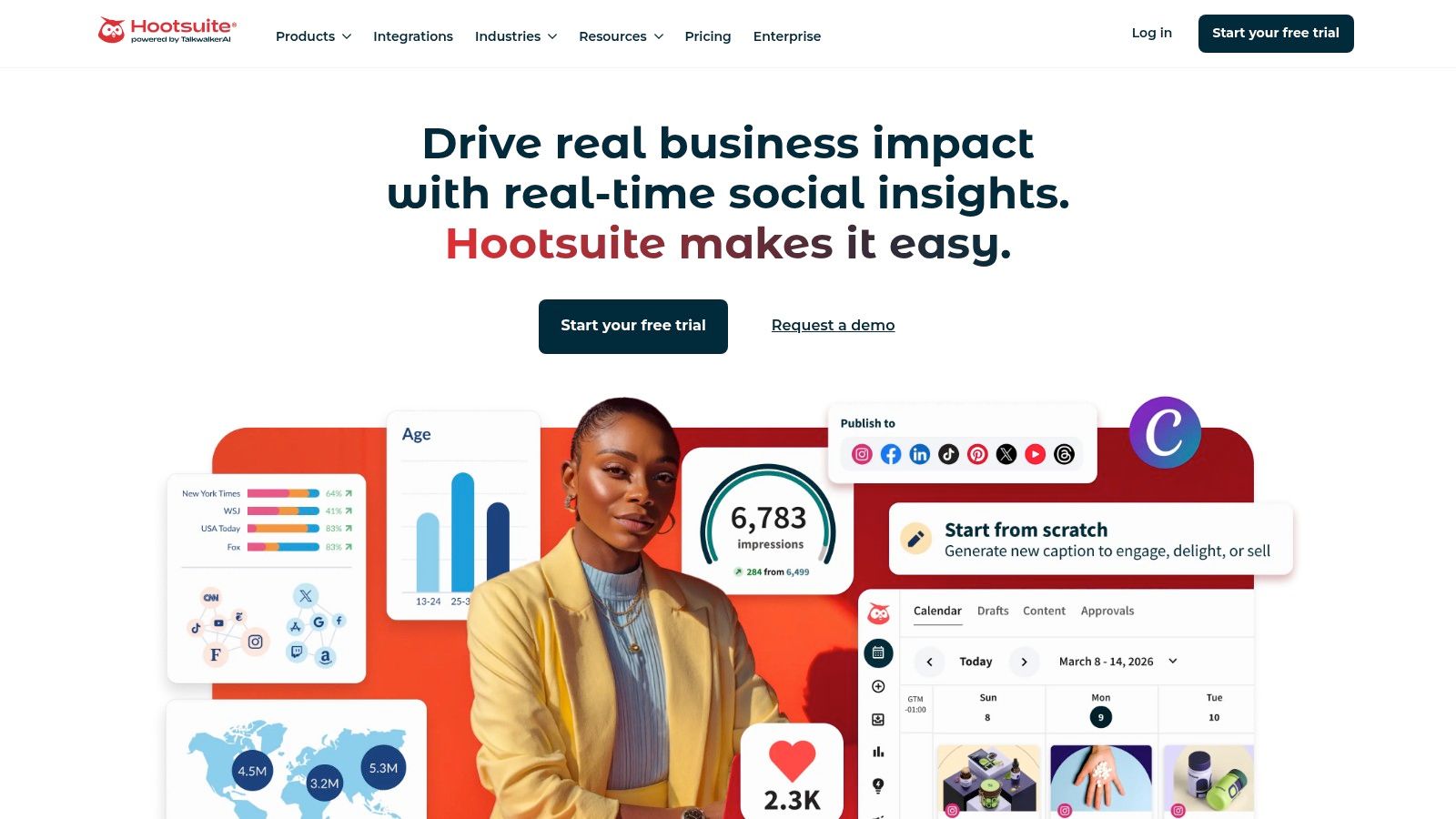
A small business usually hits a point where posting in advance is no longer the hard part. The hard part is keeping approvals, replies, reporting, and campaign timing organized across multiple people, locations, or product lines. Hootsuite fits that stage.
It is a heavier platform than the lower-cost tools on this list, and that is exactly the trade-off. You pay for more control over publishing, monitoring, analytics, and team workflows in one system instead of stitching together separate apps.
Best for growing teams that need reporting depth
Hootsuite is designed for businesses that want scheduling plus oversight. The platform includes publishing, social listening, analytics, bulk scheduling, approval workflows, and a long list of integrations. In practice, that makes it a better fit for an operating team than for a solo owner who just wants next week’s posts queued up.
Its scale also matters. Hootsuite says it has 18 million users globally. That kind of market maturity usually shows up in the details: permission settings, workflow options, reporting flexibility, and support for teams with more than one person touching social.
Best fit: Multi-person teams, agencies, and businesses that need detailed reporting and active monitoring.
What works well: Centralized oversight, stronger analytics, approval flows, and coordination between organic content, paid activity, and customer engagement.
Trade-off: The price and feature set can be hard to justify if your real need is basic scheduling.
Where Hootsuite makes sense for SMBs
I see the best fit in businesses where social has become part of day-to-day operations. That includes retailers running recurring promotions, dealerships handling customer questions at speed, and multi-location brands trying to keep local pages aligned without losing brand control.
Hootsuite also makes more sense when social supports a broader campaign instead of carrying the whole load. If you are building top-of-funnel awareness with local TV and reinforcing it through organic and paid social, Hootsuite helps keep the response side organized. Adwave’s guide to a multi-channel marketing approach is a useful framing for that strategy.
The caution is simple. Buy Hootsuite because you need process, visibility, and accountability. Skip it if you only need a content calendar.
9. Sprout Social
Sprout Social is a premium choice. I wouldn’t put it first on the list for a typical cash-conscious small business. I would put it high on the list for a team that prioritizes reporting, workflow quality, and clean executive-level visibility.
That’s the split. Sprout is excellent. It’s also expensive enough that you should know why you’re buying it.
Best for data-driven teams
Sprout Social’s strength is depth. The publishing tools are polished, the Smart Inbox is well regarded, and its analytics are strong enough for businesses that need more than post-level performance snapshots. If your team reports upward, manages several stakeholders, or needs tighter categorization and insight, Sprout has an edge.
It’s also a strong fit for businesses treating social as one part of a bigger coordinated strategy. That could mean new location launches, recurring promotions, franchise marketing, or campaigns where TV, social, paid media, and CRM follow-up need to support each other.
For businesses thinking that way, Adwave’s resource on a multi-channel marketing approach is the right strategic companion. Sprout can manage the social layer well, while Adwave expands your top-of-funnel reach through TV.
Trade-offs worth being honest about
Sprout Social is not the budget winner. It’s the platform you choose when reporting quality, process maturity, and add-on depth justify the spend.
Best fit: Scaling teams, agencies, and brands that need advanced reporting and analysis ready for stakeholders.
What works well: Polished publishing, strong inbox tools, and premium analytics.
Trade-off: Higher per-seat pricing and extra cost for some advanced capabilities.
If social reporting has to stand up in a real business review, not just a weekly marketing check-in, Sprout is one of the strongest options.
The value case is there, but only if you’ll use what it offers. For a solo owner posting three times a week, it’s likely too much. For a growing brand coordinating social with Adwave-driven awareness and other channels, it can be a very capable system.
Visit Sprout Social.
10. CoSchedule Marketing Calendar
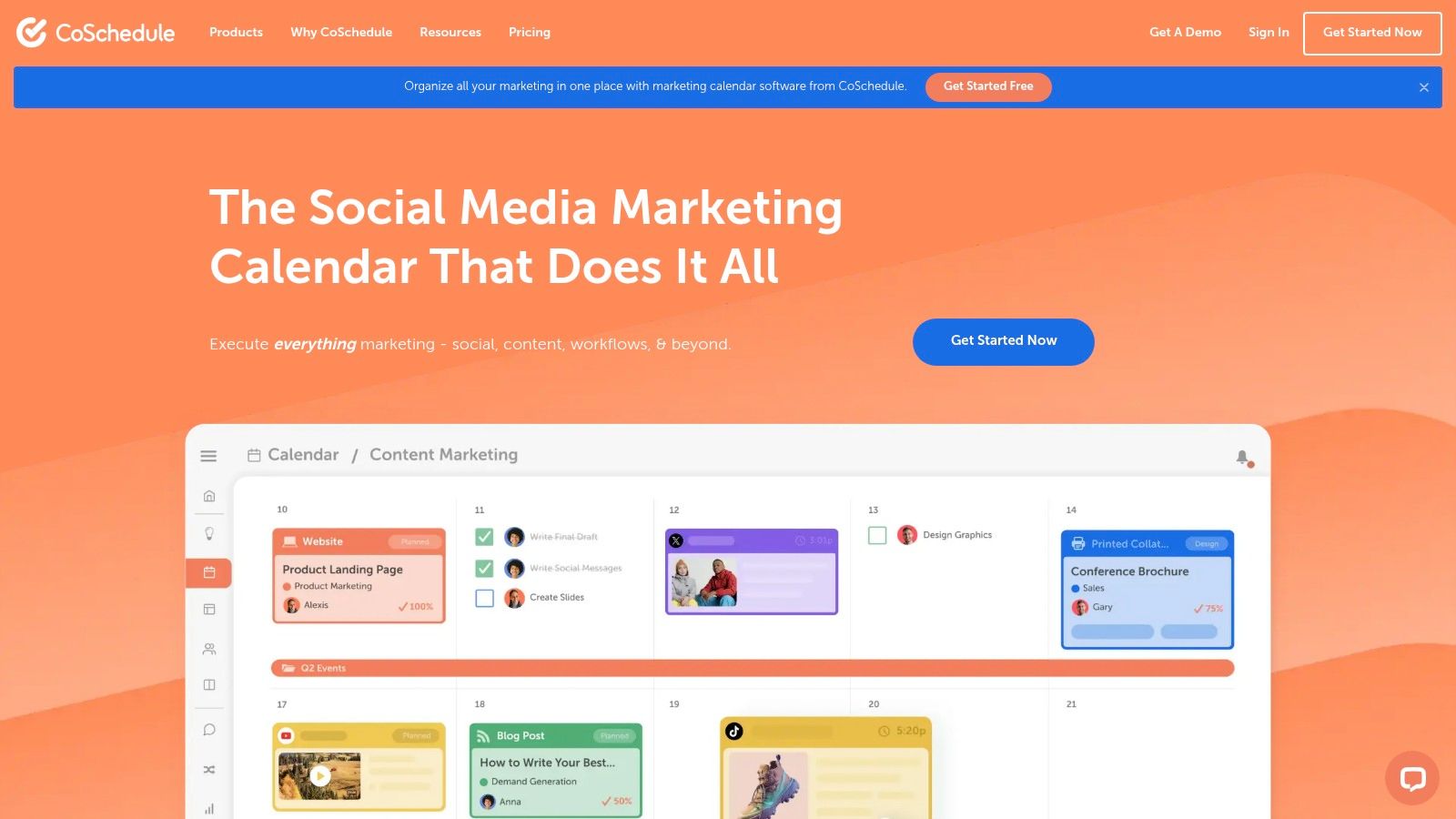
CoSchedule belongs on this list because some businesses don’t need a better social scheduler. They need a better marketing calendar. That’s a different problem.
If your social posts are closely tied to blog content, email campaigns, launches, promos, and recurring campaigns, a social-only tool can start to feel too narrow. CoSchedule gives you a broader planning view.
Best when social is part of a larger content engine
CoSchedule’s real advantage is visibility across marketing work. You can plan campaigns in one calendar instead of bouncing between tools and hoping the timing lines up. For content-led businesses, that makes day-to-day execution easier.
Its social features are solid, but this isn’t the deepest social management suite in the group. It’s a planning tool first, social scheduler second. That’s either a strength or a limitation depending on your setup.
Best fit: Small marketing teams, content-led brands, and businesses coordinating blogs, email, and social together.
What works well: Campaign planning, basic task coordination, and seeing social in context.
Trade-off: Specialist social tools go deeper on inboxes, listening, and advanced reporting.
Where CoSchedule pairs well with Adwave
CoSchedule is useful if your marketing rhythm includes multiple touchpoints around the same campaign. That could be a blog post, an email, a set of social reminders, and a local awareness push through Adwave. When everything sits on one calendar, you catch gaps earlier.
If your current process is loose, Adwave’s guide on how to create a social media content calendar in 30 minutes is a smart next step. It helps smaller teams get disciplined quickly, where CoSchedule becomes more valuable.
CoSchedule isn’t the best pick for businesses that need deeper social engagement tools. It is a strong pick for businesses that need better campaign orchestration.
See CoSchedule Marketing Calendar.
Top 10 Social Media Scheduling Tools, Quick Comparison
Automate the Work, Humanize the Connection
The best social media scheduling tool doesn’t win because it has the longest feature list. It wins because your team uses it consistently. That’s the standard small businesses should apply when comparing platforms. If the workflow is too heavy, if approvals are clunky, or if reporting takes too much effort, the software ends up as another abandoned subscription.
For most small businesses, the main goal is simple. Build a reliable posting rhythm. Keep promotions on schedule. Make sure your business shows up with some consistency instead of disappearing for two weeks and then panic-posting three times in a day. Scheduling tools solve that problem well, and that alone can improve how a business looks to customers.
The bigger opportunity is what scheduling frees up. Once posting is handled in batches, someone can spend more time responding to comments, replying to messages, collecting customer photos, writing better offers, and creating content that sounds human. That’s where the return comes from. Automation handles the routine. People handle the relationship.
A few clear patterns stand out from this list:
Choose Buffer if you want simplicity first. It’s a strong fit for owners who need low-friction scheduling and basic performance visibility.
Choose Later if visual planning drives your marketing. It’s especially useful for brands that lean hard on Instagram, TikTok, and short-form content.
Choose Zoho Social if social needs to feed your CRM or service process. That connection matters more than another scheduling view.
Choose Loomly or Sendible if approvals and client workflow matter. Those tools reduce internal confusion and make recurring content production easier.
Choose Agorapulse if community management is the hard part. Once comments and messages stack up, inbox quality matters as much as scheduling.
Choose Metricool if you want stronger analytics with practical scheduling. It’s a good fit for businesses balancing organic and paid activity.
Choose Hootsuite or Sprout Social if you’re operating at a larger scale. These are better choices when reporting depth, team workflow, and broader control justify the cost.
Choose CoSchedule if social is only one piece of your marketing calendar. It helps when campaigns span content, email, and social together.
There’s also a limit to what even the best social scheduler can do. The verified background material points to a significant gap in the market. Most tools still treat social scheduling as a separate function instead of part of a fuller local marketing stack. Small businesses often need coordination across social, email, paid ads, local listings, and broader awareness channels. That gap matters in practice because customers don’t experience your marketing in isolated buckets.
That’s where Adwave becomes a practical complement rather than a separate conversation. Social scheduling helps you maintain consistency and support offers. Adwave helps local businesses extend reach through accessible TV advertising across premium channels, which can create the brand awareness that social alone often struggles to build. Used together, they create a stronger rhythm. Adwave drives visibility. Your scheduler keeps the message active, timely, and reinforced across social touchpoints.
If you’re evaluating the Best Social Media Scheduling Tools for Small Business, don’t stop at “which app can publish posts.” Ask which tool fits your actual workflow, your budget, and the way you market across channels. Then set up a schedule you can maintain, not a perfect system you’ll abandon in two weeks.
If you want to round out your stack beyond scheduling, this guide to AI tools for small business is a useful next read.
Adwave helps small businesses turn social consistency into a broader brand campaign. If you’re already scheduling content and want more reach beyond the feed, Adwave gives you a practical way to launch TV ads across premium channels without the usual production burden or oversized budget. It’s a strong fit for local businesses that want social posts and TV exposure working together around the same offer, launch, or seasonal push.


