
When it comes to your Google Business Profile (GBP), getting your categories right is arguably the single most important thing you can do for your local search ranking. Think of your primary category as the big, bold sign above your digital front door, it tells Google and potential customers exactly what you do at a glance.
If you get it wrong, you’re practically invisible to the very people looking for your services.
Why Your GBP Category Is a Local SEO Game-Changer
Let's walk through a real-world scenario. You've invested in a powerful TV ad campaign with Adwave, getting your brand in front of thousands of local viewers and building fantastic name recognition. A potential customer sees your ad, is intrigued, and pulls out their phone to find you. What happens next?
Their first stop is almost always Google, and your Business Profile is what they'll see. That profile, led by its primary category, has to instantly confirm they’ve found the right place. It’s a make-or-break moment that determines whether that TV ad spend pays off. This is why knowing how to optimize your Google Business Profile for local success is so critical.
The Most Critical Ranking Factor You Control
Your primary category choice isn't just a minor detail; it’s the absolute foundation of your local SEO. It’s what tells Google’s algorithm whether you’re a relevant result for someone searching nearby, directly impacting your chances of landing in the coveted "Local Pack", that box of three map listings at the top of the search results.
Don't just take my word for it. In-depth analysis of millions of profiles shows that the primary category is the #1 ranking factor for getting into the Local Pack. The influence is massive. At the same time, picking the wrong one is the most damaging mistake you can make, ranking as the top negative factor that will tank your visibility.
Your GBP category tells Google which searches you are relevant for. A "Plumber" will show up for "plumber near me," but a "Home Improvement Store" won't, even if they sell plumbing supplies. This distinction is everything.
Connecting Your Marketing for Maximum Impact
This is where all your marketing efforts (from TV to search) snap together. Your Adwave TV campaign creates that initial spark. A viewer remembers your name and searches for you. A properly categorized GBP then acts as the perfect digital handshake, assuring them they’ve found the right business and giving them every reason to take the next step.
When this works in harmony, your marketing dollars go so much further:
Awareness from Ads: Your TV spot gets people looking for you by name.
Discovery from SEO: Your sharp GBP category ensures you show up when they search for your services.
Conversion on Your Profile: Your complete, accurate profile turns that initial interest into calls, website clicks, and new customers.
Your Google Business Profile is the important bridge between the awareness your ads create and the action a local customer takes. Our guide on local SEO for small businesses explores this coordination in more detail. Without a smart category choice, you risk sending the traffic your TV ads generate straight to your better-optimized competitors.
How to Select Your Most Powerful Primary Category
Of all the settings on your Google Business Profile, your primary category carries the most weight. It’s the single most powerful signal you can send to Google about what your business does. Instead of just guessing, let's walk through a simple, proven way to find the category that will give you the biggest boost in local search.
The whole process starts by thinking exactly like a potential customer.
What specific words would they type into Google right now to find a business like yours? That’s where we begin.
Think Like a Customer, And Get Specific
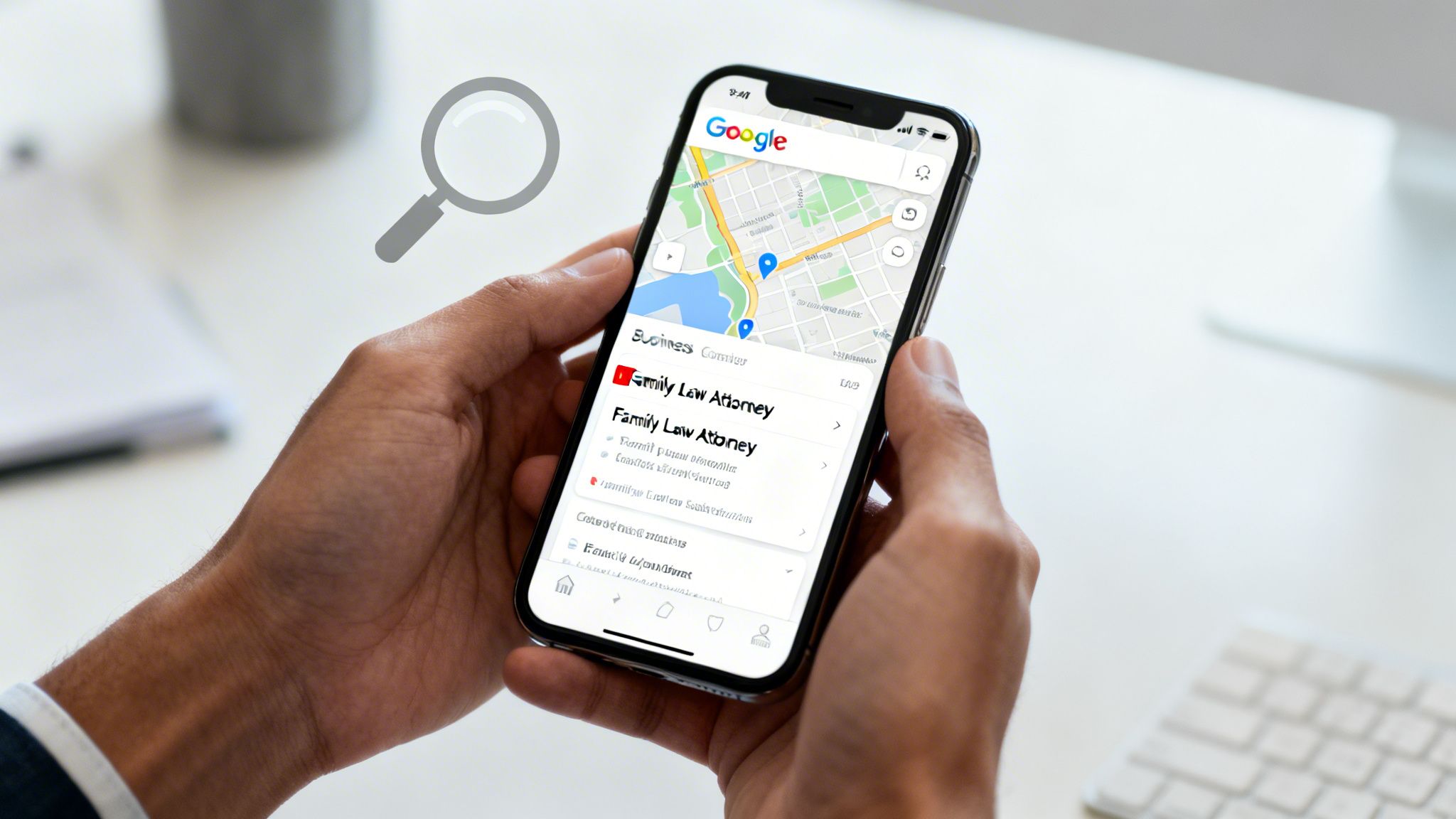
Think about it from the searcher's perspective. Someone dealing with a custody issue isn't just going to type "lawyer" into Google Maps. They're looking for a "family law attorney" or maybe a "divorce lawyer." When your primary category is an exact match for that search, you're telling Google you're a perfect fit for that user's specific need.
A business with the primary category "Family Law Attorney" will almost always outrank one using the generic "Lawyer" for relevant searches. This is because it directly answers the searcher's specific problem.
Choosing the right category means digging into the nuances of your industry. For example, understanding the specific considerations for law firms will help you pick the most accurate and effective category to attract the right kind of cases.
Use Your Competitors as a Guide
One of the best ways to see what works is to spy on the competition. You don't need any fancy software for this, just Google Maps and a few minutes.
Here’s a practical trick you can use right now:
Open Google Maps in an incognito or private browser window. This gives you unbiased results.
Search for your most critical service (e.g., "roofer," "HVAC repair," "real estate agent").
Take a look at the top 3-5 businesses that pop up in the local map results.
Pay close attention to the category listed right under their business name.
You'll probably spot a pattern pretty quickly. If all the top-ranking roofers in your town are listed as "Roofing Contractor," that’s a massive clue. It means Google has already decided that's the most relevant category for those searches in your specific area. Follow the leader.
Navigate Google's Official List
Once you have a good idea of what your category should be, you need to find it on Google’s official list. As you start typing in your GBP dashboard, Google will show you suggestions from its predefined list of over 4,000 categories.
This is important: You must choose from Google's dropdown list. You can’t just make up your own.
If your first choice doesn’t show up, try different variations. For instance, if "EV Mechanic" isn't an option, "Electric Vehicle Repair Shop" might be. The goal is to find the most precise, officially recognized term that describes the core of your business.
This entire process ensures your profile is perfectly aligned with how real customers search and how Google’s algorithm ranks. It’s a blueprint for making sure your business gets seen by the people who need you most. Choosing the right primary category is also an important first step before you even think about advertising. A well-categorized GBP acts as the perfect landing spot for the interest your Adwave TV campaign generates. When a viewer sees your ad and searches for your service, a specific category ensures your profile appears, creating a connected path from brand awareness to a potential sale. It's about making sure the investment you make in TV advertising pays off in measurable online results.
Choosing Additional Categories to Widen Your Reach
With your primary category set, it’s time to get strategic with your additional categories. This isn't about keyword-stuffing or picking every option that sounds vaguely related. In my experience, less is more. Overloading your profile just confuses Google and dilutes the authority of your main category.
Your goal is to choose a small, powerful handful, usually just 2-3, that represent other major services you offer. Think of these as clear signposts pointing searchers to all the different ways you can solve their problems, not just the most obvious one.

How to Decide What Makes the Cut
When it comes to additional categories, focus beats volume every time. A competitor with two highly relevant categories will almost always outrank a business with nine scattered ones. You're trying to signal specialization, not that you're a jack-of-all-trades.
So how do you pick? Run your potential choices through this mental checklist:
Is it a core part of my business? Don't add a category for a minor service you only perform once in a blue moon. It needs to be a substantial, consistent revenue stream.
Is it different from my primary category? This is key. An "Auto Repair Shop" that also adds "Brake Shop" is a perfect example. They are related, but they target distinct customer searches.
Is it profitable? It just makes sense to prioritize the categories that bring in your most valuable customers.
Are people searching for it? There has to be real search demand for a service to justify its own category.
Think of it this way: Your primary category is your major. Your additional categories are your minors. They should complement your major and showcase a deeper expertise, not suggest you're trying to study five different subjects at once.
The Big Misunderstanding: Categories vs. Services
This is probably the single most common mistake I see business owners make, and it can seriously weaken your local search performance. You have to understand the role each one plays.
Categories are what you ARE. They tell Google's algorithm the fundamental identity of your business (e.g., "Real Estate Agency," "Plumber"). They have a massive impact on who Google shows your business to.
Services are what you DO. This is where you get specific. You can list all your individual offerings in your own words ("Buyer's agent services," "Drain cleaning," "Commercial property leasing"). These details inform customers but carry far less weight in search rankings.
Let’s take that real estate agency. Their primary category is "Real Estate Agency." If they also have a significant property management division, adding "Property Management Company" as a secondary category is a brilliant move. All the other specific tasks they handle (like "Home staging consultations" or "Open house coordination") belong in the Services section of the profile, not as categories.
To see how this fits into the bigger picture of your online presence, our guide on local citation building and getting your business listed on every directory is a great next step.
Connecting Your Categories to Your Adwave Campaign
For businesses running ads with Adwave, this is where your strategy really comes to life. You can perfectly align your additional GBP categories with the specific services you feature in your TV commercials.
Imagine you're a home remodeler, and your Adwave spot highlights your beautiful custom cabinetry work. When a potential customer sees that ad, pulls out their phone, and searches for your business, they find a profile with both "Home Remodeler" and "Cabinet Maker" listed. That immediate validation builds instant trust and confirms they’ve found the right expert. Your TV ad creates the awareness, and your well-chosen categories capture that intent.
This is a useful option for industries like real estate or automotive, where customers are often looking for specific sub-specialties. One of the best tactics is to simply search Google Maps for a "service near me" and see what category the top-ranking competitors are using. Then, mirror it.
With over 4,000 categories now available, Google also unlocks unique profile features based on your choices, restaurants get menus, salons get booking buttons, and so on. Getting your categories right isn't just about rankings; it's about giving customers a better experience from the very first click.
Common Category Mistakes That Hurt Your Ranking
It’s surprisingly easy to get your Google Business Profile categories wrong. In my experience, even savvy business owners make simple mistakes that silently undermine their local visibility, making them practically invisible to people searching for their exact services.
Let's walk through the most common blunders I see. Some of these might even feel like the "right" thing to do, but they can slowly poison your ranking without you ever knowing why.
Being Too Broad or Too Vague
The number one mistake is picking a primary category that’s far too general. Think of it this way: if you’re a real estate agent specializing in single-family homes, choosing "Real Estate" as your category is a huge missed opportunity. It’s so generic that Google has no real clue what you do best, so you end up ranking for almost nothing.
You have to get specific. Being precise is your biggest advantage in local search. When customers are ready to buy, they don't search for "Store"; they search for "Pet Supply Store." They don't look for a "Lawyer"; they look for a "Family Law Attorney."
Your category choices need to mirror that specific intent.
Instead of "Contractor," choose "Roofing Contractor."
Instead of "Restaurant," pick "Italian Restaurant."
Instead of "Clinic," go with "Physical Therapy Clinic."
This small adjustment immediately tells Google who you are and what you do, drastically boosting your chances of showing up when it matters most.
The "More is Better" Myth
I see this one all the time: a business owner stuffs their profile with every possible category, thinking it will cast a wider net. While Google lets you add up to nine additional categories, doing so is one of the worst things you can do. It dilutes the power of your primary category and just confuses Google's algorithm.
When you claim to be six different things, Google sees you as only partially relevant for each one.
Imagine you list your business as a "Plumber," a "Handyman," an "Electrician," and a "Painter" all at once. When a homeowner searches for an emergency "plumber near me," Google is going to show them the competitor whose profile is 100% focused on plumbing, not the jack-of-all-trades.
Be disciplined. Stick to a maximum of 1-2 additional categories that represent other core, profitable services you offer. If it's a minor add-on, it doesn't belong here, put it in your "Services" section instead. A focused profile builds authority, which in turn amplifies all your other marketing. This principle also applies to your reputation, and you can dive deeper into how to get more Google reviews for your local business.
The Set It and Forget It Mindset
Perhaps the most dangerous mistake of all is treating your Google Business Profile like a task you check off a list once and never touch again. Your business changes. Your services evolve. And just as importantly, Google is constantly adding new, more specific categories to its list.
The category that was your best option a year ago might be holding you back today.
This kind of neglect directly sabotages the investment you make in other marketing. If you’re running a local TV ad campaign with Adwave, you’re creating incredible brand awareness and driving people to search for you online. But if those potential customers land on an outdated or poorly categorized GBP, you’re essentially sending that high-intent traffic to a dead end.
Your GBP is a living asset, not a static brochure. Make it a habit to review your categories at least twice a year and any time you add or remove a major service. This ensures your profile is always primed to capture the demand your Adwave ads create.
Connecting GBP Optimization with Your Adwave TV Campaign
You're running an Adwave TV commercial to get your brand in front of thousands of local viewers. It's a powerful way to create familiar awareness and get people curious about what you do. But the most important question is always the same: what do they do next?
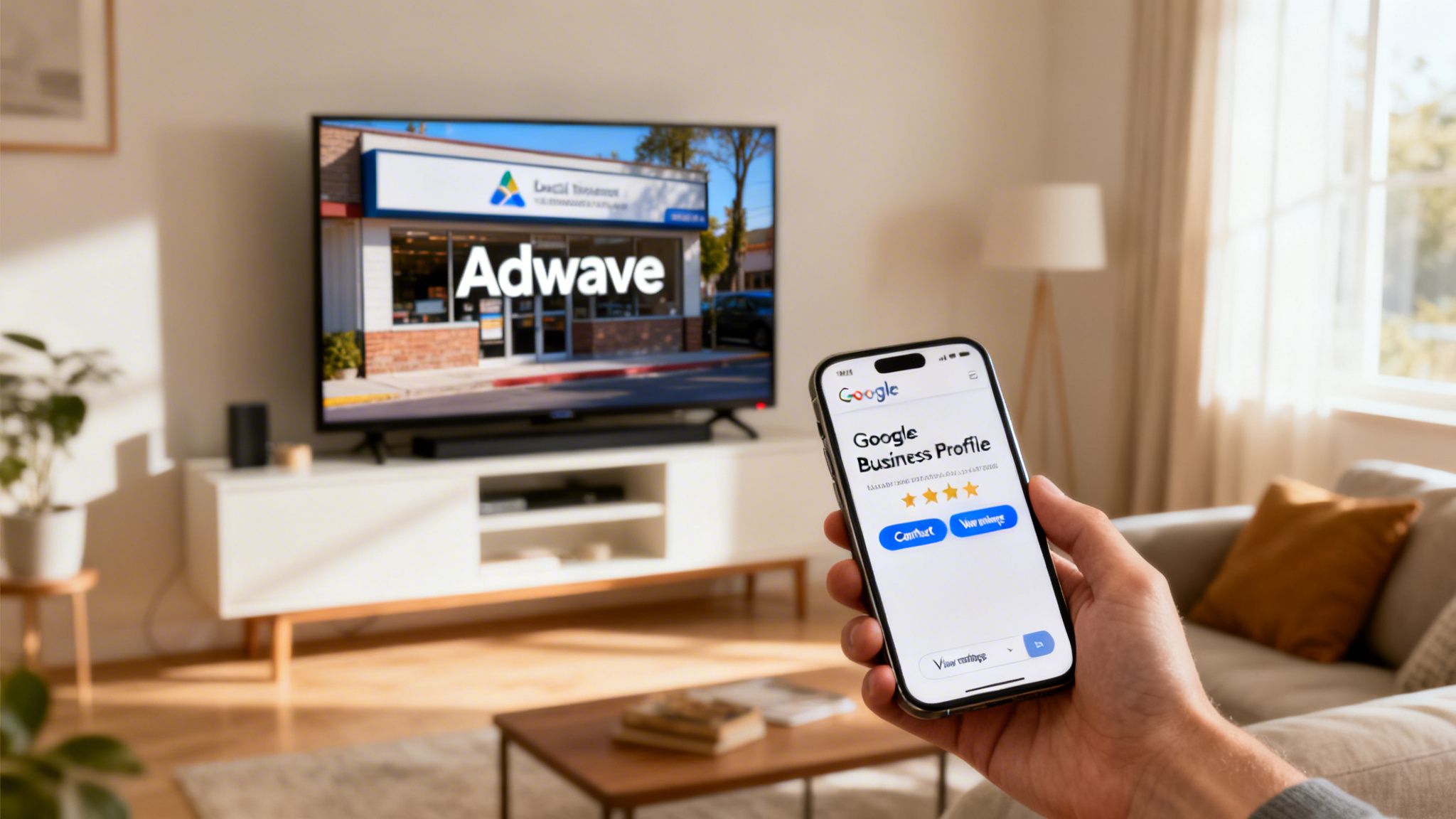
When a potential customer sees your ad, pulls out their phone, and searches for your business, your Google Business Profile is often the very first impression they get. If it's dialed in with the right categories, it acts as the perfect digital handshake, instantly validating their interest and giving them everything they need to take the next step.
Bridge the Gap from TV Screen to Customer Action
Think of your marketing as a one-two punch. Your Adwave TV ad creates the initial spark of interest. Your Google Business Profile is what turns that spark into action, phone calls, website clicks, and feet walking through your door.
But if your GBP categories are off, all that energy from the ad just fizzles out. We’ve seen it happen: a customer is intrigued by a commercial, searches for the service, but can't find the business because Google doesn't see it as a relevant match. The opportunity is lost, and so is the return on your ad spend.
By matching your GBP services and categories with your ad's message, you create a connected and profitable customer journey. Adwave creates the spark; an optimized GBP fans the flame into a paying customer.
This coordination is what takes a marketing campaign from good to great. You aren't just buying airtime; you're building a direct path from mass-media awareness to a one-on-one digital interaction that drives revenue.
Matching Your Ad Message with Your Digital Storefront
Adwave's AI-powered platform makes TV advertising effective for small businesses by zeroing in on the right local audience. The platform’s job is to generate that initial wave of interest. Your job is to be ready to catch it.
Here’s how this plays out in the real world. Imagine a local home services company runs an Adwave campaign showing their high-end kitchen remodeling. The ad is filled with gorgeous shots of new countertops and custom cabinetry.
A homeowner sees it, gets inspired, and searches for "kitchen remodelers near me" or the company's name directly.
Because the company was smart, their Google Business Profile has "Home Remodeler" as its primary category and "Cabinet Maker" as an additional one. The search results instantly connect the dots for the customer, perfectly mirroring what they just saw on TV.
This creates a frictionless path from seeing to believing. The customer is met with a digital profile that reinforces the exact service they’re looking for, which builds immediate trust and makes a conversion far more likely. This is a critical piece of a larger puzzle, and you can learn more about how to optimize your Google Business Profile for more calls in our detailed guide.
Capturing the Demand Your TV Ads Create
The real power of using Adwave is its ability to generate targeted local demand at a scale that was once out of reach for most businesses. But creating demand is only half the battle. You have to be able to capture it.
Your Google Business Profile, and specifically its categories, is your number one tool for doing just that.
When you select the right Google Business Profile categories, you’re essentially giving Google's algorithm a roadmap to your ideal customer. It ensures that when someone searches for a service you promoted on TV, your business shows up as a top contender. It’s the final, important step that turns the broad awareness from your TV ad into tangible, measurable business results. Choosing an effective advertising partner like Adwave is the first step, and optimizing your GBP is the important second step to ensure that investment pays off.
Your Top GBP Category Questions, Answered
Once you’ve locked in your categories, you’re not quite done. New questions and unique situations always seem to pop up. Let's walk through some of the most common ones we hear from business owners so you can manage your profile with real confidence.
How Often Should I Check My GBP Categories?
Think of your GBP categories as a key part of your business's digital maintenance. A good rule of thumb is to give them a quick review at least twice a year and anytime you make a major change to your services.
Google’s category list is always growing, it’s now over 4,000 options long and gets updated all the time. A new, more specific category could drop at any moment that describes your business perfectly. Staying on top of these updates is a simple but powerful way to keep an edge over the competition.
For example, imagine you run an auto dealership and just started specializing in EV repairs. Adding "Electric Vehicle Repair Shop" as a category the moment it’s available can put you way ahead in local searches. A six-month review cadence ensures you never miss out on these kinds of opportunities.
What If My Niche Service Isn’t a Category?
This is a classic problem, especially for businesses with a very specific skill. If you can't find an exact match for what you do, don't panic. The strategy here has two parts.
Choose the closest available primary category that accurately describes your business.
Second, you need to use every other part of your Google Business Profile to shout about your specialty. This is how you fill the gap left by a generic category.
Business Description: Right at the top of your description, clearly state your niche service.
Services Tab: Build out a detailed entry for your niche offering in the "Services" section, giving it a full description.
Google Posts: Get in the habit of creating Google Posts that highlight your specialty, show off your work, and use the keywords your customers are searching for.
Reviews: Gently encourage your happy customers to mention the specific service they loved when they leave you a review.
When you do all of this, you’re sending very strong signals to both Google and your potential customers about what you’re really known for.
Will Changing My Primary Category Hurt My Ranking?
Yes, swapping your primary category can cause a temporary dip or fluctuation in your local rankings. It’s a bit like moving to a new neighborhood, it takes Google’s algorithm a little time to re-evaluate your profile and figure out where you fit in.
However, if your current category is just plain wrong or too broad, making the switch to a more accurate one is absolutely the right long-term play. That temporary dip is a small price to pay for the huge long-term benefit of attracting the right kind of customer. You'll ultimately boost your relevance and ranking.
Before you pull the trigger, do your homework. Make sure the new category is a much better fit by checking out what your top competitors are using. And please, don’t change it constantly. Frequent changes can look spammy to Google and might even trigger a re-verification or suspension.
How Many Additional Categories Should I Really Use?
Google lets you add up to nine additional categories, but this is a classic case of "just because you can, doesn't mean you should." The 2024 best practice is to be surgical. Resist the urge to stuff the ballot box.
You should aim for 2-4 additional categories, tops. Each one needs to represent a distinct and significant part of your business that people are looking for. Adding too many (or irrelevant ones) will only dilute the power of your primary category and confuse everyone about what you do best.
Quality will always beat quantity here. Every category should be a strong, clear signal of a service you provide. Think of them as your business's "minors" that directly support your "major."
Getting your categories right is what makes the rest of your marketing pay off. A local TV ad campaign with Adwave, for example, is fantastic for building brand awareness. But if a viewer who saw your ad then finds a confusing or sloppy Google Business Profile, that lead is gone. A clean, focused, and accurate set of categories ensures you capture all the interest Adwave generates, turning curious viewers into paying customers.


