
A customer hears about your business, clicks your site, and lands on a browser warning instead of a welcome. That moment feels technical on your side, but it lands as a trust problem on theirs. If they see “Not Secure,” many won't stop to investigate. They'll leave.
That's why Website Security Basics: SSL matters so much for small businesses. It's one of the simplest upgrades you can make to protect customer information, look professional, and remove friction from your marketing. If your website is where people book, call, fill out a form, or buy, SSL isn't extra polish. It's part of doing business online.
Your First Impression Is Now a Padlock
Your website often meets customers before you do. They haven't shaken your hand, visited your office, or talked to your staff yet. They only have your page, your offer, and the signals their browser gives them.
One of those signals is the padlock. The other is the difference between https and http.
If your site lacks SSL, some visitors may see a warning that your page isn't secure. That doesn't just hurt confidence. It can interrupt form submissions, make people hesitate before entering contact details, and undercut the credibility you've worked hard to build elsewhere.
Practical rule: If a visitor has to wonder whether your website is safe, you've already made the sale harder.
For many small businesses, that warning shows up right when the customer is ready to act. They're about to request a quote, schedule a service, or submit a payment. A security warning at that point feels like a locked front door with peeling paint. Even if your business is excellent, the impression says otherwise.
SSL is the basic fix. Think of it as the secure front desk for your website. It tells the browser, “This is the authentic site, and the conversation happening here is private.”
Include HTTPS and basic security checks when reviewing site design, speed, and mobile usability.
What SSL Is and How It Really Works
SSL is the common name people still use, but what's doing the work on modern websites is TLS. You don't need to memorize the acronym. What matters is simple. It creates a protected connection between your visitor's browser and your website.
The digital handshake
The easiest way to understand it is to picture a receptionist checking IDs before allowing a private meeting to begin.
When someone visits your site, their browser and your server perform a handshake. During that handshake, the server proves its identity with a certificate signed by a certificate authority. Then both sides agree on how they'll talk securely and create temporary session keys for the visit. That process is why modern TLS 1.2/1.3 and strong ciphers matter. They help keep the connection private and reduce the risk of someone pretending to be your site, as explained in this overview of the SSL/TLS handshake and session keys.
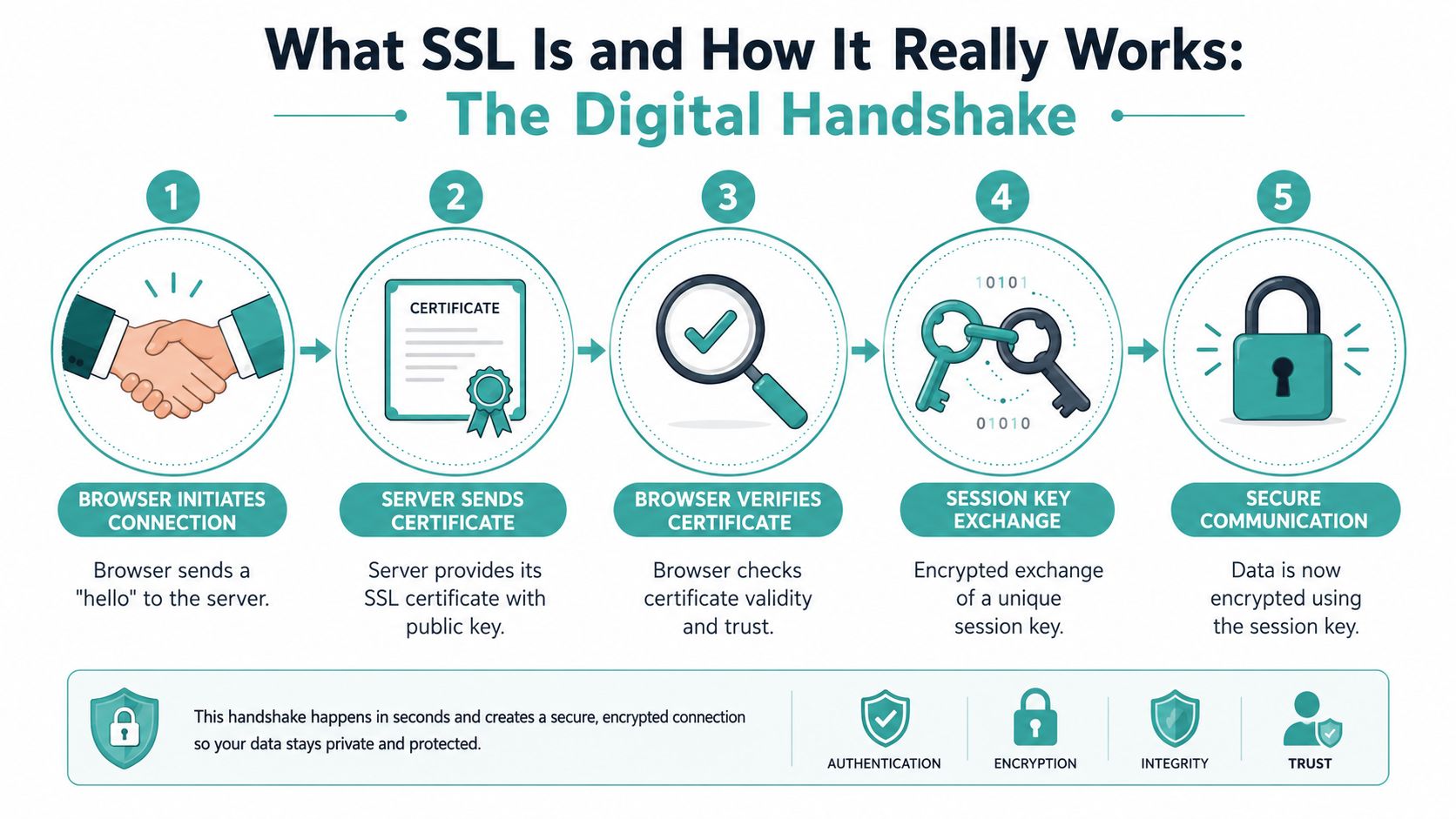
Here's the plain-English version:
The browser says hello. It asks to open a secure connection.
Your server shows its certificate. That's its proof of identity.
The browser checks the certificate. If it looks valid and trusted, the process continues.
They agree on a private method. They set up session keys for that visit.
Data travels in encrypted form. Anyone peeking in sees scrambled information, not useful details.
What customers see
Visitors usually won't think about certificates or session keys. They'll notice two things instead:
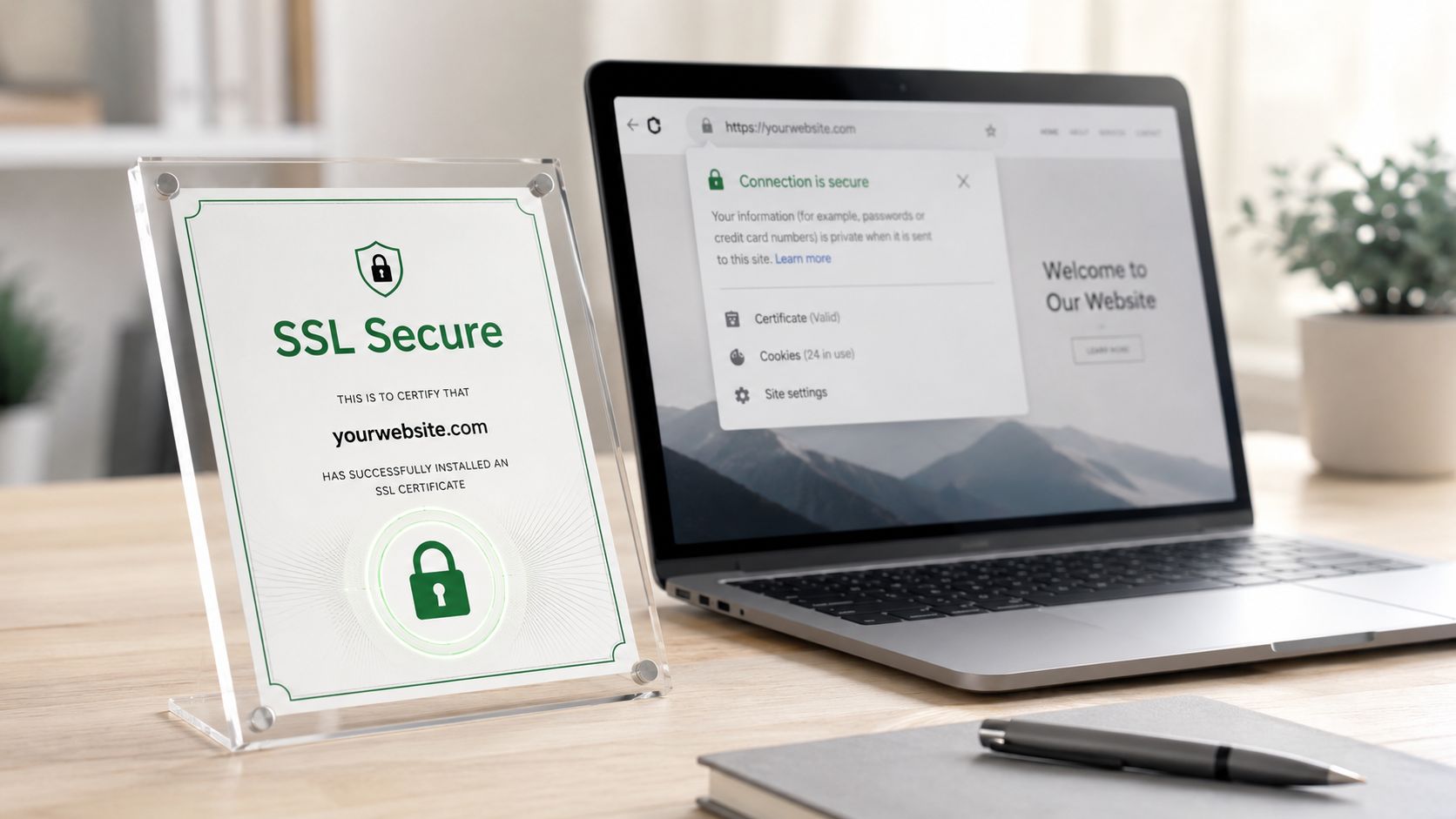
A padlock in the browser
A https address instead of http
Those visual cues tell people your site is using a secure connection. If you have contact forms, login areas, checkout pages, or quote requests, that matters. It helps protect data while it moves from the customer to your website.
The padlock doesn't mean your whole business is perfect. It means the connection is protected while information travels.
That distinction is important. SSL is about privacy in transit. It's not a magic shield for every website problem. But as a first layer of trust, it's one of the clearest signals you can offer.
Why SSL Is a Must-Have for Your Business
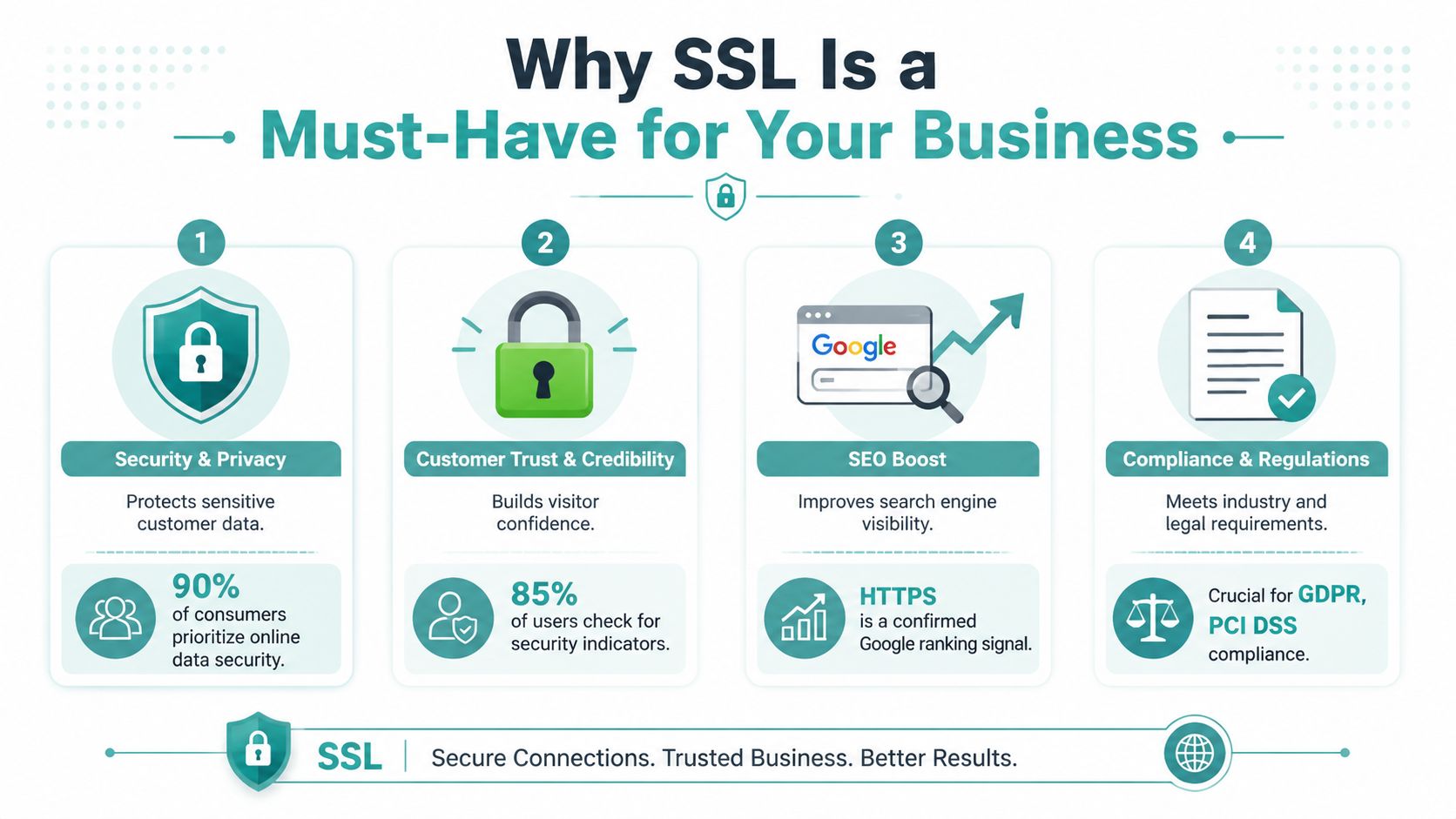
SSL has moved from “nice to have” to table stakes. By 2024, 87.6% of websites were using a valid SSL certificate, up from 18.5% six years earlier, according to these SSL adoption figures. If most websites in your market already provide that secure baseline, not having it makes your business look behind.
It protects customer information in motion
If someone fills out a quote form, signs into an account, or enters payment details, you don't want that information traveling in plain text. SSL helps keep that exchange private while it moves between browser and server.
For a small business, that's not abstract security talk. It's basic customer care.
It supports trust at the exact moment people decide
Customers make quick judgments online. If your page looks polished but the browser throws a warning, the warning wins.
A secure site sends a different message:
You take your business seriously
You handle customer data responsibly
You've kept your web presence up to date
That trust matters even when people aren't buying on the spot. A visitor deciding whether to submit a lead form still wants reassurance.
It helps your site compete
HTTPS has become a normal expectation across the web. If your competitors have secure sites and you don't, you've added avoidable friction to every visit. You're asking people to work harder to trust you.
For businesses thinking about privacy and communication standards more broadly, Adwave's overview of what small business owners must know about CAN-SPAM and GDPR compliance is a useful companion read. SSL doesn't solve compliance by itself, but it belongs in the same conversation about handling customer information responsibly.
It protects the value of your advertising
At this point, SSL directly touches revenue.
Every ad you run is a promise. It tells people your business is credible, current, and worth their attention. But if the landing page feels unsafe, the ad's momentum disappears fast. A strong campaign can drive interest. An insecure website can kill that interest before the customer calls, books, or buys.
That's especially important when your website acts as the destination for paid traffic from search, social, direct mail, or TV. If a viewer sees your ad and then lands on a browser warning, your marketing dollars are doing the hard work only to hand the final decision to a trust problem.
Good advertising opens the door. A secure website keeps the customer walking through it.
Comparing the Types of SSL Certificates
Certificate choices confuse a lot of owners because there are really two different decisions hiding under one label. First, how much identity checking do you want. Second, how much of your website needs coverage.
Validation levels
The common validation levels are:
DV, or Domain Validation. This confirms control of the domain. For many small business sites, this is enough to get HTTPS working and show the padlock.
OV, or Organization Validation. This adds business verification.
EV, or Extended Validation. This involves more rigorous verification and is typically chosen by organizations that want a higher level of identity review.
For most local businesses, the practical starting point is often DV. If your main goal is securing the site, protecting form submissions, and removing browser warnings, that usually covers the basics.
Scope matters just as much
Many SSL problems don't come from choosing the wrong validation level. They come from choosing the wrong scope.
A single-domain certificate secures one hostname. A wildcard certificate covers one domain and all its subdomains. A UCC certificate can cover up to 100 domains, which can simplify management for businesses handling multiple sites, as explained in this guide to single-domain, wildcard, and UCC certificate scope.
If your main site is secure but your subdomain for booking, shop, or blog throws a warning, scope is often the reason.
SSL certificate types at a glance
A simple rule works well here. Pick the validation level that fits your business needs, then make sure the scope matches the actual shape of your site.
How to Get an SSL Certificate for Your Website
You don't need to become a server expert to get SSL in place. In most cases, your host, website platform, or CDN makes it straightforward.
The easiest paths
Most small businesses use one of these routes:
Your hosting provider. Many hosts offer SSL as a built-in feature or one-click option.
A certificate authority. Some businesses get certificates directly through providers such as Let's Encrypt or commercial vendors.
A CDN or security platform. Services like Cloudflare often include managed SSL as part of their setup.
If you use a site builder or hosted platform, check your dashboard first. SSL may already be available, but not fully activated across every page.
The questions to ask
If a developer or host handles your site, ask these plain-language questions:
Is SSL installed on the full site or only part of it?
Does the site force visitors onto HTTPS automatically?
Is renewal automatic?
Are subdomains covered if I use them?
Those questions prevent a lot of avoidable cleanup later.
If you're still deciding on your site platform, Adwave's comparison of Squarespace vs Wix vs WordPress for small businesses can help you think through the management side, including how easy it is to keep core website basics under control.
Avoiding Common SSL Mistakes
Getting SSL installed is a big step. Keeping it working is what protects your reputation day to day.
Expired certificates
This is the classic problem. The site was secure, then the certificate expired and the browser warning came back.
The fix is simple. Turn on auto-renewal if your provider offers it. Then set a reminder anyway. Redundancy is good when your homepage depends on it.
Mixed content
A page can load over HTTPS and still break the padlock if some parts of it, like images, scripts, or forms, still call for HTTP resources.
That usually shows up after a redesign, plugin change, or content migration. The page looks mostly fine, but the secure signal isn't consistent.
Watch for these clues:
The homepage is secure, but inner pages aren't
Some images or scripts fail to load
The padlock disappears on certain pages only
A secure website should behave securely everywhere, not just on the homepage.
Missing redirects
Some businesses install SSL but forget to redirect the old HTTP version to the HTTPS version. That leaves two versions of the site floating around and creates a messy experience for visitors.
You want one clear path. If someone types the old address, they should land on the secure version automatically.
The big misunderstanding
SSL is important, but it doesn't protect against everything. It only protects data in transit. It doesn't stop phishing, server malware, weak passwords, or vulnerable plugins. That's why security guidance stresses that SSL/TLS must be combined with patching, MFA, least privilege, and input validation, as outlined in this review of website threats and critical best practices.
That point surprises a lot of business owners. They see the padlock and assume the whole site is fully secure. It isn't.
A practical website security routine should also include:
Update software promptly so themes, plugins, and CMS tools don't lag behind.
Use MFA where possible for logins tied to your website, hosting, and admin tools.
Limit admin access so only the right people can make changes.
Review forms and plugins because weak add-ons often create risk where owners least expect it.
If you're already tuning your site for performance, Adwave's guide on why website speed matters and how to fix it for free pairs well with this work. Fast and secure is a better combination than either one alone.
Your Actionable SSL Security Checklist
If you only do a few things after reading this, do these. They'll catch most SSL issues before customers do.
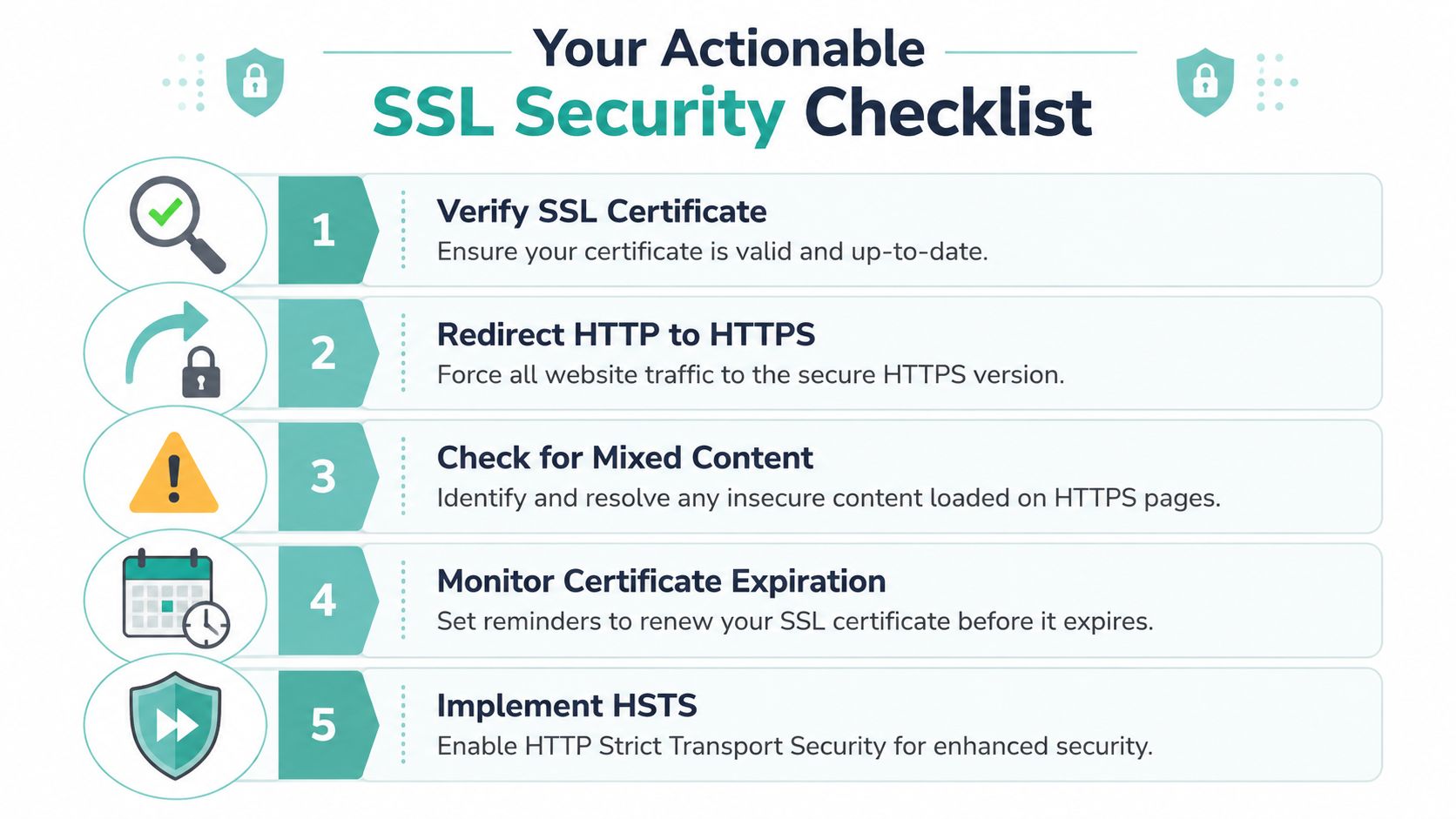
Five checks to run this week
Check the padlock on key pages. Look at your homepage, contact page, booking page, login area, and checkout if you have one.
Test the old address. Type the HTTP version of your site and make sure it redirects to HTTPS automatically.
Review renewal settings. Confirm whether your certificate renews on its own or needs manual attention.
Inspect subdomains. If you use a shop, portal, blog, or scheduler on a subdomain, confirm it's covered.
Look for mixed content. If a page loses the padlock, ask your developer or platform support to scan for insecure resources.
What good looks like
A healthy SSL setup is boring. That's the goal.
Visitors go to your site. The secure version loads automatically. The padlock appears consistently. Forms work. Nothing throws a warning. No one stops to question whether your website is safe enough to use.
The best SSL setup is the one your customers never have to think about.
That quiet reliability has real business value. It supports trust, protects form submissions and transactions while they travel, and removes one of the easiest reasons for a visitor to back out. For a small business, that's a strong return on a simple fix.
If you're investing in traffic, make sure your website is ready to receive it. Adwave helps small businesses turn a website into broadcast-ready TV ads and place them across premium channels with an efficient, affordable workflow. Since your website often acts as the source of truth for your message and the landing destination for interested viewers, a secure HTTPS experience helps you get more value from every campaign.


