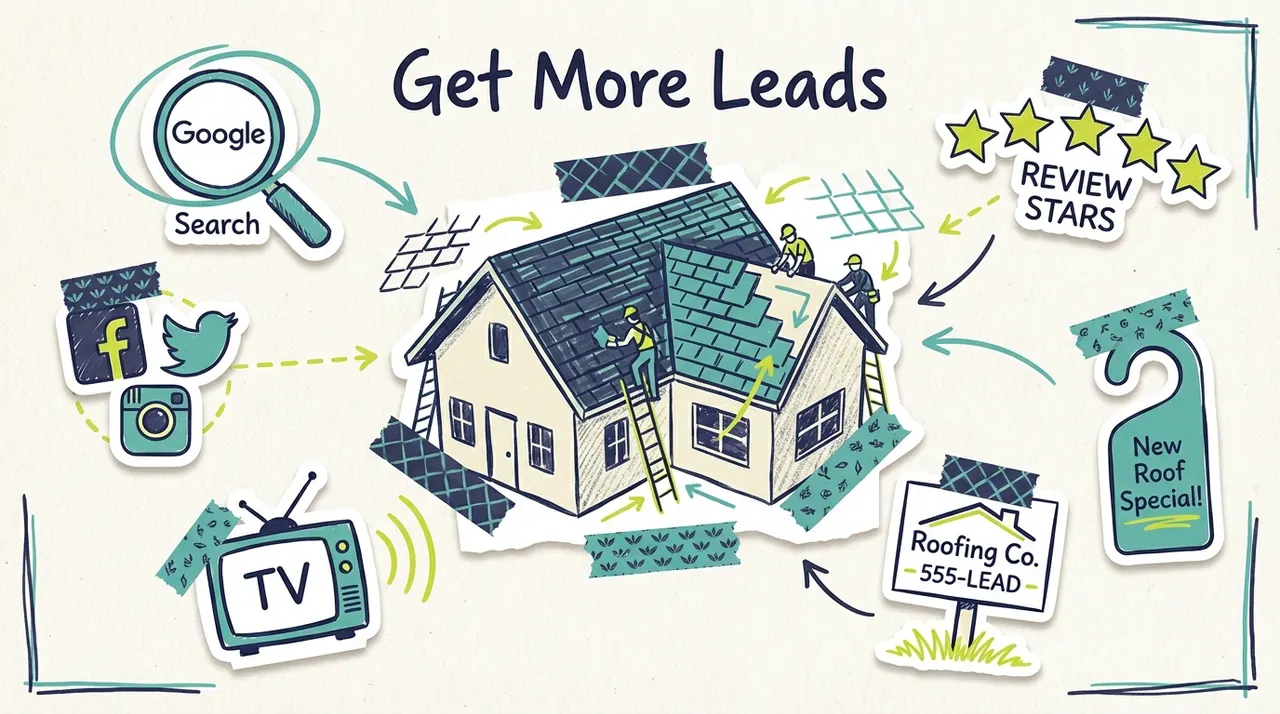
You launch a local TV campaign. The creative is solid. People see your brand, search your business, and land on your site with real buying intent.
Then they wait.
That wait is where a lot of small businesses lose money. Not because the ad failed, and not because the offer was wrong. The bottleneck is the website. If the page loads slowly, the traffic you paid to generate never gets far enough to call, book, request a quote, or buy.
That's why Website Speed: Why It Matters and How to Fix It for Free is not just an SEO topic. It's a revenue protection topic. It matters even more when you're spending on awareness channels like TV, where the whole job of the website is to catch interest while it's fresh.
Your Slow Website Is Wasting Your Ad Budget
A lot of local businesses now test TV without committing to a huge media buy. That's good news. Platforms like Adwave have made TV more accessible, so a smaller company can get on premium channels without the old production and placement friction. But affordable reach only helps if the landing experience holds up.
If someone sees your ad, grabs their phone, and taps through to your site, they're arriving with momentum. A slow site kills that momentum fast. For SMBs running affordable TV campaigns, including platforms starting at $50, a slow landing page can wreck response. Research cited by Insprago's speed optimization breakdown says that when a page takes 4 seconds versus 1 second, conversions can plummet by over 450%, which becomes especially painful when you're trying to make a $15 to $35 estimated CPM work.
That's the hidden leak in a lot of campaigns. Owners look at creative, targeting, and spend. They don't always look at load time first.
The real problem isn't traffic
Slow websites don't just hurt SEO. They waste high-intent visits you already paid to create. That includes TV viewers, direct visitors, people clicking from your Google Business Profile, and anyone coming from social.
Practical rule: Don't buy more attention until your website can handle the attention you already generate.
If you want a grounded look at how that plays out for local companies, this guide on how to fix your slow business website does a good job connecting speed issues to lost business outcomes rather than treating performance as a developer-only concern.
Measure the ad before you blame the ad
A weak campaign can fail. But a strong campaign can fail too if the site can't load fast enough to convert interest into action. Before you conclude that TV “didn't work,” track whether the traffic reached your form, clicked to call, or made it past the first screen. Adwave's guide on how to measure advertising effectiveness is useful for that part of the diagnosis.
A lot of the time, the ad did its job. The website didn't.
Why a Fast Website Is Your Best Marketing Investment
A fast website protects the money you already spend to get attention.
For a small business, speed is not a developer scorecard. It affects whether a visitor sticks around long enough to call, book, request a quote, or find your address. If you run TV, radio, direct mail, or local sponsorships, that matters even more because those channels create expensive bursts of intent. The ad does the hard work of getting someone to search your name or type in your URL. The site still has to close the gap between interest and action.
Fast pages hold attention long enough to convert
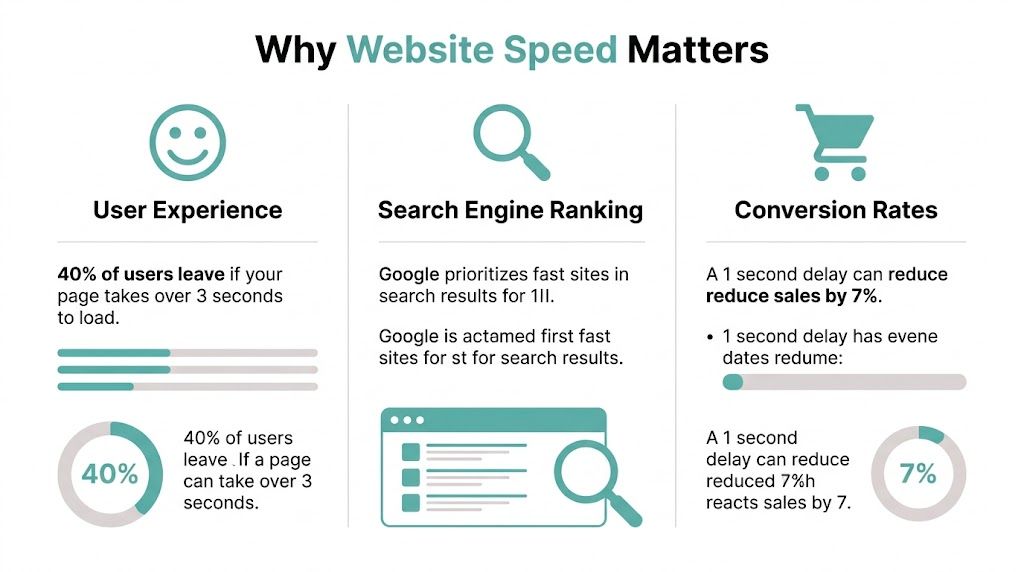
Visitors make a snap judgment on page performance. According to Site Builder Report's website speed statistics, 53% of mobile users leave a page if it takes longer than 3 seconds to load. The same analysis says pages that load in 1 to 2 seconds have an average bounce rate of 9%, while pages that take 5 seconds see that rise to 38%.
Those exits are not random.
A person who comes from a local TV spot usually has a simple job to finish. Check your hours. See if you serve their area. Compare pricing. Tap to call. If the page stalls before that information appears, many of those visitors go back to search results, open a competitor, or abandon the task entirely. On a high-intent visit, one slow page can waste the value of the impression that created it.
Fast pages signal competence. Slow pages create doubt.
Speed supports visibility and trust before the sale
Google has used speed as part of its ranking systems for years. Google's own Search Central documentation on page experience explains how performance contributes to a better experience for users, especially on mobile devices where delays are harder to tolerate.
For a local business, the practical takeaway is straightforward. If two companies offer similar services, the one with the faster, cleaner site gives both users and search engines fewer reasons to hesitate. Speed alone will not outrank a better business with stronger relevance and authority. But a slow site makes every other marketing advantage work harder.
That trade-off shows up in paid traffic too. If you spend on awareness channels such as TV through platforms like Adwave, the website becomes part of campaign performance whether you planned for it or not. A spot can increase branded search, direct visits, and phone intent. A slow page weakens all three.
Speed improves efficiency across every channel
This is why I push speed work early, especially for owners with limited budgets. It improves the return on traffic you already have instead of asking you to buy more traffic first.
Here's where the payoff shows up:
Paid campaigns convert more cleanly: Fewer people drop before the page loads, so more clicks turn into calls, forms, and booked appointments.
Organic visits get farther into the page: Search traffic has a better chance of seeing your offer, proof, and contact options.
Branded and direct traffic wastes less intent: People who already know your business reach the next step faster.
Location and service pages perform better: Local landing pages become more useful when the experience is lighter and easier to use on mobile.
That is why speed often beats a redesign in terms of immediate return. New creative can help. Better copy can help. More media spend can help. But if your pages are slow, every channel pays for that friction.
Pairing performance work with stronger page structure gets better results than treating them separately. Adwave's guide to landing page best practices that increase conversions is worth reviewing because faster pages get more visitors to stay, and clearer pages give them a reason to act.
Your Free Speed Test and Diagnosis Toolkit
A local TV spot can drive a surge of direct traffic in minutes. If that traffic lands on a slow page, you pay for attention and lose the visit before the offer even appears. Speed testing helps you find that leak before you spend more on media.
Run a website speed report
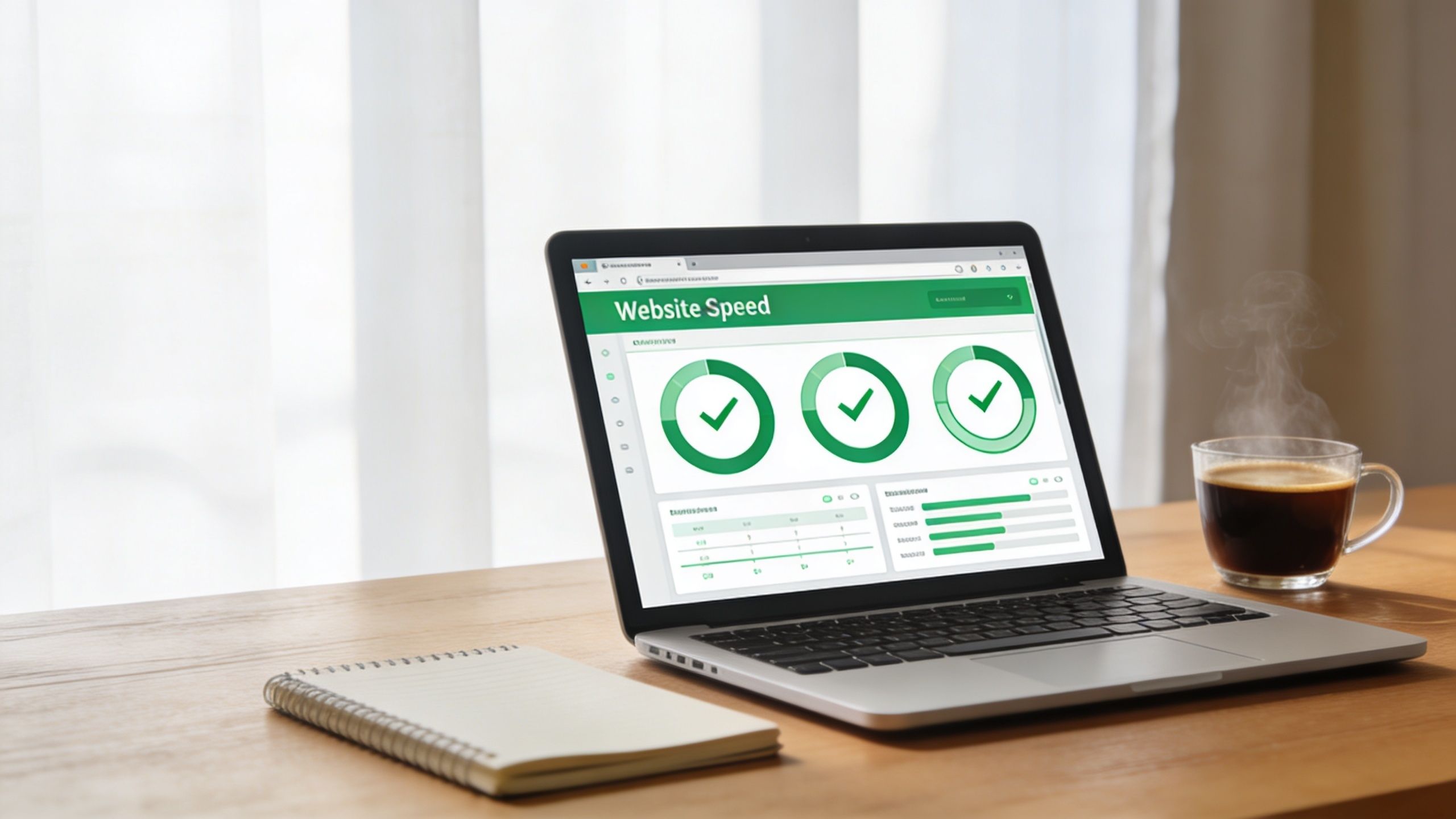
Use PageSpeed Insights first because it gives you two things small business owners need. A view of how the page performs on mobile and desktop, and a list of specific issues tied to that URL.
Run it in this order:
Homepage first. Direct traffic from TV, radio, mailers, and branded search often lands there.
Your highest-value service page next. Many sites treat the homepage like the only page that matters, even though the service page is the one that gets the lead.
Mobile before desktop. That is usually where local business friction shows up first.
Read Opportunities and Diagnostics before staring at the score. The score is a summary. The recommendations tell you what to fix.
I care less about whether a page scores green on the first test and more about whether the report clearly identifies the problem. If it points to one huge image, a slow server response, or JavaScript blocking the page, you already have a starting point.
Focus on the metrics that match customer frustration
You do not need to memorize every acronym. You need to know what the bad experience feels like on a real phone.
For small business sites, LCP is often the fastest way to find a high-impact fix. The homepage hero image, top banner, video embed, or slider usually carries too much weight. If that top section loads late, every visitor feels the delay before they even read your headline or see your phone number.
One clue matters more than the overall grade. If the report names a file, script, or app directly, start there.
Use the report to prioritize pages tied to revenue
A speed report is not just a technical audit. It is a prioritization tool for marketing.
Check the pages that support your real acquisition channels. If you are running TV through a platform like Adwave, test the landing page or homepage mentioned in the ad first. If you depend on local search, test your location and service pages. If you get calls from branded searches after offline campaigns air, test the page people are most likely to type in or click first.
This works better when you pair speed checks with visibility checks. Adwave's guide on how to track local SEO rankings with free tools helps you monitor whether the pages you improve are also the ones winning local search exposure.
The goal is simple. Find the pages where slow load times waste paid attention, then fix those pages before you buy more traffic.
Quick Wins You Can Implement in Under an Hour
Most small business sites don't need a rebuild to get noticeably faster. They need cleanup. The fast wins are usually boring, which is exactly why they work.
For a small business site, the most common quick wins are image compression or resizing and removing unused plugins, because they reduce transfer size without paid tools and directly address the biggest render-blocking resources identified by speed tools, as Cloudflare explains in its guide on why site speed matters.
Start with the heaviest thing on the page
On most local business websites, that's an oversized image. Often it's the homepage hero, a gallery photo, or a stock image uploaded at a much larger size than the site displays.
Use a free image compression tool, resize images to the dimensions your site needs, and re-upload lighter versions. If your site shows a photo at a modest visual size, it doesn't need the original giant file straight from a camera or designer export.
A fast check:
Homepage hero image: Compress it first.
Service page banners: Replace oversized versions.
Team and location photos: Resize them before upload.
Slider images: Remove extras if they add weight but not value.
Remove what you stopped needing months ago
Plugins, widgets, chat tools, social feeds, popups, review carousels, and tracking snippets all compete for load time. Owners often keep them because removing them feels risky. In practice, many sites are carrying tools they tested once and forgot.
Look at your plugin list and ask three blunt questions:
Do we still use this?
Does it load on every page?
Would a customer miss it if it disappeared today?
If the answer to the last question is no, it's a candidate for removal.
Keep this test simple: if a plugin doesn't help you capture leads, publish content, process sales, or deliver a required function, it needs to justify its weight.
Enable basic caching and stop reloading the same assets
Caching tells the browser to remember parts of your site so return visits don't start from zero every time. On WordPress, this is often available through a lightweight performance plugin or your host's built-in settings.
You don't need to become a systems expert here. You just need to turn on the obvious defaults carefully, then retest the site and make sure nothing visual breaks.
A practical under-an-hour checklist looks like this:
Compress the top three largest images
Delete unused plugins
Disable unnecessary third-party widgets
Turn on browser caching if your setup supports it
Re-run PageSpeed Insights and compare before and after
If you're already reviewing local visibility pages, Adwave's local SEO audit checklist with 15 things to fix today is a useful companion because the pages that matter most for search are usually the same ones worth speeding up first.
Intermediate Fixes for a Major Speed Boost
Once the obvious clutter is gone, the next gains usually come from shrinking code and controlling when assets load. This sounds technical, but a lot of it is now handled by settings, plugins, or built-in CMS options.

A useful principle here comes from Katrium's guide to speed optimization. It notes that even a one-second delay can cut conversions by about 7%, and recommends identifying Largest Contentful Paint bottlenecks, then removing unused code, minifying assets, and prioritizing critical CSS so the above-the-fold content appears first in the full article on website speed optimization.
Minify CSS and JavaScript
Minification means stripping out extra spaces, comments, and unnecessary characters from code files so browsers download smaller versions. You're not changing the design. You're reducing the packaging around it.
If you use WordPress, many optimization plugins can automate this. The trade-off is compatibility. Some themes and plugins don't like aggressive file combination or script delay settings. That's why the safe process is to turn on one setting at a time, test the site on mobile and desktop, and check key pages like forms, carts, and booking flows.
Use lazy loading where it makes sense
Lazy loading tells the page to load below-the-fold images and videos only when the visitor scrolls near them. That keeps the first screen lighter.
This works especially well on:
Gallery-heavy pages
Blog posts with multiple images
Long homepages
Embedded video sections
It's less useful if you lazy-load something people need instantly at the top of the page. Don't hide your main hero asset behind an optimization feature that delays the very content users came to see.
Above-the-fold speed matters more than total page weight when the goal is to keep a visitor engaged in the first few seconds.
Cut font overhead and visual extras
Fonts are a common silent problem. Multiple font families, several weights, and decorative variations all add requests and delay text rendering. Most small business sites can simplify this without hurting the brand.
A practical cleanup looks like this:
Sometimes the issue isn't your website code at all. If your internal systems, office connectivity, or general infrastructure feel sluggish, the broader productivity problem looks a lot like the website problem. This article on how Houston IT support fixes networks is a good parallel reminder that speed problems often start with unnecessary load and poor prioritization.
Smarter Hosting and Content Delivery on a Budget
Free fixes take you far, but not forever. If you've compressed images, cleaned up plugins, reduced code bloat, and the site still feels slow, you're probably looking at a hosting or delivery issue.
Business owners often make a bad decision at this stage. They jump to the most expensive hosting plan they can find without first confirming whether the server is the bottleneck. Sometimes that works. Sometimes it just means you're paying more to serve the same heavy page.
Know when hosting is the real issue
Hosting starts to matter more after the page itself has been cleaned up. If your site is reasonably lean and still slow to start loading, then the server response deserves attention.
Look for practical signs:
Your site feels slow even after media cleanup
The admin area is sluggish
Caching helps only a little
Traffic spikes create inconsistent performance
When you reach that point, it's worth learning what a better hosting setup should include and what support matters. If you're comparing providers or planning a move, this overview of MD TECH TEAM for hosting needs is a useful reference point for the hosting side of the decision.
Use a CDN if your audience is spread out
A content delivery network keeps copies of static site files closer to visitors, which reduces the distance those files need to travel. For many small businesses, a free CDN tier is enough to improve consistency without adding meaningful cost.
Cloudflare's guidance is helpful here because it connects speed improvements to real causes like large JavaScript files, heavy CSS, oversized images, and latency reduced by caching content closer to users. If your customers are spread across a metro area, region, or multiple states, a CDN can smooth out performance in a way basic hosting alone may not.
Keep the stack simple
You do not need a complicated setup to run a fast small business site. In most cases, the winning combination is:
A lighter page
Fewer scripts
Reasonable caching
A host that isn't overloaded
A CDN if geography makes delivery slower
That's enough to protect the value of the traffic you already buy and the traffic you earn organically.
If you're planning to drive more local attention through TV, Adwave can help you create, launch, and measure broadcast-ready campaigns from your website and business information. Before you scale spend, make sure the site those viewers land on is fast enough to convert the interest you worked to generate.