

More than 60% of website traffic now comes from mobile devices, according to Studio Mesa's small-business website checklist. For local businesses, the mobile site often decides whether that traffic turns into calls, bookings, and store visits.
This matters even more when a homeowner sees your TV spot, remembers your name, and checks you on their phone a few seconds later. Adwave can drive top-of-funnel awareness on the largest screen in the house. Your mobile website has to close the loop on the smallest one. If the page loads slowly, hides the phone number, or makes next steps unclear, media spend creates interest that the site fails to convert.
I see this break down all the time. A business invests in visibility, then sends paid and branded traffic to a mobile experience built like a desktop brochure. The result is predictable: fewer calls, fewer form fills, and more abandoned visits from people who were ready to act.
Mobile design also affects search visibility. Google primarily evaluates the mobile version of a page for indexing and ranking, so weak mobile execution can reduce both usability and discovery. That is one reason local search and mobile UX need to be planned together. If you need a primer on how local visibility fits into that system, start with Adwave's guide to local SEO for small businesses and the Map Pack.
If you want an outside perspective on mobile fundamentals, Arch's mobile optimization insights are a useful companion read. The checklist below focuses on what local owners need most: a mobile site that turns awareness into action.
1. Optimize for Local Search and Google Business Profile Integration
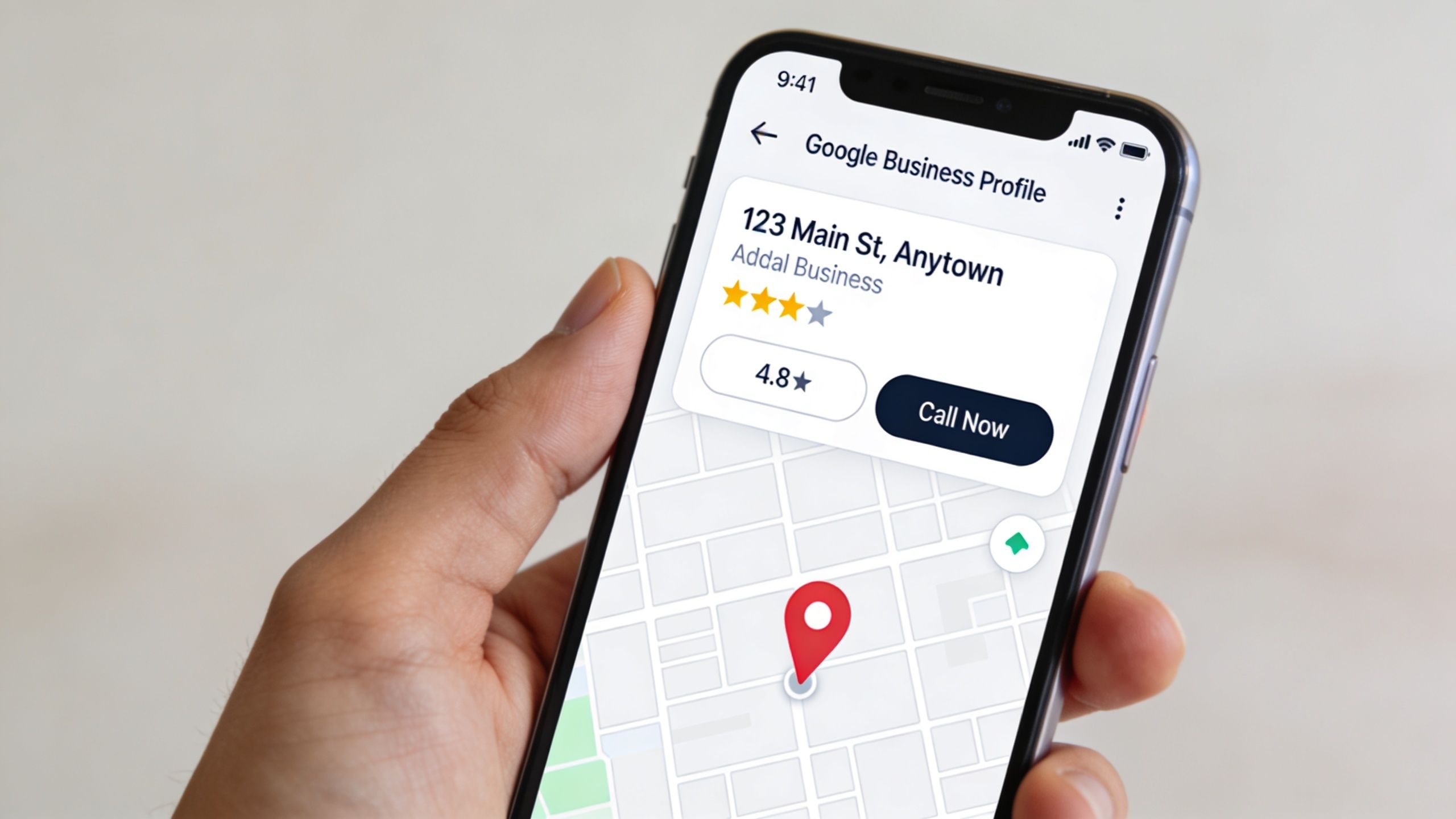
On mobile, make the business name, service area, and contact details easy to find. Keep that information consistent with your listings.
The strongest setup treats mobile design and local SEO as one system. Current guidance for local businesses recommends visible contact details, embedded maps, location-specific pages, and LocalBusiness schema that helps search engines and AI assistants understand your address, hours, service area, and contact information, as outlined in Joe Info's mobile-friendly local checklist.
What local businesses should put in place
If you run a dental office, real estate brokerage, home service company, or restaurant, your mobile presence should work like a local landing system, not a digital brochure.
Complete your Google Business Profile: Fill out categories, hours, service areas, photos, and business description so searchers don't have to guess.
Keep NAP details consistent: Your business name, address, and phone number should match across your mobile site and listings.
Build location pages carefully: Multi-location businesses need unique pages for each area, not copied text with swapped city names.
Use click-to-call links: Don't make people memorize or copy a number.
Add local schema markup: Include business hours, address, contact details, and service areas in structured data.
Practical rule: If a customer lands on your site from search or after seeing a TV ad, they should be able to call, get directions, or verify you serve their neighborhood without hunting.
This is one place where Adwave fits naturally into the funnel. TV builds recognition in-market, and local mobile search captures the people who remember your name and look you up later. If you want a practical map-pack primer, Adwave's local SEO guide for small businesses is worth reviewing.
2. Implement Fast Loading Speed and Core Web Vitals Optimization
Mobile users drop off fast when pages stall. For a local business, that lost traffic often includes people who were ready to call, book, or visit.
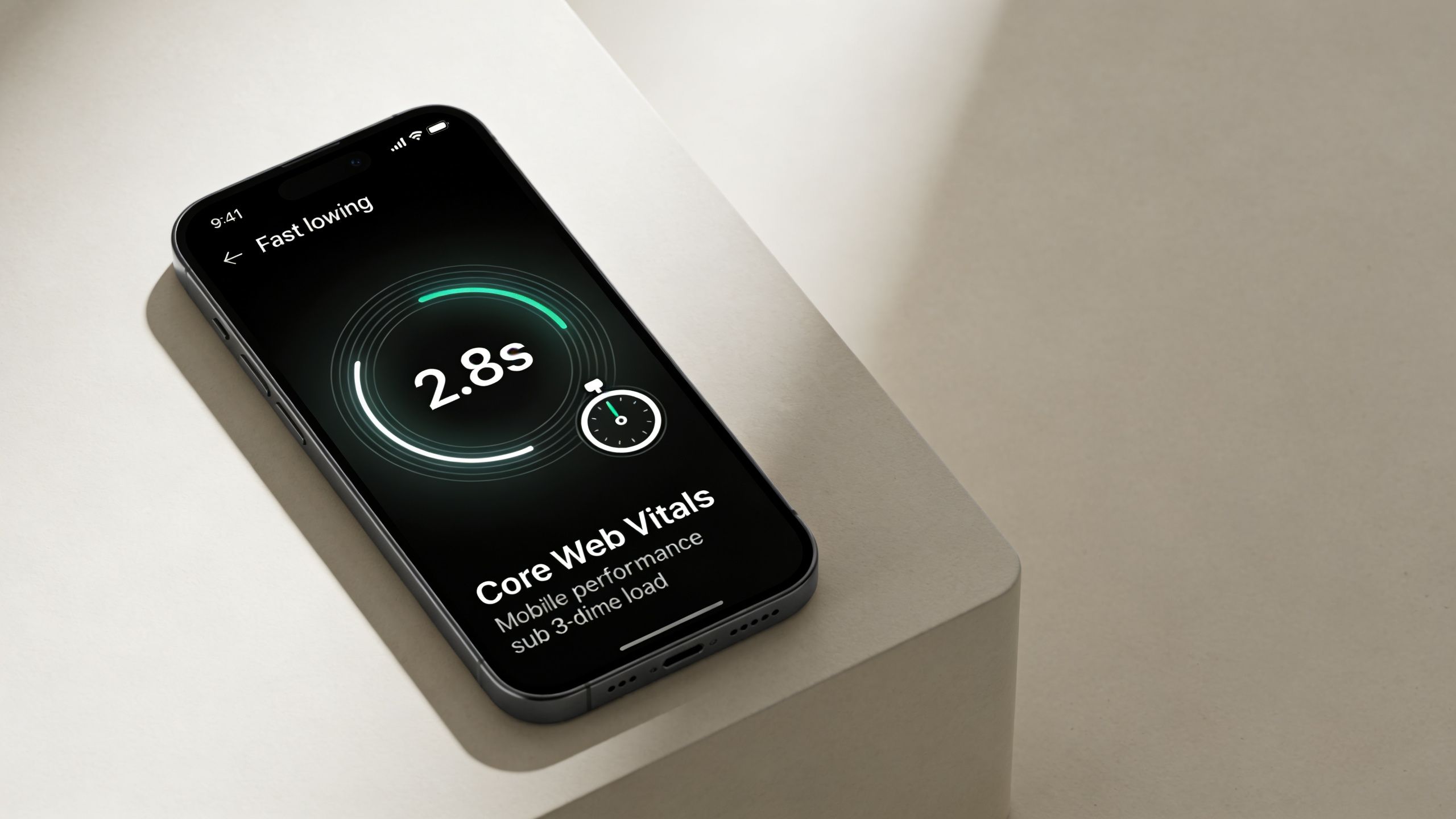
The pattern is predictable. A business invests in a strong brand, runs local search campaigns, or puts TV dollars behind awareness through Adwave, then sends that demand to a mobile site weighed down by oversized images, extra scripts, and third-party tools. The ad does its job. The website fails at the handoff.
Core Web Vitals matter because they measure whether a page feels usable right away. Local visitors do not grade your site on design intent. They judge it on one question: can they get what they need without waiting? If the main content jumps around, the page responds slowly, or key elements load late, conversion rates usually slip.
What slows local business websites down
These issues show up often on service business, restaurant, and healthcare sites:
Oversized hero images: Large banners can add visual polish, but they often delay the first useful screen.
Too many third-party scripts: Chat tools, heatmaps, booking widgets, trackers, and popups add up quickly.
Desktop-first media uploads: Phone users should not download image files sized for a 27-inch monitor.
Render-blocking JavaScript and CSS: Pages may look finished in a desktop preview while staying sluggish on mobile data.
Cheap hosting and weak caching: Even a simple site can feel slow if the server responds poorly.
The trade-off is real. Features that support marketing can also hurt performance. A live chat widget may help leads after hours. A booking tool may increase completed appointments. But every added script has a cost, so each one should justify its place.
A better operating standard is simple: load the core experience first. That means the headline, service area, phone link, and primary action should appear quickly on a real phone over a normal connection. Everything else comes after that.
Start with the fixes that usually produce the fastest gains:
Compress and properly size images before upload.
Lazy-load off-screen media.
Remove plugins and scripts that do not support revenue or operations.
Use caching and a content delivery network where possible.
Test key pages on actual mobile devices, not only in desktop browser tools.
Speed protects intent. If someone remembers your business from a TV spot and searches on their phone five minutes later, a slow page can waste the money spent to create that demand.
For local businesses using Adwave to build top-of-funnel awareness, site speed is the bridge to bottom-of-funnel action. TV puts your name in the market. Mobile performance determines whether that attention turns into calls and bookings. Adwave's free guide to improving website speed gives a practical cleanup plan if you want to audit the basics first.
3. Create Clear and Prominent Call-to-Action Elements
A mobile visitor shouldn't need to interpret your site. They should know what to do next instantly.
For local businesses, that usually means one primary action per page: call now, book now, get a quote, reserve a table, schedule a showing, or start an order. When pages try to push five equal actions at once, people hesitate. On mobile, hesitation usually turns into abandonment.
Current checklist guidance commonly recommends at least 48px touch targets for buttons and links so they're easy to tap on a phone, based on Devcart Solutions' mobile-friendly design checklist. That sounds technical, but the practical implication is simple. If customers keep missing the button, the design is failing.
What works better than generic buttons
A strong CTA does three things. It's visible above the fold, it uses direct language, and it matches the visitor's intent.
Compare these approaches:
Weak CTA: Learn More
Better CTA: Call for Same-Day Service
Weak CTA: Submit
Better CTA: Get My Free Quote
Weak CTA: Contact Us
Better CTA: Book Your Appointment
For a dentist, “Book Appointment” beats “Contact.” For a home services company, “Call Now” or “Get a Quote” usually beats a vague form-first approach. For a restaurant, “Order Online” and “Reserve a Table” should be impossible to miss.
Placement matters more than clever wording
I'd prioritize these placements on mobile:
Sticky header or footer: Keep one action visible while the user scrolls.
Top section CTA: Put the main action before the first scroll.
Service-section CTA: Add a relevant next step after each major service block.
Contact shortcut: Pair forms with tap-to-call for users who want speed.
If you're running TV through Adwave, the CTA on your mobile site should match the promise of the ad. If the ad builds urgency, the landing experience can't respond with a tiny “Contact Us” link buried halfway down the page.
4. Ensure Mobile Responsiveness Across All Devices and Screen Sizes
Responsive design sounds basic until you audit a local business site on three real phones and find overlapping text, cut-off headlines, broken menus, and forms that don't fit the viewport. That's still common.
A proper mobile setup doesn't just shrink desktop elements. It reorganizes content for thumb-based use, smaller screens, and faster decisions. Another small-business checklist frames mobile-friendly design as a necessity rather than a bonus, and also notes that users are 61% more likely to return to and 67% more likely to buy from sites that provide a good mobile experience, according to Mozello's website launch checklist.
Responsive design means making choices
Some desktop elements shouldn't survive unchanged on mobile. Wide comparison grids, oversized navigation bars, hover-based interactions, and dense sidebars usually need a different treatment.
What tends to work:
Single-column layouts: Easier to scan and easier to control.
Flexible grids and images: Content adapts cleanly instead of breaking.
Readable text without zooming: If users have to pinch in, fix the typography.
Touch-friendly spacing: Links and buttons need room around them.
Tested navigation states: Menus should work in portrait and horizontal orientation.
A responsive site isn't the one that technically loads on a phone. It's the one that still feels obvious and easy to use there.
Local businesses often get trapped by templates. A template may be “responsive,” but once you add custom banners, long service names, review widgets, and extra plugins, the mobile experience can break in subtle ways. Test on iPhone and Android devices, not just browser preview tools.
5. Optimize Forms and Checkout for Mobile Users
Shorten mobile forms, improve their load time, and make them easy to complete on a phone.
For most lead-gen businesses, the first form shouldn't behave like a full intake packet. If someone wants a quote, consultation, or appointment, start with the minimum needed to continue the conversation. Name, phone, email, and one short details field are often enough for the first step.
Remove friction before you redesign the whole page
A better mobile form usually comes from subtraction, not creativity.
Cut unnecessary fields: Don't ask for data you won't use immediately.
Use the right input types: Phone fields should trigger the phone keypad. Email fields should trigger the email keyboard.
Label fields clearly: Placeholder-only forms create mistakes and confusion.
Keep layouts single-column: Side-by-side fields increase effort on small screens.
Use inline validation: Show errors immediately so users don't have to guess.
For e-commerce or paid bookings, the same rule applies. Mobile checkout should feel short, predictable, and safe. Offer guest checkout when possible, support autofill, and make payment options easy to tap.
Match the ask to the intent
A real estate inquiry form and a test-ride request form don't need the same flow. A med spa appointment request shouldn't feel like a mortgage application. Good mobile forms respect context.
I'd also separate urgent actions from standard lead capture. If a plumbing company offers emergency service, the mobile page should present tap-to-call before a full form. If a retail brand is converting Adwave-driven traffic after a TV spot, the purchase path should be short and clean, not interrupted by account creation demands.
For landing-page specifics, Adwave's conversion-focused landing page best practices align well with this mobile-first approach.
6. Implement Mobile-Optimized Navigation and Information Architecture
Mobile navigation fails when businesses treat every page as equally important. They're not.
On a local business site, a user usually wants one of a few things: services, pricing signals, proof, hours, location, or contact. Your navigation should reflect that reality. If the main menu gives equal weight to “Our Story,” “Gallery,” “Blog,” “Mission,” and “Community,” while burying “Call” and “Book,” the structure is backwards.
Build the menu around customer tasks
A smart mobile navigation system prioritizes intent, not internal politics. The owner may care about the About page. The visitor usually cares about availability, service fit, and next steps.
A simple navigation model often works best:
Primary actions first: Book, Call, Order, Schedule, Get Quote
Core buyer pages next: Services, Locations, Pricing, Reviews
Support pages after that: About, FAQ, Blog, Careers
For a restaurant, I'd prioritize Menu, Order Online, Reserve, Location. For a dentist, Services, Insurance, Reviews, Book. For a real estate agent, Listings, Sell, Reviews, Contact.
Fewer choices often convert better
Most local mobile sites don't need deep nested navigation. They need clear hierarchy and short paths.
What usually helps:
Sticky header with one CTA
Hamburger menu for secondary pages
Visible phone number or tap-to-call
Location and hours easy to access
Search on larger content-heavy sites
If a customer needs more than a few taps to find your hours, phone number, or booking path, your information architecture is fighting the sale.
This is especially important when Adwave creates top-of-funnel demand. People who recognize your business from TV often arrive with partial intent. Good mobile navigation closes the gap between curiosity and action.
7. Optimize Images and Media for Mobile Performance
Local businesses often rely on visuals to sell trust. Restaurants need appetizing photography. Realtors need property images. home service companies need before-and-after proof. Auto shops and dealerships need vehicles to look sharp. The mistake is assuming quality requires heaviness.
It doesn't. Good mobile media balances persuasion and speed. If your image gallery makes users wait, the photos stop helping.
Keep the visuals, trim the waste
The practical move is to serve media based on the device and context. Use modern formats when supported, responsive image sizing, compression, and lazy loading for anything below the fold.
What usually works well:
Responsive image delivery: Send smaller files to smaller screens.
Modern formats: Use efficient image formats where possible.
SVG for simple graphics: Logos and icons stay crisp with very small file sizes.
Poster images for video: Let users choose to play instead of auto-loading motion content.
Lazy loading: Defer off-screen media until needed.
A restaurant menu page is a good example. A few well-optimized food photos can help conversion. Twenty oversized images above the fold usually hurt it. The same applies to property pages. Lead with the best visuals, but don't force the phone to download an entire desktop gallery before the first interaction.
Media should support action
The strongest local sites use images to answer a buyer question: What does the place look like? Is this work credible? Can I trust the result? Every visual should earn its space.
I'd also be careful with homepage background videos on mobile. They're often expensive, rarely necessary, and can delay the exact content users came to see. If a video is important, make it optional and place it lower on the page after the core CTA, contact path, and proof elements.
8. Add Trust Signals, Reviews, and Social Proof on Mobile
Mobile visitors make fast judgments. They often won't read every word, but they will scan for proof that your business is legitimate, established, and safe to choose.
That proof can take several forms: reviews, certifications, before-and-after images, credentials, media mentions, guarantees, and recognizable payment or security badges. On mobile, placement matters. Trust signals hidden on a separate page won't help much at the moment of decision.
Put proof near the decision point
The best place for trust elements is close to high-intent actions.
For example:
Near a booking CTA: Add a short review snippet or star-rating summary
Near a quote form: Show licensing, insurance, or years-in-business copy
On location pages: Include reviews tied to that service area if possible
On checkout pages: Display payment and security reassurance clearly
This doesn't need to become cluttered. A few strong signals beat a wall of badges no one understands.
Make trust feel current and local
For local businesses, generic testimonials are weaker than specific ones. A review that mentions the service, neighborhood, or experience detail does more work than broad praise. If you're a home remodeler, before-and-after images can help. If you're a clinic, credentials and review excerpts may carry more weight. If you're a real estate agent, recent sales and client comments often matter most.
Another practical move is to respond to reviews and keep them fresh on the site and platforms customers check. Stale proof can make a business feel inactive.
Adwave also has a useful resource on how businesses can extend customer proof across channels. Their guide to using reviews and testimonials as social proof on social media is especially relevant if you want your trust signals to reinforce your broader marketing, not sit in isolation on the website.
8-Point Mobile Website Checklist for Local Businesses
From Checklist to Competitive Edge
A strong mobile site does more than look modern. It helps a local business capture demand at the exact moment a customer is ready to act. That's why this Mobile Website Design Checklist for Local Businesses matters so much. Every improvement on mobile has a direct effect on discoverability, trust, and conversion.
The technical pieces and the business pieces are tightly connected. Faster pages reduce abandonment. Better local search signals make you easier to find. Cleaner CTAs make action obvious. Simpler forms reduce drop-off. Stronger trust signals give hesitant buyers enough confidence to move forward. None of those changes are cosmetic. They affect whether the visit turns into a call, booking, order, or lead.
This is also why mobile performance shouldn't be treated as a standalone web project. It's the conversion layer for the rest of your marketing. A referral, a Google search, a social post, or a TV campaign can all bring someone to the same place. If the mobile experience is weak, every channel underperforms. If the mobile experience is sharp, every channel gets more efficient.
That connection is especially important for local brands using TV to drive awareness. Adwave helps small businesses launch TV advertising in a more accessible way, but awareness by itself doesn't close the loop. The website has to do the bottom-of-funnel work. Someone sees the ad, remembers the brand, searches on their phone, lands on the site, and decides whether to trust you enough to take the next step. When those pieces line up, the marketing system makes sense.
A useful way to audit your own site is to act like a new customer on your phone. Search for your business. Tap through from your Google Business Profile. Try to call, request a quote, or book an appointment with one hand and limited patience. If anything feels slow, hidden, cramped, or unclear, fix that first. Don't start with design trends. Start with friction.
The businesses that win on mobile usually aren't the flashiest. They're the easiest to choose. Their sites load fast, show the right local information immediately, guide visitors to one clear action, and back up the pitch with proof. That combination builds momentum across channels and makes every marketing dollar work harder.
If you want another perspective on credibility and conversion, building trust with your SME website is a helpful read. Then put this checklist to work and audit your mobile experience page by page. The upside isn't abstract. It's more calls, more bookings, and fewer lost opportunities.
If you want to connect top-of-funnel awareness with bottom-of-funnel mobile conversion, Adwave is one option to consider. It helps local businesses run TV advertising, and that makes a strong mobile site even more important because the website is where interested viewers often decide whether to take action.


